Home Articles Books Search About
日本語
Trying to Add Images and a IIIF Manifest to IPFS

Trying to Add Images and a IIIF Manifest to IPFS

Overview Referencing the following tweet, I tried adding images and a IIIF manifest to IPFS. https://twitter.com/edsilv/status/1400221815369355267 For adding to IPFS, I used Fleek, which is also mentioned in the above tweet. https://fleek.co/ The following site was helpful for learning how to use Fleek. https://i-407.com/blog/m10/ Source Code The source code is below. https://github.com/nakamura196/fleek_test Steps Uploading Images First, I uploaded the following image to the above repository. https://github.com/nakamura196/fleek_test/blob/main/kunshujo_400.jpg Following the reference site, I connected this repository to Fleek. As a result, it became accessible at the following URL. ...

Created a Custom OpenSeaDragon Viewer for Use in TEI Viewers

Created a Custom OpenSeaDragon Viewer for Use in TEI Viewers

Overview I created a Custom OpenSeaDragon Viewer intended for use in TEI viewers. Background In developing a viewer that links TEI and IIIF as shown below, a viewer with the following capabilities was needed. https://www.hi.u-tokyo.ac.jp/collection/digitalgallery/wakozukan/tei/ Ability to load IIIF manifest files. Ability to track page navigation within the viewer component from outside the component. Ability to highlight partial regions of images. Since I could not find an existing IIIF-compatible viewer that met all of the above requirements, I attempted to develop a custom viewer. I also tried publishing it as an npm package. ...

Introducing an IIIF Viewer in Nuxt3 with SSR

Introducing an IIIF Viewer in Nuxt3 with SSR

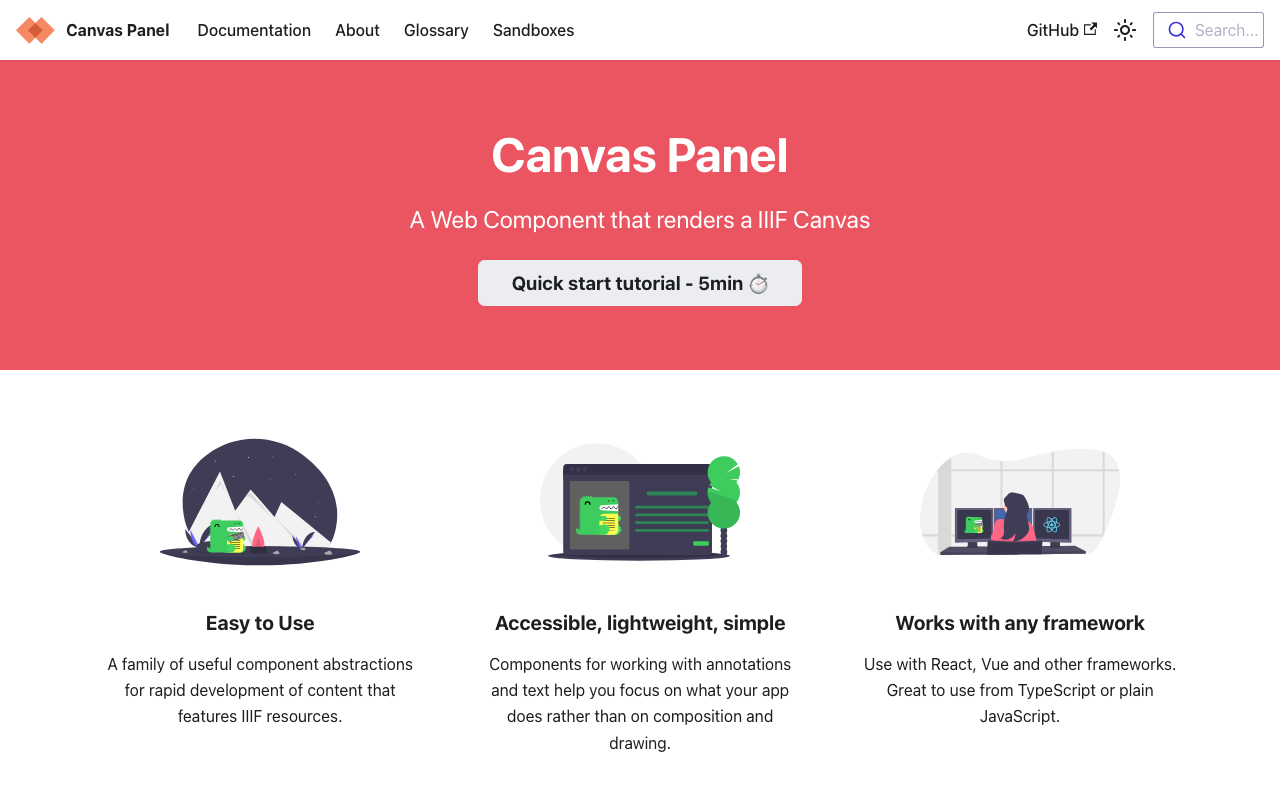
Overview This is a memo on how to introduce an IIIF viewer in Nuxt3 with SSR. Canvas Panel This section covers the introduction of the following viewer. https://iiif-canvas-panel.netlify.app/ Installation npm i @digirati/canvas-panel-web-components Page Please refer to the following. https://github.com/nakamura196/nuxt3-iiif-viewer/blob/main/pages/canvas-panel/index.vue Display Example https://nakamura196.github.io/nuxt3-iiif-viewer/canvas-panel Tify This section covers the introduction of the following viewer. https://github.com/tify-iiif-viewer/tify Installation npm i tify Page Please refer to the following. https://github.com/nakamura196/nuxt3-iiif-viewer/blob/main/pages/tify/index.vue In the case of SSR, a document is not defined. error occurred, so I added the following file to the plugins. ...

[Omeka S Module Introduction] IIIF Search Module

[Omeka S Module Introduction] IIIF Search Module

Overview IIIF Search is a module for Omeka S that adds the IIIF Content Search API for full-text search. This article introduces the usage of the following module, which includes modifications for handling Japanese text. https://github.com/nakamura196/Omeka-S-module-IiifSearch Installation Clone the source code from GitHub. Replace omeka-s as appropriate for your environment. cd omeka-s/modules git clone https://github.com/nakamura196/Omeka-S-module-IiifSearch.git IiifSearch Note that when installing from GitHub, you need to rename the folder to the target module name as shown above. ...

Trying the IIIF Auth API

Trying the IIIF Auth API

Overview The following repository is provided as an environment for trying the IIIF Auth API. https://github.com/digirati-co-uk/iiif-auth-server In this article, we will use the above repository to try the IIIF Auth API. Starting Up Preparation git clone https://github.com/digirati-co-uk/iiif-auth-server cd iiif-auth-server python -m venv venv source venv/bin/activate pip install --upgrade pip pip install -r requirements.txt If version conflicts occur during pip install -r requirements.txt, try removing the version information and running again, as shown below: ...

Introduction to "FairCopy": A TEI Text Creation Support Tool

Introduction to "FairCopy": A TEI Text Creation Support Tool

Overview A research colleague introduced me to “FairCopy,” a TEI text creation support tool. This tool allows you to create TEI texts through a GUI, and I found it very useful. It is a paid tool, but you can try it for free for 2 weeks, so I am sharing my findings here. Installation By submitting your information through the Sign Up page below, a trial code and the application download link will be displayed. ...

Supporting Drag & Drop for IIIF Icons

Supporting Drag & Drop for IIIF Icons

Background IIIF (International Image Interoperability Framework) icons (specifically, IIIF manifest URLs) support loading via drag & drop in many IIIF-compatible viewers. However, I received feedback that the IIIF icons displayed by the following module did not support drag & drop. https://github.com/omeka-j/Omeka-S-module-IiifViewers I investigated the cause by referring to the following page, among others. https://zimeon.github.io/iiif-dragndrop/ As a result, I found that the following HTML markup is required. <a href="default_target?manifest=manifest_URI&canvas=canvas_URI"> <img src="iiif-dragndrop-100px.png" alt="IIIF Drag-n-drop"/> </a> Not conforming to the above pattern was the cause of the drag & drop issue in the aforementioned module. ...

I Created an API That Returns a List of Items Containing a Specified IIIF Manifest in Cultural Japan

I Created an API That Returns a List of Items Containing a Specified IIIF Manifest in Cultural Japan

I created an API that returns a list of items containing a specified IIIF manifest in Cultural Japan. The API documentation is available at the following link. https://petstore.swagger.io/?url=https://api.cultural.jp/v3/api-docs Here is an example request. https://api.cultural.jp/v3/items/urls?manifest=https://iiif.harvardartmuseums.org/manifests/object/215190 For the API development, I used express-openapi and deployed it using AWS Lambda, referencing the following article. https://www.forcia.com/blog/002471.html I hope this serves as a useful reference for utilizing Cultural Japan.

Output Content of IIIF Manifests (Version 2) from the Omeka S IIIF Server

Output Content of IIIF Manifests (Version 2) from the Omeka S IIIF Server

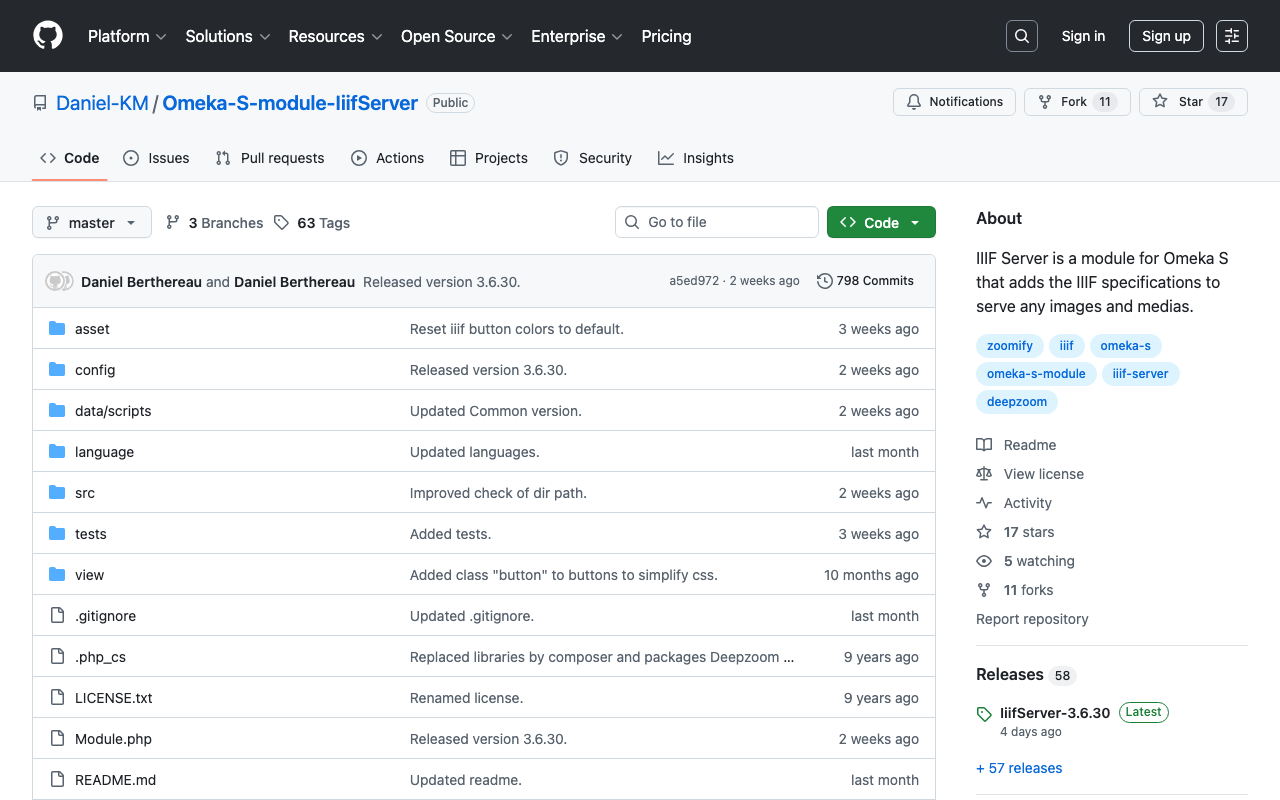
Overview IIIF Server is a module for delivering IIIF manifests from Omeka S. https://github.com/Daniel-KM/Omeka-S-module-IiifServer In this article, we examine the output content of these IIIF manifests (specifically, IIIF Presentation API version 2). Example The following is an example of a IIIF manifest for an item with ID test-111 on an Omeka S instance published at https://shared.ldas.jp/omeka-s. { "@context": "http://iiif.io/api/presentation/2/context.json", "@id": "https://shared.ldas.jp/omeka-s/iiif/test-111/manifest", "@type": "sc:Manifest", "label": "Sample Item", "thumbnail": { "@id": "https://iiif.dl.itc.u-tokyo.ac.jp/iiif/kunshujou/A00_6010/001/001_0001.tif/full/!200,200/0/default.jpg", "@type": "dctypes:Image", "format": "image/jpeg", "width": 200, "height": 200 }, "license": "https://shared.ldas.jp/omeka-s/s/test/page/reuse", "attribution": "サンプル機関", "related": { "@id": "https://shared.ldas.jp/omeka-s", "format": "text/html" }, "seeAlso": { "@id": "https://shared.ldas.jp/omeka-s/api/items/1270", "format": "application/ld+json" }, "metadata": [ { "label": "Title", "value": "Sample Item" }, { "label": "Identifier", "value": "test-111" } ], "sequences": [ { "@id": "https://shared.ldas.jp/omeka-s/iiif/test-111/sequence/normal", "@type": "sc:Sequence", "label": "Current Page Order", "viewingDirection": "left-to-right", "canvases": [ { "@id": "https://shared.ldas.jp/omeka-s/iiif/test-111/canvas/p1", "@type": "sc:Canvas", "label": "1", "thumbnail": { "@id": "https://iiif.dl.itc.u-tokyo.ac.jp/iiif/kunshujou/A00_6010/001/001_0001.tif/full/!200,200/0/default.jpg", "@type": "dctypes:Image", "format": "image/jpeg", "width": 200, "height": 200 }, "width": 6401, "height": 4810, "images": [ { "@id": "https://shared.ldas.jp/omeka-s/iiif/test-111/annotation/p0001-image", "@type": "oa:Annotation", "motivation": "sc:painting", "resource": { "@id": "https://iiif.dl.itc.u-tokyo.ac.jp/iiif/kunshujou/A00_6010/001/001_0001.tif/full/full/0/default.jpg", "@type": "dctypes:Image", "format": "image/jpeg", "width": 6401, "height": 4810, "service": { "@context": "http://iiif.io/api/image/2/context.json", "@id": "https://iiif.dl.itc.u-tokyo.ac.jp/iiif/kunshujou/A00_6010/001/001_0001.tif", "profile": "http://iiif.io/api/image/2/level1.json" } }, "on": "https://shared.ldas.jp/omeka-s/iiif/test-111/canvas/p1" } ] }, { "@id": "https://shared.ldas.jp/omeka-s/iiif/test-111/canvas/p2", "@type": "sc:Canvas", "label": "2枚目", "thumbnail": { "@id": "https://iiif.dl.itc.u-tokyo.ac.jp/iiif/kunshujou/A00_6010/001/001_0002.tif/full/!200,200/0/default.jpg", "@type": "dctypes:Image", "format": "image/jpeg", "width": 200, "height": 200 }, "width": 6401, "height": 4810, "images": [ { "@id": "https://shared.ldas.jp/omeka-s/iiif/test-111/annotation/p0002-image", "@type": "oa:Annotation", "motivation": "sc:painting", "resource": { "@id": "https://iiif.dl.itc.u-tokyo.ac.jp/iiif/kunshujou/A00_6010/001/001_0002.tif/full/full/0/default.jpg", "@type": "dctypes:Image", "format": "image/jpeg", "width": 6401, "height": 4810, "service": { "@context": "http://iiif.io/api/image/2/context.json", "@id": "https://iiif.dl.itc.u-tokyo.ac.jp/iiif/kunshujou/A00_6010/001/001_0002.tif", "profile": "http://iiif.io/api/image/2/level1.json" } }, "on": "https://shared.ldas.jp/omeka-s/iiif/test-111/canvas/p2" } ], "metadata": [ { "label": "Title", "value": "2枚目" } ] } ] } ] } Below, I will explain each type. ...

Created an Image Comparison Tool Using Mirador 3

Created an Image Comparison Tool Using Mirador 3

I created an image comparison tool using Mirador 3. The URL is as follows. https://ldas-jp.github.io/viewer/input/ The GitHub repository URL is as follows. https://github.com/ldas-jp/viewer Below is the input form. You specify the URLs of the IIIF manifest files and the Canvas URIs for the images you want to compare. You can check input examples by clicking the buttons under “Examples.” Clicking the “Open” button launches Mirador 3 as shown below. You can compare images based on the input information. ...

Bulk Registration of Annotations Using the IIIF Toolkit for Omeka Classic

Bulk Registration of Annotations Using the IIIF Toolkit for Omeka Classic

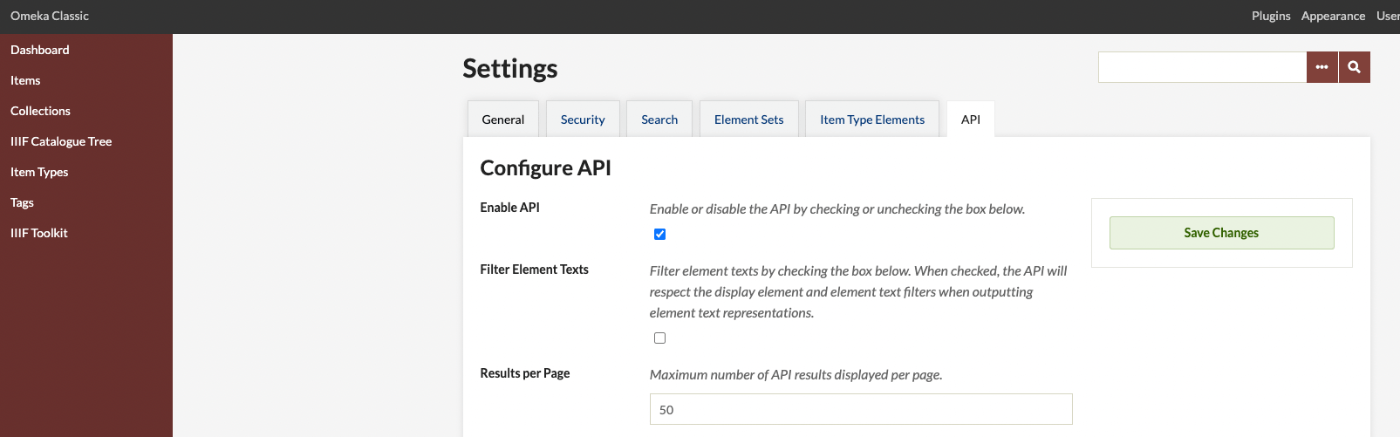
Introduction This article is primarily a memorandum. There may be many unclear points, so please bear with me. In particular, I hope this serves as a useful reference for how to use the annotation endpoint used by the IIIF Toolkit, as introduced below. https://github.com/utlib/IiifItems/wiki/The-Mirador-Omeka-Annotator-Endpoint Overview The IIIF Toolkit plugin for Omeka Classic is a very useful tool that can load IIIF manifest files and add annotations to images. https://zenn.dev/nakamura196/books/2a0aa162dcd0eb/viewer/b37a8c This article covers how to bulk register annotations that were created independently of Omeka Classic into Omeka Classic. ...

How to Add the mirador-image-tools Plugin to Mirador 3 and Bundle It into a Single JS File for Distribution

How to Add the mirador-image-tools Plugin to Mirador 3 and Bundle It into a Single JS File for Distribution

Overview As the title suggests, this article describes how to add plugins such as mirador-image-tools to Mirador 3 and bundle them into a single JS file for distribution. Due to my limited knowledge of JavaScript, there may be some inaccuracies. I would appreciate it if you could point out any mistakes. Goal The goal is to create an application like the one at the following URL by writing an HTML file as shown below. It uses Mirador 3 with the mirador-image-tools plugin enabled. ...

I Created an IIIF Image API Tool Using Nuxt 3 and Vuetify 3

I Created an IIIF Image API Tool Using Nuxt 3 and Vuetify 3

Overview I created an IIIF Image API tool using Nuxt 3 and Vuetify 3. The background for developing this tool was a need to work with the IIIF Image API, as well as the purpose of learning how to use Nuxt 3. The GitHub repository is as follows. I hope it serves as a useful reference. https://github.com/nakamura196/nuxt3-vuetify3 Usage You can access it from the following URL. https://nv3.netlify.app/ As shown below, pressing the “Example” button inputs a URL into the text form at the top of the screen, and the elements contained in that URL (such as “region” and “size”) are displayed at the bottom of the screen. ...

[Omeka S Module] How to Disable Image API in the IIIF Server Module

[Omeka S Module] How to Disable Image API in the IIIF Server Module

Overview In the Omeka S module “IIIF Server,” which generates IIIF manifests, you can configure settings to not use the Image API. This makes it easier to deliver IIIF manifests in resource-limited environments such as rental servers. I previously wrote the following article: https://nakamura196.hatenablog.com/entry/2021/07/22/171657 As of May 2022, the configuration method has changed due to module updates, so I am writing this article about the updated settings. For the advantages and disadvantages of not using the Image API, please refer to the article above. ...

[Omeka S] How to Use the "IIIF Viewers" Module for Multiple IIIF-Compatible Viewers

[Omeka S] How to Use the "IIIF Viewers" Module for Multiple IIIF-Compatible Viewers

Overview I have developed and published the “IIIF Viewers” module for Omeka S, which displays IIIF manifest URI icons and viewers. The development of this module was supported by the National Institute of Japanese Literature. https://github.com/omeka-j/Omeka-S-module-IiifViewers Below, I will explain how to use this module. Installation The module can be installed using the standard method for Omeka S. Specifically, first click on the “Releases” link shown below. Next, click the following link to download the zip file. Extract the downloaded file and place the extracted folder “IiifViewers” into the “modules” folder of your installed Omeka S. ...

Fixing the GitHub Repository Demonstrating Mirador 3 Usage with Nuxt 2

Fixing the GitHub Repository Demonstrating Mirador 3 Usage with Nuxt 2

I have been demonstrating an example of using Mirador 3 with Nuxt 2 in the following GitHub repository. https://github.com/nakamura196/nuxt-mirador However, I found that the above repository had an issue in the production environment. Specifically, Mirador’s display would break after page navigation. An issue was submitted: https://github.com/nakamura196/nuxt-mirador/issues/1 A pull request fixing the bug was also submitted for this issue. https://github.com/nakamura196/nuxt-mirador/pull/2 Specifically, as shown below, it was necessary to unmount in beforeDestroy. ...

Added TEI/XML Download Functionality to the "NDL OCR x IIIF" App

Added TEI/XML Download Functionality to the "NDL OCR x IIIF" App

I added the ability to download OCR results in TEI/XML format to the app that allows viewing OCR results published in the National Diet Library’s “Next-Generation Digital Library” using an IIIF viewer. https://static.ldas.jp/ndl-ocr-iiif/ Please also refer to the following article about this app. In adding this feature, I updated the UI. The results are divided into “Viewer” and “Data.” For “Viewer,” in addition to the previously provided “Mirador” and “Curation Viewer,” I added “Universal Viewer” and “Image Annotator.” I also added a link to the “Next-Generation Digital Library” and implemented a page called “TEI Viewer” as a simple viewer for TEI/XML files. ...

Experiments on Image Sizes Supported by serverless-iiif

Experiments on Image Sizes Supported by serverless-iiif

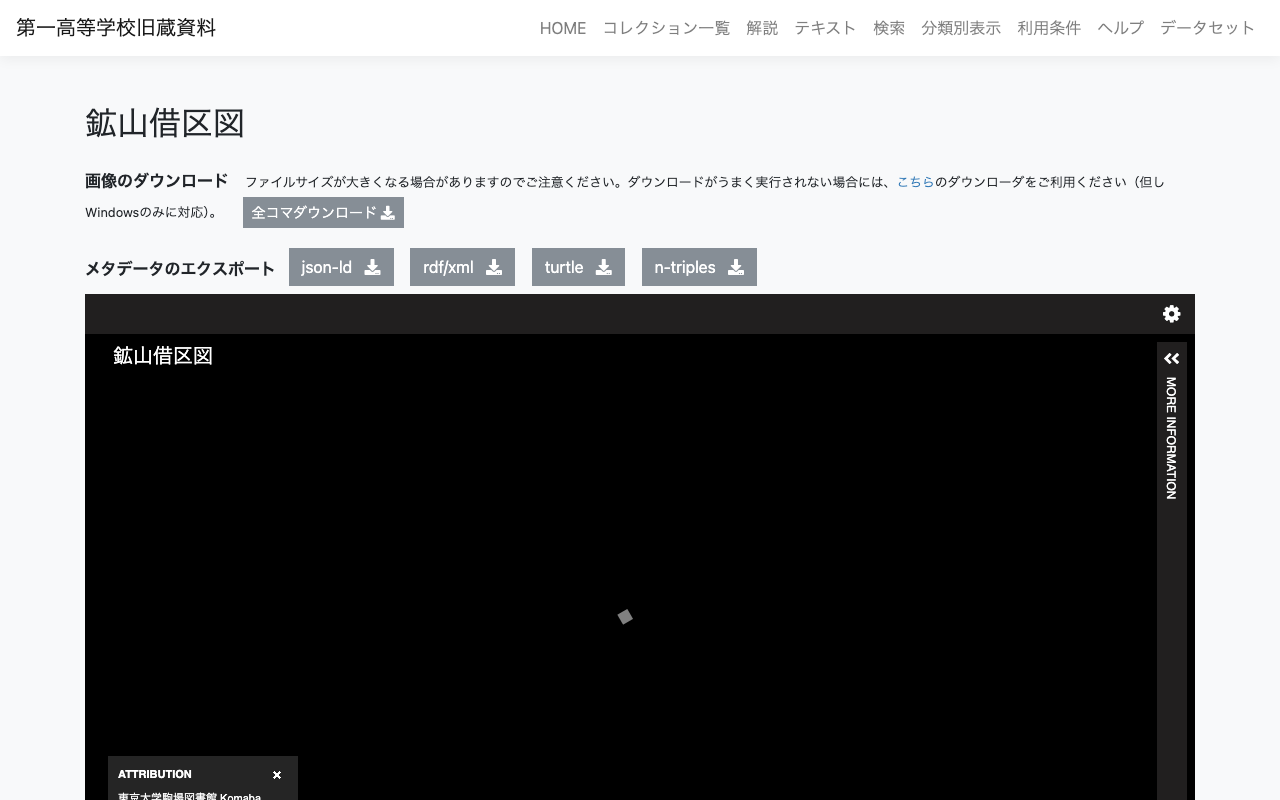
Overview In the following article, I explained how to build an IIIF Image Server using an AWS serverless application. This time, I register a relatively large image and verify whether tile image delivery is possible. Target This time, the target is “Mining Claim Maps” (held by the University of Tokyo Komaba Library). https://iiif.dl.itc.u-tokyo.ac.jp/repo/s/ichiko/document/4120a330-2f1c-4e2c-5d48-21aed4d42704 The original image is a TIF file of nearly 300 MB. Creating Pyramidal Tiled TIFF Referencing the following site, I tried both VIPS and ImageMagick. ...

Created a Sample Repository for Using OpenSeadragon with Vue3

Created a Sample Repository for Using OpenSeadragon with Vue3

I created a sample repository for using OpenSeadragon with Vue3. Here is a working example. https://static.ldas.jp/vue3-osd/ The source code is available below. https://github.com/ldasjp8/vue3-osd As I am a Vue3 beginner, there may be some errors, but I hope this is helpful.

[Omeka S] How to Set Custom Identifiers in the IIIF Server Module

[Omeka S] How to Set Custom Identifiers in the IIIF Server Module

With the default settings of the Omeka S IIIF Server module, you can access IIIF manifest files using URLs like the following. /iiif///manifest Example (version 2): https://shared.ldas.jp/omeka-s/iiif/2/1267/manifest Example (version 3): https://shared.ldas.jp/omeka-s/iiif/3/1267/manifest However, since this uses Omeka’s internal ID, it is recommended to use custom identifiers. The solution is to additionally install the Clean Url module and enable Use the identifiers from Clean Url in the IIIF Server module settings screen shown below. ...