Home Articles Books Search About
日本語
Large Videos Not Playing in Chrome

Large Videos Not Playing in Chrome

Overview I encountered an issue where large videos could not be played in Chrome. However, they could be played in Safari. When I checked with the developer tools, the download was being cancelled. The viewer part looks like this: <video controls="controls" preload="none" style="width: 620px; height: 465px;" width="100%" height="100%"> <source src="https://omeka.aws.ldas.jp/files/original/c486fe4ae8d926034678fa11b0d6b2fd55b0e695.mp4" type="video/quicktime" title="undefined"> </video> This HTML was generated by the combination of Omeka S + IIIF Server introduced in the following article. Cause Looking at the HTML above, the type is type="video/quicktime", and although the extension is mp4, the actual content is different (a mov file perhaps). ...
Commands for Batch Replacing IIIF Canvas URIs

Commands for Batch Replacing IIIF Canvas URIs

There are cases where you want to batch replace Canvas URIs across multiple IIIF manifest files. For example, the command to replace www.dl.ndl.go.jp with dl.ndl.go.jp in JSON files under the current directory is as follows. The -i '' option is specific to macOS syntax. find . -type f -name "*.json" -exec sed -i '' 's/www\.dl\.ndl\.go\.jp/dl\.ndl\.go\.jp/g' {} + Note: This script directly modifies files. Before using it on important data, I recommend taking precautions such as creating backups. Additionally, please be careful about the types of files you apply this to, as performing text replacement on binary files (such as images or executables) may corrupt them. ...

Configuration Example for Using BulkImport in Omeka S

Configuration Example for Using BulkImport in Omeka S

Overview When performing bulk data registration using Omeka S’s BulkImport, you can configure various settings for the registration method. While these settings can be configured each time you upload, using pre-registered settings can help reduce errors made by operators. Here, I introduce a configuration example for bulk registration when associating IIIF images with already registered items. Item Example Create an item with sample as the dcterms:identifier as shown below: ...

CORS Error with Omeka S IIIF Server Module

CORS Error with Omeka S IIIF Server Module

Overview When distributing IIIF manifests using the Omeka S IIIF Server module, the following CORS error occurred in external viewers. Access to fetch at 'https://xxx/iiif/2/09fd29d5-8497-4def-a64d-ca104284f90d/manifest' from origin 'https://universalviewer.io' has been blocked by CORS policy: No 'Access-Control-Allow-Origin' header is present on the requested resource. If an opaque response serves your needs, set the request's mode to 'no-cors' to fetch the resource with CORS disabled. This article introduces measures to address CORS errors in Omeka S. ...

LEAF Writer: How to Use the Image Viewer

LEAF Writer: How to Use the Image Viewer

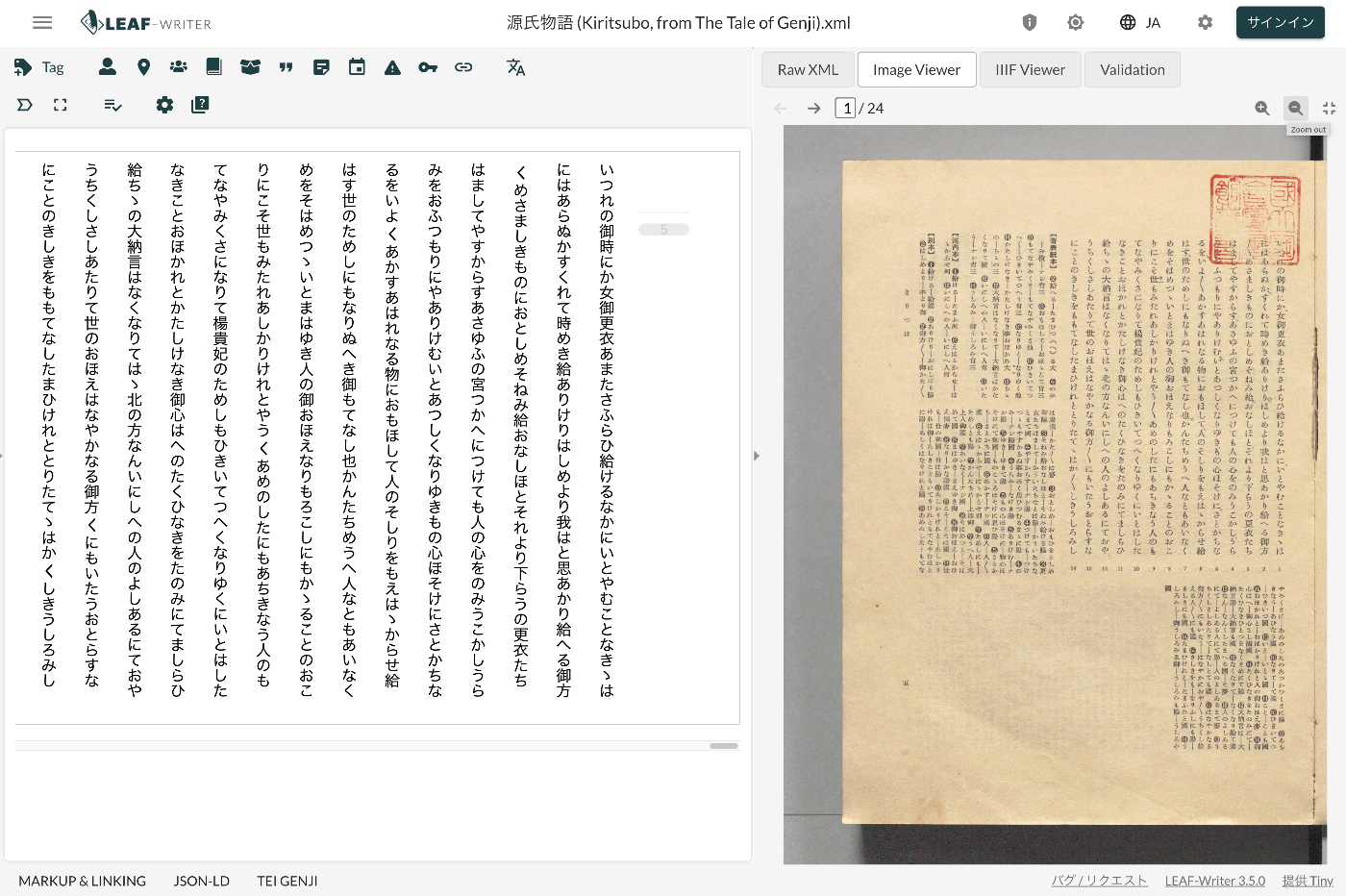
Overview LEAF Writer provides a feature for displaying text and images side by side, as shown below. It also offers a feature where the text moves in sync when you navigate through image pages. This article introduces TEI/XML markup examples for displaying images in the Image Viewer section. Method Specify the pb tag as follows. https://github.com/kouigenjimonogatari/kouigenjimonogatari.github.io/blob/master/xml/lw/01.xml Specifically, it looks like this: ... <pb corresp="#zone_0005" facs="https://dl.ndl.go.jp/api/iiif/3437686/R0000022/0,0,3445,4706/full/0/default.jpg" n="5"/> ... The image specified in the facs attribute of the pb element appears to be displayed in the Image Viewer section. ...

Understanding the Relationship Between RDF, Turtle, JSON-LD, and IIIF Manifest Files

Understanding the Relationship Between RDF, Turtle, JSON-LD, and IIIF Manifest Files

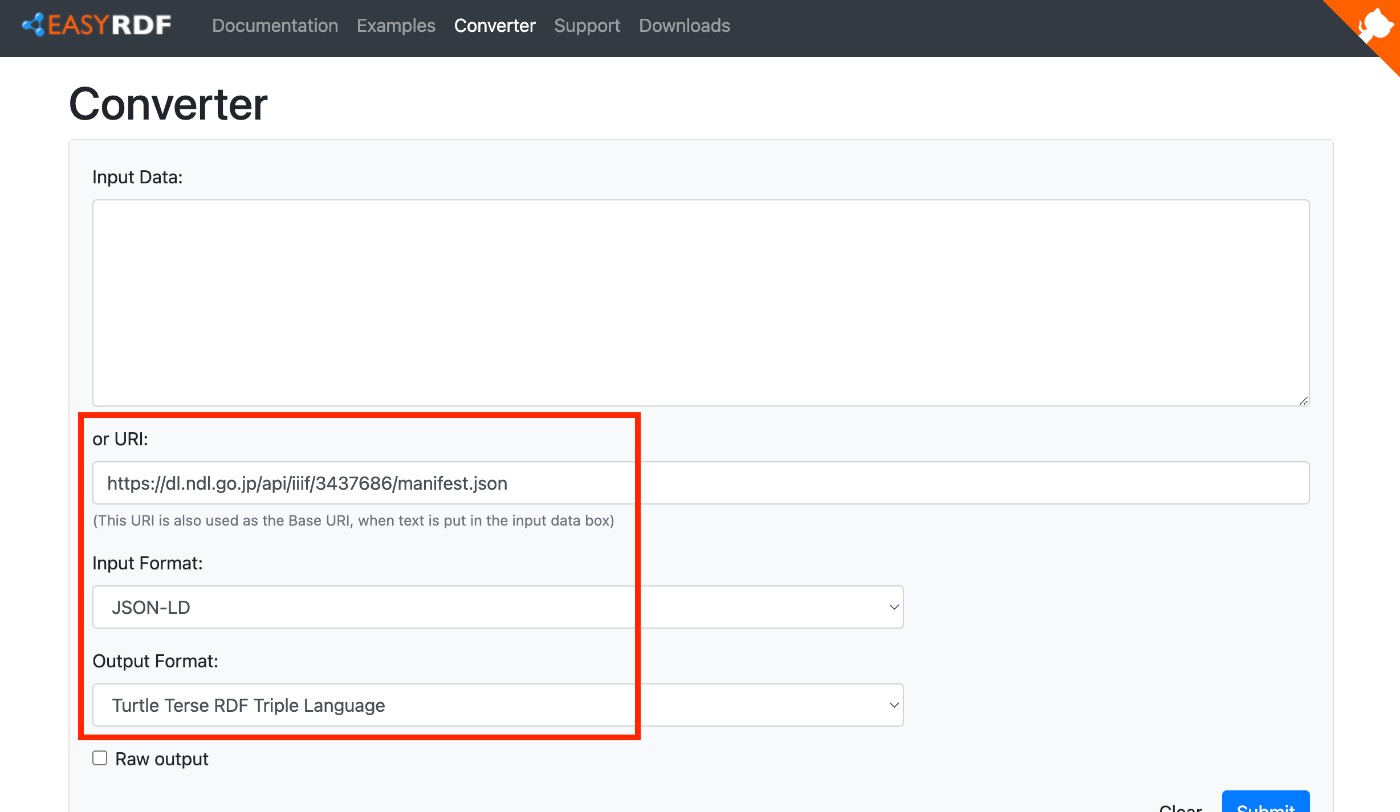
Overview To verify that IIIF manifests are written in JSON-LD, I tried converting them to other formats, so this is a memo of that process. We hope this serves as a useful reference for understanding the relationship between RDF and file formats such as JSON-LD and Turtle, as well as their relationship with IIIF manifest files described in JSON-LD. Target For this exercise, we will use the following manifest file published on the NDL Digital Collection. ...

Published the Mirador 4 Version of mirador-sync-windows Repository

Published the Mirador 4 Version of mirador-sync-windows Repository

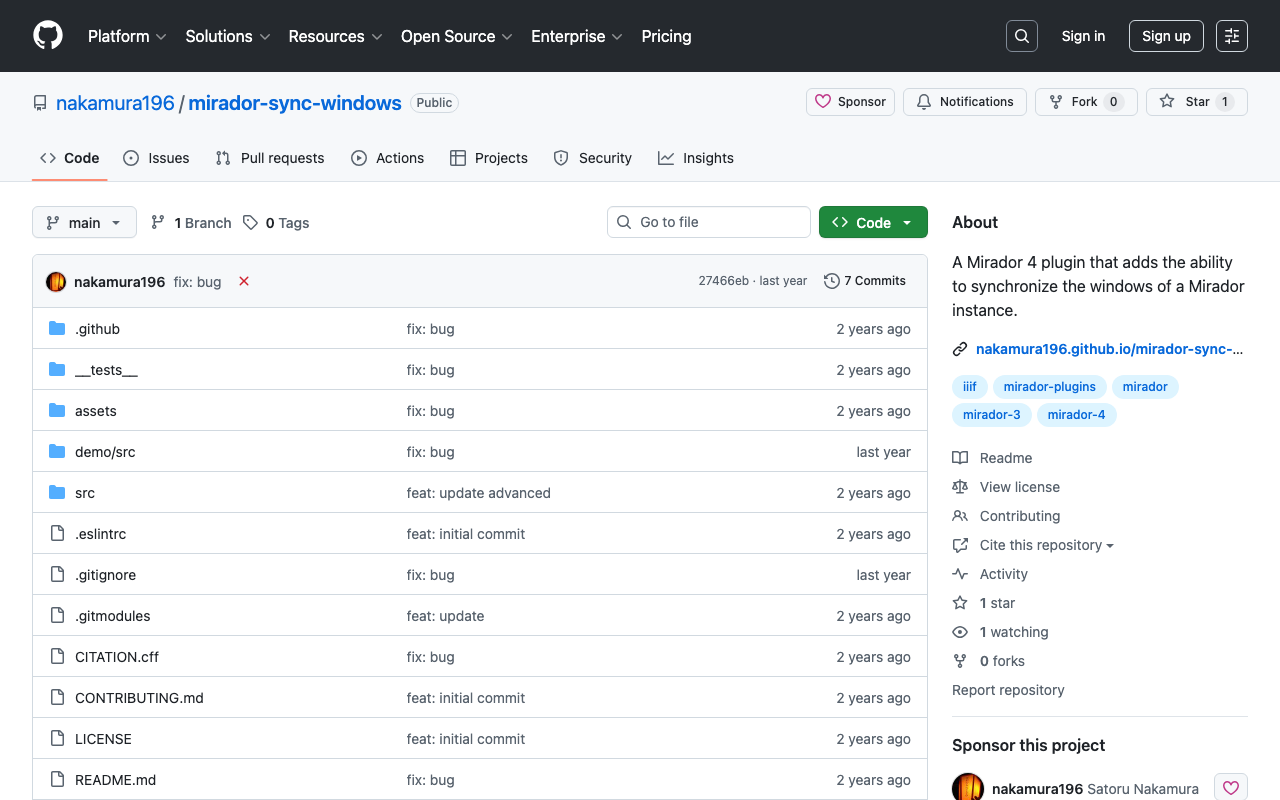
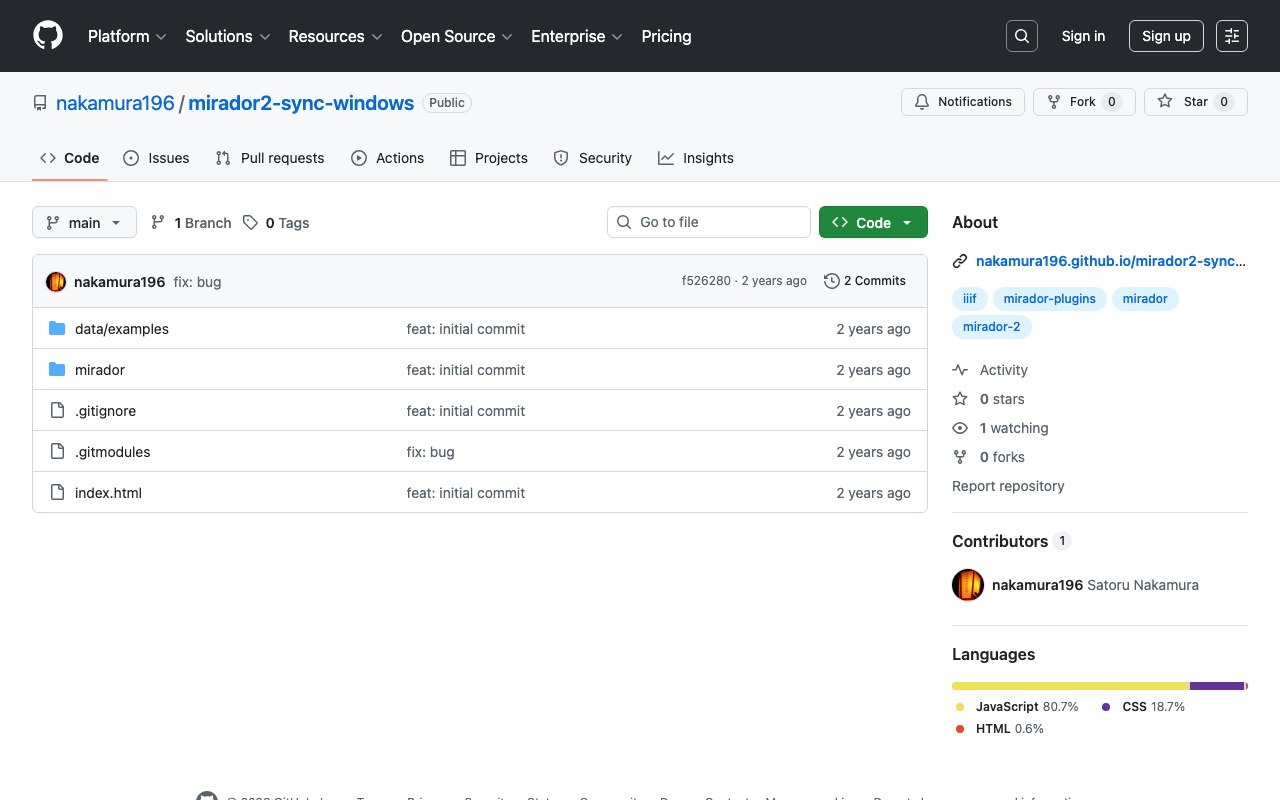
Overview In the following article, I introduced the creation of the Mirador 4 (3) version of mirador-sync-windows. This time, I am writing a quick note about publishing the repository for this plugin. Repository It is available at the following URL. https://github.com/nakamura196/mirador-sync-windows Demo Page You can try it out at the following URL. https://nakamura196.github.io/mirador-sync-windows/ Here are the configurations I made for publishing on GitHub Pages. webpack I made some changes to the following file. ...

Mirador 4 Plugin Development: Rotating Images at Arbitrary Angles

Mirador 4 Plugin Development: Rotating Images at Arbitrary Angles

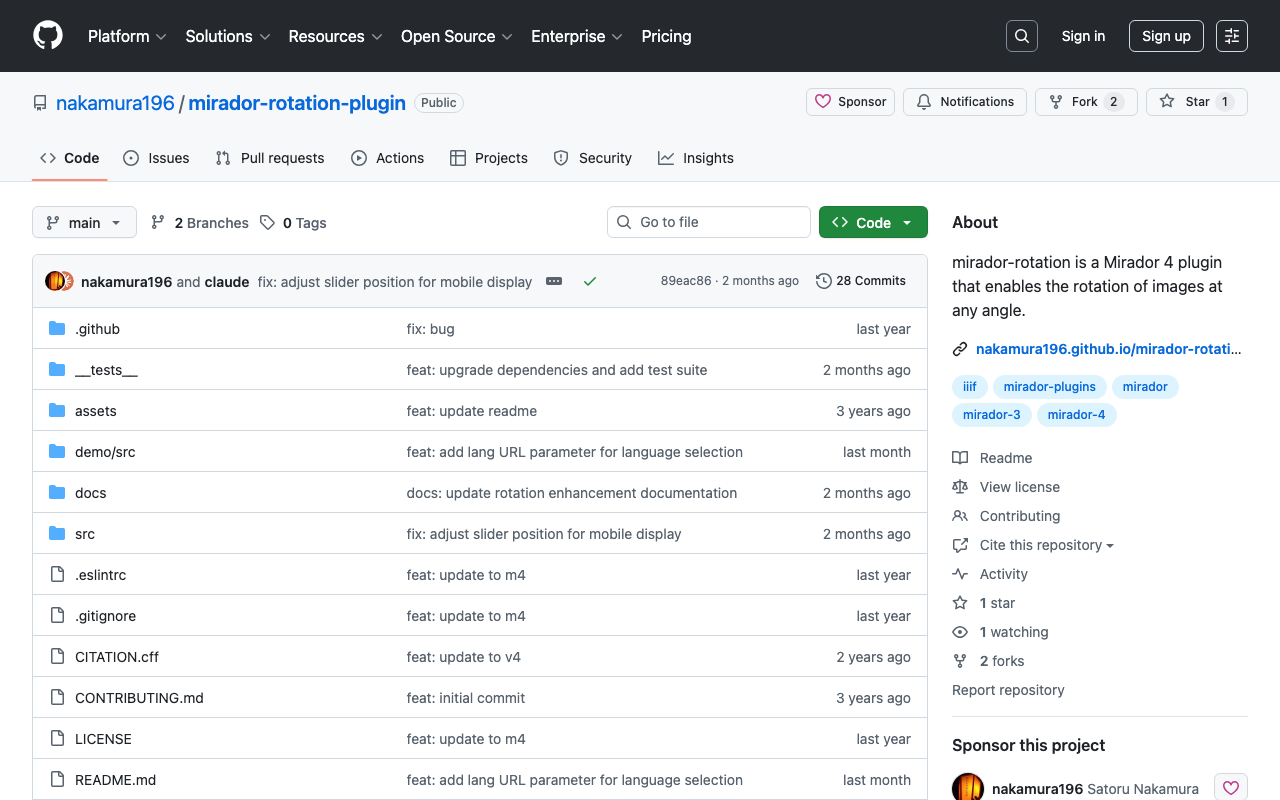
Overview I created a plugin for Mirador 4 that allows rotating images at arbitrary angles. https://github.com/nakamura196/mirador-rotation-plugin You can check the behavior at the following URL. https://nakamura196.github.io/mirador-rotation-plugin/ Background I had been developing this plugin for Mirador 3, but Mirador 4 was pre-released on 2024/3/15. https://github.com/ProjectMirador/mirador/releases/tag/v4.0.0.alpha-1 The latest version of Mirador 3, v3.3.0, was released in 2021, so the libraries it used had become outdated. With this update, development has become easier. ...

Publishing a Customized Mirador 4 as an npm Package

Publishing a Customized Mirador 4 as an npm Package

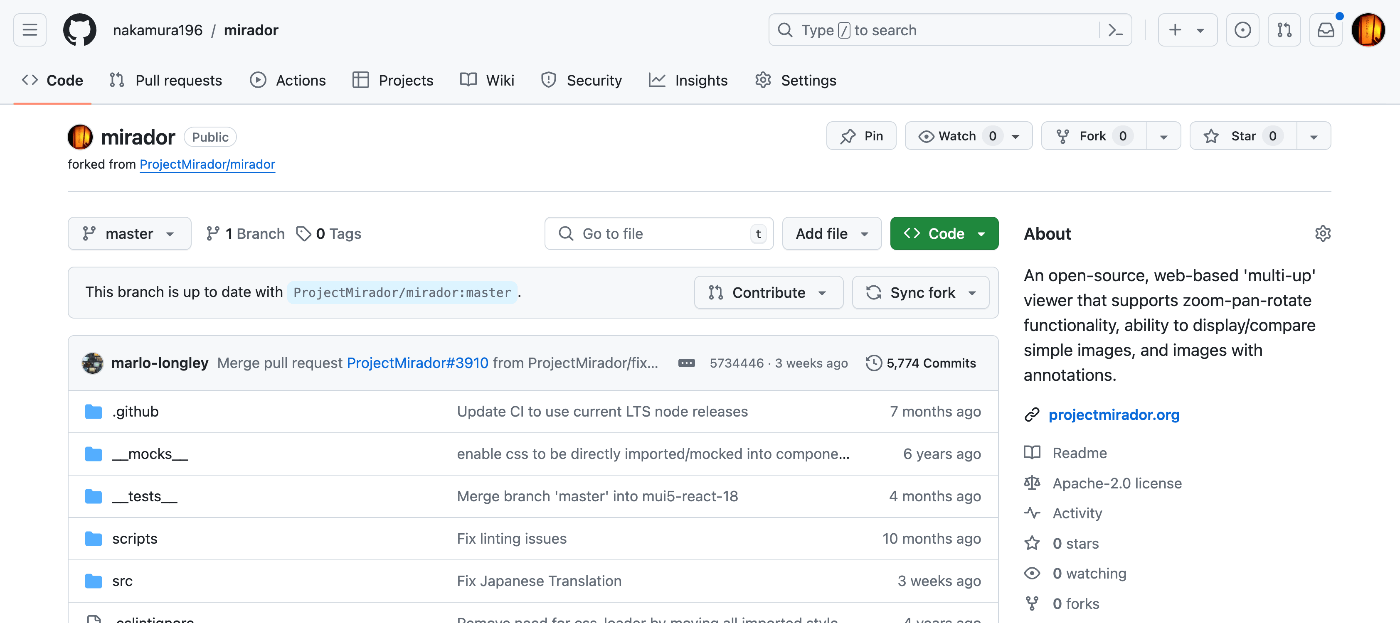
Overview I had the opportunity to publish a customized Mirador 4 as an npm package, so this is a memo of the process. Fork Fork the repository from the following official site. https://github.com/projectmirador/mirador The result looks like this: Create a Branch Clone and create a branch. git clone https://github.com/nakamura196/mirador cd mirador git checkout -b feature-add-immediately-property The following output appears: Switched to a new branch 'feature-add-immediately-property' Development Make modifications as introduced in the following article. ...

Examining Zoom, Scale, and Rotation Behavior in Mirador 4

Examining Zoom, Scale, and Rotation Behavior in Mirador 4

Overview I needed to change the zoom, scale, and rotation behavior of Mirador 4, so this is a memo on how to make those changes. Setup Start Mirador 4 locally with the following commands. git clone https://github.com/projectmirador/mirador cd mirador pnpm i pnpm start It starts on port 4444. Customizing the zoomIn Processing As an example, let’s modify the processing when the zoomIn button is clicked as follows. ... handleZoomInClick() { const { windowId, updateViewport, viewer } = this.props; updateViewport(windowId, { // zoom: viewer.zoom * 2, zoom: viewer.zoom * 1.1, // added rotation: viewer.rotation + 5, // added x: viewer.x * 1.1, // added y: viewer.y * 1.1, // added }); } ... As a result, when pressing the zoomIn button, you can see that zoom and rotation occur while the center shifts slightly. ...

Publishing Materials on Zenodo

Publishing Materials on Zenodo

Overview I registered materials on Zenodo as part of learning how to use it, so here are my notes. The DOI assigned to the registered material is: https://zenodo.org/doi/10.5281/zenodo.12508032 DOI Regarding DOIs, there is one that accesses the latest version and ones assigned to each version. The DOI above is the former. Version 1 is: https://zenodo.org/doi/10.5281/zenodo.12508033 For more information about versioning, please also refer to the following article: Versioning It seems unnecessary to change the version unless you add or update files. When I uploaded a PDF, a DOI was assigned, and even after subsequently editing the metadata, the version did not change. ...

Verifying the Behavior of Mirador 2 Plugins

Verifying the Behavior of Mirador 2 Plugins

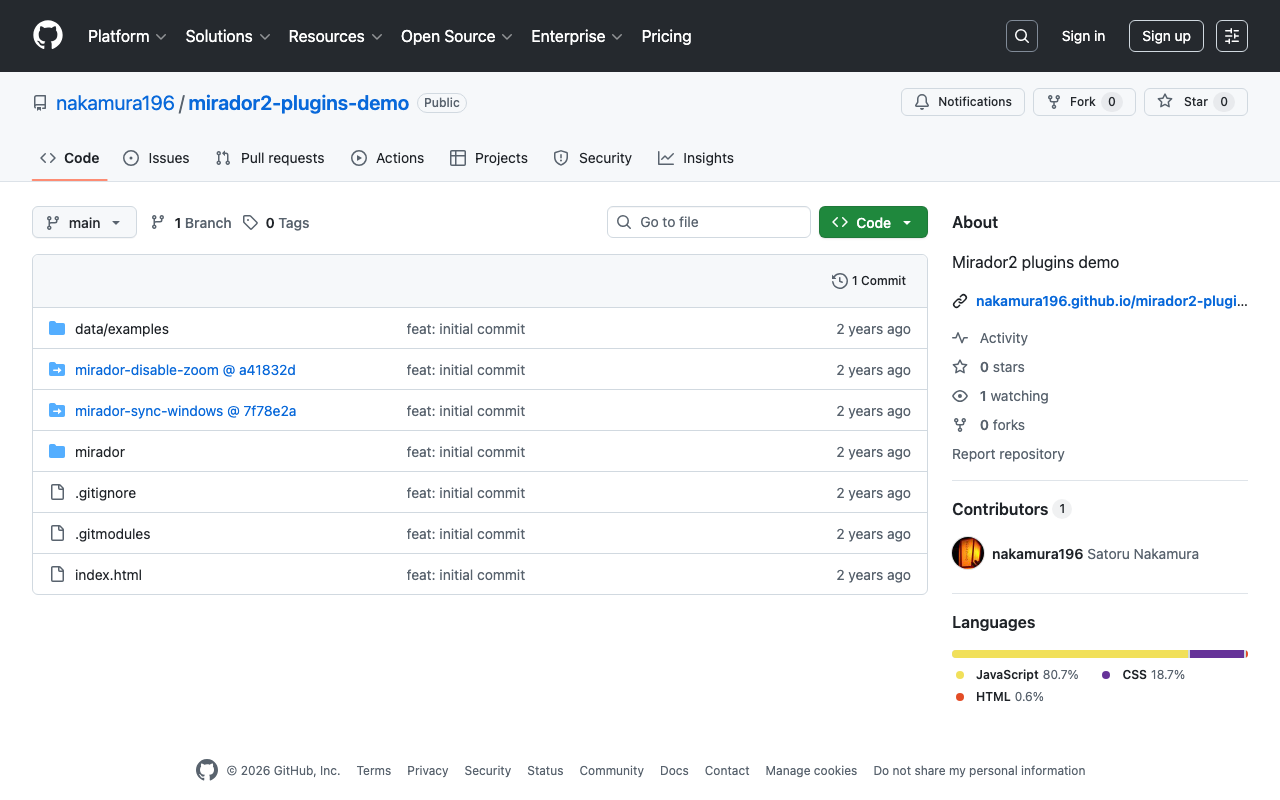
Overview I created a repository for verifying the behavior of Mirador 2 plugins. https://github.com/nakamura196/mirador2-plugins-demo You can try it from the following URL. https://nakamura196.github.io/mirador2-plugins-demo/ A working example with sample data is as follows. https://nakamura196.github.io/mirador2-plugins-demo/?manifest=https://nakamura196.github.io/mirador2-sync-windows/data/examples/org.json;https://nakamura196.github.io/mirador2-sync-windows/data/examples/inf.json The purpose of creating this repository was to verify the behavior of plugins developed for Mirador 2 in order to port them to Mirador 3. Plugins mirador-sync-windows The mirador-sync-windows plugin introduced in the following article is enabled. ...

Developing a Zoom Disable Plugin for Mirador 3 (4)

Developing a Zoom Disable Plugin for Mirador 3 (4)

Overview I created a plugin for Mirador 3 (actually Mirador 4) that disables zoom operations. https://github.com/nakamura196/mirador-disable-zoom/ Here is a demo video. https://youtu.be/RN2V4b7IYoI You can try it at the following URL. https://nakamura196.github.io/mirador-disable-zoom/ This plugin is based on the following plugin created by UCLA Library for Mirador 2. https://github.com/UCLALibrary/mirador-disable-zoom This time, I will note some findings from developing this plugin. Specifying the Target The target property allows you to specify where to place the plugin button. In this case, by specifying WindowTopBarPluginArea, I was able to display the icon directly on the per-window bar. ...

Trying iiif-prezi3

Trying iiif-prezi3

Overview As IIIF Presentation API 3 becomes more widespread, I found it increasingly difficult to understand the specification and create JSON files directly. So I tried using the following Python library, and this is a note for reference. https://github.com/iiif-prezi/iiif-prezi3 I used this library for converting the data published on the Toji Hyakugo Monjo WEB to IIIF, as introduced in the following article. The source code may be hard to read, but it is also published in the following repository, and I hope it is helpful. ...

Trying Out mirador-sync-windows

Trying Out mirador-sync-windows

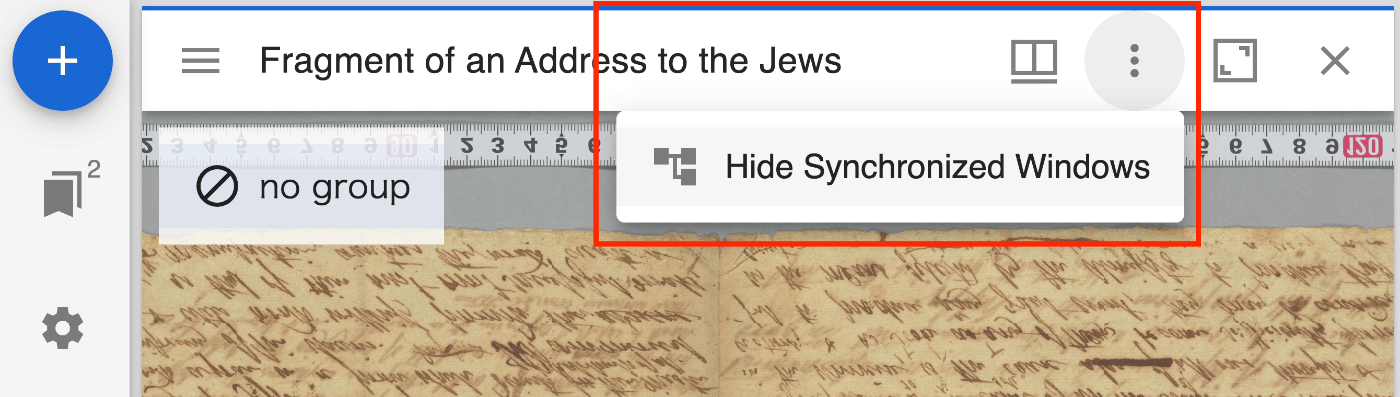
Overview mirador-sync-windows is described as follows. https://github.com/UCLALibrary/mirador-sync-windows When comparing multiple nearly identical images, such as different spectral images of the same object, it is helpful to apply actions simultaneously across multiple windows. Here is a usage demo: https://youtu.be/Ls2zvJpSRlc Note that this is a plugin for Mirador 2, and the repository has been archived. This time, I created a repository for trying out mirador-sync-windows, so I will introduce it. ...

Converting Toji Hyakugo Monjo WEB Data to IIIF

Converting Toji Hyakugo Monjo WEB Data to IIIF

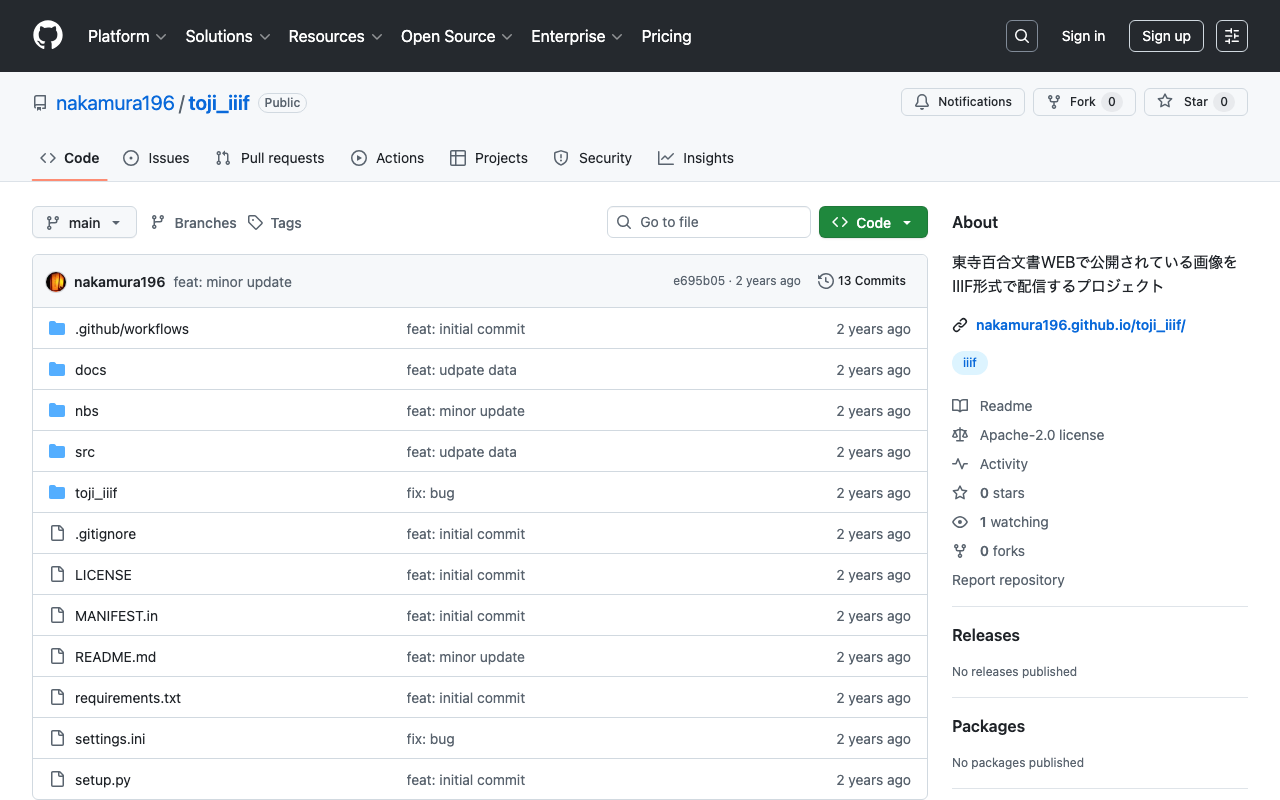
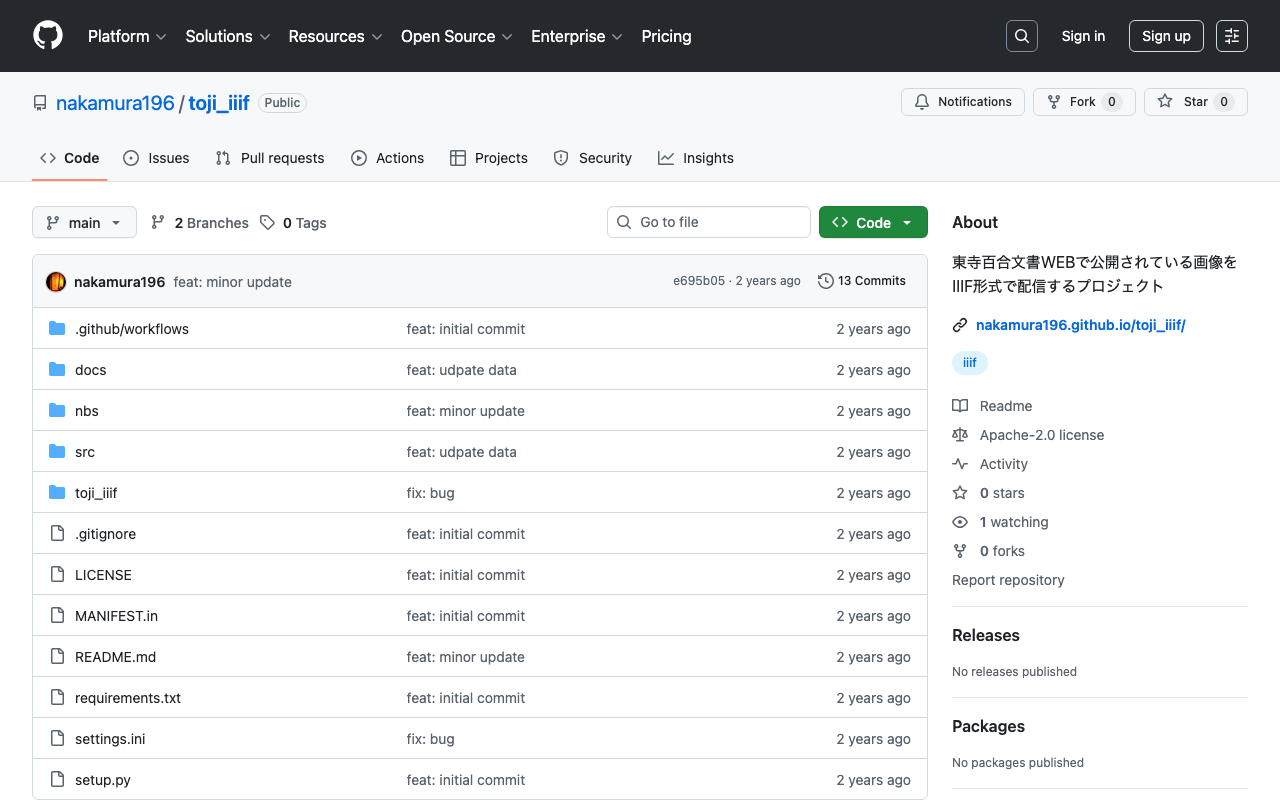
Overview I had the opportunity to use images published on the Toji Hyakugo Monjo WEB, which publishes the National Treasure Toji Hyakugo Monjo held by the Kyoto Prefectural Library and Archives, and created a repository that converts the published data to IIIF format. https://github.com/nakamura196/toji_iiif The following dataset was used. https://hyakugo.pref.kyoto.lg.jp/?page_id=1481 In particular, you can view a list of images from the following URL. https://nakamura196.github.io/toji_iiif/ Key Points IIIF Collection You can access the IIIF collection from the following URL. This enables machine-readable access. ...

Trying tropy-plugin-iiif

Trying tropy-plugin-iiif

Overview I had the opportunity to try tropy-plugin-iiif, so this is a memo about it. https://github.com/tropy/tropy-plugin-iiif tropy-plugin-iiif is described as follows. Tropy plugin to import IIIF manifests Preparation Install Tropy. https://tropy.org/ Next, download the latest zip file from the following link. https://github.com/tropy/tropy-plugin-iiif/releases/latest Open Preferences > Plugins. Click the “Install Plugin” button, select the downloaded zip file, and click “Enable”. Installation is now complete. Importing a IIIF Manifest Select tropy-plugin-iiif from File > Import. ...

Trying Out @iiif/parser

Trying Out @iiif/parser

Overview I learned about an npm module called @iiif/parser, so I tried out some of its features. https://github.com/IIIF-Commons/parser Usage Below is an example. It converts a v2 IIIF manifest to v3. "use client"; import { useState } from "react"; import { convertPresentation2 } from "@iiif/parser/presentation-2"; import { Button, Label, TextInput } from "flowbite-react"; import ComponentsPagesParserPre from "./pages/parser/pre"; type ManifestData = any; export default function ComponentsParser() { const [url, setUrl] = useState<string>( "https://iiif.dl.itc.u-tokyo.ac.jp/repo/iiif/fbd0479b-dbb4-4eaa-95b8-f27e1c423e4b/manifest" ); const [data, setData] = useState<ManifestData>(null); const fetchAndConvertManifest = async ( manifestUrl: string ): Promise<void> => { try { const response = await fetch(manifestUrl); const manifestJson = await response.json(); const convertedManifest = convertPresentation2(manifestJson); setData(convertedManifest); } catch (error) { console.error("Failed to fetch or convert manifest", error); setData("Error fetching or converting manifest."); } }; const handleSubmit = (event: React.FormEvent<HTMLFormElement>): void => { event.preventDefault(); fetchAndConvertManifest(url); }; return ( <> <form className="flex flex-col gap-4" onSubmit={handleSubmit}> <div> <Label htmlFor="url" value="IIIF Manifest URL (v2)" /> <TextInput id="url" type="text" value={url} placeholder="https://example.com/iiif/manifest.json" required onChange={(e) => setUrl(e.target.value)} /> </div> <Button type="submit">Submit</Button> </form> <div className="mt-8"> <ComponentsPagesParserPre data={data} /> </div> </> ); } First, import it as follows. ...

Publishing Videos with Omeka S

Publishing Videos with Omeka S

Overview I investigated how to publish videos with Omeka S, so this is a memorandum. Standard Features Omeka S supports video out of the box. Below is an example using the standard features. I used the following mp4 file: https://file-examples.com/storage/fe4e1227086659fa1a24064/2017/04/file_example_MP4_480_1_5MG.mp4 Specifically, the <video> tag was used as follows: <div class="media-render file"> <video src="https://omeka-d.aws.ldas.jp/files/original/5060f3ba2537676746a7aa69c9884c64daac300b.mp4" controls=""> <a href="https://omeka-d.aws.ldas.jp/files/original/5060f3ba2537676746a7aa69c9884c64daac300b.mp4">5060f3ba2537676746a7aa69c9884c64daac300b.mp4</a> </video> </div> Similarly, when uploading a .mov file, it played successfully, though this may be browser-dependent. ...

Converting IIIF Curation Lists to TEI Facsimile Elements

Converting IIIF Curation Lists to TEI Facsimile Elements

Overview I created a library to convert IIIF Curation Lists to TEI facsimile elements. https://github.com/nakamura196/iiif-tei I also prepared a demo page for performing this conversion. https://nakamura196.github.io/nuxt3-demo/iiif-tei-demo A video demonstrating how to use it is available below. https://youtu.be/Y5JlrJbtgz8 I hope this serves as a useful reference.