How to Embed Mirador 3 in a Specific Area of a Page
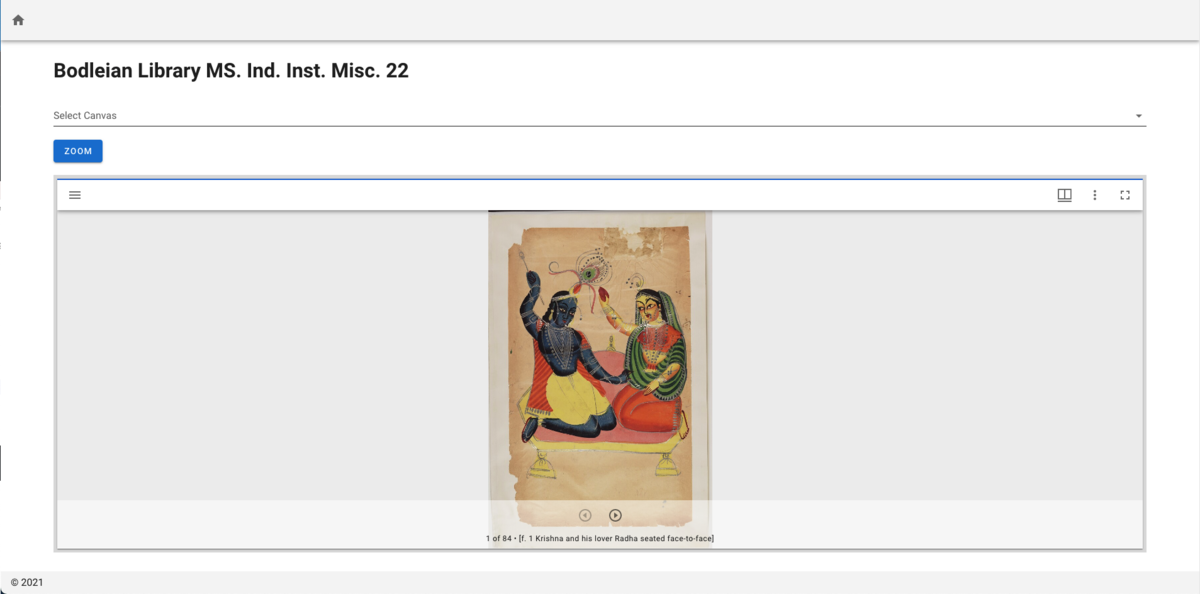
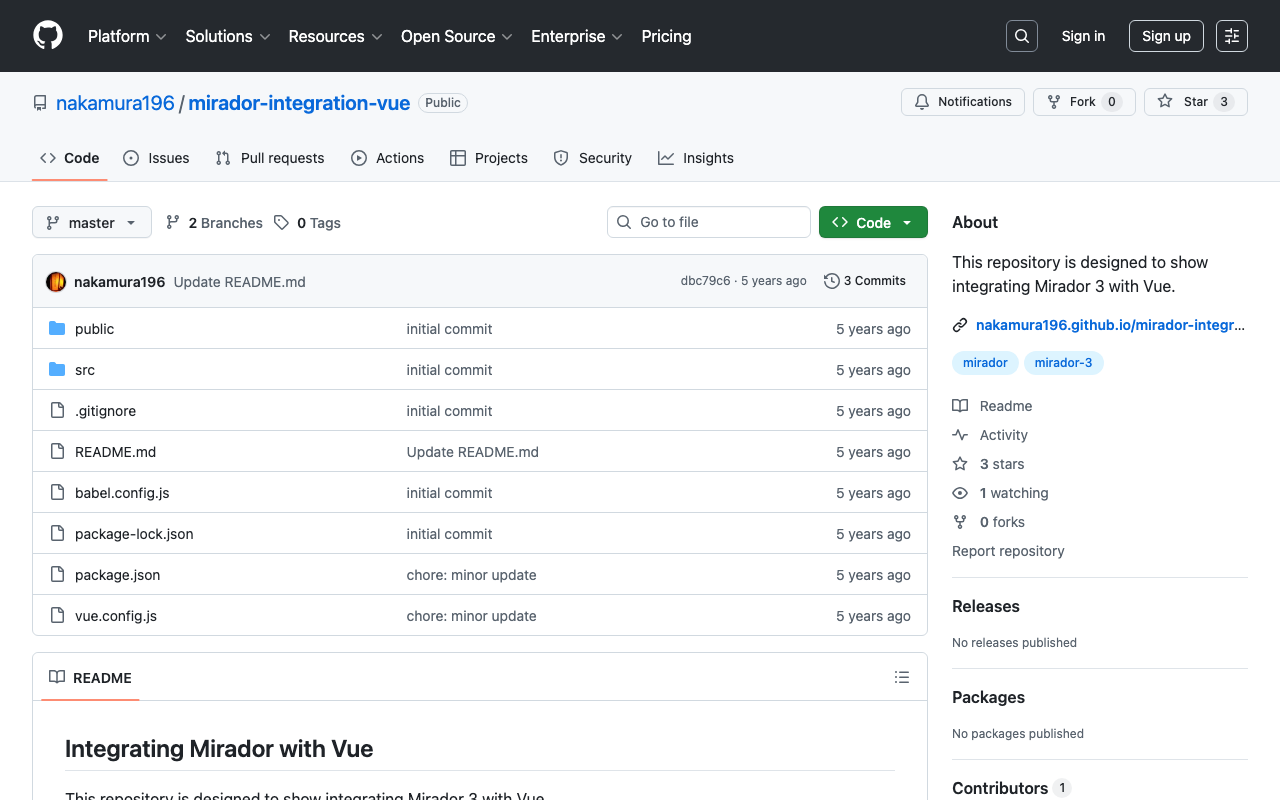
In a previous article, we introduced how to embed Mirador in a specific area of a page using Nuxt.js. nakamura196.hatenablog.com This time, we introduce how to embed Mirador without using frameworks like Vue.js. Specifically, please check the source code of the following page. https://nakamura196.github.io/nuxt-mirador/embedded2 The above is a simple HTML file. When embedding Mirador on a page, you specify the ID of the element where Mirador will be displayed (e.g., mirador). By applying the following CSS, you can embed it within a portion of the page. ...
![[App Introduction] Introducing IIIF pocket](/images/articles/hatena-2021-07-24-134358.png)
![[Omeka S Module Introduction] IIIF Server / Image Server / Universal Viewer](/images/articles/hatena-2021-07-23-004817.png)
![[Feature Development] Adding a Setting to Disable Image API in the Omeka S IIIF Server Module](https://cdn-ak.f.st-hatena.com/images/fotolife/n/nakamura196/20210722/20210722170805.png)