Home Articles Books Search About
日本語
[Omeka S] How to Configure Attribution in the IIIF Server Module

[Omeka S] How to Configure Attribution in the IIIF Server Module

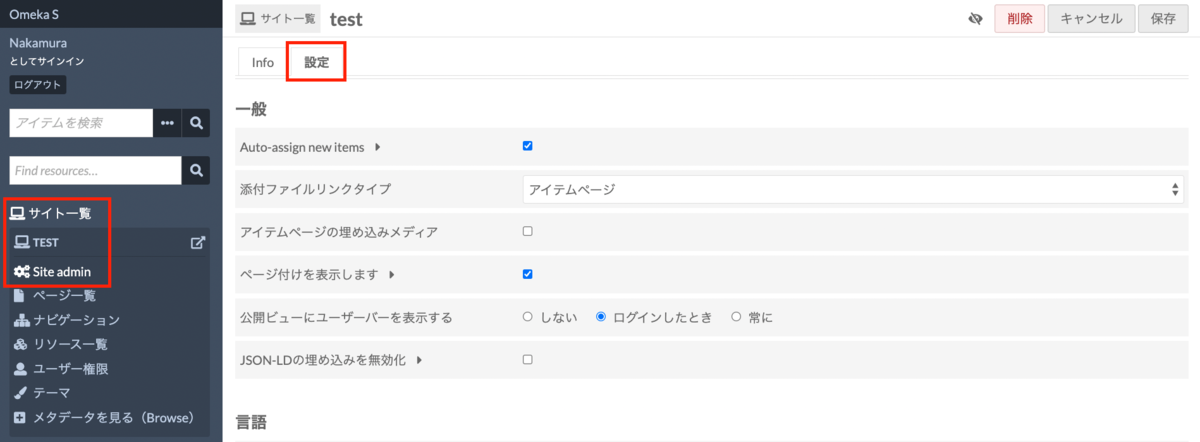
The IIIF Server module for Omeka S allows you to configure various settings. One of these is the attribution setting. As shown below, the value entered in Default attribution will be displayed in the attribution field of IIIF manifest files and similar resources. I recommend changing it to an appropriate value such as your organization’s name. Alternatively, as shown just above the field mentioned above, you can specify a property for entering attribution values, which allows you to change the attribution value for each item individually. ...

Introduction to IIIF Presentation API Validation Methods with Practical Examples

Introduction to IIIF Presentation API Validation Methods with Practical Examples

Overview As described in a previous article, I developed an application that delivers IIIF manifest files and provides the IIIF Content Search API. https://zenn.dev/nakamura196/articles/76bdc86b1b7524 However, there were parts that did not conform to the API specifications. This article shares the corrections made and introduces how to use the Presentation API Validator with practical examples. https://presentation-validator.iiif.io/ Manifest File Corrections Access the Presentation API Validator site above, enter the manifest file URL in URL of Manifest to Validate, and select the corresponding API version (in this case, 3.0). ...

About Image Size Limits for Dynamic Tile Image Generation in the Omeka S Image Server Module

About Image Size Limits for Dynamic Tile Image Generation in the Omeka S Image Server Module

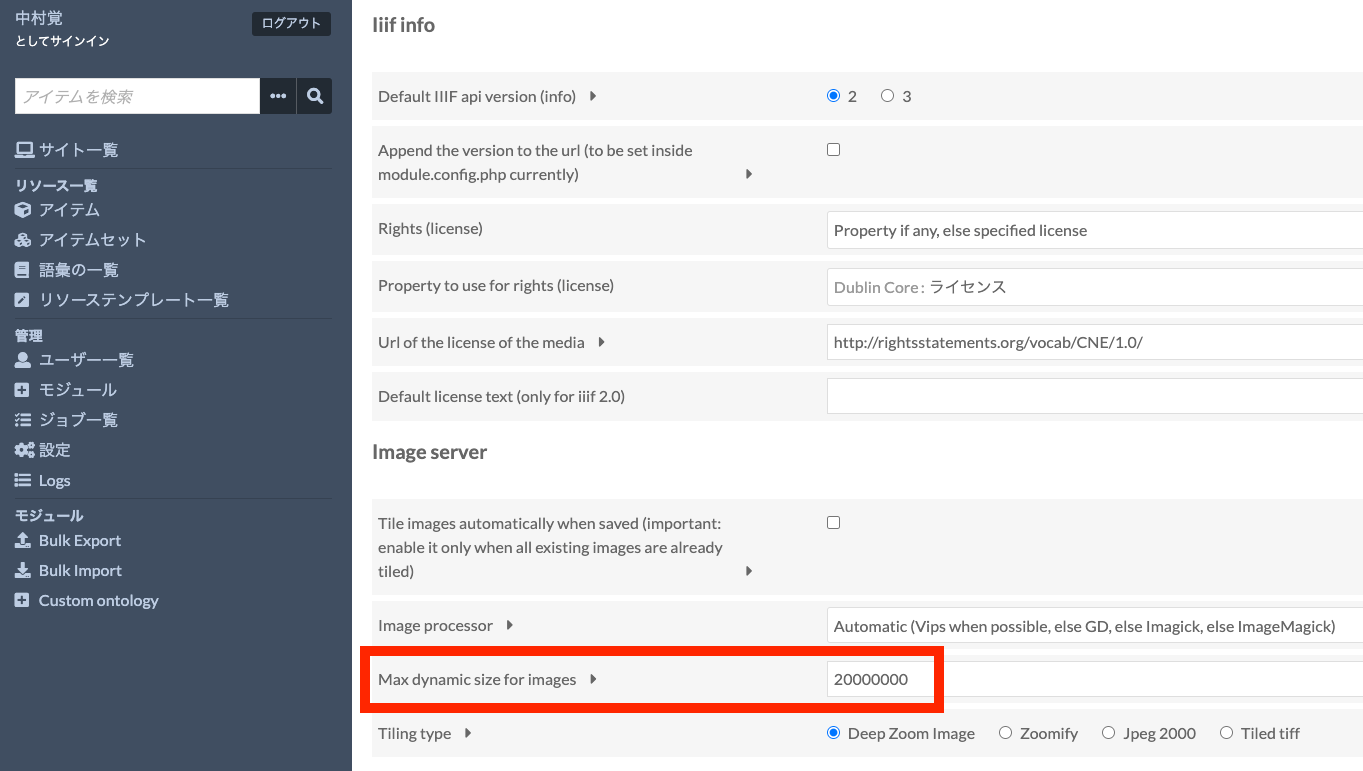
The Omeka S Image Server module has a feature that dynamically generates tile images for uploaded images. By using this feature, users can simply upload JPG or PNG images, and Omeka will dynamically generate tile images according to requests, delivering images compliant with the IIIF Image API. Note: On the other hand, when server specifications are limited, this dynamic tile image generation process may take time. In such cases, an option to pre-generate tile images is also available. This will be discussed later. ...

[Development Guide] I Created an App to View OCR Results Published by the National Diet Library's Next-Generation Digital Library in an IIIF Viewer

[Development Guide] I Created an App to View OCR Results Published by the National Diet Library's Next-Generation Digital Library in an IIIF Viewer

Overview I created an app to view OCR results published by the National Diet Library’s “Next-Generation Digital Library” in an IIIF viewer. The usage instructions are summarized in the following article. This time, I will explain how to build the above app. Build Method Backend I used AWS. The system was primarily built using SAM (Serverless Application Model). Creating IIIF Manifests & Curation Lists The flow for generating IIIF manifests and curation lists reflecting the OCR results published by the Next-Generation Digital Library is as follows. ...

An App for Viewing OCR Results from the NDL "Next-Generation Digital Library" in an IIIF Viewer

An App for Viewing OCR Results from the NDL "Next-Generation Digital Library" in an IIIF Viewer

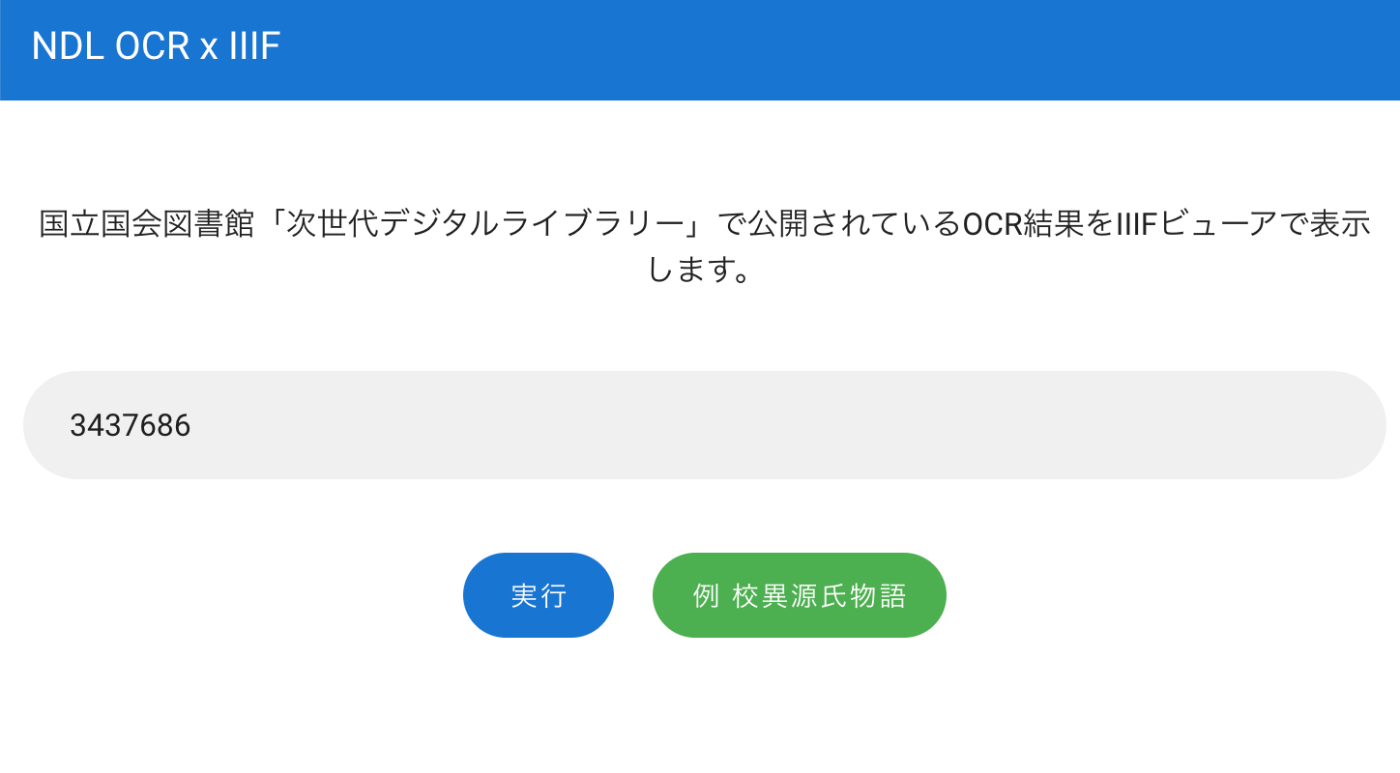
Overview I created an app for viewing OCR results published on the National Diet Library’s “Next-Generation Digital Library” in an IIIF viewer. You can try it at the following URL. https://static.ldas.jp/ndl-ocr-iiif/ Usage Enter the ID of a material published on the “Next-Generation Digital Library” in the input form. After a short while, buttons for “Mirador” and CODH’s “Curation Viewer” will appear. You can view the OCR results in each viewer. ...

Creating Pyramid Tiled TIFF Files Using AWS Lambda + Docker + pyvips

Creating Pyramid Tiled TIFF Files Using AWS Lambda + Docker + pyvips

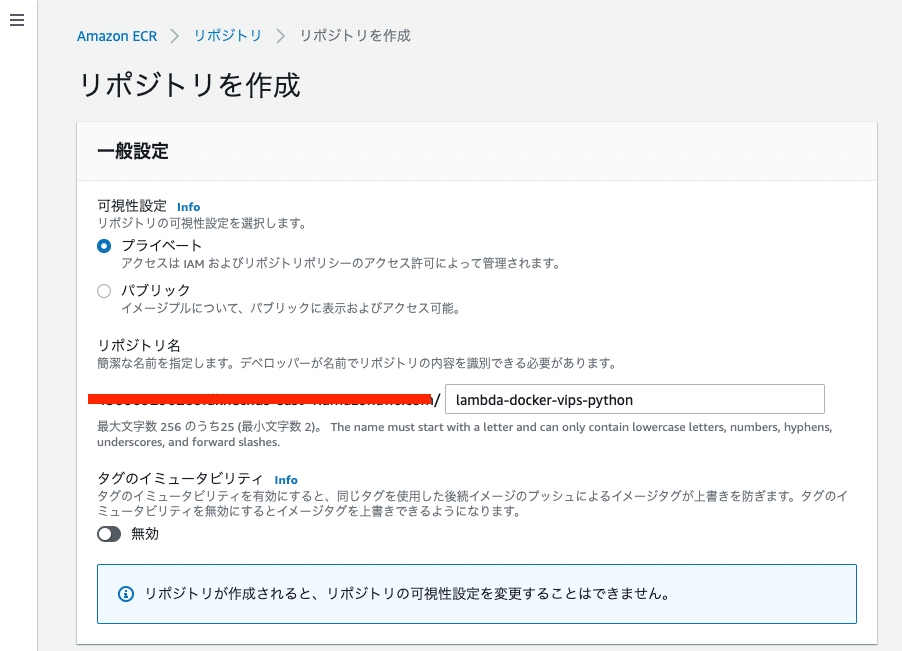
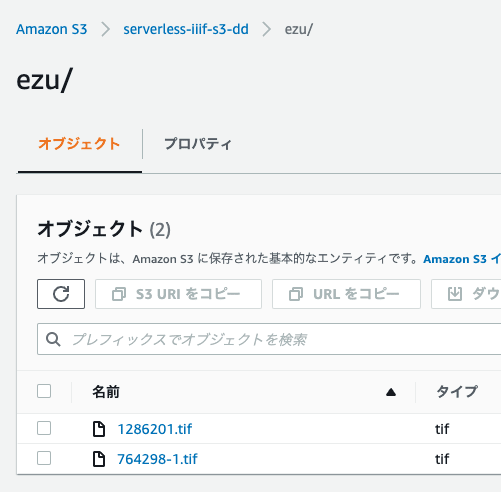
Overview I created a Docker image that uses AWS Lambda and pyvips to generate Pyramid Tiled TIFF files from images stored in S3. The Amazon ECR Public Gallery is available here: https://gallery.ecr.aws/nakamura196/lambda-docker-vips-python The source code is available here: https://github.com/ldasjp8/lambda-docker-vips-python Below, I will explain how to use it. Creating an Amazon ECR Repository First, create an ECR repository. Next, check the commands from “View push commands” and push the image. ...

How to Use pyvips and Create Pyramid Tiled TIFF Files

How to Use pyvips and Create Pyramid Tiled TIFF Files

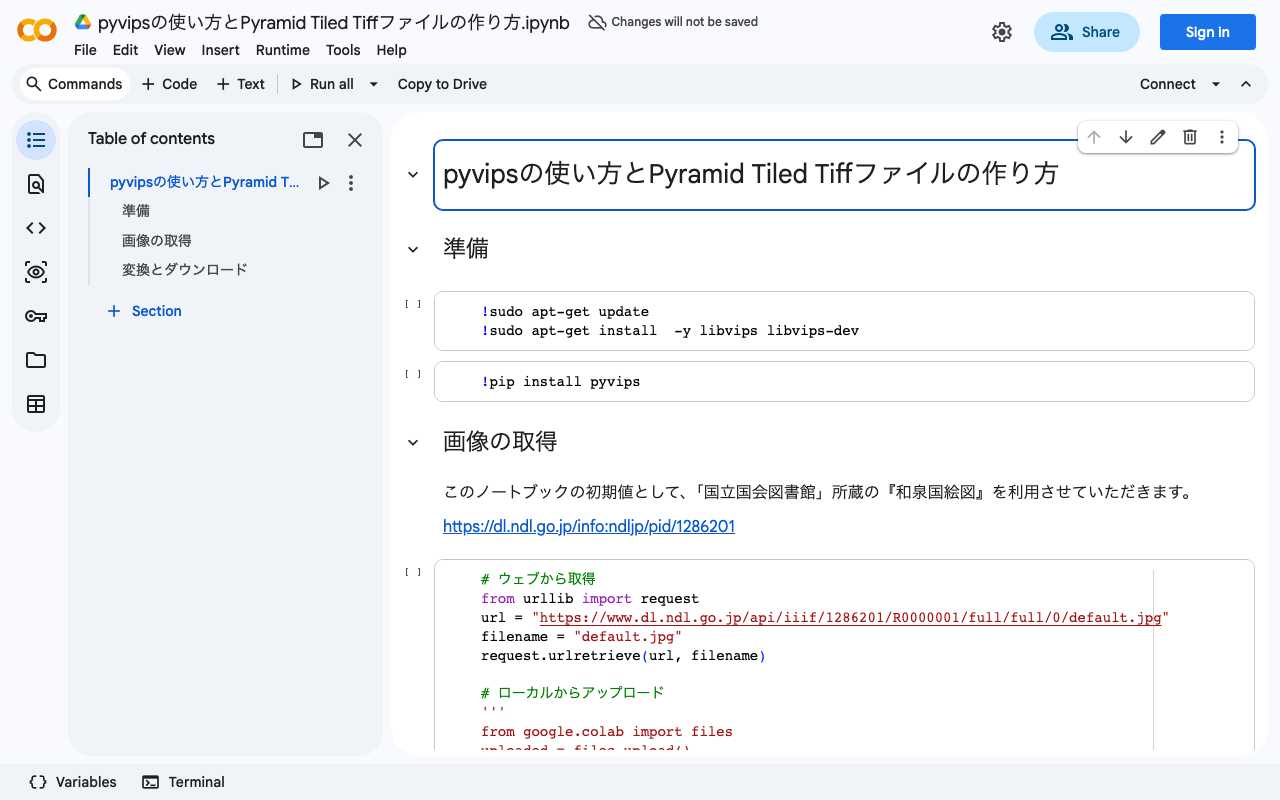
Overview I created a program to generate Pyramid Tiled TIFF files using pyvips. You can try it on the following Google Colab. https://colab.research.google.com/drive/1VO1PgKgS3H21zXpg4g2inN-mtIrON5TQ?usp=sharing When delivering images via IIIF, there are situations where Pyramid Tiled TIFF files need to be created. We hope this is helpful for image conversion using Python and Vips. The parameters are based on the following. https://github.com/samvera-labs/serverless-iiif#using-vips Also, as one example of how to deliver converted Pyramid Tiled TIFF files, the following article may also be helpful. ...

Building an Annotation Environment Using Omeka Classic + IIIF Toolkit

Building an Annotation Environment Using Omeka Classic + IIIF Toolkit

This article describes building an environment for annotating IIIF images using Omeka Classic and the IIIF Toolkit plugin. It also covers the basic installation of Omeka Classic. I created two types of documentation: a summary article on Hatena Blog and a book on Zenn. Zenn https://zenn.dev/nakamura196/books/2a0aa162dcd0eb Hatena Blog https://nakamura196.hatenablog.com/entry/2022/03/22/234917 I hope this is helpful for learning how to use Omeka.net (Classic).

Generating IIIF Collections Using the Omeka S IIIF Server Module

Generating IIIF Collections Using the Omeka S IIIF Server Module

Overview The Omeka S IIIF Server module can automatically generate IIIF collections (a grouping of IIIF manifests into one) in addition to IIIF manifest files. https://omeka.org/s/modules/IiifServer/ This article explains how to use this IIIF collection feature. Preparing Data (Item Sets) In Omeka S, there is a unit called “item sets” for managing groups of items. For example, in this case, we create three item sets: “tei”, “iiif”, and “oss”. ...

Building an IIIF Image Server with AWS Serverless Application

Building an IIIF Image Server with AWS Serverless Application

Notice I have documented the usage instructions as of 2024 in the following article. Please refer to it. Overview This article introduces how to build an IIIF Image Server using an AWS serverless application, as featured in Awesome IIIF. https://github.com/samvera-labs/serverless-iiif Please note that following the procedures in this article will incur AWS service charges, so please be cautious if you try it. Target Audience The above repository describes the following prerequisites: ...

Created a Program for Batch Downloading Images from IIIF Manifest Files

Created a Program for Batch Downloading Images from IIIF Manifest Files

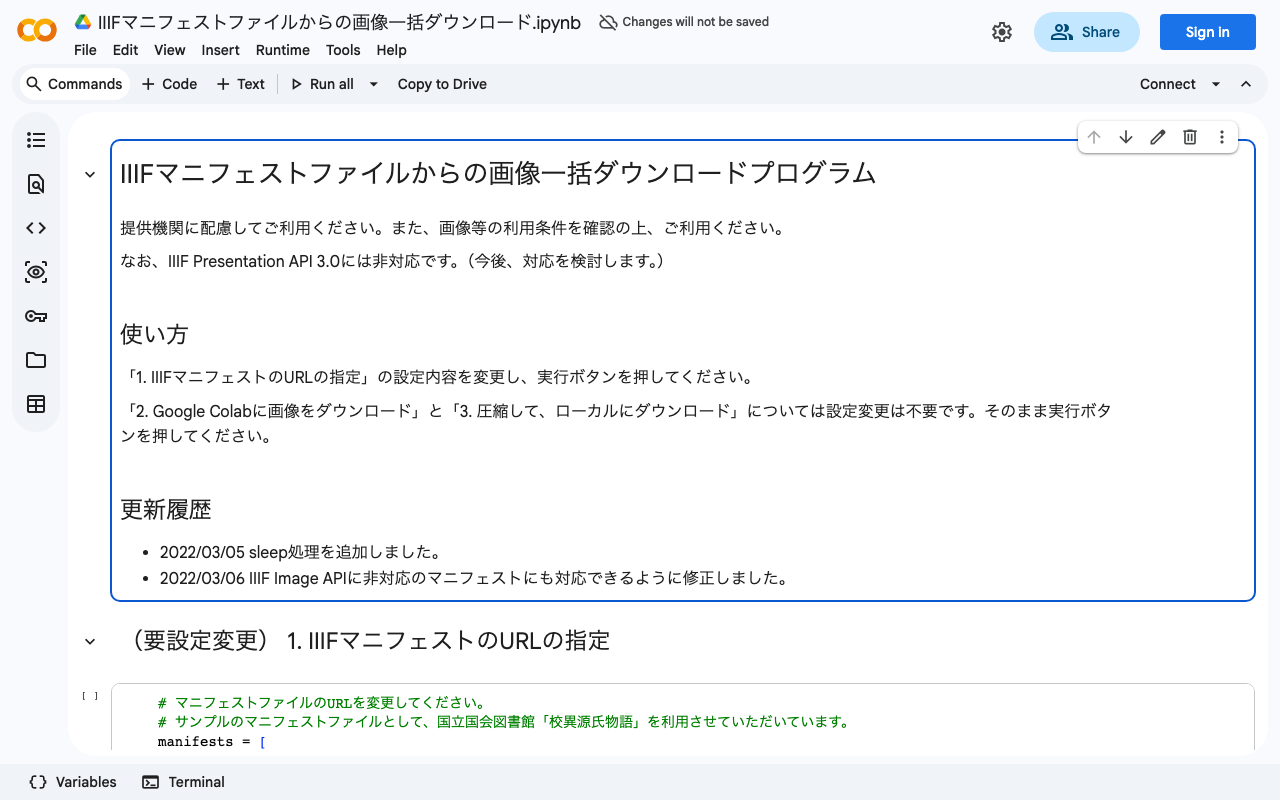
We created a program for batch downloading images from IIIF manifest files. You can use it from the following Google Colab notebook: https://colab.research.google.com/drive/1XL6cnY6fdtYTB5EdNA_B_EfqKHXZMDQJ?usp=sharing Please use it with consideration for the providing institutions. Also, please check the terms of use for the IIIF manifest before using it.

How to Use the Omeka S Mirador Module

How to Use the Omeka S Mirador Module

Overview This article introduces a module that adds the Mirador viewer to Omeka S. The GitHub repository is available here: github.com Both Mirador 2 and 3 are supported. Various plugins can also be added from the settings screen. In this article, we introduce how to add the “Image tools” plugin, which enables image rotation and horizontal flipping. To use this module, you need to either give Omeka S IIIF server functionality or reference an external manifest file. We plan to cover how to set up the former in a separate article. ...

Created a Program to Generate TEI facsimile Elements from IIIF Manifest Files

Created a Program to Generate TEI facsimile Elements from IIIF Manifest Files

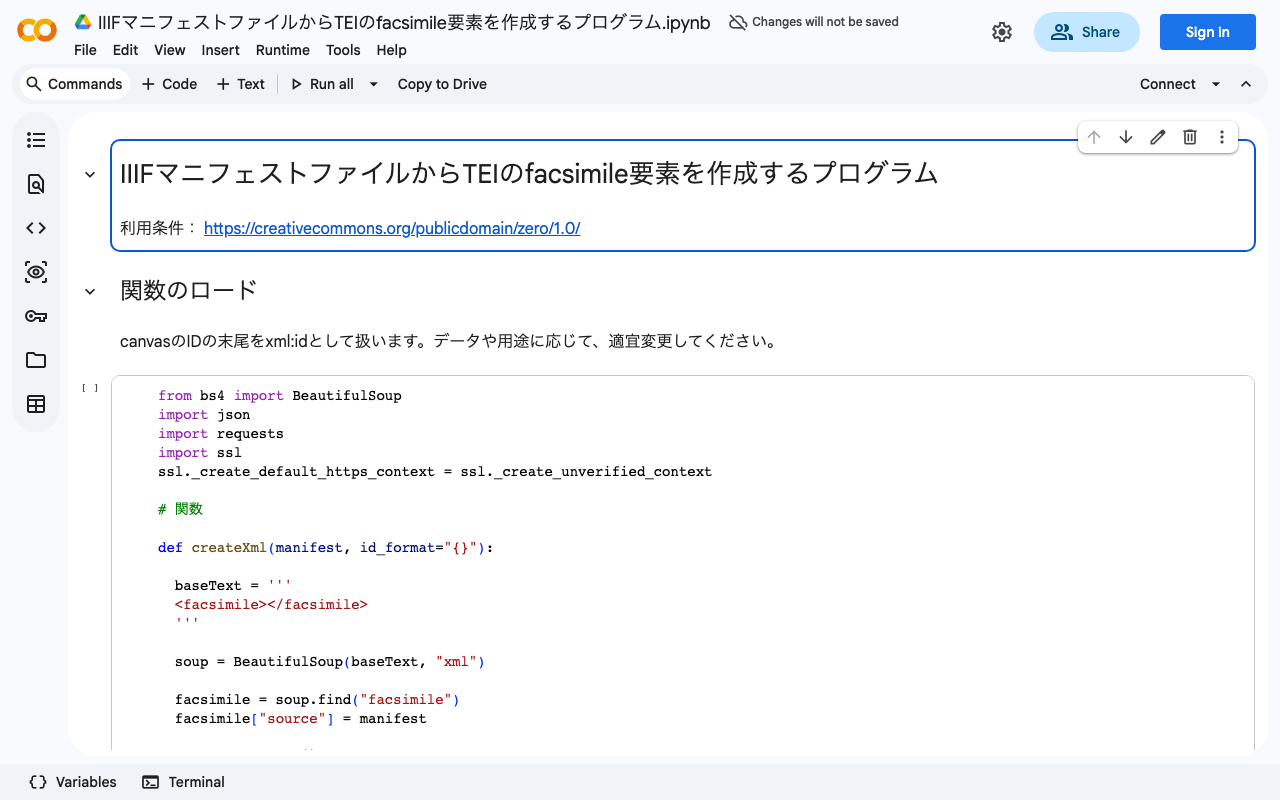
We created a program to generate TEI facsimile elements from IIIF manifest files. You can try it in the following Google Colaboratory notebook: colab.research.google.com We hope this serves as a useful reference for those considering integration between IIIF and TEI.

[Omeka S Module Development] Developed a Module to Add IIIF Content Search API URIs to IIIF Manifests

[Omeka S Module Development] Developed a Module to Add IIIF Content Search API URIs to IIIF Manifests

Overview I developed an Omeka S module that adds IIIF Content Search API URIs to IIIF manifests. github.com By using the IIIF Content Search API, text search becomes possible in viewers such as Universal Viewer, as shown below. This module uses an IIIF Content Search API that is provided independently of Omeka S. Therefore, to use this module, you need to separately set up an environment that provides this API. While there remains the challenge of the cost of building this environment, I hope this is helpful for those who already have an IIIF Content Search API environment and are considering using it with Omeka S. ...

How to Enable Mirador 3 Image Tools (Image Rotation, etc.) by Default

How to Enable Mirador 3 Image Tools (Image Rotation, etc.) by Default

Overview This article explains how to enable image tools (such as image rotation) by default in Mirador 3. The default Mirador 3 does not include features that were available by default in Mirador 2, such as image rotation and adjustments for brightness, contrast, and saturation. To add these features, you need to install the image tools plugin: github.com Below, we explain how to install and configure the plugin. Installation In addition to the page above, the following repositories are helpful for installing the image tools plugin. ...

[Omeka S Module Introduction] IIIF-Compatible Viewers Available for Omeka S

[Omeka S Module Introduction] IIIF-Compatible Viewers Available for Omeka S

Overview This article summarizes the IIIF-compatible viewers available as Omeka S modules as of September 15, 2021. Viewer List Universal Viewer github.com Mirador github.com Diva IIIF Viewer github.com Summary You can see installation examples at the following page. We hope this serves as a useful reference for IIIF image delivery using Omeka S. diyhistory.org

[Feature Development] Added Table of Contents Functionality to the Omeka S IIIF Module (Part 2: Registering Hierarchical Tables of Contents)

[Feature Development] Added Table of Contents Functionality to the Omeka S IIIF Module (Part 2: Registering Hierarchical Tables of Contents)

Overview In the previous article, I explained how to add a flat table of contents using the Omeka S IIIF Server module. nakamura196.hatenablog.com This time, I explain how to add a hierarchical table of contents. The official manual is available here, and I also created an article translating this manual into Japanese. While the translation is imperfect, I hope it serves as a useful reference. nakamura196.hatenablog.com Details In the previous article, we created a flat table of contents by entering the following information: ...

[Feature Development] Added Table of Contents Functionality to the Omeka S IIIF Module (Part 1: Registering Flat Tables of Contents)

[Feature Development] Added Table of Contents Functionality to the Omeka S IIIF Module (Part 1: Registering Flat Tables of Contents)

Overview I developed an additional feature for the Omeka S IIIF Server module that adds a table of contents to IIIF manifests. This feature is available from ver 3.6.5.3 onward. github.com This article explains how to add a table of contents using this module. A video tutorial is also available. I hope it serves as a useful reference. youtu.be Details Setup The official documentation is available at: https://github.com/Daniel-KM/Omeka-S-module-IiifServer#config-options-for-manifest First, on the module’s settings screen, select the property to specify for “Property for structures.” By entering table of contents information as the value of the selected property, the table of contents information will be reflected in the IIIF manifest. Here, for example, select “Dublin Core: Table of Contents.” ...

[Feature Development] Bug Fix for License Property in the Omeka S IIIF Server Module

[Feature Development] Bug Fix for License Property in the Omeka S IIIF Server Module

We fixed a bug in the license property of the Omeka S IIIF Server module when using IIIF Presentation API version 2. Specifically, we fixed an issue where the license-related settings in the IIIF Server module were not reflected in the IIIF manifest. The module with this fix is available from version 3.6.5.3 onward. github.com We hope this serves as a useful reference for those affected by this bug. ...

[Translation] How to Add Table of Contents Information in the Omeka S IIIF Server Module

[Translation] How to Add Table of Contents Information in the Omeka S IIIF Server Module

This is a Japanese translation of the manual on how to add table of contents information in the Omeka S IIIF Server module. The official manual is available below. github.com I hope this serves as a reference when adding table of contents information to IIIF manifests using this module. Config options for manifest Input format of the property for structures (table of contents) The default structure is a simple sequential list of IIIF media. ...