Home Articles Books Search About
日本語
Why Contentful's Publish Button Is Greyed Out — A Locale Configuration Pitfall

Why Contentful's Publish Button Is Greyed Out — A Locale Configuration Pitfall

Introduction While building a multilingual site with Contentful, a content editor reported that the Publish button remained greyed out when creating new pages. Existing pages could be updated without issue — only new entries were affected. This article walks through the debugging process and the fix. Environment Contentful (headless CMS) Locales: Japanese (ja, default) + English (en) Next.js + Contentful Delivery API for the frontend Symptoms Creating a new Page entry and filling in all fields still leaves the Publish button greyed out Updating existing pages (editing title or body) works fine Saving as Draft works normally Narrowing Down the Cause 1. Check Content Type Validation First, I reviewed the field definitions for the page content type. ...

Introducing ethers-i18n: Multilingual Error Messages for ethers.js

Introducing ethers-i18n: Multilingual Error Messages for ethers.js

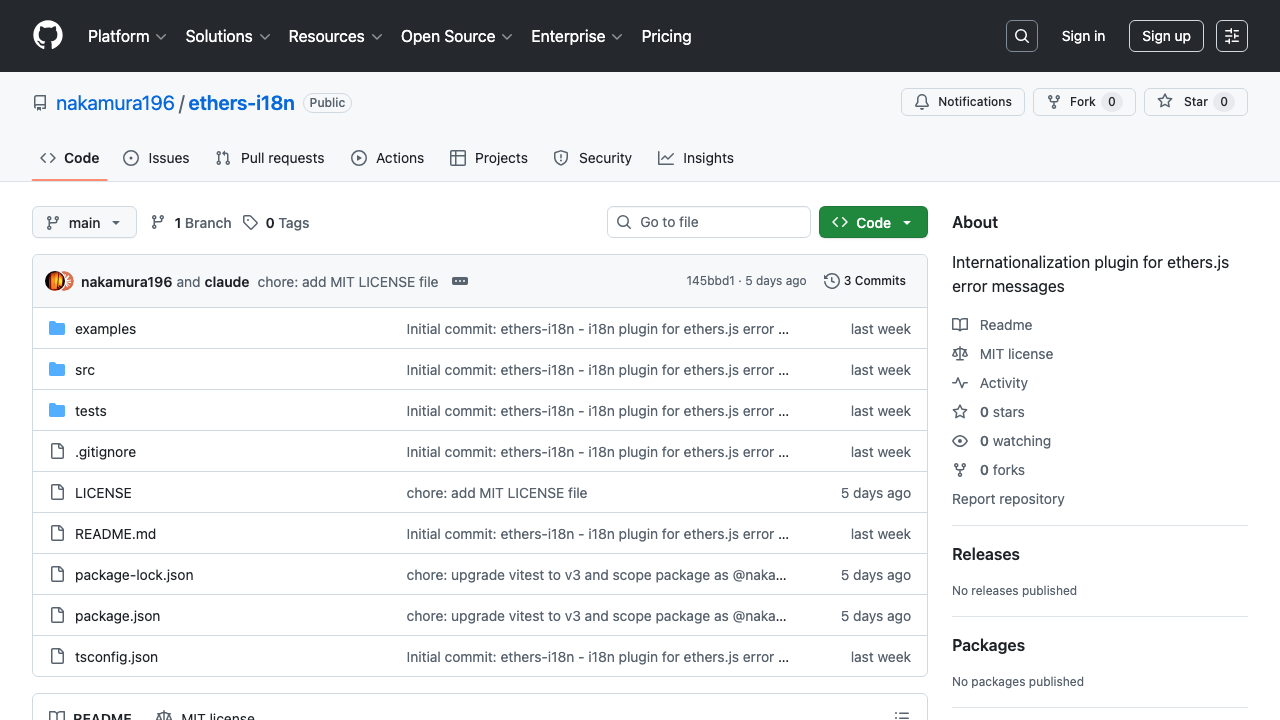
The Problem When building dApps with ethers.js, error messages are always in English: Error: insufficient funds for intrinsic transaction cost While developers understand these messages, they aren’t user-friendly — especially for non-English-speaking end users. Translating ethers.js error messages manually in every project leads to duplicated effort and inconsistent quality. ethers-i18n solves this by providing a lightweight i18n plugin for ethers.js error messages. https://github.com/nakamura196/ethers-i18n What is ethers-i18n? ethers-i18n provides localized translations for ethers.js v6 error codes. It currently supports 4 languages: English, Japanese, Korean, and Chinese. ...

Japanese Localization of RAWGraphs 2.0

Japanese Localization of RAWGraphs 2.0

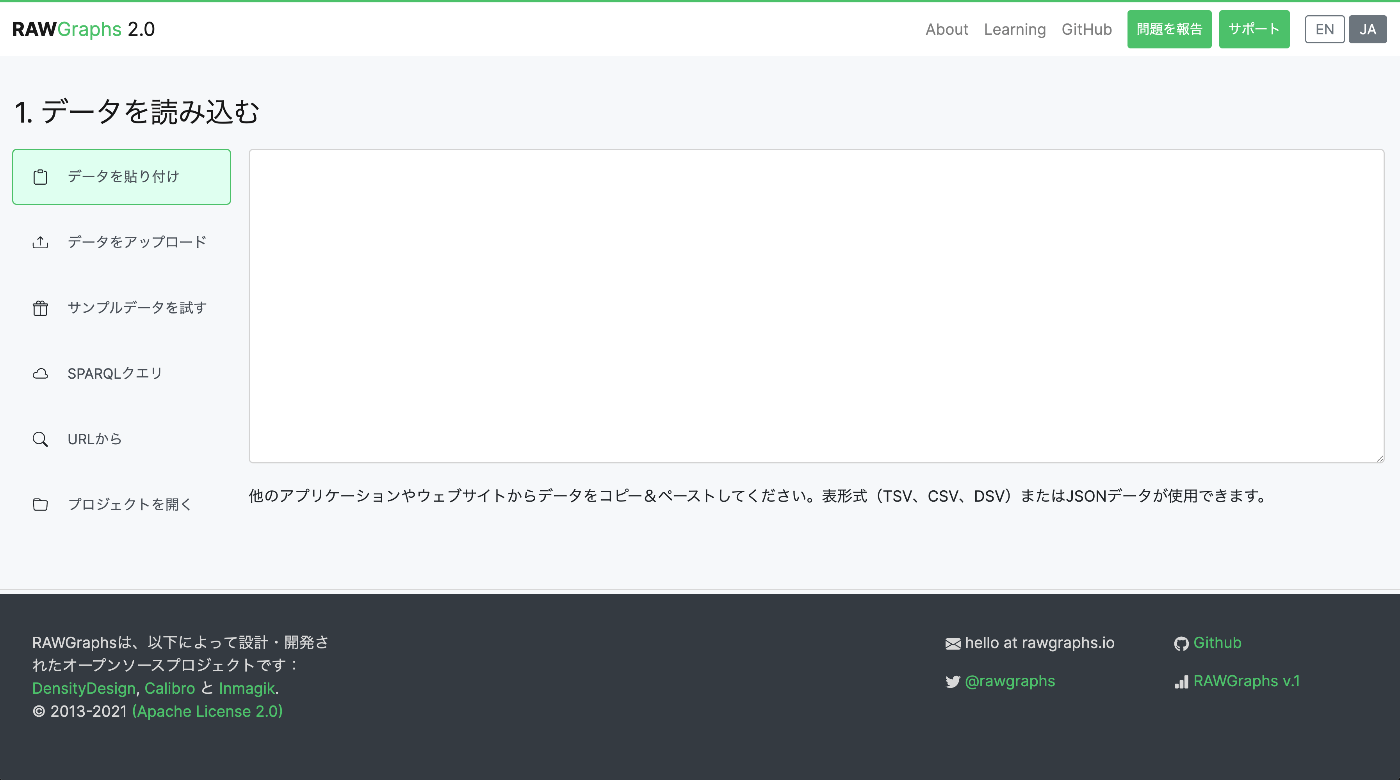
Introduction I localized and published a Japanese version of the data visualization tool RAWGraphs. https://rawgraphs-ja.vercel.app/ RAWGraphs is an open-source web application that can transform complex data into beautiful visualizations. Without any coding, you can create various charts simply by dragging and dropping CSV or JSON data. What is RAWGraphs? RAWGraphs is a data visualization tool developed by DensityDesign Research Lab in Italy. https://www.rawgraphs.io/ Key features: ...

Language Switching Implementation Guide with Next.js + next-intl

Language Switching Implementation Guide with Next.js + next-intl

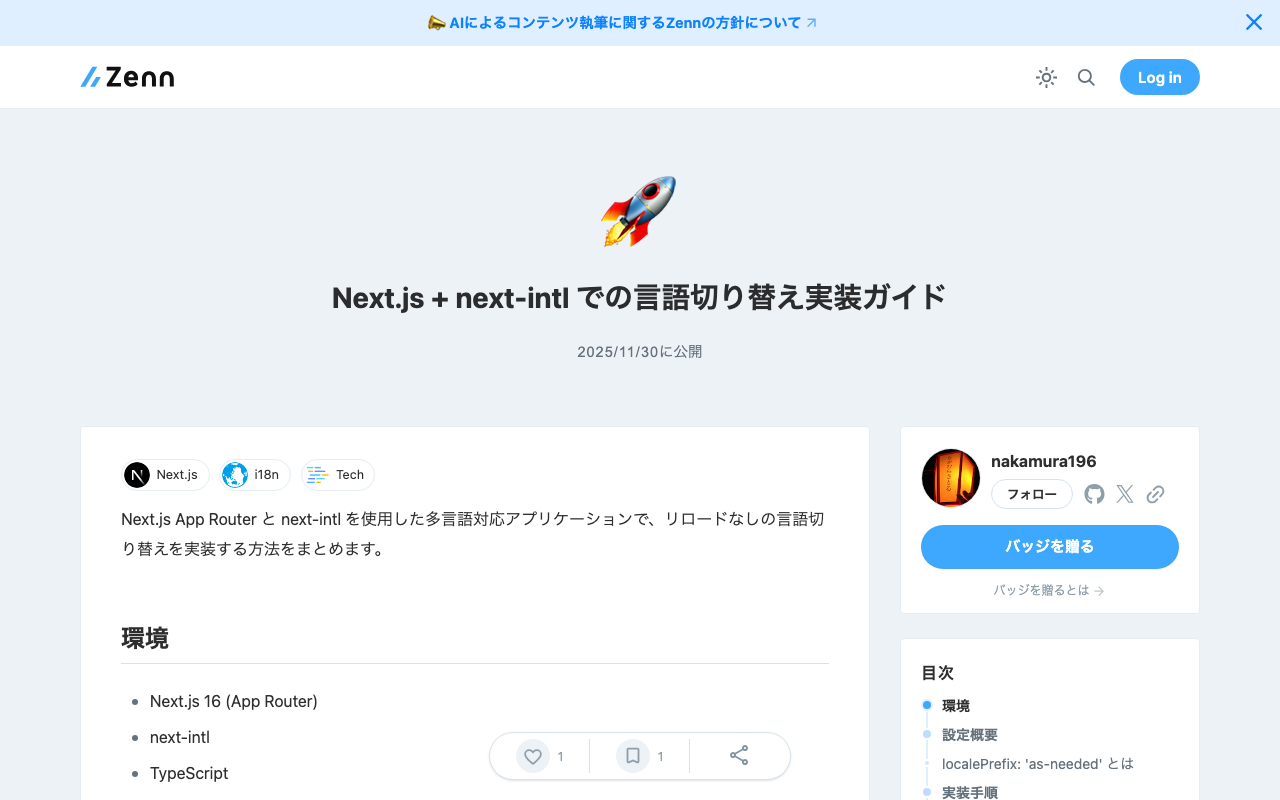
This article summarizes how to implement language switching without page reload in a multilingual application using Next.js App Router and next-intl. Environment Next.js 16 (App Router) next-intl TypeScript Configuration Overview localePrefix: ‘as-needed’ Using the localePrefix: 'as-needed' setting in next-intl, the default language does not have a URL prefix, while other languages do. Example (when the default language is Japanese): Japanese: /, /gallery, /viewer English: /en, /en/gallery, /en/viewer Implementation Steps 1. Middleware Configuration (Important) next-intl uses middleware to handle locale routing. It is important to configure the matcher so that static files are not redirected by the middleware. ...

Next.js 15 Compatible Multilingual and Dark Mode SSG Template

Next.js 15 Compatible Multilingual and Dark Mode SSG Template

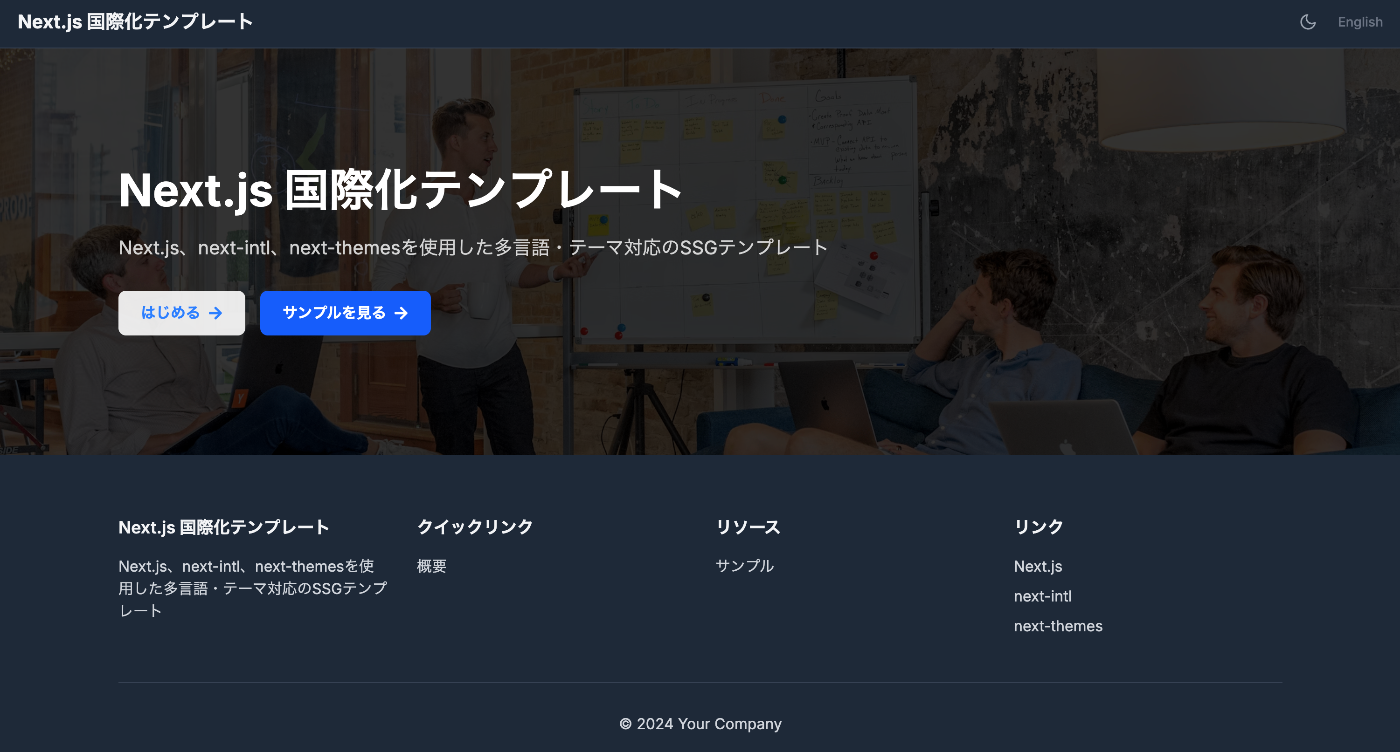
This article was reviewed by a human for implementation and written by AI. Overview This template is a starting point for web application development that supports static site generation (SSG) with Next.js 15, with built-in multilingual support and dark mode. It combines TypeScript, Tailwind CSS, next-intl, and next-themes. https://nextjs-i18n-themes-ssg-template.vercel.app/ja/ Key Features 1. Static Site Generation (SSG) Full static export with output: 'export' Fast page loading and SEO optimization Reduced hosting costs 2. Internationalization (i18n) Full multilingual support with next-intl Japanese and English support (easy to add more languages) URL-based language switching (/ja/about, /en/about) Type-safe translation keys 3. Dark Mode System-linked dark mode with next-themes Automatic detection of user preferences Smooth theme switching animation Persistent settings via LocalStorage 4. Improved Developer Experience Type safety with TypeScript Efficient styling with Tailwind CSS Code quality management with ESLint Unified component structure Tech Stack { "dependencies": { "next": "^15.4.4", "react": "^19.1.0", "next-intl": "^4.3.4", "next-themes": "^0.4.6", "tailwindcss": "^4.1.11", "@tailwindcss/typography": "^0.5.16" } } Project Structure src/ ├── app/ │ ├── [locale]/ │ │ ├── layout.tsx # Root layout │ │ ├── page.tsx # Home page │ │ ├── about/ # About page │ │ └── example/ # Sample page │ ├── icon.svg # Favicon │ └── sitemap.ts # Sitemap generation ├── components/ │ ├── layout/ # Layout components │ │ ├── Header.tsx │ │ ├── Footer.tsx │ │ ├── PageLayout.tsx │ │ ├── ToggleTheme.tsx │ │ └── ToggleLanguage.tsx │ └── page/ # Page-specific components ├── i18n/ │ └── routing.ts # i18n configuration └── messages/ # Translation files ├── en.json └── ja.json Notable Implementations 1. Static Export Support for sitemap.ts export const dynamic = 'force-static'; export const revalidate = false; export default function sitemap(): MetadataRoute.Sitemap { // Implementation } 2. Unified Page Layout <PageLayout breadcrumbItems={breadcrumbItems} title={t('title')} description={t('description')} > <YourContent /> </PageLayout> 3. Configuration via Environment Variables # .env.example NEXT_PUBLIC_SITE_URL=http://localhost:3000 NEXT_PUBLIC_BASE_PATH= Usage Installation git clone [repository-url] cd nextjs-i18n-themes-ssg-template npm install Development npm run dev Build npm run build Customization Points Adding languages: src/i18n/routing.ts and messages/ directory Adding pages: Create new directories under src/app/[locale]/ Theme customization: tailwind.config.js and global CSS Metadata: generateMetadata function in each page Best Practices Component naming: Use PascalCase Translation keys: Organize with nested structure Type safety: Maximize use of TypeScript types Performance: Cache strategy utilizing static generation Summary This template aims to enable quick construction of static sites optimized for SEO, with built-in internationalization and dark mode features. The goal is to improve developer productivity while providing an excellent experience for end users. ...

How to Disable Browser Language Detection in Nuxt i18n

How to Disable Browser Language Detection in Nuxt i18n

Overview (Created by ChatGPT) The Nuxt i18n module has a feature that detects the user’s browser language and redirects them to the appropriate language page. However, in certain situations you may want to disable this feature. This article explains how to completely disable browser language detection using detectBrowserLanguage: false. https://v8.i18n.nuxtjs.org/guide/browser-language-detection Configuration To disable the browser language detection feature, set the detectBrowserLanguage option to false in your nuxt.config.js file. export default defineNuxtConfig({ // その他の設定 i18n: { // 言語検出を無効化 detectBrowserLanguage: false }, // その他の設定 }) Use Cases Where This Is Helpful When you want users to directly access specific URLs: If you intend for users to directly visit specific content, redirects can be an obstacle. Optimizing crawling: When you want search engine crawlers to be able to directly access specific language pages. Consistent user experience: For example, when you want to avoid unexpected redirects for users navigating between linked language pages. Summary By using detectBrowserLanguage: false, you can control site access for user experience and SEO optimization without relying on redirects. Using this setting in appropriate situations can improve your site’s usability. ...

Building a Multilingual Static Site with Next.js

Building a Multilingual Static Site with Next.js

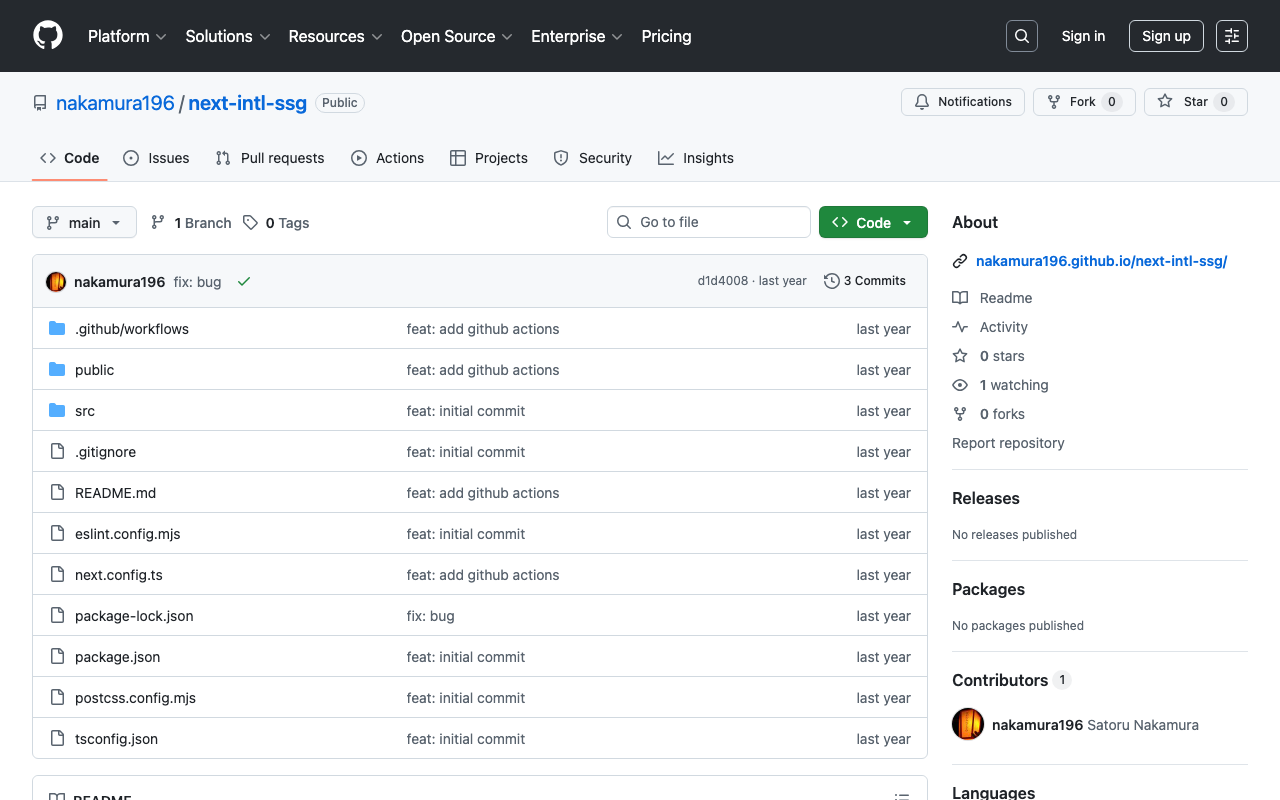
Introduction This article was generated by GPT-4o. It explains how to build a multilingual static site using Next.js. In particular, it focuses on a configuration where the main language has no URL prefix while other languages have prefixes. It also includes configuration for deploying to GitHub Pages. Project Setup First, create a Next.js project. Initialize the project using create-next-app. npx create-next-app@latest next-intl-ssg Installing Required Packages Install next-intl for multilingual support. ...