Home Articles Books Search About
日本語
Bulk Managing Google Groups Members via API Without Google Workspace Admin Privileges

Bulk Managing Google Groups Members via API Without Google Workspace Admin Privileges

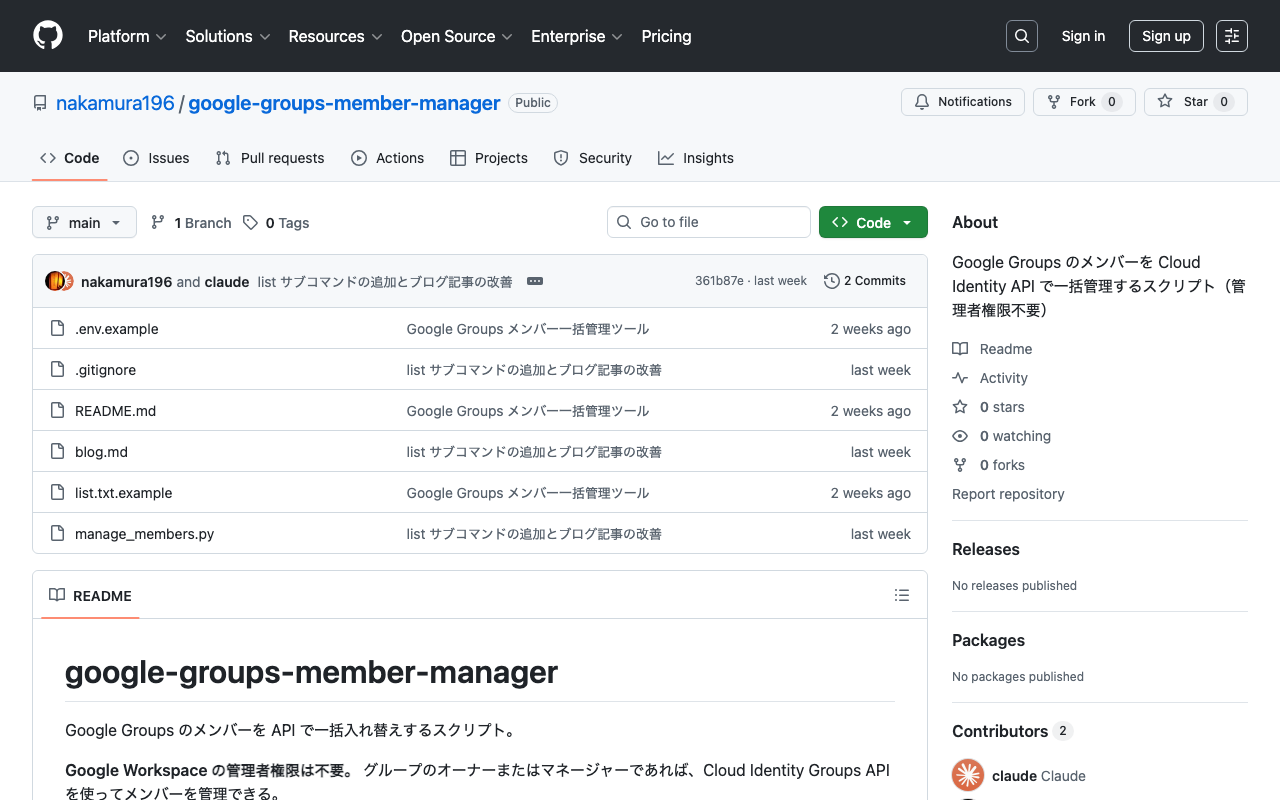
Many organizations regularly rotate Google Groups members. Manual registration and deletion is tedious, so you would want to automate it via API. The Admin SDK (Directory API) is commonly introduced as a method for managing Google Groups members via API. However, the Admin SDK requires Google Workspace admin privileges, limiting the situations where it can be used. This article introduces how to bulk manage Google Groups members using the Cloud Identity Groups API, which can be used even without admin privileges. ...
Enabled Email-Based Registration in the Mirador 3 Firebase-Linked Annotations Plugin

Enabled Email-Based Registration in the Mirador 3 Firebase-Linked Annotations Plugin

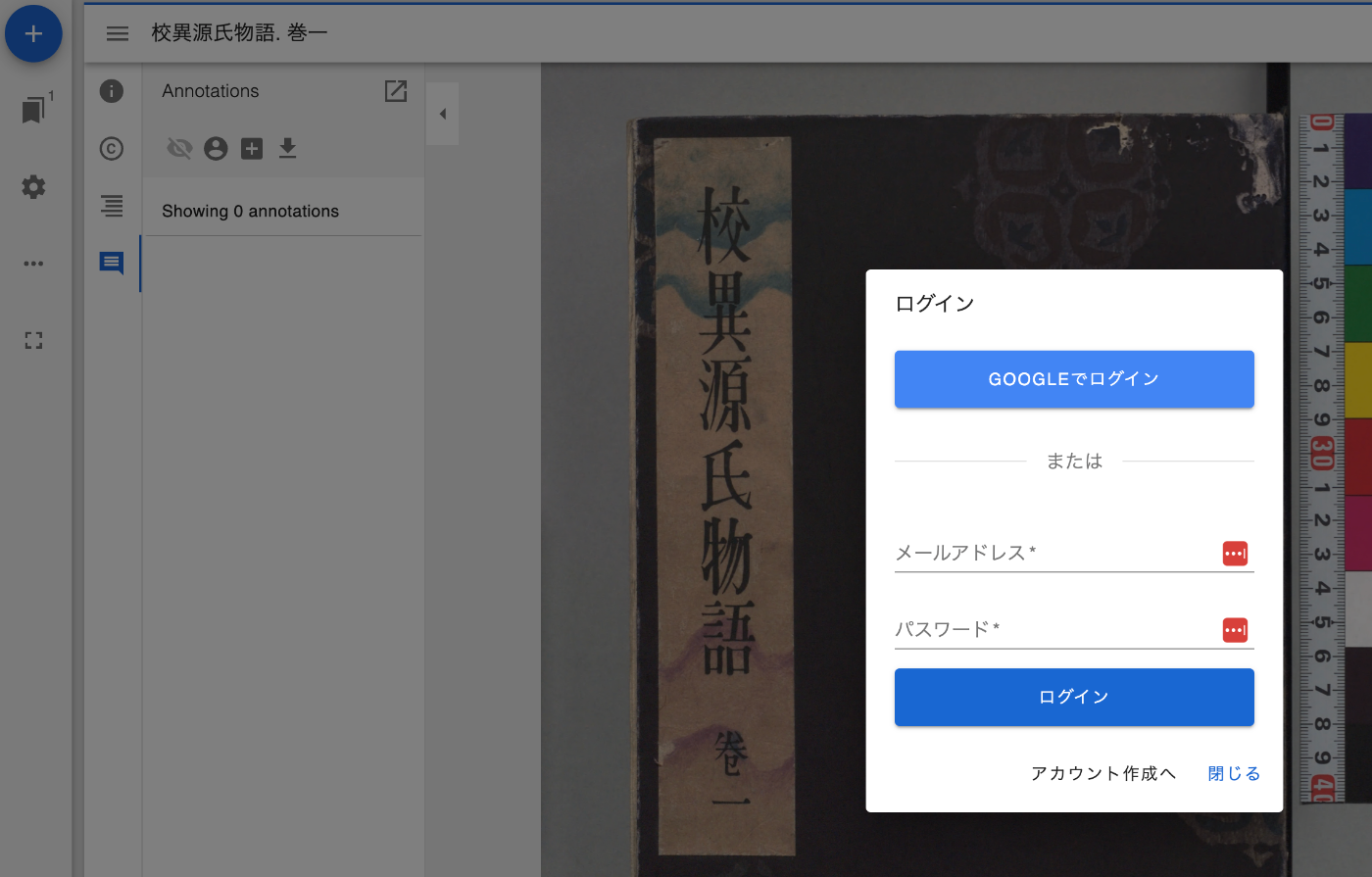
Overview I have been developing a Firebase-linked annotations plugin for Mirador 3. Previously, only Google account login functionality was provided, but I have now added email-based login functionality. Feature Introduction Below is the screen after pressing the login button. With email-based login, new account creation is possible. After login, user information is now displayed. Clicking the icon displays a logout button. Summary I hope this serves as a helpful reference for creating and sharing annotations using IIIF. ...

Sample Notebook for Fetching Google Spreadsheet Data from Google Colab

Sample Notebook for Fetching Google Spreadsheet Data from Google Colab

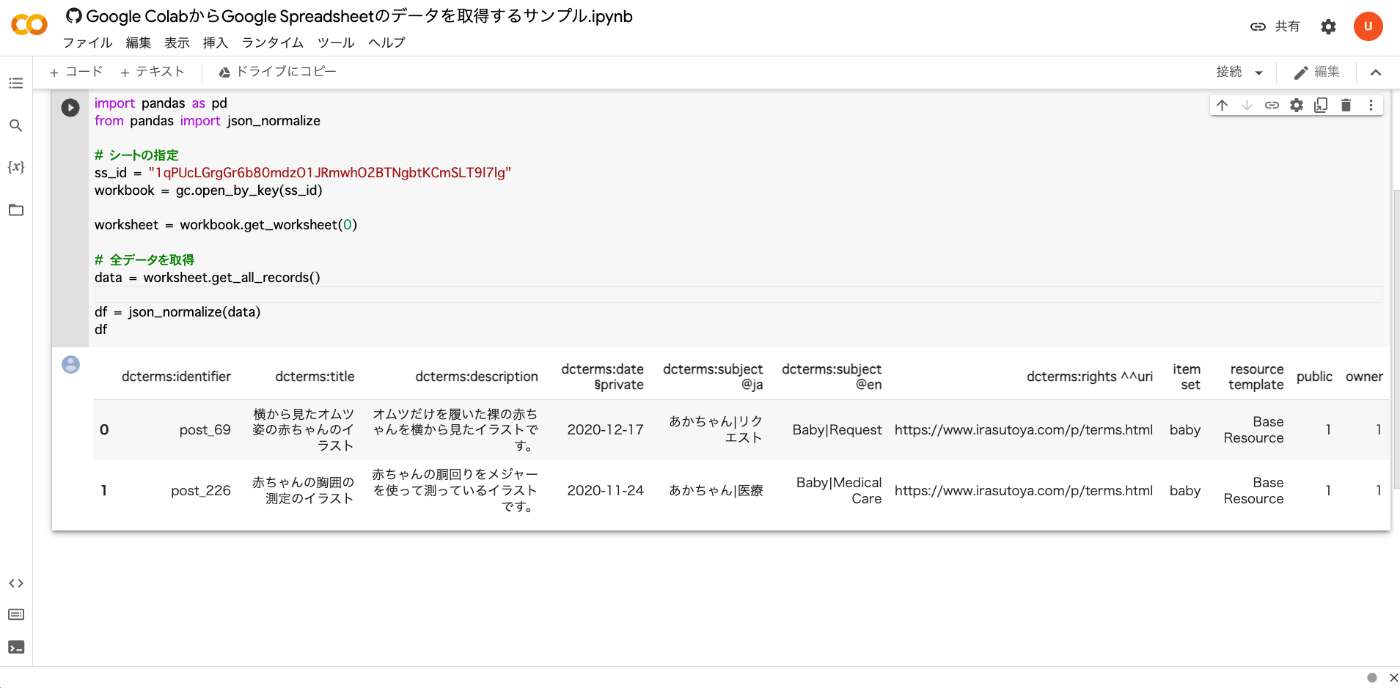
I created a sample notebook for fetching Google Spreadsheet data from Google Colab. You can try it from the following link. https://colab.research.google.com/github/nakamura196/ndl_ocr/blob/main/Google_ColabからGoogle_Spreadsheetのデータを取得するサンプル.ipynb As shown below, you can retrieve the contents of a Google Spreadsheet. Below is the source code. from google.colab import auth auth.authenticate_user() import gspread from google.auth import default creds, _ = default() gc = gspread.authorize(creds) import pandas as pd from pandas import json_normalize # Specify the sheet ss_id = "<Google Spreadsheet ID>" workbook = gc.open_by_key(ss_id) worksheet = workbook.get_worksheet(0) # Fetch all data data = worksheet.get_all_records() df = json_normalize(data) df I hope this serves as a useful reference. ...