Home Articles Books Search About
日本語
Fixing 6 GitHub Issues in Parallel with Claude Code: Worktrees and Agents

Fixing 6 GitHub Issues in Parallel with Claude Code: Worktrees and Agents

Introduction We develop a web-based viewer for historical sources structured in TEI/XML, built with Nuxt 2 + Vue 2 + Vuetify. This article describes how we used Claude Code’s worktree and agent features to address 6 GitHub Issues in parallel. Issues Addressed Group Count Description Priority A 3 Text viewer: nested element display bugs High B 1 Legend page: indentation not reflected Medium C 1 Analytics page: broken links High D 1 Keyword search crash High Approach: Worktrees × Parallel Agents Claude Code can run multiple agents in parallel, each in an isolated git worktree. We grouped the issues into 4 categories and launched 4 agents simultaneously. ...

Improved the Drupal GitHub Webhook Module

Improved the Drupal GitHub Webhook Module

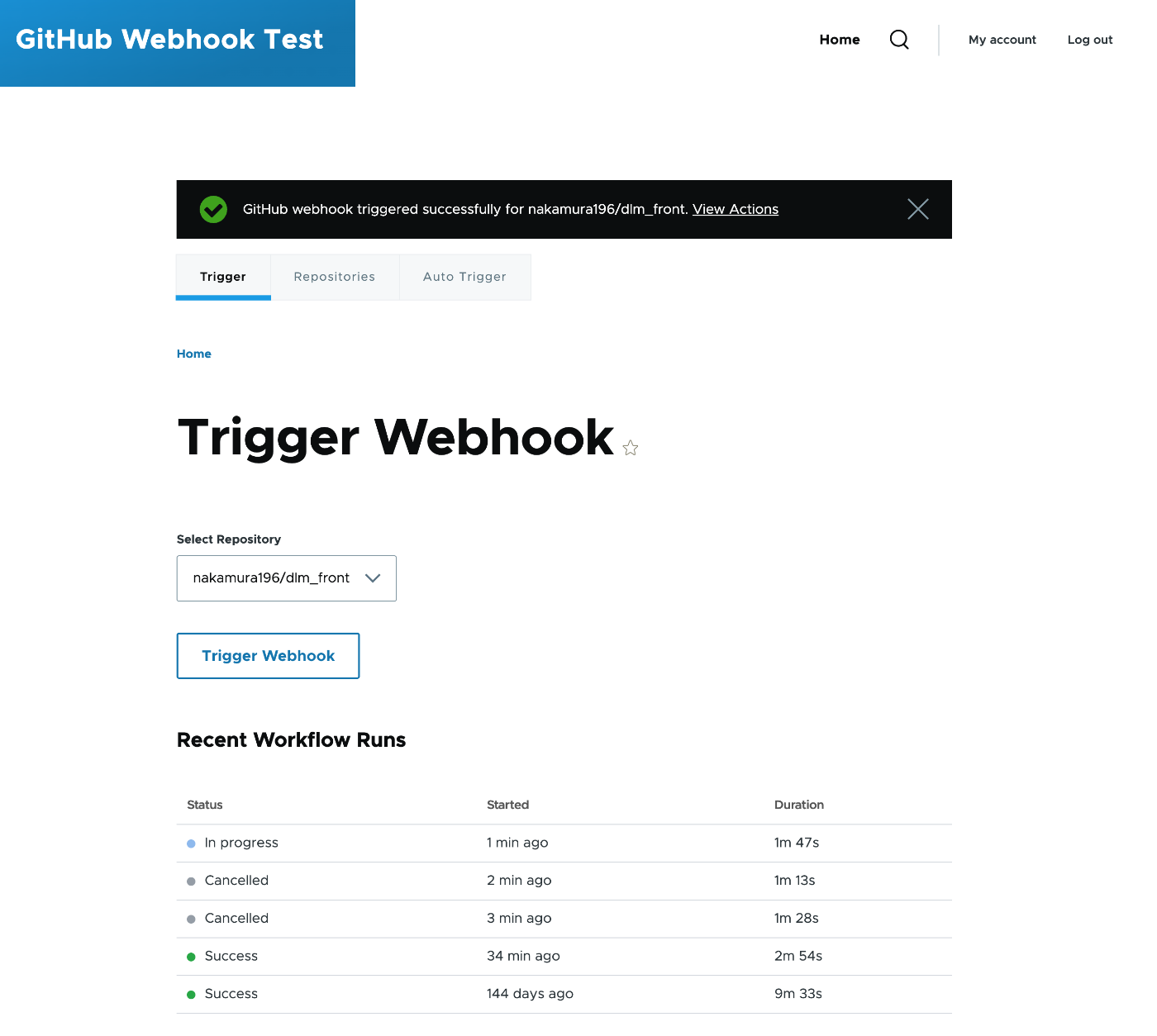
I improved the custom module “GitHub Webhook” that triggers GitHub Actions from Drupal’s admin interface. https://github.com/nakamura196/Drupal-module-github_webhook It was originally a basic module with multi-repository support, but I added features such as UI tab separation, granular permissions, workflow status display, and auto-triggering. The Module Before Improvements The original module had the following structure: File count: 5 files (info.yml, routing.yml, links.menu.yml, permissions.yml, SettingsForm.php) Supported version: Drupal 10 only Repositories: Multi-repository support (dynamic add/remove via AJAX) Interface: Settings and trigger on the same screen (2 accordions) Permissions: Single access github webhook settings permission (same for both settings and triggering) Token management: #default_value set on password field (token output in plaintext in HTML source) HTTP client: Direct instantiation of new \GuzzleHttp\Client() Exception classes: Written in catch blocks without use statements (incorrect namespace resolution) // Before: Token was set in #default_value $form['settings']['github_token'] = [ '#type' => 'password', '#title' => $this->t('GitHub Token'), '#default_value' => $config->get('github_token'), // Output in plaintext in HTML ]; // Before: Guzzle client was directly instantiated with new $client = new \GuzzleHttp\Client(); Overview of Changes Comparison of file structures before and after the improvements. * indicates modified files, + indicates newly added files. ...

Docker + GitHub Actions Deployment Configuration

Docker + GitHub Actions Deployment Configuration

This document explains the setup procedure for automatically deploying Docker containers with GitHub Actions. Table of Contents Docker Configuration GitHub Actions Configuration Server-Side Configuration Troubleshooting Docker Configuration Dockerfile (Static Site + nginx) Generates static HTML and serves it with nginx. FROM node:22-alpine AS builder WORKDIR /app COPY package*.json ./ RUN npm install COPY . . RUN npm run generate # nginx for serving static files FROM nginx:alpine # Nuxt 3: .output/public # Nuxt 2: dist COPY --from=builder /app/.output/public /usr/share/nginx/html COPY nginx.conf /etc/nginx/conf.d/default.conf EXPOSE 80 CMD ["nginx", "-g", "daemon off;"] nginx.conf (SPA Configuration) For SPAs, dynamic routes (such as /item/:id) need to fall back to index.html. ...

Investigating the Vocabulary Hierarchy of Odeuropa Explorer

Investigating the Vocabulary Hierarchy of Odeuropa Explorer

Overview Odeuropa Explorer is a fascinating project that digitizes European olfactory heritage. Funded by the EU’s Horizon 2020 research program, it provides a platform for cross-searching and exploring historical scent experiences. The project classifies scent-related information into three main categories: Smell sources: Objects and substances that emit odors Fragrant Spaces: Places and spaces associated with scents Gestures and Allegories: Gestures and allegorical expressions related to scents This article reports the results of investigating what hierarchical structures these vocabularies have, using SKOS (Simple Knowledge Organization System) data published in the Odeuropa vocabularies repository. ...

Guide to Publishing TEI/XML Files on GitHub

Guide to Publishing TEI/XML Files on GitHub

Introduction This article explains the procedure for uploading TEI (Text Encoding Initiative) format XML files to GitHub and creating URLs that anyone can access. TEI/XML is an international standard format for structurally describing texts such as historical documents and literary works. By using GitHub, you can share your research data with researchers around the world. What You Need A computer (Windows, Mac, or Linux) Internet connection TEI/XML files (that you already have) Email address (for creating a GitHub account) About Sample Files If you don’t have TEI/XML files, you can use the following TEI/XML file from the Koui Genji Monogatari for practice: ...

Introducing GitHub File History Analyzer: A Tool for Analyzing File Edit History with AI

Introducing GitHub File History Analyzer: A Tool for Analyzing File Edit History with AI

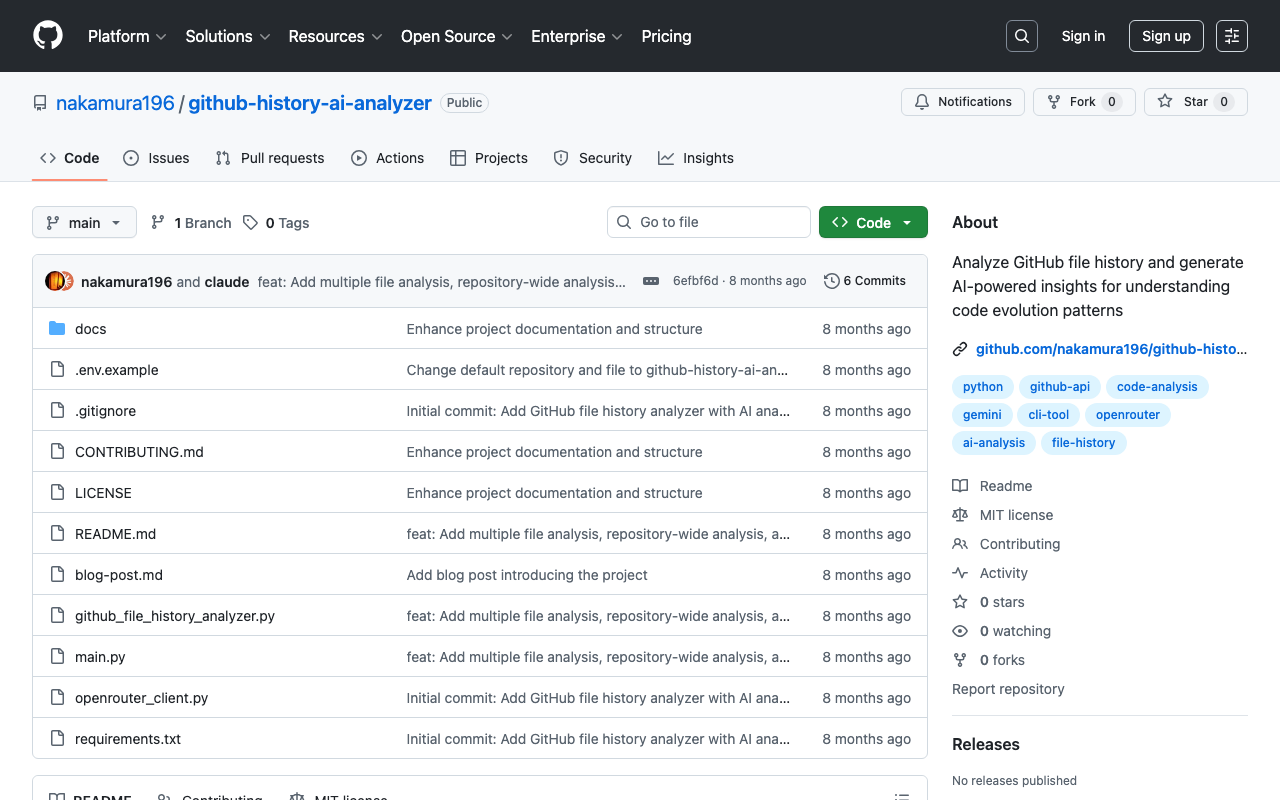
This article was created by AI. Introduction Have you ever wanted to analyze the edit history of files managed in a GitHub repository? There are cases where you want to understand change patterns of files that have been updated over a long period, or the evolution process of a project. GitHub File History Analyzer is a command-line tool developed to meet such needs. Tool Overview This tool provides the following features: ...

Omeka S: Finding Themes Compatible with the Advanced Search Module

Omeka S: Finding Themes Compatible with the Advanced Search Module

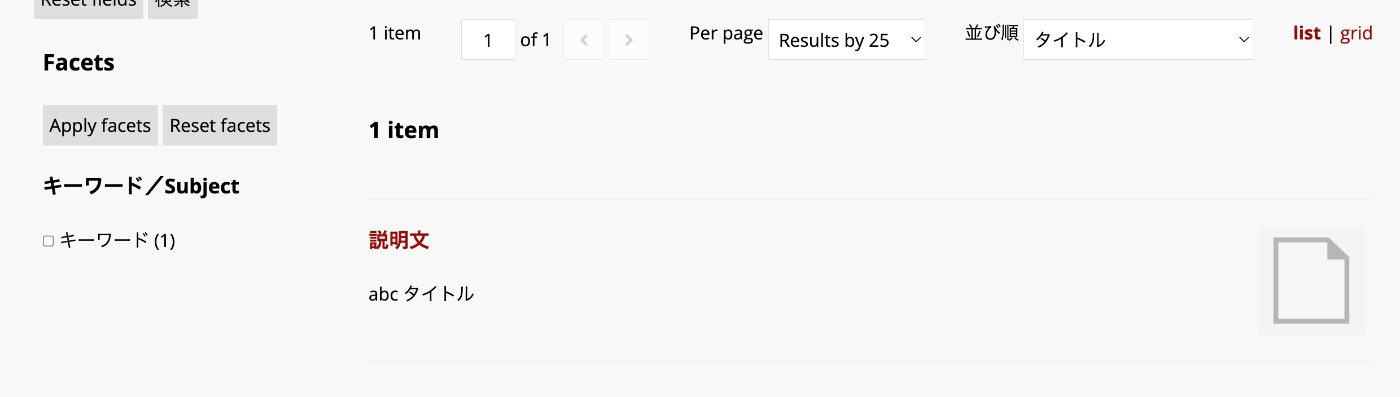
Overview This article introduces one approach for finding themes compatible with the Advanced Search module in Omeka S. Background By using the Advanced Search module for Omeka S, you can customize the search interface as introduced in the following article: In particular, the ability to add facets is a notable advantage. However, if the theme you are using does not support the Advanced Search module, the display may break in some cases. One way to check whether a theme supports the Advanced Search module is to look for an “advanced-search” directory under the theme’s “view/common” folder, as shown below: ...

I Created a Drupal Module to Trigger GitHub Actions

I Created a Drupal Module to Trigger GitHub Actions

Overview I created a Drupal module to trigger GitHub Actions. https://github.com/nakamura196/Drupal-module-github_webhook Below is an explanation of how to use it. Usage Configuration After installing the module, navigate to the following path. /admin/config/github_webhook You will see a screen like the following. It is divided into two main sections: Repositories and Trigger Webhook. First, enter the repository information for the GitHub Actions target in Repository 1 under Repositories. You can add and remove repositories using Add repository and Remove repository. ...

Triggering GitHub Actions from Drupal Events

Triggering GitHub Actions from Drupal Events

Overview This is a memorandum on how to trigger GitHub Actions from Drupal events. The following site was helpful: https://qiita.com/hmaruyama/items/3d47efde4720d357a39e Pipedream Configuration Create a workflow that includes a trigger and a custom_request. For the trigger, please refer to the following: https://qiita.com/hmaruyama/items/3d47efde4720d357a39e#pipedream側の設定 In custom_request, configure the dispatch settings. https://docs.github.com/ja/rest/repos/repos?apiVersion=2022-11-28#create-a-repository-dispatch-event Configure the settings as follows: curl -L \ -X POST \ -H "Accept: application/vnd.github+json" \ -H "Authorization: Bearer <YOUR-TOKEN>" \ -H "X-GitHub-Api-Version: 2022-11-28" \ https://api.github.com/repos/OWNER/REPO/dispatches \ -d '{"event_type":"webhook"}' ...

Copying Build Results to Sakura Rental Server Using GitHub Actions and SCP

Copying Build Results to Sakura Rental Server Using GitHub Actions and SCP

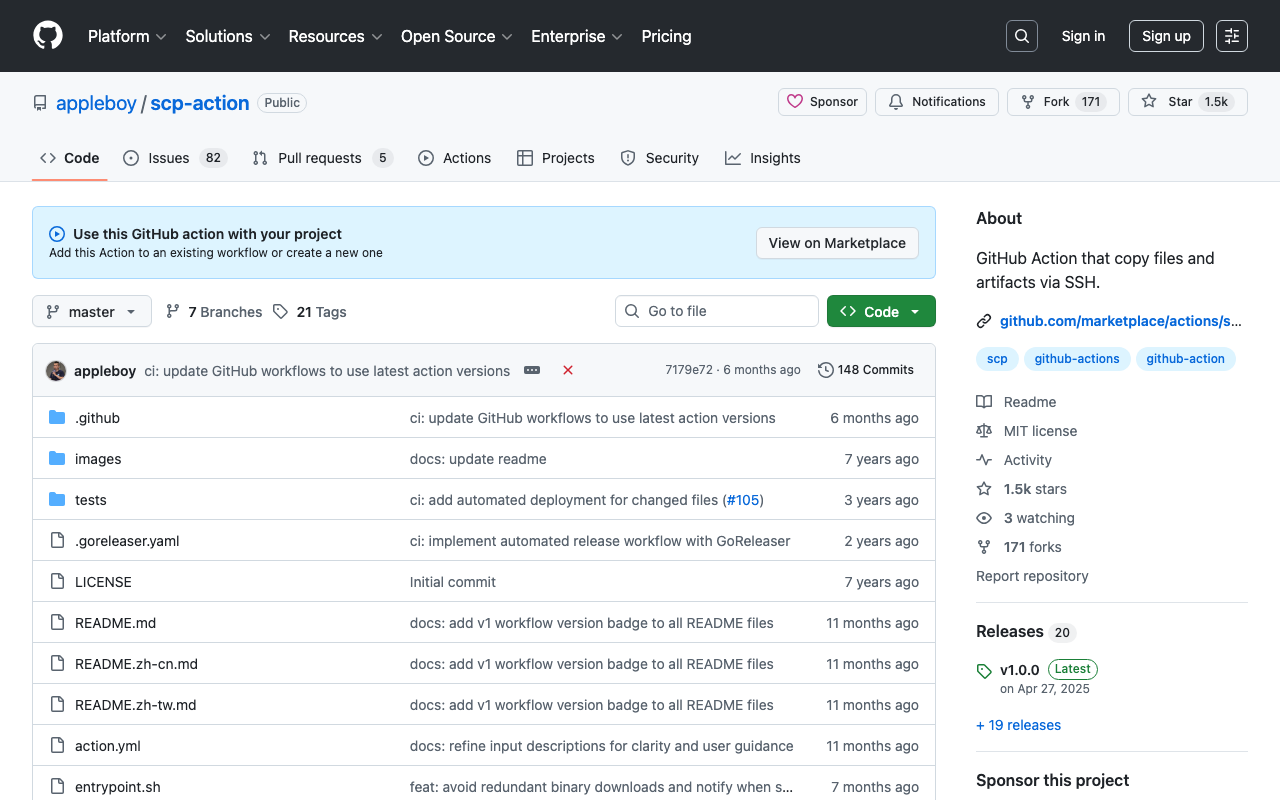
Overview I had an opportunity to copy build results to a Sakura rental server using GitHub Actions and SCP, so this is a memorandum of the process. I used the following GitHub Action. https://github.com/appleboy/scp-action Issue Encountered When I tried using the following notation, it worked fine when using act in the local environment, but it did not work when running on GitHub Actions. name: scp files on: [push] jobs: build: name: Build runs-on: ubuntu-latest steps: - uses: actions/checkout@v4 - name: copy file via ssh password uses: appleboy/scp-action@master with: host: ${{ secrets.HOST }} username: ${{ secrets.USERNAME }} password: ${{ secrets.PASSWORD }} port: ${{ secrets.PORT }} source: "tests/a.txt,tests/b.txt" target: your_server_target_folder_path Specifically, the following error occurred: ...

Sending Email Notifications for GitHub Actions Results: Using Gmail

Sending Email Notifications for GitHub Actions Results: Using Gmail

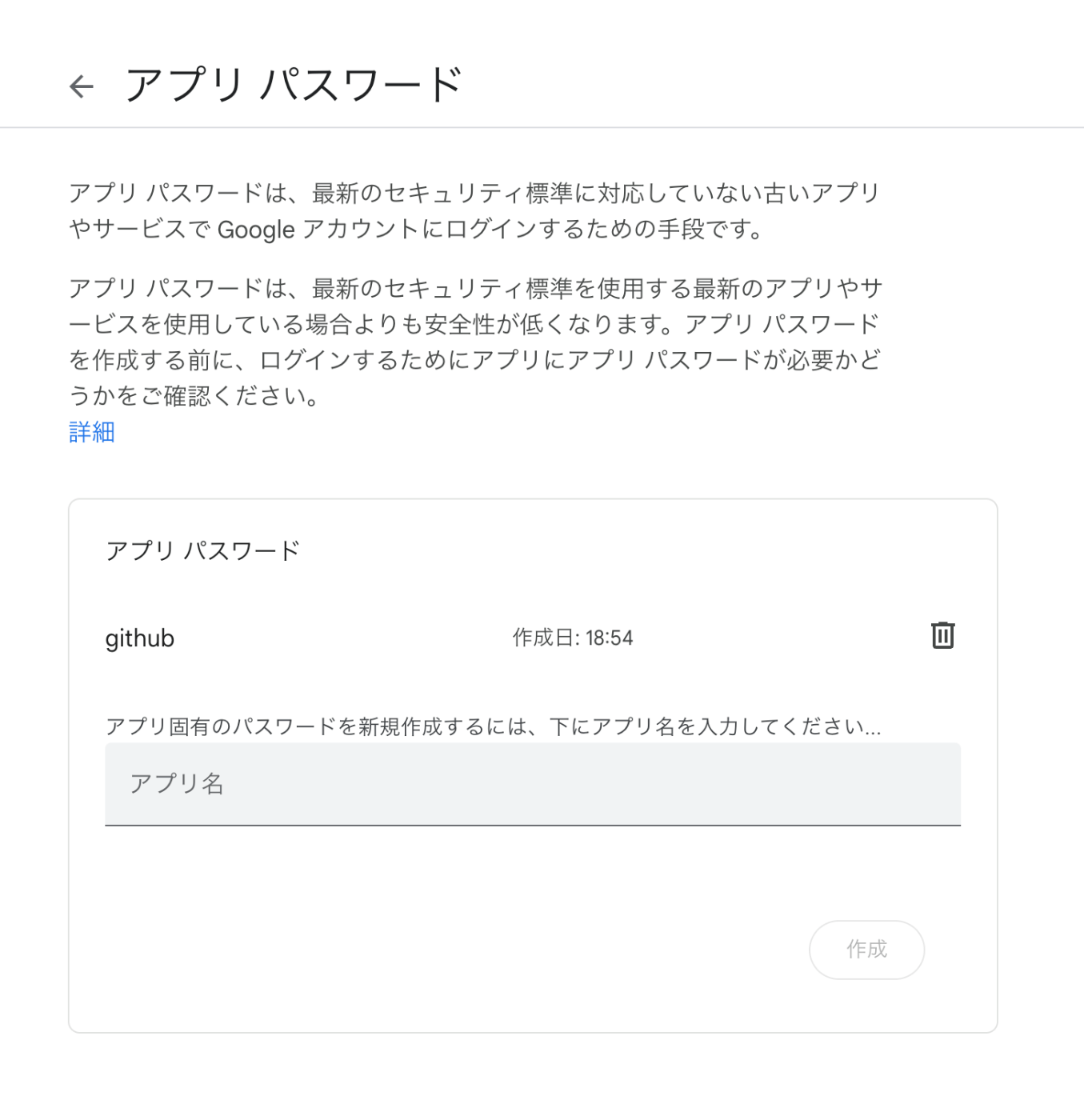
Overview I had the opportunity to send email notifications for GitHub Actions processing results, so here are my notes. This time we’ll use Gmail. The following was helpful as a reference. https://stackoverflow.com/questions/69947109/sending-email-with-github-actions Gmail Configuration The details are described at the following link. Enable two-factor authentication and create an app password. https://github.com/dawidd6/action-send-mail?tab=readme-ov-file#gmail Here is an example of app password configuration. Local Testing Use act to run GitHub Actions in a local environment. ...

Linking a GitHub Repository with Zenodo

Linking a GitHub Repository with Zenodo

Overview I recently published a plugin for comparing annotations in Mirador 3: https://github.com/nakamura196/mirador-compare-plugin This time, I connected this repository with Zenodo. As a result, a DOI is now automatically assigned each time a release is created: https://zenodo.org/doi/10.5281/zenodo.10449856 Zenodo Configuration Access the following and select the GitHub repository to link: /account/settings/github/ GitHub The following is not required, but prepares the GitHub repository for integration with Zenodo. Creating CITATION.cff By creating this, the ORCID ID appears to be displayed under Creators: ...

Trying the Drupal Social Auth GitHub Module

Trying the Drupal Social Auth GitHub Module

Overview I will try the Drupal Social Auth GitHub module. https://www.drupal.org/project/social_auth_github/ This module is described as follows: Social Auth GitHub allows users to register and login to your Drupal site with their GitHub account. The goal is to enable login using a GitHub account as shown below. Installation composer.phar require 'drupal/social_auth_github:^4.0' vendor/bin/drush en social_auth_github The above installation also enables social_auth and social_api. Configuration Follow the configuration instructions on the following page. ...

Setting Up GitHub 2FA Using a Browser Extension

Setting Up GitHub 2FA Using a Browser Extension

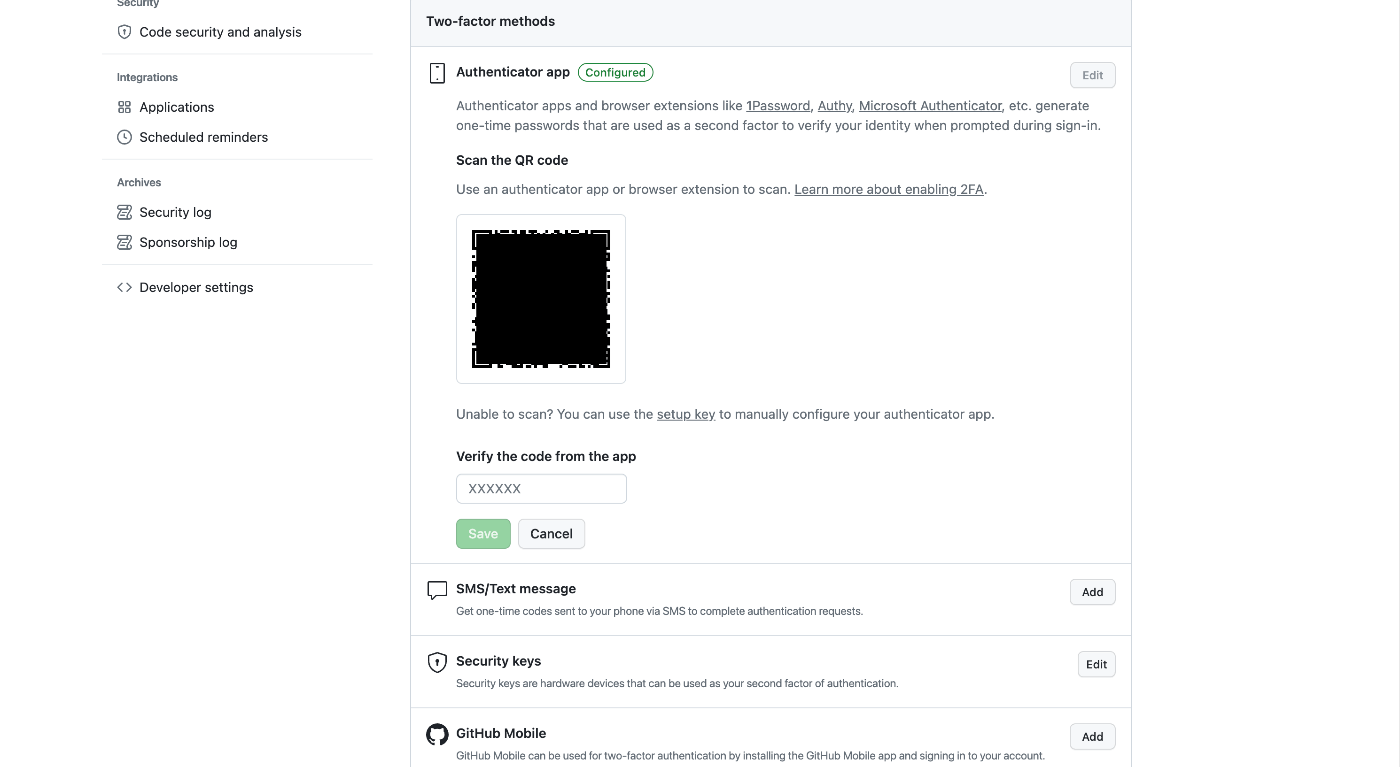
Overview This is a memo on using the browser extension “Authenticator” to set up two-factor authentication (2FA) for GitHub. https://authenticator.cc/ Preparing the QR Code First, prepare the QR code on the GitHub side. I’ll skip the detailed steps, but the QR code will be displayed on a screen like the following. Adding the Browser Extension Access the following URL from Chrome, Firefox, or Edge. The example below uses Chrome. ...

Building a Django CI/CD Environment from GitHub to EC2 Using GitHub Actions (2023 Edition)

Building a Django CI/CD Environment from GitHub to EC2 Using GitHub Actions (2023 Edition)

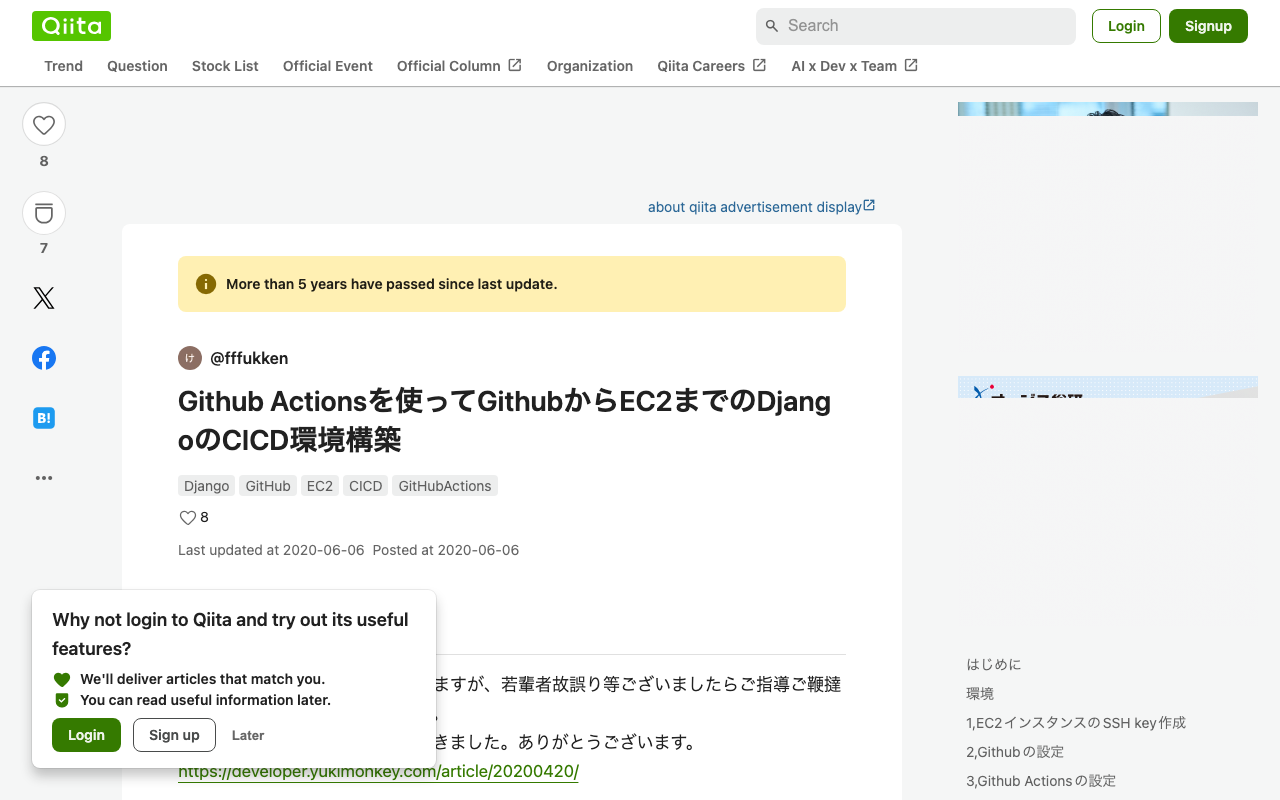
Overview I had the opportunity to build a Django CI/CD environment from GitHub to EC2 using GitHub Actions, and here are my notes. The following article was used as a reference. https://qiita.com/fffukken/items/27b0bfa712940914d3f6 I made some updates to the GitHub Actions configuration compared to the above article. GitHub Actions Configuration name: Test and Deploy on: push: branches: [ develop, main ] pull_request: branches: [ develop ] jobs: build: runs-on: ubuntu-latest strategy: max-parallel: 4 matrix: python-version: [3.9, "3.10"] steps: - uses: actions/checkout@v3 - name: Set up Python ${{ matrix.python-version }} uses: actions/setup-python@v4 with: python-version: ${{ matrix.python-version }} - name: Install Dependencies run: | python -m pip install --upgrade pip pip install -r requirements.txt - name: Run Tests run: | python manage.py makemigrations python manage.py migrate python manage.py test - name: deploy run: | echo "$SECRET_KEY" > secret_key chmod 600 secret_key ssh -oStrictHostKeyChecking=no ${EC2_USER}@${EC2_HOST} -i secret_key "source <仮想環境名>/bin/activate \ && cd ~/<プロジェクト名>\ && git pull origin main \ && python manage.py makemigrations \ && python manage.py migrate \ && deactivate \ && sudo systemctl restart gunicorn" env: SECRET_KEY: ${{ secrets.SECRET_KEY }} EC2_USER: ${{ secrets.EC2_USER }} EC2_HOST: ${{ secrets.EC2_HOST }} The changes made were updating the versions of actions/checkout and actions/setup-python. I also changed the pip install section to pip install -r requirements.txt. ...

How to Upload and Update Files Using the GitHub GUI

How to Upload and Update Files Using the GitHub GUI

Overview I had the opportunity to share how to upload and update files on GitHub. Login For creating a new account and logging in, please refer to the following article: https://reffect.co.jp/html/create_github_account_first_time File Upload Access the repository. Click the “Add file” button, then click “Upload files.” Click “choose your files” to upload files from your local machine, then press “Commit changes.” The files will be uploaded. If a file with the same name already exists, it will be overwritten. ...