Home Articles Books Search About
日本語
Kepler.gl: An Open-Source Tool for Beautiful Large-Scale Geospatial Data Visualization

Kepler.gl: An Open-Source Tool for Beautiful Large-Scale Geospatial Data Visualization

Introduction Geospatial data visualization is a crucial methodology in Digital Humanities (DH) research. Visually representing spatial information — such as the distribution of historical events, locations of cultural heritage sites, and demographic transitions — can yield new insights. This article introduces Kepler.gl, an open-source geospatial data visualization tool developed by Uber. What is Kepler.gl? Kepler.gl is a web-based tool designed for intuitive and visually stunning visualization of large-scale geospatial datasets. It was open-sourced in 2018 by Uber’s visualization team and is available under the MIT License, making it free to use and modify. ...
IIIF Georeference Viewer: Visualizing Georeferenced Content on Interactive Maps

IIIF Georeference Viewer: Visualizing Georeferenced Content on Interactive Maps

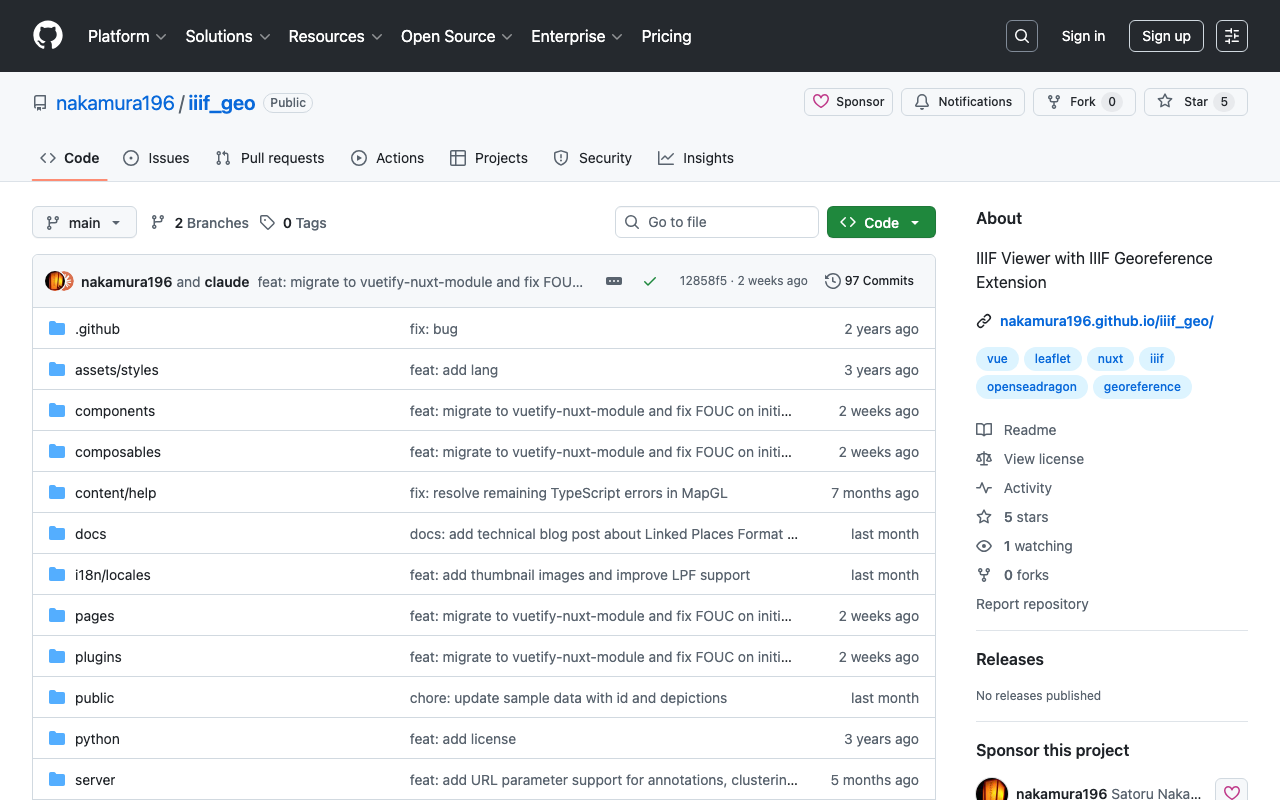
Introduction In the fields of digital archives and humanities research, there is a growing need to view historical maps, old photographs, and other materials within a geographic context. IIIF (International Image Interoperability Framework) is an international standard for enhancing image interoperability, and with the recent IIIF Georeference Extension, it is now possible to attach geographic coordinate information to IIIF images. The IIIF Georeference Viewer (iiif_geo) is a web application for visualizing such georeferenced IIIF content on interactive maps. ...

Fixing Custom Marker Lag on Zoom in MapLibre GL JS with GeoJSON Layers

Fixing Custom Marker Lag on Zoom in MapLibre GL JS with GeoJSON Layers

Introduction When placing custom markers on a map with MapLibre GL JS, a common approach is to pass custom DOM elements to maplibregl.Marker. This allows flexible CSS styling, such as round markers with count badges. However, this approach has a problem: markers lag behind the map during zoom and pan operations. The lag becomes particularly noticeable with many markers or on mobile devices, and zooming out can cause coastal markers to appear over the ocean. ...

IIIF Georeference to XYZ Tiles

IIIF Georeference to XYZ Tiles

A tool for generating XYZ tiles from IIIF Georeference Extension JSON and displaying them with MapLibre GL JS. Repository: https://github.com/nakamura196/iiif-georef-tiles GitHub Pages: https://nakamura196.github.io/iiif-georef-tiles/ Requirements Python 3.x GDAL (gdal_translate, gdalwarp, gdal2tiles.py) Installing GDAL # macOS (Homebrew) brew install gdal # Ubuntu/Debian sudo apt install gdal-bin python3-gdal Usage python3 scripts/iiif_georef_to_tiles.py <IIIF_GEOREF_JSON_URL> Example python3 scripts/iiif_georef_to_tiles.py https://nakamura196.github.io/iiif_geo/canvas.json Options Option Default Description --scale 0.25 Image scale factor --zoom 14-18 Tile zoom level range --output-dir docs Output directory --name tiles Tile folder name --work-dir work Working directory --keep-work - Do not delete working files Processing Flow IIIF Georeference JSON │ ▼ ┌───────────────────────┐ │ 1. Fetch JSON │ │ (fetch from URL) │ └───────────────────────┘ │ ▼ ┌───────────────────────┐ │ 2. Download image │ │ (IIIF Image API) │ └───────────────────────┘ │ ▼ ┌───────────────────────┐ │ 3. Embed GCPs │ │ (gdal_translate) │ └───────────────────────┘ │ ▼ ┌───────────────────────┐ │ 4. Coordinate │ │ transformation │ │ (gdalwarp) │ └───────────────────────┘ │ ▼ ┌───────────────────────┐ │ 5. Generate tiles │ │ (gdal2tiles.py) │ └───────────────────────┘ │ ▼ ┌───────────────────────┐ │ 6. Generate HTML │ │ viewer │ │ (MapLibre GL JS) │ └───────────────────────┘ Conversion Results Original image After georeferencing Output Files docs/ ├── index.html # MapLibre GL JS viewer ├── source.json # Original IIIF Georeference JSON └── tiles/ # XYZ tiles ├── 14/ ├── 15/ ├── 16/ ├── 17/ └── 18/ Local Preview cd docs && python3 -m http.server 8000 # Open http://localhost:8000/ IIIF Georeference Extension The IIIF Georeference Extension is an extension specification for adding georeference information to IIIF images. ...

Image Collection Management Tool: Technical Architecture Explained

Image Collection Management Tool: Technical Architecture Explained

Overview In a previous article, we introduced an “Image Collection Management” tool designed for easily trying out IIIF features. https://zenn.dev/nakamura196/articles/7d6bb4cdc414c4 This article introduces the technologies used behind the scenes of this tool. Background The Image Collection Management Tool is a web application for managing and publishing image collections in the IIIF (International Image Interoperability Framework) format, an international standard. This article explains the technical implementation of the tool, focusing particularly on the IIIF specification implementation and the handling of geospatial information. ...

IIIF Georeference Viewer Migration to MapLibre GL and Feature Improvements

IIIF Georeference Viewer Migration to MapLibre GL and Feature Improvements

This article was created by AI with human additions. Overview We migrated the map component of the IIIF Georeference Viewer from Leaflet to MapLibre GL and implemented multiple feature improvements. This article explains the major features implemented and their technical details. https://nakamura196.github.io/iiif_geo/ Major Improvements 1. Automatic Image Rotation To display IIIF images in the correct orientation on the map, we implemented a feature that automatically calculates the rotation angle from control points (corresponding points). ...

Updates to the IIIF Georeference Extension Visualization Tool

Updates to the IIIF Georeference Extension Visualization Tool

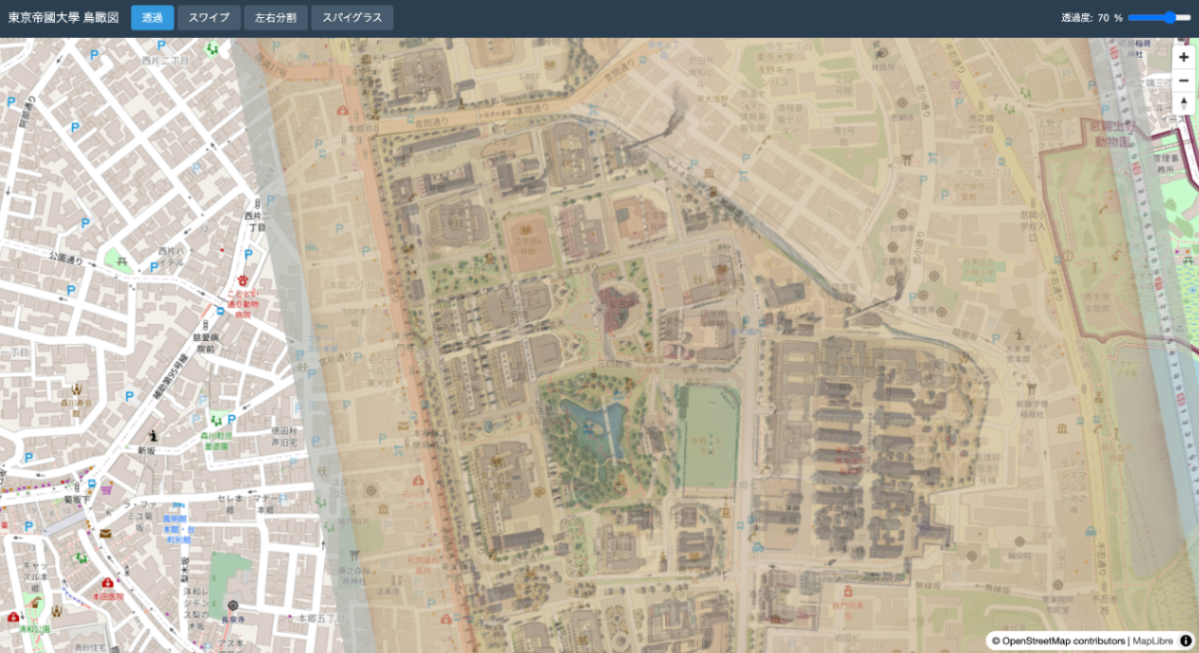
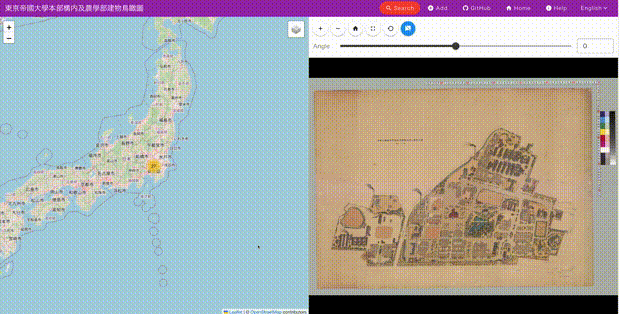
Overview This is a memo about updates made to the IIIF georeference extension visualization tool. The tool is published at the following location. https://github.com/nakamura196/iiif_geo It provides a side-by-side display of modern maps and images, as shown below. Update Details Allmaps is a tool that supports data creation based on the IIIF georeference extension. https://allmaps.org/ Its usage is introduced in the following article. In this update, support was added to load data created by the above tool. ...

Trying Out Peripleo

Trying Out Peripleo

Overview I investigated how to use “Peripleo,” so here are my notes. “Peripleo” is described as follows. Peripleo is a browser-based tool for the mapping of things related to place. https://github.com/britishlibrary/peripleo This time, I will introduce how to use it in combination with “Rekichizu” (Historical Maps), which was introduced in the following article. Result You can try it out at the following URL. https://nakamura196.github.io/peripleo/ The repository is available here. ...

Trying Out "Rekichizu" (Historical Maps)

Trying Out "Rekichizu" (Historical Maps)

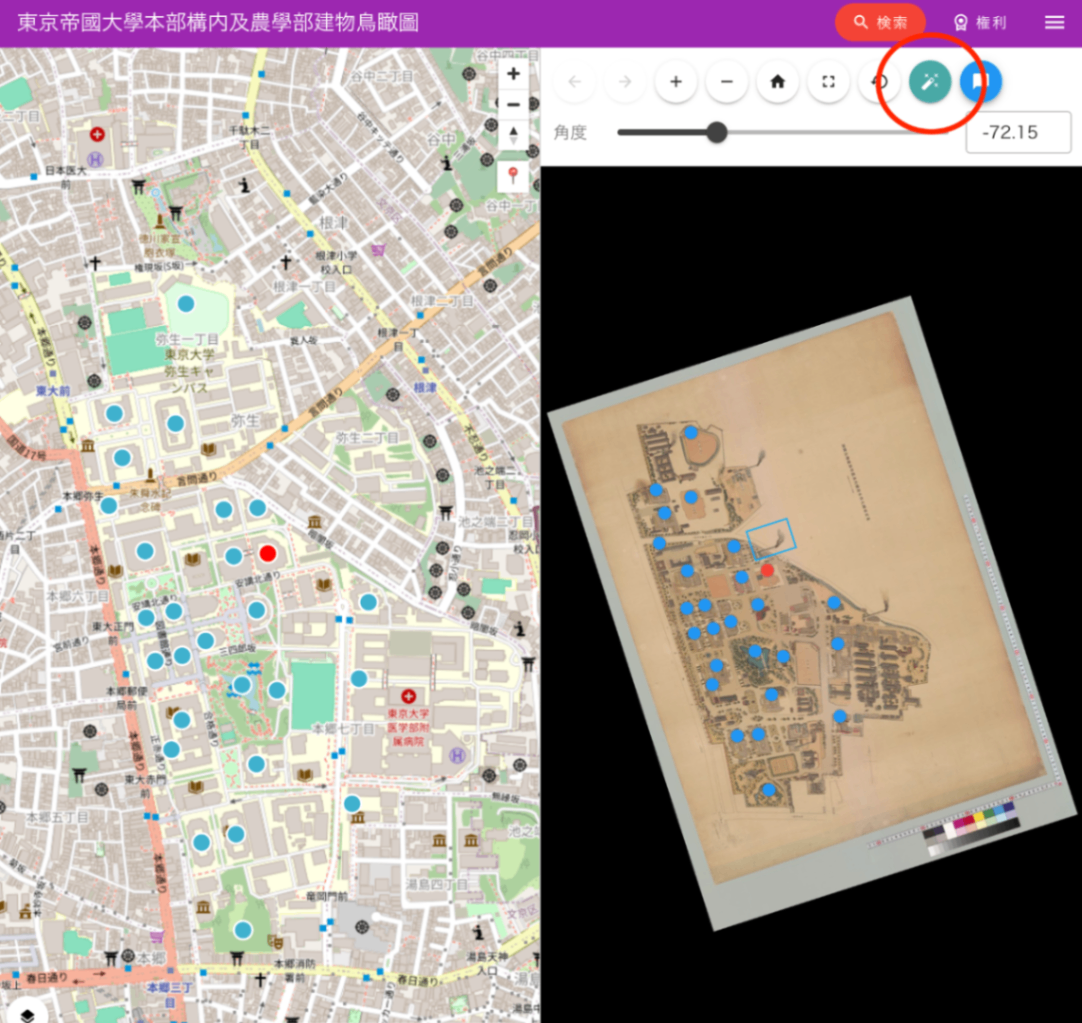
Overview I looked into how to use “Rekichizu,” so this is a memo. “Rekichizu” is described as follows. “Rekichizu” is a service that allows you to browse historical maps with a “modern map design.” https://rekichizu.jp/ Background I participated in the following conference and learned about “Rekichizu.” I would like to thank the people involved in developing “Rekichizu,” everyone who organized the conference, and Professor Asanobu Kitamoto for teaching me how to use it. ...

[Memo] How to Use Maplat

[Memo] How to Use Maplat

This is a memo on how to use Maplat, a historical map viewer library. https://github.com/code4history/Maplat In addition to the above GitHub repository, the following Qiita articles are also helpful. https://qiita.com/tags/maplat?page=1 Downloading MaplatEditor Download the latest version of MaplatEditor from the following page. https://github.com/code4history/MaplatEditor/wiki Creating Data Launch the installed MaplatEditor and click the “New” button. Enter the required metadata. The items shown in the figure below are mandatory fields. ...