Home Articles Books Search About
日本語
How to Use @elastic/react-search-ui with React 19 + Next.js 15.5

How to Use @elastic/react-search-ui with React 19 + Next.js 15.5

Introduction When trying to use @elastic/react-search-ui in a project using React 19 and Next.js 15, you may encounter the following dependency error: npm error ERESOLVE could not resolve npm error peer react@">= 16.8.0 < 19" from @elastic/react-search-ui@1.23.1 This article explains the cause of this problem and the solution in detail. Cause of the Problem The peer dependency of @elastic/react-search-ui@1.23.1 was set to react@">= 16.8.0 < 19", which did not support React 19. ...
Elasticsearch/OpenSearch Data Migration Guide Between Clusters

Elasticsearch/OpenSearch Data Migration Guide Between Clusters

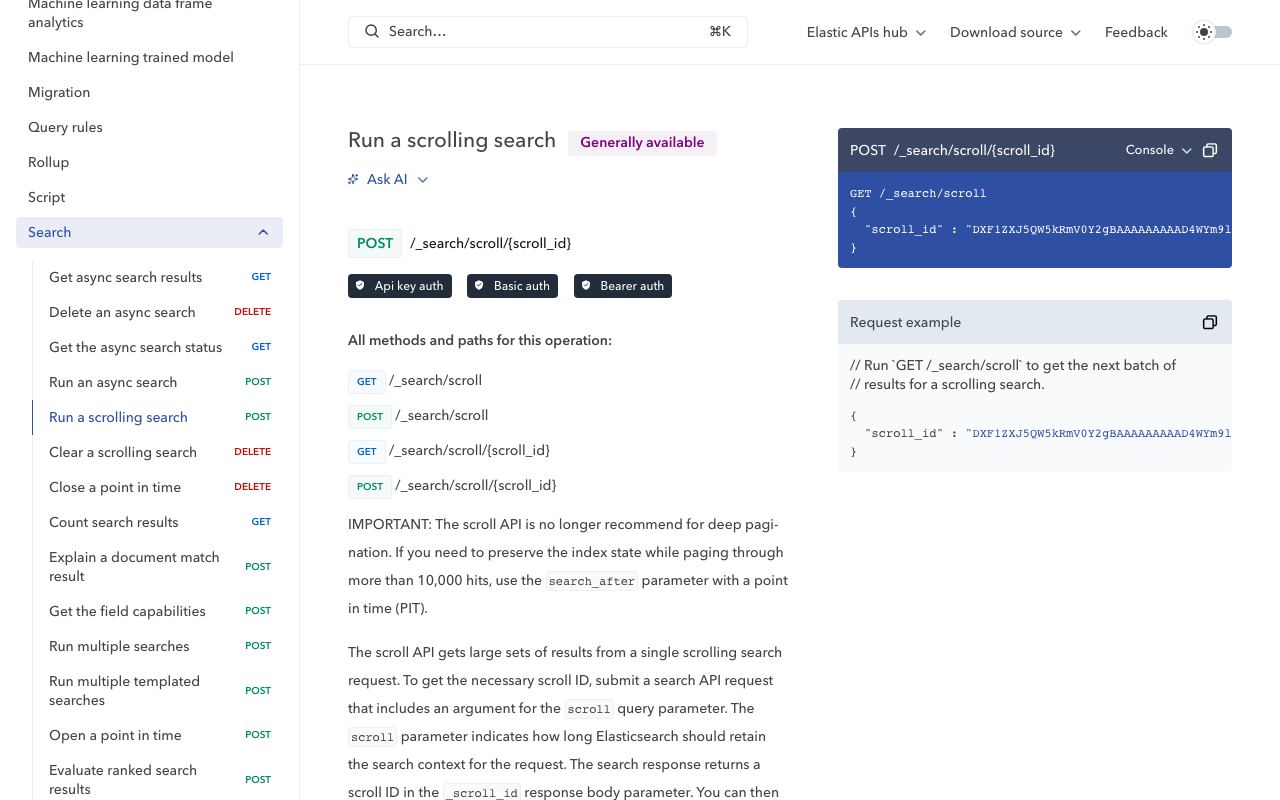
This article explains how to migrate data from Amazon Elasticsearch Service to another OpenSearch cluster. It introduces a simple and reliable migration method using the Scroll API and Bulk API. Background The need to migrate data between Elasticsearch/OpenSearch clusters can arise due to cloud service migration or cost optimization. This time, we performed a migration between the following environments. Source: Amazon Elasticsearch Service (AWS) Destination: Self-hosted OpenSearch Migration Flow Check indices on source and destination Retrieve and adjust mapping information Create indices on the destination Migrate data with Scroll API + Bulk API Verify migration results Preparation: Checking Indices First, check the index lists on both the source and destination. ...

Building an API Server for Searching the Koui Genji Monogatari Text DB

Building an API Server for Searching the Koui Genji Monogatari Text DB

Overview I built an API server for searching the Koui Genji Monogatari (Collated Tale of Genji) Text DB, so here are my notes. https://genji-api.aws.ldas.jp/ Background The following page publishes the text data of “Koui Genji Monogatari” in a TEI/XML-compliant format. https://kouigenjimonogatari.github.io/ This text data is registered in Elasticsearch to create an API that enables searching by text segments. Usage The usage documentation page using OpenAPI and Swagger is accessible at the following URL: ...

Using Pagination in IIIF Collections with IIIF Presentation API v2

Using Pagination in IIIF Collections with IIIF Presentation API v2

Overview I had the opportunity to use pagination in IIIF collections with IIIF Presentation API v2, so this is a memo of the process. Background IIIF collections allow you to provide a list of multiple manifest files (and collections) as shown below. https://iiif.io/api/presentation/2.1/#collection { "@context": "http://iiif.io/api/presentation/2/context.json", "@id": "http://example.org/iiif/collection/top", "@type": "sc:Collection", "label": "Top Level Collection for Example Organization", "viewingHint": "top", "description": "Description of Collection", "attribution": "Provided by Example Organization", "manifests": [ { "@id": "http://example.org/iiif/book1/manifest", "@type": "sc:Manifest", "label": "Book 1" } ] } When the number of target manifest files becomes large, it becomes difficult to deliver them in a single IIIF collection. ...

Investigating and Resolving Disk Pressure Caused by Docker [Ubuntu 22.04 Case Study]

Investigating and Resolving Disk Pressure Caused by Docker [Ubuntu 22.04 Case Study]

Introduction This article documents a case where Elasticsearch errors occurred due to disk pressure caused by Docker containers and images, along with the investigation and resolution methods. We hope this serves as a useful reference for those facing similar issues. The Problem The following error occurred in a running Elasticsearch instance: { "error": { "type": "search_phase_execution_exception", "reason": "all shards failed", "phase": "query", ... }, "status": 503 } Initial investigation revealed that indices had entered a close state, and insufficient disk space was suspected. ...

How to Specify Initial Sort Order in Elasticsearch Search UI

How to Specify Initial Sort Order in Elasticsearch Search UI

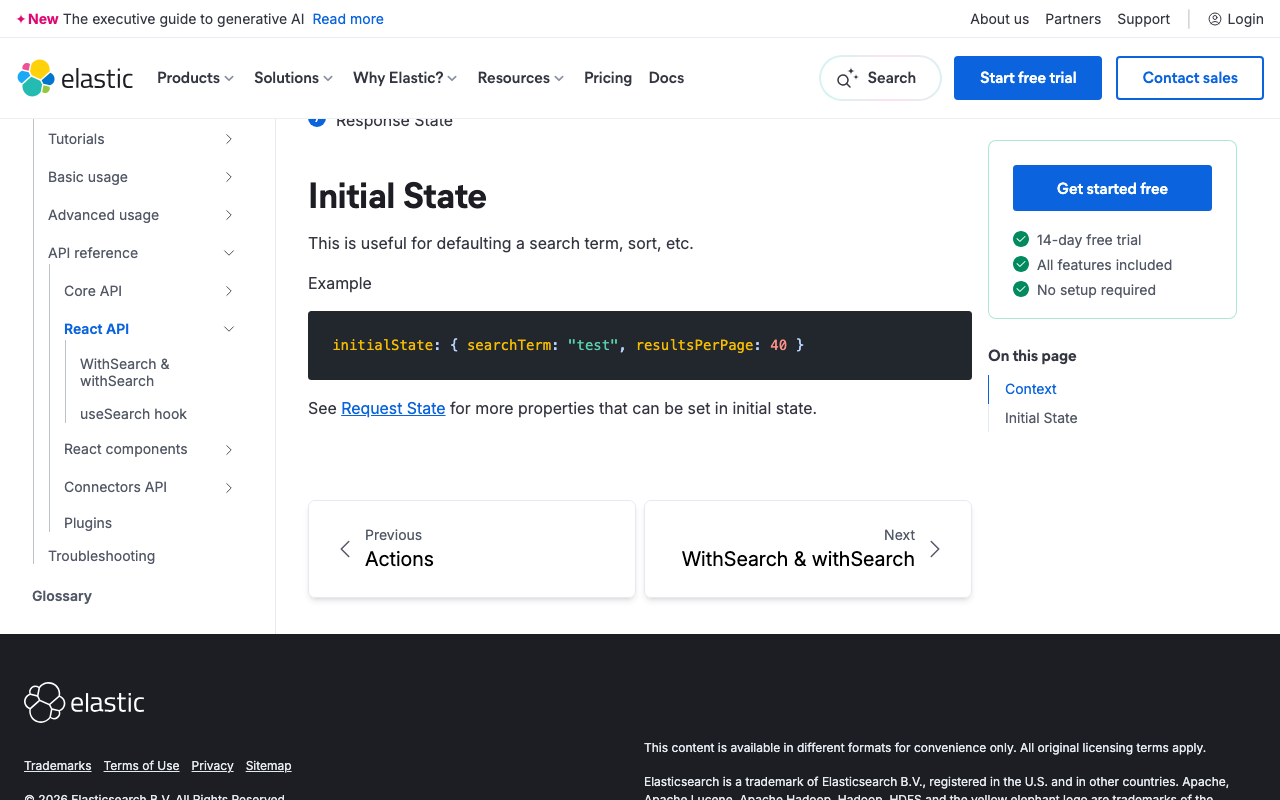
Overview This article was generated by AI. When building a search interface using Elasticsearch and Search UI, controlling the sort order of search results is a common requirement. This guide explains how to configure sorting in the Search UI React library. References https://www.elastic.co/docs/reference/search-ui/api-react-search-provider#api-react-search-provider-initial-state Understanding Initial State and Sort Configuration In the Search UI library, you can specify the initial state of the search, including the sort direction and the field to sort by. This is particularly useful when you want search results to be displayed in a predetermined order when the user first accesses the page. ...

Investigating Partial Match Search with AND Conditions Across Fields in Algolia

Investigating Partial Match Search with AND Conditions Across Fields in Algolia

This article was created by AI with some human edits. Introduction Among full-text search engines, Typesense, MeiliSearch, and Algolia are gaining attention as options for small-scale projects. However, whether partial match search with “field a contains x AND field b contains y” is possible is an important consideration for project requirements. This article examines the feasibility of partial match search in Algolia and compares it with Elasticsearch. Partial Match Search in Algolia Algolia offers full-text search (query), but there are limitations when performing partial match searches on specific fields. ...

Created a Sample Repository Using @elastic/search-ui with Nuxt

Created a Sample Repository Using @elastic/search-ui with Nuxt

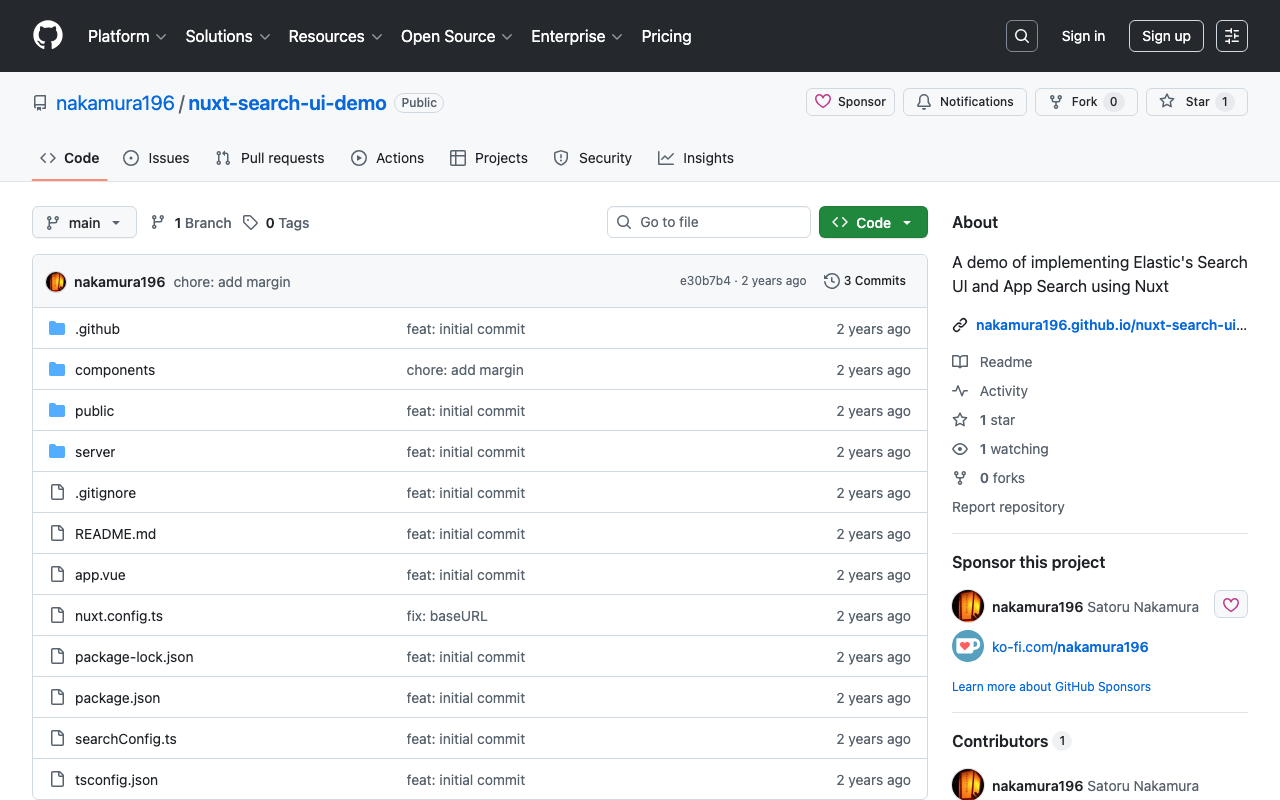
Overview I created a sample repository using @elastic/search-ui with Nuxt. https://github.com/nakamura196/nuxt-search-ui-demo You can try it from the following URL. https://nakamura196.github.io/nuxt-search-ui-demo Background @elastic/search-ui is described as follows. https://www.elastic.co/docs/current/search-ui/overview A JavaScript library for the fast development of modern, engaging search experiences with Elastic. Get up and running quickly without re-inventing the wheel. A sample repository using Vue.js is published at the following link. https://github.com/elastic/vue-search-ui-demo This time, I created a sample repository using Nuxt, based on the above repository. ...

Connecting Django with AWS OpenSearch

Connecting Django with AWS OpenSearch

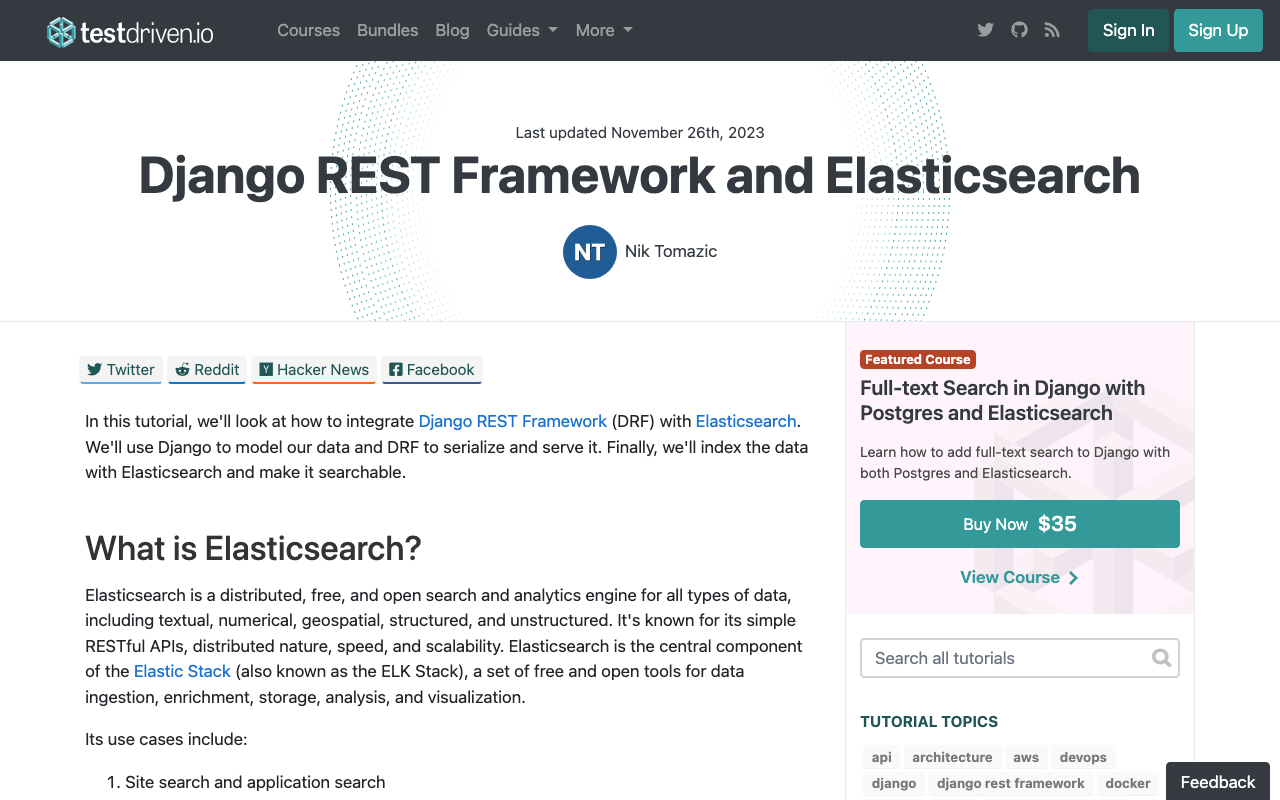
Overview These are notes on how to connect Django with AWS OpenSearch. The following article was helpful. https://testdriven.io/blog/django-drf-elasticsearch/ However, since the above article targets Elasticsearch, changes corresponding to OpenSearch were needed. Changes Changes for OpenSearch were needed starting from the Elasticsearch Setup section of the article. https://testdriven.io/blog/django-drf-elasticsearch/#elasticsearch-setup Specifically, the following two libraries were required. (env)$ pip install opensearch-py (env)$ pip install django-opensearch-dsl After that, by replacing django_elasticsearch_dsl with django-opensearch-dsl and elasticsearch_dsl with opensearchpy, I was able to proceed as described in the article. ...

Integrating Strapi with Amazon OpenSearch

Integrating Strapi with Amazon OpenSearch

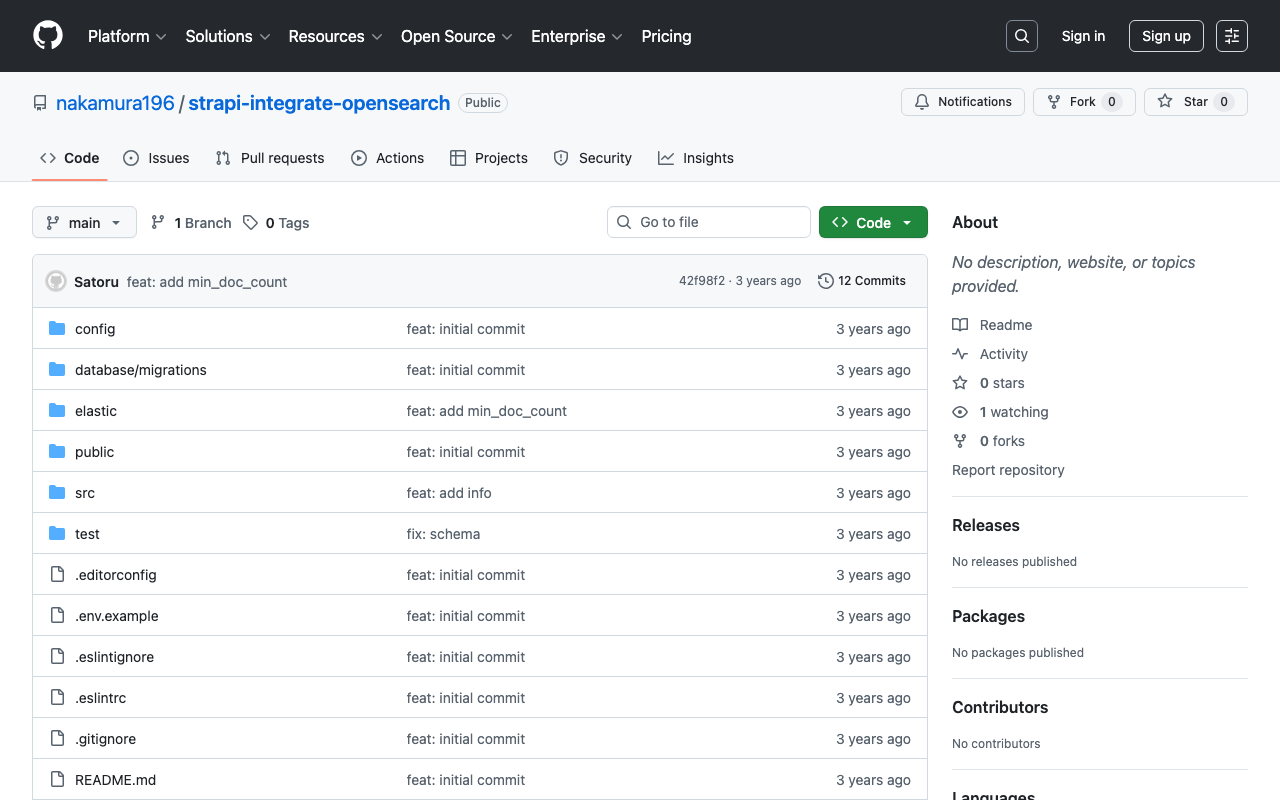
Overview The following article was helpful for integrating Strapi with Elasticsearch. https://punits.dev/blog/integrating-elasticsearch-with-strapi/ The source code is also publicly available. https://github.com/geeky-biz/strapi-integrate-elasticsearch Here, I will note some customizations made based on the above article, including integration with Amazon OpenSearch. The customized source code is available here: https://github.com/nakamura196/strapi-integrate-opensearch Modifications The article references indexing_type, but it needed to be changed to indexing_request_type. https://github.com/nakamura196/strapi-integrate-opensearch/blob/006c533d4d7882fc9779552db31a7b0e2ada5e57/elastic/cron-search-indexing.js#L16 Additionally, to use Amazon OpenSearch instead of Elasticsearch, the following libraries need to be installed. ...

Dumping Elasticsearch Data to Local

Dumping Elasticsearch Data to Local

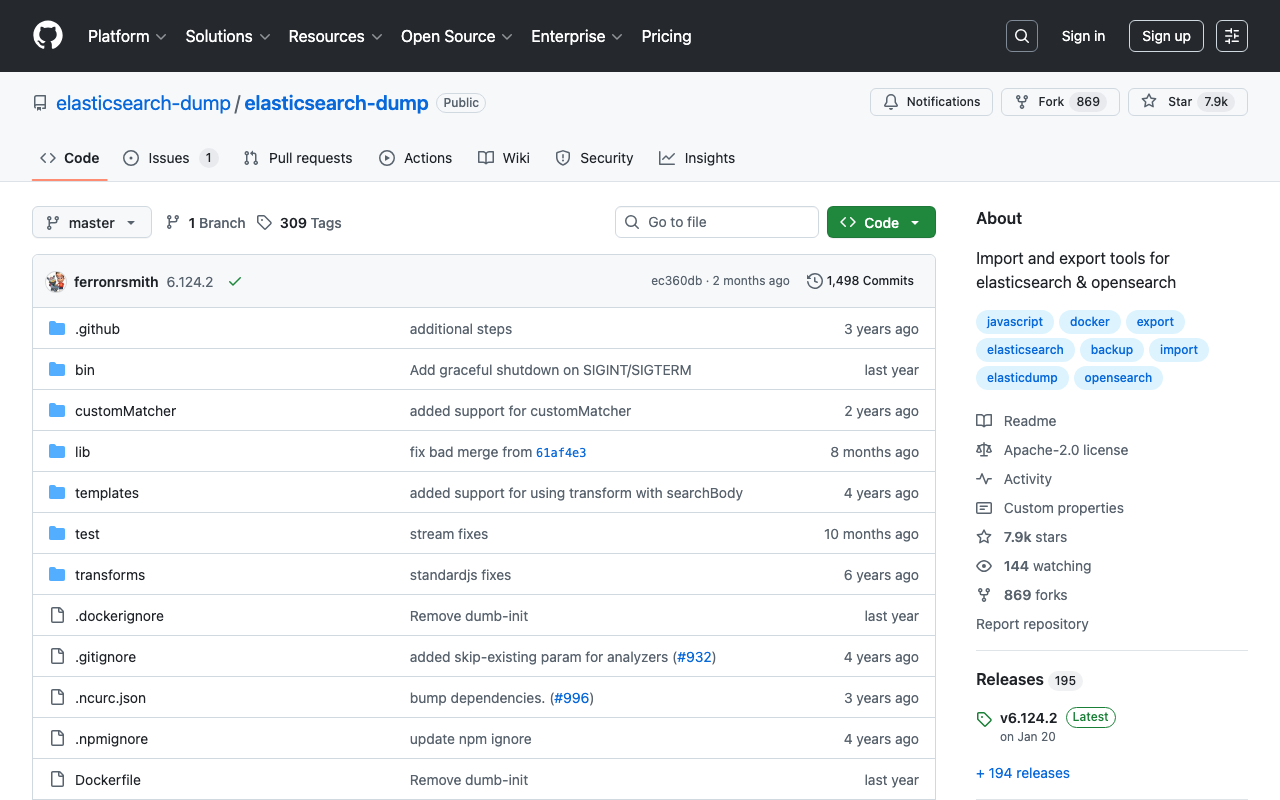
To dump data from Elasticsearch to local, I used elasticsearch-dump. Here are my notes. https://github.com/elasticsearch-dump/elasticsearch-dump By using the v option as shown below, files created in the container persist on the host side. The limit option and others are optional. docker run -v [absolute path of host directory]:[absolute path in container] --rm -ti elasticdump/elasticsearch-dump --input [source Elasticsearch index endpoint] --output=[absolute path in container]/[output file name].json --limit 10000 Specifically, it looks like the following. ...

Aggregations with Different Keys and Values (Labels and IDs) in Elasticsearch

Aggregations with Different Keys and Values (Labels and IDs) in Elasticsearch

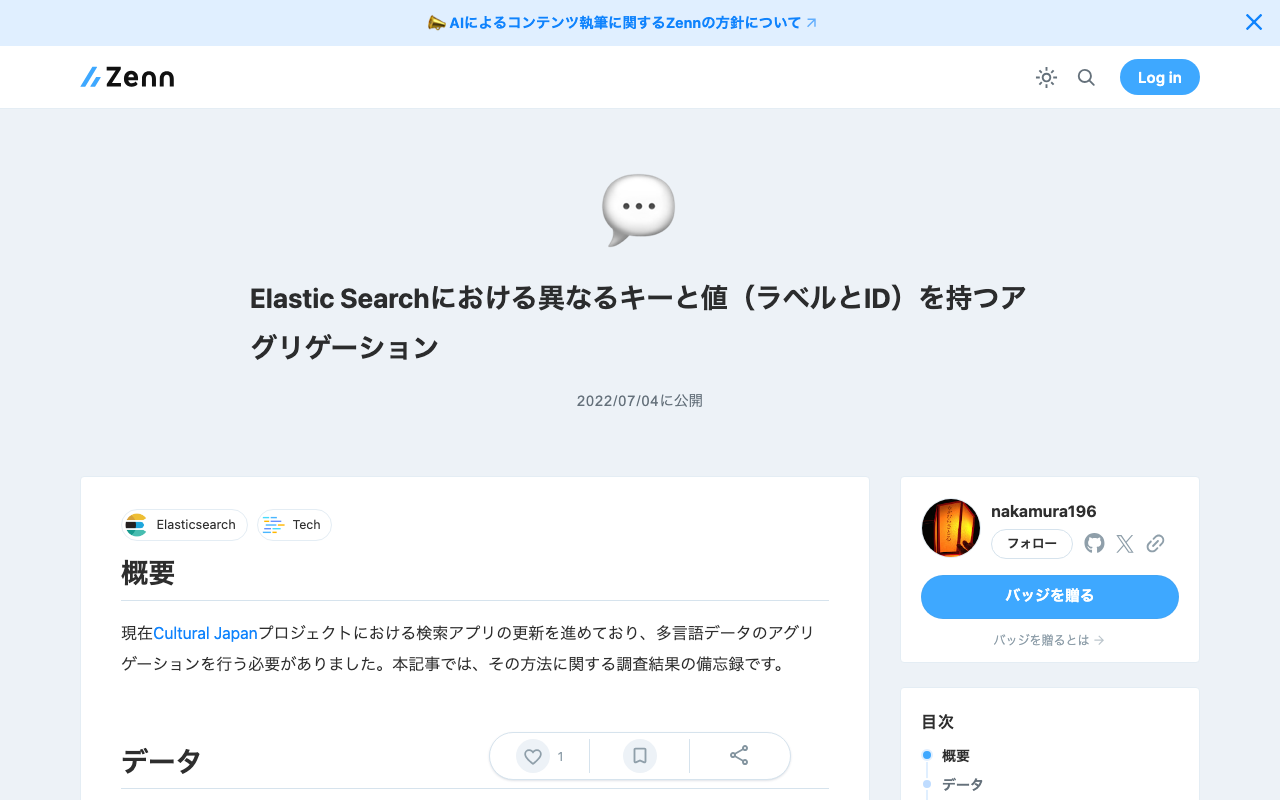
Overview I am currently working on updating the search application for the Cultural Japan project, and I needed to perform aggregation on multilingual data. This article is a memo of the investigation results regarding the methods. Data For the data, we assume a case where the agential (indicating a person) field has values for id, ja, and en. { "agential": [ { "ja": "葛飾北斎", "en": "Katsushika, Hokusai", "id": "chname:葛飾北斎" } ] } For the above data, we want to perform filtering by id while displaying the ja or en value according to the language setting. ...

[For Developers] Setting Up a Search Application Development Environment Using AWS x Nuxt.js x Elasticsearch

[For Developers] Setting Up a Search Application Development Environment Using AWS x Nuxt.js x Elasticsearch

This article explains how to set up a development environment for a search application using AWS x Nuxt.js x Elasticsearch. This is primarily a personal reference note. We aim for the following architecture. While there may be better configurations and approaches, this at least provides a working development environment for a Nuxt.js web application using Elasticsearch as the search engine on AWS. The Cultural Japan project also uses a nearly identical architecture. ...