Home Articles Books Search About
日本語
Trying Out File Information Tool Set (FITS)

Trying Out File Information Tool Set (FITS)

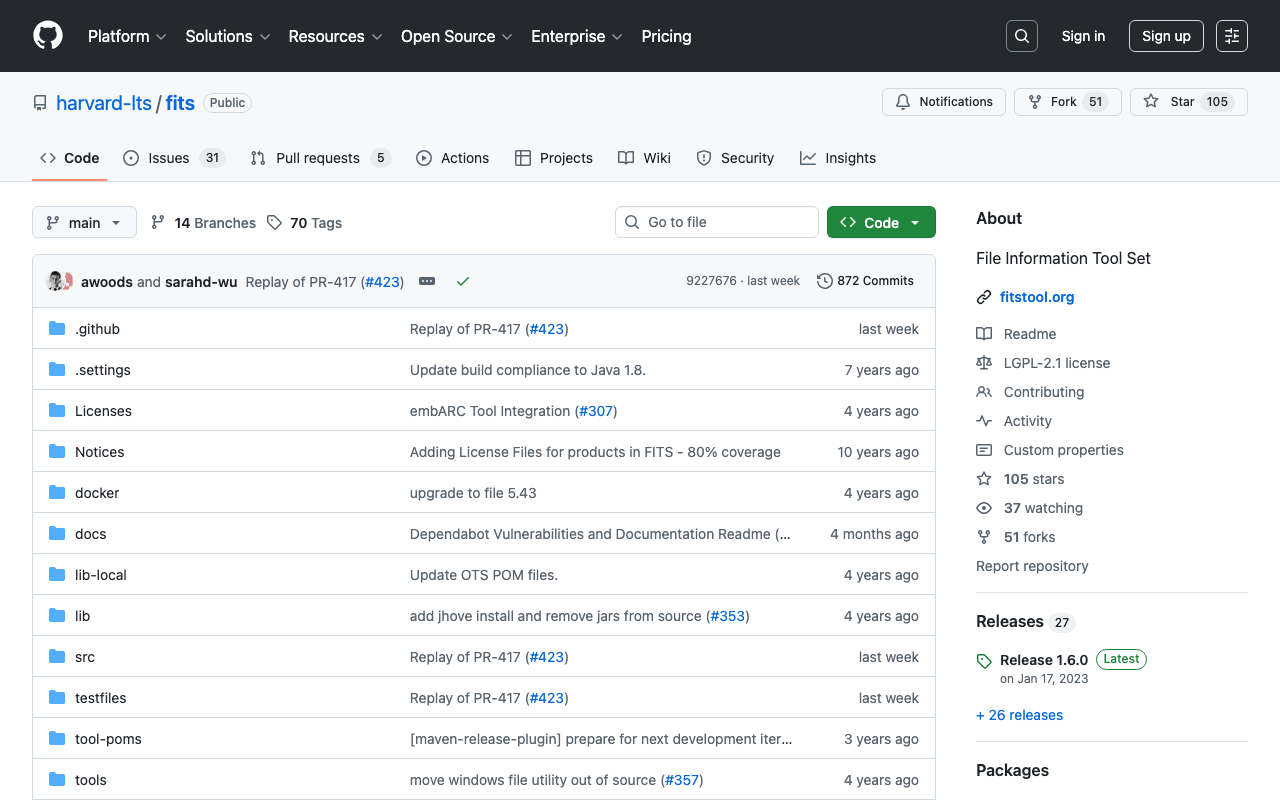
Overview While investigating Archivematica, there were aspects of File Information Tool Set (FITS) behavior I wanted to verify, so I tried it using Docker. This is a memo of that process. https://github.com/harvard-lts/fits Installation The installation method using Docker is described at the following page. https://github.com/harvard-lts/fits?tab=readme-ov-file#docker-installation However, when accessing the following page mentioned in the manual, the latest release (1.6.0) that includes the Dockerfile could not be downloaded. https://projects.iq.harvard.edu/fits/downloads Instead, the latest zip file could be downloaded from the following GitHub releases page. ...

Trying the Docker Version of Cantaloupe

Trying the Docker Version of Cantaloupe

Overview While trying the Docker version of TEI Publisher, I found that a Docker version of Cantaloupe was being used, so I created a repository for using it standalone. https://github.com/nakamura196/docker_cantaloupe Usage instructions are provided in the README of the above repository. The following Docker image is used. https://hub.docker.com/r/islandora/cantaloupe Reference: Images That Can Be Served by Cantaloupe This is explained on the following page. https://cantaloupe-project.github.io/manual/5.0/images.html For high-resolution images, JPEG2000 or Pyramidal Tiled TIFF is recommended. ...

Troubleshooting Errors When Running lando start

Troubleshooting Errors When Running lando start

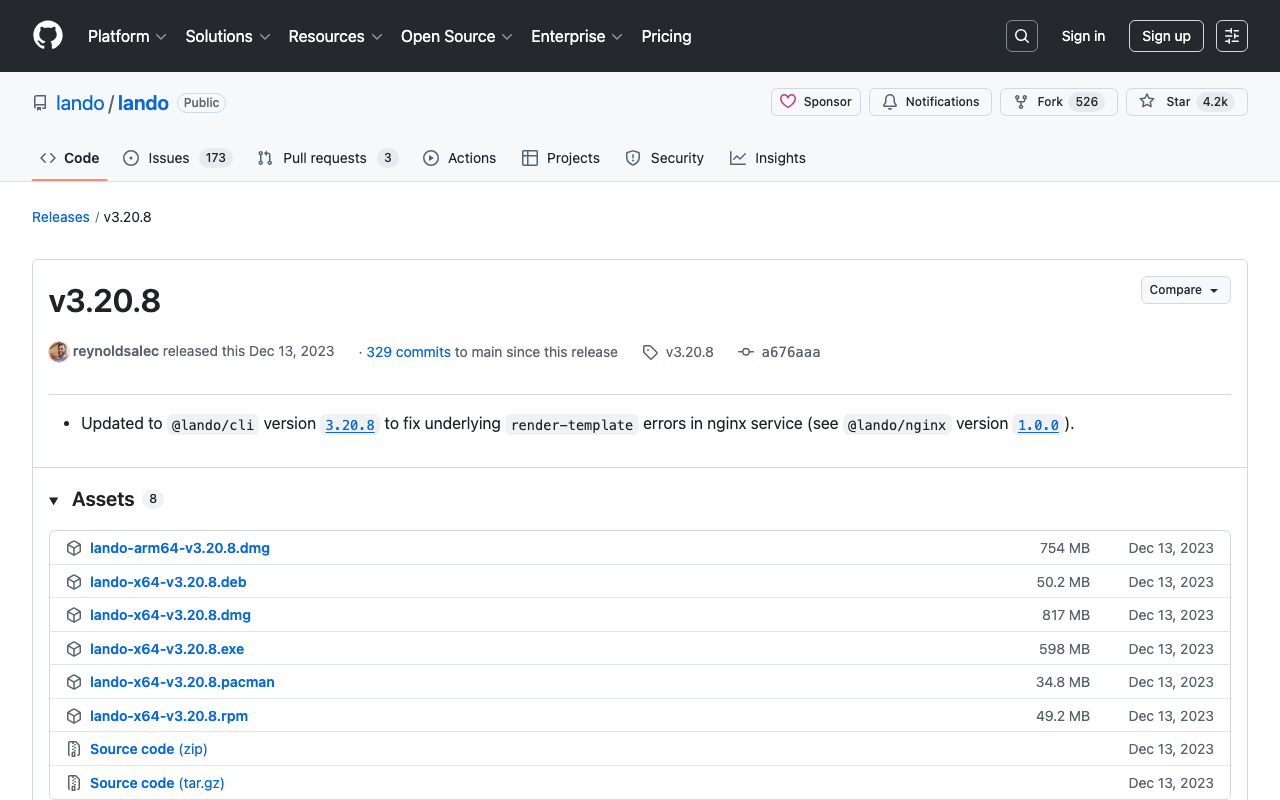
While developing Drupal and Omeka modules using Lando, a local development environment tool, the following error occasionally occurred. lando start __ __ __ __ ___ _ __ __ __ ______ / / / /__ ___/ /__ _/ /____ / _ |_ _____ _(_) /__ _/ / / /__ / / / / / /_/ / _ \/ _ / _ `/ __/ -_) / __ | |/ / _ `/ / / _ `/ _ \/ / -_)_/_/_/ \____/ .__/\_,_/\_,_/\__/\__/ /_/ |_|___/\_,_/_/_/\_,_/_.__/_/\__(_|_|_) /_/ Updating helps us provide the best support and saves us tons of time Use the link below to get the latest and greatest https://github.com/lando/lando/releases/tag/v3.20.8 Lando is FREE and OPEN SOURCE software that relies on contributions from developers like you! If you like Lando then help us spend more time making, updating and supporting it by contributing at the link below https://github.com/sponsors/lando If you would like to customize the behavior of this message then check out: https://docs.lando.dev/config/releases.html Let's get this party started! Starting app my-lando-app... ERROR ==> connect ENOENT /var/run/docker.sock ██╗ ██╗██╗ ██╗ ██████╗ ██╗ ██╗██╗ ██║ ██║██║ ██║ ██╔═══██╗██║ ██║██║ ██║ ██║███████║ ██║ ██║███████║██║ ██║ ██║██╔══██║ ██║ ██║██╔══██║╚═╝ ╚██████╔╝██║ ██║ ╚██████╔╝██║ ██║██╗ ╚═════╝ ╚═╝ ╚═╝ ╚═════╝ ╚═╝ ╚═╝╚═╝ An error occurred while starting up your app! Here are a few things you can try to get back into a good state: ■ Try running lando rebuild ■ Try restarting in debug mode lando restart -vvv ■ Try checking the logs with lando logs If those fail then consult the troubleshooting materials: ■ https://docs.lando.dev/help/logs.html ■ https://docs.lando.dev/help/updating.html Or post your issue to Slack or GitHub ■ Slack - https://launchpass.com/devwithlando ■ GitHub - https://github.com/lando/lando/issues/new/choose ERROR ==> connect ENOENT /var/run/docker.sock This issue was mentioned in the following GitHub issue. ...

Resolving SAM Error: Running AWS SAM Projects Locally Requires Docker

Resolving SAM Error: Running AWS SAM Projects Locally Requires Docker

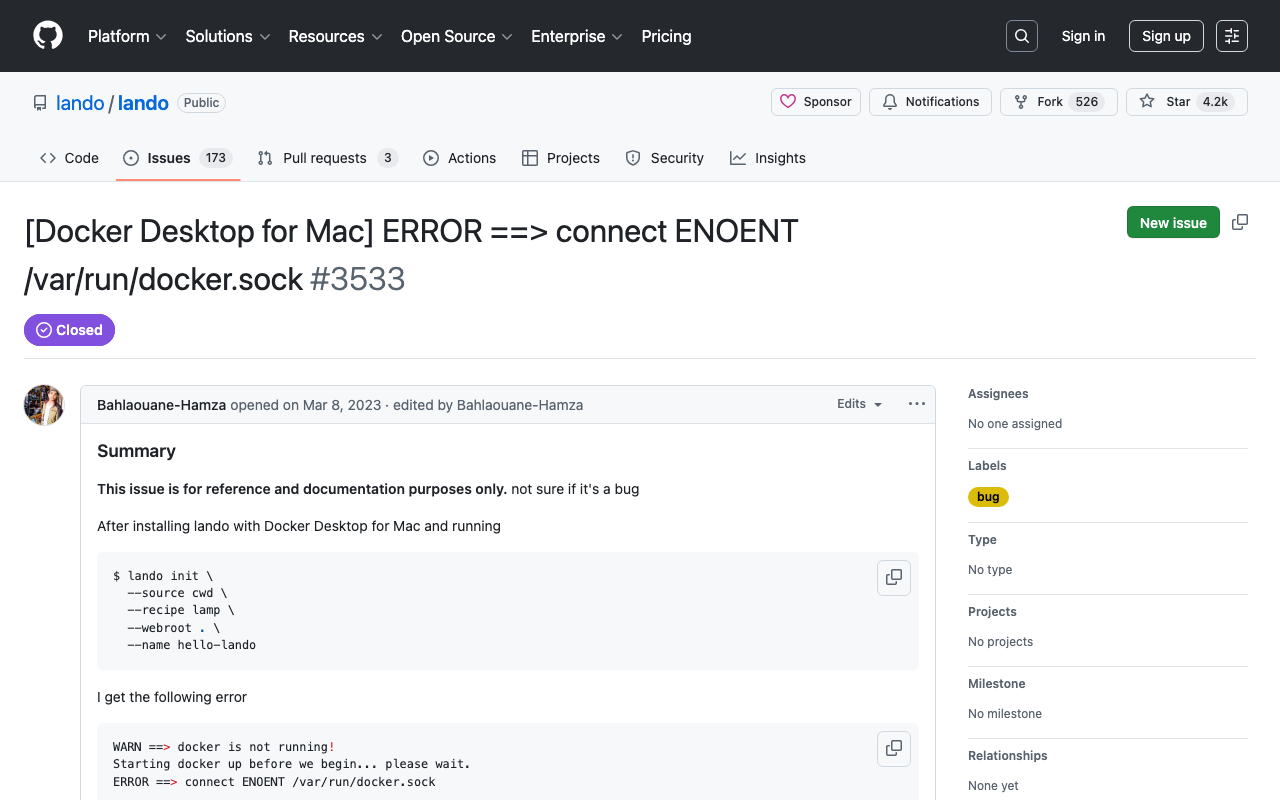
Overview When trying sam local invoke with AWS SAM, the following message was displayed. Error: Running AWS SAM projects locally requires Docker. Have you got it installed and running? The environment was Mac, and Docker was running. Solution Running the following command resolved the issue. sudo ln -s ~/.docker/run/docker.sock /var/run/docker.sock I referenced the following. https://github.com/lando/lando/issues/3533 Summary I hope this is helpful for anyone facing the same issue.

Running the NDLOCR Application Using Google Cloud Platform Compute Engine

Running the NDLOCR Application Using Google Cloud Platform Compute Engine

Overview This is a memo about running the NDLOCR application published by NDL (National Diet Library) using a virtual machine on GCP (Google Cloud Platform). For details about this application, please refer to the following repository. https://github.com/ndl-lab/ndlocr_cli Creating a VM Instance Access Compute Engine on GCP and click the “Create Instance” button at the top of the screen. Under “Machine configuration” > “Machine family”, select “GPU”. Then for “GPU type”, select “NVIDIA T4”, which is the most affordable option. Set “Number of GPUs” to 1. ...

Creating Pyramid Tiled TIFF Files Using AWS Lambda + Docker + pyvips

Creating Pyramid Tiled TIFF Files Using AWS Lambda + Docker + pyvips

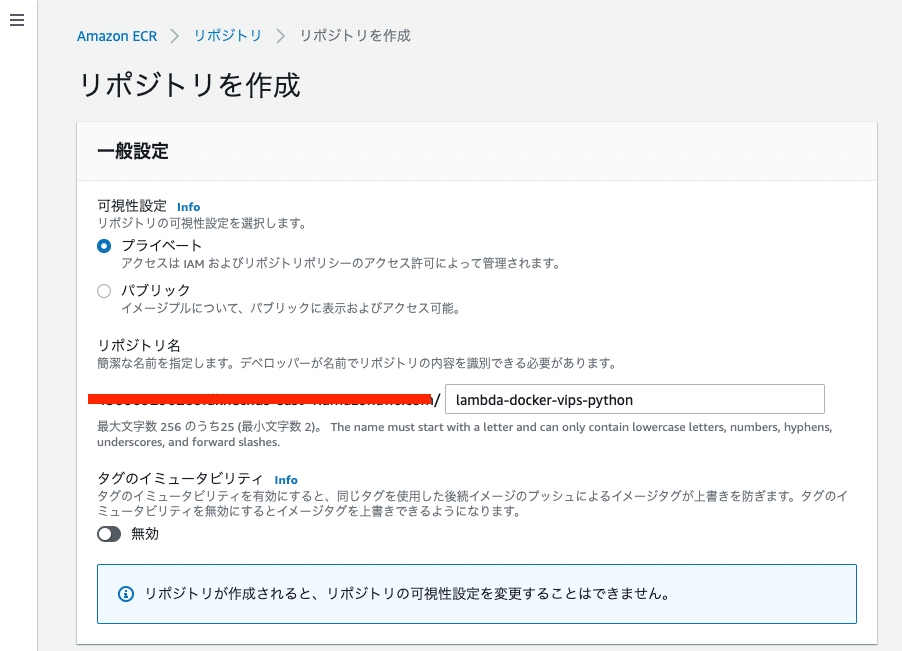
Overview I created a Docker image that uses AWS Lambda and pyvips to generate Pyramid Tiled TIFF files from images stored in S3. The Amazon ECR Public Gallery is available here: https://gallery.ecr.aws/nakamura196/lambda-docker-vips-python The source code is available here: https://github.com/ldasjp8/lambda-docker-vips-python Below, I will explain how to use it. Creating an Amazon ECR Repository First, create an ECR repository. Next, check the commands from “View push commands” and push the image. ...