Home Articles Books Search About
日本語
Achieving Up to 7.6x Faster Image Delivery by Optimizing Cantaloupe IIIF Server Cache

Achieving Up to 7.6x Faster Image Delivery by Optimizing Cantaloupe IIIF Server Cache

Introduction I run Cantaloupe, an IIIF-compliant image server, in a Docker environment with S3 as the image source. IIIF viewers (such as Mirador and OpenSeadragon) generate dozens to hundreds of simultaneous tile requests every time the user zooms or pans. By reviewing the cache settings and tuning parameters, I was able to speed up tile delivery by up to 7.6x. In this article, I share the methods and results. Environment Server: AWS EC2 (2 vCPU, 7.6GB RAM) Cantaloupe: islandora/cantaloupe:2.0.10 (based on Cantaloupe 5.0.7) Image Source: Amazon S3 (S3Source) Test Image: 25167×12483px TIFF (512×512 tiles) Reverse Proxy: Traefik v3.2 Setup: Docker Compose Problem: Cache Is Disabled by Default After investigating the default settings of the islandora/cantaloupe image, I found the following state: ...

Starting Alfresco with Docker and Experiencing the Records Management Lifecycle via REST API

Starting Alfresco with Docker and Experiencing the Records Management Lifecycle via REST API

Overview In this article, we will start the latest version (25.3.0) of Alfresco Governance Services Community Edition (hereinafter AGS) with Docker and experience the entire records management lifecycle using the REST API. Specifically, we assume the following business scenario. Scenario: Contract Management The business department creates and registers a contract The records manager declares it as a record and classifies it in the file plan A retention schedule is configured After the contract ends, a cutoff (active to inactive) is executed After the retention period (3 years) has elapsed, disposal is performed If litigation arises, a hold (freeze) is placed to stop disposal The following builds on the previous article and introduces setup procedures and API usage for the latest version. ...

Docker + GitHub Actions Deployment Configuration

Docker + GitHub Actions Deployment Configuration

This document explains the setup procedure for automatically deploying Docker containers with GitHub Actions. Table of Contents Docker Configuration GitHub Actions Configuration Server-Side Configuration Troubleshooting Docker Configuration Dockerfile (Static Site + nginx) Generates static HTML and serves it with nginx. FROM node:22-alpine AS builder WORKDIR /app COPY package*.json ./ RUN npm install COPY . . RUN npm run generate # nginx for serving static files FROM nginx:alpine # Nuxt 3: .output/public # Nuxt 2: dist COPY --from=builder /app/.output/public /usr/share/nginx/html COPY nginx.conf /etc/nginx/conf.d/default.conf EXPOSE 80 CMD ["nginx", "-g", "daemon off;"] nginx.conf (SPA Configuration) For SPAs, dynamic routes (such as /item/:id) need to fall back to index.html. ...

Complete Guide to Migrating an Omeka-S Docker Environment to Another Server

Complete Guide to Migrating an Omeka-S Docker Environment to Another Server

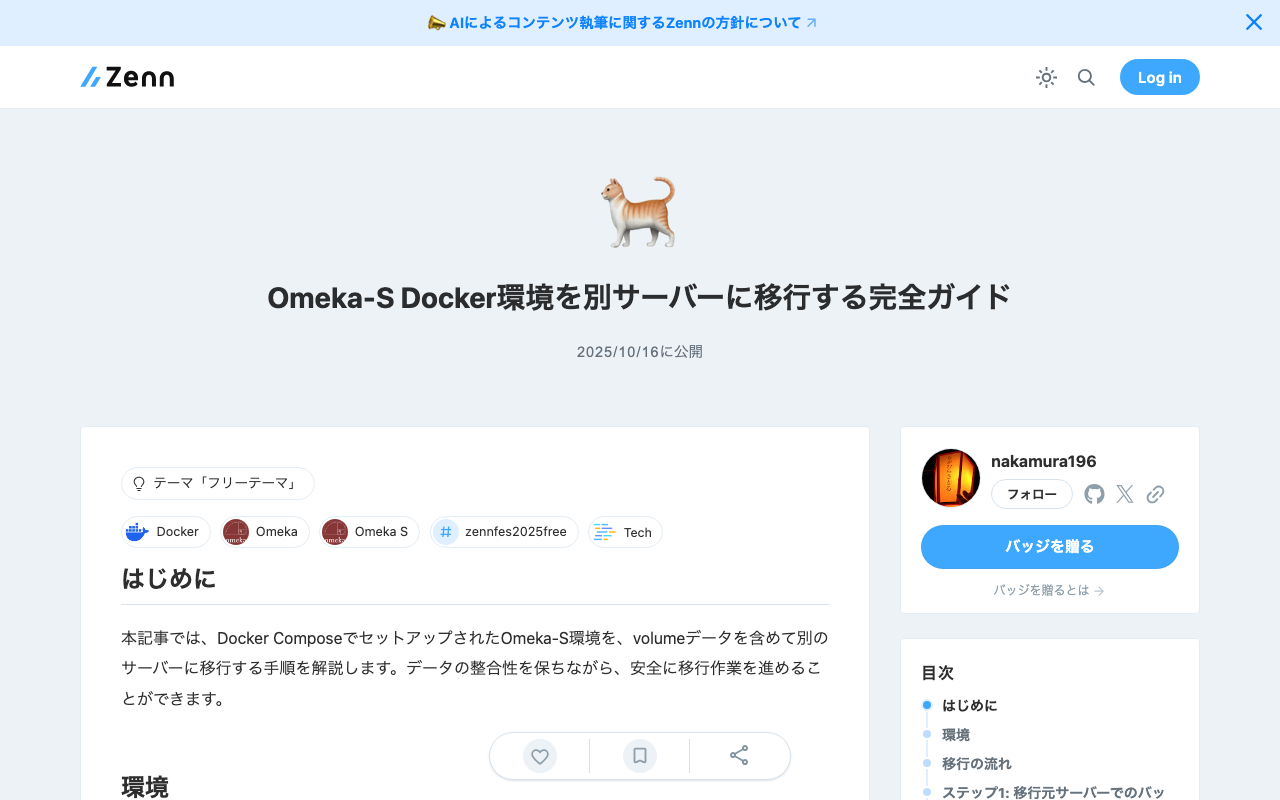
Introduction This article explains the procedure for migrating an Omeka-S environment set up with Docker Compose, including volume data, to a different server. You can proceed with the migration safely while maintaining data integrity. Environment Source server: Ubuntu 22.04 Target server: Ubuntu 22.04 (fresh setup) Stack: Omeka-S + MariaDB + phpMyAdmin + Traefik + Mailpit Migration Flow Backup on the source server Download to local machine Set up Docker environment on the target server Restore data and start up Step 1: Backup on the Source Server 1.1 Check Current Environment # Check running containers docker ps # Check Docker volumes docker volume ls Example output: ...

A Scalable OCR Processing System Using NDL Classical Japanese OCR Lite on Azure Container Apps

A Scalable OCR Processing System Using NDL Classical Japanese OCR Lite on Azure Container Apps

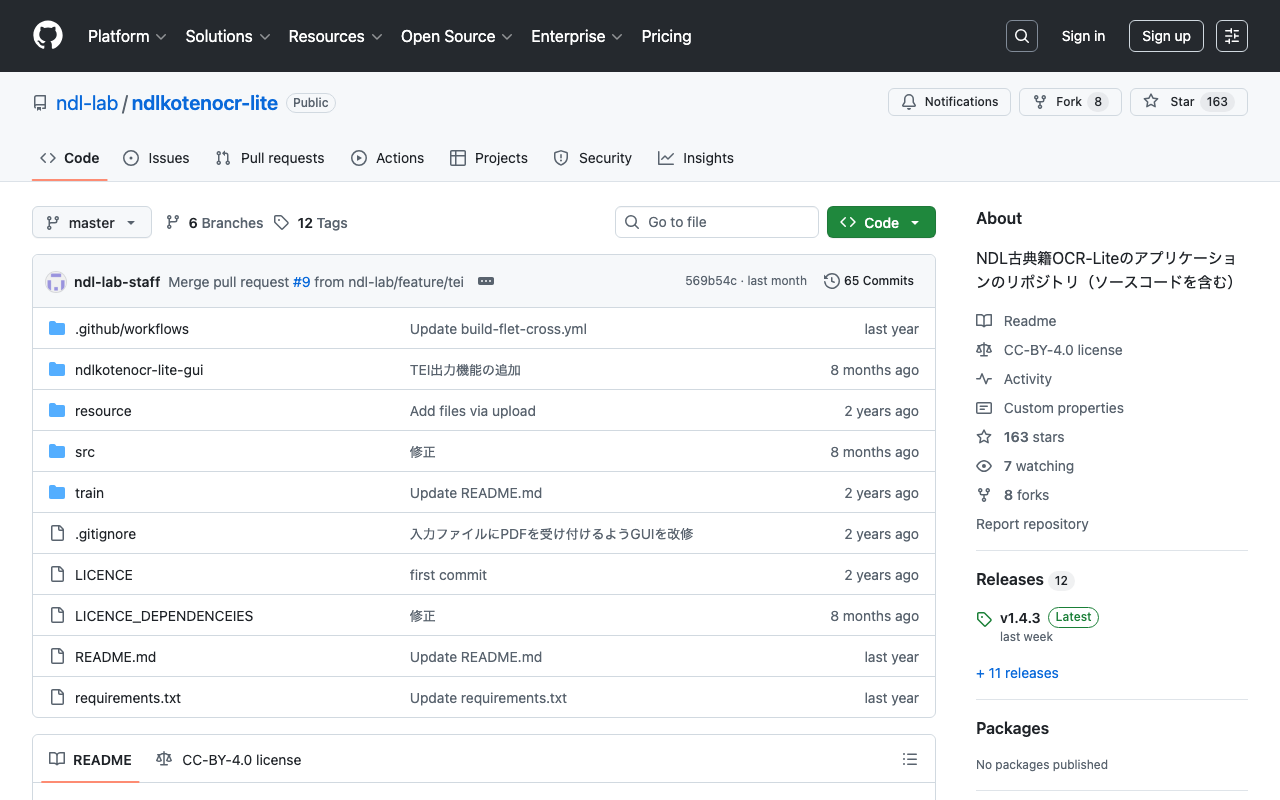
Important Usage Notice The system described in this article may place load on external servers. Please exercise caution when using it. Server load: Parallel requests place load on target servers DoS risk: A large number of simultaneous accesses may be mistaken for a DoS attack Recommended approach: Download images locally in advance and run only the OCR processing in parallel Check terms of service: Always review the target server’s terms of service and obtain prior permission if necessary Appropriate rate limiting: In production, conservative concurrency settings (around 5-10 parallel) are strongly recommended Responsible use: Always be considerate of server administrators and other users This article is a record of a technical proof of concept. We ask readers to use the system responsibly. ...

Setting Up the WDB Module on Drupal 10 in a Docker Environment

Setting Up the WDB Module on Drupal 10 in a Docker Environment

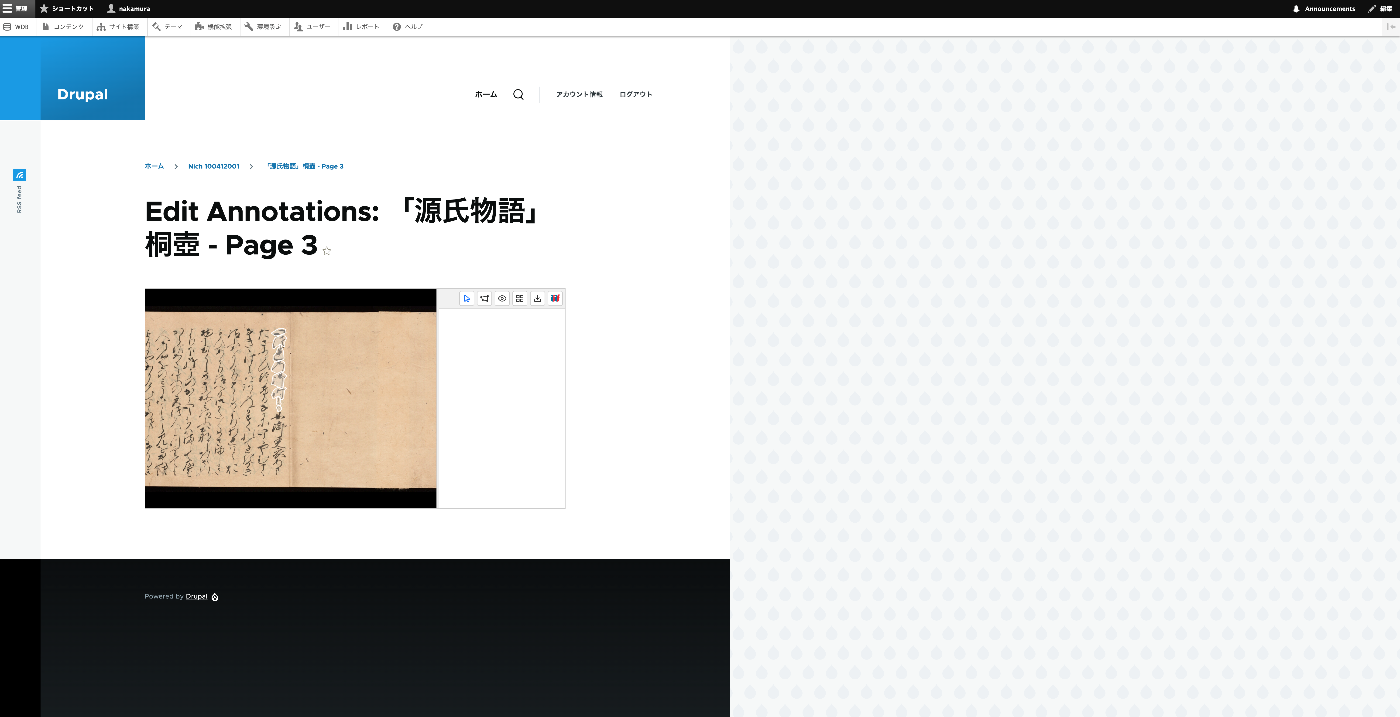
Overview This article explains the steps to build Drupal 10 in a Docker environment and install the WDB module for linguistic databases. Prerequisites Docker Desktop is installed Git is installed Steps 1. Building the Docker Environment First, create a docker-compose.yml file: services: mariadb: image: mariadb:latest restart: always volumes: - mariadb:/var/lib/mysql environment: MYSQL_ROOT_PASSWORD: drupal MYSQL_DATABASE: drupal MYSQL_USER: drupal MYSQL_PASSWORD: drupal drupal: image: drupal:10.2.7-php8.2-apache-bullseye volumes: - ./drupal/files:/opt/drupal/web/sites/default/files - ./drupal/modules:/opt/drupal/web/modules - ./drupal/themes:/opt/drupal/web/themes - ./drupal/private:/opt/drupal/private depends_on: - mariadb ports: - 8080:80 restart: always volumes: mariadb: {} Next, create the necessary directories and start the containers: ...

Introducing Omeka S Docker: A Modern and Secure Solution for Digital Collections

Introducing Omeka S Docker: A Modern and Secure Solution for Digital Collections

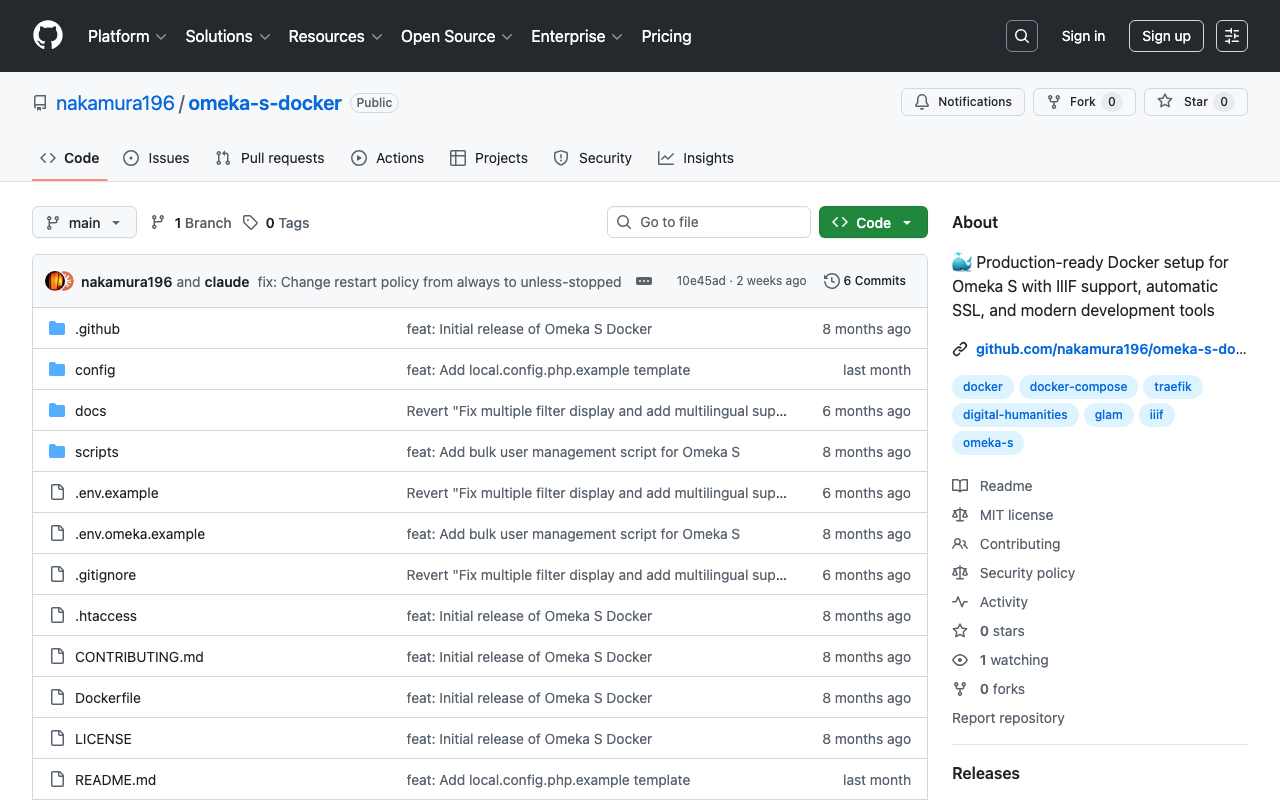
! This article was created by AI. Welcome to Omeka S Docker! This project provides a production-ready Docker setup for Omeka S, a web publication system for universities, galleries, libraries, archives, and museums. GitHub Repository: https://github.com/nakamura196/omeka-s-docker Why Omeka S Docker? Managing digital collections does not need to be complex. That is why we created a Docker-based solution that simplifies deploying and managing Omeka S. Key Features Quick Setup: Get Omeka S running within minutes with a single command Security First: Built with security best practices including non-root containers and secure default settings Module Management: Automatic installation and updates of popular Omeka S modules Easy Upgrades: Seamless version upgrades while maintaining data persistence Production Ready: Optimized for both development and production environments Traefik Integration: Built-in support for reverse proxy and SSL termination Getting Started Prerequisites Docker and Docker Compose installed Basic command line knowledge (Optional) A domain name for production deployment with SSL Understanding Setup Options This Docker setup provides two deployment modes: ...

Trying Out the Viewer from the "Pre-modern Japan-Asia Relations Digital Archive"

Trying Out the Viewer from the "Pre-modern Japan-Asia Relations Digital Archive"

Overview The “Pre-modern Japan-Asia Relations Digital Archive” was released on July 25, 2025. https://asia-da.lit.kyushu-u.ac.jp/ The viewer is also available at: https://github.com/localmedialabs/tei_comparative_viewer In this article, I share my experience trying out this viewer. As a result, I was able to self-host it as shown below: https://tei-comparative-viewer.aws.ldas.jp/ It loads the following XML file of “Kaitoshokokki” (Record of Countries and Peoples in the Eastern Sea): https://asia-da.lit.kyushu-u.ac.jp/viewer/300 Running Locally Detailed instructions are provided at the following link, which I followed to get it running: ...

Investigating and Resolving Disk Pressure Caused by Docker [Ubuntu 22.04 Case Study]

Investigating and Resolving Disk Pressure Caused by Docker [Ubuntu 22.04 Case Study]

Introduction This article documents a case where Elasticsearch errors occurred due to disk pressure caused by Docker containers and images, along with the investigation and resolution methods. We hope this serves as a useful reference for those facing similar issues. The Problem The following error occurred in a running Elasticsearch instance: { "error": { "type": "search_phase_execution_exception", "reason": "all shards failed", "phase": "query", ... }, "status": 503 } Initial investigation revealed that indices had entered a close state, and insufficient disk space was suspected. ...

Running AtoM (Access to Memory) with Docker

Running AtoM (Access to Memory) with Docker

Overview I had the opportunity to run AtoM (Access to Memory) with Docker, so here are my notes. Manual The documentation is available at the following link. https://www.accesstomemory.org/es/docs/2.9/dev-manual/env/compose/ git clone -b qa/2.x https://github.com/artefactual/atom.git atom cd atom export COMPOSE_FILE="$PWD/docker/docker compose.dev.yml" docker compose up -d Then, run the following. docker compose exec atom php symfony tools:purge --demo This started AtoM on port 63001. Additionally, the manual includes instructions for Compile Theme Files, but there were cases where it started without running this and cases where it did not. ...

Running ArchivesSpace with Docker

Running ArchivesSpace with Docker

Overview I had an opportunity to run ArchivesSpace with Docker, so here are my notes. Method Instructions are described at the following link. https://docs.archivesspace.org/administration/docker/ Clone and start the containers as follows. git clone https://github.com/archivesspace/archivesspace cd archivesspace docker compose up --detach The documentation states the following, but I was able to access the Public User interface on port 3001, the Staff User Interface on port 3000, and the backend system on port 4567. ...

Serving IIIF Images Using mdx.jp Object Storage and IIP Image (IIIF Image Server)

Serving IIIF Images Using mdx.jp Object Storage and IIP Image (IIIF Image Server)

Overview This is a note on my experiment with serving IIIF images using mdx.jp object storage and IIP Image (IIIF Image Server). This is a continuation of the following article. Docker Version of IIP Image A Docker image for the IIPImage server is available at the following link, so I will use that. https://hub.docker.com/r/iipsrv/iipsrv Refer to the following article and others for installing Docker. https://qiita.com/Marron-chan/items/570c7c7baaae3b4d6b11 Execution Following the previous article, mount the mdx.jp object storage as follows. ...

Starting Alfresco Governance Services Community Edition

Starting Alfresco Governance Services Community Edition

Overview I attempted to install Alfresco Governance Services Community Edition, referring to the following manual, so here are my notes. https://support.hyland.com/r/Alfresco/Alfresco-Governance-Services-Community-Edition/23.4/Alfresco-Governance-Services-Community-Edition References As a similar effort, the following is available. Please refer to it as well. https://irisawadojo.blogspot.com/2020/11/72alfresco2.html Virtual Machine The following machine was created as an Azure virtual machine. Image: Ubuntu Server 24.04 LTS - Gen2 VM Architecture: x64 Size: Standard D2ads v6 (2 vcpus, 8 GiB memory) Open port 8080 for use. ...

Cantaloupe: Serving Images Stored in Microsoft Azure Blob Storage

Cantaloupe: Serving Images Stored in Microsoft Azure Blob Storage

Overview This is a memo on how to serve images stored in Microsoft Azure Blob Storage using Cantaloupe Image Server, one of the IIIF image servers. This is the Microsoft Azure Blob Storage version of the following article. Method This time we will use the Docker version. Please clone the following repository. https://github.com/nakamura196/docker_cantaloupe In particular, rename .env.azure.example to .env and set the environment variables. # For Microsoft Azure Blob Storage CANTALOUPE_AZURESTORAGESOURCE_ACCOUNT_NAME= CANTALOUPE_AZURESTORAGESOURCE_ACCOUNT_KEY= CANTALOUPE_AZURESTORAGESOURCE_CONTAINER_NAME= # For Traefik CANTALOUPE_HOST= LETS_ENCRYPT_EMAIL= The last two settings also include HTTPS configuration using Traefik. ...

Building a Gradio App Using NDL Kotenseki OCR-Lite

Building a Gradio App Using NDL Kotenseki OCR-Lite

Overview I built a Gradio App using NDL Kotenseki OCR-Lite. You can try it at the following URL. https://huggingface.co/spaces/nakamura196/ndlkotenocr-lite “NDL Kotenseki OCR-Lite” provides a desktop application, so an execution environment is available without the need for a web app like Gradio. Therefore, the intended use cases for this web app include usage from smartphones or tablets, and integration via web API. Development Notes and Bug Fixes Using Submodules The original ndlkotenocr-lite was introduced as a submodule. ...

Reverse Proxy Settings for Drupal Running with Docker + Traefik

Reverse Proxy Settings for Drupal Running with Docker + Traefik

Overview I was running Drupal with HTTPS using Docker + Traefik, as introduced in the following article. At the time, with Drupal’s default settings, URLs were set with http as shown below. The problem with this was that, for example, when setting up Google account login as described in the following article, the redirect URL started with http, while the Google Cloud console requires URLs starting with https. This discrepancy caused authentication to fail in some cases. ...

Operating Multiple HTTPS-Enabled Containers with Traefik

Operating Multiple HTTPS-Enabled Containers with Traefik

Overview This is a note on how to operate multiple HTTPS-enabled containers with Traefik. https://github.com/traefik/traefik Background Previously, I was using jwilder/nginx-proxy and jrcs/letsencrypt-nginx-proxy-companion with the following configuration. Proxy version: '3' # proxy services: nginx-proxy: image: jwilder/nginx-proxy container_name: nginx-proxy ports: - "80:80" - "443:443" volumes: - html:/usr/share/nginx/html - dhparam:/etc/nginx/dhparam - vhost:/etc/nginx/vhost.d - certs:/etc/nginx/certs:ro - /var/run/docker.sock:/tmp/docker.sock:ro - /srv/docker/nginx-proxy-with-encrypt/log:/var/log/nginx labels: - "com.github.jrcs.letsencrypt_nginx_proxy_companion.nginx_proxy" restart: always letsencrypt: image: jrcs/letsencrypt-nginx-proxy-companion container_name: nginx-proxy-lets-encrypt depends_on: - "nginx-proxy" volumes: - certs:/etc/nginx/certs:rw - vhost:/etc/nginx/vhost.d - html:/usr/share/nginx/html - /var/run/docker.sock:/var/run/docker.sock:ro volumes: certs: html: vhost: dhparam: networks: default: external: name: common_link Container Below is a Django example. ...

Configuring CORS for Docker-based Omeka S

Configuring CORS for Docker-based Omeka S

Overview When implementing CORS configuration for a Docker-based Omeka S as described in the following article, a server error occurred. This is a memo about that issue. Dockerfile The target is a Dockerfile like the following. FROM php:apache LABEL maintainer="Satoru Nakamura <na.kamura.1263@gmail.com>" RUN a2enmod rewrite ENV DEBIAN_FRONTEND noninteractive RUN apt-get -qq update && apt-get -qq -y upgrade RUN apt-get install -y \ zlib1g-dev \ libpng-dev \ libjpeg-dev \ libfreetype6-dev \ imagemagick \ unzip \ wget # PHP extensions RUN docker-php-ext-install -j$(nproc) iconv pdo pdo_mysql mysqli gd RUN docker-php-ext-configure gd --with-jpeg=/usr/include/ --with-freetype=/usr/include/ # Download Omeka-s ARG version=4.1.1 RUN wget https://github.com/omeka/omeka-s/releases/download/v${version}/omeka-s-${version}.zip -O /var/www/omeka-s-${version}.zip \ && unzip -q /var/www/omeka-s-${version}.zip -d /var/www/ \ && rm /var/www/omeka-s-${version}.zip \ && rm -rf /var/www/html/ \ && mv /var/www/omeka-s/ /var/www/html/ COPY ./.htaccess /var/www/html/.htaccess # Configure volumes and permissions COPY ./database.ini /var/www/html/volume/config/ RUN mkdir -p /var/www/html/volume/files/ \ && rm /var/www/html/config/database.ini \ && ln -s /var/www/html/volume/config/database.ini /var/www/html/config/database.ini \ && rm -Rf /var/www/html/files/ \ && ln -s /var/www/html/volume/files/ /var/www/html/files \ && chown -R www-data:www-data /var/www/html/ \ && find /var/www/html/volume/ -type f -exec chmod 600 {} \; VOLUME /var/www/html/volume/ CMD ["apache2-foreground"] Cause and Solution The following line needed to be added. ...

Rebuilding and Restarting Containers with docker-compose

Rebuilding and Restarting Containers with docker-compose

When you want to rebuild and restart containers simultaneously using the docker-compose command, you can execute the following commands. Here are methods for running the build and restart separately, and for executing them in a single command. Running Build and Restart Separately Build: docker-compose -f ./docker-compose.prod.yml build Restart: docker-compose -f ./docker-compose.prod.yml restart Running Build and Restart in a Single Command To build and then restart services, you can use the up command with the --build option and the restart policy. However, since a restart option does not exist for the up command, you actually stop and restart the services. ...

How to Fix the 413 Request Entity Too Large Error in nginx-proxy

How to Fix the 413 Request Entity Too Large Error in nginx-proxy

Overview I installed Docker on EC2 and used nginx-proxy and nginx-proxy-lets-encrypt to set up SSL. Everything was working fine with the above configuration, but when I created an app that POSTs relatively large files, the following error occurred and the upload failed. nginx-proxy 413 (Payload Too Large) I needed to increase Nginx’s client_max_body_size. Solution ChatGPT4 taught me the following solution, which resolved the issue. The 413 Request Entity Too Large error occurs when the payload of a request that the client is trying to send to the server (i.e., the size of the file being uploaded) exceeds the limit set on the server. To resolve this error, you need to increase the maximum request size in the Nginx configuration. ...