Home Articles Books Search About
日本語
Building a Cultural Heritage Explorer App with Japan Search API

Building a Cultural Heritage Explorer App with Japan Search API

JPS Explorer is an iOS/Android app for browsing over 32 million Japanese cultural heritage items through the Japan Search (jpsearch.go.jp) Web API. This article covers what was learned during API investigation, app implementation with Flutter, and automating the App Store release process. Japan Search API Japan Search is operated by the National Diet Library of Japan and provides cross-search access to metadata for over 32 million digital cultural resources. A public Web API supports the following search parameters: ...
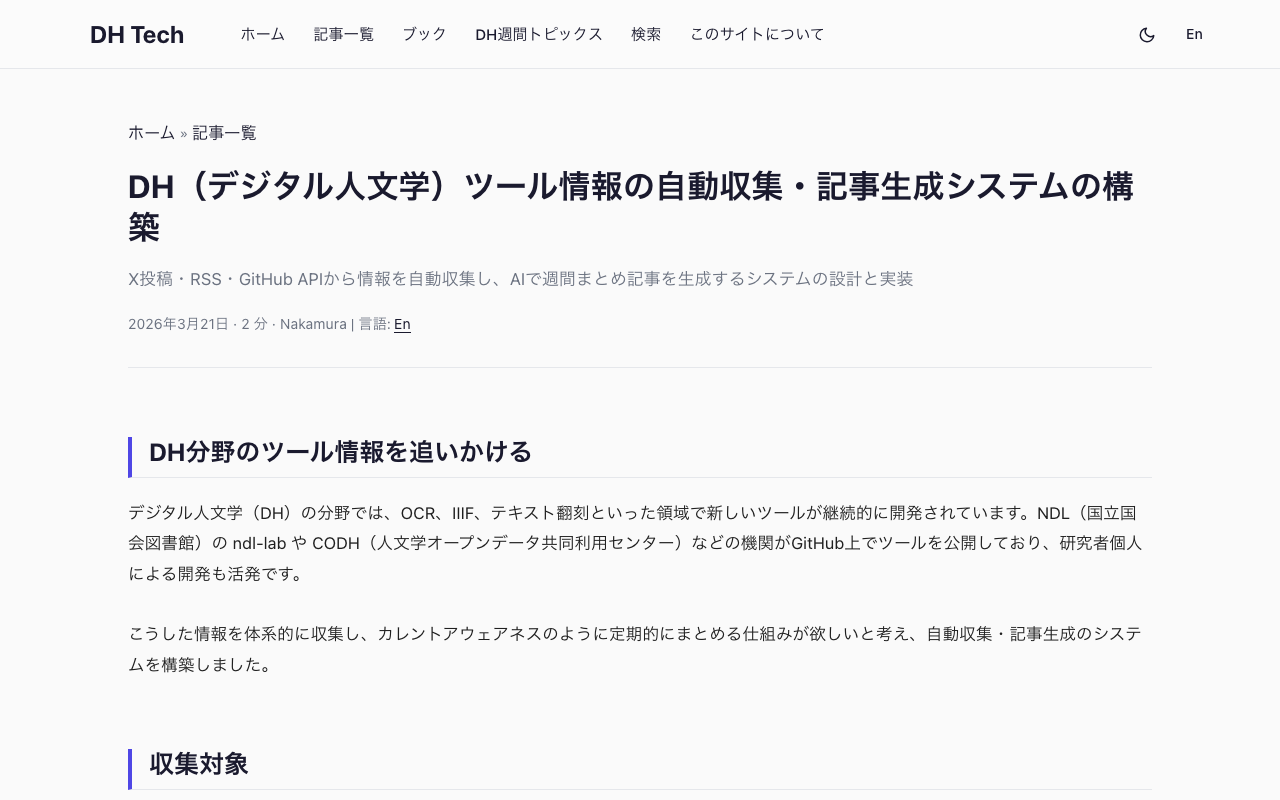

Building an Automated DH Tool Awareness System with Playwright, RSS, and AI

Building an Automated DH Tool Awareness System with Playwright, RSS, and AI

Why track DH tools In the Digital Humanities (DH) field, new tools are continuously developed and released. OCR engines for historical documents, IIIF viewers, text transcription platforms, and kuzushiji (classical Japanese cursive) recognition systems are just a few examples. In Japan, several organizations actively develop and publish such tools: NDL (National Diet Library of Japan) develops OCR tools for digitized materials. CODH (Center for Open Data in the Humanities, ROIS-DS) maintains kuzushiji recognition models and the IIIF Curation Platform. National Museum of Japanese History develops Minna de Honkoku (a crowdsourced transcription platform) and related IIIF tools. Keeping up with these releases manually is time-consuming. The goal was to build a system that systematically collects new DH tool releases and generates weekly summary articles, similar to a “current awareness” service. ...

How Japan Search's Image Similarity Search API Works

How Japan Search's Image Similarity Search API Works

Japan Search (https://jpsearch.go.jp) provides an “Image AI Search” feature that supports both text-based motif search and image upload similarity search. The official API guide documents text search (text2image parameter) and searching by existing item ID (image parameter), but says nothing about searching by uploading an image file. Inspecting the Web UI’s network traffic revealed that image upload search is implemented through a 3-step API flow. The 3-step API flow Step 1: Extract a feature vector from the image Endpoint: POST https://jpsearch.go.jp/dl/api/imagefeatures/ ...

Fixing 6 GitHub Issues in Parallel with Claude Code: Worktrees and Agents

Fixing 6 GitHub Issues in Parallel with Claude Code: Worktrees and Agents

Introduction We develop a web-based viewer for historical sources structured in TEI/XML, built with Nuxt 2 + Vue 2 + Vuetify. This article describes how we used Claude Code’s worktree and agent features to address 6 GitHub Issues in parallel. Issues Addressed Group Count Description Priority A 3 Text viewer: nested element display bugs High B 1 Legend page: indentation not reflected Medium C 1 Analytics page: broken links High D 1 Keyword search crash High Approach: Worktrees × Parallel Agents Claude Code can run multiple agents in parallel, each in an isolated git worktree. We grouped the issues into 4 categories and launched 4 agents simultaneously. ...

Improving Google Search Console Indexing Issues with schema.org Structured Data

Improving Google Search Console Indexing Issues with schema.org Structured Data

Introduction While developing Digital Literary Map of Japan, a bilingual (Japanese/English) database of literary places in classical Japanese literature, Google Search Console reported 391 pages as “Crawled - currently not indexed.” Google was visiting these pages but choosing not to include them in its index. Why? One key measure we took was implementing schema.org structured data. In this post, I’ll explain what structured data is, how we implemented it, and what improvements we expect. ...

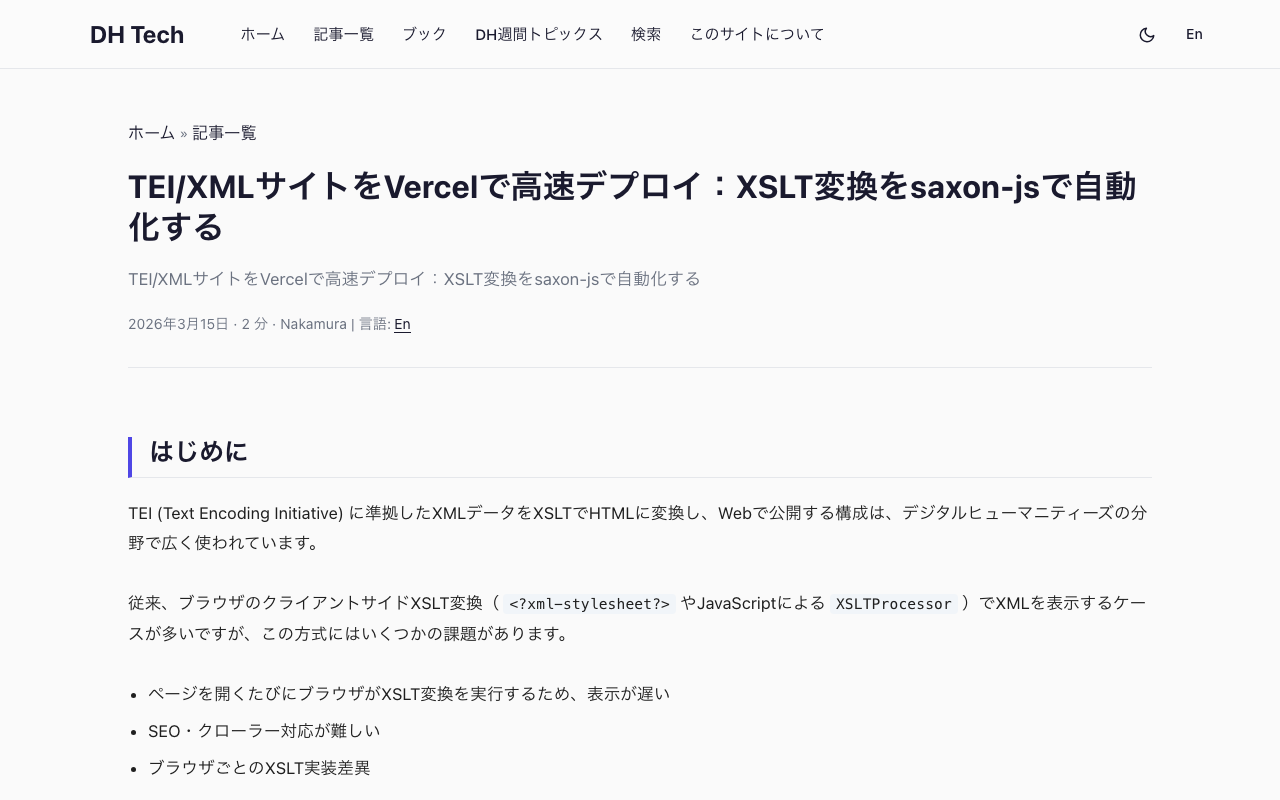
Fast TEI/XML Deployment on Vercel: Automating XSLT Transformation with saxon-js

Fast TEI/XML Deployment on Vercel: Automating XSLT Transformation with saxon-js

Introduction A common architecture in Digital Humanities is to transform TEI (Text Encoding Initiative) XML data into HTML using XSLT and publish it on the web. Traditionally, client-side XSLT transformation in the browser (via <?xml-stylesheet?> or JavaScript’s XSLTProcessor) has been the standard approach, but it comes with several challenges: The browser executes XSLT transformation on every page load, resulting in slow rendering Poor SEO and web crawler support Inconsistent XSLT implementations across browsers This article shows how to run XML-to-HTML transformation at build time on Vercel and serve pre-generated static HTML. ...

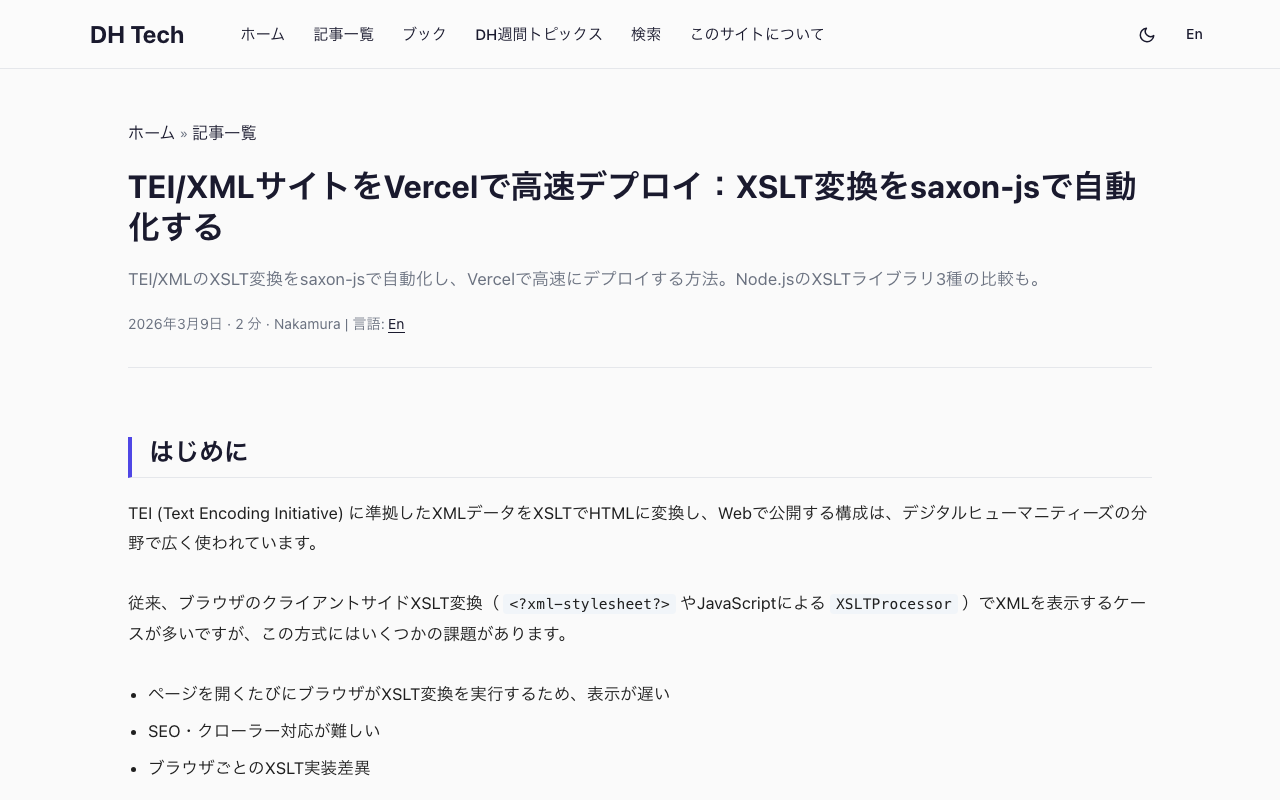
Fast TEI/XML Deployment on Vercel: Automating XSLT Transforms with saxon-js

Fast TEI/XML Deployment on Vercel: Automating XSLT Transforms with saxon-js

Introduction A common architecture in Digital Humanities is to encode texts in TEI (Text Encoding Initiative) XML and transform them to HTML via XSLT for web publication. Traditionally, this transformation is done client-side in the browser (using <?xml-stylesheet?> or JavaScript’s XSLTProcessor), but this approach has several drawbacks: The browser must run the XSLT transformation on every page load, slowing down rendering Poor SEO / crawler support Browser-specific XSLT implementation differences This article describes how to run XSLT transforms at build time on Vercel and serve pre-built HTML as a static site. ...

Improving DTS Viewer ― Multiple Citation Trees, Hierarchical Navigation, and XML Browser Display

Improving DTS Viewer ― Multiple Citation Trees, Hierarchical Navigation, and XML Browser Display

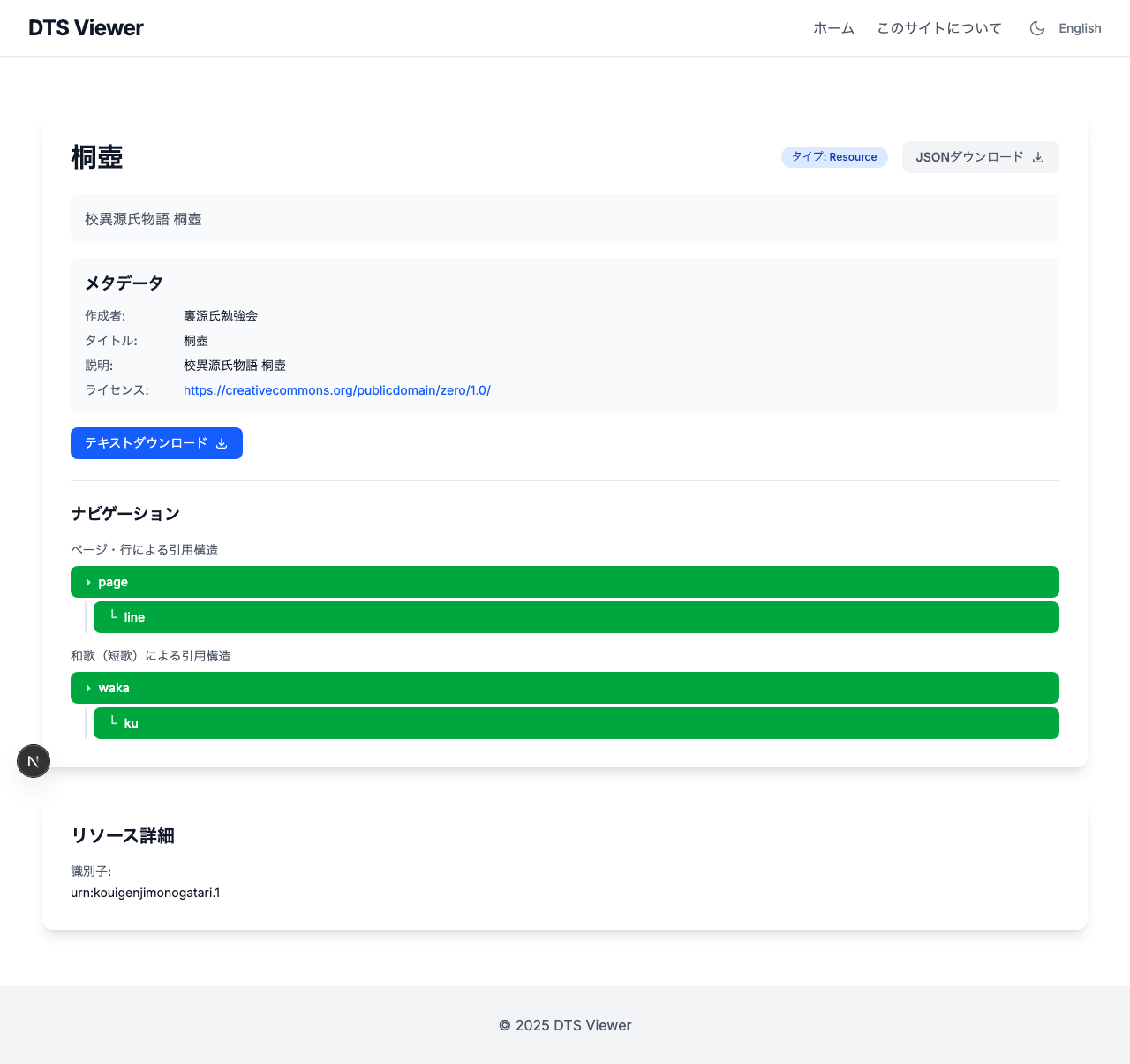
Introduction In the previous article, the Kouigenji Monogatari Text Database DTS API was updated to the 1.0 specification, including the addition of a waka (tanka poem) Citation Tree. This article covers improvements made to the viewer application “DTS Viewer” that consumes this API. Three main improvements were made: Multiple Citation Tree support ― Correct tree parameter passing Hierarchical navigation display ― Switching from card grid to table layout Inline XML display ― Leveraging the mediaType parameter 1. Multiple Citation Tree Support Problem DTS 1.0 allows defining multiple Citation Trees per resource. Kouigenji Monogatari has two trees: “page/line” and “waka” (poems). ...

Migrating to DTS (Distributed Text Services) 1.0 ― Updating a TEI/XML Text API

Introduction In February 2026, the v1.0 of the Distributed Text Services (DTS) specification was officially released — a standard API for accessing text collections. This article documents the changes required to migrate the Kouigenji Monogatari Text Database DTS API from 1-alpha to 1.0. https://github.com/distributed-text-services/specifications/releases/tag/v1.0 What is DTS? DTS defines a standard API for accessing text collections such as TEI/XML. It consists of four endpoints: Endpoint Purpose Entry Point Returns URLs for each API endpoint Collection Inter-text navigation (listing collections and resources) Navigation Intra-text navigation (exploring citation structures) Document Retrieving text content (full or partial TEI/XML) Target Project A TypeScript/Express.js implementation of DTS for the Kouigenji Monogatari Text Database. ...

Adding a CETEIcean-Powered TEI Preview to the DOCX → TEI/XML Converter

Adding a CETEIcean-Powered TEI Preview to the DOCX → TEI/XML Converter

Introduction In a previous post, I introduced a DOCX → TEI/XML Converter — a browser-based tool that converts Word documents to TEI/XML using the TEI Garage API. After publishing, I received feedback from users requesting the ability to visually verify that the converted tags function as expected. With only the syntax-highlighted XML view, it was difficult to confirm how headings, notes, lists, and tables would actually render. To address this, I added a TEI preview feature using CETEIcean. ...

5x Faster XSLT Processing: Migrating from Saxon-JS to Saxon-HE

TL;DR By switching from npx xslt3 (Saxon-JS) to Java Saxon-HE for TEI XML → HTML transformation, build time dropped from 1m48s to 23s (~5x speedup). Background Kōi Genji Monogatari Text DB is a digital edition of The Tale of Genji with 54 TEI XML files (one per chapter). The build script (Python) invoked npx xslt3 54 times to transform each XML into HTML. python3 scripts/prebuild.py xsl # XSLT for all 54 chapters This was the slowest step in the entire build pipeline. ...

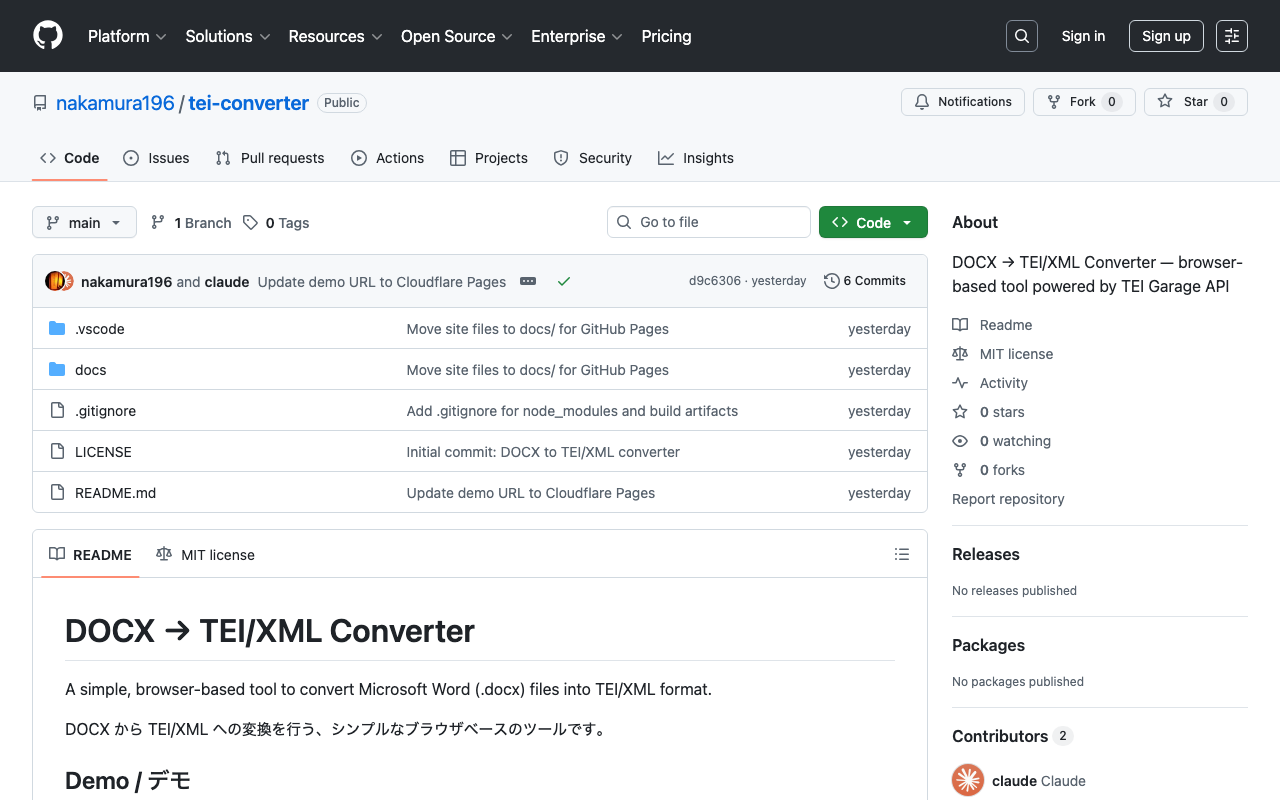
Building a DOCX to TEI/XML Conversion Tool in the Browser Using the TEI Garage API

Building a DOCX to TEI/XML Conversion Tool in the Browser Using the TEI Garage API

Introduction TEI (Text Encoding Initiative) is an international standard for digitally structuring texts in the humanities. It is used in libraries, museums, and academic research, but writing TEI/XML directly requires knowledge of markup, making the barrier to entry high. This is where conversion tools from Microsoft Word (.docx) to TEI/XML come in. A well-known example is TEI Garage (formerly OxGarage), but its multi-purpose nature makes the UI somewhat complex. This time, I created a simple browser-based tool specialized for DOCX to TEI/XML conversion. ...

Guide to Publishing TEI/XML Files on GitHub

Guide to Publishing TEI/XML Files on GitHub

Introduction This article explains the procedure for uploading TEI (Text Encoding Initiative) format XML files to GitHub and creating URLs that anyone can access. TEI/XML is an international standard format for structurally describing texts such as historical documents and literary works. By using GitHub, you can share your research data with researchers around the world. What You Need A computer (Windows, Mac, or Linux) Internet connection TEI/XML files (that you already have) Email address (for creating a GitHub account) About Sample Files If you don’t have TEI/XML files, you can use the following TEI/XML file from the Koui Genji Monogatari for practice: ...

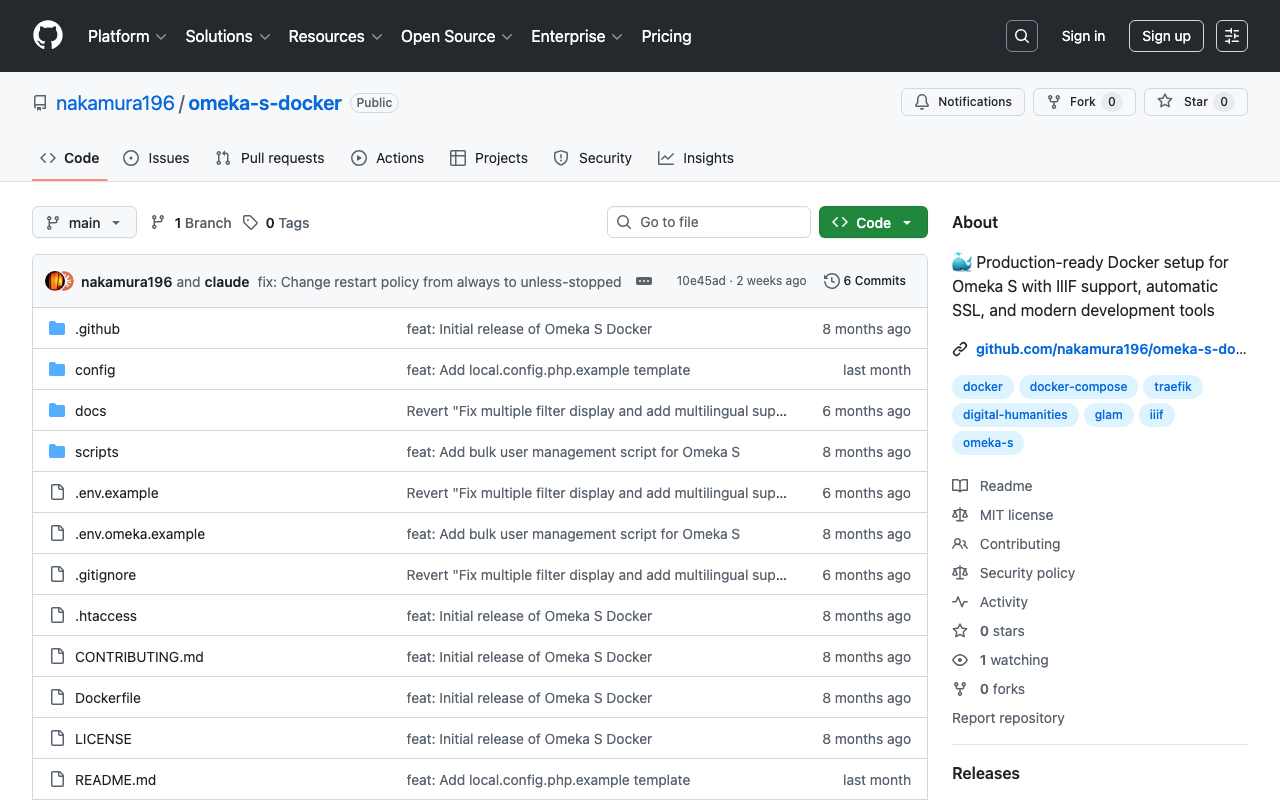
Introducing Omeka S Docker: A Modern and Secure Solution for Digital Collections

Introducing Omeka S Docker: A Modern and Secure Solution for Digital Collections

! This article was created by AI. Welcome to Omeka S Docker! This project provides a production-ready Docker setup for Omeka S, a web publication system for universities, galleries, libraries, archives, and museums. GitHub Repository: https://github.com/nakamura196/omeka-s-docker Why Omeka S Docker? Managing digital collections does not need to be complex. That is why we created a Docker-based solution that simplifies deploying and managing Omeka S. Key Features Quick Setup: Get Omeka S running within minutes with a single command Security First: Built with security best practices including non-root containers and secure default settings Module Management: Automatic installation and updates of popular Omeka S modules Easy Upgrades: Seamless version upgrades while maintaining data persistence Production Ready: Optimized for both development and production environments Traefik Integration: Built-in support for reverse proxy and SSL termination Getting Started Prerequisites Docker and Docker Compose installed Basic command line knowledge (Optional) A domain name for production deployment with SSL Understanding Setup Options This Docker setup provides two deployment modes: ...

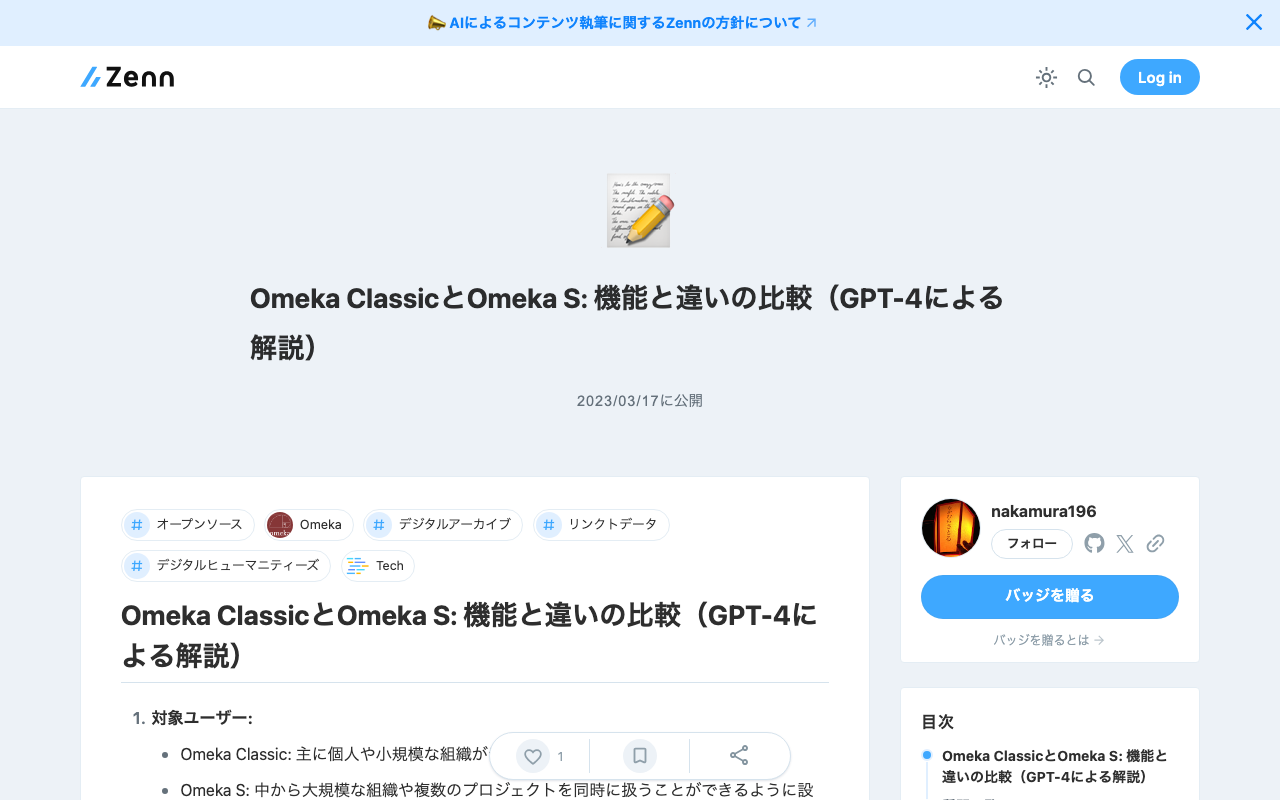
Omeka Classic and Omeka S: Feature Comparison (Explained by GPT-4)

Omeka Classic and Omeka S: Feature Comparison (Explained by GPT-4)

Omeka Classic and Omeka S: Feature Comparison (Explained by GPT-4) Target Users: Omeka Classic: Primarily for individuals and small organizations to publish digital collections. Omeka S: Designed to handle multiple projects simultaneously for medium to large organizations. Site Management: Omeka Classic: Creates one website per instance. Omeka S: Can create and manage multiple websites from a single instance. Data Sharing: Omeka Classic: Basically creates independent sites. Omeka S: Supports Linked Data and Semantic Web technologies to facilitate data reuse and sharing. Extensions: ...