Home Articles Books Search About
日本語
Researching How to Use Omeka S

Researching How to Use Omeka S

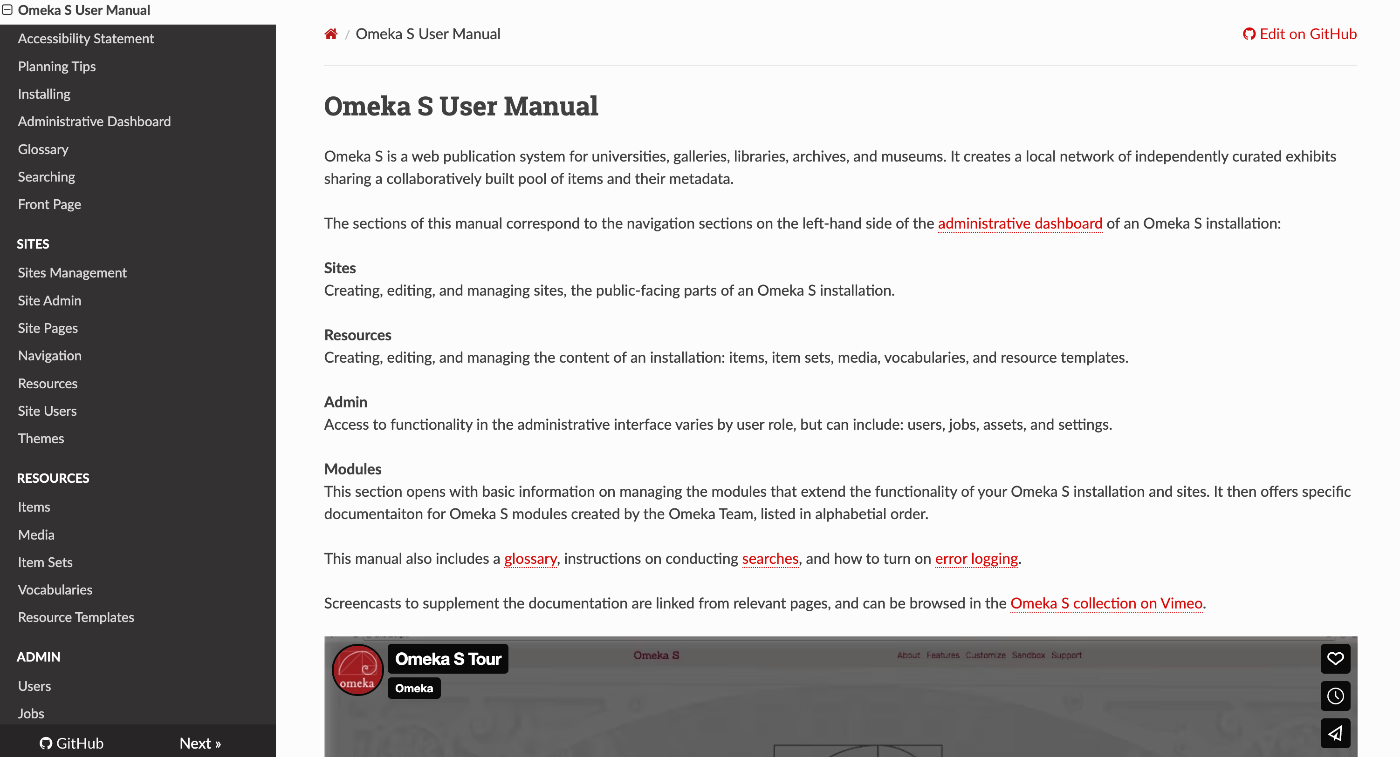
Overview This is a memo on methods for researching how to use Omeka S. How to Research Official Manual The official manual is the most comprehensive and reflects the most up-to-date content. https://omeka.org/s/docs/user-manual/ Chat With Copilot As a method for searching in natural language, you can use “Chat With Copilot.” Access the following repository: https://github.com/omeka/omeka-s-enduser Then click “Chat With Copilot.” You can ask questions in the chat interface shown below. ...

Editing TEI/XML Files Using XSLT

Editing TEI/XML Files Using XSLT

Overview This article introduces one example of how to edit TEI/XML files while using XSLT. Related In the following article, I introduced how to preview XSLT results using a VSCode extension. In this article, I introduce a simpler method for editing TEI/XML files while using XSLT, without using the above extension. Installing Extensions Install the following extensions in VSCode: Live Server https://marketplace.visualstudio.com/items?itemName=ritwickdey.LiveServer Scholarly XML https://marketplace.visualstudio.com/items?itemName=raffazizzi.sxml Auto Close Tag https://marketplace.visualstudio.com/items?itemName=formulahendry.auto-close-tag Additionally, the following two extensions are recommended by Scholarly XML. However, since they were inconvenient in some of my use cases, I will make them optional for now. ...

Scheduled Backup of Omeka S Data Using AWS Copilot

Scheduled Backup of Omeka S Data Using AWS Copilot

Overview I previously created a program to download Omeka S data. This time, I use AWS Copilot to run the above program on a scheduled basis. Installing AWS Copilot Please refer to the following. https://docs.aws.amazon.com/ja_jp/AmazonECS/latest/developerguide/AWS_Copilot.html Preparing Files Create three files in any location: Dockerfile, main.sh, and .env. Dockerfile FROM python:3 COPY *.sh . CMD sh main.sh main.sh set -e export output_dir=../docs # Program to download data from Omeka S export repo_tool=https://github.com/nakamura196/omekas_backup.git dir_tool=tool dir_dataset=dataset # If folder exists if [ -d $dir_tool ]; then rm -rf $dir_tool rm -rf $dir_dataset fi # clone git clone --depth 1 $repo_tool $dir_tool git clone --depth 1 $repo_dataset $dir_dataset # requirements.txt cd $dir_tool pip install --upgrade pip pip install -r requirements.txt # Execute cd src sh main.sh # copy odir=../../$dir_dataset/$subdir mkdir -p $odir cd $odir cp -r ../../$dir_tool/data . cp -r ../../$dir_tool/docs . # git git status git add . git config user.email "$email" git config user.name "$name" git commit -m "update" git push # Cleanup cd ../../ rm -rf $dir_tool rm -rf $dir_dataset .env api_url=https://dev.omeka.org/omeka-s-sandbox/api github_url=https://<personal-access-token>@github.com/<username>/<repository-name>.git username=nakamura email=nakamura@example.org dirname=dev The following is an explanation of the parameters. ...