Home Articles Books Search About
日本語
Created Version 2 of the NDLOCR App Using Google Colab

Created Version 2 of the NDLOCR App Using Google Colab

Announcements Notebook URL https://colab.research.google.com/github/nakamura196/ndl_ocr/blob/main/ndl_ocr_v2.ipynb 2022-07-06 A demo video showing how to use it has been created. https://youtu.be/46p7ZZSul0o Additionally, a ruby (furigana) text conversion feature has been added. Overview I created an NDLOCR app using Google Colab and introduced it in the following article. This time, I created Version 2, an improved version of the above notebook. You can access the notebook from the following link. https://colab.research.google.com/github/nakamura196/ndl_ocr/blob/main/ndl_ocr_v2.ipynb Features Support for multiple input formats has been added. The following options are available: ...

Updating the NDLOCR App Using Google Colab: Adding Single Input Dir Mode

Updating the NDLOCR App Using Google Colab: Adding Single Input Dir Mode

Overview I recently created the following article and notebook. At the time of writing the above article, only the following input format was supported. Image file mode (specified with -s f) (Use this when providing a single image file as input) However, through verification in the following article, it became clear that applying the above option to multiple images incurs significant overhead. Therefore, I modified the notebook to also support the following input format. ...

Execution Time for NDLOCR Using Google Colab

Execution Time for NDLOCR Using Google Colab

I recently wrote the following article: This time, I conducted a brief investigation on the execution time of NDLOCR using Google Colab, and here are the results. Configuration The GPU used was: Fri Apr 29 06:26:29 2022 +-----------------------------------------------------------------------------+ | NVIDIA-SMI 460.32.03 Driver Version: 460.32.03 CUDA Version: 11.2 | |-------------------------------+----------------------+----------------------+ | GPU Name Persistence-M| Bus-Id Disp.A | Volatile Uncorr. ECC | | Fan Temp Perf Pwr:Usage/Cap| Memory-Usage | GPU-Util Compute M. | | | | MIG M. | |===============================+======================+======================| | 0 Tesla V100-SXM2... Off | 00000000:00:04.0 Off | 0 | | N/A 35C P0 23W / 300W | 0MiB / 16160MiB | 0% Default | | | | N/A | +-------------------------------+----------------------+----------------------+ +-----------------------------------------------------------------------------+ | Processes: | | GPU GI CI PID Type Process name GPU Memory | | ID ID Usage | |=============================================================================| | No running processes found | +-----------------------------------------------------------------------------+ The following image was used. The size was 5000 x 3415 px, 1.1 MB: ...

Example of Running SPARQL Queries Against the Japan Search RDF Store Using Google Colab

Example of Running SPARQL Queries Against the Japan Search RDF Store Using Google Colab

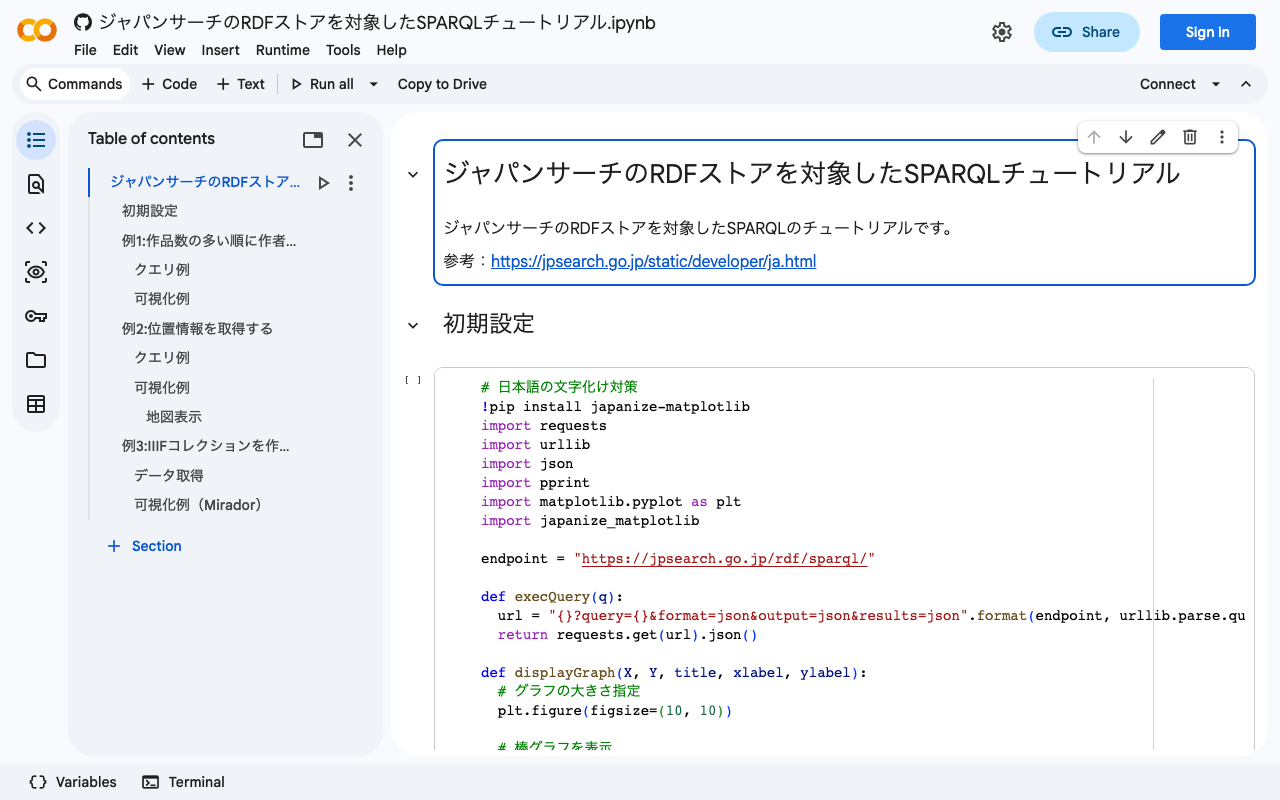
I created a notebook demonstrating examples of running SPARQL queries against the Japan Search RDF store using Google Colab. I hope it serves as a useful reference when using RDF stores with Python. https://colab.research.google.com/github/nakamura196/ndl_ocr/blob/main/ジャパンサーチのRDFストアを対象したSPARQLチュートリアル.ipynb Other reference sites and tutorials include the following. https://www.kanzaki.com/works/ld/jpsearch/ https://lab.ndl.go.jp/data_set/tutorial/

Running the NDL Lab Automatic Figure/Table Extraction Program Using Google Colab

Running the NDL Lab Automatic Figure/Table Extraction Program Using Google Colab

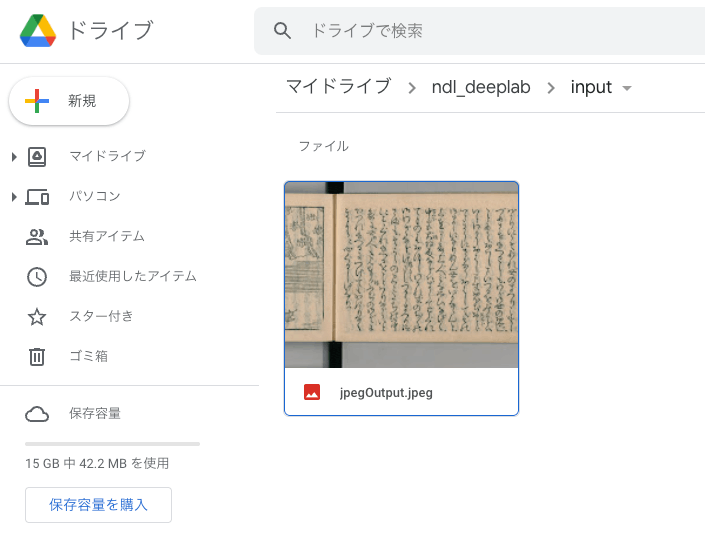
Overview NDL Lab publishes the following automatic figure/table extraction program. https://github.com/ndl-lab/tensorflow-deeplab-v3-plus This time, I summarize how to use Google Colab for the above program, including the procedures for inputting images via Google Drive and saving results. Notebook The Google Colab notebook created this time can be accessed from the following. https://colab.research.google.com/github/nakamura196/ndl_ocr/blob/main/ndl_deeplab.ipynb By preparing a folder of input images on Google Drive, you can execute the automatic figure/table extraction process. For basic operation instructions, please check the explanations within the notebook above. Below, I introduce execution examples. ...

Running NDLOCR App with Google Colab (Image Input and Result Saving via Google Drive)

Running NDLOCR App with Google Colab (Image Input and Result Saving via Google Drive)

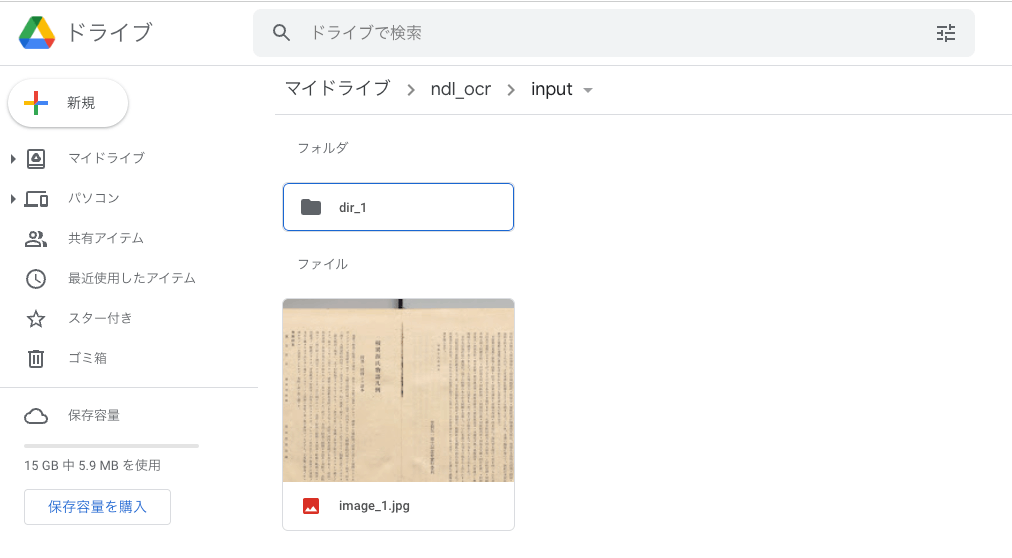
Overview Previously, I shared a method for running the NDLOCR app using Google Cloud Platform’s Compute Engine. However, the above method involves somewhat cumbersome procedures and incurs costs. While it is suitable for production environments, it presented a high barrier for small-scale or experimental use. To address this issue, @blue0620 created a method for running the NDLOCR app using Google Colab. https://twitter.com/blue0620/status/1519294332159012864 By using the above notebook, you can easily (with one click from “Runtime” > “Run all”) and freely run OCR. ...

Using The New York Public Library API

Using The New York Public Library API

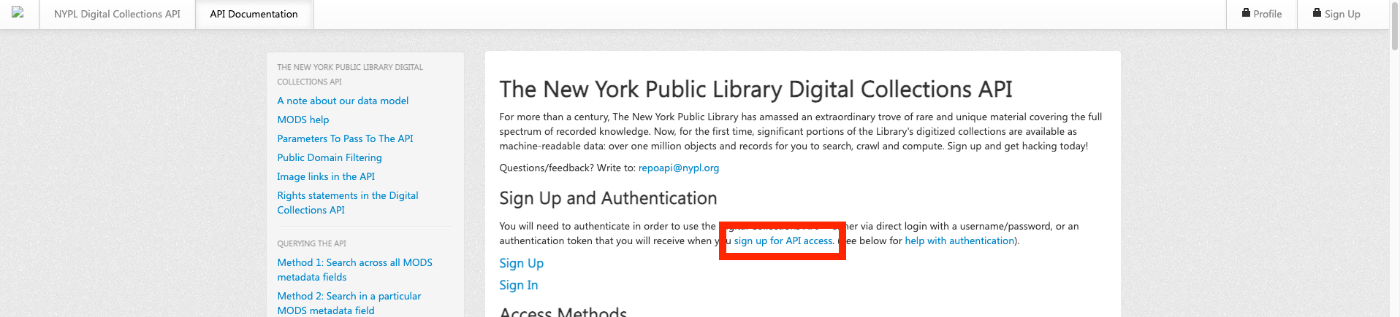
Overview The New York Public Library provides a Digital Collections API. http://api.repo.nypl.org/ This article explains an example of how to use this API. Sign Up First, click the following link to sign up. A form like the following will be displayed, so enter the required information. After entering your information, you will receive an email with the subject Welcome to NYPL API. This email contains the Authentication Token. ...

How to Use pyvips and Create Pyramid Tiled TIFF Files

How to Use pyvips and Create Pyramid Tiled TIFF Files

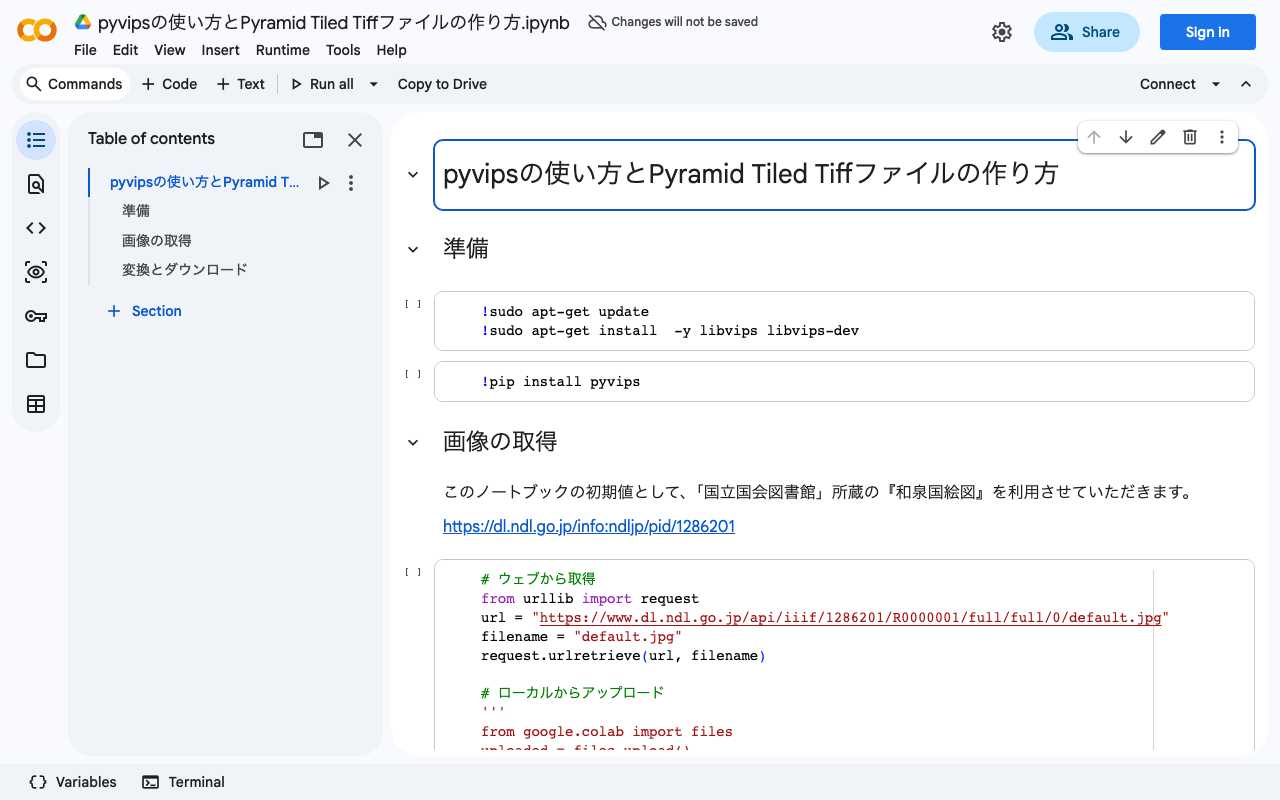
Overview I created a program to generate Pyramid Tiled TIFF files using pyvips. You can try it on the following Google Colab. https://colab.research.google.com/drive/1VO1PgKgS3H21zXpg4g2inN-mtIrON5TQ?usp=sharing When delivering images via IIIF, there are situations where Pyramid Tiled TIFF files need to be created. We hope this is helpful for image conversion using Python and Vips. The parameters are based on the following. https://github.com/samvera-labs/serverless-iiif#using-vips Also, as one example of how to deliver converted Pyramid Tiled TIFF files, the following article may also be helpful. ...

[Google Colab] Retrieving Article Lists Using the Hatena Blog AtomPub API

[Google Colab] Retrieving Article Lists Using the Hatena Blog AtomPub API

I created a sample program for retrieving article lists using the Hatena Blog AtomPub API. You can try it on the following Google Colab. https://colab.research.google.com/drive/15z0Iime9Bbma7HW09__Fq_fRkcWP6nyS?usp=sharing After running the above program, an Excel file like the following will be downloaded. https://docs.google.com/spreadsheets/d/14myDqZTxocwOT0Mw3ZzKLO81E6r15R-49oUh2dG9Rbo/edit?usp=sharing The “metadata” sheet stores blog information, and the “items” sheet stores the list of articles. Some aspects may be unclear due to the notation in column A of the “metadata” sheet, the heading rows, and the heading rows of the “items” sheet (which are designed for connection with other applications), but I hope this is helpful when using the Hatena Blog AtomPub API. ...

[Memo] Created a Program for Batch Deleting Folders on Google Drive

[Memo] Created a Program for Batch Deleting Folders on Google Drive

Background While working with a kuzushiji (classical Japanese character) dataset, a data processing error resulted in creating a large number of folders with Unicode names directly under My Drive. To address this issue, this article explains a program for batch deleting multiple folders on Google Drive. Note that this article primarily serves as a personal memo. Target Audience Those with knowledge of Google Cloud Platform Solution To solve this problem, we created a sample program for batch deleting folders on Google Drive. You can try it in the following Google Colaboratory notebook: ...