Adding Images to IIIF Manifest Files for Audio Materials
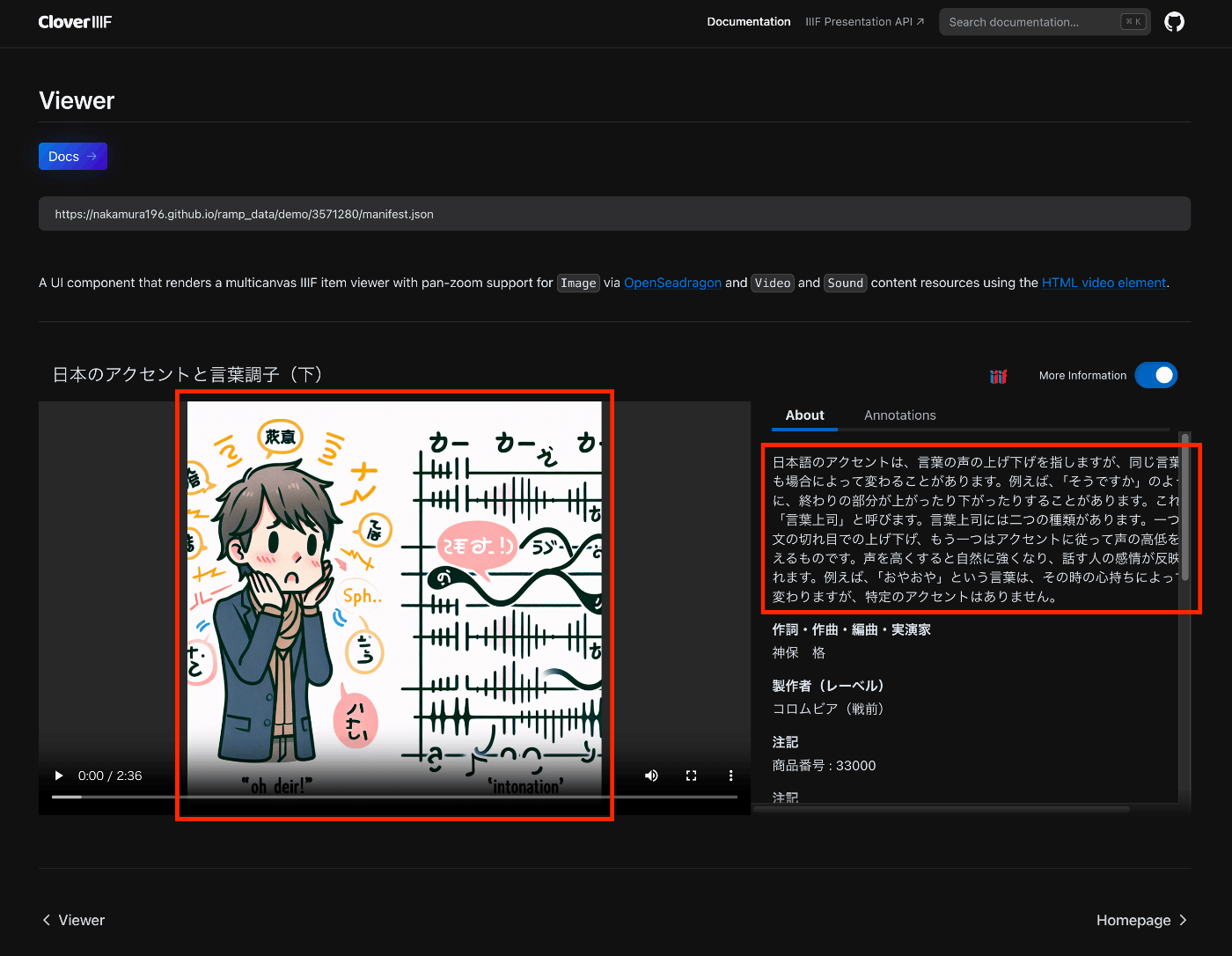
Overview This is a note on trying out the Audio Presentation with Accompanying Image recipe. https://iiif.io/api/cookbook/recipe/0014-accompanyingcanvas/ The following is an example displayed in Clover, where the configured image appears in the player. https://samvera-labs.github.io/clover-iiif/docs/viewer/demo?iiif-content=https://nakamura196.github.io/ramp_data/demo/3571280/manifest.json Manifest File Description An example is stored at the following location. https://github.com/nakamura196/ramp_data/blob/main/docs/demo/3571280/manifest.json Specifically, it was necessary to add an accompanyingCanvas to the Canvas as follows. { "id": "https://nakamura196.github.io/ramp_data/demo/3571280/canvas", "type": "Canvas", "duration": 156.07999999999998, "accompanyingCanvas": { "id": "https://nakamura196.github.io/ramp_data/demo/3571280/canvas/accompanying", "type": "Canvas", "height": 1024, "width": 1024, "items": [ { "id": "https://nakamura196.github.io/ramp_data/demo/3571280/canvas/accompanying/annotation/page", "type": "AnnotationPage", "items": [ { "id": "https://nakamura196.github.io/ramp_data/demo/3571280/canvas/accompanying/annotation/image", "type": "Annotation", "motivation": "painting", "body": { "id": "https://nakamura196.github.io/ramp_data/demo/3571280/3571280_summary_image.jpg", "type": "Image", "height": 1024, "width": 1024, "format": "image/jpeg" }, "target": "https://nakamura196.github.io/ramp_data/demo/3571280/canvas/accompanying/annotation/page" } ] } ] }, It may be a bit hard to follow, but here is the code example using iiif_prezi3. The accompanyingCanvas is created via create_accompanying_canvas() and associated with the canvas. ...
