Fixing the White Bar at the Bottom of Chrome Headless Screenshots
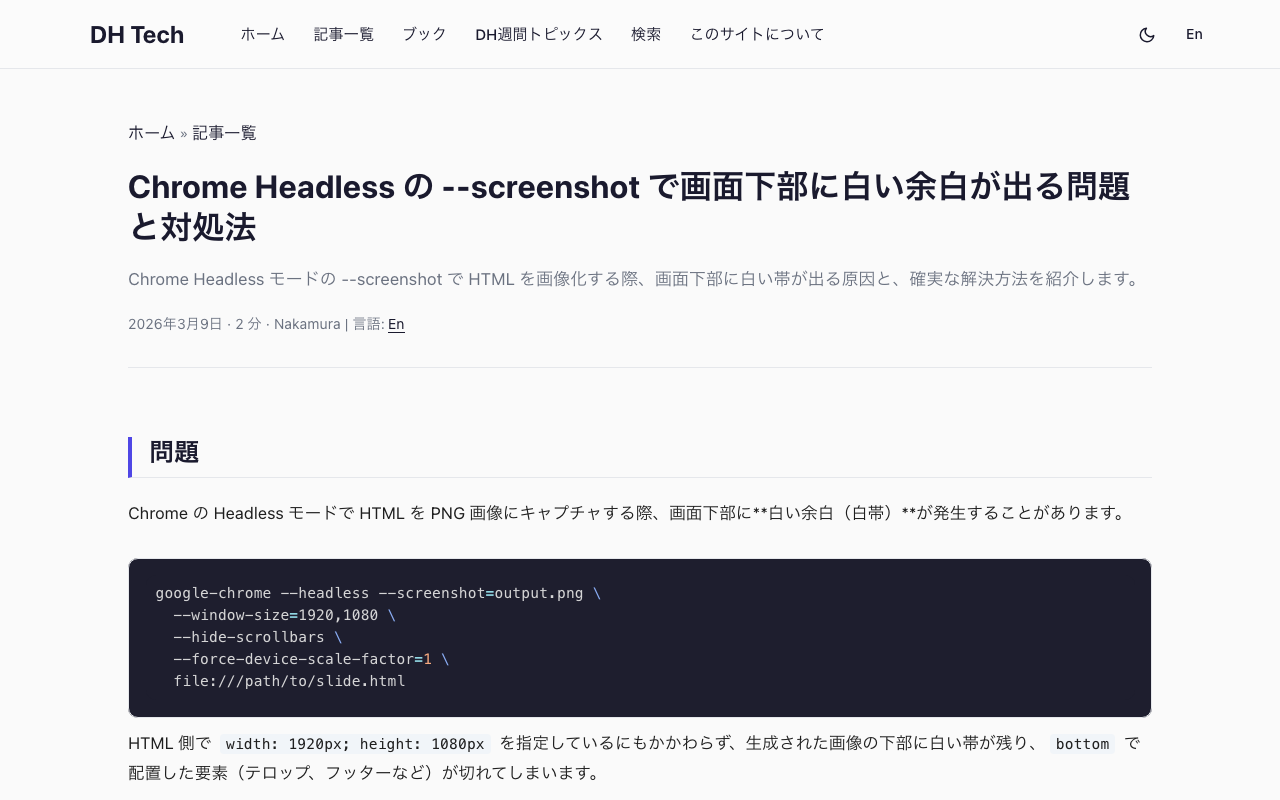
The Problem When capturing HTML as PNG images using Chrome’s Headless mode, a white bar appears at the bottom of the output image. google-chrome --headless --screenshot=output.png \ --window-size=1920,1080 \ --hide-scrollbars \ --force-device-scale-factor=1 \ file:///path/to/slide.html Even when the HTML specifies width: 1920px; height: 1080px, the generated image has a white strip at the bottom, and elements positioned with bottom (such as captions, footers, or telops) get clipped. Root Cause --window-size=1920,1080 sets the outer window size, not the actual viewport (rendering area). The viewport ends up slightly smaller, even in Headless mode. ...