Home Articles Books Search About
日本語
Achieving Up to 7.6x Faster Image Delivery by Optimizing Cantaloupe IIIF Server Cache

Achieving Up to 7.6x Faster Image Delivery by Optimizing Cantaloupe IIIF Server Cache

Introduction I run Cantaloupe, an IIIF-compliant image server, in a Docker environment with S3 as the image source. IIIF viewers (such as Mirador and OpenSeadragon) generate dozens to hundreds of simultaneous tile requests every time the user zooms or pans. By reviewing the cache settings and tuning parameters, I was able to speed up tile delivery by up to 7.6x. In this article, I share the methods and results. Environment Server: AWS EC2 (2 vCPU, 7.6GB RAM) Cantaloupe: islandora/cantaloupe:2.0.10 (based on Cantaloupe 5.0.7) Image Source: Amazon S3 (S3Source) Test Image: 25167×12483px TIFF (512×512 tiles) Reverse Proxy: Traefik v3.2 Setup: Docker Compose Problem: Cache Is Disabled by Default After investigating the default settings of the islandora/cantaloupe image, I found the following state: ...
How to Dynamically Convert File Paths on Azure Storage Using Cantaloupe Delegate Scripts

How to Dynamically Convert File Paths on Azure Storage Using Cantaloupe Delegate Scripts

Introduction When using Azure Storage with the IIIF server Cantaloupe, the IIIF URL identifier may differ from the actual file path on Azure Storage. This article provides a detailed explanation of how to solve this problem using delegate scripts. The Problem Suppose you are managing images with the following file structure: Azure Storage Container: mycontainer ├── images/ │ ├── collection1/ │ │ ├── item001/ │ │ │ └── item001_001.jpg │ │ └── item002/ │ │ └── item002_001.jpg │ └── collection2/ │ └── ... However, you want to access them via IIIF URLs like: ...

Cantaloupe: Serving Images Stored in Microsoft Azure Blob Storage

Cantaloupe: Serving Images Stored in Microsoft Azure Blob Storage

Overview This is a memo on how to serve images stored in Microsoft Azure Blob Storage using Cantaloupe Image Server, one of the IIIF image servers. This is the Microsoft Azure Blob Storage version of the following article. Method This time we will use the Docker version. Please clone the following repository. https://github.com/nakamura196/docker_cantaloupe In particular, rename .env.azure.example to .env and set the environment variables. # For Microsoft Azure Blob Storage CANTALOUPE_AZURESTORAGESOURCE_ACCOUNT_NAME= CANTALOUPE_AZURESTORAGESOURCE_ACCOUNT_KEY= CANTALOUPE_AZURESTORAGESOURCE_CONTAINER_NAME= # For Traefik CANTALOUPE_HOST= LETS_ENCRYPT_EMAIL= The last two settings also include HTTPS configuration using Traefik. ...

Delivering IIIF Images Using mdx.jp Object Storage and Cantaloupe Image Server

Delivering IIIF Images Using mdx.jp Object Storage and Cantaloupe Image Server

Overview This is a personal note on how to deliver IIIF images using mdx.jp object storage and Cantaloupe Image Server, one of the IIIF image servers. Background In the following article, I introduced how to deliver images using mdx.jp object storage. In the following article, I introduced how to deliver images stored in Amazon S3 using Cantaloupe Image Server. By combining these approaches, we aim to address the cost challenges of IIIF image delivery in digital archives. ...

How to Access S3 Buckets and Enable SSL Communication Using Docker-based Cantaloupe

How to Access S3 Buckets and Enable SSL Communication Using Docker-based Cantaloupe

Overview I introduced how to use the Docker version of Cantaloupe in the following article. To use this Docker-based Cantaloupe in a (non-large-scale) production environment, connection to Amazon S3 and SSL support are required. Here is an example of how to do this. Connecting to Amazon S3 The official documentation is available at: https://cantaloupe-project.github.io/manual/5.0/sources.html#S3Source The following Japanese article is also available: For the Docker version covered here, information was found at: ...

Trying the Docker Version of Cantaloupe

Trying the Docker Version of Cantaloupe

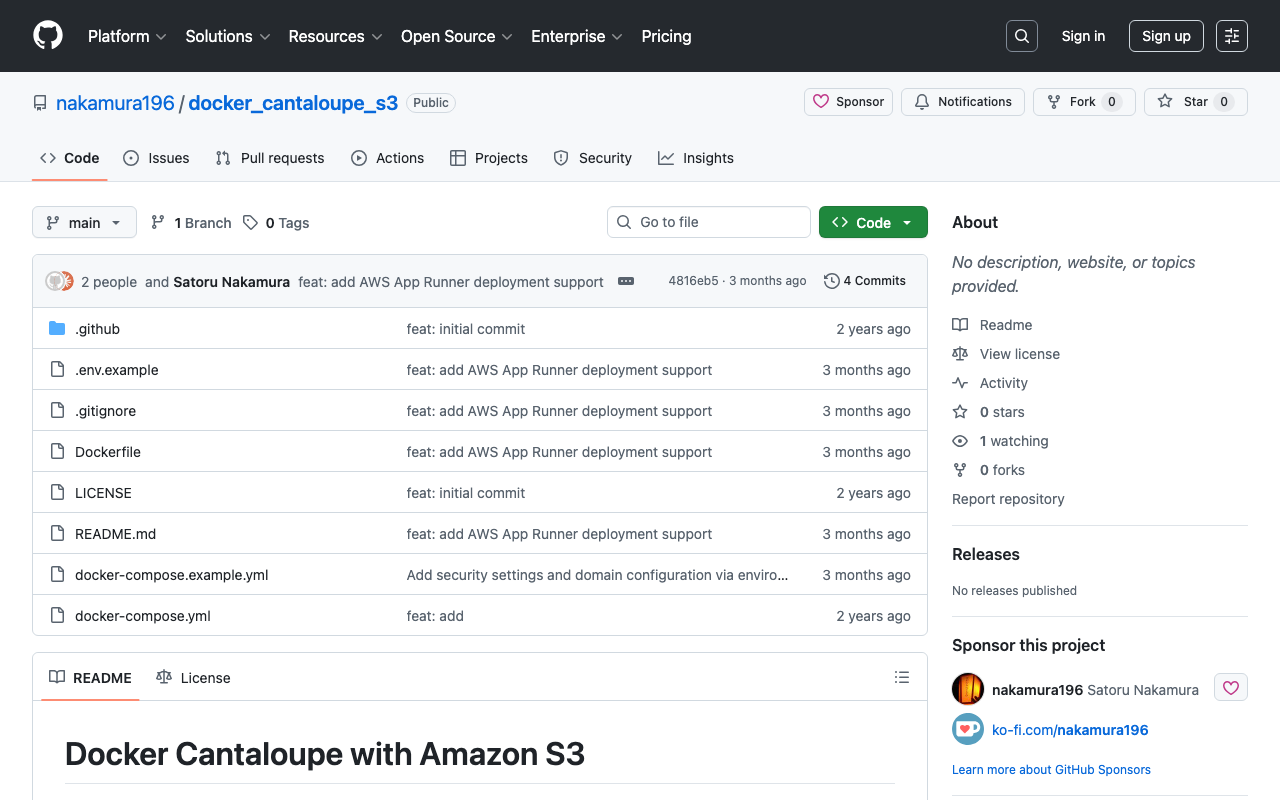
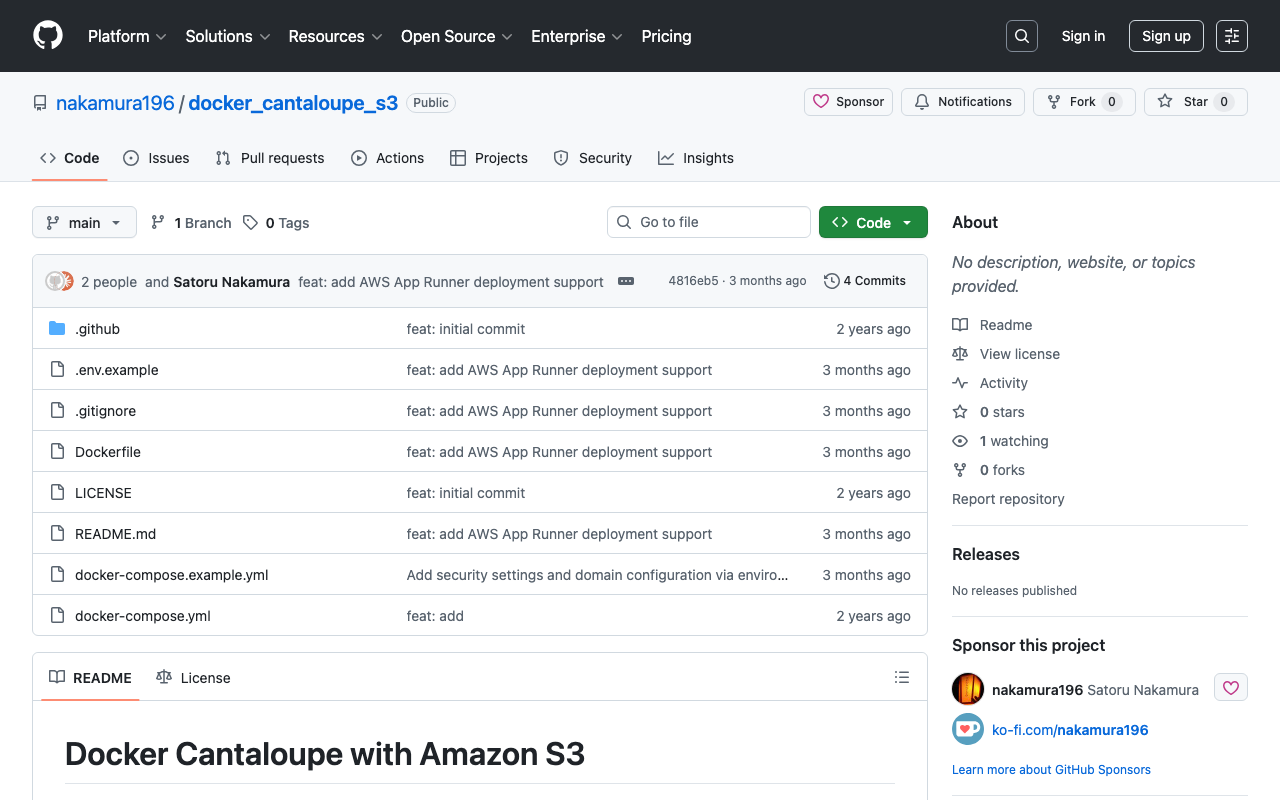
Overview While trying the Docker version of TEI Publisher, I found that a Docker version of Cantaloupe was being used, so I created a repository for using it standalone. https://github.com/nakamura196/docker_cantaloupe Usage instructions are provided in the README of the above repository. The following Docker image is used. https://hub.docker.com/r/islandora/cantaloupe Reference: Images That Can Be Served by Cantaloupe This is explained on the following page. https://cantaloupe-project.github.io/manual/5.0/images.html For high-resolution images, JPEG2000 or Pyramidal Tiled TIFF is recommended. ...

Cantaloupe: Running as a Service

Cantaloupe: Running as a Service

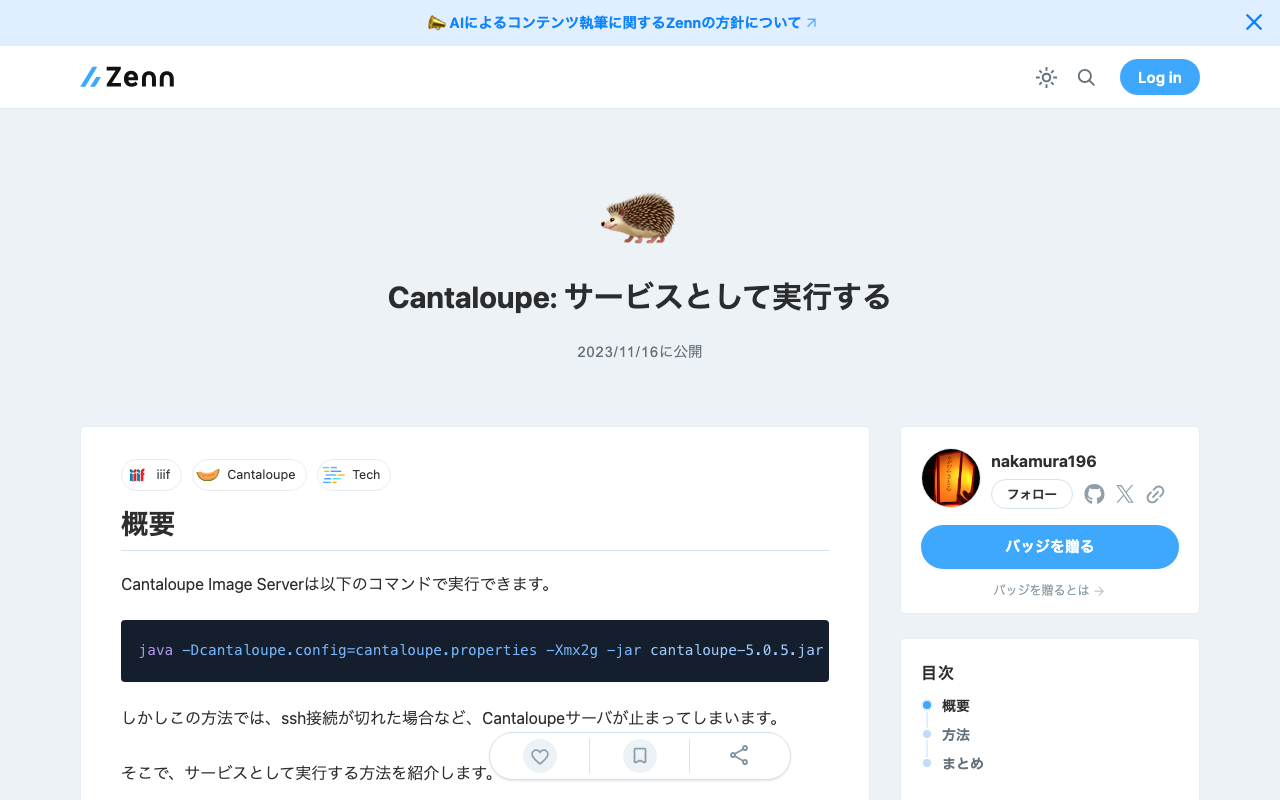
Overview The Cantaloupe Image Server can be run with the following command. java -Dcantaloupe.config=cantaloupe.properties -Xmx2g -jar cantaloupe-5.0.5.jar However, with this method, the Cantaloupe server stops when the SSH connection is lost, for example. Here I introduce how to run it as a service. Method Create a service file: Create a service file (e.g., cantaloupe.service) in the /etc/systemd/system/ directory with sudo privileges. [Unit] Description=Cantaloupe Image Server [Service] User=ubuntu # Please modify the following paths as appropriate WorkingDirectory=/home/ubuntu/cantaloupe-5.0.5 ExecStart=/usr/bin/java -Dcantaloupe.config=cantaloupe.properties -Xmx2g -jar cantaloupe-5.0.5.jar SuccessExitStatus=143 [Install] WantedBy=multi-user.target In this file, the Java command to execute is specified in ExecStart. Also, User and WorkingDirectory need to be set appropriately. ...

Cantaloupe: Serving Images Stored in Amazon S3

Cantaloupe: Serving Images Stored in Amazon S3

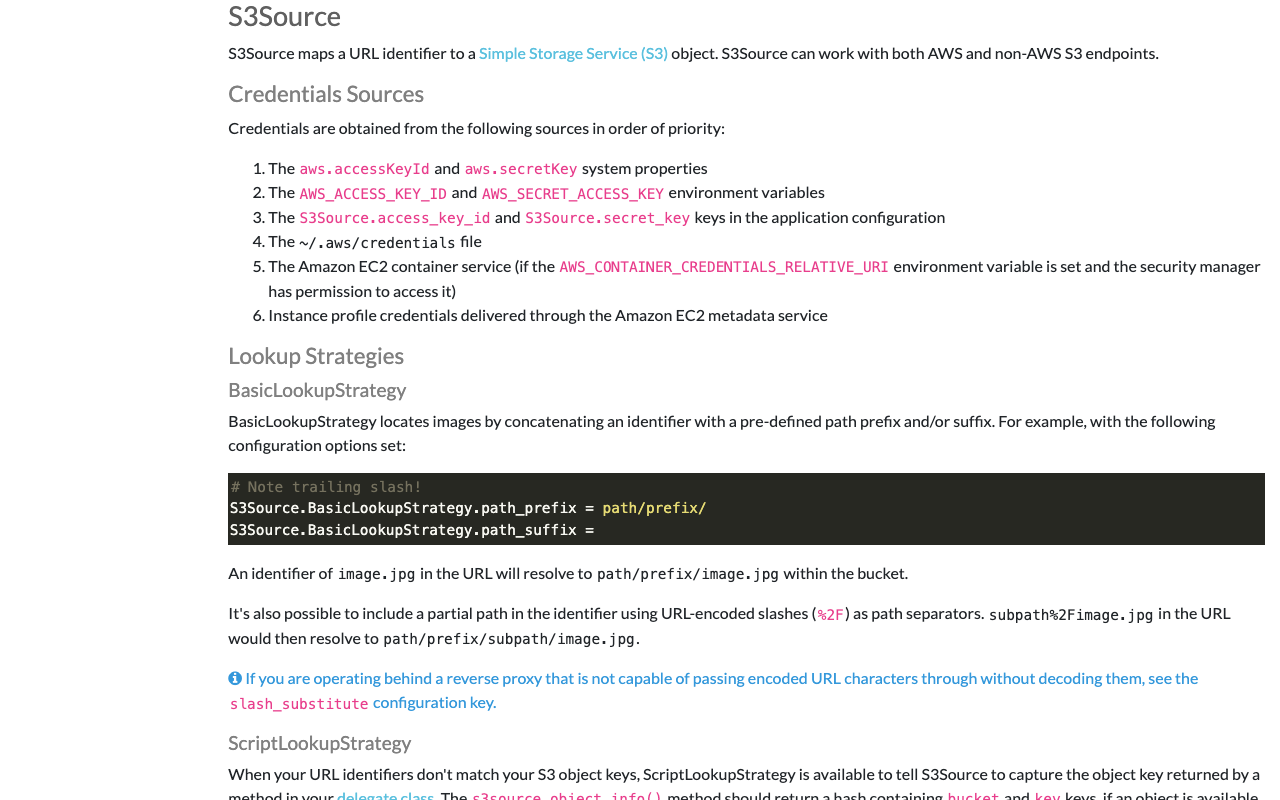
Overview This is a note on how to serve images stored in Amazon S3 using Cantaloupe Image Server, one of the IIIF image servers. As an alternative method for serving images stored in Amazon S3, I also introduced an approach in the following article. (The tools may have been updated since the article was written, so the instructions may not work exactly as described.) Configuration The official manual is available at the following link. ...

Trying Cantaloupe Access Control

Trying Cantaloupe Access Control

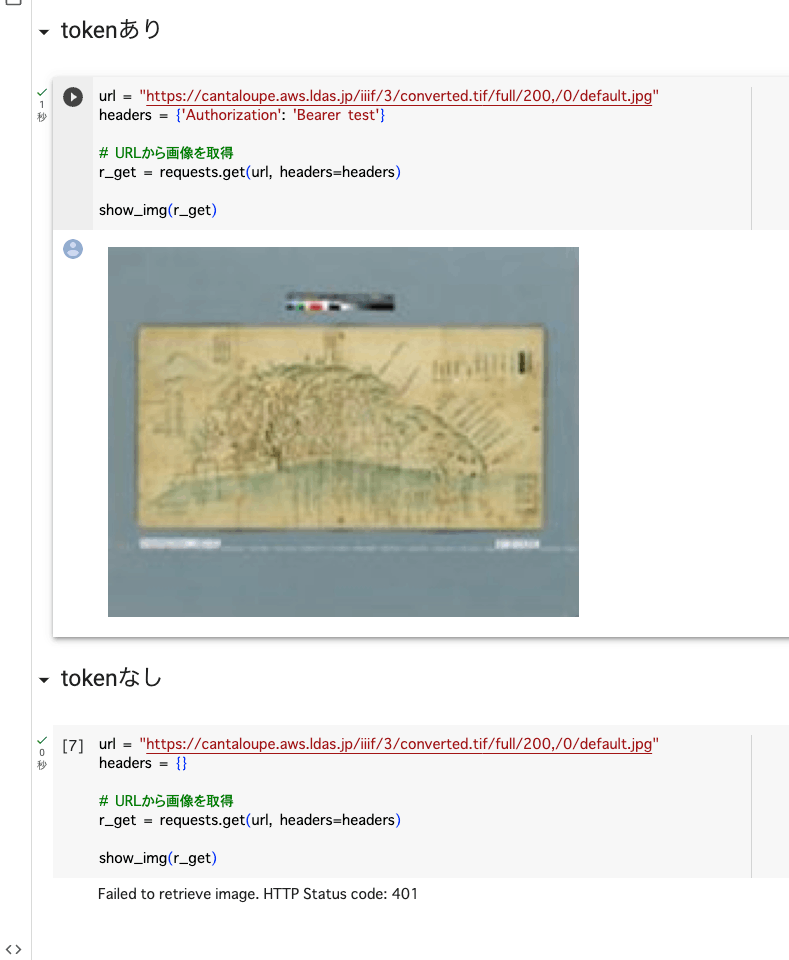
Overview This is a memo about trying Cantaloupe’s Access Control. https://cantaloupe-project.github.io/manual/5.0/access-control.html Bearer Authentication I referenced the following. https://cantaloupe-project.github.io/manual/5.0/access-control.html#Tiered Access All or Nothing Access This returns an error when the authentication information is incorrect. I configured it so that images are returned when the token is test, as shown below. def authorize(options = {}) header = context['request_headers'] .select{ |name, value| name.downcase == 'authorization' } .values.first if header&.start_with?('Bearer ') token = header[7..header.length - 1] if token == "test" return true end end return { 'status_code' => 401, 'challenge' => 'Bearer charset="UTF-8"' } end I created a Google Colab notebook to verify the above behavior. ...

Adding Values to info.json in Cantaloupe

Adding Values to info.json in Cantaloupe

Overview Referring to the following, I tried adding values to the info.json returned by Cantaloupe. https://cantaloupe-project.github.io/manual/5.0/endpoints.html Method Referring to the page above, I modified extra_iiif3_information_response_keys as follows. def extra_iiif3_information_response_keys(options = {}) { 'rights' => 'http://example.org/license.html', 'service' => [ { '@id': 'https://example.org/auth/login', '@type': 'AuthCookieService1', 'profile': 'http://iiif.io/api/auth/1/login', 'label': 'Log In' } ], 'exif' => context.dig('metadata', 'exif'), 'iptc' => context.dig('metadata', 'iptc'), 'xmp' => context.dig('metadata', 'xmp_string') } end As a result, I was able to obtain the following info.json. { "@context": "http://iiif.io/api/image/3/context.json", "id": "https://cantaloupe.aws.ldas.jp/iiif/3/converted.tif", ... "rights": "http://example.org/license.html", "service": [ { "@id": "https://example.org/auth/login", "@type": "AuthCookieService1", "profile": "http://iiif.io/api/auth/1/login", "label": "Log In" } ], "exif": { "tagSet": "Baseline TIFF", "fields": { "ImageWidth": 13300, "ImageLength": 10400, "BitsPerSample": 8, "Compression": 7, "PhotometricInterpretation": 6, ... This can likely be used in combination with license display and the IIIF Auth API. ...

Trying Cantaloupe Overlays

Trying Cantaloupe Overlays

Overview Let’s try the overlay feature provided by Cantaloupe. https://cantaloupe-project.github.io/manual/5.0/overlays.html BasicStrategy With BasicStrategy, overlays are applied based on the settings in cantaloupe.properties. As shown below, you can overlay an image on another image. I used the following image from Irasutoya. https://www.irasutoya.com/2020/12/blog-post_279.html Since I set position to bottom right in the configuration file described below, the specified image appeared in the bottom right as shown below. I modified overlays.BasicStrategy.enabled and overlays.BasicStrategy.image in cantaloupe.properties. ...

Enabling the Cantaloupe Admin Panel

Enabling the Cantaloupe Admin Panel

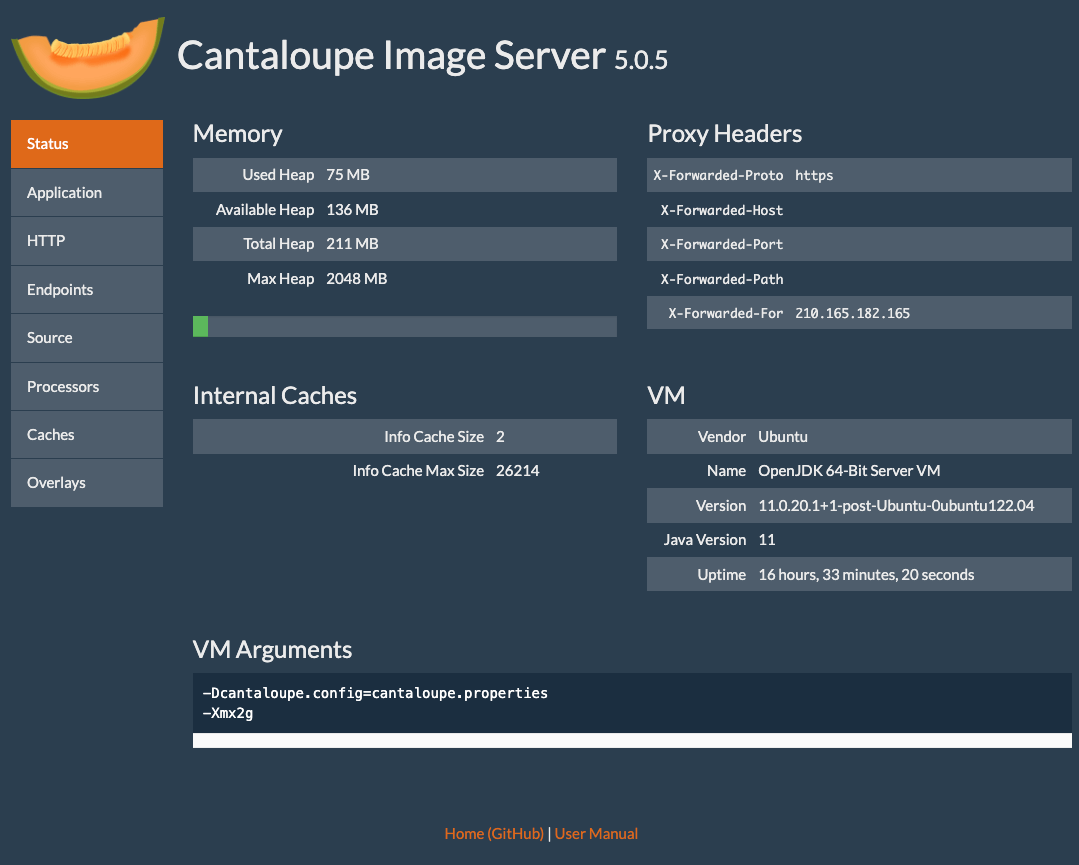
Overview Here is how to enable the admin panel for Cantaloupe. I was able to view server information as shown below. Configuration Edit the following section in cantaloupe.properties. # Enables the Control Panel, at /admin. endpoint.admin.enabled = true # false endpoint.admin.username = admin endpoint.admin.secret = <パスワード> As a result, if you access a URL like the following and the Basic authentication screen appears, the setup is complete. https://cantaloupe.aws.ldas.jp/admin Summary I hope this serves as a useful reference when using Cantaloupe. ...

Enabling HTTPS for Cantaloupe on EC2

Enabling HTTPS for Cantaloupe on EC2

Introduction In the following article, I described how to set up Cantaloupe on EC2. This time, I will configure a custom domain and enable HTTPS. Custom Domain Configuration This time, I will assign the domain cantaloupe.aws.ldas.jp to 54.172.71.20. When using Route 53, it can be configured as follows. Obtaining an SSL Certificate sudo su apt install certbot certbot certonly --standalone -d cantaloupe.aws.ldas.jp root@ip-172-31-62-61:/home/ubuntu# certbot certonly --standalone -d cantaloupe.aws.ldas.jp Saving debug log to /var/log/letsencrypt/letsencrypt.log Enter email address (used for urgent renewal and security notices) (Enter 'c' to cancel): xxx@gmail.com - - - - - - - - - - - - - - - - - - - - - - - - - - - - - - - - - - - - - - - - Please read the Terms of Service at https://letsencrypt.org/documents/LE-SA-v1.3-September-21-2022.pdf. You must agree in order to register with the ACME server. Do you agree? - - - - - - - - - - - - - - - - - - - - - - - - - - - - - - - - - - - - - - - - (Y)es/(N)o: Y - - - - - - - - - - - - - - - - - - - - - - - - - - - - - - - - - - - - - - - - Would you be willing, once your first certificate is successfully issued, to share your email address with the Electronic Frontier Foundation, a founding partner of the Let's Encrypt project and the non-profit organization that develops Certbot? We'd like to send you email about our work encrypting the web, EFF news, campaigns, and ways to support digital freedom. - - - - - - - - - - - - - - - - - - - - - - - - - - - - - - - - - - - - - - - - (Y)es/(N)o: Y Account registered. Requesting a certificate for cantaloupe.aws.ldas.jp Successfully received certificate. Certificate is saved at: /etc/letsencrypt/live/cantaloupe.aws.ldas.jp/fullchain.pem Key is saved at: /etc/letsencrypt/live/cantaloupe.aws.ldas.jp/privkey.pem This certificate expires on 2023-12-19. These files will be updated when the certificate renews. Certbot has set up a scheduled task to automatically renew this certificate in the background. - - - - - - - - - - - - - - - - - - - - - - - - - - - - - - - - - - - - - - - - If you like Certbot, please consider supporting our work by: * Donating to ISRG / Let's Encrypt: https://letsencrypt.org/donate * Donating to EFF: https://eff.org/donate-le - - - - - - - - - - - - - - - - - - - - - - - - - - - - - - - - - - - - - - - - Web Server Configuration: Installing Nginx apt install nginx vi /etc/nginx/sites-available/cantaloupe.aws.ldas.jp Configuration: ...