Home Articles Books Search About
日本語

Pitfalls of Converting TEI XML Standoff Annotations to Inline, and a DOM-Based Solution

Digital Engishiki is a project that encodes the Engishiki — a collection of supplementary regulations for the ritsuryō legal system, completed in 927 CE — in TEI (Text Encoding Initiative) XML, making it browsable and searchable on the web. Led by the National Museum of Japanese History, the project provides TEI markup for critical editions, modern Japanese translations, and English translations, served through a Nuxt.js (Vue.js) based viewer. During development, we encountered a bug where converting TEI XML standoff annotations to inline annotations caused the XML document structure to collapse. This article records the cause and the DOM-based solution. ...
How to Extract respStmt name Values from TEI/XML Files (Explained by GPT-4)

How to Extract respStmt name Values from TEI/XML Files (Explained by GPT-4)

How to Extract respStmt name Values from TEI/XML Files: Approaches Using BeautifulSoup and ElementTree in Python This article introduces how to extract respStmt name values from TEI/XML files using Python’s BeautifulSoup and ElementTree. Method 1: Using ElementTree First, we extract the respStmt name value using Python’s standard library xml.etree.ElementTree. import xml.etree.ElementTree as ET # Load the XML file tree = ET.parse('your_file.xml') root = tree.getroot() # Define the namespace ns = {'tei': 'http://www.tei-c.org/ns/1.0'} # Extract the respStmt name value name = root.find('.//tei:respStmt/tei:name', ns) # Display the name text if name is not None: print(name.text) else: print("The name tag was not found.") Method 2: Using BeautifulSoup Next, we extract the respStmt name value using BeautifulSoup. First, make sure the beautifulsoup4 and lxml libraries are installed. If they are not installed, you can install them with the following command. ...

How to Extract and Process Only Text Strings from XML Files

How to Extract and Process Only Text Strings from XML Files

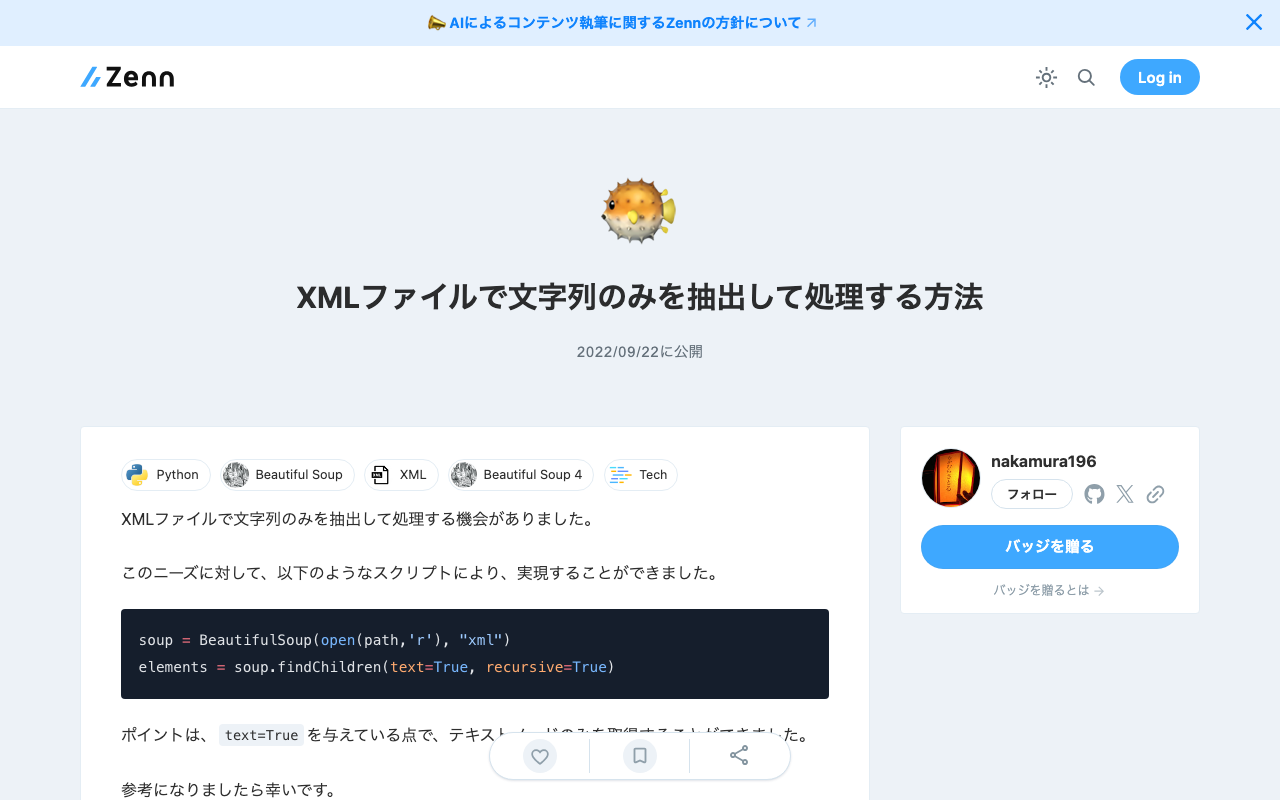
I had the opportunity to extract and process only text strings from XML files. For this need, I was able to achieve it with the following script. soup = BeautifulSoup(open(path,'r'), "xml") elements = soup.findChildren(text=True, recursive=True) The key point is passing text=True, which allows you to retrieve only text nodes. I hope this serves as a useful reference.

How to Set the xml:id Attribute with BeautifulSoup

How to Set the xml:id Attribute with BeautifulSoup

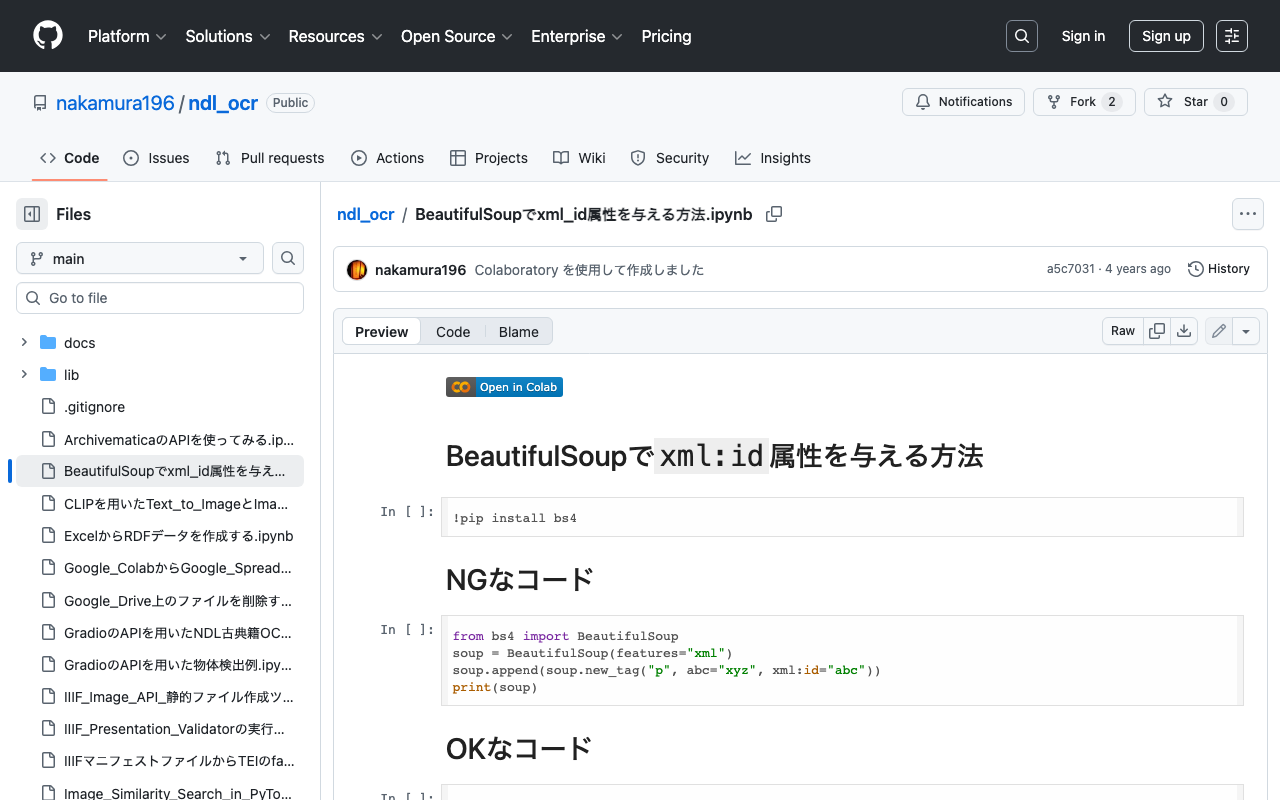
This is a memo on how to set the xml:id attribute with BeautifulSoup. The following method causes an error. from bs4 import BeautifulSoup soup = BeautifulSoup(features="xml") soup.append(soup.new_tag("p", abc="xyz", xml:id="abc")) print(soup) Writing it as follows works correctly. from bs4 import BeautifulSoup soup = BeautifulSoup(features="xml") soup.append(soup.new_tag("p", **{"abc": "xyz", "xml:id":"aiu"})) print(soup) An execution example on Google Colab is available below. https://github.com/nakamura196/ndl_ocr/blob/main/BeautifulSoupでxml_id属性を与える方法.ipynb We hope this is helpful.