Home Articles Books Search About
日本語
Simple Backup of Omeka S Using gdrive

Simple Backup of Omeka S Using gdrive

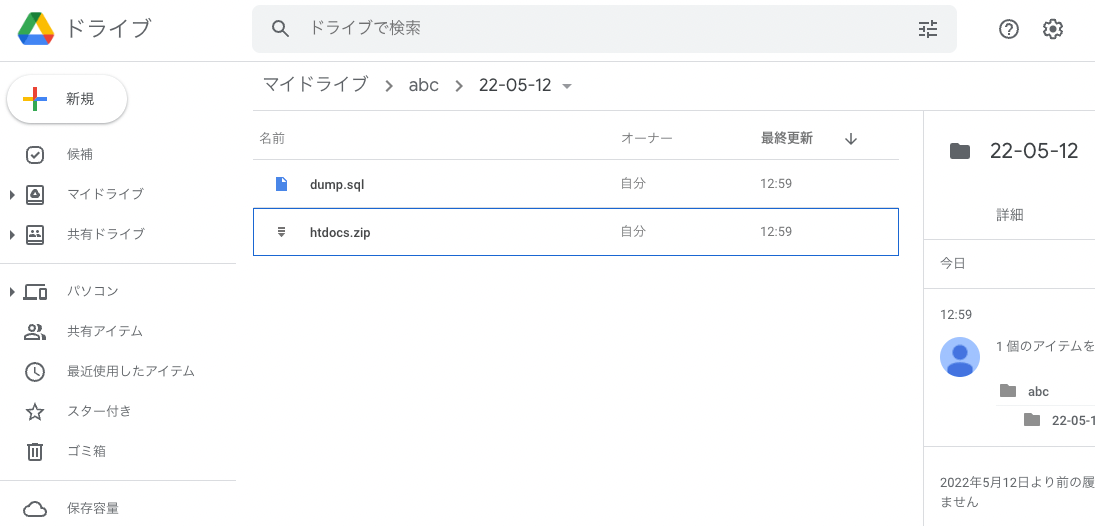
Overview This is a memo on how to perform simple backups of Omeka S using gdrive. As an example, we target Omeka S installed on a LAMP environment launched on Amazon Lightsail. Please refer to the following for installation instructions. Installing gdrive This time, we will back up files to Google Drive. For this purpose, we use gdrive. Please install gdrive by referring to the following article. Prepare a Backup Script In the $HOME directory, create a file such as backup.sh. An example of the file contents is as follows. ...

Using gdrive in a LAMP environment started with Amazon Lightsail

Using gdrive in a LAMP environment started with Amazon Lightsail

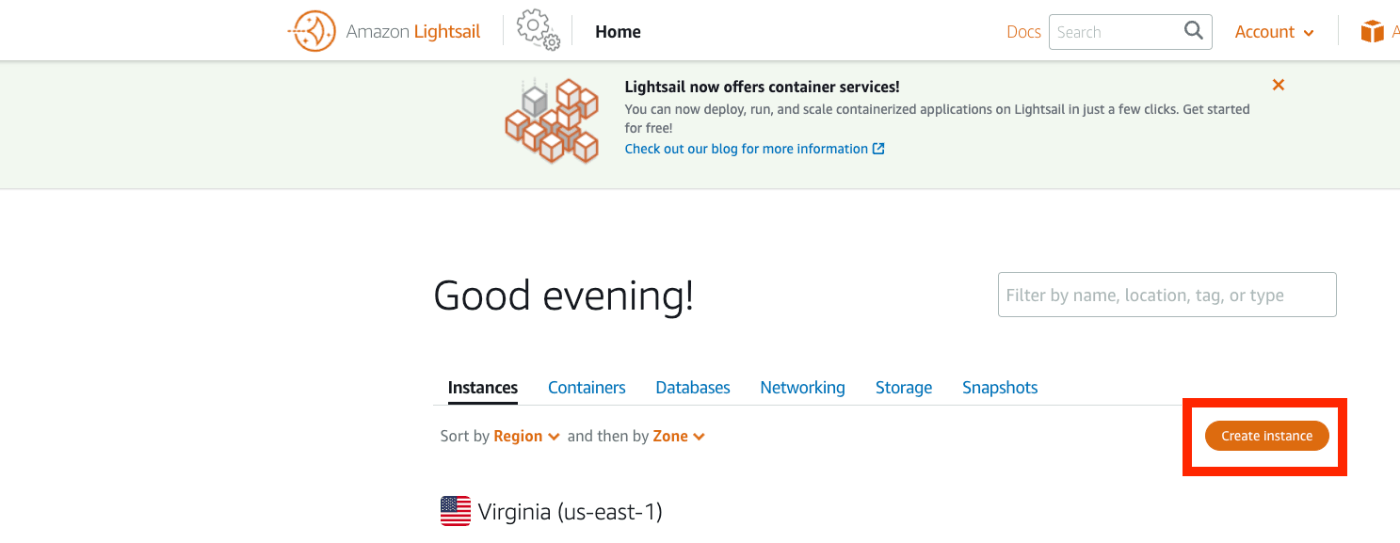
Overview Memorandum for using gdrive in a LAMP environment started with Amazon Lightsail, allowing backup of files to Google Drive, etc. Procedure First, access Amazon Lightsail and press the following “Connect using SSH” button on the target instance. You can access the server as follows. Linux ip-172-26-5-202 4.19.0-19-cloud-amd64 #1 SMP Debian 4.19.232-1 (2022-03-07) x86_64 The programs included with the Debian GNU/Linux system are free software; The programs included with the Debian GNU/Linux system are free software; the exact distribution terms for each program are described in the The programs included with the Debian GNU/Linux system are free software; the exact distribution terms for each program are described in the /usr/share/doc/*/copyright. The programs included with the Debian GNU/Linux system are free software; the exact distribution terms for each program are described in the individual files in /usr/share/doc/*/copyright. Debian GNU/Linux comes with ABSOLUTELY NO WARRANTY, to the extent permitted by applicable law. ___ _ _ _ _ _ | _ _ |_) |_ _ _ _ _ _ _ _ _ _ _ __ (_) | _ _ \ \ \}/ _| ' \}/ _` | ' \} |___/_|\__|_|_|\__,_|_|_|_|_|_| *** Welcome to the LAMP packaged by Bitnami 7.4.28-14 *** *** Documentation: https://docs.bitnami.com/aws/infrastructure/lamp/ *** *** https://docs.bitnami.com/aws/ *** *** Bitnami Forums: https://community.bitnami.com/ *** Last login: Thu May 12 03:25:13 2022 from 72.21.217.186 bitnami@ip-172-26-5-202:~$ Install golang Install golang as follows. ...

Using gdrive in a LAMP Environment on Amazon Lightsail

Using gdrive in a LAMP Environment on Amazon Lightsail

Overview This is a memo for using gdrive in a LAMP environment launched on Amazon Lightsail. This enables file backups to Google Drive, among other things. Steps First, access Amazon Lightsail and press the “Connect using SSH” button on the target instance. You can access the server as shown below. Linux ip-172-26-5-202 4.19.0-19-cloud-amd64 #1 SMP Debian 4.19.232-1 (2022-03-07) x86_64 The programs included with the Debian GNU/Linux system are free software; the exact distribution terms for each program are described in the individual files in /usr/share/doc/*/copyright. Debian GNU/Linux comes with ABSOLUTELY NO WARRANTY, to the extent permitted by applicable law. ___ _ _ _ | _ |_) |_ _ _ __ _ _ __ (_) | _ \ | _| ' \/ _` | ' \| | |___/_|\__|_|_|\__,_|_|_|_|_| *** Welcome to the LAMP packaged by Bitnami 7.4.28-14 *** *** Documentation: https://docs.bitnami.com/aws/infrastructure/lamp/ *** *** https://docs.bitnami.com/aws/ *** *** Bitnami Forums: https://community.bitnami.com/ *** Last login: Thu May 12 03:25:13 2022 from 72.21.217.186 bitnami@ip-172-26-5-202:~$ Installing golang Install golang as follows. ...

Building an Omeka S Site Using Amazon Lightsail (Including Custom Domain + SSL)

Building an Omeka S Site Using Amazon Lightsail (Including Custom Domain + SSL)

Update History 2022/09/08 Updated the script descriptions to the latest version. Overview Amazon Lightsail is described as follows: Amazon Lightsail is an easy-to-use virtual private server (VPS) that makes it easy to manage cloud resources such as containers at a predictable, low price. This article introduces how to build Omeka S using Amazon Lightsail. It also covers the “custom domain” and “SSL” configuration that are generally required when making a database publicly available. ...

Experiments on Image Sizes Supported by serverless-iiif

Experiments on Image Sizes Supported by serverless-iiif

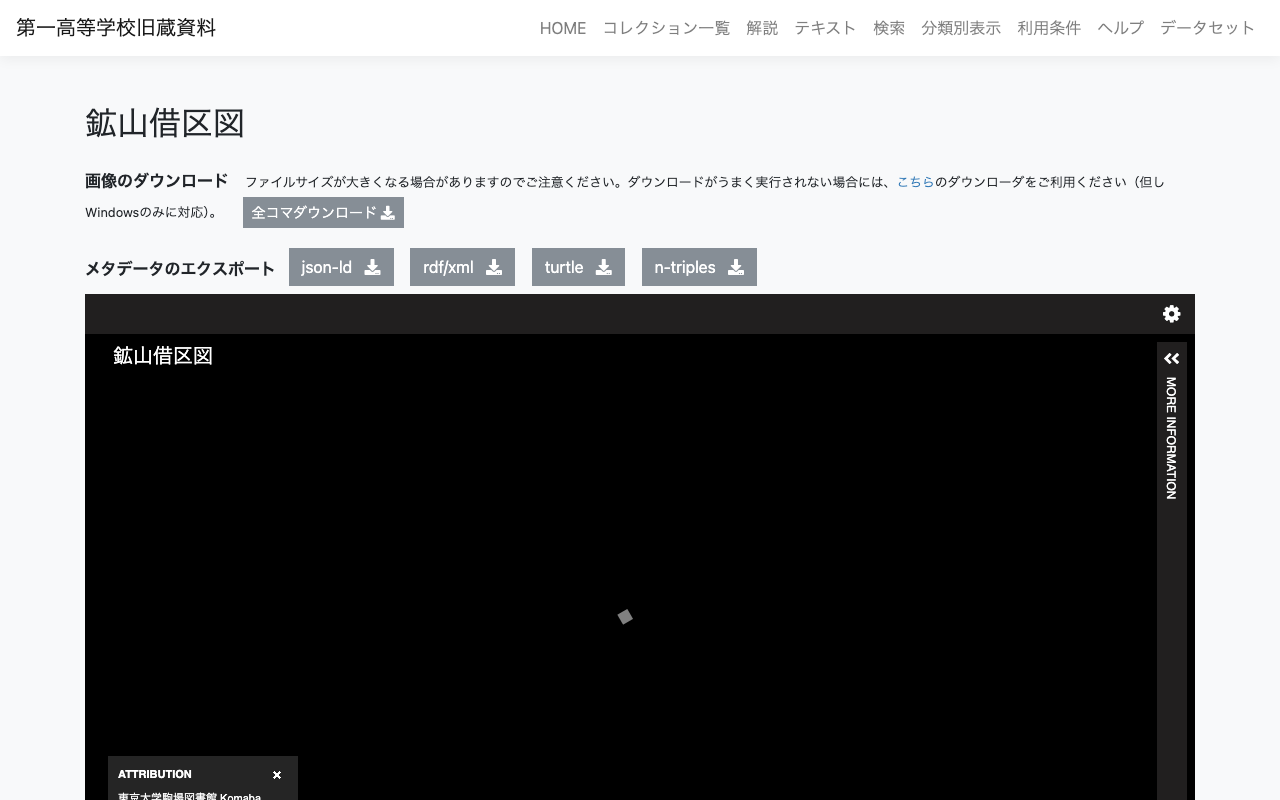
Overview In the following article, I explained how to build an IIIF Image Server using an AWS serverless application. This time, I register a relatively large image and verify whether tile image delivery is possible. Target This time, the target is “Mining Claim Maps” (held by the University of Tokyo Komaba Library). https://iiif.dl.itc.u-tokyo.ac.jp/repo/s/ichiko/document/4120a330-2f1c-4e2c-5d48-21aed4d42704 The original image is a TIF file of nearly 300 MB. Creating Pyramidal Tiled TIFF Referencing the following site, I tried both VIPS and ImageMagick. ...

[Development Guide] I Created an App to View OCR Results Published by the National Diet Library's Next-Generation Digital Library in an IIIF Viewer

[Development Guide] I Created an App to View OCR Results Published by the National Diet Library's Next-Generation Digital Library in an IIIF Viewer

Overview I created an app to view OCR results published by the National Diet Library’s “Next-Generation Digital Library” in an IIIF viewer. The usage instructions are summarized in the following article. This time, I will explain how to build the above app. Build Method Backend I used AWS. The system was primarily built using SAM (Serverless Application Model). Creating IIIF Manifests & Curation Lists The flow for generating IIIF manifests and curation lists reflecting the OCR results published by the Next-Generation Digital Library is as follows. ...

Building an Object Detection API Using AWS Lambda (Flask + YOLOv5)

Building an Object Detection API Using AWS Lambda (Flask + YOLOv5)

Overview We build an object detection API (Flask + YOLOv5) using AWS Lambda. By building a machine learning inference model using AWS Lambda, we aim to reduce costs. The following article was used as a reference. https://zenn.dev/gokauz/articles/72e543796a6423 Updates to the repository contents and additions of how to use it from API Gateway have been made. Registering Functions on Lambda Clone the following GitHub repository. git clone https://github.com/ldasjp8/yolov5-lambda.git Running Locally Next, create a virtual environment using venv and install the modules. ...

How to Use a Flask-Based YOLOv5 Model Repository with ECR and AWS App Runner

How to Use a Flask-Based YOLOv5 Model Repository with ECR and AWS App Runner

This article introduces an example of building an object detection API using AWS App Runner and YOLOv5. Amazon ECR I registered the following repository, which publishes a YOLOv5 model using Flask, to the Amazon ECR (Elastic Container Registry) public registry. https://github.com/robmarkcole/yolov5-flask https://gallery.ecr.aws/b8m8i5m3/yolov5-flask I made some modifications to the source code from the original repository. The forked repository is here: https://github.com/ldasjp8/yolov5-flask Below, I will explain how to use this image with App Runner as an example. ...

Health Check on Port Issue When Using AWS App Runner + ECR

Health Check on Port Issue When Using AWS App Runner + ECR

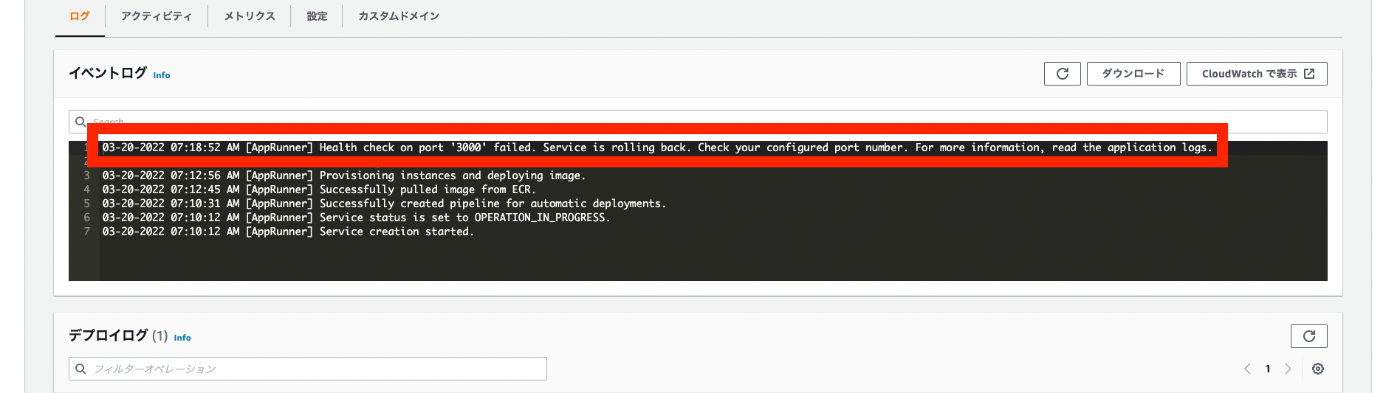
When using ECR as the source in AWS App Runner, the following Health check on port “XXXX” error occurred. 03-20-2022 07:18:52 AM [AppRunner] Health check on port '3000' failed. Service is rolling back. Check your configured port number. For more information, read the application logs. Regarding the above, I checked the “Application logs” as follows. The following was output. exec user process caused: exec format error Regarding the above, I found the following Stack Overflow post. ...

Building an IIIF Image Server with AWS Serverless Application

Building an IIIF Image Server with AWS Serverless Application

Notice I have documented the usage instructions as of 2024 in the following article. Please refer to it. Overview This article introduces how to build an IIIF Image Server using an AWS serverless application, as featured in Awesome IIIF. https://github.com/samvera-labs/serverless-iiif Please note that following the procedures in this article will incur AWS service charges, so please be cautious if you try it. Target Audience The above repository describes the following prerequisites: ...

[For Developers] Setting Up a Search Application Development Environment Using AWS x Nuxt.js x Elasticsearch

[For Developers] Setting Up a Search Application Development Environment Using AWS x Nuxt.js x Elasticsearch

This article explains how to set up a development environment for a search application using AWS x Nuxt.js x Elasticsearch. This is primarily a personal reference note. We aim for the following architecture. While there may be better configurations and approaches, this at least provides a working development environment for a Nuxt.js web application using Elasticsearch as the search engine on AWS. The Cultural Japan project also uses a nearly identical architecture. ...