Home Articles Books Search About
日本語
Investigation Record of 404 Errors with CloudFront + App Runner

Investigation Record of 404 Errors with CloudFront + App Runner

Introduction When trying to host Cantaloupe (an IIIF image server) on AWS App Runner with CloudFront placed in front of it, I encountered a problem where all requests returned 404 errors when accessed through CloudFront. This article records the investigation of the cause, the solutions I tried, and the conclusion. Environment Application: Cantaloupe 5.0.5 (IIIF image server) Hosting: AWS App Runner CDN: Amazon CloudFront Region: ap-northeast-1 (Tokyo) Problem Overview Symptoms Access Method Result Direct access to App Runner 200 OK Access via CloudFront 404 Not Found What Was Confirmed When 404 was returned via CloudFront, the response header contained server: envoy. This indicates that the request was reaching App Runner’s internal proxy (Envoy). ...
Using Route 53 DNS Records with Sakura Rental Server (Shared SSL)

Using Route 53 DNS Records with Sakura Rental Server (Shared SSL)

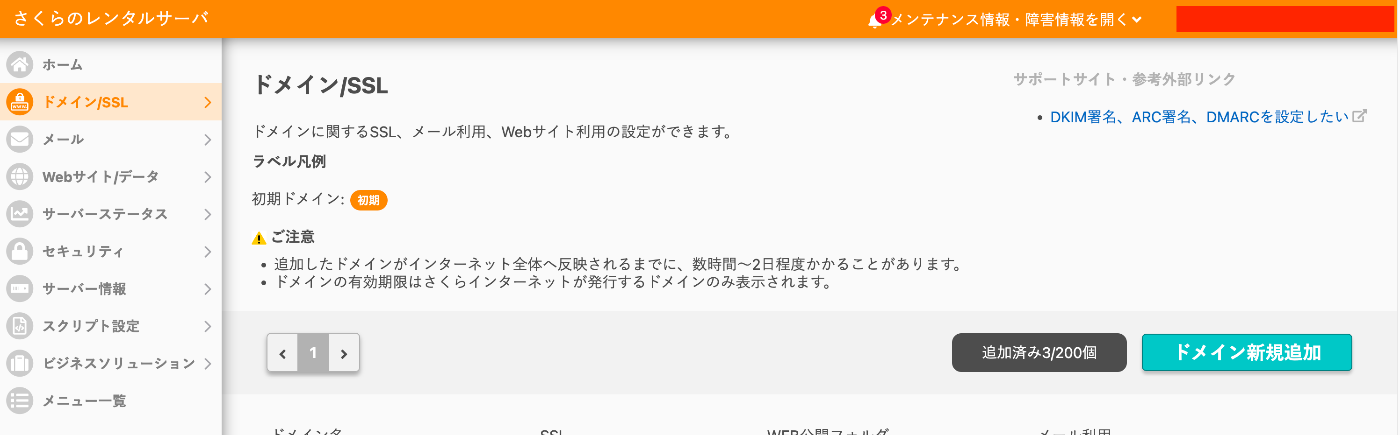
Overview This is a memo on using DNS records configured in AWS Route 53 with Sakura Rental Server. Additionally, we use free SSL with Let’s Encrypt. Sakura Rental Server Go to Domain/SSL and click the “Add New Domain” button. Click the “Add” button under “Use a domain acquired from another provider without transferring” at the bottom of the screen. Enter the custom domain and click the “Add” button. In the following example, “aaa.example.org” is used. ...

Adding a Table of Contents to Videos Using iiif-prezi3

Adding a Table of Contents to Videos Using iiif-prezi3

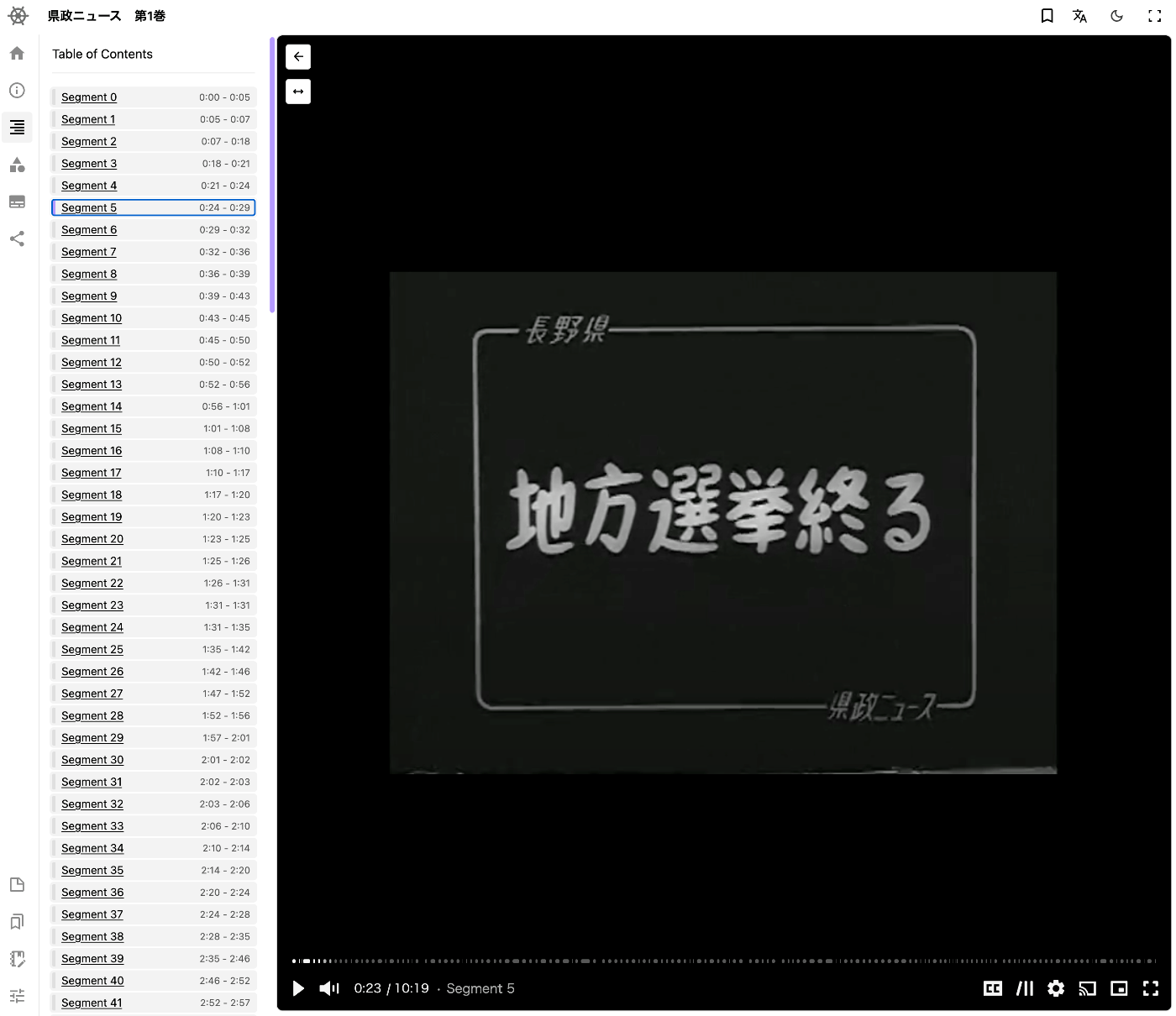
Overview This is a memo on how to add a table of contents to videos using iiif-prezi3. Segment Detection We use Amazon Rekognition’s video segment detection. https://docs.aws.amazon.com/ja_jp/rekognition/latest/dg/segments.html Sample code is available at the following link. https://docs.aws.amazon.com/ja_jp/rekognition/latest/dg/segment-example.html Data Used We use “Prefectural News Volume 1” (Nagano Prefectural Library). https://www.ro-da.jp/shinshu-dcommons/library/02FT0102974177 Reflecting in the Manifest File We assume that a manifest file has already been created by referring to the following article. The following script adds a VTT file to the manifest file. ...

Adding Annotations to Videos Using iiif-prezi3

Adding Annotations to Videos Using iiif-prezi3

Overview This is a note on how to add annotations to videos using iiif-prezi3. Adding Annotations Amazon Rekognition’s label detection is used. https://docs.aws.amazon.com/rekognition/latest/dg/labels.html?pg=ln&sec=ft Sample code is available at the following link. https://docs.aws.amazon.com/ja_jp/rekognition/latest/dg/labels-detecting-labels-video.html In particular, by setting the aggregation in GetLabelDetection to SEGMENTS, you can obtain StartTimestampMillis and EndTimestampMillis. However, please note the following. When aggregated by SEGMENTS, information about detected instances with bounding boxes is not returned. Data Used The video “Prefectural News Vol. 1” (Nagano Prefectural Library) is used. ...

[2024 Edition] Building an IIIF Image Server with AWS Serverless Applications

[2024 Edition] Building an IIIF Image Server with AWS Serverless Applications

Overview This is a 2024 edition article on building an IIIF Image Server using AWS serverless applications. Background The following repository called serverless-iiif is publicly available. Using this repository, it is claimed that a cost-effective and infinitely scalable IIIF Image Server can be built using AWS services. https://github.com/samvera/serverless-iiif I introduced how to use it as of 2022 in the following article, but today’s service has become more user-friendly. Method There are several build methods, but for a GUI-based approach, refer to the following. Basic setup follows the instructions on the site below. Here, I introduce the procedure including custom domain setup with CloudFront and Route 53. ...

Using mdx Object Storage (Using Cyberduck)

Using mdx Object Storage (Using Cyberduck)

Overview I had the opportunity to use mdx’s object storage, so this is a memo. https://mdx.jp/ Pricing The pricing for fiscal year 2024 is as follows. https://mdx.jp/guide/charge It costs 0.01 points (yen) per GB per day, which is approximately 0.3 yen per GB per month. Application Method & Usage with s3cmd The following official tutorial video was helpful. https://www.youtube.com/watch?v=IN_4NS9hO2Y Using Cyberduck The video above introduces file operations using command-line tools. ...

Redirecting Using Amazon S3 and Route 53

Redirecting Using Amazon S3 and Route 53

Overview I needed to redirect from one URL to another and was able to accomplish this using Amazon S3 and Route 53, so this is a memo of the process. Method This method uses an S3 bucket for the redirect and Route 53 for DNS configuration. The steps are explained below. Step 1: Amazon S3 Bucket Configuration Create a new bucket in Amazon S3. The bucket name should match the domain name you want to redirect (e.g., example.com). In the bucket properties, select “Static website hosting.” In the “Static website hosting” options, choose “Redirect requests” and enter the redirect destination URL (e.g., http://example.net). Step 2: DNS Configuration in Route 53 In Route 53, open the hosted zone for the domain name you want to redirect. Create a new record set. Select A as the record type. Set “Alias” to “Yes.” As the alias target, select the static website hosting endpoint of the S3 bucket configured in Step 1 (e.g., example.com.s3-website-us-east-1.amazonaws.com). With this setup, when someone accesses the specified domain, they will be redirected to the configured URL. This method is simple yet effective for redirecting from one domain to another URL. ...

How to Handle CSP Errors in Strapi

How to Handle CSP Errors in Strapi

Overview I configured Strapi with the following plugin to store media in S3. https://www.npmjs.com/package/@liashchynskyi/strapi-provider-upload-s3-cloudfront At that time, the following error occurred and images were not displayed. Refused to load the image 'https://xxx/uploads/yyy.jpg' because it violates the following Content Security Policy directive: "img-src 'self' data: blob: dl.airtable.com". I was able to resolve this issue by modifying ./config/middleware.js, as described in the following article. https://zenn.dev/studiobros/articles/04400f413eb2aa Regarding ACL Similarly, I also encountered a situation where media could not be uploaded to S3. However, as described in the above article, by enabling S3 ACL and configuring the appropriate Block Public Access (bucket settings), I was able to upload successfully. ...

Bulk Deleting S3 Buckets Using AWS CLI

Bulk Deleting S3 Buckets Using AWS CLI

To list S3 buckets using AWS CLI and delete buckets based on a specific pattern, you can follow the steps below. Here, we explain how to delete buckets whose names start with wby. Prerequisites AWS CLI is installed. Appropriate AWS credentials and access permissions are configured. Step 1: List Buckets First, use the installed AWS CLI to list all S3 buckets: aws s3 ls Step 2: Delete Matching Buckets To delete buckets starting with wby, use a shell script to filter matching buckets and delete them. ...

Configuring Amazon S3 as a Processing Source and AIP Storage Destination in Archivematica

Configuring Amazon S3 as a Processing Source and AIP Storage Destination in Archivematica

Overview This is a memo on how to configure Amazon S3 files and folders as processing targets in Archivematica, and save the resulting AIPs to S3. Using S3 as storage is expected to facilitate integration with other systems and expand options for long-term AIP preservation. The following article from Wellcome Collection was helpful. https://docs.wellcomecollection.org/archivematica/administering-archivematica/bootstrapping Amazon S3 Configuration Create a bucket. This time, I created a bucket named archivematica.aws.ldas.jp in the us-east-1 region. ...

How to Access S3 Buckets and Enable SSL Communication Using Docker-based Cantaloupe

How to Access S3 Buckets and Enable SSL Communication Using Docker-based Cantaloupe

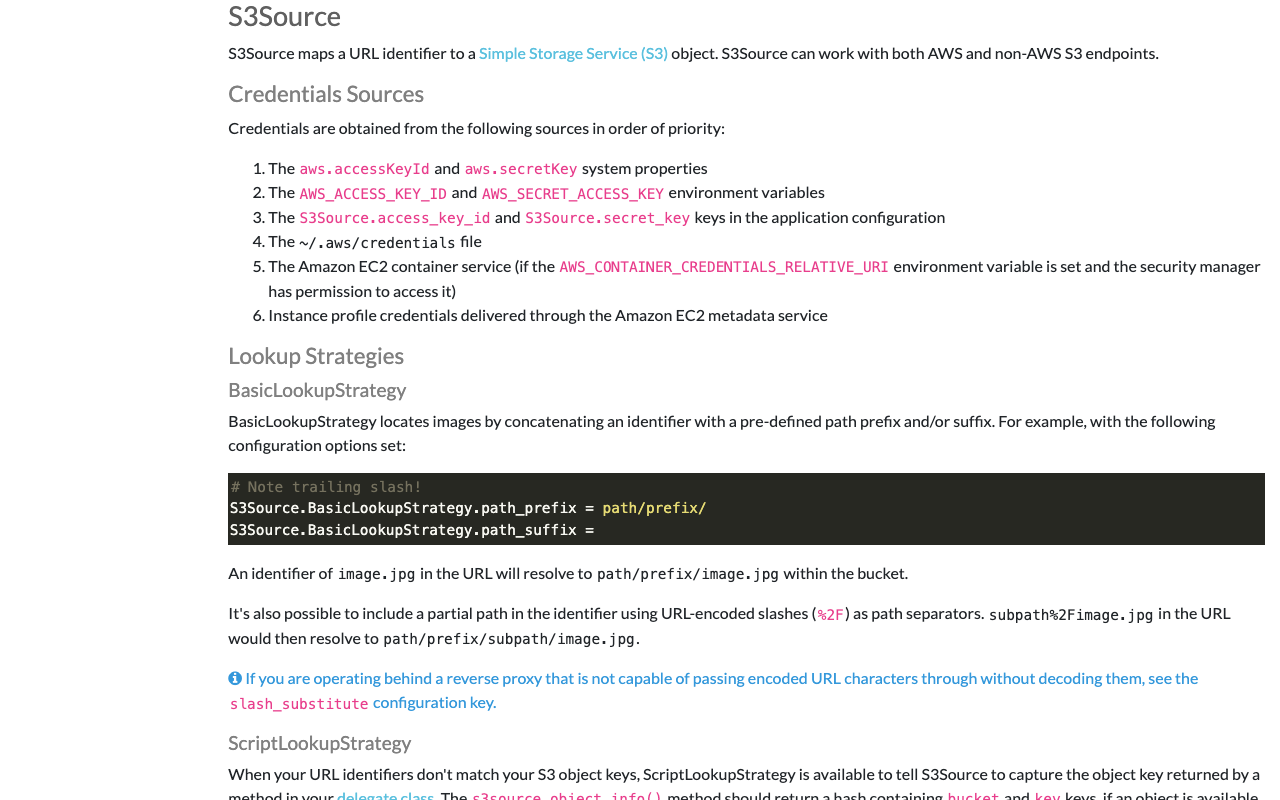
Overview I introduced how to use the Docker version of Cantaloupe in the following article. To use this Docker-based Cantaloupe in a (non-large-scale) production environment, connection to Amazon S3 and SSL support are required. Here is an example of how to do this. Connecting to Amazon S3 The official documentation is available at: https://cantaloupe-project.github.io/manual/5.0/sources.html#S3Source The following Japanese article is also available: For the Docker version covered here, information was found at: ...

Sending Emails via Amazon SES from Omeka S on Amazon Lightsail

Sending Emails via Amazon SES from Omeka S on Amazon Lightsail

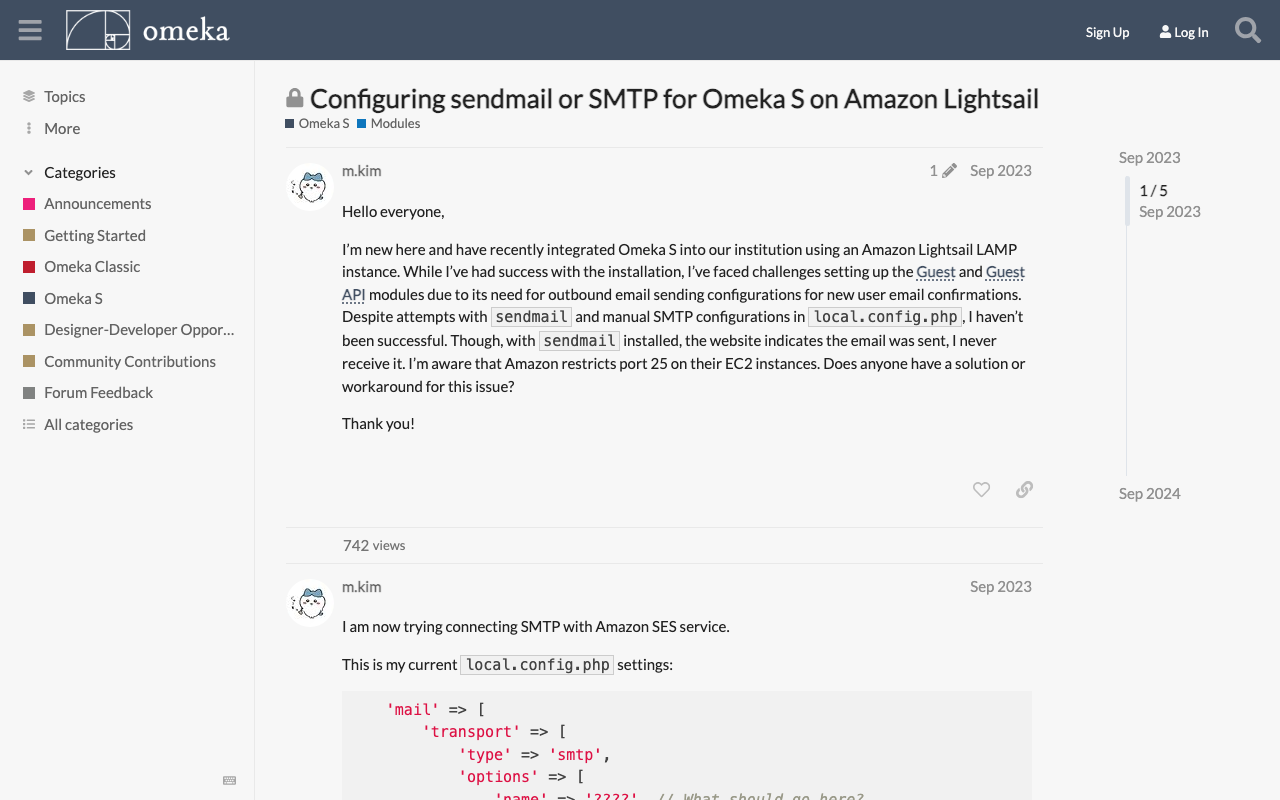
Overview To send emails from Omeka S running on Amazon Lightsail, it appears that email sending configuration is required. This article introduces how to use Amazon SES. https://aws.amazon.com/jp/ses/ The following forum discussion was helpful. https://forum.omeka.org/t/configuring-sendmail-or-smtp-for-omeka-s-on-amazon-lightsail/19335/1 Amazon SES Configuration Configure Amazon SES by referring to the following site. https://qiita.com/Shun_konno/items/f51ae599b68e0d2d36ea Omeka S Configuration Edit the Omeka S local.config.php file as follows. <?php return [ 'logger' => [ // Log settings (as needed) ], 'mail' => [ 'transport' => [ 'type' => 'smtp', // Use SMTP 'options' => [ 'name' => 'ses-smtp-user', // Any name 'host' => 'email-smtp.us-east-1.amazonaws.com', // SES SMTP server endpoint 'port' => 587, // Port supported by SES (e.g., 587) 'connection_class' => 'plain', // Authentication type 'connection_config' => [ 'username' => 'your-ses-smtp-username', // SES SMTP username 'password' => 'your-ses-smtp-password', // SES SMTP password 'ssl' => 'tls', // SSL type ('tls' recommended) 'use_complete_quit' => true, ], ], ], ], // Other settings... ]; For host, specify the Amazon SES SMTP server endpoint corresponding to the AWS region you are using. The example uses the us-east-1 region endpoint, but change it as needed. For username and password, use the SMTP credentials generated in Amazon SES. Summary We hope this is helpful when using Omeka S with Amazon Lightsail. ...

Restarting Virtuoso on EC2 Using Amazon SNS

Restarting Virtuoso on EC2 Using Amazon SNS

Overview In the following article, I described how to perform health checks. I also described the command for restarting Virtuoso when it stops in the following article. This time, I will try restarting Virtuoso in conjunction with Amazon SNS notifications. Method To send a command like sudo rm -rf /usr/local/var/lib/virtuoso/db/virtuoso.lck && ... to an EC2 instance, SSM (AWS Systems Manager) configuration was required. IAM Roles and Policies I created a new IAM role and granted the AmazonSSMFullAccess policy. Initially, I had granted the AmazonSSMManagedInstanceCore policy, but the following error occurred when executing the Lambda function described later, and it did not work properly. ...

Resolving SAM Error: Running AWS SAM Projects Locally Requires Docker

Resolving SAM Error: Running AWS SAM Projects Locally Requires Docker

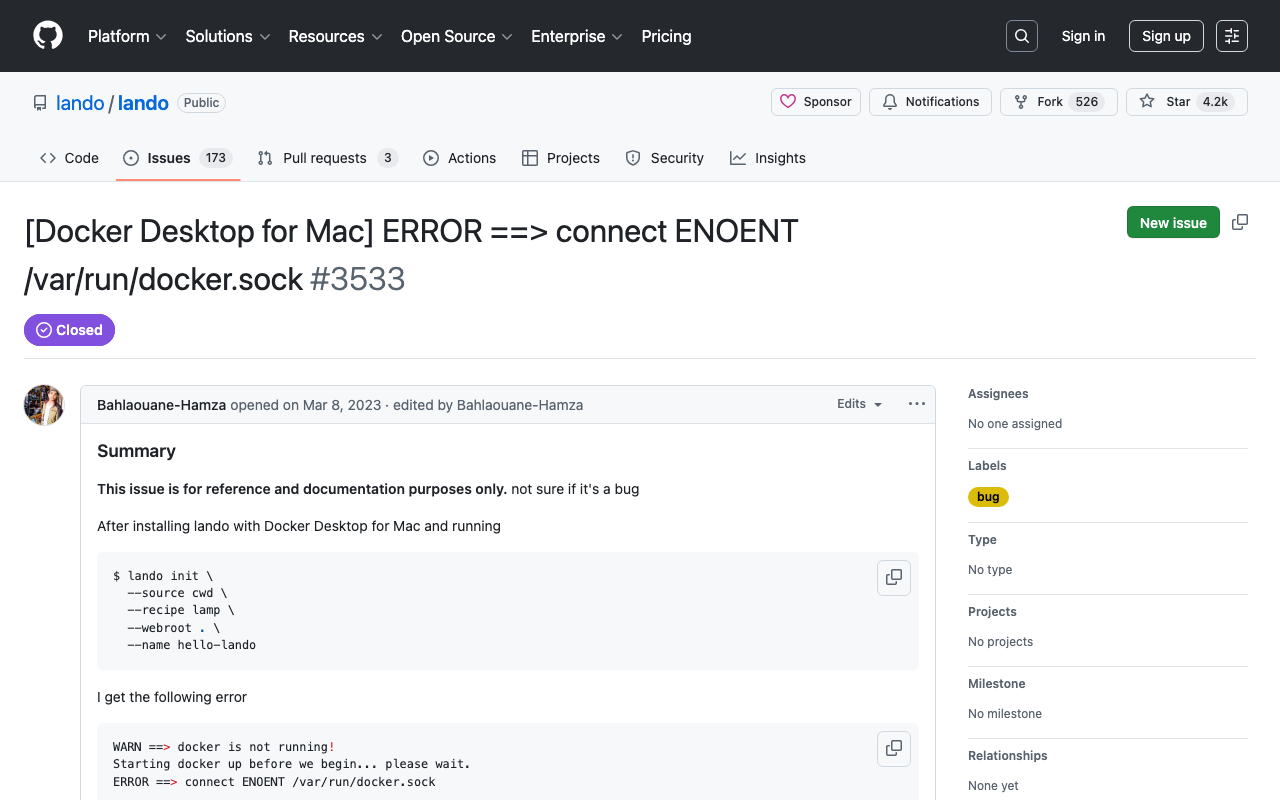
Overview When trying sam local invoke with AWS SAM, the following message was displayed. Error: Running AWS SAM projects locally requires Docker. Have you got it installed and running? The environment was Mac, and Docker was running. Solution Running the following command resolved the issue. sudo ln -s ~/.docker/run/docker.sock /var/run/docker.sock I referenced the following. https://github.com/lando/lando/issues/3533 Summary I hope this is helpful for anyone facing the same issue.

Cantaloupe: Serving Images Stored in Amazon S3

Cantaloupe: Serving Images Stored in Amazon S3

Overview This is a note on how to serve images stored in Amazon S3 using Cantaloupe Image Server, one of the IIIF image servers. As an alternative method for serving images stored in Amazon S3, I also introduced an approach in the following article. (The tools may have been updated since the article was written, so the instructions may not work exactly as described.) Configuration The official manual is available at the following link. ...

Disabling Autotune in Amazon OpenSearch Service

Disabling Autotune in Amazon OpenSearch Service

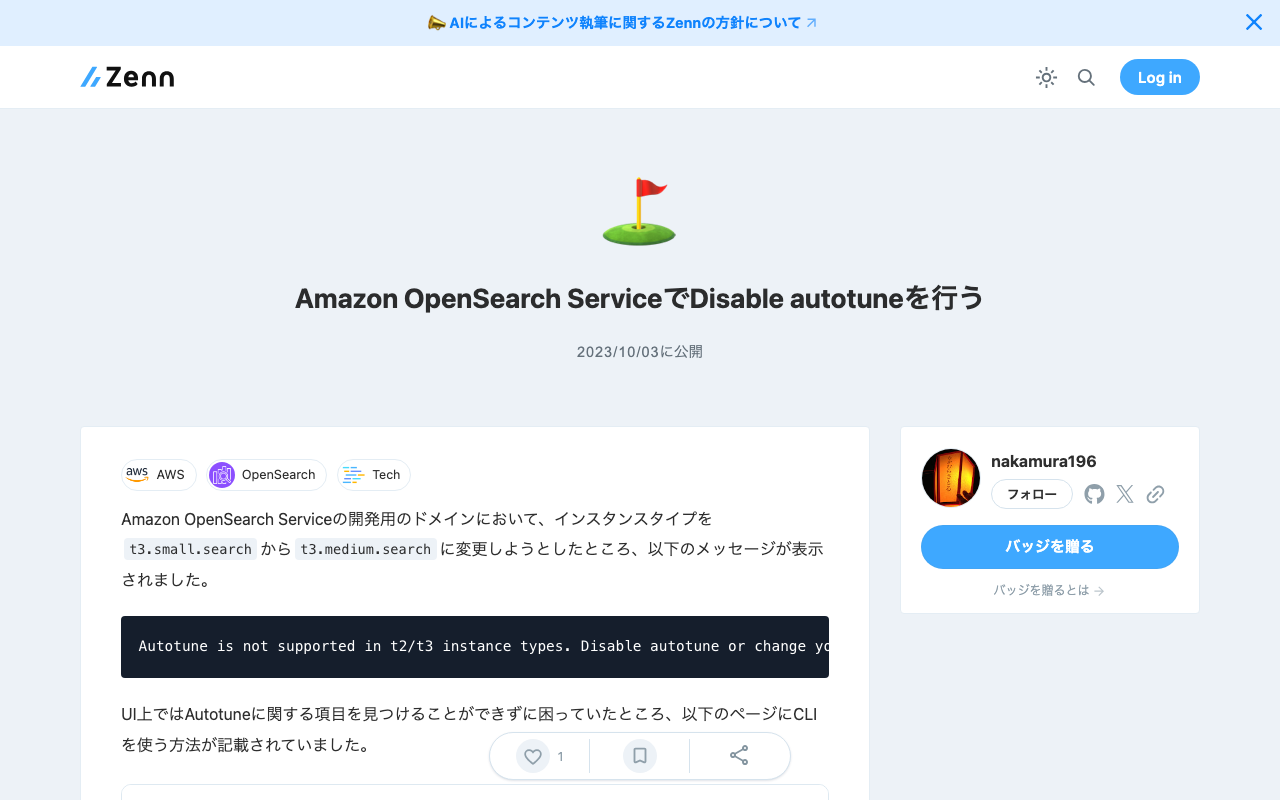
When attempting to change the instance type from t3.small.search to t3.medium.search on a development domain in Amazon OpenSearch Service, the following message was displayed. Autotune is not supported in t2/t3 instance types. Disable autotune or change your instance type. I could not find the Autotune setting in the UI, but the following page described how to do it using the CLI. https://docs.aws.amazon.com/opensearch-service/latest/developerguide/auto-tune.html#auto-tune-enable So I ran the following command. aws opensearch update-domain-config \ --domain-name my-domain \ --auto-tune-options DesiredState=DISABLED After that, I was able to successfully change the instance type. ...

Enabling HTTPS for Archivematica on EC2

Enabling HTTPS for Archivematica on EC2

Introduction In the following article, I described how to set up Archivematica on EC2. This time, we configure a custom domain and enable HTTPS. Custom Domain Configuration This time, we assign the domains matica.aws.ldas.jp and storage.aws.ldas.jp to the IP address. We use Route 53. Obtaining an SSL Certificate sudo su yum install epel-release yum install certbot ertbot certonly --webroot -w /usr/share/nginx/html -d matica.aws.ldas.jp -d storage.aws.ldas.jp Web Server Configuration: Nginx Installation vi /etc/nginx/conf.d/archivematica-and-storage.conf Configuration: ...

Launching Cantaloupe, a IIIF Image Server, on EC2

Launching Cantaloupe, a IIIF Image Server, on EC2

Overview This is a reference guide on how to launch Cantaloupe, a IIIF image server, on EC2. https://cantaloupe-project.github.io/ Additionally, this article introduces an example of Delegate Methods for restricting image download sizes. Specifically, it addresses cases where an error occurs when attempting to retrieve a full-size image via /full/full/. https://cantaloupe-project.github.io/manual/5.0/access-control.html Setting Up Cantaloupe Creating an EC2 Instance I created an EC2 instance with the platform set to Ubuntu, instance type set to t2.medium, and storage set to 8 GB. ...

Accessing a Specific AWS S3 Bucket Using Cyberduck for macOS

Accessing a Specific AWS S3 Bucket Using Cyberduck for macOS

I tried to access a specific AWS S3 bucket using Cyberduck, referencing the following article. https://dev.classmethod.jp/articles/specify_s3_folder_iam_cyberduck/ However, when I opened the macOS version of Cyberduck and pressed the “New Connection” button at the top of the screen, the form for entering bucket information and other details was not displayed. After investigating, I found the following issue. https://github.com/iterate-ch/cyberduck/issues/11154 It indicated that you should open a bookmark instead, as follows: Please refer to Access third party buckets. To set a default path, create a new bookmark instead of choosing Open Connectoin. ...

Health Checking Virtuoso Running on Amazon EC2

Health Checking Virtuoso Running on Amazon EC2

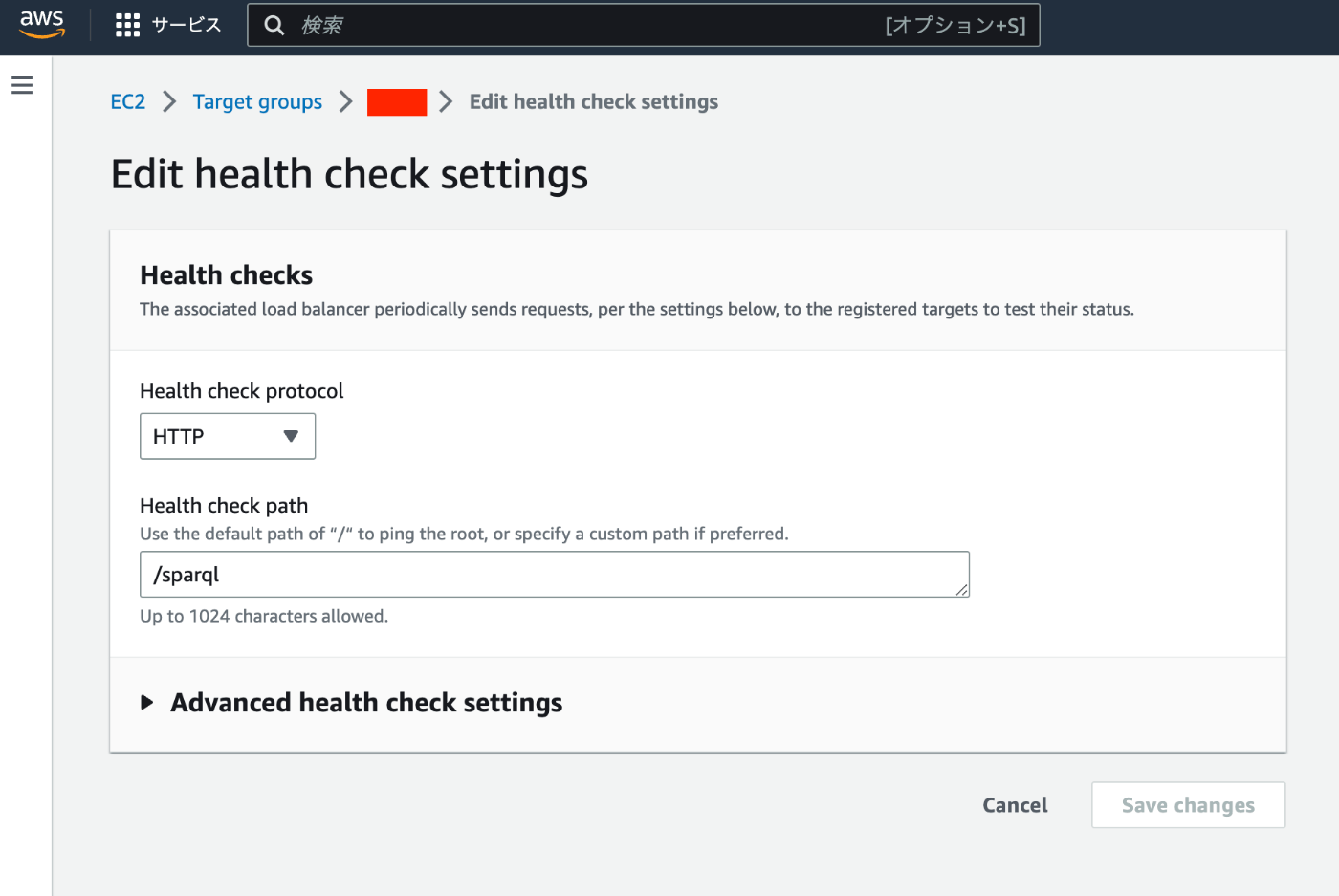
Overview I had the opportunity to set up health checks for Virtuoso running on Amazon EC2, so this is a memo of the process. Specifically, when Virtuoso (e.g., https://xxx.zzz/sparql) starts returning errors due to some issue, the details are sent via email notification. Method The following article introduces how to set up a Virtuoso RDF store on Amazon EC2. The above setup uses an ELB. Only one change needs to be made from the above article. The Health check path was set to /, but this should be changed to the path to the SPARQL endpoint (e.g., /sparql). ...