Home Articles Books Search About
日本語
Verification of Digital Archive Construction Using the AtoM REST API

Verification of Digital Archive Construction Using the AtoM REST API

Overview AtoM (Access to Memory) is an open-source web application for archival institutions. It is used worldwide by libraries, archives, and museums for managing archival descriptions. AtoM is typically operated through the Web UI, but the REST API enables integration with external systems and batch processing. In this article, we walk through the APIs following a realistic business scenario and verify the results in the Web UI. For the development background and implementation details of the API plugin, see the separate article Developing a Plugin to Extend AtoM’s REST API. ...
Developing a Plugin to Extend the AtoM REST API

Developing a Plugin to Extend the AtoM REST API

Introduction AtoM (Access to Memory) is an open-source web application for archival institutions. It provides descriptive management functionality compliant with international standards such as ISAD(G), ISAAR(CPF), and ISDF, and is used by libraries, archives, and museums worldwide. AtoM ships with a standard REST API plugin called arRestApiPlugin, but it has the following limitations: Primarily centered on CRUD for information objects (archival descriptions), with limited coverage No API for Repositories, Authority records (Actors), or Accessions No API for Taxonomy (classification vocabulary) operations The Digital object upload API is not practical No API for Function descriptions This does not meet business needs such as integration with external systems or batch registration through automated processing. ...

Registering Objects Using the AtoM (Access to Memory) API

Registering Objects Using the AtoM (Access to Memory) API

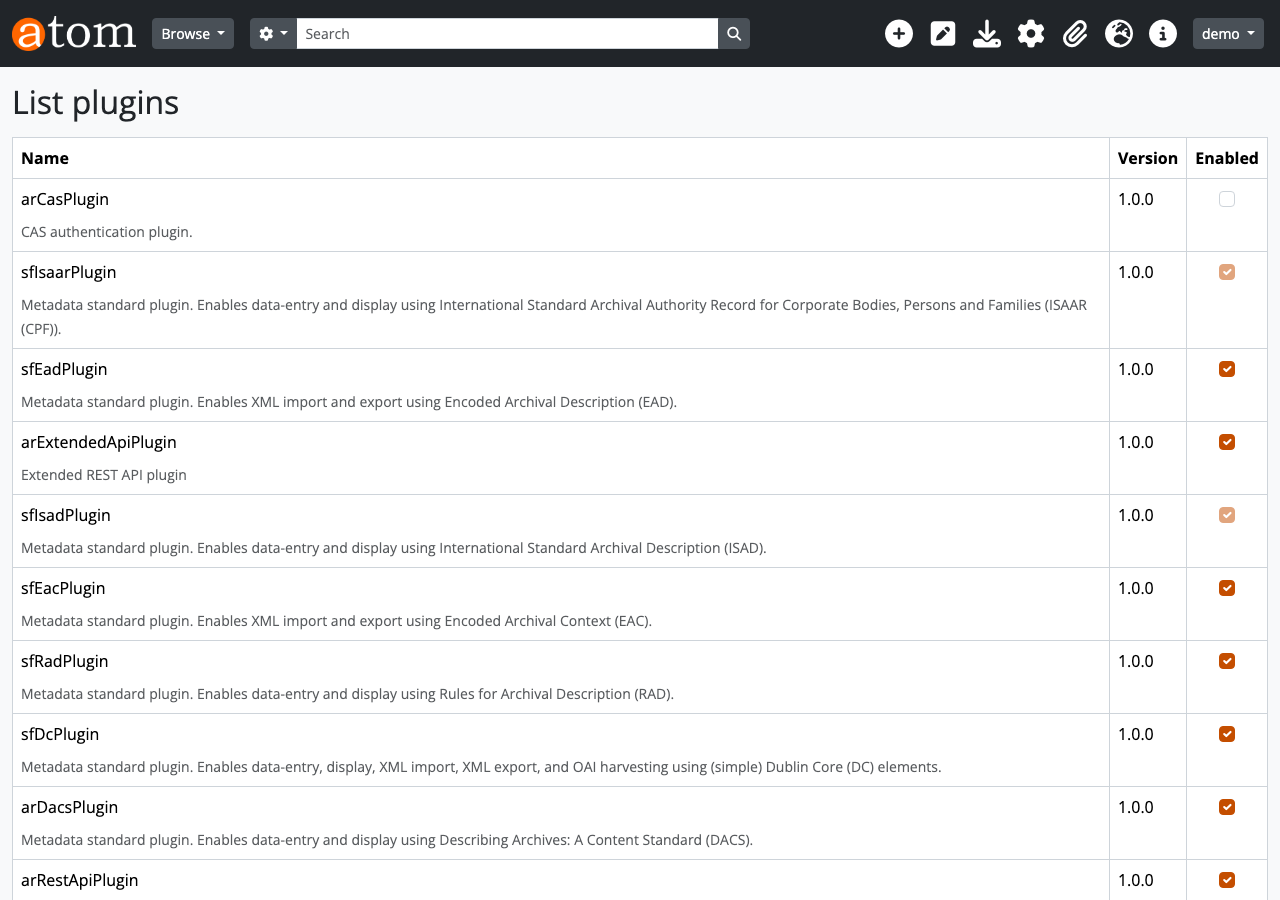
Overview This is a memo on how to register objects using the AtoM (Access to Memory) API. Enabling the API Access the following. /sfPluginAdminPlugin/plugins Enable arRestApiPlugin. Obtaining an API Key The following explains how to generate an API key. https://www.accesstomemory.org/en/docs/2.9/dev-manual/api/api-intro/#generating-an-api-key-for-a-user While it appears you can also connect to the API with a username and password, this time I issued a REST API Key. Endpoints AtoM provides multiple menus such as “Authority records” and “Functions,” but it appears that only the following are available via the API. ...

Running AtoM (Access to Memory) with Docker

Running AtoM (Access to Memory) with Docker

Overview I had the opportunity to run AtoM (Access to Memory) with Docker, so here are my notes. Manual The documentation is available at the following link. https://www.accesstomemory.org/es/docs/2.9/dev-manual/env/compose/ git clone -b qa/2.x https://github.com/artefactual/atom.git atom cd atom export COMPOSE_FILE="$PWD/docker/docker compose.dev.yml" docker compose up -d Then, run the following. docker compose exec atom php symfony tools:purge --demo This started AtoM on port 63001. Additionally, the manual includes instructions for Compile Theme Files, but there were cases where it started without running this and cases where it did not. ...