Home Articles Books Search About
日本語
Getting a List of Properties for a Specific Vocabulary in Omeka S

Getting a List of Properties for a Specific Vocabulary in Omeka S

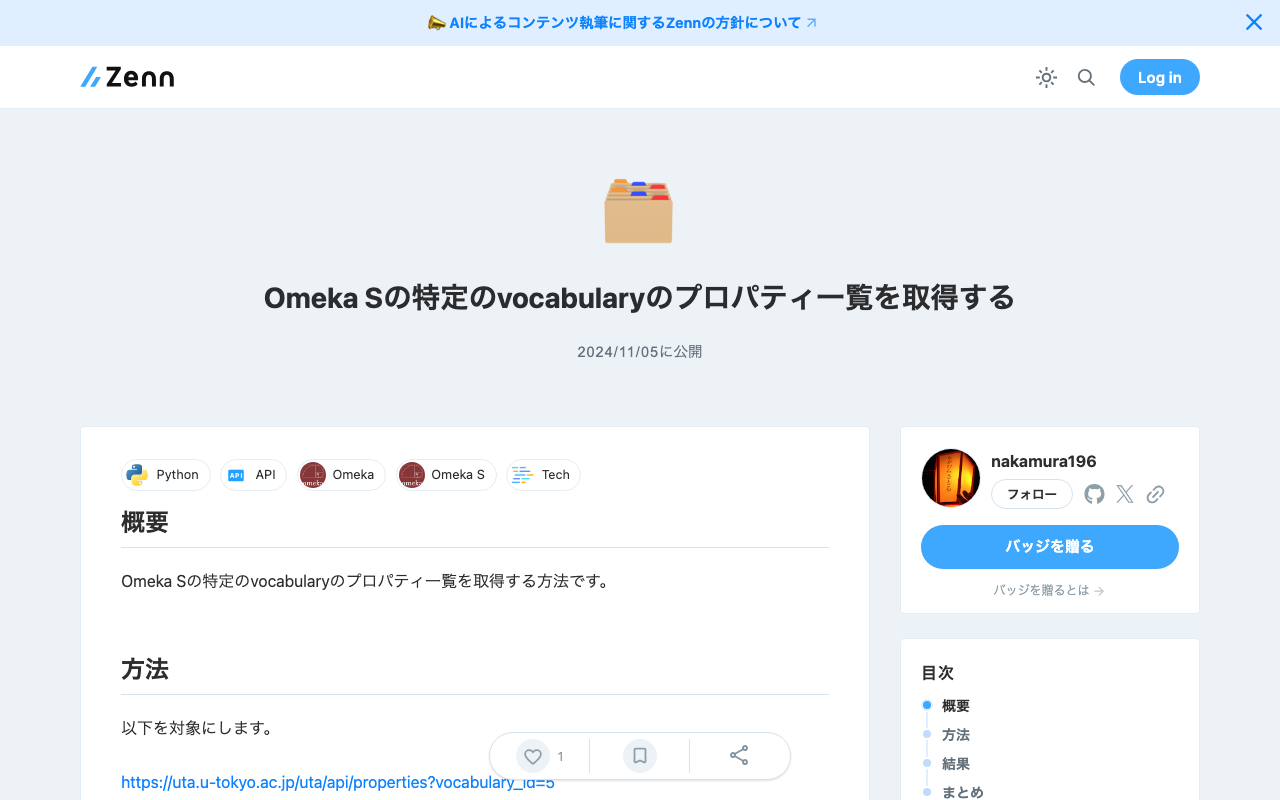
Overview Here is how to get a list of properties for a specific vocabulary in Omeka S. Method We will target the following. https://uta.u-tokyo.ac.jp/uta/api/properties?vocabulary_id=5 The following program writes the property list to MS Excel. import pandas as pd import requests url = "https://uta.u-tokyo.ac.jp/uta/api/properties?vocabulary_id=5" page = 1 data_list = [] while 1: response = requests.get(url + "&page=" + str(page)) data = response.json() if len(data) == 0: break data_list.extend(data) page += 1 remove_keys = ["@context", "@id", "@type", "o:vocabulary", "o:id", "o:local_name"] for data in data_list: for key in remove_keys: if key in data: del data[key] # DataFrameに変換 df = pd.DataFrame(data_list) df.to_excel("archiveshub.xlsx", index=False) Result The following MS Excel file is obtained. ...
Using the GakuNin RDM API

Using the GakuNin RDM API

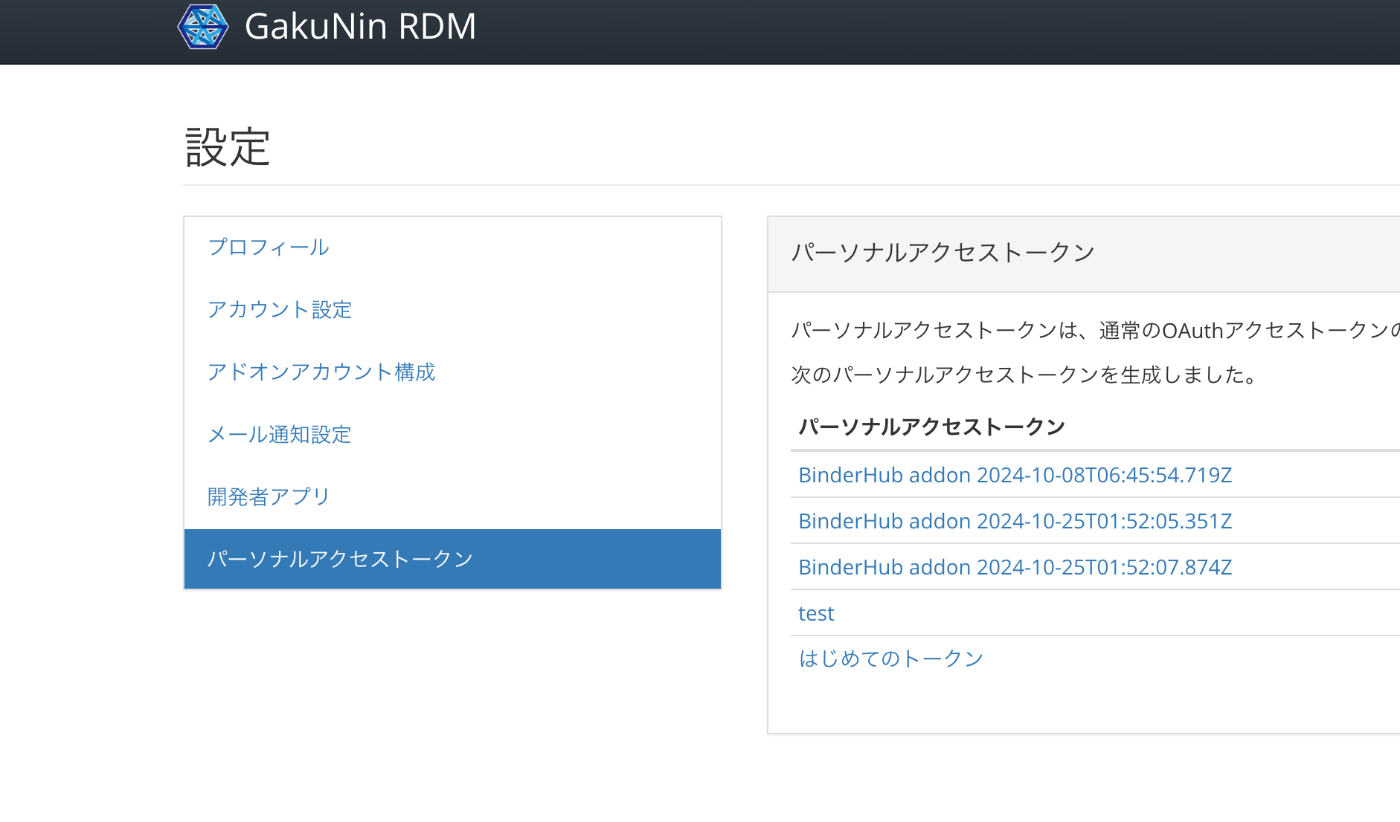
Overview GakuNin RDM provides an API at the following link. These are notes on usage examples of this API. https://api.rdm.nii.ac.jp/v2/ Reference GakuNin RDM is built on OSF (Open Science Framework), and API documentation can be found at the following link. It conforms to OpenAPI. https://developer.osf.io/ Obtaining a PAT Obtain a PAT (Personal Access Token). After logging in, you can create one from the following URL. https://rdm.nii.ac.jp/settings/tokens/ Usage You can also access it programmatically with the following script. ...

GitHub Repository for DTS API for TEI/XML Files Published in the Koui Genji Monogatari Text DB

GitHub Repository for DTS API for TEI/XML Files Published in the Koui Genji Monogatari Text DB

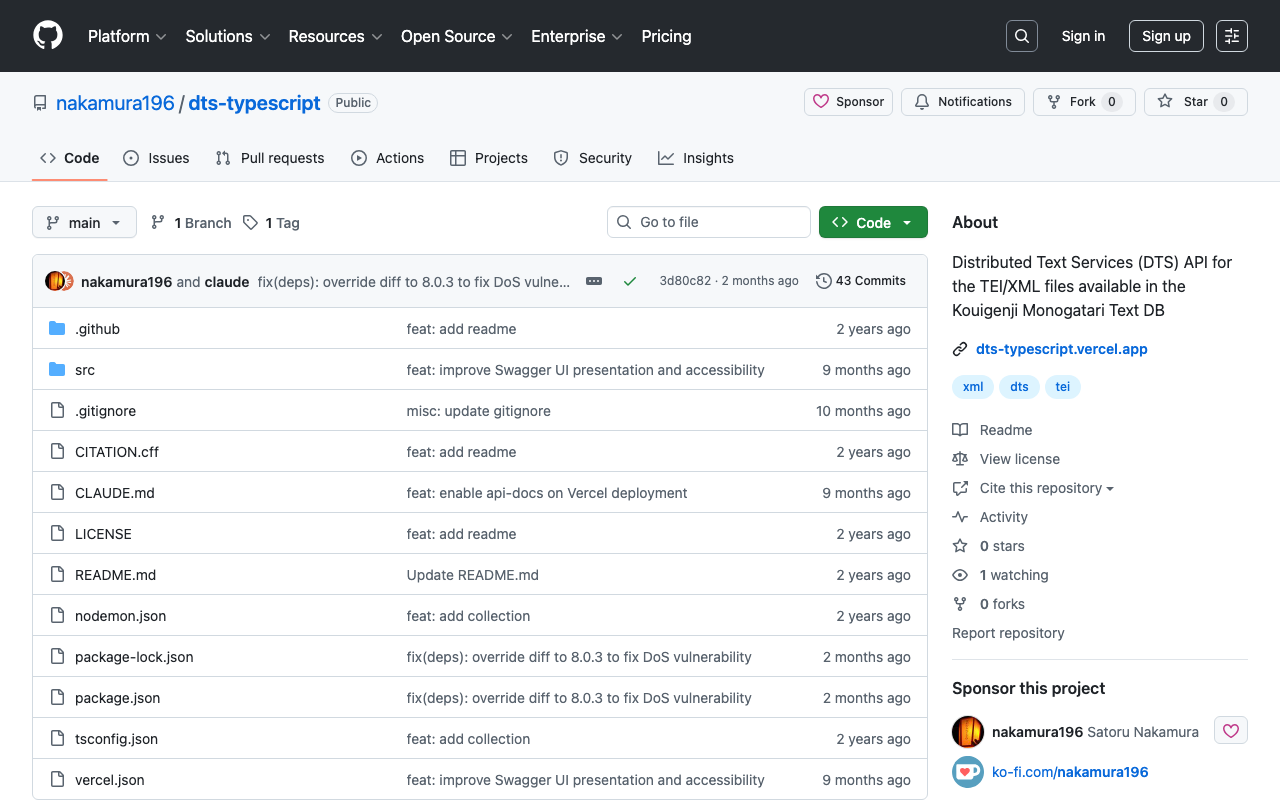
Overview I published the GitHub repository for the API introduced in the following article. The repository is below. https://github.com/nakamura196/dts-typescript There may be some incomplete aspects, but I hope this is helpful as a reference. Notes Vercel Rewrite By configuring as follows, access to / was redirected to /api/dts. { "version": 2, "builds": [ { "src": "src/index.ts", "use": "@vercel/node" } ], "rewrites": [ { "source": "/api/dts(.*)", "destination": "/src/index.ts" } ], "redirects": [ { "source": "/", "destination": "/api/dts", "permanent": true } ] } Collection ID The following is used as the collection ID. ...

Creating a DTS API for TEI/XML Files Published by the Koui Genji Monogatari Text DB

Creating a DTS API for TEI/XML Files Published by the Koui Genji Monogatari Text DB

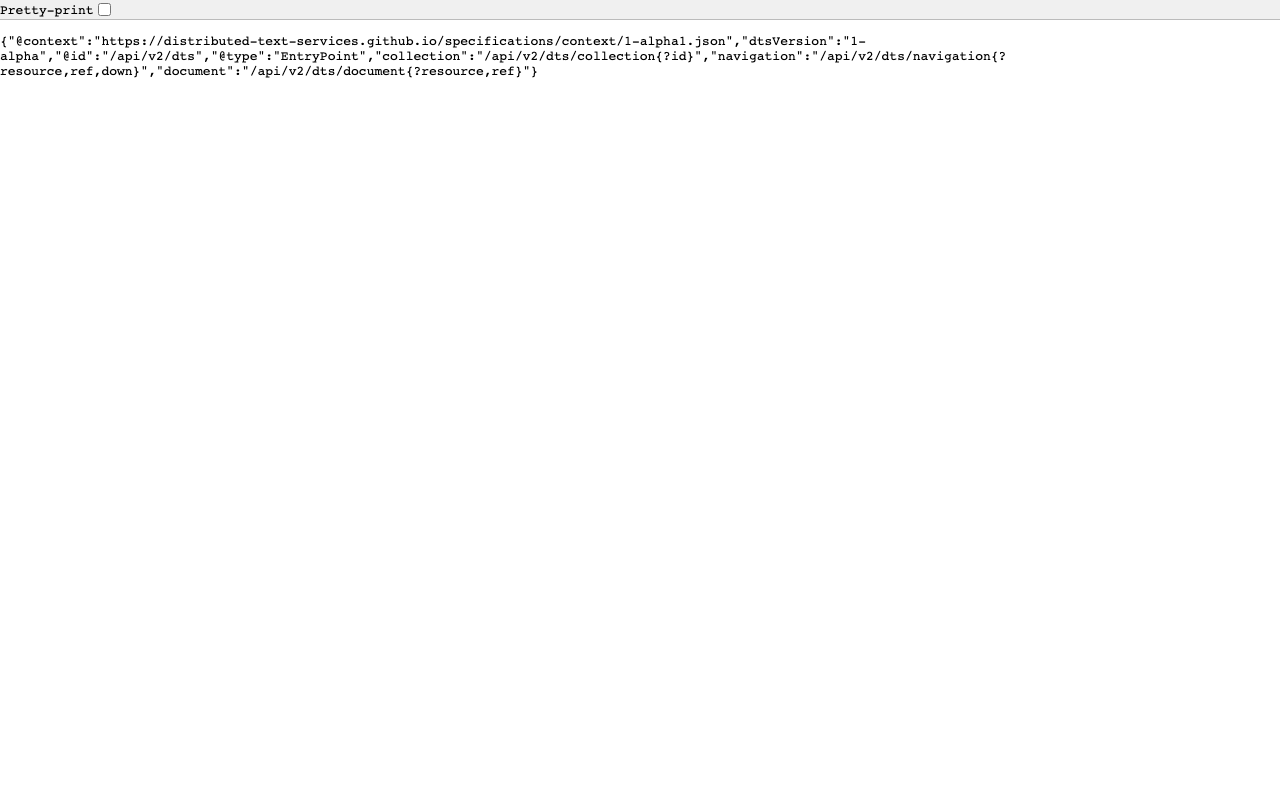
Overview This is a memo on creating a DTS (Distributed Text Services) API for TEI/XML files published by the Koui Genji Monogatari Text DB. Background The Koui Genji Monogatari Text DB is available at: https://kouigenjimonogatari.github.io/ It publishes TEI/XML files. Developed DTS The developed DTS is available at: https://dts-typescript.vercel.app/api/dts It is built with Express.js deployed on Vercel. For more information about DTS, please refer to: https://zenn.dev/nakamura196/articles/4233fe80b3e76d MyCapytain Library The following article introduced a library for using DTS from Python: ...

Searching Including Private Posts with WordPress REST API

Searching Including Private Posts with WordPress REST API

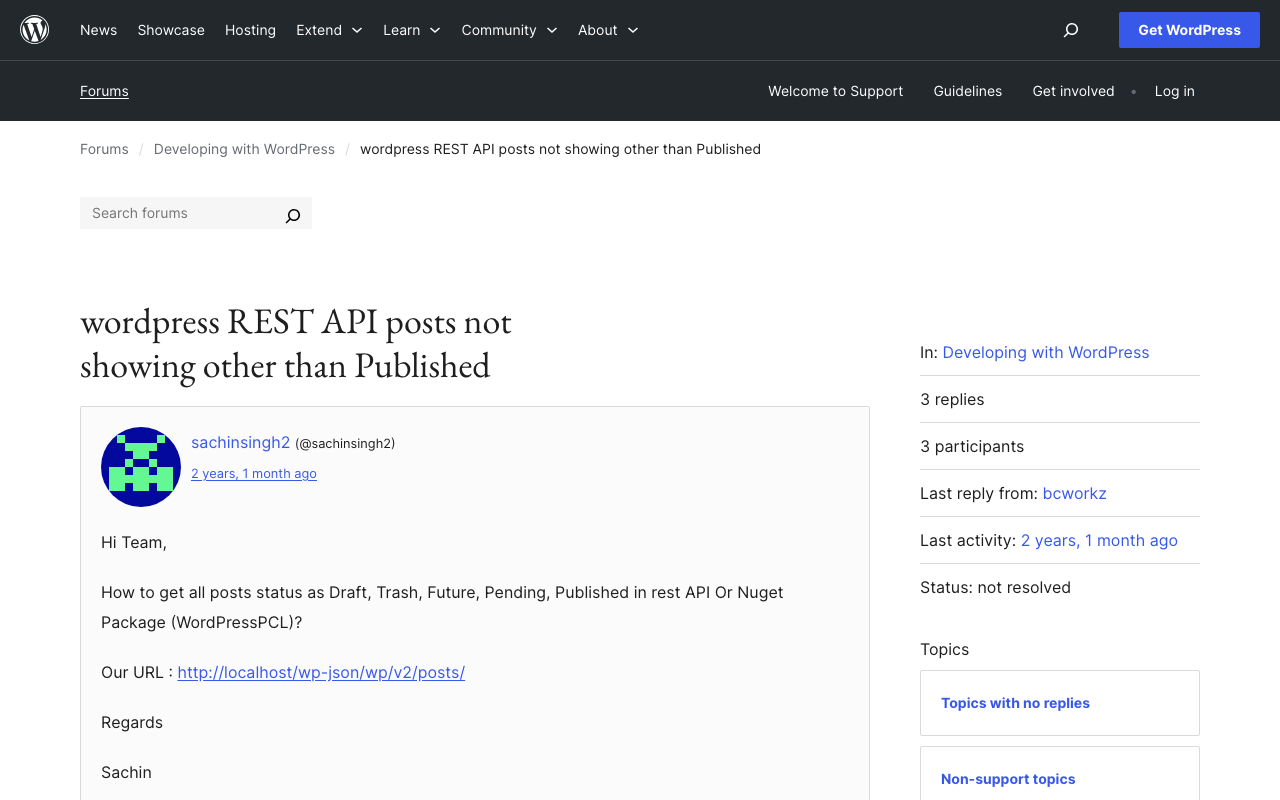
Background This is a note on how to search including private posts with the WordPress REST API. The following was helpful. https://wordpress.org/support/topic/wordpress-rest-api-posts-not-showing-other-than-published/ Specifically, by using the status argument and specifying multiple statuses as shown below, I was able to retrieve a list of articles including those statuses. GET /wp-json/wp/v2/posts?status=publish,draft,trash I hope this serves as a useful reference.

Trying cwrc's wikidata-entity-lookup

Trying cwrc's wikidata-entity-lookup

Overview This is a continuation of the following article. One of the features of LEAF-WRITER is described as follows: the ability to look up and select identifiers for named entity tags (persons, organizations, places, or titles) from the following Linked Open Data authorities: DBPedia, Geonames, Getty, LGPN, VIAF, and Wikidata. This feature uses libraries such as the following. https://github.com/cwrc/wikidata-entity-lookup I tried out this feature. Usage npm packages are published at the following locations. ...

Configuring Amazon S3 as a Processing Source and AIP Storage Destination in Archivematica

Configuring Amazon S3 as a Processing Source and AIP Storage Destination in Archivematica

Overview This is a memo on how to configure Amazon S3 files and folders as processing targets in Archivematica, and save the resulting AIPs to S3. Using S3 as storage is expected to facilitate integration with other systems and expand options for long-term AIP preservation. The following article from Wellcome Collection was helpful. https://docs.wellcomecollection.org/archivematica/administering-archivematica/bootstrapping Amazon S3 Configuration Create a bucket. This time, I created a bucket named archivematica.aws.ldas.jp in the us-east-1 region. ...

How to Bulk Delete Collections in Omeka Classic

How to Bulk Delete Collections in Omeka Classic

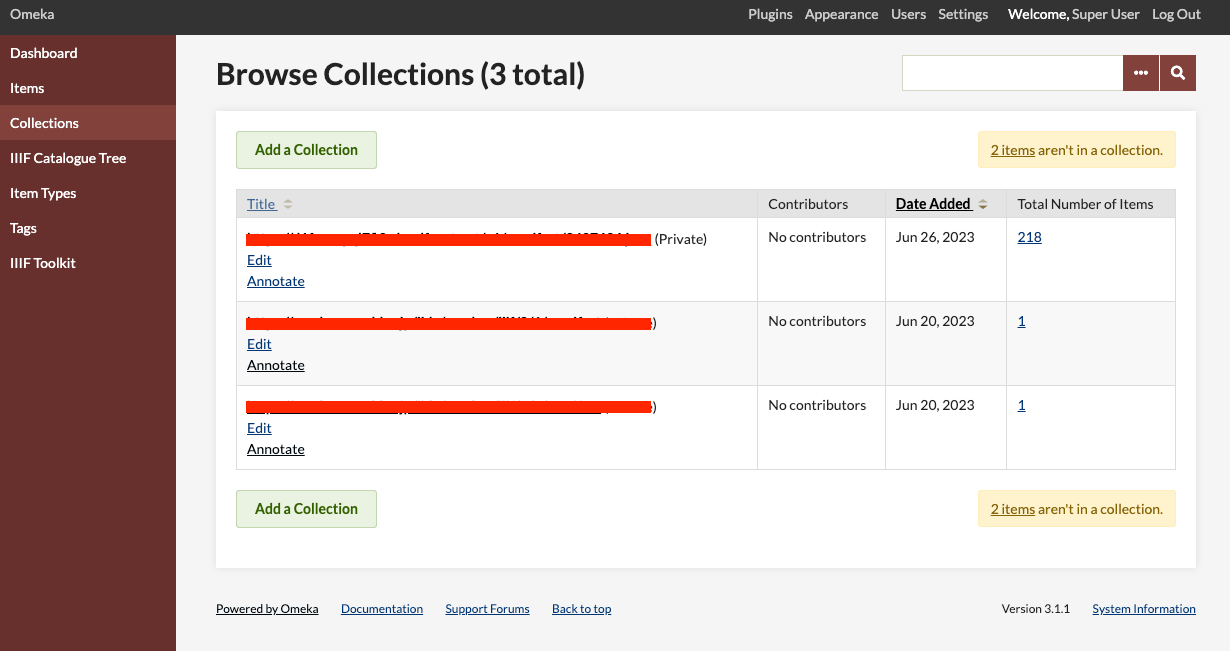
Overview This article introduces one approach for bulk deleting collections in Omeka Classic. In Omeka Classic (Version 3.1.1), there is no GUI for selecting and deleting multiple collections at once. However, this functionality is available for items. Therefore, we will use the API to perform bulk deletion of collections. Obtaining the API Key Follow the instructions below to enable the API and generate an API key: https://omeka.org/classic/docs/Admin/Settings/API_Settings/ Specifically, first access the following page: ...

Using the Archivematica API to Perform Transfer Through AIP Download

Using the Archivematica API to Perform Transfer Through AIP Download

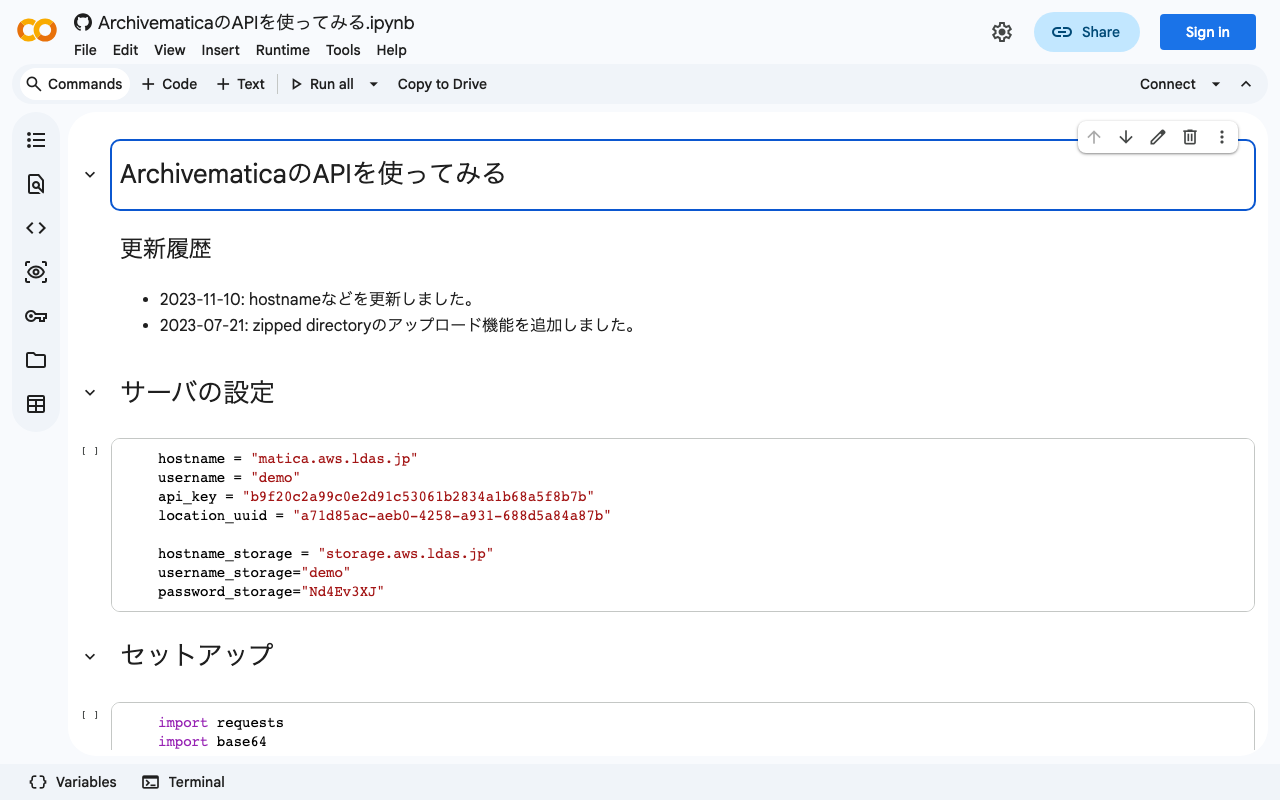
Background I was able to perform the process from Transfer through AIP download using the Archivematica API, so I am documenting it here. Previously, I wrote separate articles about using the Archivematica API and the Storage Service API. This time, I combine the above to perform the process from Transfer through AIP download. Method I documented the method in the following notebook. https://colab.research.google.com/github/nakamura196/ndl_ocr/blob/main/ArchivematicaのAPIを使ってみる.ipynb Summary I hope this serves as a helpful reference for using the Archivematica API. ...

Connecting Drupal with Amazon OpenSearch Service

Connecting Drupal with Amazon OpenSearch Service

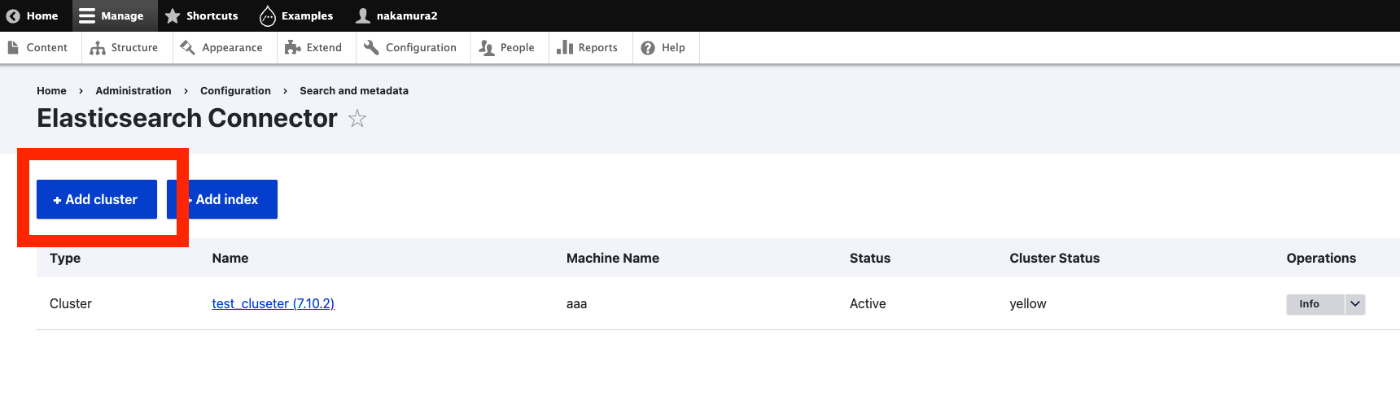
Overview I had the opportunity to connect Drupal with Amazon OpenSearch Service, so this is a personal note for future reference. The following article was helpful. https://www.acquia.com/jp/blog/intergration-with-drupal-and-elasticsearch Module Installation In addition to drupal/search_api and drupal/elasticsearch_connector, it was necessary to install nodespark/des-connector. (There may be room for improvement in how version specifications are handled.) composer require "nodespark/des-connector:^7.x-dev" composer require 'drupal/search_api:^1.29' composer require "drupal/elasticsearch_connector ^7.0@alpha" Then, enable them with the following. drush pm:enable search_api elasticsearch_connector Connecting Drupal to Elasticsearch Cluster Access the following. ...

An Example of Manipulating JSON Files with Nuxt 3's server/api

An Example of Manipulating JSON Files with Nuxt 3's server/api

This is an example of how to manipulate (import and use) JSON files with Nuxt 3’s server/api. The following article was used as a reference. https://github.com/nuxt/framework/discussions/775#discussioncomment-1470136 While there is much room for improvement in areas such as type definitions, the following approach was confirmed to work. // async/await を使用しています。 export default defineEventHandler(async (event) => { const items_: any = await import('~/assets/index.json') // .defaultをつける点に注意 const items_total: any[] = items_.default // 以下の参考リンクを参照してください。 const query = getQuery(event) const page: number = Number(query.page) || 1; const size: number = Number(query.size) || 20; const items: any[] = items_total.slice((page - 1) * size, page * size); return { "hits": { "total": { "value": items_total.length, }, "hits": items } } }); With the above, by using a query like /api/items?page=2&size=40, it was possible to return a portion of the imported JSON file (~/assets/index.json). Paths other than assets seem to work as well, but this has not been thoroughly verified. ...

Returning JSON from Hugging Face Spaces

Returning JSON from Hugging Face Spaces

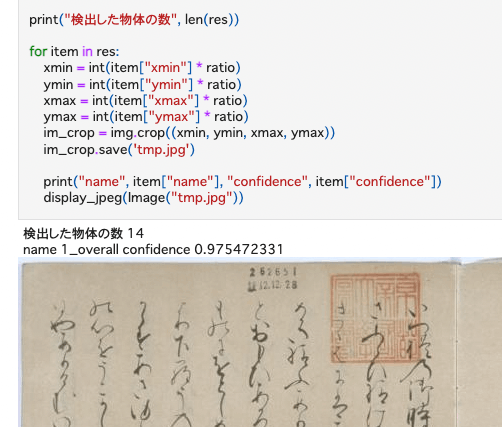
Previously, I built an inference app using Hugging Face Spaces and a YOLOv5 model (trained on the NDL-DocL dataset): This time, I modified the app above to add JSON output, as shown in the following diff: https://huggingface.co/spaces/nakamura196/yolov5-ndl-layout/commit/4d48b95ce080edd28d68fba2b5b33cc17b9b9ecb#d2h-120906 This enables processing using the returned results, as shown in the following notebook: https://github.com/nakamura196/ndl_ocr/blob/main/GradioのAPIを用いた物体検出例.ipynb There may be better approaches, but I hope this serves as a useful reference.

Using The New York Public Library API

Using The New York Public Library API

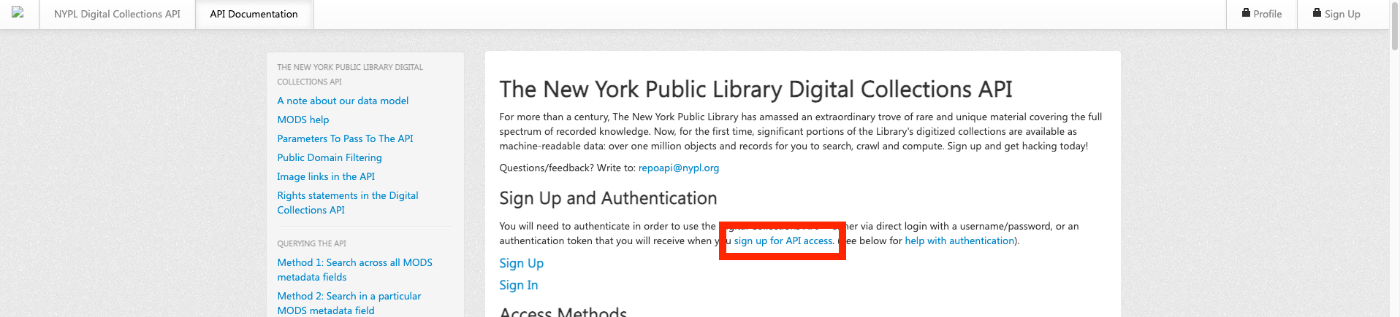
Overview The New York Public Library provides a Digital Collections API. http://api.repo.nypl.org/ This article explains an example of how to use this API. Sign Up First, click the following link to sign up. A form like the following will be displayed, so enter the required information. After entering your information, you will receive an email with the subject Welcome to NYPL API. This email contains the Authentication Token. ...

Introduction to IIIF Presentation API Validation Methods with Practical Examples

Introduction to IIIF Presentation API Validation Methods with Practical Examples

Overview As described in a previous article, I developed an application that delivers IIIF manifest files and provides the IIIF Content Search API. https://zenn.dev/nakamura196/articles/76bdc86b1b7524 However, there were parts that did not conform to the API specifications. This article shares the corrections made and introduces how to use the Presentation API Validator with practical examples. https://presentation-validator.iiif.io/ Manifest File Corrections Access the Presentation API Validator site above, enter the manifest file URL in URL of Manifest to Validate, and select the corresponding API version (in this case, 3.0). ...