Home Articles Books Search About
RSS 日本語
A Python Package for Interacting with the Omeka S REST API

A Python Package for Interacting with the Omeka S REST API

Overview A package has been developed that allows you to operate the Omeka S REST API from Python. https://github.com/wragge/omeka_s_tools Furthermore, based on the above repository, I have created a repository with several additional features. https://github.com/nakamura196/omeka_s_tools2 In this article, I will introduce this repository. Usage Please refer to the following page. https://nakamura196.github.io/omeka_s_tools2/ This repository was developed using nbdev, which allows package development and documentation to proceed in parallel, and I found it to be a very convenient system. ...

[Omeka S Module Introduction] Custom Vocab

[Omeka S Module Introduction] Custom Vocab

Overview I introduce Custom Vocab, one of the Omeka S modules. https://omeka.org/s/modules/CustomVocab Below is my translation of the description from the official site. The Custom Vocab module allows you to create controlled vocabularies and add them to specific properties in resource templates. When using that template for items, properties are loaded as dropdown menus limited to the controlled vocabulary options, instead of text input boxes. For example, you can create an institution-specific list of locations corresponding to various collections on campus, or a controlled list of people or places related to holdings. This can reduce typos and name variations, and provide metadata references for more fields. ...

Retrieving Birth and Death Years of Historical Figures from Wikidata

Retrieving Birth and Death Years of Historical Figures from Wikidata

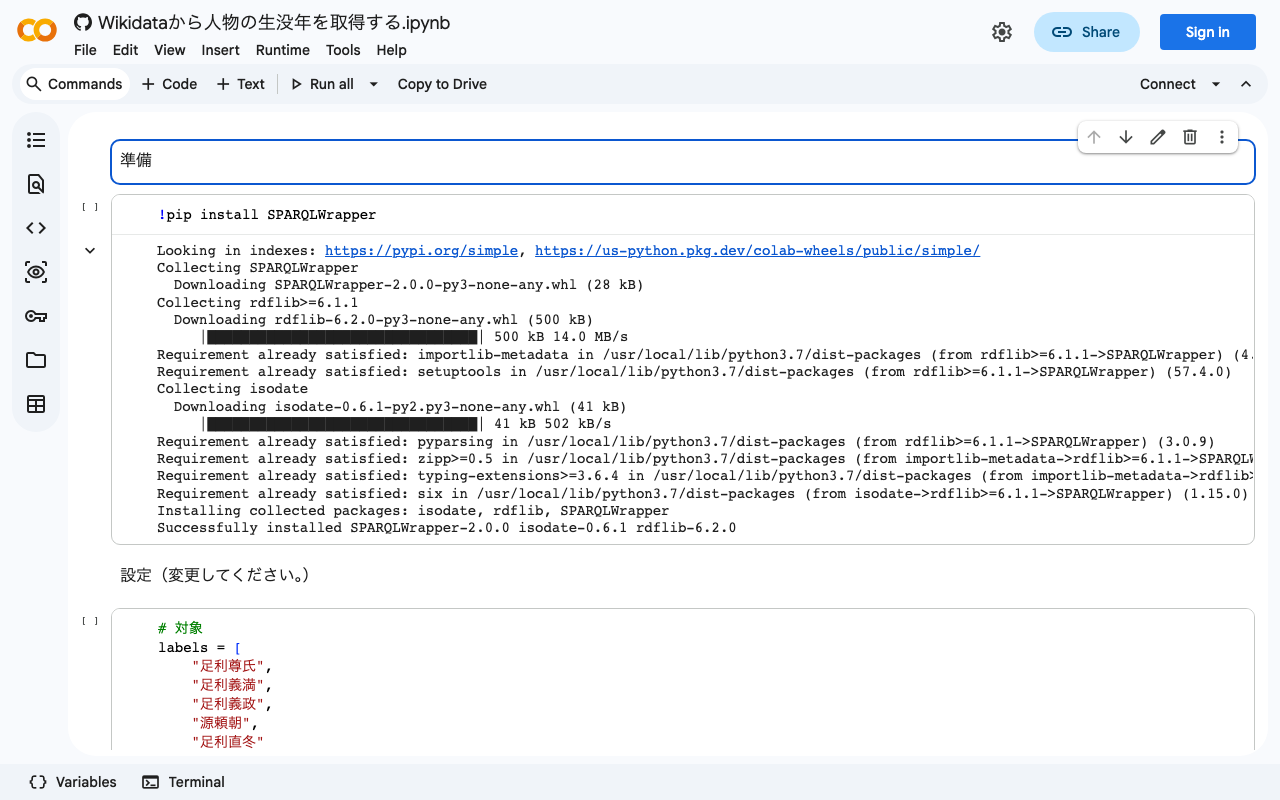
I created a notebook for retrieving birth and death years of historical figures from Wikidata. I hope this serves as a helpful reference. https://colab.research.google.com/github/nakamura196/ndl_ocr/blob/main/Wikidataから人物の生没年を取得する.ipynb

[TEI x JavaScript] Removing Unintended Whitespace in Nuxt 3

[TEI x JavaScript] Removing Unintended Whitespace in Nuxt 3

Problem When loading TEI/XML files and visualizing them with JavaScript (Vue.js, etc.), there were cases where unintended whitespace was inserted. Specifically, when writing HTML like the following: <template> <div> お問い合わせは <a href="#">こちらから</a> お願いします </div> </template> It would render with unintended spaces: “お問い合わせは こちらから お願いします” as shown below. A solution for this issue was published in the following repository: https://github.com/aokiken/vue-remove-whitespace However, I was unable to get it working in Nuxt 3 in my environment, so I used the source code as a reference and adapted it for Nuxt 3. ...

Dealing with AttributeError in ultralytics/yolov5

Dealing with AttributeError in ultralytics/yolov5

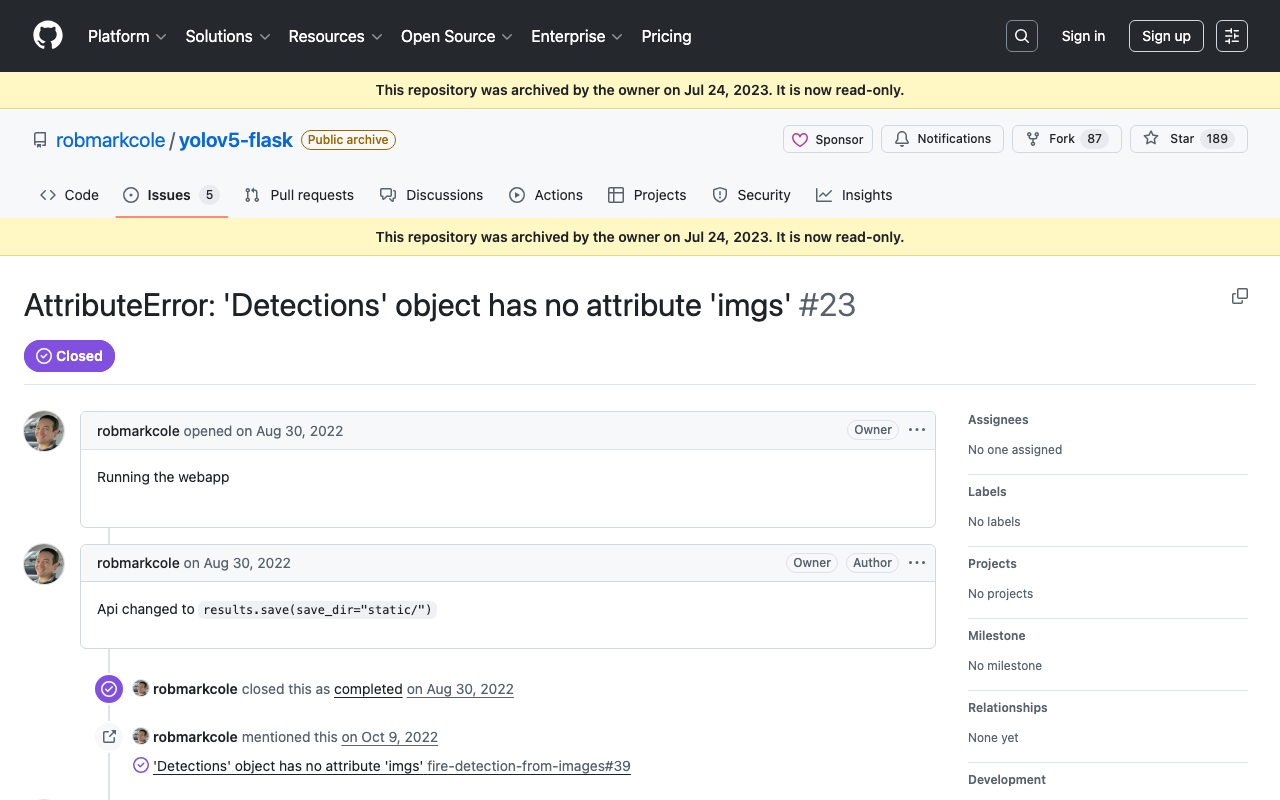
When using ultralytics/yolov5, the following error occurred. AttributeError: 'Detections' object has no attribute 'imgs' As mentioned in the following issue, this appears to be caused by an API change. https://github.com/robmarkcole/yolov5-flask/issues/23 As one example, the error was resolved by rewriting the program as follows. results = model(im) # inference # new def getImage(results): output_dir = "static" if os.path.exists(output_dir): shutil.rmtree(output_dir) results.save(save_dir=f"{output_dir}/") return Image.open(f"{output_dir}/image0.jpg") # old def oldGetImage(results): results.render() return Image.fromarray(results.imgs[0]) renderedImg = getImage(results) I hope this is helpful for those experiencing the same issue. ...

An Example of Manipulating JSON Files with Nuxt 3's server/api

An Example of Manipulating JSON Files with Nuxt 3's server/api

This is an example of how to manipulate (import and use) JSON files with Nuxt 3’s server/api. The following article was used as a reference. https://github.com/nuxt/framework/discussions/775#discussioncomment-1470136 While there is much room for improvement in areas such as type definitions, the following approach was confirmed to work. // async/await を使用しています。 export default defineEventHandler(async (event) => { const items_: any = await import('~/assets/index.json') // .defaultをつける点に注意 const items_total: any[] = items_.default // 以下の参考リンクを参照してください。 const query = getQuery(event) const page: number = Number(query.page) || 1; const size: number = Number(query.size) || 20; const items: any[] = items_total.slice((page - 1) * size, page * size); return { "hits": { "total": { "value": items_total.length, }, "hits": items } } }); With the above, by using a query like /api/items?page=2&size=40, it was possible to return a portion of the imported JSON file (~/assets/index.json). Paths other than assets seem to work as well, but this has not been thoroughly verified. ...

Script for Initial Setup of Omeka Classic on Amazon Lightsail

Script for Initial Setup of Omeka Classic on Amazon Lightsail

I created a script for the initial setup of Omeka Classic on Amazon Lightsail. This is the “Omeka Classic version” of the following article. I hope this serves as a helpful reference when using Omeka Classic with Amazon Lightsail. # Variables OMEKA_PATH=/home/bitnami/htdocs/omeka ## Do not include hyphens DBNAME=omeka VERSION=3.0.3 ############# set -e mkdir -p $OMEKA_PATH # Download Omeka wget https://github.com/omeka/Omeka/releases/download/v$VERSION/omeka-$VERSION.zip unzip -q omeka-$VERSION.zip mv omeka-$VERSION/* $OMEKA_PATH # Move .htaccess mv omeka-$VERSION/.htaccess $OMEKA_PATH # Remove unnecessary folders rm -rf omeka-$VERSION rm omeka-$VERSION.zip # Remove existing index.html (if it exists) if [ -e $OMEKA_PATH/index.html ]; then rm $OMEKA_PATH/index.html fi # Create database cat <<EOF > sql.cnf [client] user = root password = $(cat /home/bitnami/bitnami_application_password) host = localhost EOF mysql --defaults-extra-file=sql.cnf -e "create database $DBNAME"; # Omeka S configuration cat <<EOF > $OMEKA_PATH/db.ini [database] host = localhost username = root password = $(cat bitnami_application_password) dbname = $DBNAME prefix = "omeka_" charset = "utf8" EOF sudo chown -R daemon:daemon $OMEKA_PATH/files sudo apt install imagemagick -y

An Example of Deploying Nuxt 3 to Netlify and AWS

An Example of Deploying Nuxt 3 to Netlify and AWS

Overview This is a personal note on an example of deploying Nuxt 3 to Netlify and AWS. Below are the deployment examples. Netlify app.vue https://nuxt3-nakamura196.netlify.app/ server/api/hello.ts https://nuxt3-nakamura196.netlify.app/api/hello AWS (Serverless) app.vue https://nuxt3.aws.ldas.jp/ server/api/hello.ts https://nuxt3.aws.ldas.jp/api/hello The source code is at the following URL. https://github.com/nakamura196/nuxt3 I will explain each of them below. Netlify By referring to the following article, I was able to deploy including BFF (Backend for Frontend). https://blog.cloud-acct.com/posts/nuxt3-netlify-deploy/ AWS (Serverless) The following article was helpful for the method using Lambda Functions URL. ...

Double-Sided Ruby Annotations Using python-docx

Double-Sided Ruby Annotations Using python-docx

This is a memo on how to achieve double-sided ruby (furigana) in Word using python-docx. You can try it from the following notebook. https://colab.research.google.com/github/nakamura196/ndl_ocr/blob/main/python_docxを用いた両側ルビ.ipynb An output example is shown below. An input example is shown below. <body> <p> 私は <ruby> <rb> <ruby> <rb>打</rb> <rt place="right">ダ</rt> </ruby> <ruby> <rb>球</rb> <rt place="right">キウ</rt> </ruby> 場 </rb> <rt place="left">ビリヤード</rt> </ruby> に行きました。 </p> <p> <ruby> <rb>入学試験</rb> <rt place="above">にゅうがくしけん</rt> </ruby> があります。 </p> </body> The program is still incomplete, but I hope it serves as a helpful reference. ...

An Example Method for Converting TEI/XML Files to Vertical-Writing PDF

An Example Method for Converting TEI/XML Files to Vertical-Writing PDF

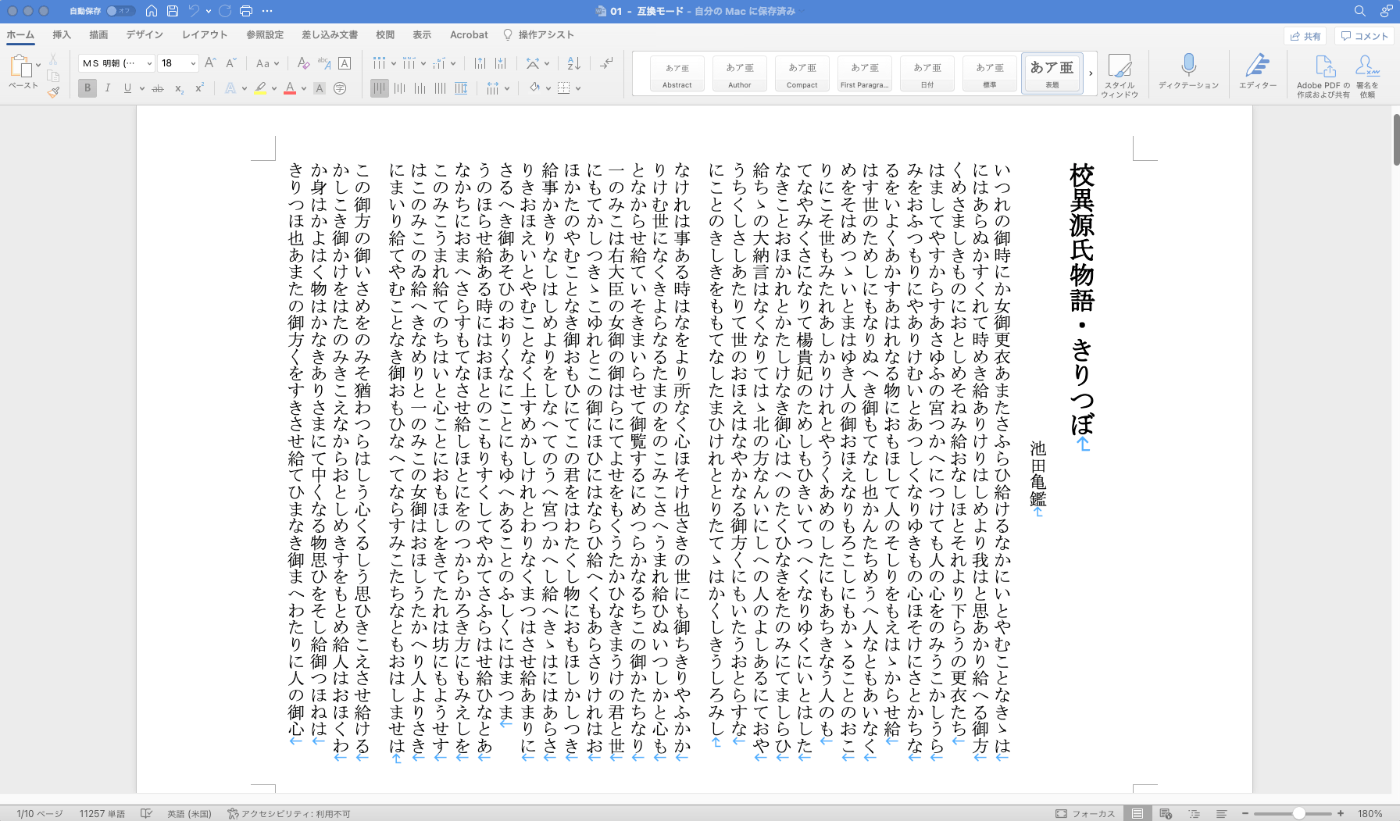
Overview This is a memo documenting one example method for converting TEI/XML files to vertical-writing (tategaki) PDF. You can try the program targeting “Koui Genji Monogatari” (Collated Tale of Genji) in the following notebook. https://colab.research.google.com/github/nakamura196/ndl_ocr/blob/main/TEI_XMLファイルを縦書きPDFに変換する.ipynb Conversion Workflow This time, I used Quarto. https://quarto.org/ Please refer to the following for installation instructions. https://quarto.org/docs/get-started/ TEI/XML -> qmd First, convert the contents of the TEI/XML file to a qmd file. Below is a sample conversion script. ...

Prototype npm Package for Displaying Popups on Selected Text

Prototype npm Package for Displaying Popups on Selected Text

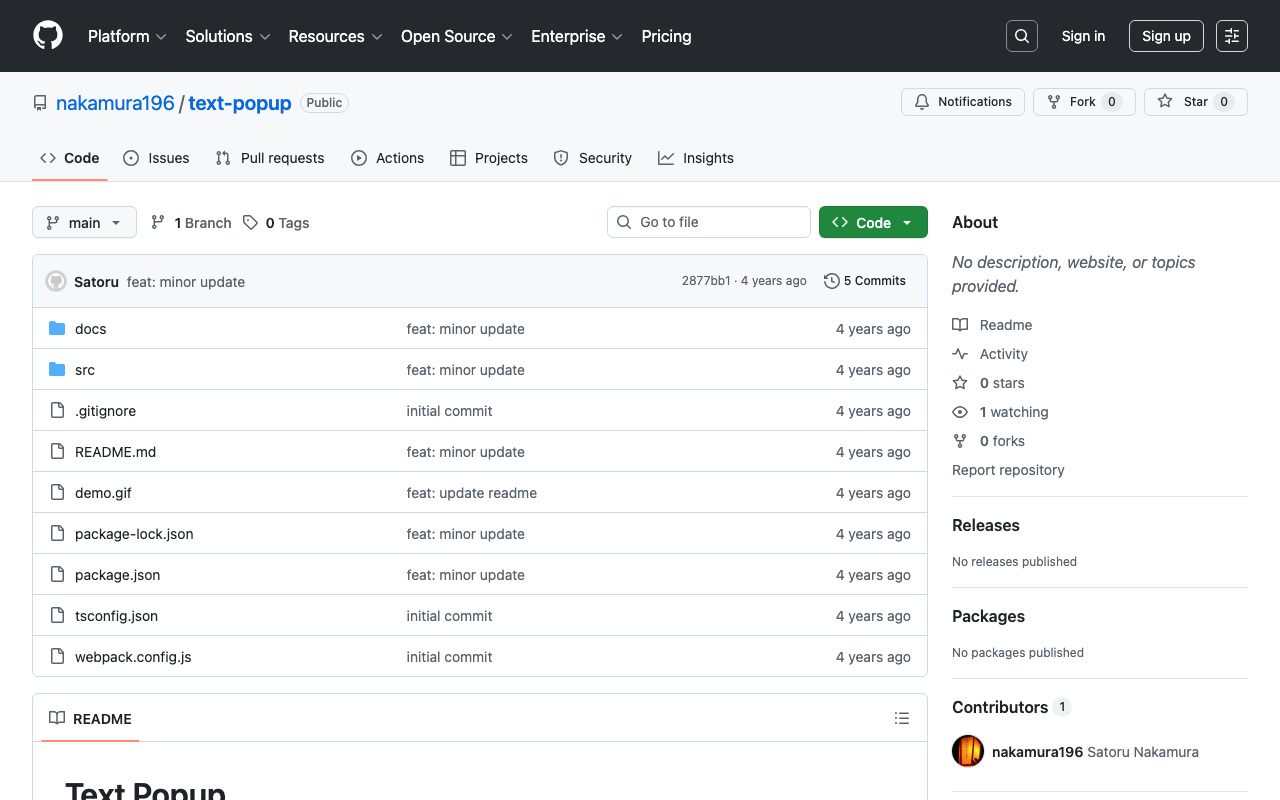
I created a prototype npm package that displays a popup for selected text on a website. npm https://www.npmjs.com/package/@nakamura196/text-popup Source code https://github.com/nakamura196/text-popup Demo page https://nakamura196.github.io/text-popup/ The following article was used as a reference for development. https://zenn.dev/nino_cast/articles/98a0a87f58026f You can try it by adding the following two lines to your website. <script src="https://cdn.jsdelivr.net/npm/@nakamura196/text-popup/dist/main.min.js"></script> <script>textPopup();</script> I hope this is helpful as a reference for developing and publishing npm libraries.

Converting TEI/XML Files to EPUB Using Python

Converting TEI/XML Files to EPUB Using Python

Overview I had the opportunity to convert TEI/XML files to EPUB using Python, so here are my notes. While Oxygen XML Editor is one method for converting TEI/XML files to EPUB, this time I used the Python library “EbookLib.” I referenced the following article. https://dev.classmethod.jp/articles/try-create-epub-by-python-ebooklib/ In particular, this time the goal is to create a vertical-text EPUB from the TEI/XML files published in the “Koui Genji Monogatari Text Data Repository.” ...

[Omeka S Module Development] Updating IIIF Viewers

[Omeka S Module Development] Updating IIIF Viewers

Overview I made feature improvements to the Omeka S module “IIIF Viewers,” which configures IIIF manifest icons and multiple IIIF-compatible viewers. https://github.com/omeka-j/Omeka-S-module-IiifViewers Along with these improvements, version 1.1.0 has been released. https://github.com/omeka-j/Omeka-S-module-IiifViewers/releases/tag/1.1.0 For the release, the method described in the following article was used. The specific improvements are described below. Fixing IIIF Manifest Icon URLs As mentioned in the following article, there was a bug where the IIIF manifest icon could not be loaded into other viewers via drag and drop. This improvement fixes that bug. ...

Supporting Drag & Drop for IIIF Icons

Supporting Drag & Drop for IIIF Icons

Background IIIF (International Image Interoperability Framework) icons (specifically, IIIF manifest URLs) support loading via drag & drop in many IIIF-compatible viewers. However, I received feedback that the IIIF icons displayed by the following module did not support drag & drop. https://github.com/omeka-j/Omeka-S-module-IiifViewers I investigated the cause by referring to the following page, among others. https://zimeon.github.io/iiif-dragndrop/ As a result, I found that the following HTML markup is required. <a href="default_target?manifest=manifest_URI&canvas=canvas_URI"> <img src="iiif-dragndrop-100px.png" alt="IIIF Drag-n-drop"/> </a> Not conforming to the above pattern was the cause of the drag & drop issue in the aforementioned module. ...

Creating a GitHub Release Script for Omeka S Module Development

Creating a GitHub Release Script for Omeka S Module Development

I created a GitHub release script for Omeka S module development. For this development, I referenced the GitHub repository usage of Daniel-KM, who has developed numerous Omeka S modules. Specifically, GitHub repositories are created with the naming convention “Omeka-S-module-{module name}”. Example: https://github.com/Daniel-KM/Omeka-S-module-EasyInstall For releases, they are tagged with “{module name}-{version}” and a file named “{module name}-{version}.zip” is attached. Example: https://github.com/Daniel-KM/Omeka-S-module-EasyInstall/releases/tag/3.3.6 When this zip file is extracted, a folder named “{module name}” is created. This is necessary because Omeka S requires the module folder name to match the module name. ...

How to Extract and Process Only Text Strings from XML Files

How to Extract and Process Only Text Strings from XML Files

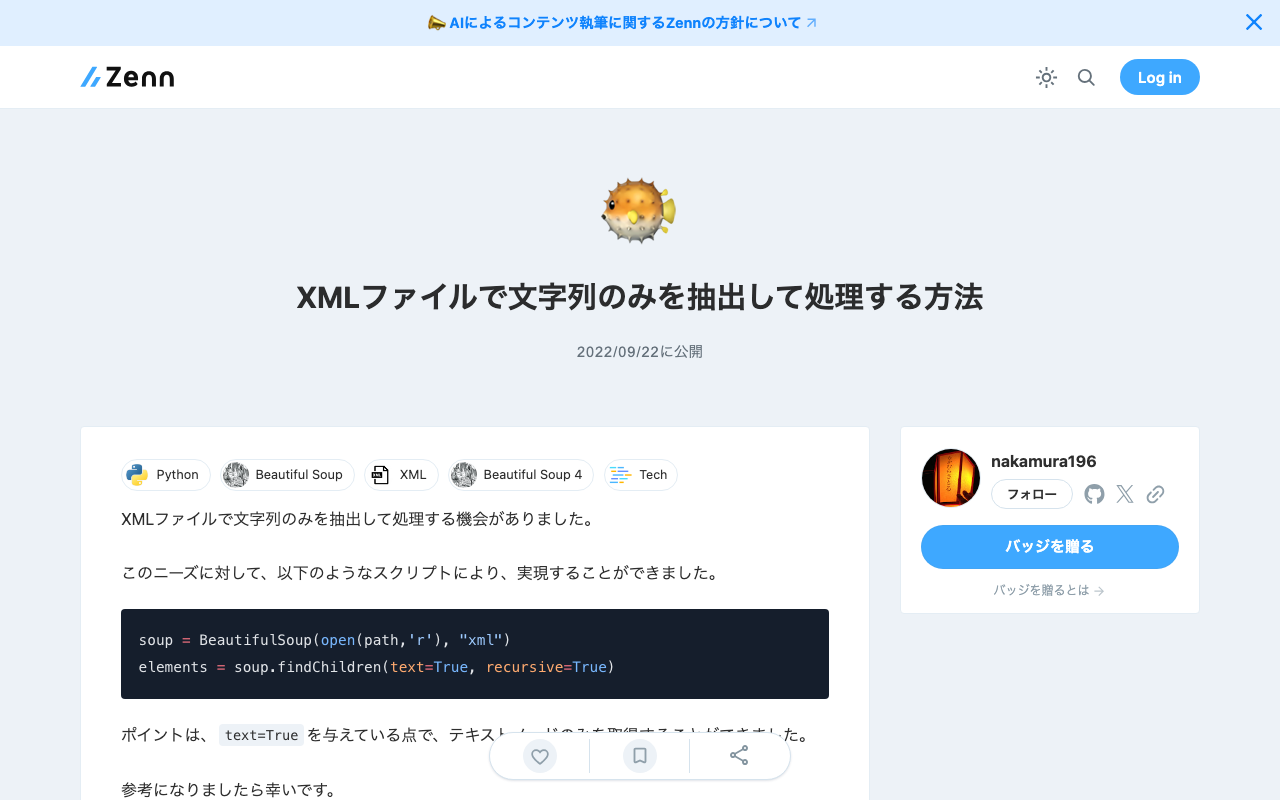
I had the opportunity to extract and process only text strings from XML files. For this need, I was able to achieve it with the following script. soup = BeautifulSoup(open(path,'r'), "xml") elements = soup.findChildren(text=True, recursive=True) The key point is passing text=True, which allows you to retrieve only text nodes. I hope this serves as a useful reference.

I Created an API That Returns a List of Items Containing a Specified IIIF Manifest in Cultural Japan

I Created an API That Returns a List of Items Containing a Specified IIIF Manifest in Cultural Japan

I created an API that returns a list of items containing a specified IIIF manifest in Cultural Japan. The API documentation is available at the following link. https://petstore.swagger.io/?url=https://api.cultural.jp/v3/api-docs Here is an example request. https://api.cultural.jp/v3/items/urls?manifest=https://iiif.harvardartmuseums.org/manifests/object/215190 For the API development, I used express-openapi and deployed it using AWS Lambda, referencing the following article. https://www.forcia.com/blog/002471.html I hope this serves as a useful reference for utilizing Cultural Japan.

Batch Download Script for Omeka S Modules

Batch Download Script for Omeka S Modules

I have created a script to batch download the modules I frequently use in Omeka S. I plan to update it gradually. I hope this serves as a helpful reference. # Module ## CustomOntology version=3.3.5.1 name=CustomOntology wget https://github.com/Daniel-KM/Omeka-S-module-$name/releases/download/$version/$name-$version.zip unzip $name-$version.zip rm $name-$version.zip ## IIIF Server version=3.6.6.7 name=IiifServer wget https://github.com/Daniel-KM/Omeka-S-module-$name/releases/download/$version/$name-$version.zip unzip $name-$version.zip rm $name-$version.zip ## Universal Viewer version=3.6.4.5 name=UniversalViewer wget https://github.com/Daniel-KM/Omeka-S-module-$name/releases/download/$version/$name-$version.zip unzip $name-$version.zip rm $name-$version.zip ## iiif viewers wget https://github.com/omeka-j/Omeka-S-module-IiifViewers/releases/download/1.1.0/IiifViewers-1.1.0.zip unzip IiifViewers-1.1.0.zip rm IiifViewers-1.1.0.zip ## easy admin wget https://github.com/Daniel-KM/Omeka-S-module-EasyAdmin/releases/download/3.3.7/EasyAdmin-3.3.7.zip unzip EasyAdmin-3.3.7.zip rm EasyAdmin-3.3.7.zip

[Memo] MapTiler Light and Dark Themes

[Memo] MapTiler Light and Dark Themes

While searching for a simple map, I came across MapTiler. https://www.maptiler.com/ Specifically, the following Basic Light looked good, https://www.maptiler.com/maps/#784b0675-dce5-4a4f-b16c-0d8e06442314//vector/3/-122.45/37.79 as did the following Basic Dark. https://www.maptiler.com/maps/#74f0e2cf-0dc3-46ba-98ed-c2395d4c71e2//vector/3/-122.45/37.79 However, when I tried to use the above maps from the My Cloud page, I had difficulty finding them. In the end, I was able to reach them from the following URLs respectively. Theme URL Basic Light https://cloud.maptiler.com/maps/positron/ Basic Dark https://cloud.maptiler.com/maps/darkmatter/ I hope this serves as a useful reference for anyone encountering the same issue. ...

Omeka S Theme Development: Fixed a Bug in the Bootstrap 5 Omeka S Theme

Omeka S Theme Development: Fixed a Bug in the Bootstrap 5 Omeka S Theme

I have published a Bootstrap 5-based Omeka S theme at the following link. https://github.com/ldasjp8/Omeka-S-theme-Bootstrap5 How to use this theme is introduced in the following article. As noted in the above article, there had been a bug with the display style option. This bug has been fixed in the following commit. https://github.com/ldasjp8/Omeka-S-theme-Bootstrap5/commit/3b456277fe4f75cdcc0044a0fe0df7e7e2e14156 I hope this is helpful for those using this theme.