Home Articles Books Search About
RSS 日本語
[Omeka S Module Introduction] BulkExport: Bulk Data Export

[Omeka S Module Introduction] BulkExport: Bulk Data Export

Overview BulkExport is a module for performing bulk data export in Omeka S. https://github.com/Daniel-KM/Omeka-S-module-BulkExport This article explains how to use this module. Installation Like other common modules, it can be installed using the standard method. Download the latest zip file from the following URL. https://github.com/Daniel-KM/Omeka-S-module-BulkExport/releases During installation, the Log module needs to be installed in advance, as shown below. Usage Click “BulkExport” in the left side of the admin screen, then click the export icon. ...

Collaborative Editing of TEI/XML Files Using Visual Studio Live Share (Not Limited to XML)

Collaborative Editing of TEI/XML Files Using Visual Studio Live Share (Not Limited to XML)

Overview Visual Studio Live Share is a VSCode extension that enables real-time collaborative development. https://visualstudio.microsoft.com/ja/services/live-share/ This time, we will try real-time collaborative editing of TEI/XML files using this extension. Demo Video A video of the collaborative editing was recorded. https://youtu.be/DzyuJAtzl90 The right side of the screen shows a user (nakamura196) using VSCode in a local environment, while the left side shows a user (Guest User) invited via Visual Studio Live Share editing using the online VSCode (vscode.dev). ...

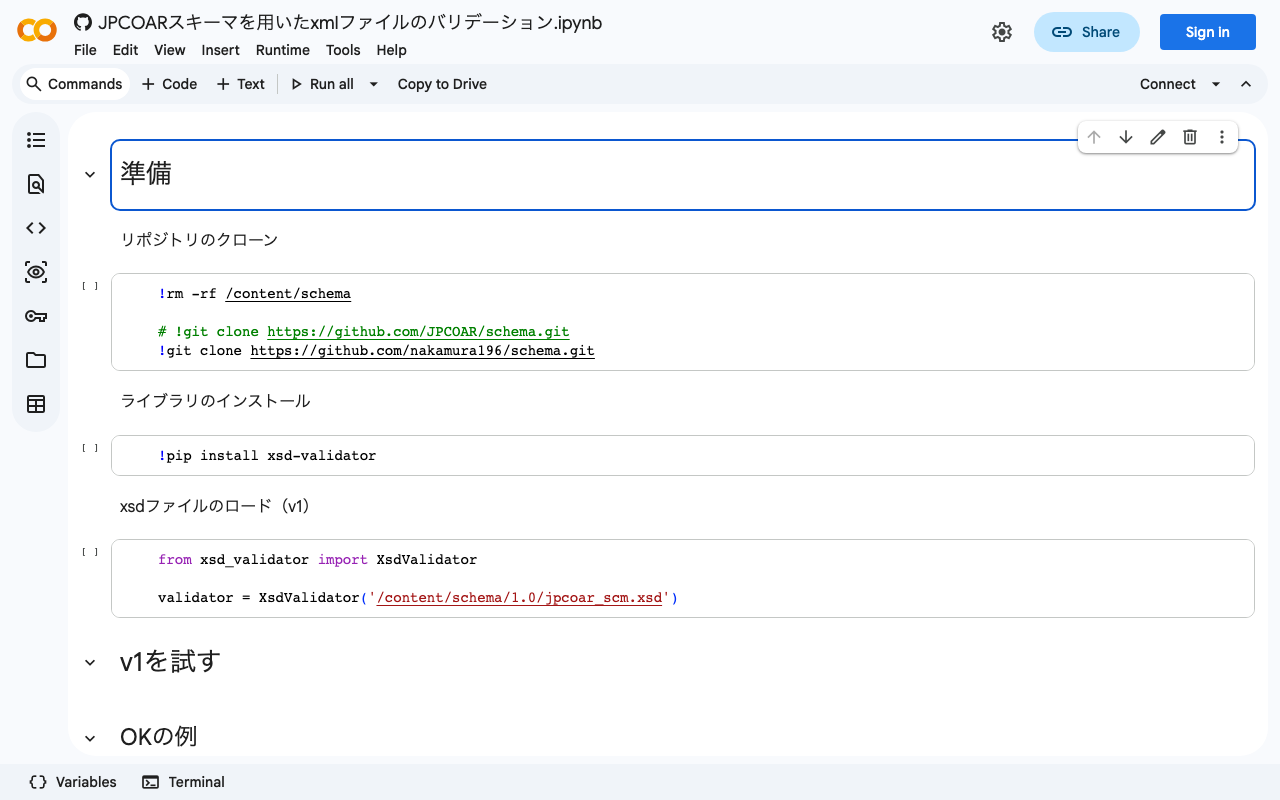
Validating XML Files Using the JPCOAR Schema

Validating XML Files Using the JPCOAR Schema

Overview JPCOAR Schema publishes XML Schema Definitions in the following repository. Thank you for creating the schema and making the data available. https://github.com/JPCOAR/schema This article is a memo of trying XML file validation using the above schema. (Since this is my first time doing this kind of validation, it may contain inaccurate terminology or information. I apologize.) A Google Colab notebook is also prepared. https://colab.research.google.com/github/nakamura196/ndl_ocr/blob/main/JPCOARスキーマを用いたxmlファイルのバリデーション.ipynb Preparation Clone the repository ...

Trying the jingtrang Library for RELAX NG Schema: Creating RNG Files

Trying the jingtrang Library for RELAX NG Schema: Creating RNG Files

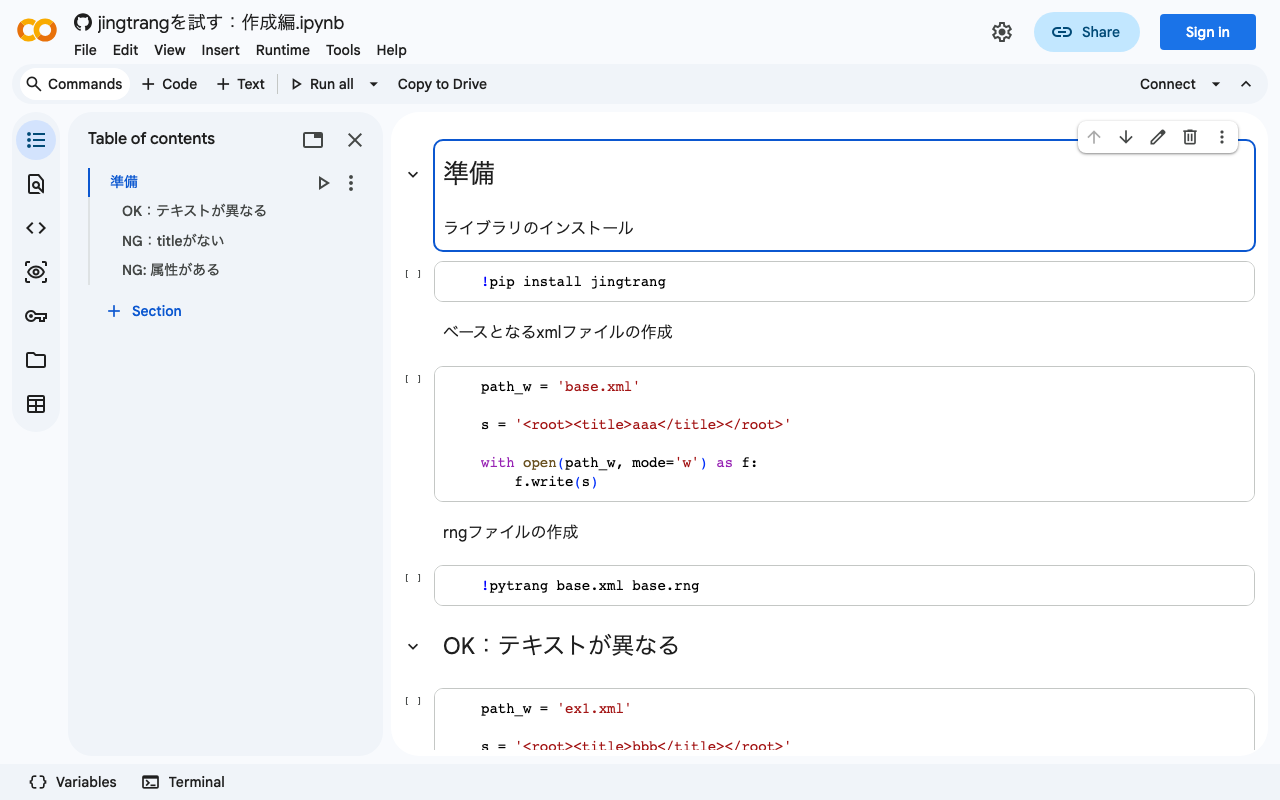
Overview In the following article, I performed XML file validation using jingtrang and RNG files. Since this jingtrang library can create RNG files from XML files, I decided to try it out. I also prepared a Google Colab notebook. https://colab.research.google.com/github/nakamura196/ndl_ocr/blob/main/jingtrangを試す:作成編.ipynb Creating an RNG File As the source file for creating the RNG file, I prepared the following: <root><title>aaa</title></root> For the above file, execute the following: pytrang base.xml base.rng As a result, the following file was created: ...

Trying the jingtrang Library for RELAX NG Schema: Validation

Trying the jingtrang Library for RELAX NG Schema: Validation

Overview I had an opportunity to create an XML file conforming to a specific schema, and needed to verify that the XML file matched the schema. To meet this requirement, I tried the jingtrang library for working with RELAX NG schemas, so here are my notes: https://pypi.org/project/jingtrang/ I also prepared a Google Colab notebook: https://colab.research.google.com/github/nakamura196/ndl_ocr/blob/main/jingtrangを試す.ipynb Trying Validation # ライブラリのインストール pip install jingtrang # rngファイルのダウンロード(tei_allを使用) wget https://raw.githubusercontent.com/nakamura196/test2021/main/tei_all.rng # validation対象のXMLファイルの用意(校異源氏物語テキストのダウンロード) wget https://kouigenjimonogatari.github.io/tei/01.xml Passing Example Running the following produced no output: ...

Converting Word to TEI/XML

Converting Word to TEI/XML

Overview I had an opportunity to convert Word files to TEI/XML files. Upon investigation, in addition to official TEI tools such as TEIGarage Conversion, I found a conversion example in TEI Publisher: https://teipublisher.com/exist/apps/tei-publisher/test/test.docx.xml The above example appeared to convert Word style information into TEI tags, so I tried this approach. For this project, I used the python-docx library with the goal of using it independently of TEI Publisher. Word File I created a prototype Word file like the one below. All styles are provisional, but I created styles such as “tei:persName” and “tei:warichu” and changed their visual styling such as color. The mechanism works by applying styles to perform simple structuring. ...

Trying to Register an Image on OpenSea

Trying to Register an Image on OpenSea

Overview I tried registering an image on OpenSea, so this is a memo of my experience. The page for the created item is below. https://opensea.io/assets/ethereum/0x495f947276749ce646f68ac8c248420045cb7b5e/10640296615676167047199551942164304992363478966543389627838835760480269631489 Uploading to OpenSea Uploading images to OpenSea was quite easy. On the other hand, the prior steps of creating MetaMask and OpenSea accounts took some time. There are many articles about these procedures, so please refer to those. Transferring from bitFlyer to MetaMask I sent 0.005 ETH held in bitFlyer to MetaMask. The transfer fee cost 0.005 ETH ($7.72, 990.48 yen). (Expensive… lol) ...

Trying to Add Images and a IIIF Manifest to IPFS

Trying to Add Images and a IIIF Manifest to IPFS

Overview Referencing the following tweet, I tried adding images and a IIIF manifest to IPFS. https://twitter.com/edsilv/status/1400221815369355267 For adding to IPFS, I used Fleek, which is also mentioned in the above tweet. https://fleek.co/ The following site was helpful for learning how to use Fleek. https://i-407.com/blog/m10/ Source Code The source code is below. https://github.com/nakamura196/fleek_test Steps Uploading Images First, I uploaded the following image to the above repository. https://github.com/nakamura196/fleek_test/blob/main/kunshujo_400.jpg Following the reference site, I connected this repository to Fleek. As a result, it became accessible at the following URL. ...

Creating a Customized RNG File Using Roma: Restricting Available TEI Tags

Creating a Customized RNG File Using Roma: Restricting Available TEI Tags

Overview In this article, I will attempt to customize TEI ODD (One Document Does-it-all) using a web application called Roma. https://romabeta.tei-c.org/ For more about TEI ODD, please refer to the official site below. I must admit that I do not fully understand it myself due to limited study. https://wiki.tei-c.org/index.php/ODD However, one use case is that in TEI-based projects, you can restrict the tags used (specifically, those that receive assistance and validation). ...

An Example Workflow for Creating TEI/XML from Excel

An Example Workflow for Creating TEI/XML from Excel

Overview I created an example workflow for generating TEI/XML from data prepared in Excel. The following TEI/XML file is output. It supports page breaks using the pb tag, line IDs using the lb tag, multiple representations using choice/orig/reg tags, annotations using the note tag, and linking with IIIF images. <?xml version="1.0" encoding="utf-8"?> <TEI xmlns="http://www.tei-c.org/ns/1.0"> <teiHeader> <fileDesc> <titleStmt> <title/> </titleStmt> <publicationStmt> <ab/> </publicationStmt> <sourceDesc> <ab/> </sourceDesc> </fileDesc> </teiHeader> <text> <body> <pb corresp="#page_22"/> <ab> <lb xml:id="page_22-b-1"/> <seg> いつれの御時にか女御更衣あまたさふらひ <choice> <orig> 給ける <note corresp="#page_22-b-1-20" type="校異"> 給けるーたまふ河 </note> </orig> <reg> たまふ </reg> </choice> なかにいとやむことなきゝは </seg> </ab> </body> </text> <facsimile source="https://dl.ndl.go.jp/api/iiif/3437686/manifest.json"> <surface source="https://dl.ndl.go.jp/api/iiif/3437686/canvas/22" xml:id="page_22"> <label> [22] </label> <zone lrx="1126" lry="1319" ulx="1044" uly="895" xml:id="page_22-b-1-20"/> </surface> <surface source="https://dl.ndl.go.jp/api/iiif/3437686/canvas/23" xml:id="page_23"> <label> [23] </label> </surface> </facsimile> </TEI> An example of visualizing the above TEI/XML data is shown below. The image, text (original), text (regularization), and annotations are displayed on the same screen. ...

Created a Custom OpenSeaDragon Viewer for Use in TEI Viewers

Created a Custom OpenSeaDragon Viewer for Use in TEI Viewers

Overview I created a Custom OpenSeaDragon Viewer intended for use in TEI viewers. Background In developing a viewer that links TEI and IIIF as shown below, a viewer with the following capabilities was needed. https://www.hi.u-tokyo.ac.jp/collection/digitalgallery/wakozukan/tei/ Ability to load IIIF manifest files. Ability to track page navigation within the viewer component from outside the component. Ability to highlight partial regions of images. Since I could not find an existing IIIF-compatible viewer that met all of the above requirements, I attempted to develop a custom viewer. I also tried publishing it as an npm package. ...

Introducing an IIIF Viewer in Nuxt3 with SSR

Introducing an IIIF Viewer in Nuxt3 with SSR

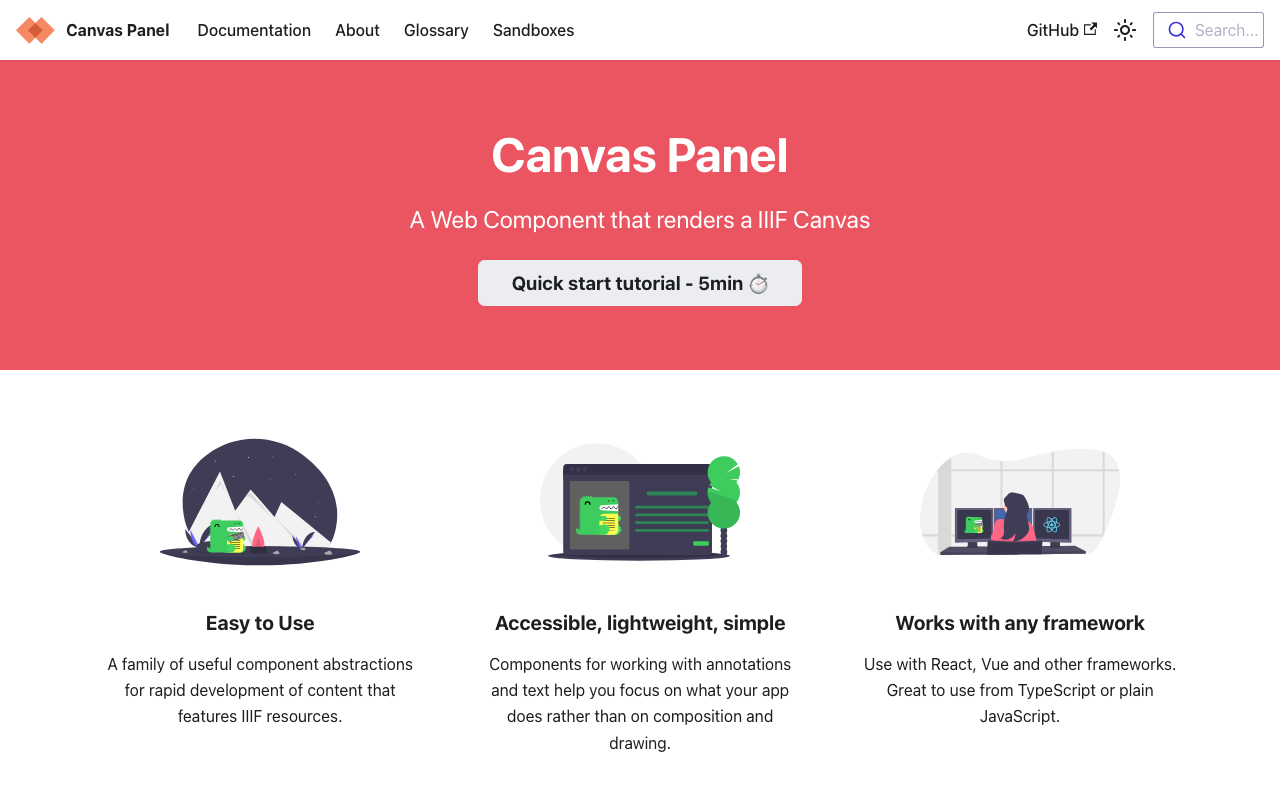
Overview This is a memo on how to introduce an IIIF viewer in Nuxt3 with SSR. Canvas Panel This section covers the introduction of the following viewer. https://iiif-canvas-panel.netlify.app/ Installation npm i @digirati/canvas-panel-web-components Page Please refer to the following. https://github.com/nakamura196/nuxt3-iiif-viewer/blob/main/pages/canvas-panel/index.vue Display Example https://nakamura196.github.io/nuxt3-iiif-viewer/canvas-panel Tify This section covers the introduction of the following viewer. https://github.com/tify-iiif-viewer/tify Installation npm i tify Page Please refer to the following. https://github.com/nakamura196/nuxt3-iiif-viewer/blob/main/pages/tify/index.vue In the case of SSR, a document is not defined. error occurred, so I added the following file to the plugins. ...

Script for Initial Setup of Omeka S on Amazon Lightsail (Adding the Easy Admin Module)

Script for Initial Setup of Omeka S on Amazon Lightsail (Adding the Easy Admin Module)

I created an updated version of the “Script for Initial Setup of Omeka S on Amazon Lightsail” introduced in the following article. This version adds “Easy Admin,” which makes it easy to add themes and modules, and also fixes permissions for related directories. I hope you find this helpful. # 変数 OMEKA_PATH=/home/bitnami/htdocs/omeka-s ## ハイフンは含めない DBNAME=omeka_s VERSION=3.2.3 ############# set -e mkdir $OMEKA_PATH # Omekaのダウンロード wget https://github.com/omeka/omeka-s/releases/download/v$VERSION/omeka-s-$VERSION.zip unzip -q omeka-s-$VERSION.zip mv omeka-s/* $OMEKA_PATH # .htaccessの移動 mv omeka-s/.htaccess $OMEKA_PATH # 不要なフォルダの削除 rm -rf omeka-s rm omeka-s-$VERSION.zip # 元からあったindex.htmlを削除(もし存在すれば) if [ -e $OMEKA_PATH/index.html ]; then rm $OMEKA_PATH/index.html fi # データベースの作成 cat <<EOF > sql.cnf [client] user = root password = $(cat /home/bitnami/bitnami_application_password) host = localhost EOF mysql --defaults-extra-file=sql.cnf -e "create database $DBNAME"; # Omeka Sの設定 cat <<EOF > $OMEKA_PATH/config/database.ini user = root password = $(cat bitnami_application_password) dbname = $DBNAME host = localhost EOF sudo chown -R daemon:daemon $OMEKA_PATH/files sudo apt install imagemagick -y # Module cd $OMEKA_PATH/modules ## easy admin wget https://github.com/Daniel-KM/Omeka-S-module-EasyAdmin/releases/download/3.3.7/EasyAdmin-3.3.7.zip unzip EasyAdmin-3.3.7.zip rm EasyAdmin-3.3.7.zip sudo chown -R daemon:daemon $OMEKA_PATH/files sudo chown -R daemon:daemon $OMEKA_PATH/modules sudo chown -R daemon:daemon $OMEKA_PATH/themes

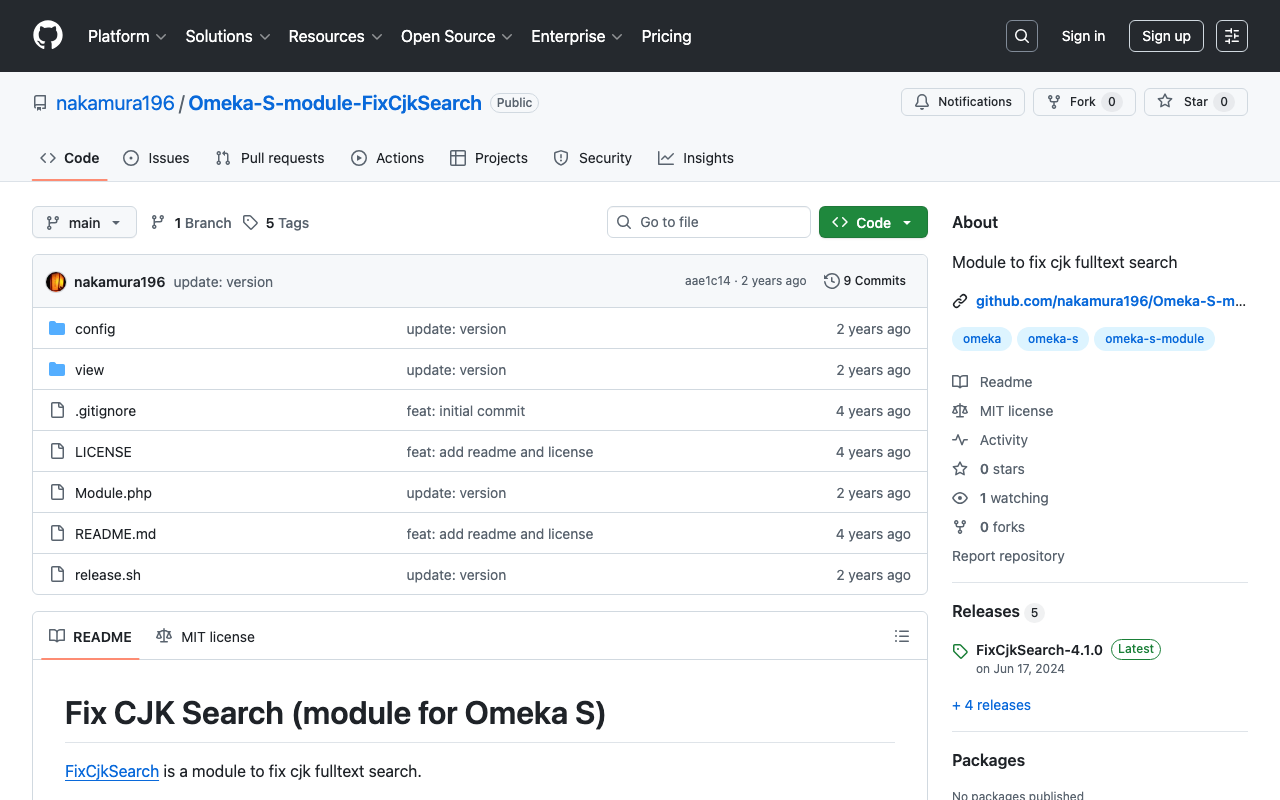
Omeka S Module Development: FixCjkSearch - Fixing Full-Text Search Issues with Japanese in Omeka S

Omeka S Module Development: FixCjkSearch - Fixing Full-Text Search Issues with Japanese in Omeka S

Full-text search in Japanese does not work properly with Omeka S’s standard functionality. The following article explains the details of the issue: https://nakamura196.hatenablog.com/entry/2022/03/07/083004 In the article above, I presented several workarounds, and I have now created a module that encompasses those solutions: https://github.com/nakamura196/Omeka-S-module-FixCjkSearch While this is not a fundamental fix, I hope it proves useful when working with Japanese materials in Omeka S.

Deploying Nuxt 3 on Amazon Lightsail: Using pm2

Deploying Nuxt 3 on Amazon Lightsail: Using pm2

Introduction When deploying applications developed with Nuxt 3 and similar frameworks, I often use GitHub Pages, Netlify, AWS Amplify, and Serverless Framework + Lambda. However, this time I had the opportunity to deploy using a VPS, so this is a memo. References Specifically, I use Amazon Lightsail and pm2. Creating an Amazon Lightsail Instance Select the Node.js blueprint. Also, since port 3000 is used, open the firewall for it. ...

[Omeka S Module Introduction] Folksonomy: Social Tagging

[Omeka S Module Introduction] Folksonomy: Social Tagging

Overview Folksonomy is a module for implementing social tagging in Omeka S. https://omeka.org/s/modules/Folksonomy/ This article explains how to use this module. Installation It can be installed using the standard method, same as other common modules. Configuration After installation, the following settings screen is displayed. In particular, by enabling “Allow public to tag,” visitors can perform tagging. Additionally, by enabling “Require approbation for public tags,” an administrator approval workflow can be introduced. ...

Trying Out Gatsby CETEIcean

Trying Out Gatsby CETEIcean

Overview I tried out Gatsby CETEIcean, created by Raffaele Viglianti. https://github.com/raffazizzi/gatsby-ceteicean-workshop Prototype Site The following is the prototype site. I have added several customizations, including MUI, vertical text display, and links to RDF data. https://nakamura196.github.io/gatsby-ceteicean-workshop/ The TEI/XML files from the “Koui Genji Monogatari Text DB” are used as the data source. https://kouigenjimonogatari.github.io/ Source Code The source code including the customizations can be found at the following link. https://github.com/nakamura196/gatsby-ceteicean-workshop Summary Using Gatsby CETEIcean, it seems possible to efficiently develop publishing environments for TEI/XML files. ...

Trying Out TEI Boilerplate

Trying Out TEI Boilerplate

Overview TEI Boilerplate is described as follows: A lightweight solution for publishing TEI (Text Encoding Initiative) P5 content directly in modern browsers. With TEI Boilerplate, you can serve TEI XML files directly to the web without server-side processing or conversion to HTML. The TEI Boilerplate Demo demonstrates many TEI features rendered by TEI Boilerplate. TEI Boilerplate is not a replacement for the many excellent XSLT solutions for publishing and displaying TEI/XML on the web. It is intended to be a simple, lightweight alternative to more complex XSLT solutions. ...

Omeka S 4.0.0 Release Candidate Has Been Published

Omeka S 4.0.0 Release Candidate Has Been Published

Overview The Omeka S 4.0.0 release candidate has been published. https://forum.omeka.org/t/omeka-s-4-0-0-release-candidate/16272 I tried it out on Amazon Lightsail. You can try it at the following URL. http://35.172.220.59/omeka-s/ Installation You can perform the initial setup with the following script. # 変数 OMEKA_PATH=/home/bitnami/htdocs/omeka-s ## ハイフンは含めない DBNAME=omeka_s VERSION=4.0.0-rc ############# set -e mkdir $OMEKA_PATH # Omekaのダウンロード wget https://github.com/omeka/omeka-s/releases/download/v$VERSION/omeka-s-$VERSION.zip unzip -q omeka-s-$VERSION.zip mv omeka-s/* $OMEKA_PATH # .htaccessの移動 mv omeka-s/.htaccess $OMEKA_PATH # 不要なフォルダの削除 rm -rf omeka-s rm omeka-s-$VERSION.zip # 元からあったindex.htmlを削除(もし存在すれば) if [ -e $OMEKA_PATH/index.html ]; then rm $OMEKA_PATH/index.html fi # データベースの作成 cat <<EOF > sql.cnf [client] user = root password = $(cat /home/bitnami/bitnami_application_password) host = localhost EOF mysql --defaults-extra-file=sql.cnf -e "create database $DBNAME"; # Omeka Sの設定 cat <<EOF > $OMEKA_PATH/config/database.ini user = root password = $(cat bitnami_application_password) dbname = $DBNAME host = localhost EOF sudo chown -R daemon:daemon $OMEKA_PATH/files sudo apt install imagemagick -y As of December 15, 2022, the following additional steps were required in addition to the above. ...

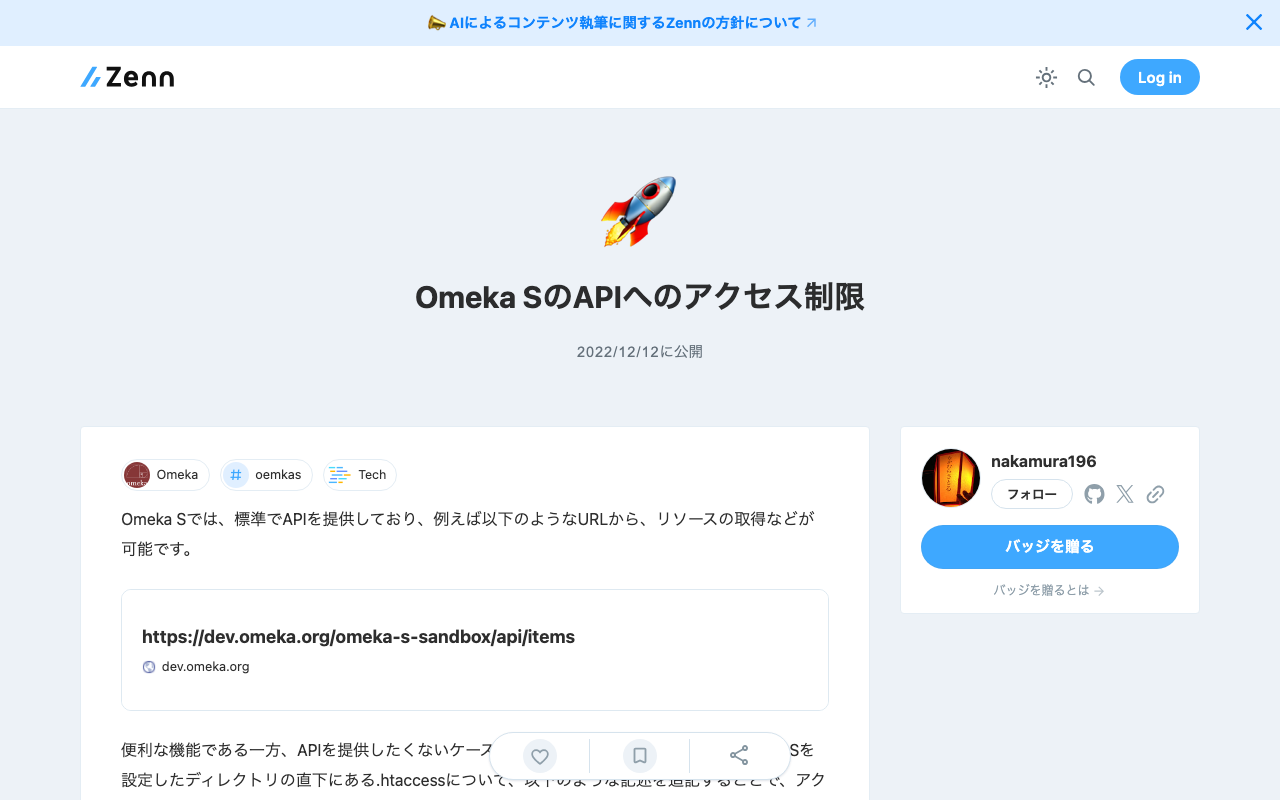
Restricting API Access in Omeka S

Restricting API Access in Omeka S

Omeka S provides an API as a standard feature, allowing resource retrieval from URLs such as the following: https://dev.omeka.org/omeka-s-sandbox/api/items While this is a convenient feature, there may be cases where you do not want to expose the API. In such cases, you can restrict access by adding the following lines to the .htaccess file located directly under the directory where Omeka S is set up. RewriteCond %{REQUEST_URI} ^.*/api RewriteRule ^(.*)$ – [F,L] Specifically, it would look like this: ...