Home Articles Books Search About
RSS 日本語
Partially Implementing Exact Non-Match Search with Fuse.js

Partially Implementing Exact Non-Match Search with Fuse.js

Overview Fuse.js is a search engine written in JavaScript. https://fusejs.io/ It is very useful as a search engine when building frontend-only applications. This time, when implementing exact non-match search using Fuse.js, I needed to craft the query carefully, so here are my notes. Advanced Search Fuse.js supports various types of searches, including exact/partial match and partial non-match. These are described on the following page. https://fusejs.io/examples.html#extended-search A Japanese translation is also available in the following article: ...

[Omeka S Module Introduction] Bulk Import: Batch Registration of Metadata and Images Using CSV Files (2023-03 Edition)

[Omeka S Module Introduction] Bulk Import: Batch Registration of Metadata and Images Using CSV Files (2023-03 Edition)

Overview I previously wrote the following article about how to use the “Bulk Import” module for batch registration of metadata (items) and images (media) into Omeka S. https://nakamura196.hatenablog.com/entry/2021/07/28/080952 However, due to updates to Omeka S and its modules, some behaviors differ as of March 2023. In this article, I will re-introduce the entire workflow from item set registration to media registration, while leaving the detailed explanations to the article above. ...

Running NDL Classical Text OCR Using Amazon SageMaker Studio

Running NDL Classical Text OCR Using Amazon SageMaker Studio

Overview Previously, I created tutorials for NDL OCR and NDL Classical Text OCR using Google Cloud Platform and Google Colab. This time, I will explain how to run NDL Classical Text OCR using Amazon SageMaker Studio. Please note that this method incurs costs during execution. The description of Amazon SageMaker Studio is available at the following link: https://aws.amazon.com/jp/sagemaker/studio/ Domain Setup and Other Configuration For domain setup and other configuration, please refer to articles such as the following: ...

[Babylon.js x Vue] Passing Click Events to Vue

[Babylon.js x Vue] Passing Click Events to Vue

Overview I investigated how to get the name of a mesh clicked in Babylon.js, as shown below. I referenced the following tutorial. https://doc.babylonjs.com/communityExtensions/Babylon.js+ExternalLibraries/BabylonJS_and_Vue/BabylonJS_and_Vue_2#passing-data-from-babylonjs-to-vue-using-callbacks The demo page is as follows. https://nakamura196.github.io/nuxt3-babylonjs/8/ The source code for the page is as follows. https://github.com/nakamura196/nuxt3-babylonjs/blob/main/pages/8/index.vue Implementation In the following section, a callback variable is passed to createScene. The name fpsCallback might need to be revised. https://github.com/nakamura196/nuxt3-babylonjs/blob/5c33d2e6bcd1681df17f3f12fea3cd68fc645157/components/Scene8.vue#L10-L13 Then, in the createScene function, the result of onPointerDown is passed. ...

Trying the Babylon.js Vue Tutorial with Nuxt 3

Trying the Babylon.js Vue Tutorial with Nuxt 3

Overview Previously, I created a repository combining Babylon.js and Nuxt 3. Meanwhile, a tutorial for using Vue with Babylon.js has been published at the following link. https://doc.babylonjs.com/communityExtensions/Babylon.js+ExternalLibraries/BabylonJS_and_Vue This time, I implemented the following tutorial from the above site using Nuxt 3. https://doc.babylonjs.com/communityExtensions/Babylon.js+ExternalLibraries/BabylonJS_and_Vue/BabylonJS_and_Vue_2 The demo site is as follows. https://nakamura196.github.io/nuxt3-babylonjs/ The source code is as follows. https://github.com/nakamura196/nuxt3-babylonjs Tutorial Passing data from BabylonJS to Vue using callbacks This is the most verbose, but the safest, most extensible, and most reusable approach. Basically, you create methods in the BabylonJS scene code and export them accordingly, allowing you to import them in Vue components and call each one. ...

Running ArchivesSpace as a Unix Daemon

Running ArchivesSpace as a Unix Daemon

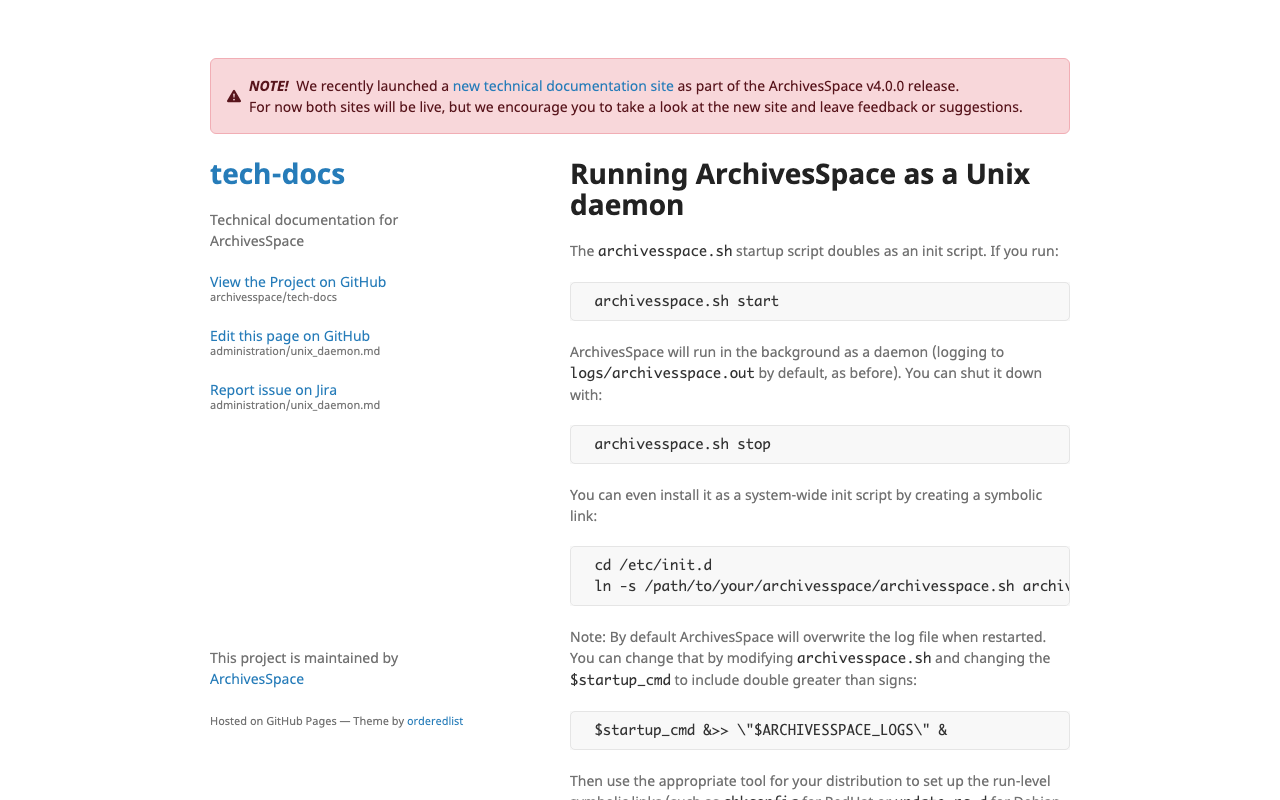
Instructions were found at the following link. https://archivesspace.github.io/tech-docs/administration/unix_daemon.html Specifically, it appears you can run it as follows: cd /home/ubuntu/archivesspace/ ./archivesspace.sh start

Setting Up ArchivesSpace on Amazon Lightsail

Setting Up ArchivesSpace on Amazon Lightsail

Overview ArchivesSpace is an open-source archival information management application for managing archives, manuscripts, and digital objects, and providing web access. https://archivesspace.org/ I had the opportunity to set up ArchivesSpace on Amazon Lightsail, so this is a memo of the process. Installation instructions are described on the following page. https://archivesspace.github.io/tech-docs/readme_implement.html Instance I selected Ubuntu 20.04 LTS. The documentation states the following, but since performance was sluggish with 2GB of memory, I selected 4GB. ...

Japanese Translation Example of the Archivematica AIP README File

Japanese Translation Example of the Archivematica AIP README File

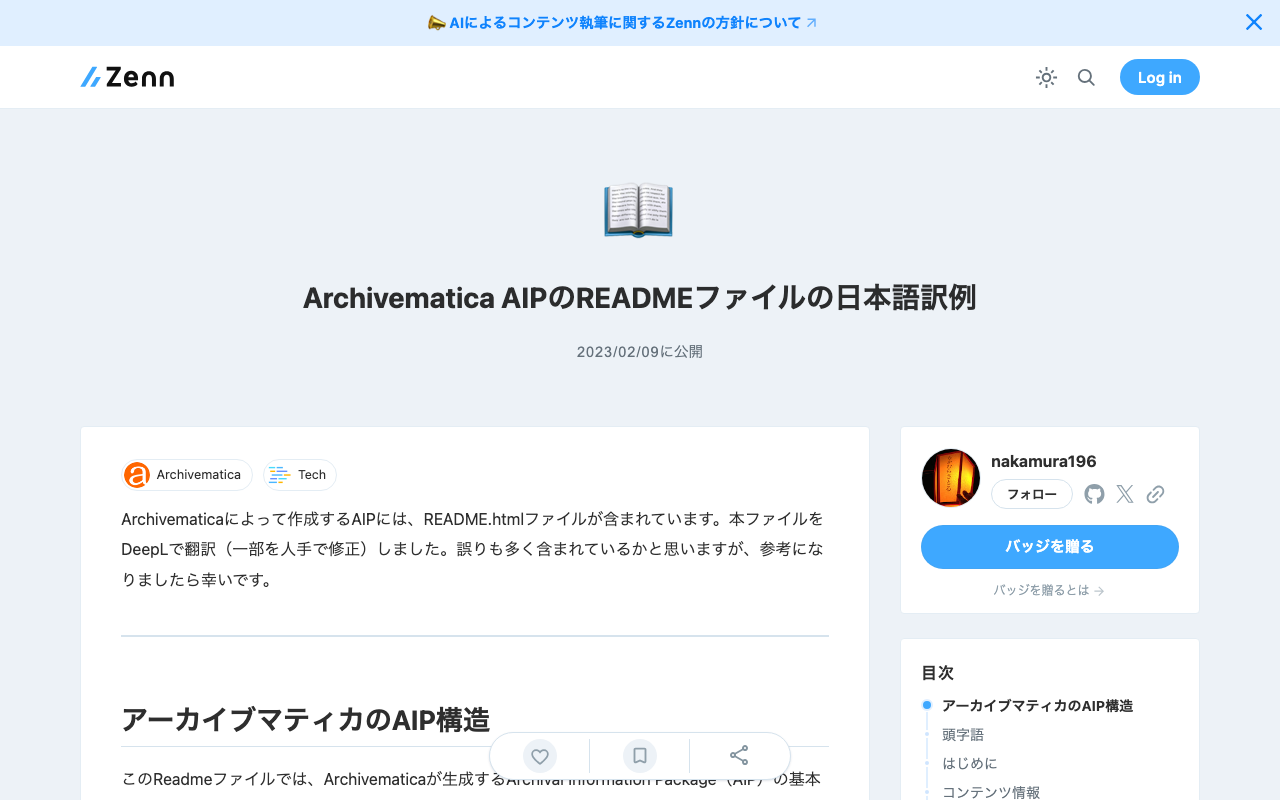
The AIP created by Archivematica includes a README.html file. I translated this file using DeepL (with some manual corrections). There may be many errors, but I hope you find it helpful. Archivematica AIP Structure This Readme file describes the basic structure of the Archival Information Package (AIP) generated by Archivematica. Acronyms AIP = Archival Information Package METS = Metadata Encoding and Transmission Standard OAIS = Open Archival Information System PDI = Preservation Description Information ...

Trying the Archivematica API (Archivematica API - Transfer)

Trying the Archivematica API (Archivematica API - Transfer)

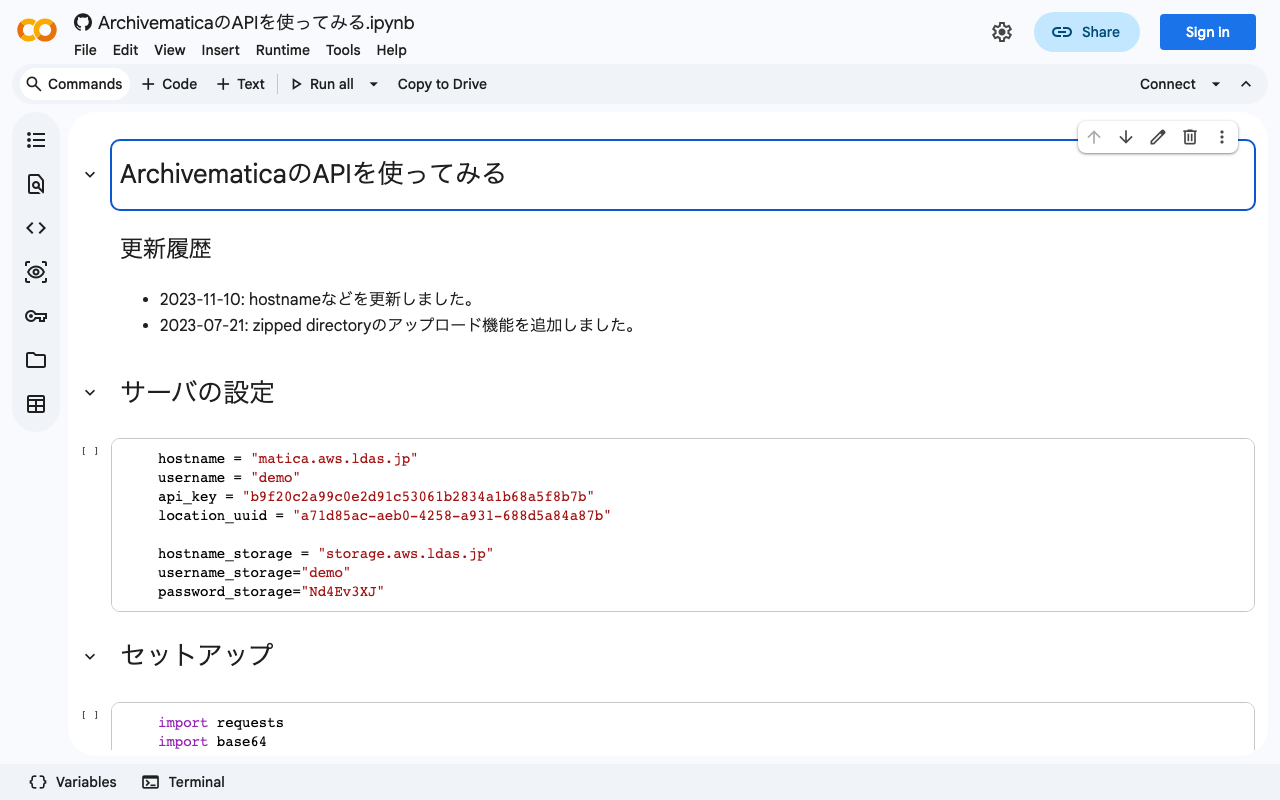
Overview This is the Archivematica API section of “Trying the Archivematica API.” (There is also a separate “Storage Service API” section.) https://www.archivematica.org/en/docs/archivematica-1.13/dev-manual/api/api-reference-archivematica/#api-reference-archivematica This time, I will try the following “Transfer” API. https://www.archivematica.org/en/docs/archivematica-1.13/dev-manual/api/api-reference-archivematica/#transfer Usage You can try it with the following notebook. https://colab.research.google.com/github/nakamura196/ndl_ocr/blob/main/ArchivematicaのAPIを使ってみる.ipynb The following configuration was required. The location UUID was confirmed from the storage service. ## Server settings endpoint = "http://<domain>:81/api" username = "<username>" api_key = "<API key>" location_uuid = "<location UUID>" ## Transfer settings name = "mc_api_transfer" type = "standard" accession = "2023-1234" paths = ["files/movie_test"] row_ids = [""] ## Encode to base64 import base64 paths_encoded = [] for path in paths: path_encoded = base64.b64encode(f"{location_uuid}:{path}".encode()).decode() paths_encoded.append(path_encoded) ## POST import requests data = { "name": name, "type": type, "accession": accession, "paths[]": paths_encoded, "row_ids[]": row_ids } headers = {'Authorization': f'ApiKey {username}:{api_key}'} response = requests.post(f'{endpoint}/transfer/start_transfer/', headers=headers, data=data) Summary This time I only tried Start Transfer, but APIs are provided for various operations, enabling a wide range of system integrations. ...

Using Japan Search Web Parts with Next.js

Using Japan Search Web Parts with Next.js

Overview Japan Search provides Web Parts, a feature that allows UI components used within Japan Search to be used as parts on websites outside of Japan Search. https://jpsearch.go.jp/static/developer/webparts/ja.html I had the opportunity to use this feature with Next.js, so here are my notes. Usage Example You can see it on the following page. https://jps-2023-next.vercel.app/jps Source Code It is published at the following URL. https://github.com/nakamura196/jps_2023_next By loading the JS file using the Script tag as shown below, I was able to display it successfully. ...

Trying the Archivematica API (Storage Service API)

Trying the Archivematica API (Storage Service API)

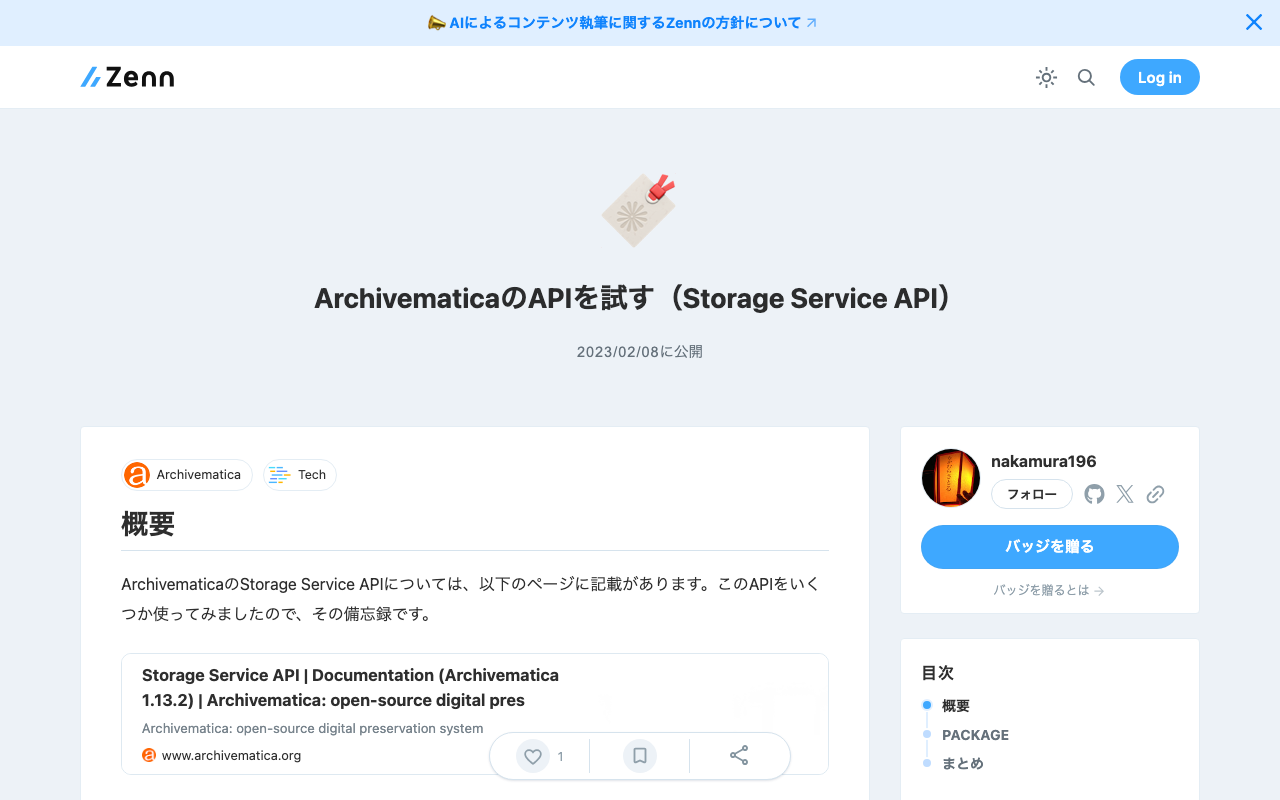
Overview The Archivematica Storage Service API is documented on the following page. I tried using some of these APIs, and this is a memo of my experience. https://www.archivematica.org/en/docs/archivematica-1.13/dev-manual/api/api-reference-storage-service/ If basic authentication is required, please use the following credentials: Username: demo Password: Nd4Ev3XJ PACKAGE A package is a bundle of one or more files transferred from an external service; for example, a package may be an AIP, a backlogged transfer, or a DIP. Each package is stored in a location. ...

Setting Up Archivematica on Amazon EC2

Setting Up Archivematica on Amazon EC2

Overview Archivematica is open-source software for long-term preservation of digital data. https://www.archivematica.org/en/ I had the opportunity to set up Archivematica on Amazon EC2, so this is a memo. Installation The installation instructions are described on the following page. https://www.archivematica.org/en/docs/archivematica-1.13/admin-manual/installation-setup/installation/installation/ There are several options, but this time I tried “CentOS 7 64-bit, Installing Archivematica on CentOS/Red Hat.” https://www.archivematica.org/en/docs/archivematica-1.13/admin-manual/installation-setup/installation/install-centos/#install-pkg-centos EC2 Instance Since CentOS 7 was specified, I selected the following Amazon Machine Image (AMI). ...

Hosting Nuxt 3 SSR on Vercel (+ Enabling CORS)

Hosting Nuxt 3 SSR on Vercel (+ Enabling CORS)

I had the opportunity to host Nuxt 3 SSR on Vercel, so this is a note for reference. For the build settings, I needed to set the Output Directory to .output/server as follows. For enabling CORS, the following article was helpful. https://vercel.com/guides/how-to-enable-cors Specifically, I was able to handle this by placing the following file at the root of the project. { "headers": [ { "source": "/api/(.*)", "headers": [ { "key": "Access-Control-Allow-Credentials", "value": "true" }, { "key": "Access-Control-Allow-Origin", "value": "*" }, { "key": "Access-Control-Allow-Methods", "value": "GET,OPTIONS,PATCH,DELETE,POST,PUT" }, { "key": "Access-Control-Allow-Headers", "value": "X-CSRF-Token, X-Requested-With, Accept, Accept-Version, Content-Length, Content-MD5, Content-Type, Date, X-Api-Version" } ] } ] } There may be incorrect descriptions, but I hope this is helpful. ...

Creating IIIF Manifest Files Using a Headless CMS

Creating IIIF Manifest Files Using a Headless CMS

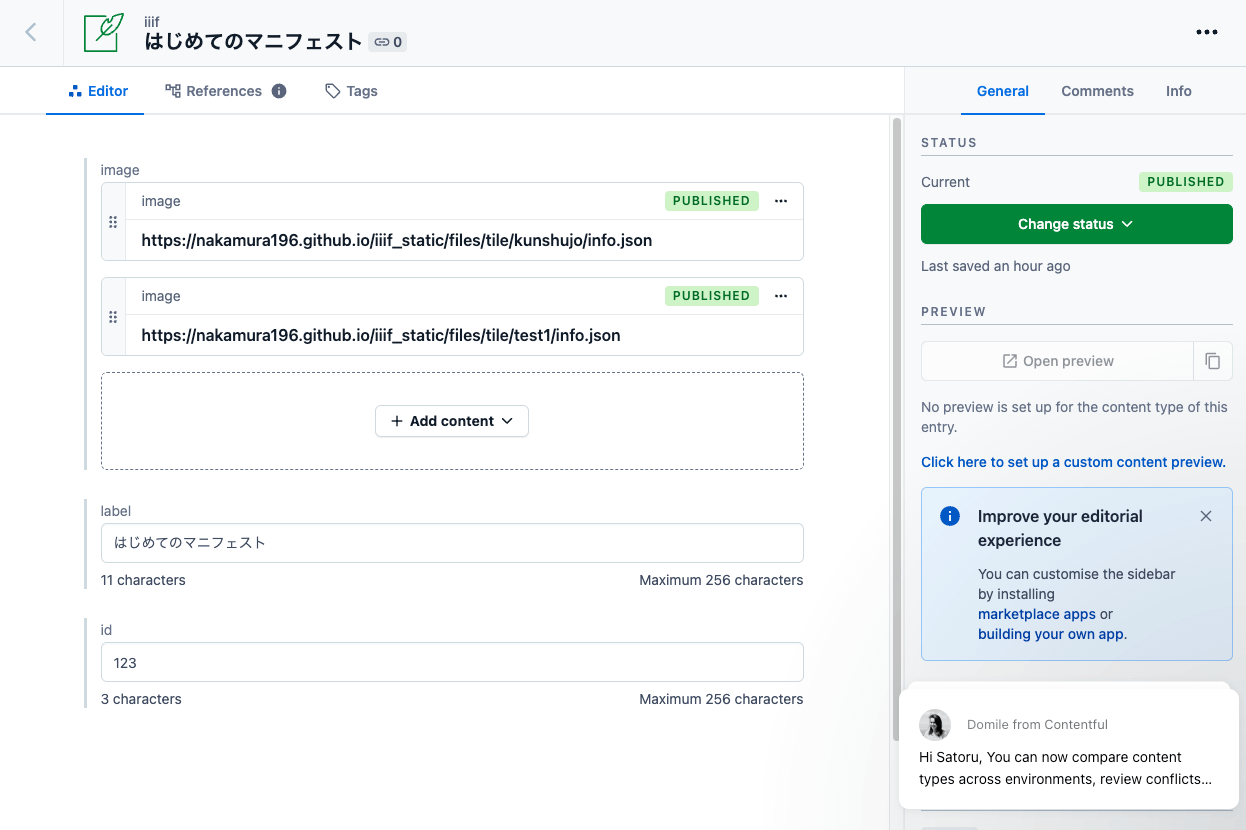
Overview As a learning exercise for Headless CMS, I attempted to generate IIIF manifests from information registered in a CMS. Here are the results. (That said, the server-side processing details are not visible from the app below.) https://iiif-headless-cms.vercel.app/ This article serves as a memorandum of the above effort. Contentful https://www.contentful.com/ I created a Content model called iiif as shown below. For associating image data (url, width, height), both the “JSON object” and “Reference” fields seemed usable, but I chose “Reference” here and created a separate Content model called image to manage image data information. ...

Program for Batch Image Registration to Omeka S

Program for Batch Image Registration to Omeka S

Overview When batch importing metadata (items in Omeka terminology) and images (media in Omeka terminology) into Omeka S, the Bulk Import module is commonly used. https://github.com/Daniel-KM/Omeka-S-module-BulkImport However, it is also possible to register via the REST API provided by Omeka S. This article introduces a program I created for batch image registration using this API. Reason for Development The latest version of the Bulk Import module allows you to choose whether to stop or continue when an error occurs, but older versions of the module do not have this option. As a result, when batch registering images, there were cases where images were missing each time image retrieval failed. ...

Using Babylon.js with Nuxt3 and Vuetify Together

Using Babylon.js with Nuxt3 and Vuetify Together

I had the opportunity to use Babylon.js combined with Nuxt3 and Vuetify, so this is a memo of my experience. The site I built can be viewed at the following URL. https://nakamura196.github.io/nuxt3-babylonjs/ The source code is available below. https://github.com/nakamura196/nuxt3-babylonjs I hope this is helpful when developing an app with this combination.

Publishing Images Using IIIF Image API Level 0

Publishing Images Using IIIF Image API Level 0

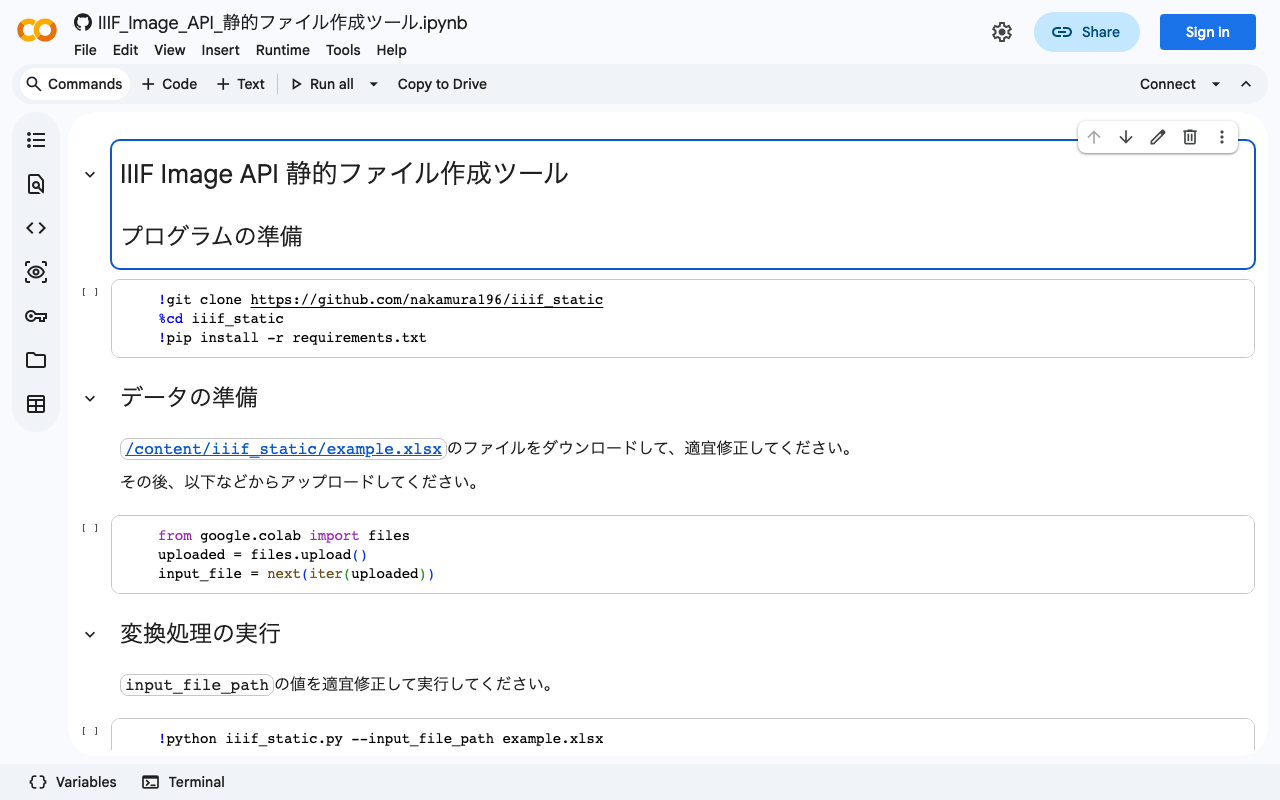
Overview IIIF Image API level 0 delivers images using pre-generated static tile images. This enables image publishing using only static file hosting services such as GitHub Pages or Amazon S3. However, it has the drawback of not being able to extract arbitrary regions of images. This article introduces an example of publishing images using IIIF Image API level 0. Tool You can try it with the following notebook. https://colab.research.google.com/github/nakamura196/ndl_ocr/blob/main/IIIF_Image_API_静的ファイル作成ツール.ipynb This notebook is based on the following script. ...

Created a Program to Calculate Edit Distance for TEI/XML Files Containing app Elements

Created a Program to Calculate Edit Distance for TEI/XML Files Containing app Elements

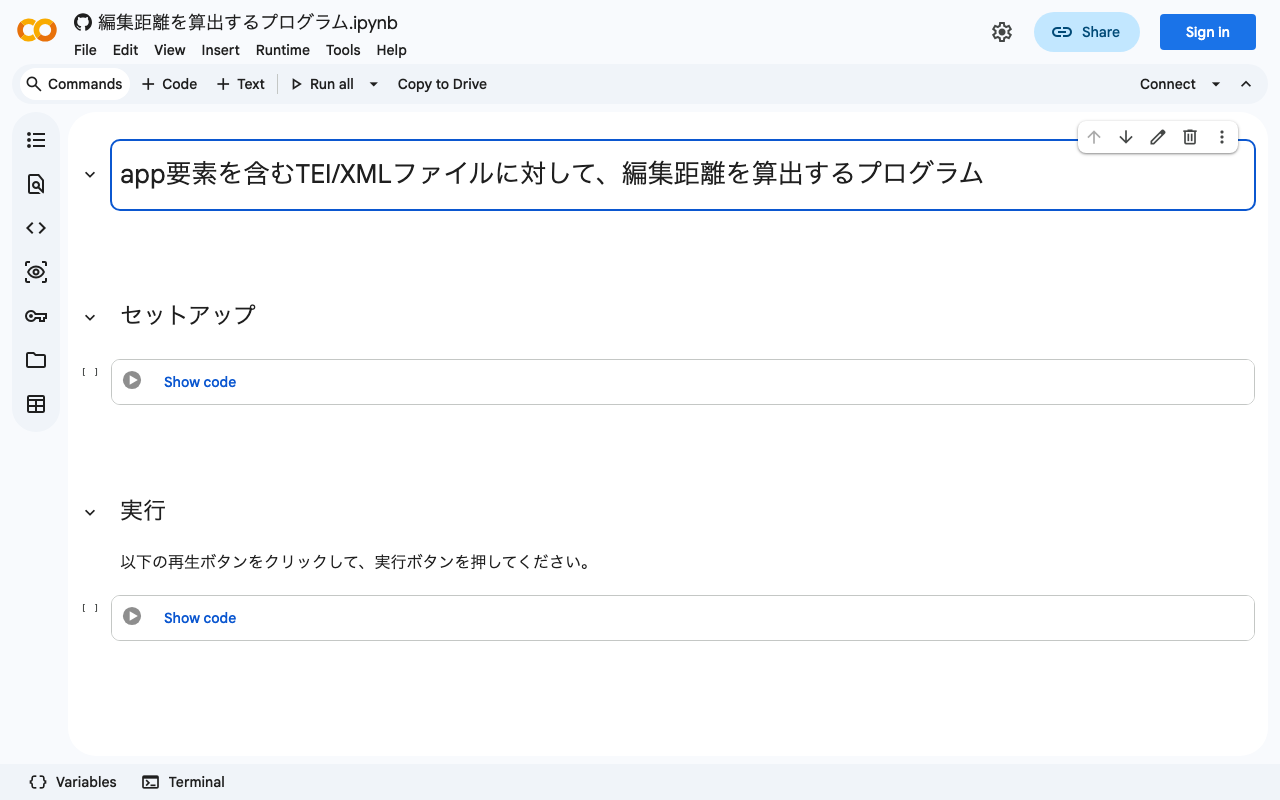
Overview I created a program to calculate edit distance for TEI/XML files containing app elements. You can use it from the following Google Colab notebook: https://colab.research.google.com/github/nakamura196/ndl_ocr/blob/main/編集距離を算出するプログラム.ipynb Upload an XML file and the program will calculate the similarity between witnesses. Example Let’s upload the following XML file: https://tei-eaj.github.io/koui/data/nakamura.xml The result is an Excel file like the following, which provides an overview of the similarity between witnesses. index name1 name2 distance ratio 0 中村式五十音 中村式五十音又様 10 0.85 1 中村式五十音 中村式五十音欠損本 7 0.8947368421052632 2 中村式五十音又様 中村式五十音欠損本 8 0.868421052631579 The following library is used for calculating similarity: ...

How to Use IIIF Presentation Validator in a Local Environment

How to Use IIIF Presentation Validator in a Local Environment

Overview IIIF Presentation Validator is, as the name suggests, a tool for validating IIIF Presentation API manifests. https://presentation-validator.iiif.io/ The following article explains how to use it. This time, I needed to validate manifests in a local environment while creating IIIF Presentation API v3 compliant manifest files, as introduced in the following article. So I installed this tool locally, and here are my notes. Installation Method Instructions are available at the following link, but running Step one did not work. (There was also this Issue filed.) ...

NDL Classical Text OCR Using Google Colab

NDL Classical Text OCR Using Google Colab

Overview I created an NDL “Classical Text” OCR application using Google Colab. You can try it at the following URL. https://colab.research.google.com/github/nakamura196/ndl_ocr/blob/main/NDL古典籍OCRの実行例.ipynb The description of NDL Classical Text OCR is as follows. https://github.com/ndl-lab/ndlkotenocr_cli The notebook was created with reference to @blue0620’s notebook. Thank you! https://twitter.com/blue0620/status/1617888733323485184 In the notebook I created, I added support for additional input formats and a feature to save to Google Drive. How to Use The usage is almost the same as the NDLOCR application. Please refer to the following video. ...