Home Articles Books Search About
RSS 日本語
Adding Custom Models to Django REST framework JSON:API (DJA)

Adding Custom Models to Django REST framework JSON:API (DJA)

Overview In the following article, I confirmed the basic operations of Django REST framework JSON:API (DJA). In this article, I will try adding a custom model to DJA. References I will add a UserInfo model, referencing the following article. https://tech-blog.rakus.co.jp/entry/20220329/python Steps Define the Model Add the following: # ユーザ情報を格納する class UserInfo(BaseModel): user_name = models.CharField(verbose_name='ユーザ名',max_length=32) # ユーザ名 birth_day = models.DateField(verbose_name='生年月日') # 生年月日 age = models.PositiveSmallIntegerField(verbose_name='年齢',null=True,unique=False) # 年齢 created_at = models.DateTimeField(verbose_name='作成日時',auto_now_add=True) Build the Database Execute the following: % django-admin makemigrations --settings=example.settings Migrations for 'example': example/migrations/0013_userinfo.py - Create model UserInfo % django-admin migrate --settings=example.settings Operations to perform: Apply all migrations: auth, contenttypes, example, sessions, sites Running migrations: Applying example.0013_userinfo... OK For reference, the following file is created: ...

Trying Django REST Framework JSON:API (DJA)

Trying Django REST Framework JSON:API (DJA)

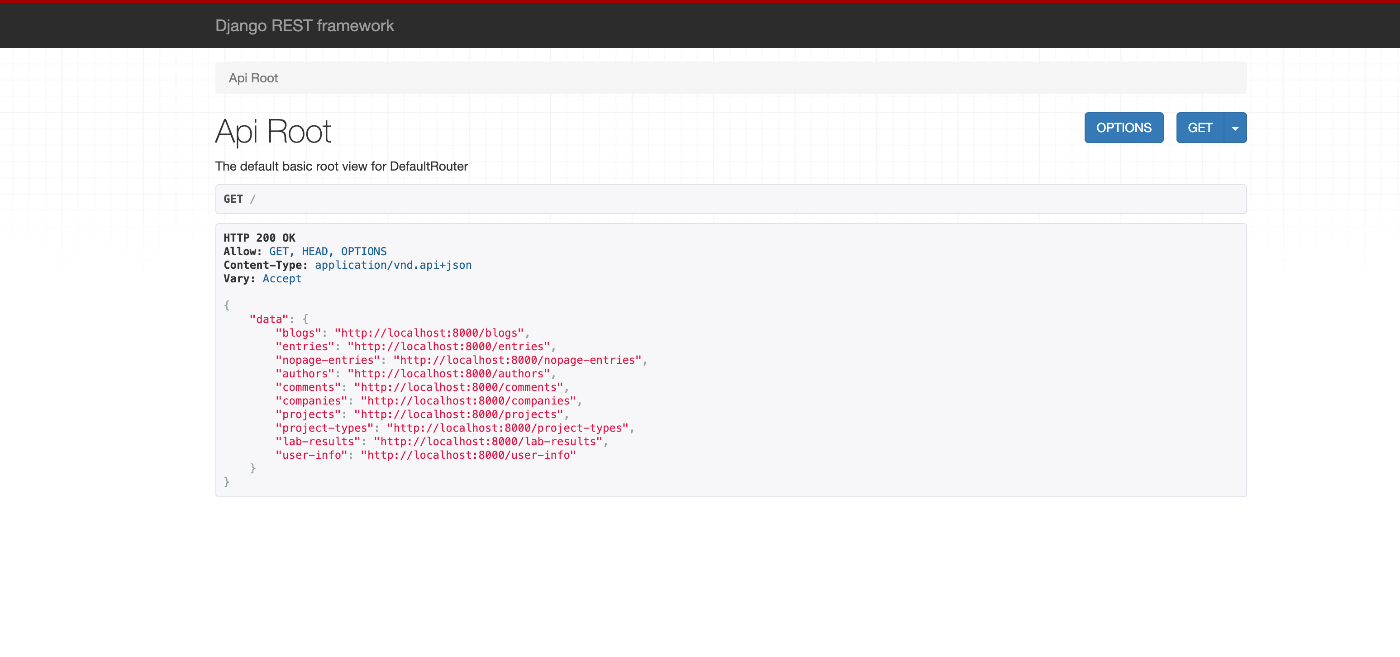
Overview I had an opportunity to try Django REST framework JSON:API (DJA), so here are my notes. https://django-rest-framework-json-api.readthedocs.io/en/stable/index.html Installation Launch the example app described on the following page. https://django-rest-framework-json-api.readthedocs.io/en/stable/getting-started.html git clone https://github.com/django-json-api/django-rest-framework-json-api.git cd django-rest-framework-json-api python3 -m venv env source env/bin/activate pip install -Ur requirements.txt django-admin migrate --settings=example.settings django-admin loaddata drf_example --settings=example.settings django-admin runserver --settings=example.settings As a result, the following screens were obtained. http://localhost:8000 for the list of available collections (in a non-JSON:API format!), ...

Specifying the ImageMagick Path When Installing Omeka S on Sakura Rental Server

Specifying the ImageMagick Path When Installing Omeka S on Sakura Rental Server

Overview When installing Omeka S on Sakura Rental Server, it was necessary to specify the ImageMagick path. Modify the configuration file as follows. <?php return [ 'logger' => [ 'log' => false, 'priority' => \Laminas\Log\Logger::NOTICE, ], 'http_client' => [ 'sslcapath' => null, 'sslcafile' => null, ], 'cli' => [ 'phpcli_path' => null, ], 'thumbnails' => [ 'types' => [ 'large' => ['constraint' => 800], 'medium' => ['constraint' => 200], 'square' => ['constraint' => 200], ], 'thumbnailer_options' => [ 'imagemagick_dir' => '/usr/local/bin', # Modify this line ], ], 'translator' => [ 'locale' => 'en_US', ], 'service_manager' => [ 'aliases' => [ 'Omeka\File\Store' => 'Omeka\File\Store\Local', 'Omeka\File\Thumbnailer' => 'Omeka\File\Thumbnailer\ImageMagick', ], ], ];

Creating a REST API Using OpenAPI and AWS CDK (OpenSearch Connection and Custom Domain)

Creating a REST API Using OpenAPI and AWS CDK (OpenSearch Connection and Custom Domain)

Overview I had the opportunity to create a REST API using OpenAPI and AWS CDK, so this is a memo. The following article was very helpful. https://zenn.dev/taroman_zenn/articles/91879cec40627c The project created this time is published in the following repository. https://github.com/nakamura196/CdkOpenapi Connecting to OpenSearch The implementation is done in the following Lambda. https://github.com/nakamura196/CdkOpenapi/blob/main/lambda/search.ts Environment variables need to be passed to the Lambda, and the following was written in the ts file under lib. ...

Integrating Strapi with Amazon OpenSearch

Integrating Strapi with Amazon OpenSearch

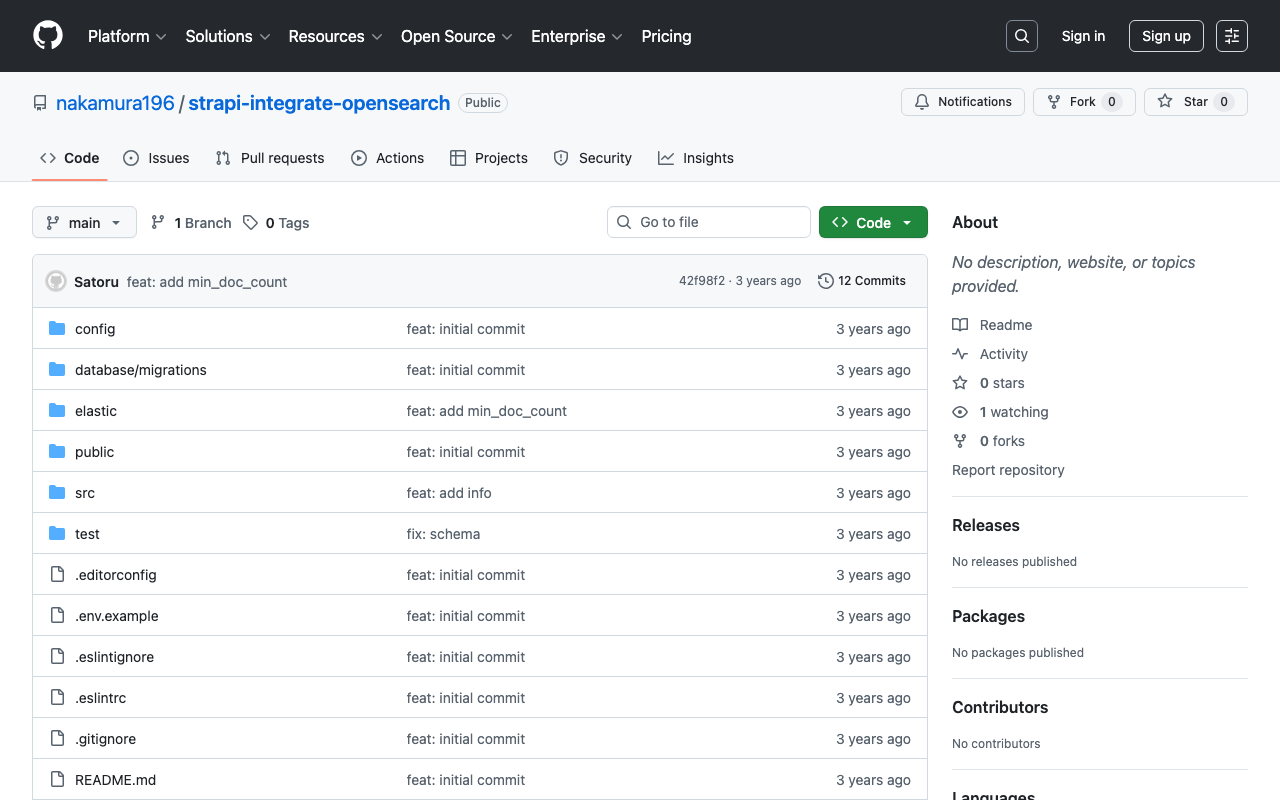
Overview The following article was helpful for integrating Strapi with Elasticsearch. https://punits.dev/blog/integrating-elasticsearch-with-strapi/ The source code is also publicly available. https://github.com/geeky-biz/strapi-integrate-elasticsearch Here, I will note some customizations made based on the above article, including integration with Amazon OpenSearch. The customized source code is available here: https://github.com/nakamura196/strapi-integrate-opensearch Modifications The article references indexing_type, but it needed to be changed to indexing_request_type. https://github.com/nakamura196/strapi-integrate-opensearch/blob/006c533d4d7882fc9779552db31a7b0e2ada5e57/elastic/cron-search-indexing.js#L16 Additionally, to use Amazon OpenSearch instead of Elasticsearch, the following libraries need to be installed. ...

Configuring Strapi's REST API

Configuring Strapi's REST API

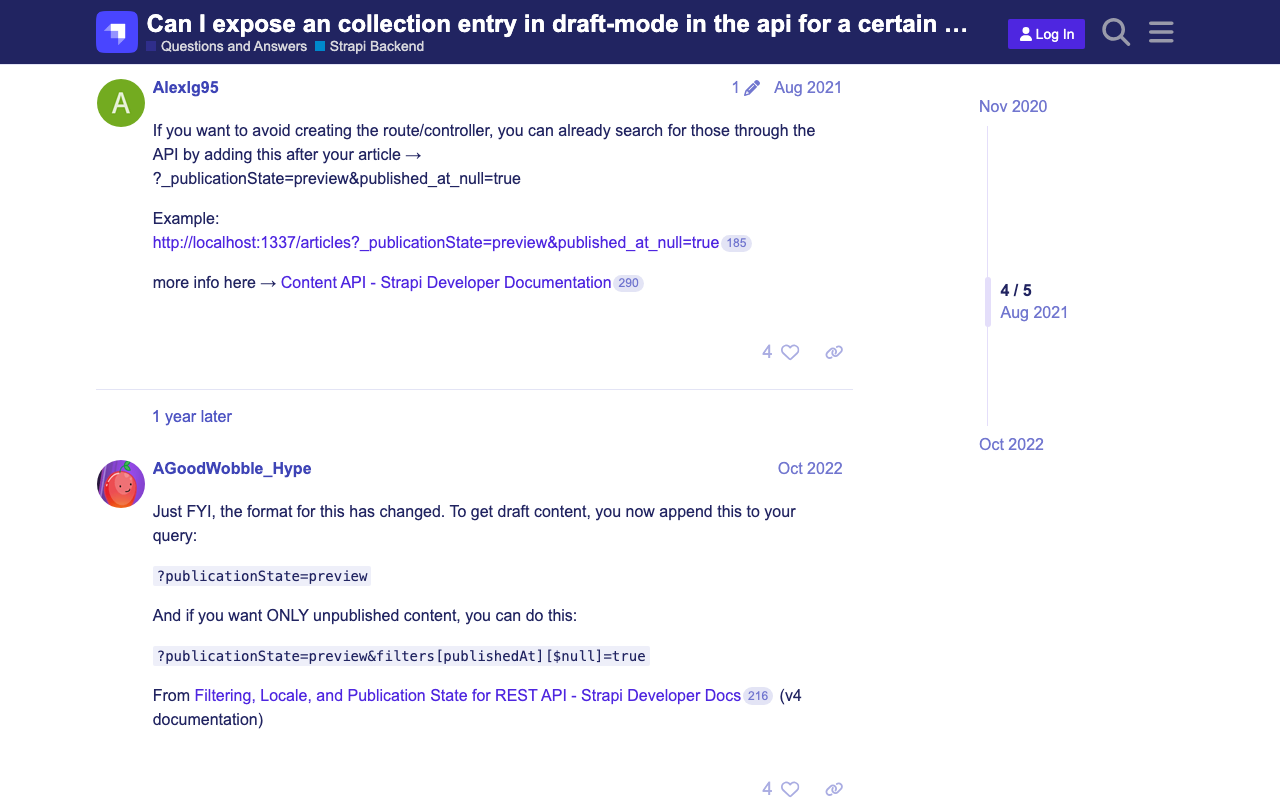
Overview This is a memo on some configuration settings for Strapi’s REST API. Changing the Search Result Limit The following documentation describes this. https://docs.strapi.io/dev-docs/api/rest/sort-pagination#pagination Specifically: The default and maximum values for pagination[limit] can be configured in the ./config/api.js file with the api.rest.defaultLimit and api.rest.maxLimit keys. module.exports = { rest: { defaultLimit: 25, maxLimit: 1000, // 100, withCount: true, }, }; Retrieving Items Including Those with Draft STATE By default, items with a Draft STATE could not be retrieved. The following article was helpful. ...

Creating PDF Files from IIIF Manifest Files

Creating PDF Files from IIIF Manifest Files

Overview I had the opportunity to create PDF files from IIIF manifest files. As a solution, I found the following repository, but was unable to get it working. https://github.com/jbaiter/pdiiif While the above repository uses JavaScript, this time I created a conversion tool using Python. Usage You can try it from the following notebook. https://colab.research.google.com/github/nakamura196/ndl_ocr/blob/main/iiif2pdf.ipynb During the initial installation, img2pdf is installed, but due to PIL version dependencies, a “RESTART RUNTIME” button will appear. Please click it and then re-run the same cell. ...

How to Upload and Update Files Using the GitHub GUI

How to Upload and Update Files Using the GitHub GUI

Overview I had the opportunity to share how to upload and update files on GitHub. Login For creating a new account and logging in, please refer to the following article: https://reffect.co.jp/html/create_github_account_first_time File Upload Access the repository. Click the “Add file” button, then click “Upload files.” Click “choose your files” to upload files from your local machine, then press “Commit changes.” The files will be uploaded. If a file with the same name already exists, it will be overwritten. ...

About the Image Server Configuration for Omeka S

About the Image Server Configuration for Omeka S

Overview The Image Server for Omeka S is a module that enables image delivery compatible with the IIIF Image API. https://omeka.org/s/modules/ImageServer/ When used in combination with the IIIF Server module, it also enables delivery via IIIF manifests. The Image Server module allows various settings, including methods for creating tile images. This article shares the investigation results regarding these settings. Experimental Environment This time, I will use an Amazon Lightsail LAMP instance. I use a relatively low-spec environment with 2 GB RAM and 1 vCPU. ...

AWS CDK x CloudFront x S3 x Basic Auth x index.html Support x Custom Domain

AWS CDK x CloudFront x S3 x Basic Auth x index.html Support x Custom Domain

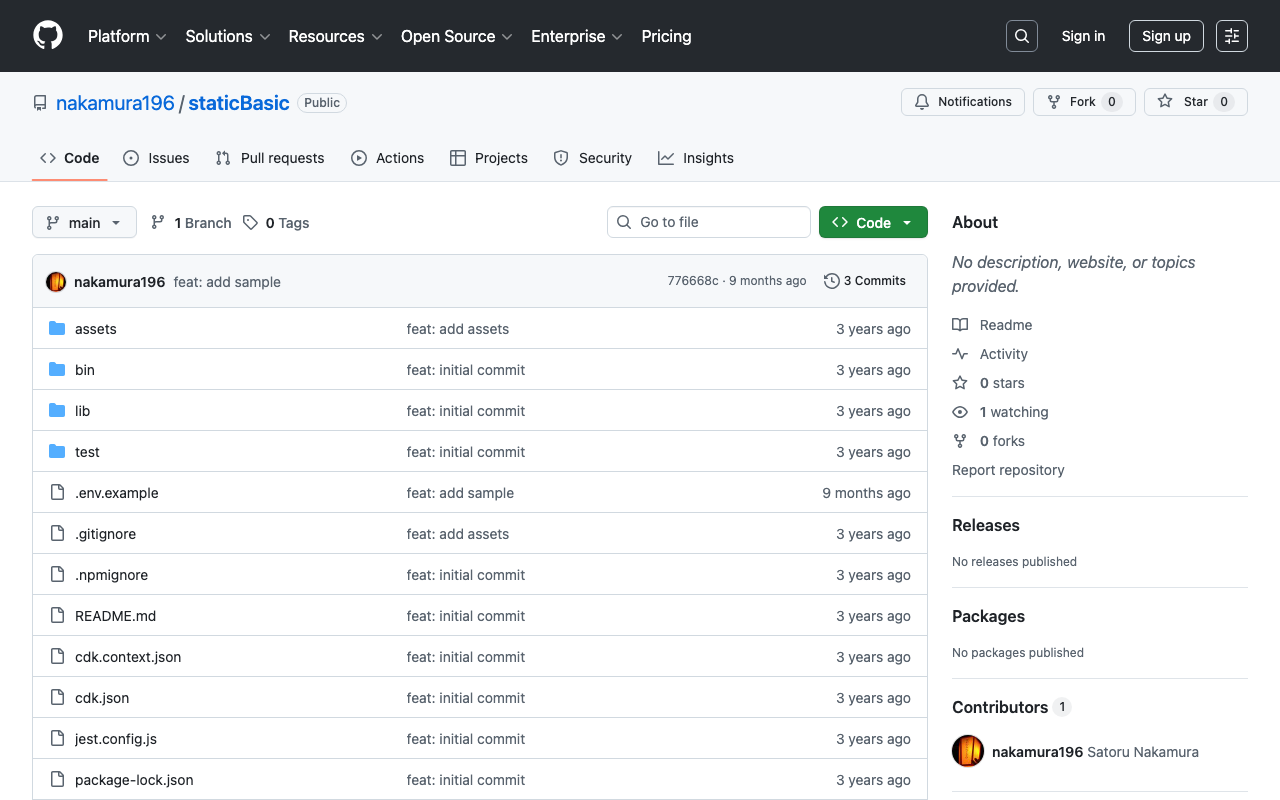
Overview I used AWS CDK to create a static site with CloudFront + S3. Additionally, I used CloudFront Functions to add Basic authentication and processing to append index.html to requests that do not include a filename or extension in the URL. I also added a custom domain, so this is a memo of the process. While somewhat incomplete, the source code is available in the following repository. https://github.com/nakamura196/staticBasic The intended use is to prepare an .env file like the following and run cdk deploy. ...

How to Register IIIF Images as Media in Omeka S

How to Register IIIF Images as Media in Omeka S

Overview This article introduces how to register IIIF images as media in Omeka S. Images published on external IIIF image servers can be registered in Omeka S. The official manual describes this at the following page. https://omeka.org/s/docs/user-manual/content/items/#media Specific Method In the media registration screen of the item edit page, enter values as shown below. You need to enter a URL ending with /info.json. The following uses the National Diet Library’s Koui Genji Monogatari as an example. ...

Creating an Anonymous File Uploader Using Google Drive and Google Apps Script

Creating an Anonymous File Uploader Using Google Drive and Google Apps Script

Overview I had the opportunity to create an anonymous file uploader using Google Drive and Google Apps Script, so this is a memo of the process. I referenced the following article. https://qiita.com/v2okimochi/items/06ed1ce7c56a877a1e10 Creating the Web App First, access Apps Script from the following URL. https://script.google.com/ Click “New project.” The following screen will be displayed. Copy and paste the following code. For the second line, <Google Drive upload folder ID>, create an upload folder in Google Drive in advance and obtain its ID. ...

Sending Google Spreadsheet Update Notifications to GitHub

Sending Google Spreadsheet Update Notifications to GitHub

Overview I investigated how to send notifications to GitHub when a Google Spreadsheet is updated using Google Apps Script. I also looked into how to send notifications from Strapi and Contentful to GitHub, so I am recording this as a reference. Google Apps Script By preparing a script like the following, I was able to send spreadsheet update notifications to GitHub. const token = "ghp_xxx" const owner = "yyy" const repo = "zzz" const event_type = "aaa" function postSheetChange() { const headers = { "Accept": "application/vnd.github+json", "Authorization": `Bearer ${token}`, "Content-Type": "application/json" } var payload = JSON.stringify({ event_type }); var requestOptions = { method: 'POST', headers, payload, }; UrlFetchApp.fetch(`https://api.github.com/repos/${owner}/${repo}/dispatches`, requestOptions) } The following article was helpful for setting up triggers. ...

Auth0 Provider and Strapi Tutorial

Auth0 Provider and Strapi Tutorial

Overview I tried authenticating Strapi using Auth0. I was able to accomplish this by following the steps in the article below. https://strapi.io/blog/auth0-provider-and-strapi-tutorial-1 However, in the section specifying Allowed Callback URLs, I needed to change http://localhost:1337/connect/auth0/callback to http://localhost:1337/api/connect/auth0/callback. (Reference) GitHub Following the above steps as a reference, I was also able to successfully configure GitHub as a provider.

Fixing TypeError: array_keys()... in Drupal

Fixing TypeError: array_keys()... in Drupal

The following error occurred in the graphql module. The website encountered an unexpected error. Please try again later. TypeError: array_keys(): Argument #1 ($array) must be of type array, null given in array_keys() (line 40 of /bitnami/drupal/modules/contrib/graphql/graphql.install). I fixed the source code referring to the following article. https://www.drupal.org/project/google_tag/issues/3319621 Specifically, by rewriting as follows, the error was resolved. // $negotiation = $languageTypes->get('negotiation'); $negotiation = $languageTypes->get('negotiation') ?? []; This should be fixed in the latest version, but we hope this is helpful for anyone encountering a similar error. ...

Drupal: An Example of Searching Nested Fields

Drupal: An Example of Searching Nested Fields

Overview In the following article, I investigated how to search nested fields using Strapi. This time, I will investigate how to do the same thing with Drupal. For this investigation, Book and Author content has already been registered in the following article. The following article was helpful for filtering methods. https://www.drupal.org/docs/core-modules-and-themes/core-modules/jsonapi-module/filtering Search Examples The following searches are performed against: /jsonapi/node/book? Search for books containing an author with hobby=dance SHORT filter[field_authors.field_hobby]=dance ...

Drupal: Example of Bulk Registration and Updates Using Feeds

Drupal: Example of Bulk Registration and Updates Using Feeds

Overview In the following article, I investigated search methods for nested fields using Strapi. This time, as a preparation for doing the same thing in Drupal, this is a note on how to perform bulk registration and updates of content. To set up a structure similar to the above article, we will work with two content types: Book and Author. Creating Content Types Create the Book and Author content types. ...

Strapi: How to Filter Results by Deeply Nested Fields

Strapi: How to Filter Results by Deeply Nested Fields

Overview The following article introduces how to filter results by deeply nested fields. https://strapi.io/blog/deep-filtering-alpha-26 As described above, by preparing the content types and fields, I was able to obtain the intended results. Notes As mentioned in the comments of the above article, the text contains “" characters, but these appear to be unnecessary. Incorrect GET /api/books?filters\[authors\][hobby][$contains]=dance By using the query without “" as follows, the intended results were obtained. Correct GET /api/books?filters[authors][hobby][$contains]=dance Summary I hope this serves as a helpful reference. ...

Drupal: Adding Content Types and Fields Using Custom Modules

Drupal: Adding Content Types and Fields Using Custom Modules

Overview This is a memo on how to add content types and fields using Drupal custom modules. The following two articles were helpful. https://www.drupal.org/docs/drupal-apis/entity-api/creating-a-custom-content-type-in-drupal-8 https://www.digitalnadeem.com/drupal/how-to-create-content-type-fields-and-view-while-installing-custom-module-in-drupal-9-using-configuration-manager/ Car Brand Example Following the first article introduced above, I was able to add a content type “Car Brand” with a “body” field. Note that the above article skips the part about creating the custom module. First, create the following folder and file. name: foobar description: Sample module package: Custom type: module version: 1.0 core_version_requirement: ^8 || ^9 Adding Custom Fields Using the above as reference, I was able to add a content type, but to add custom fields, I needed to add both a Field and a Field storage. ...

Drupal: Linking Content of Different Content Types to Each Other

Drupal: Linking Content of Different Content Types to Each Other

Overview I investigated how to link content of different content types to each other, and here are my notes. Specifically, as shown below, item 1 is connected to a content item called image 1 through a field called iiif_image2. The goal is to add a link to item 1 on the image 1 page. I referenced the following article for this implementation. https://drupal.stackexchange.com/questions/255447/view-for-entity-reference-reverse-backwards-forwards Method Adding a View Navigate to /admin/structure/views and click “+ Add view” ...