Home Articles Books Search About
日本語
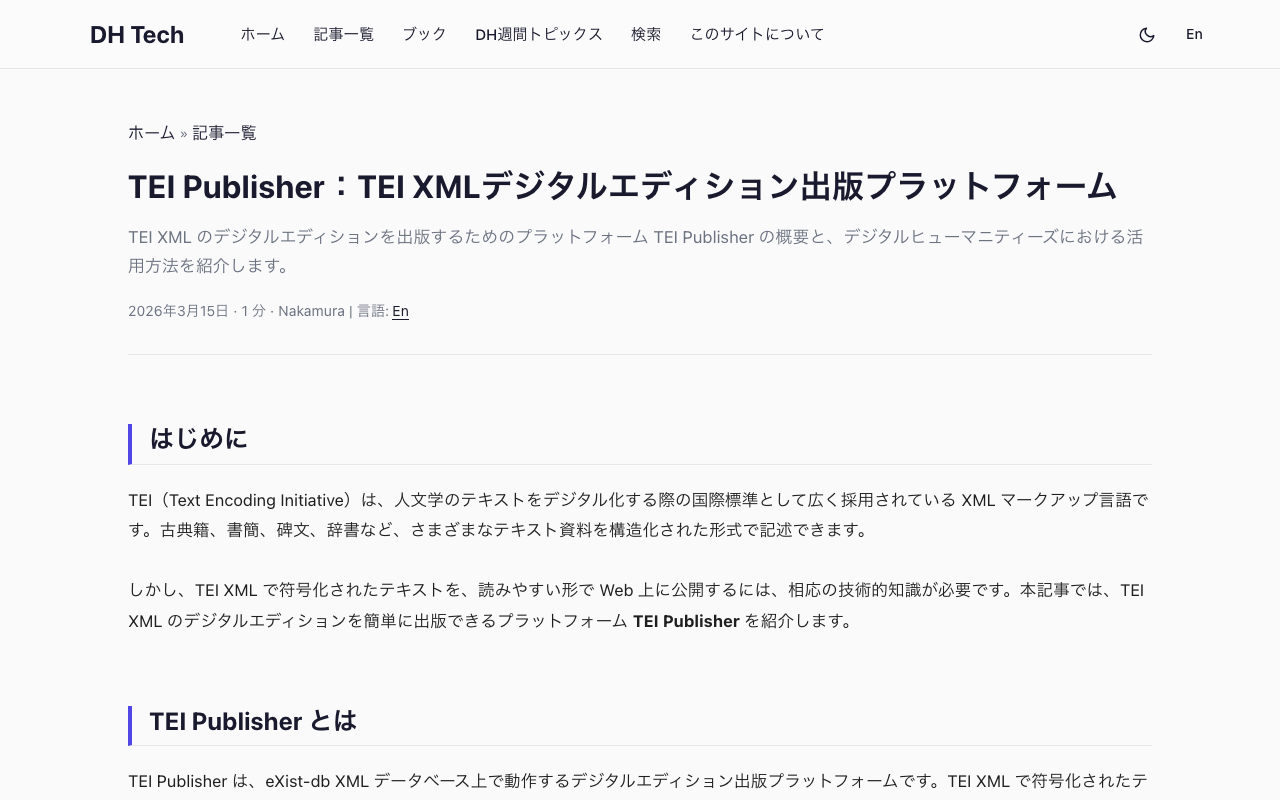
TEI Publisher: A Platform for Publishing TEI XML Digital Editions

TEI Publisher: A Platform for Publishing TEI XML Digital Editions

Introduction TEI (Text Encoding Initiative) is an XML markup language widely adopted as the international standard for digitizing humanities texts. It can describe various textual materials — including classical texts, letters, inscriptions, and dictionaries — in a structured format. However, publishing TEI XML-encoded texts on the web in a readable format requires considerable technical expertise. This article introduces TEI Publisher, a platform that makes it easy to publish TEI XML digital editions. ...
TimelineJS: Create Interactive Timelines from Spreadsheets

TimelineJS: Create Interactive Timelines from Spreadsheets

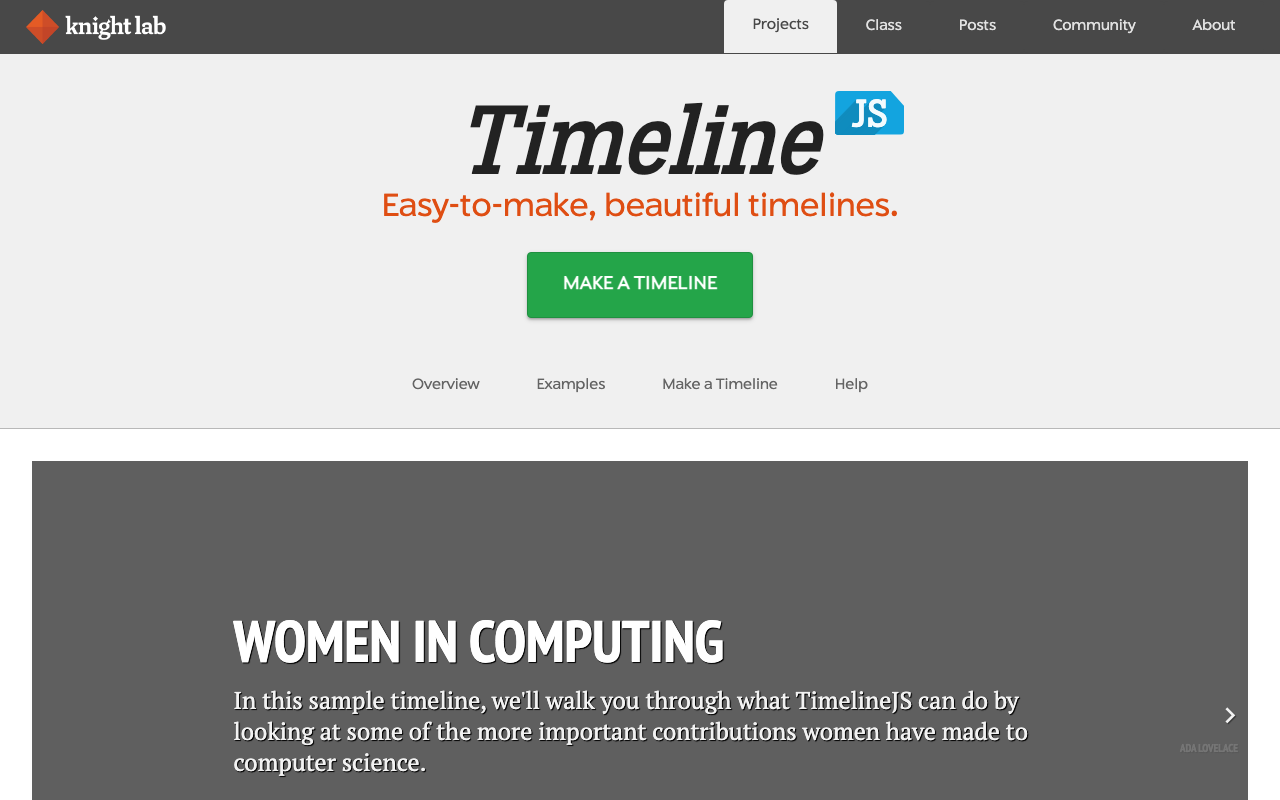
Introduction Timelines are one of the most effective ways to communicate the flow of historical events or the progression of a project. However, creating visually appealing interactive timelines typically requires programming knowledge. TimelineJS is an open-source timeline creation tool developed by the Knight Lab at Northwestern University. Simply enter data into a Google Spreadsheet to automatically generate beautiful, interactive timelines. It is licensed under MPL-2.0 and free to use. Features of TimelineJS 1. No Programming Required TimelineJS’s greatest appeal is the ability to create timelines without writing any code. Simply enter data into the Google Spreadsheet template provided by Knight Lab, configure sharing settings, and you’re done. ...

Transkribus: AI-Powered Handwritten Text Recognition for Historical Documents

Transkribus: AI-Powered Handwritten Text Recognition for Historical Documents

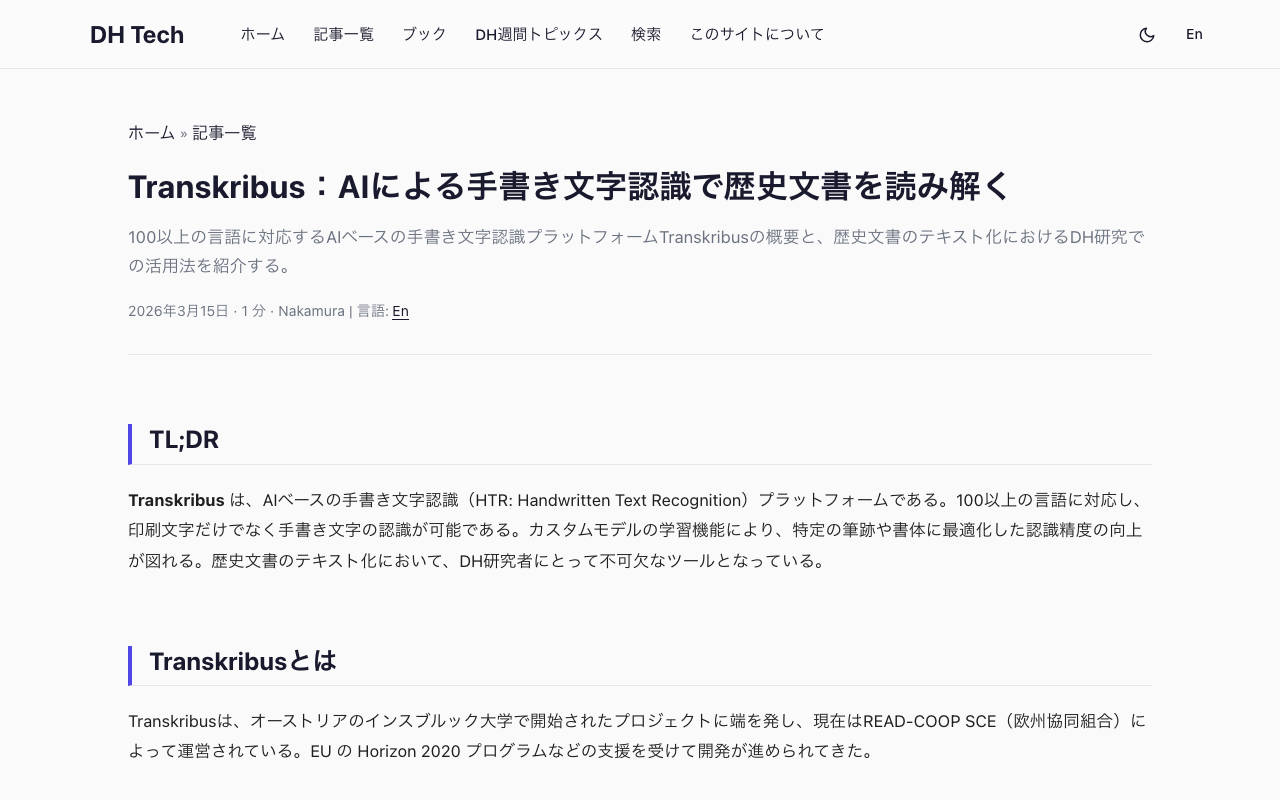
TL;DR Transkribus is an AI-based Handwritten Text Recognition (HTR) platform. Supporting over 100 languages, it can recognize not only printed text but also handwriting. Its custom model training feature allows you to optimize recognition accuracy for specific handwriting styles and scripts. It has become an essential tool for DH researchers working on historical document transcription. What is Transkribus? Transkribus originated as a project at the University of Innsbruck, Austria, and is currently managed by READ-COOP SCE (a European cooperative). Its development has been supported by funding from the EU’s Horizon 2020 programme and other sources. ...

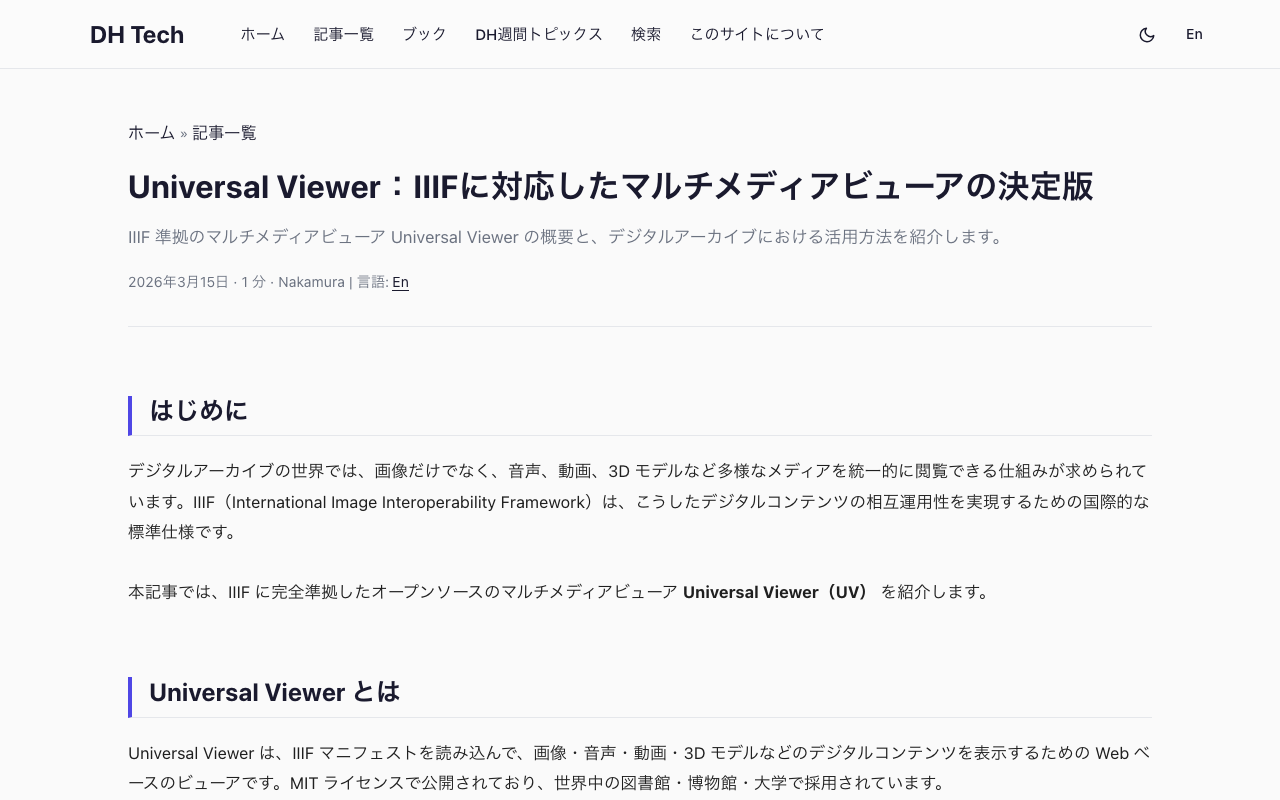
Universal Viewer: The Definitive IIIF-Compliant Multimedia Viewer

Universal Viewer: The Definitive IIIF-Compliant Multimedia Viewer

Introduction In the world of digital archives, there is a growing need for systems that can uniformly display diverse media types — not just images, but also audio, video, and 3D models. IIIF (International Image Interoperability Framework) is an international standard specification for achieving interoperability of such digital content. This article introduces Universal Viewer (UV), an open-source multimedia viewer that is fully compliant with IIIF. What is Universal Viewer? Universal Viewer is a web-based viewer that loads IIIF manifests to display digital content such as images, audio, video, and 3D models. It is published under the MIT License and is adopted by libraries, museums, and universities worldwide. ...

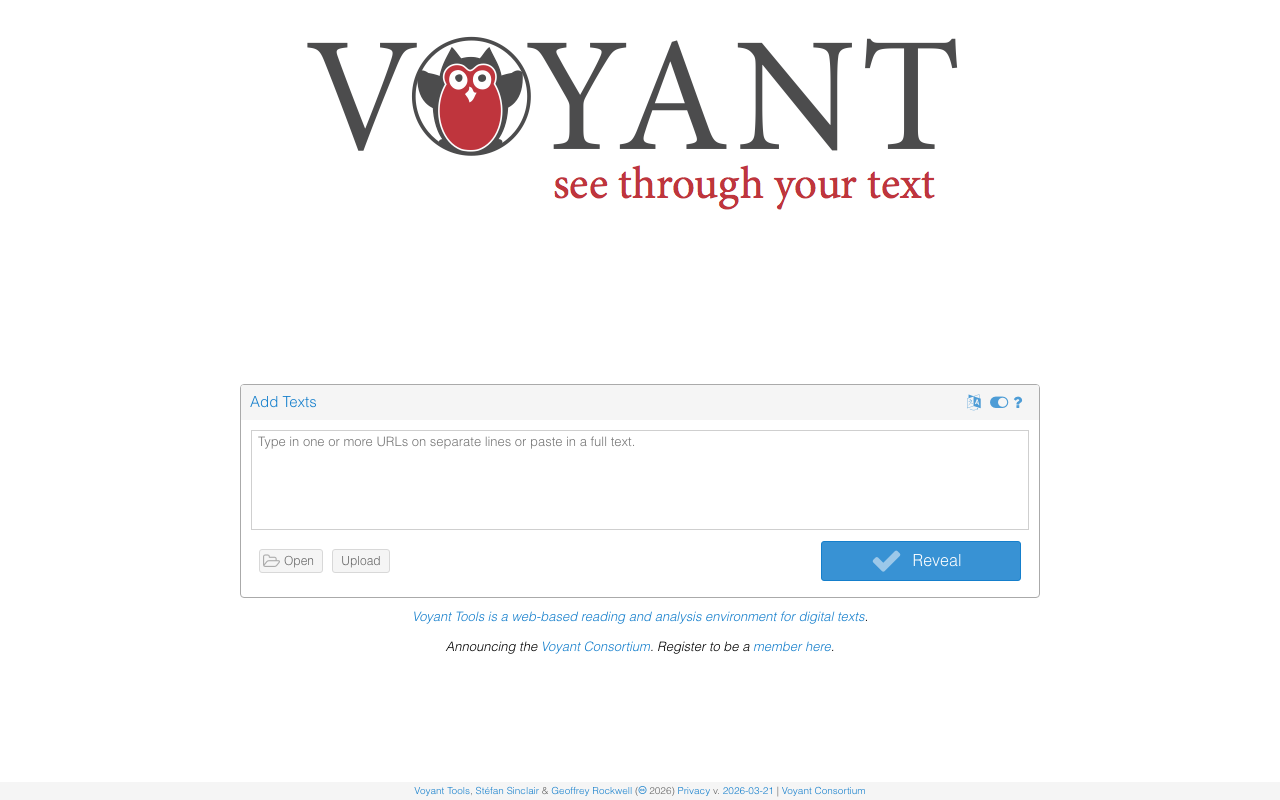
Voyant Tools: A Browser-Based Text Analysis Platform for Digital Humanities

Voyant Tools: A Browser-Based Text Analysis Platform for Digital Humanities

TL;DR Voyant Tools is a browser-based text analysis platform. Simply paste or upload text data to instantly perform word cloud generation, KWIC (Key Word In Context) analysis, co-occurrence analysis, topic modeling, TF-IDF calculations, and more. It supports Japanese morphological analysis and is widely used as a standard text mining tool in Digital Humanities. What is Voyant Tools? Voyant Tools is an open-source text analysis environment developed by Stéfan Sinclair and Geoffrey Rockwell. With over 20 years of history since its first version in 2003, it is one of the most widely used text analysis tools in the DH field. ...

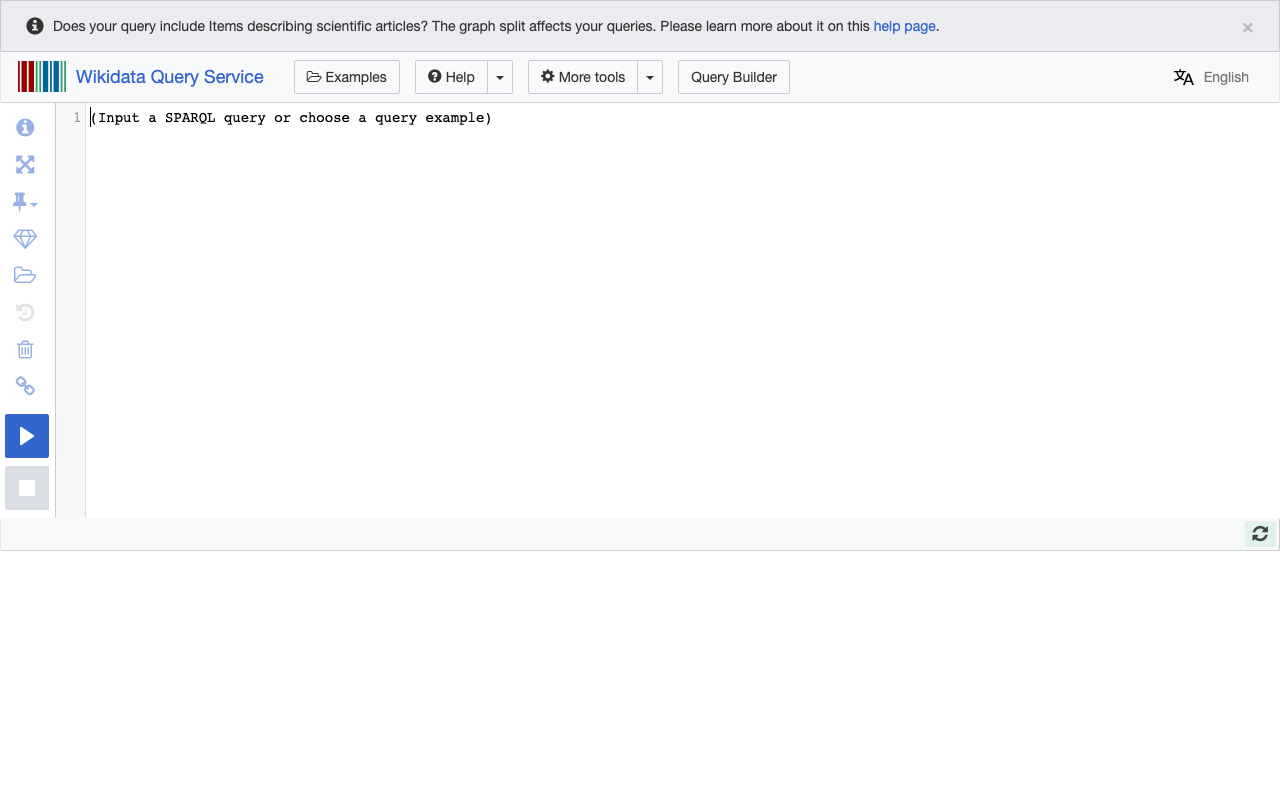
Wikidata Query Service: Exploring Knowledge Graphs with SPARQL

Wikidata Query Service: Exploring Knowledge Graphs with SPARQL

Introduction In Digital Humanities research, structured data is an extremely valuable resource. When information about people, places, works, and events is organized in a machine-readable format, large-scale data analysis and cross-dataset integration become possible. Wikidata is a free knowledge base operated by the Wikimedia Foundation, containing over 100 million items. The Wikidata Query Service is a free web service that allows you to execute SPARQL queries against this database and visualize results in various formats. ...

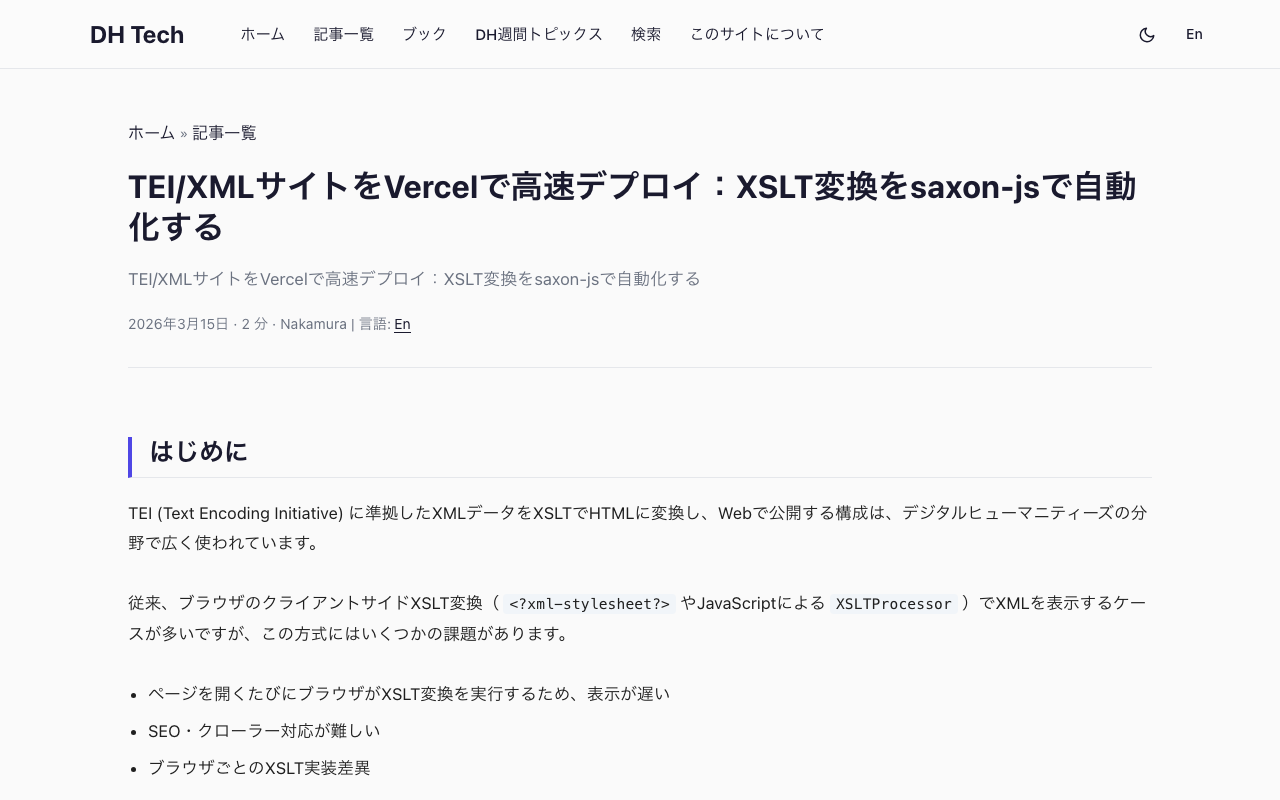
Fast TEI/XML Deployment on Vercel: Automating XSLT Transformation with saxon-js

Fast TEI/XML Deployment on Vercel: Automating XSLT Transformation with saxon-js

Introduction A common architecture in Digital Humanities is to transform TEI (Text Encoding Initiative) XML data into HTML using XSLT and publish it on the web. Traditionally, client-side XSLT transformation in the browser (via <?xml-stylesheet?> or JavaScript’s XSLTProcessor) has been the standard approach, but it comes with several challenges: The browser executes XSLT transformation on every page load, resulting in slow rendering Poor SEO and web crawler support Inconsistent XSLT implementations across browsers This article shows how to run XML-to-HTML transformation at build time on Vercel and serve pre-generated static HTML. ...

TETRAS-IIIF: Annotation, Video, and Multi-User Extensions for Mirador 4

TETRAS-IIIF: Annotation, Video, and Multi-User Extensions for Mirador 4

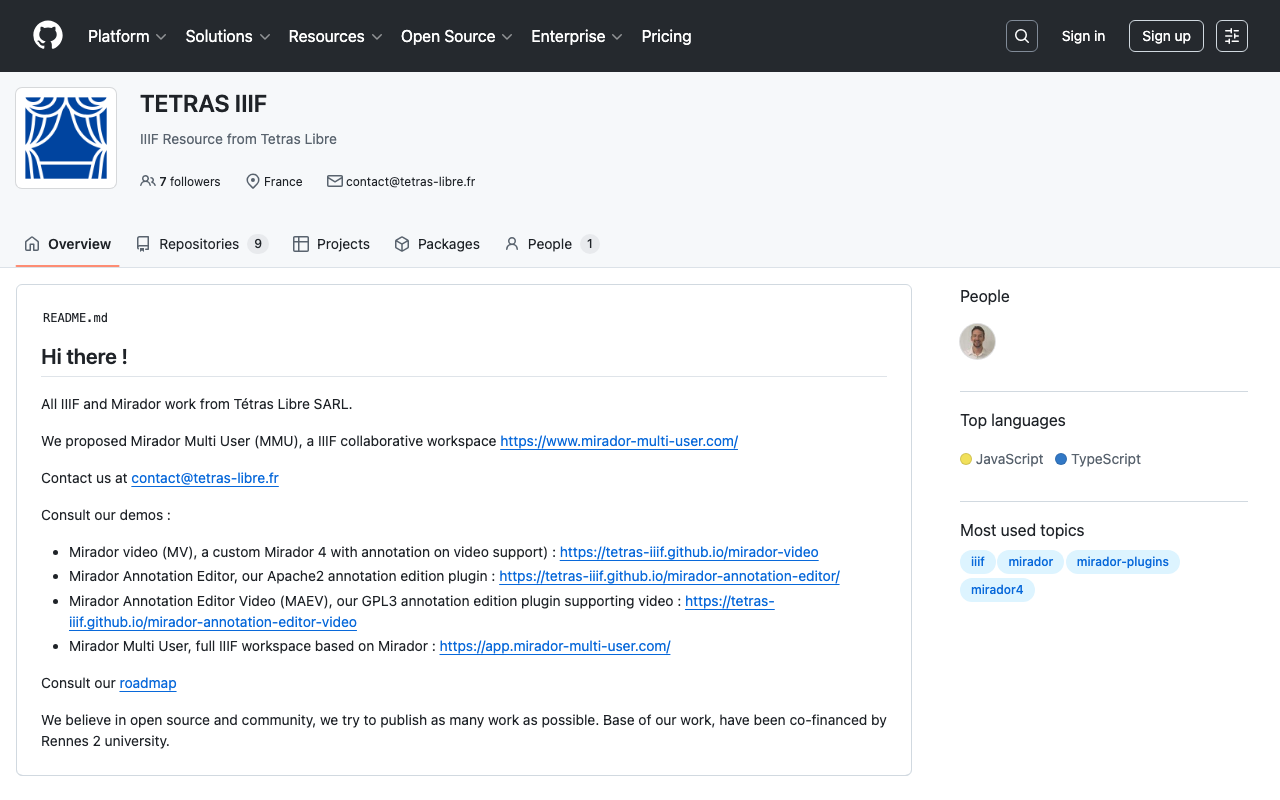
What is TETRAS-IIIF? TETRAS-IIIF is a suite of plugins and tools for Mirador 4, developed primarily by Tetras Libre SARL, a French open-source company. The ecosystem extends Mirador with annotation editing, video support, and multi-user collaboration capabilities. These tools address limitations of the original mirador-annotations plugin and provide a modern foundation built on React 18/19 and MUI 5/7. Mirador Annotation Editor (MAE) Overview Mirador Annotation Editor (MAE) is an annotation creation and editing plugin for Mirador 4. It serves as a successor to mirador-annotations and is released under the Apache 2.0 license. ...

IIIF Georeference Viewer: Visualizing Georeferenced Content on Interactive Maps

IIIF Georeference Viewer: Visualizing Georeferenced Content on Interactive Maps

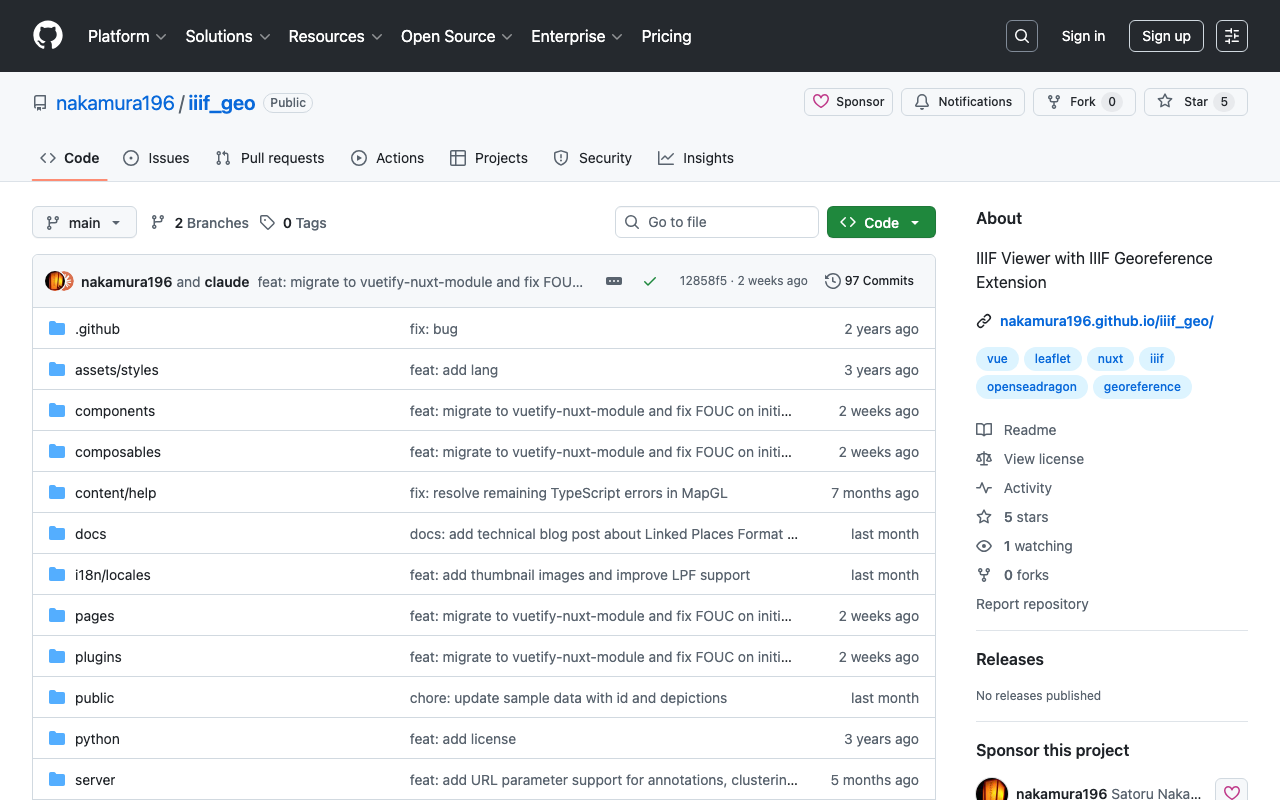
Introduction In the fields of digital archives and humanities research, there is a growing need to view historical maps, old photographs, and other materials within a geographic context. IIIF (International Image Interoperability Framework) is an international standard for enhancing image interoperability, and with the recent IIIF Georeference Extension, it is now possible to attach geographic coordinate information to IIIF images. The IIIF Georeference Viewer (iiif_geo) is a web application for visualizing such georeferenced IIIF content on interactive maps. ...

Mirador: A Feature-Rich IIIF Viewer for Comparing and Annotating Images

Mirador: A Feature-Rich IIIF Viewer for Comparing and Annotating Images

What Is Mirador? Mirador is an open-source image viewer built for the IIIF (International Image Interoperability Framework) ecosystem. Released under the MIT license, it is widely adopted by universities, libraries, museums, and archives worldwide, including Harvard, Stanford, and Yale. Mirador’s defining feature is its multi-window workspace, which allows users to display, compare, and analyze multiple images side by side. It has become an essential tool for Digital Humanities research and cultural heritage digital archives. ...

Tify: A Lightweight, Fast IIIF Document Viewer

Tify: A Lightweight, Fast IIIF Document Viewer

Introduction In the fields of digital archives and digital humanities, choosing the right IIIF (International Image Interoperability Framework) viewer is a critical decision. While feature-rich viewers like Mirador and Universal Viewer (UV) are widely used, there are many situations where a lighter, faster-loading viewer is preferable. This is where Tify comes in. Tify is a lightweight, fast IIIF document viewer developed primarily by the Goettingen State and University Library (SUB Goettingen) in Germany. ...

Universal Viewer: A Multi-Format IIIF Viewer for Images, Audio, Video, and 3D

Universal Viewer: A Multi-Format IIIF Viewer for Images, Audio, Video, and 3D

What Is Universal Viewer? Universal Viewer (UV) is an open-source viewer built on the IIIF (International Image Interoperability Framework) standards. As its name suggests, its defining characteristic is universality: it can display images, audio, video, 3D models, and PDFs through a single unified interface. It is released under the MIT license and implemented in TypeScript. While Mirador is perhaps the most well-known IIIF viewer, Universal Viewer stands out through its broad media format support. You can explore various content types on the examples page. ...

Fixing Custom Marker Lag on Zoom in MapLibre GL JS with GeoJSON Layers

Fixing Custom Marker Lag on Zoom in MapLibre GL JS with GeoJSON Layers

Introduction When placing custom markers on a map with MapLibre GL JS, a common approach is to pass custom DOM elements to maplibregl.Marker. This allows flexible CSS styling, such as round markers with count badges. However, this approach has a problem: markers lag behind the map during zoom and pan operations. The lag becomes particularly noticeable with many markers or on mobile devices, and zooming out can cause coastal markers to appear over the ocean. ...

How I Used Claude Code's Parallel Agents to Auto-Generate Videos from 882 Blog Posts

How I Used Claude Code's Parallel Agents to Auto-Generate Videos from 882 Blog Posts

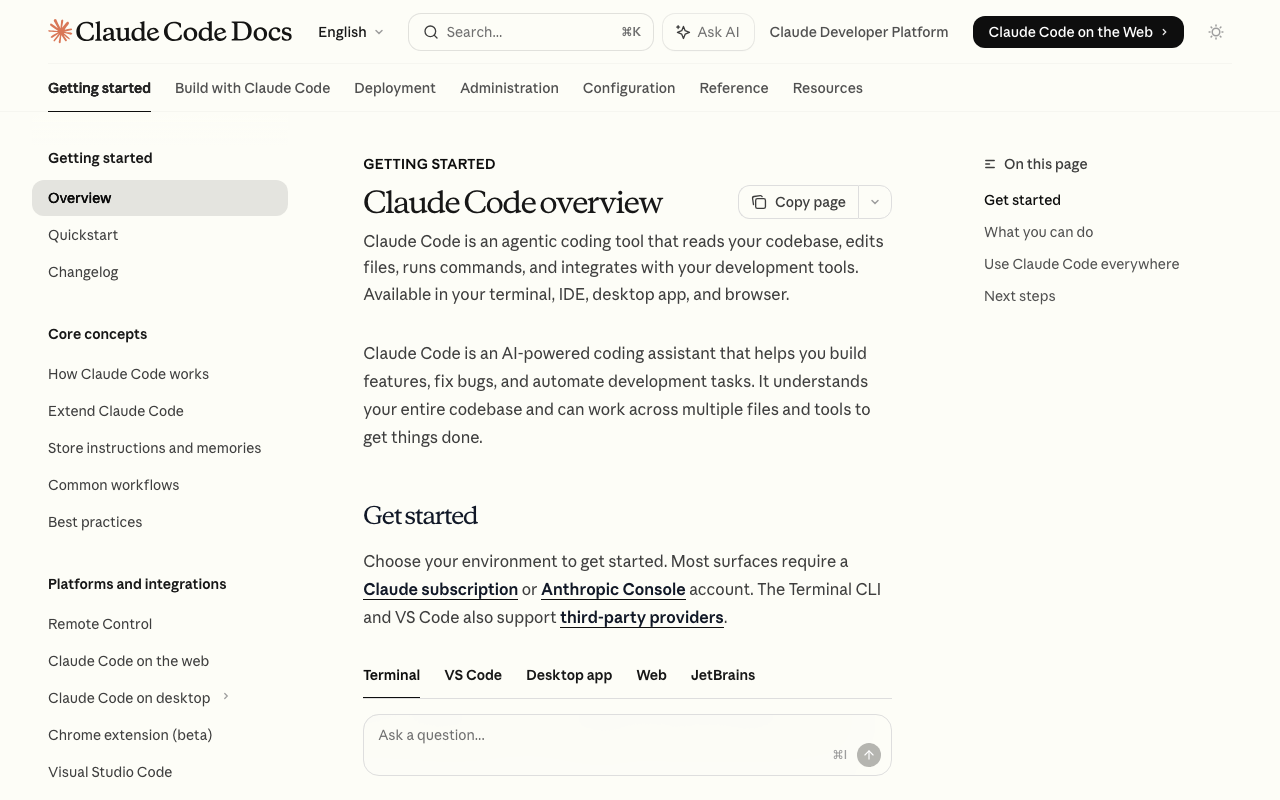
Introduction I run a bilingual (Japanese/English) tech blog with 882 articles. To repurpose this content as YouTube videos, I built an automated pipeline combining Claude Code’s parallel agent feature with VOICEVOX text-to-speech. In the process, I hit Claude Code’s weekly usage limit — something that reportedly affects only the top 2% of users. Here’s how the pipeline works and what I learned. Pipeline Overview Blog article (.md) ↓ Claude Code parallel agents (10 concurrent) Dialogue script (sections.json) ↓ VOICEVOX × 3 parallel workers Narrated video (video.mp4) ↓ YouTube API Published on YouTube 1. Script Generation (Claude Code) Each article is read and converted into a two-character dialogue script (sections.json). Using Claude Code’s Agent tool, 10 agents run simultaneously for parallel processing. ...

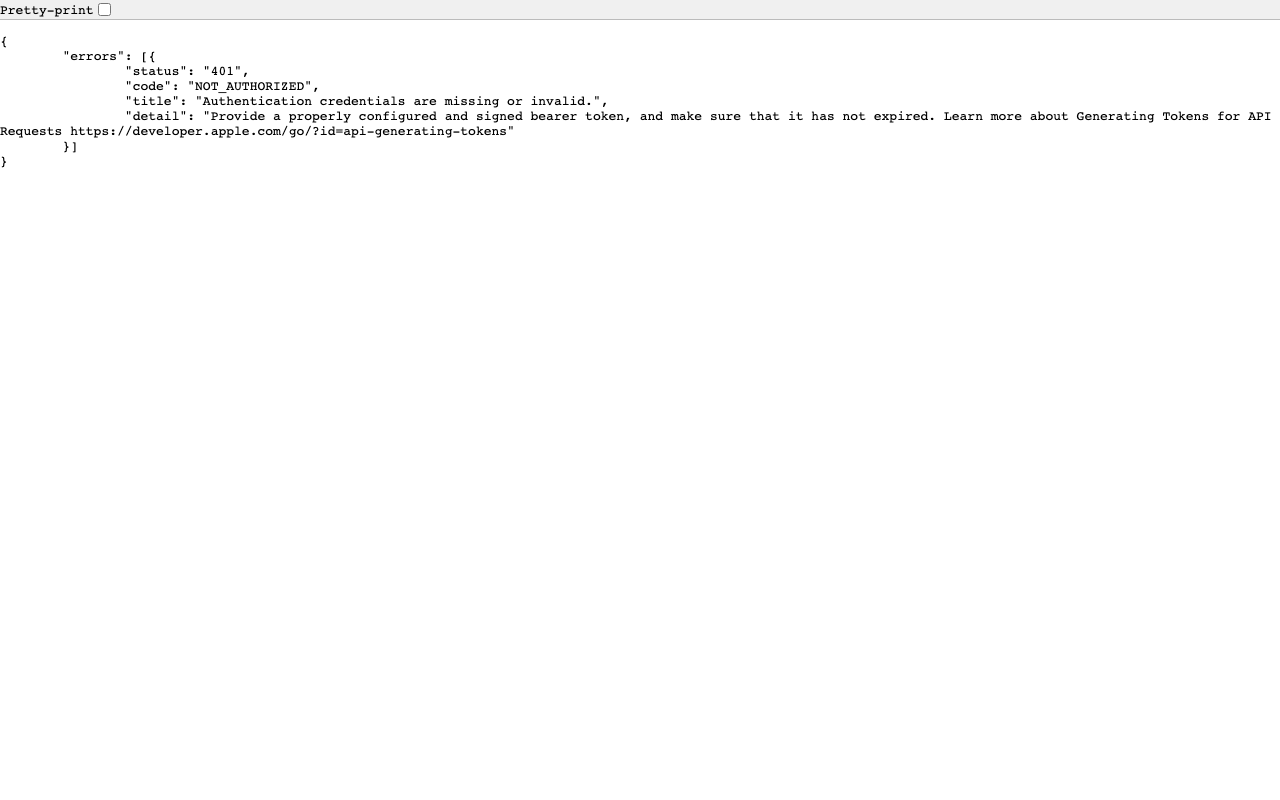
How to Submit an iOS App Update for Review Using the App Store Connect API

How to Submit an iOS App Update for Review Using the App Store Connect API

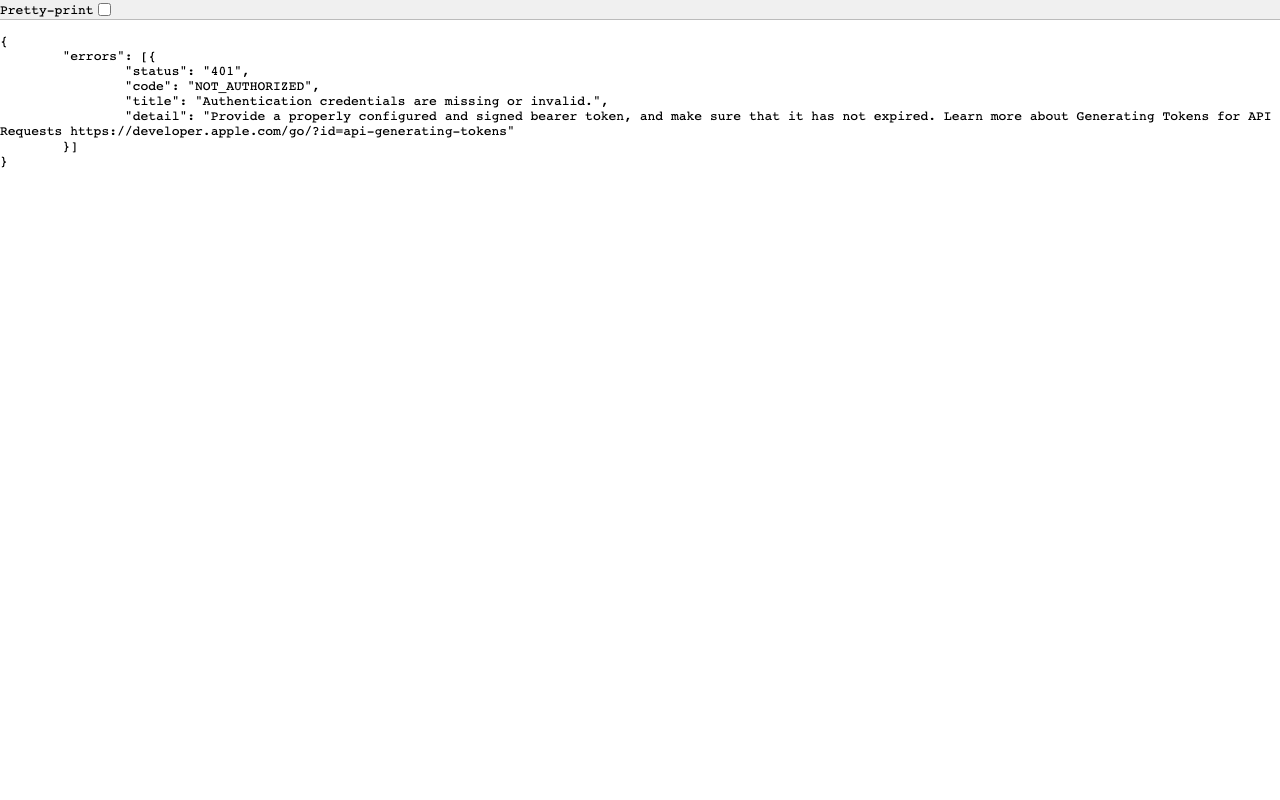
TL;DR I submitted an iOS app update for review—build → upload → build association → whatsNew → review submission—entirely from the command line using the App Store Connect REST API. Unlike the initial release, metadata and screenshots carry over from the previous version, so the required operations are minimal. Prerequisite: This guide assumes you’ve already completed the setup from Complete Guide to Submitting an iOS App for Review Using Only the App Store Connect API (API key, JWT generation, helper functions). ...

Complete Guide to Adding a Tip Jar (In-App Purchase) to Your iOS App with App Store Connect API

Complete Guide to Adding a Tip Jar (In-App Purchase) to Your iOS App with App Store Connect API

TL;DR I added a Tip Jar feature to my iOS app. The app side was implemented with SwiftUI + StoreKit 2, and the App Store Connect REST API was used to complete product registration, localization, pricing, review screenshots, territory availability, and TestFlight distribution entirely from the command line. This article documents the full procedure in a reproducible manner. Prerequisites: This is a follow-up to Complete Guide to Submitting an iOS App for Review Using Only the App Store Connect API. It assumes you have already set up API key retrieval and JWT generation. ...

Auto-Generating VRM Character Animation Videos with Three.js + Puppeteer

Auto-Generating VRM Character Animation Videos with Three.js + Puppeteer

Introduction What if we could automatically convert tech blog posts into VTuber-style explainer videos? Starting from that idea, I built a pipeline that renders VRM characters frame-by-frame using Three.js + Puppeteer, syncs them with VOICEVOX speech, and produces finished videos. In this post, I’ll share the lessons learned and pitfalls encountered during implementation. Overall Pipeline The processing flow is as follows: Load a Markdown article → Generate a section-divided script using an LLM (OpenRouter API) VOICEVOX generates speech audio (WAV) and phoneme timing for each section Three.js + @pixiv/three-vrm renders a VRM model on headless Chrome, outputting lip-synced animation as sequential PNG frames based on phoneme data Auto-generate slide images (HTML → headless Chrome → PNG) FFmpeg composites the slide background + VRM animation + audio into an MP4 video A Python script serves as the orchestrator, invoking the Node.js VRM rendering script as a child process. ...

Fast TEI/XML Deployment on Vercel: Automating XSLT Transforms with saxon-js

Fast TEI/XML Deployment on Vercel: Automating XSLT Transforms with saxon-js

Introduction A common architecture in Digital Humanities is to encode texts in TEI (Text Encoding Initiative) XML and transform them to HTML via XSLT for web publication. Traditionally, this transformation is done client-side in the browser (using <?xml-stylesheet?> or JavaScript’s XSLTProcessor), but this approach has several drawbacks: The browser must run the XSLT transformation on every page load, slowing down rendering Poor SEO / crawler support Browser-specific XSLT implementation differences This article describes how to run XSLT transforms at build time on Vercel and serve pre-built HTML as a static site. ...

Fixing the White Bar at the Bottom of Chrome Headless Screenshots

Fixing the White Bar at the Bottom of Chrome Headless Screenshots

The Problem When capturing HTML as PNG images using Chrome’s Headless mode, a white bar appears at the bottom of the output image. google-chrome --headless --screenshot=output.png \ --window-size=1920,1080 \ --hide-scrollbars \ --force-device-scale-factor=1 \ file:///path/to/slide.html Even when the HTML specifies width: 1920px; height: 1080px, the generated image has a white strip at the bottom, and elements positioned with bottom (such as captions, footers, or telops) get clipped. Root Cause --window-size=1920,1080 sets the outer window size, not the actual viewport (rendering area). The viewport ends up slightly smaller, even in Headless mode. ...

Upgrading from Astro 4 to 5 — A Migration Log

Background A website built with Astro 4 + MDX + Tailwind CSS had an issue. Due to pnpm overrides, astro 5.x was being force-installed, causing a compatibility issue with @astrojs/mdx@2.x (designed for Astro 4): Package subpath './jsx/renderer.js' is not defined by "exports" in astro/package.json Rather than rolling back to Astro 4, I decided to upgrade to Astro 5. Changes 1. Package Updates // Before "@astrojs/mdx": "^2.0.0", "astro": "^4.0.3" // After "@astrojs/mdx": "^4.0.0", "astro": "^5.0.0" @astrojs/tailwind and tailwindcss remained unchanged. ...