Home Articles Books Search About
RSS 日本語
Trying Strapi's Data Transfer

Trying Strapi's Data Transfer

Overview I had the opportunity to deploy local environment data to a production environment in Strapi, so I tried using the following Data transfer feature. https://docs.strapi.io/dev-docs/data-management/transfer Steps Production Environment Side Issue a Transfer Token on the production environment side. Local Environment Let’s say the production site is https://strapi.example.org and the token is xxx. With the following command, I was able to deploy the local environment data to the production environment. ...

Drupal: Setting Pre-filled Values Using the Prepopulate Module

Drupal: Setting Pre-filled Values Using the Prepopulate Module

Overview When accessing the Drupal content creation screen, I was able to set pre-filled values by specifying query parameters, so this is a memo of the process. The following module is used. https://www.drupal.org/project/prepopulate Usage For example, when adding new content to a content type called “poems,” add query parameters as follows. </node/add/poems?edit[field_spot][widget][0][target_id]=1&edit[title][widget][0][value]=テスト> As a result, the registration screen is displayed with the initial values pre-filled as shown below. Summary I hope this serves as a useful reference. ...

Creating RDF Data Using Microsoft Visio

Creating RDF Data Using Microsoft Visio

Overview I had the opportunity to use Microsoft Visio for creating RDF data, so this is a memo of that experience. https://www.microsoft.com/ja-jp/microsoft-365/visio/flowchart-software Note that Microsoft Visio is not a tool specialized for creating RDF data, but it is a flowchart and diagramming software with high usability. Therefore, I attempted to convert data created with this tool into RDF. For converting data created in Microsoft Visio to RDF, the following Python library is used. ...

Using "ARC2 RDF Graph Visualization" from Python

Using "ARC2 RDF Graph Visualization" from Python

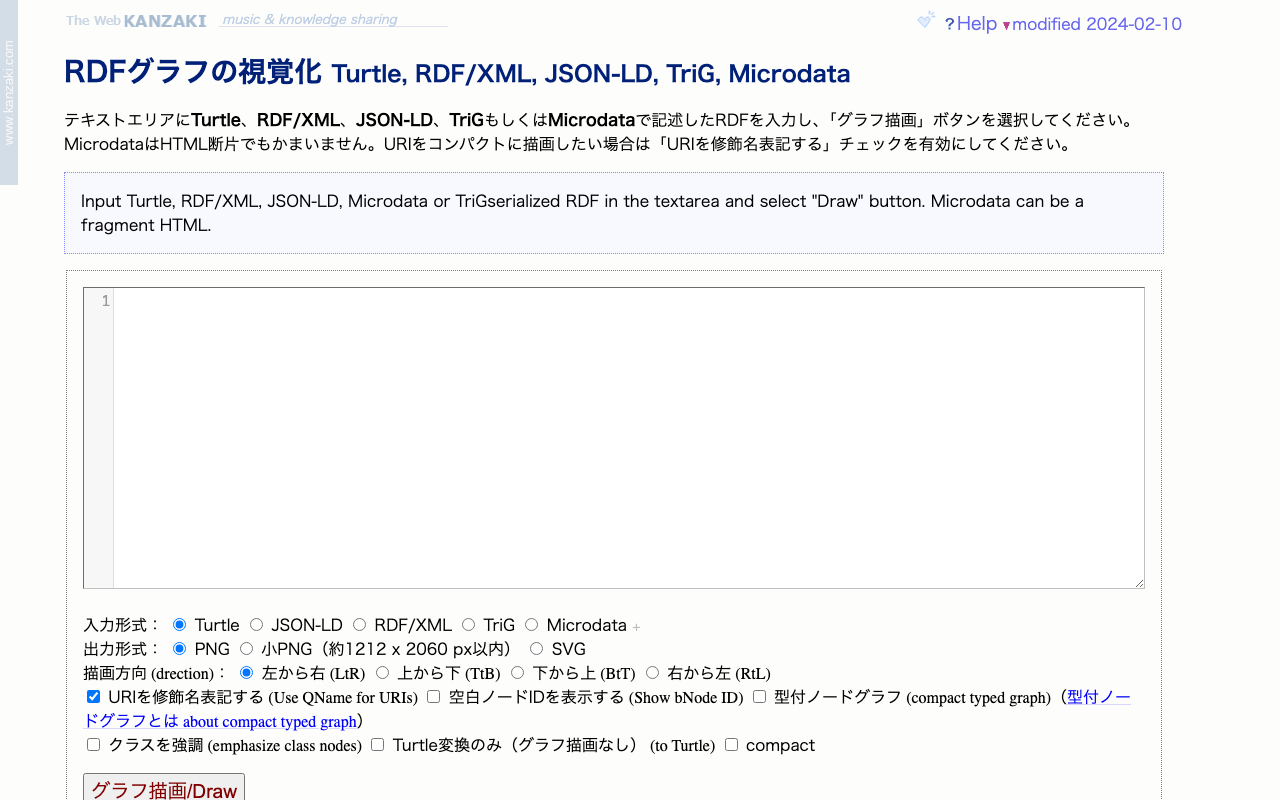
Overview I had the opportunity to use “ARC2 RDF Graph Visualization” published by Masahide Kanzaki from Python, so here are my notes. The public page for “ARC2 RDF Graph Visualization” is below. https://www.kanzaki.com/works/2009/pub/graph-draw By providing RDF described in Turtle, RDF/XML, JSON-LD, TriG, or Microdata as input, you can obtain visualization results as png or svg files. Usage Example in Python import requests text = "@prefix ns1: <http://example.org/propery/> .\n\n<http://example.org/bbb> ns1:aaa \"ccc\" ." output_path = "./graph.png" # Data needed for POST request url = "https://www.kanzaki.com/works/2009/pub/graph-draw" data = { "RDF": text, "rtype": "turtle", "gtype": "png", "rankdir": "lr", "qname": "on", } # Send POST request response = requests.post(url, data=data) # Check if response is not a PNG image if response.headers['Content-Type'] != 'image/png': print("Response is not a PNG image. Displaying content:") # print(response.text[:500]) # Display first 500 characters # [:500] else: os.makedirs(os.path.dirname(output_path), exist_ok=True) # Save response as PNG file with open(output_path, 'wb') as f: f.write(response.content) Summary I hope this is helpful for visualizing RDF data. ...

Trying tropy-plugin-iiif

Trying tropy-plugin-iiif

Overview I had the opportunity to try tropy-plugin-iiif, so this is a memo about it. https://github.com/tropy/tropy-plugin-iiif tropy-plugin-iiif is described as follows. Tropy plugin to import IIIF manifests Preparation Install Tropy. https://tropy.org/ Next, download the latest zip file from the following link. https://github.com/tropy/tropy-plugin-iiif/releases/latest Open Preferences > Plugins. Click the “Install Plugin” button, select the downloaded zip file, and click “Enable”. Installation is now complete. Importing a IIIF Manifest Select tropy-plugin-iiif from File > Import. ...

Trying Out @iiif/parser

Trying Out @iiif/parser

Overview I learned about an npm module called @iiif/parser, so I tried out some of its features. https://github.com/IIIF-Commons/parser Usage Below is an example. It converts a v2 IIIF manifest to v3. "use client"; import { useState } from "react"; import { convertPresentation2 } from "@iiif/parser/presentation-2"; import { Button, Label, TextInput } from "flowbite-react"; import ComponentsPagesParserPre from "./pages/parser/pre"; type ManifestData = any; export default function ComponentsParser() { const [url, setUrl] = useState<string>( "https://iiif.dl.itc.u-tokyo.ac.jp/repo/iiif/fbd0479b-dbb4-4eaa-95b8-f27e1c423e4b/manifest" ); const [data, setData] = useState<ManifestData>(null); const fetchAndConvertManifest = async ( manifestUrl: string ): Promise<void> => { try { const response = await fetch(manifestUrl); const manifestJson = await response.json(); const convertedManifest = convertPresentation2(manifestJson); setData(convertedManifest); } catch (error) { console.error("Failed to fetch or convert manifest", error); setData("Error fetching or converting manifest."); } }; const handleSubmit = (event: React.FormEvent<HTMLFormElement>): void => { event.preventDefault(); fetchAndConvertManifest(url); }; return ( <> <form className="flex flex-col gap-4" onSubmit={handleSubmit}> <div> <Label htmlFor="url" value="IIIF Manifest URL (v2)" /> <TextInput id="url" type="text" value={url} placeholder="https://example.com/iiif/manifest.json" required onChange={(e) => setUrl(e.target.value)} /> </div> <Button type="submit">Submit</Button> </form> <div className="mt-8"> <ComponentsPagesParserPre data={data} /> </div> </> ); } First, import it as follows. ...

Handling Shared Memory Shortage When Running ndlocr_cli and Other Issues

Handling Shared Memory Shortage When Running ndlocr_cli and Other Issues

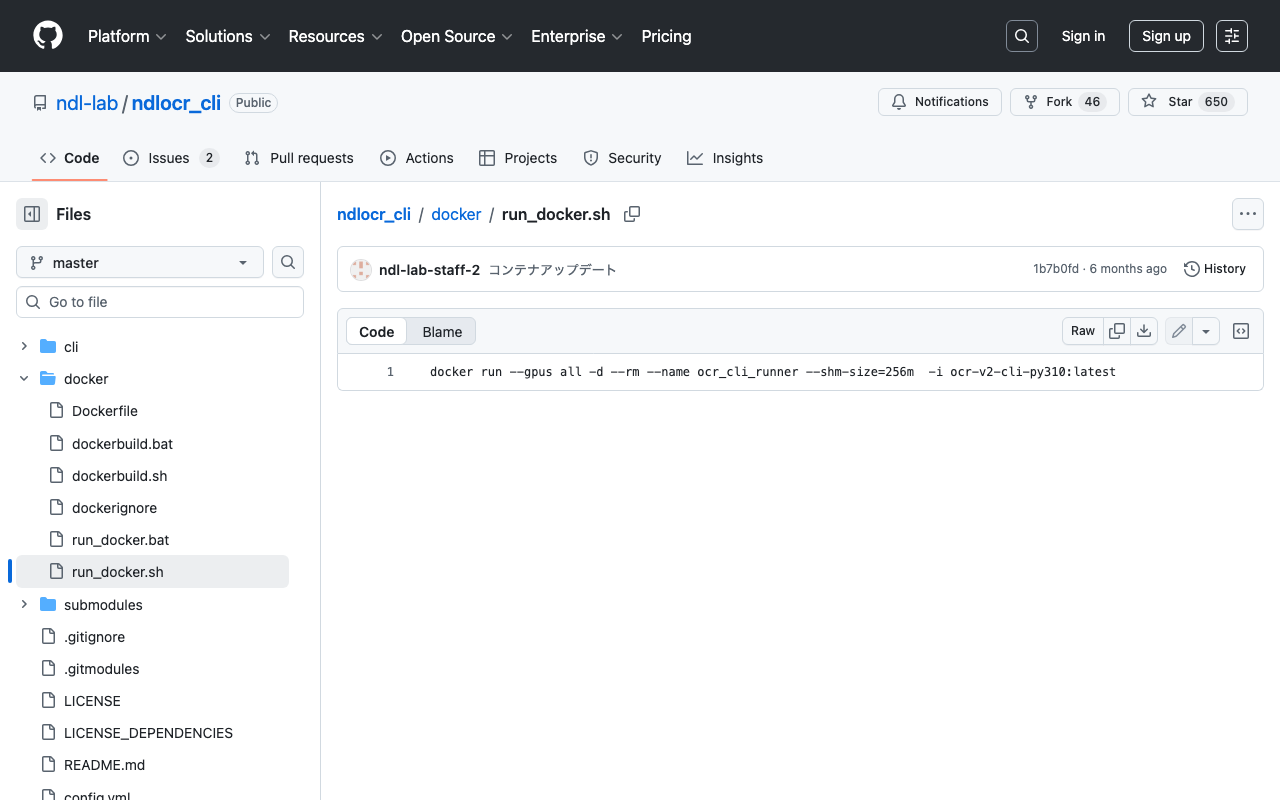
Overview This is a memo about issues I encountered when running ndlocr_cli (the NDLOCR (ver.2.1) application repository) and the steps taken to resolve them. Note that many of these issues were caused by my own configuration oversights or atypical usage, and are unlikely to occur during normal use. Please refer to this article if you encounter similar issues. Shared Memory Shortage When running ndlocr_cli, the following error occurred. Predicting: 0it [00:00, ?it/s]ERROR: Unexpected bus error encountered in worker. This might be caused by insufficient shared memory (shm). DataLoader worker (pid(s) 3999) exited unexpectedly The response from ChatGPT was as follows. ...

Publishing Videos with Omeka S

Publishing Videos with Omeka S

Overview I investigated how to publish videos with Omeka S, so this is a memorandum. Standard Features Omeka S supports video out of the box. Below is an example using the standard features. I used the following mp4 file: https://file-examples.com/storage/fe4e1227086659fa1a24064/2017/04/file_example_MP4_480_1_5MG.mp4 Specifically, the <video> tag was used as follows: <div class="media-render file"> <video src="https://omeka-d.aws.ldas.jp/files/original/5060f3ba2537676746a7aa69c9884c64daac300b.mp4" controls=""> <a href="https://omeka-d.aws.ldas.jp/files/original/5060f3ba2537676746a7aa69c9884c64daac300b.mp4">5060f3ba2537676746a7aa69c9884c64daac300b.mp4</a> </video> </div> Similarly, when uploading a .mov file, it played successfully, though this may be browser-dependent. ...

Disk Space After Installing ndlocr_cli with Docker

Disk Space After Installing ndlocr_cli with Docker

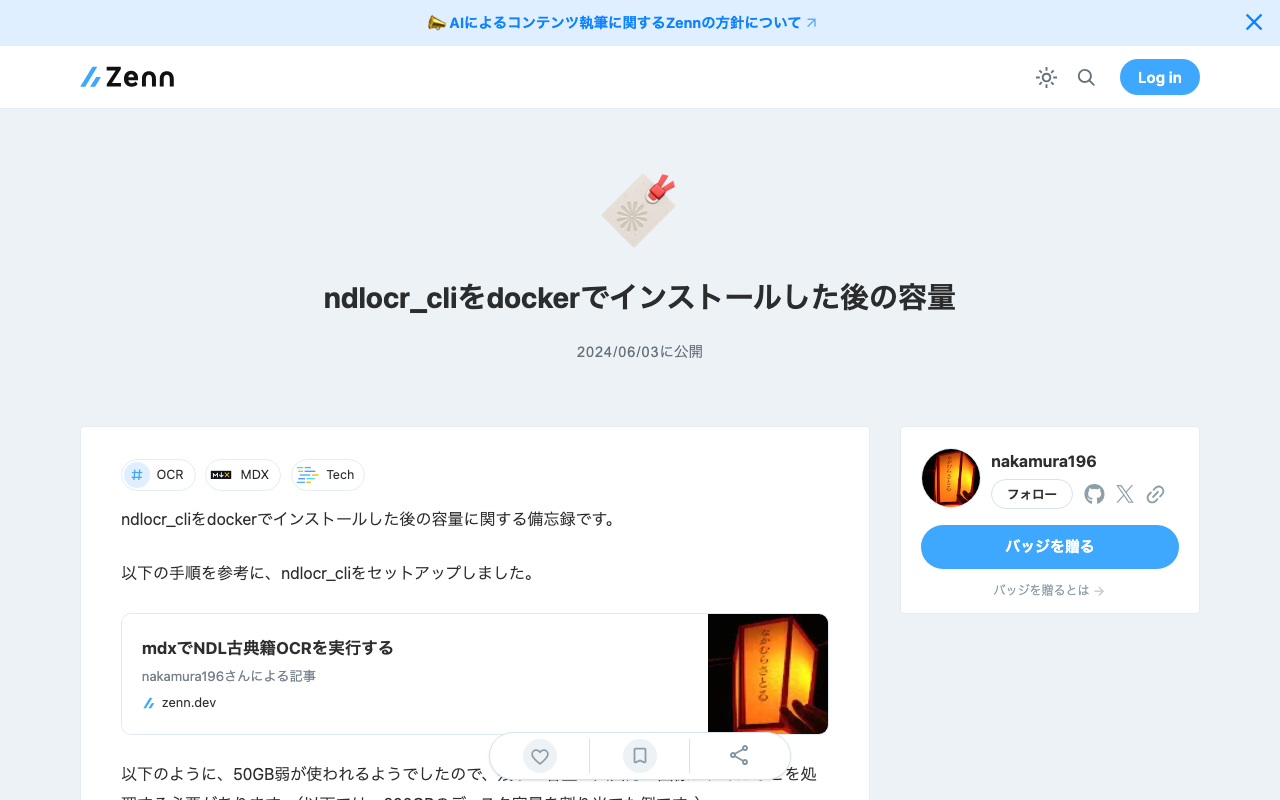
Notes on disk space after installing ndlocr_cli with Docker. I set up ndlocr_cli by following the steps described in the following article. As shown below, approximately 50GB of space is used, so you need to process input/output image files etc. with the remaining capacity. (The example below shows a case with 200GB of disk space allocated.) mdxuser@ubuntu-2204:~/ndlocr_cli$ df -h Filesystem Size Used Avail Use% Mounted on tmpfs 5.7G 1.4M 5.7G 1% /run /dev/sda2 196G 45G 143G 24% / tmpfs 29G 0 29G 0% /dev/shm tmpfs 5.0M 0 5.0M 0% /run/lock /dev/sda1 1.1G 6.1M 1.1G 1% /boot/efi tmpfs 5.7G 4.0K 5.7G 1% /run/user/1000 I hope this is helpful when specifying the virtual disk size (GB) when launching virtual machines on AWS (Amazon Web Services) or mdx (Data-Driven Society Creation Platform). ...

Logging into Drupal Programmatically

Logging into Drupal Programmatically

This is a personal note on how to log into Drupal programmatically. The following article was helpful: https://drupal.stackexchange.com/questions/185494/how-do-i-programmatically-log-in-a-user-with-a-post-request curl --location 'http://drupal.d8/user/login?_format=json' \ --header 'Content-Type: application/json' \ --data '{ "name": "admin", "pass": "admin" }' By sending a request like the above, I was able to obtain a response like the following: {"current_user":{"uid":"1","roles":["authenticated","administrator"],"name":"admin"},"csrf_token":"wBr9ldleaUhmP4CgVh7PiyyxgNn_ig8GgAan9-Ul3Lg","logout_token":"tEulBvihW1SUkrnbCERWmK2jr1JEN_mRAQIdNNhhIDc"} I hope this serves as a useful reference.

Bulk Exporting Registered Content in CSV Format from Drupal

Bulk Exporting Registered Content in CSV Format from Drupal

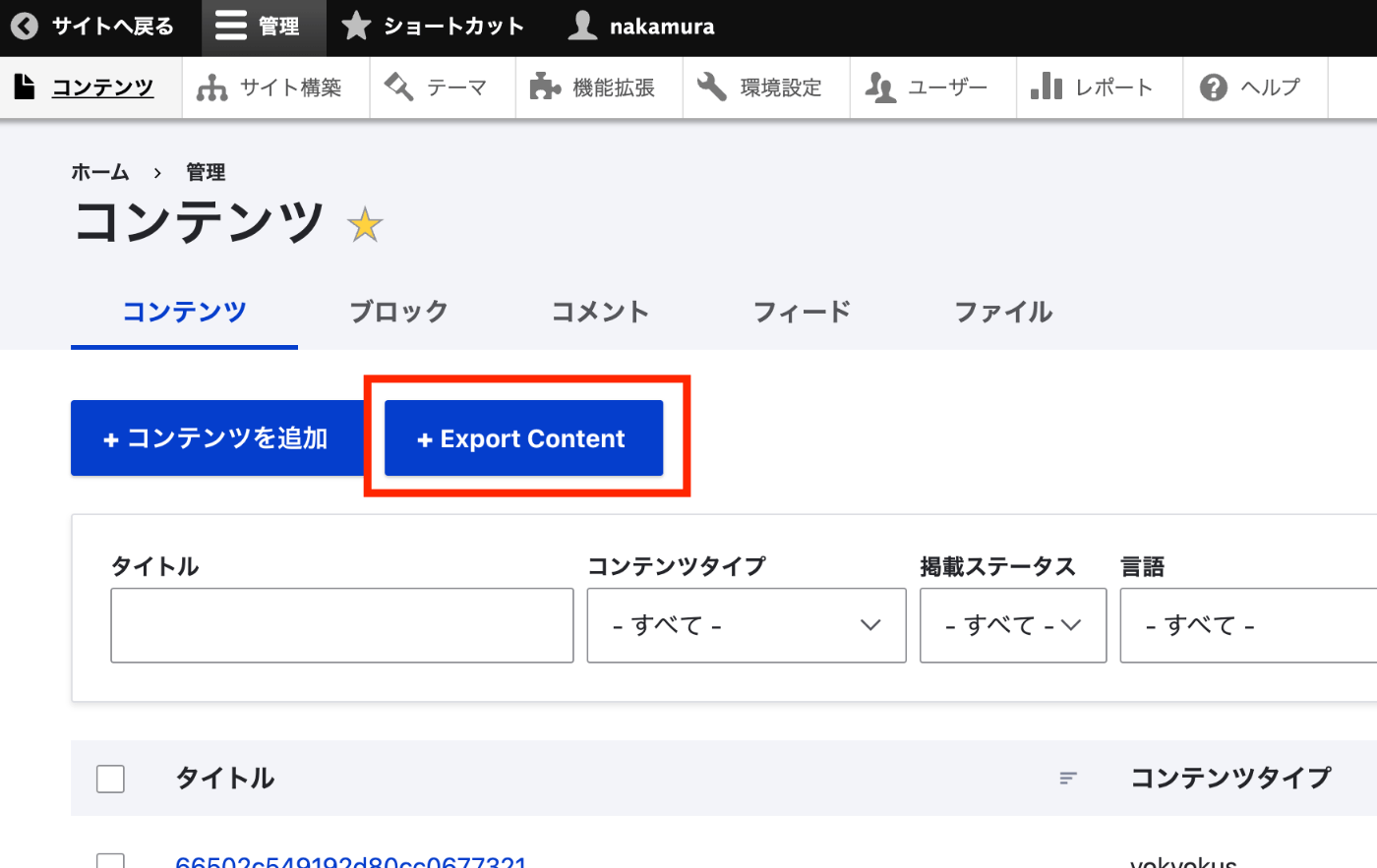
Overview I had the opportunity to export registered content from Drupal in CSV format, so here are my notes. I used the following module. https://www.drupal.org/project/content_export_csv Installation It could be installed using the standard method. composer require 'drupal/content_export_csv:^4.7' ./vendor/bin/drush en content_export_csv Usage After installation, navigating to Administration > Content > Content displays the “Export Content” button. On the next screen, by selecting the content type you want to export, I was able to export a list of content of the specified content type. ...

Searching Including Private Posts with WordPress REST API

Searching Including Private Posts with WordPress REST API

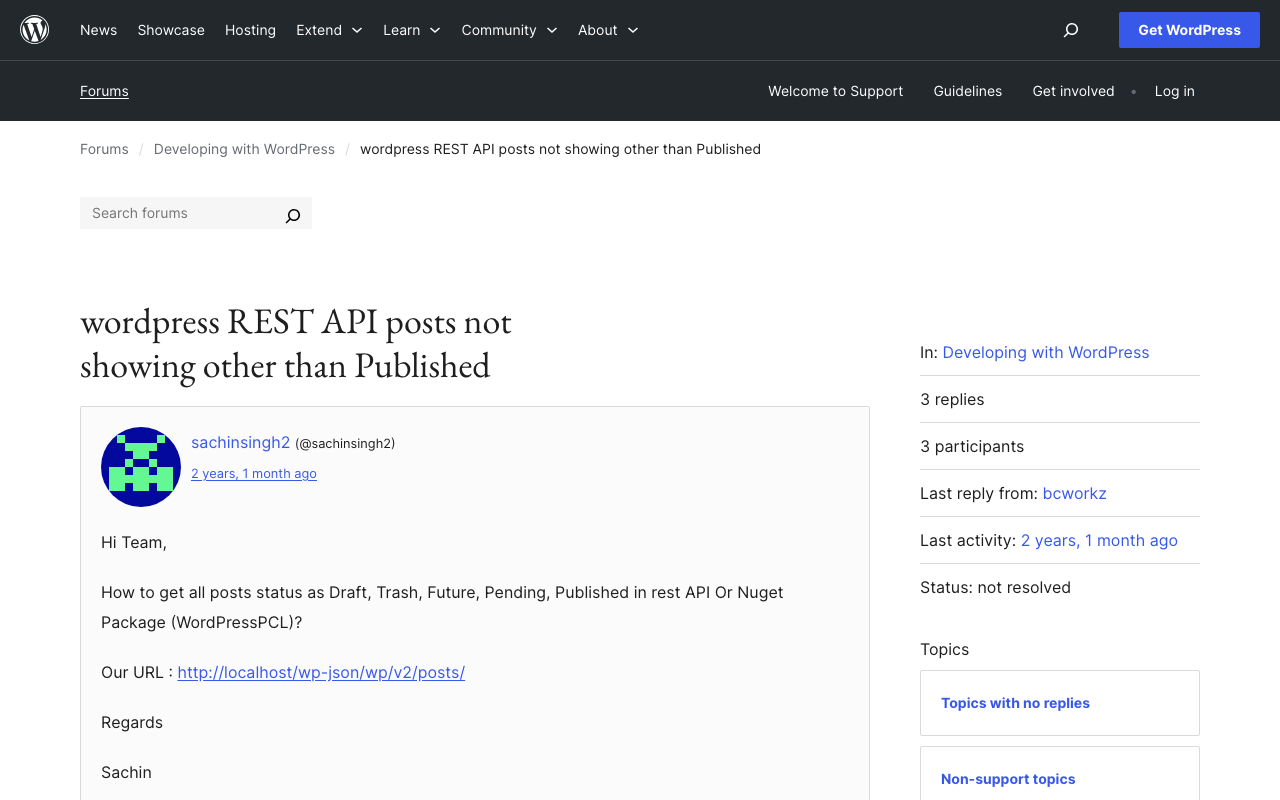
Background This is a note on how to search including private posts with the WordPress REST API. The following was helpful. https://wordpress.org/support/topic/wordpress-rest-api-posts-not-showing-other-than-published/ Specifically, by using the status argument and specifying multiple statuses as shown below, I was able to retrieve a list of articles including those statuses. GET /wp-json/wp/v2/posts?status=publish,draft,trash I hope this serves as a useful reference.

Triggering GitHub Actions from Drupal Events

Triggering GitHub Actions from Drupal Events

Overview This is a memorandum on how to trigger GitHub Actions from Drupal events. The following site was helpful: https://qiita.com/hmaruyama/items/3d47efde4720d357a39e Pipedream Configuration Create a workflow that includes a trigger and a custom_request. For the trigger, please refer to the following: https://qiita.com/hmaruyama/items/3d47efde4720d357a39e#pipedream側の設定 In custom_request, configure the dispatch settings. https://docs.github.com/ja/rest/repos/repos?apiVersion=2022-11-28#create-a-repository-dispatch-event Configure the settings as follows: curl -L \ -X POST \ -H "Accept: application/vnd.github+json" \ -H "Authorization: Bearer <YOUR-TOKEN>" \ -H "X-GitHub-Api-Version: 2022-11-28" \ https://api.github.com/repos/OWNER/REPO/dispatches \ -d '{"event_type":"webhook"}' ...

Inference App Using a YOLOv5 Model (Character Region Detection)

Inference App Using a YOLOv5 Model (Character Region Detection)

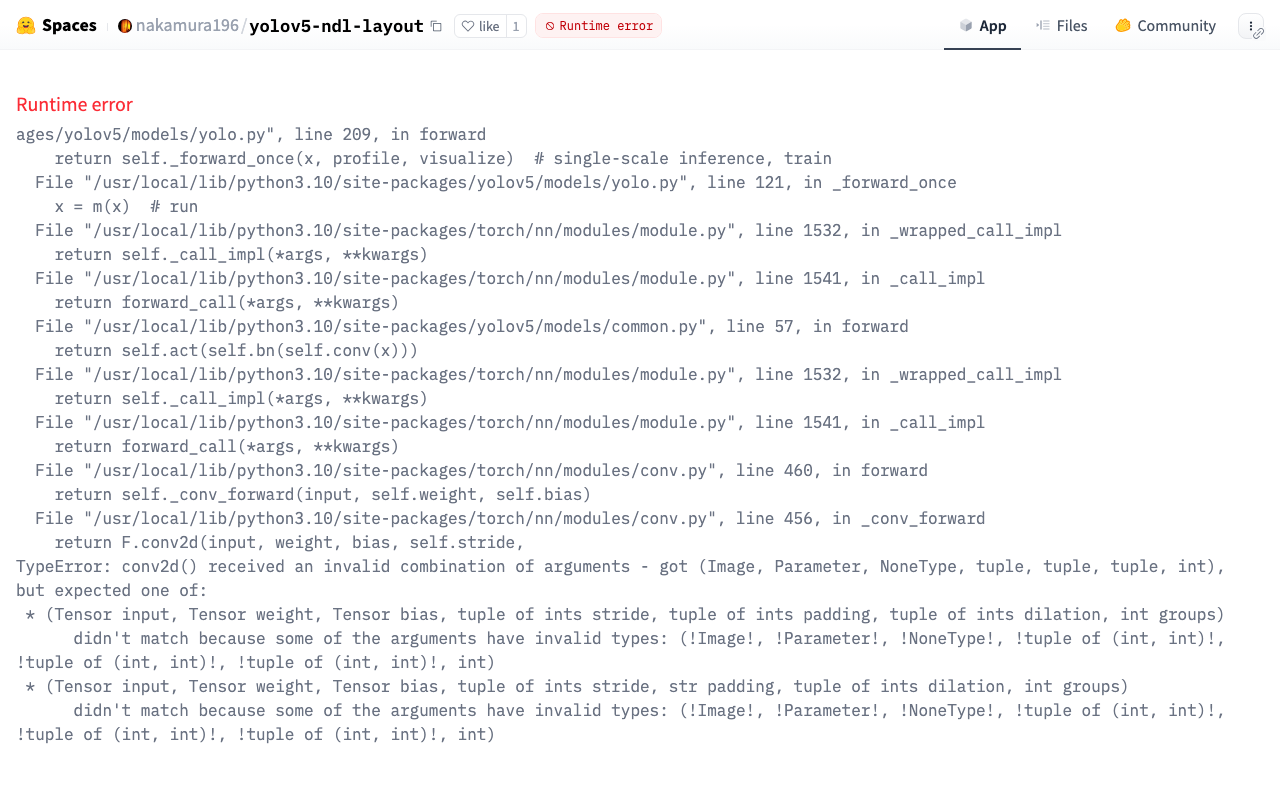
Overview The character region detection app is published at the following link. https://huggingface.co/spaces/nakamura196/yolov5-char The above app had stopped working, so I fixed it following the same procedure as in the following article. The model used in this app was built using the “Japanese Classical Character Dataset” (held by NIJL and others / processed by CODH) doi:10.20676/00000340. I also made some minor improvements during this fix, which I will introduce here. ...

Getting a List of Untranslated Nodes in Drupal

Getting a List of Untranslated Nodes in Drupal

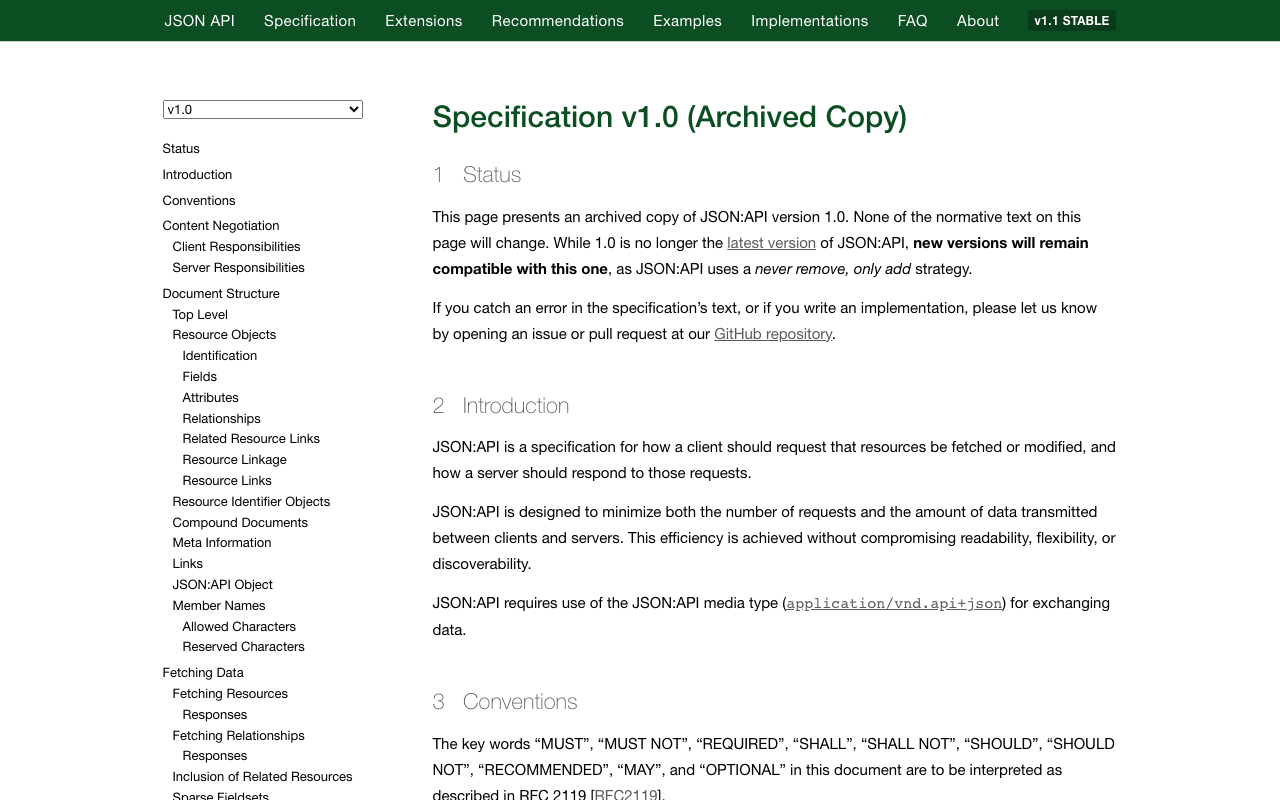
Overview I had the opportunity to get a list of untranslated nodes in Drupal, so this is a personal note for future reference. Method There are various approaches, but this time I use JSON:API. Let’s assume the master language is Japanese (ja) and the translation language to add is English (en). Using JSON:API, for example, for a taxonomy called collection, you can retrieve it with the following: https://xxx/jsonapi/taxonomy_term/collection Additionally, by adding /en as follows, if a translation node exists, that information is returned. ...

Launching Jupyter Lab on mdx

Launching Jupyter Lab on mdx

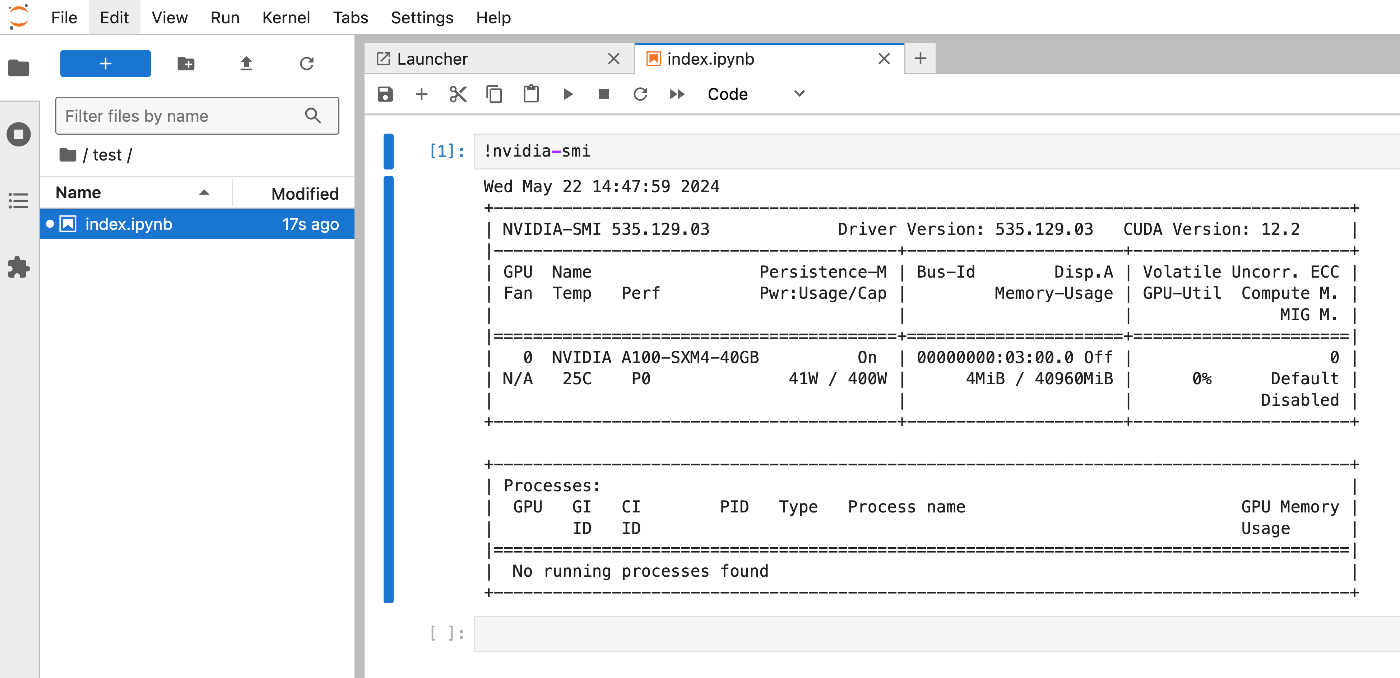
Overview I had an opportunity to launch Jupyter Lab on mdx, so here are my notes. Please also refer to the following for mdx setup. References The following video was very helpful. https://youtu.be/-KJwtctadOI?si=xaKajk79b1MxTpJ6 Setup On the Server Install pip sudo apt install python3-pip Add to the PATH nano ~/.bashrc export PATH="$HOME/.local/bin:$PATH" source ~/.bashrc The following command launches Jupyter Lab. jupyter-lab Local Machine Connect via SSH with the following command. ssh -N -L 8888:localhost:8888 mdxuser@xxx.yyy.zzz.lll -i ~/.ssh/mdx/id_rsa Then, access the address displayed in the server console. ...

Fixing an Inference App Using Hugging Face Spaces and a YOLOv5 Model (Trained on NDL-DocL Dataset)

Fixing an Inference App Using Hugging Face Spaces and a YOLOv5 Model (Trained on NDL-DocL Dataset)

Overview In the following article, I introduced an inference app using Hugging Face Spaces and a YOLOv5 model trained on the NDL-DocL dataset. This app had stopped working, so I fixed it to make it operational again. https://huggingface.co/spaces/nakamura196/yolov5-ndl-layout Here are my notes on the changes made during this fix. Changes The modified app.py is shown below. import gradio as gr from PIL import Image import yolov5 import json model = yolov5.load("nakamura196/yolov5-ndl-layout") def yolo(im): results = model(im) # inference df = results.pandas().xyxy[0].to_json(orient="records") res = json.loads(df) im_with_boxes = results.render()[0] # results.render() returns a list of images # Convert the numpy array back to an image output_image = Image.fromarray(im_with_boxes) return [ output_image, res ] inputs = gr.Image(type='pil', label="Original Image") outputs = [ gr.Image(type="pil", label="Output Image"), gr.JSON() ] title = "YOLOv5 NDL-DocL Datasets" description = "YOLOv5 NDL-DocL Datasets Gradio demo for object detection. Upload an image or click an example image to use." article = "<p style='text-align: center'>YOLOv5 NDL-DocL Datasets is an object detection model trained on the <a href=\"https://github.com/ndl-lab/layout-dataset\">NDL-DocL Datasets</a>.</p>" examples = [ ['『源氏物語』(東京大学総合図書館所蔵).jpg'], ['『源氏物語』(京都大学所蔵).jpg'], ['『平家物語』(国文学研究資料館提供).jpg'] ] demo = gr.Interface(yolo, inputs, outputs, title=title, description=description, article=article, examples=examples) demo.launch(share=False) First, due to Gradio version upgrades, I changed gr.inputs.Image to gr.Image and similar updates. ...

Handling ultralyticsplus: ValueError: Invalid CUDA 'device=0' requested...

Handling ultralyticsplus: ValueError: Invalid CUDA 'device=0' requested...

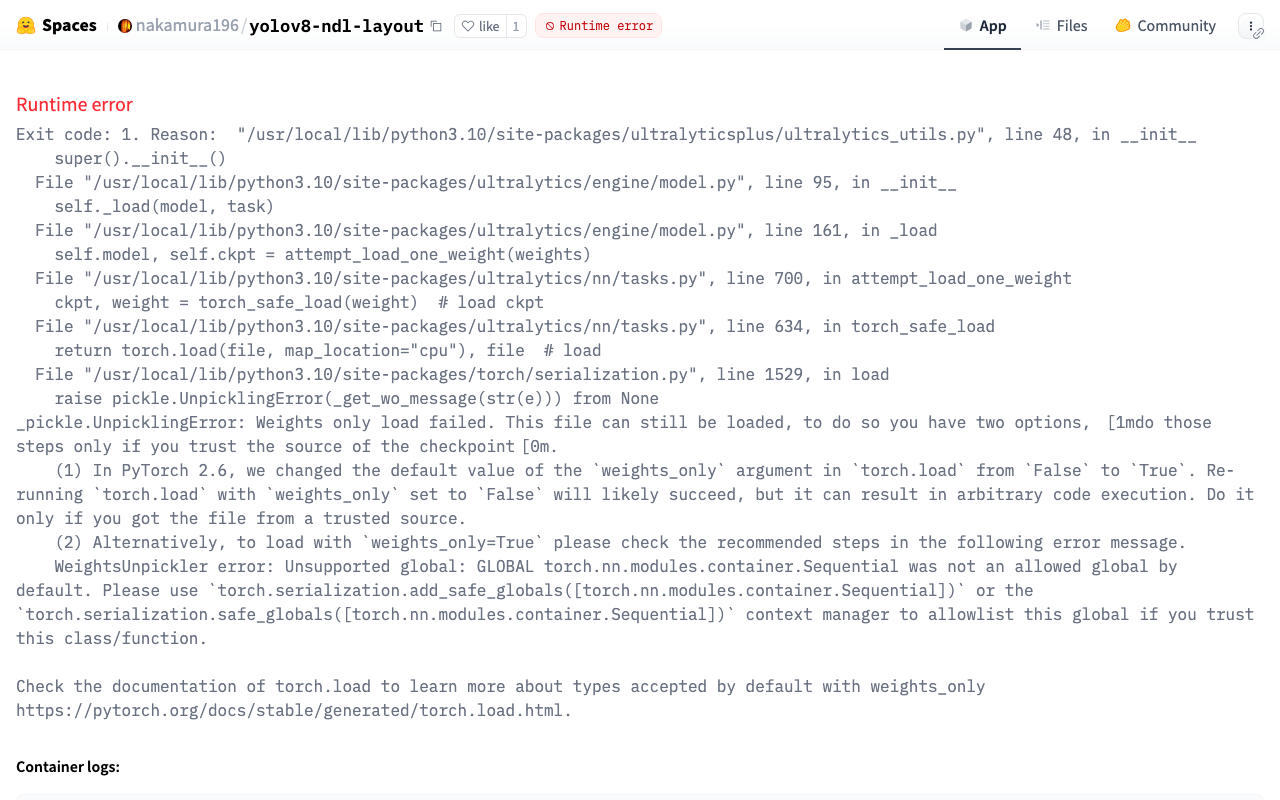
Overview I have published an inference app using YOLOv8 at the following link: https://huggingface.co/spaces/nakamura196/yolov8-ndl-layout Initially, the following error occurred: ValueError: Invalid CUDA 'device=0' requested. Use 'device=cpu' or pass valid CUDA device(s) if available, i.e. 'device=0' or 'device=0,1,2,3' for Multi-GPU. torch.cuda.is_available(): False torch.cuda.device_count(): 0 os.environ['CUDA_VISIBLE_DEVICES']: None See https://pytorch.org/get-started/locally/ for up-to-date torch install instructions if no CUDA devices are seen by torch. This error was resolved by adding device as follows: ...

Converting IIIF Curation Lists to TEI Facsimile Elements

Converting IIIF Curation Lists to TEI Facsimile Elements

Overview I created a library to convert IIIF Curation Lists to TEI facsimile elements. https://github.com/nakamura196/iiif-tei I also prepared a demo page for performing this conversion. https://nakamura196.github.io/nuxt3-demo/iiif-tei-demo A video demonstrating how to use it is available below. https://youtu.be/Y5JlrJbtgz8 I hope this serves as a useful reference.

Prototyping entity-lookup Using the Japan Search Utilization Schema

Prototyping entity-lookup Using the Japan Search Utilization Schema

Overview This is a continuation of the following article. I will prototype a package that performs CWRC entity-lookup using the Japan Search utilization schema. Demo You can try it on the following page. https://nakamura196.github.io/nuxt3-demo/entity-lookup/ Entity-lookup is performed against JPS, Wikidata, and VIAF for each type such as Person, Place, and Organization. Library It is published at the following location. https://github.com/nakamura196/jps-entity-lookup Based on the repository https://github.com/cwrc/wikidata-entity-lookup already published by CWRC, I mainly modified the following file to match the Japan Search utilization schema. ...