Home Articles Books Search About
RSS 日本語
Developing a Zoom Disable Plugin for Mirador 3 (4)

Developing a Zoom Disable Plugin for Mirador 3 (4)

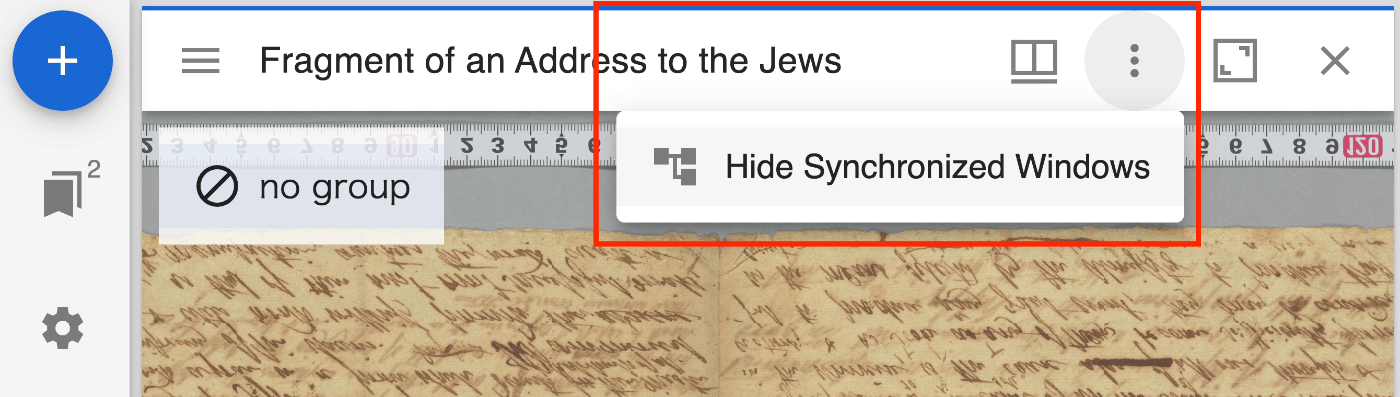
Overview I created a plugin for Mirador 3 (actually Mirador 4) that disables zoom operations. https://github.com/nakamura196/mirador-disable-zoom/ Here is a demo video. https://youtu.be/RN2V4b7IYoI You can try it at the following URL. https://nakamura196.github.io/mirador-disable-zoom/ This plugin is based on the following plugin created by UCLA Library for Mirador 2. https://github.com/UCLALibrary/mirador-disable-zoom This time, I will note some findings from developing this plugin. Specifying the Target The target property allows you to specify where to place the plugin button. In this case, by specifying WindowTopBarPluginArea, I was able to display the icon directly on the per-window bar. ...

Using prefix.cc

Using prefix.cc

Overview This is a memo about trying prefix.cc for resolving prefixes in RDF data. https://prefix.cc/ Namespace Lookup API This is a service that allows you to retrieve URIs by providing a prefix. https://prefix.cc/about/api For example, providing the following: https://prefix.cc/foaf.file.json Returns the following result. { "foaf": "http://xmlns.com/foaf/0.1/" } Reverse Lookup API For example, providing the following: https://prefix.cc/reverse?uri=http://xmlns.com/foaf/0.1/&format=json Returns the same JSON result as above. Adding New Entries The following jps prefix used by Japan Search was not available. ...

Notes on Adding and Visualizing RDF Data

Notes on Adding and Visualizing RDF Data

Overview This article explains the process of converting data created with Microsoft Visio to RDF format, and the method for adding RDF data when a specific URI (in this case, a Japan Search URI containing information about Katsushika Hokusai) is specified. We introduce techniques for handling Visio data in RDF format through the conversion process, and present the results of incorporating information about Katsushika Hokusai as a concrete example. Background In the following article, I introduced an example of converting data created with Microsoft Visio to RDF: ...

Retrieving RDF from URIs Using Content Negotiation in Python

Retrieving RDF from URIs Using Content Negotiation in Python

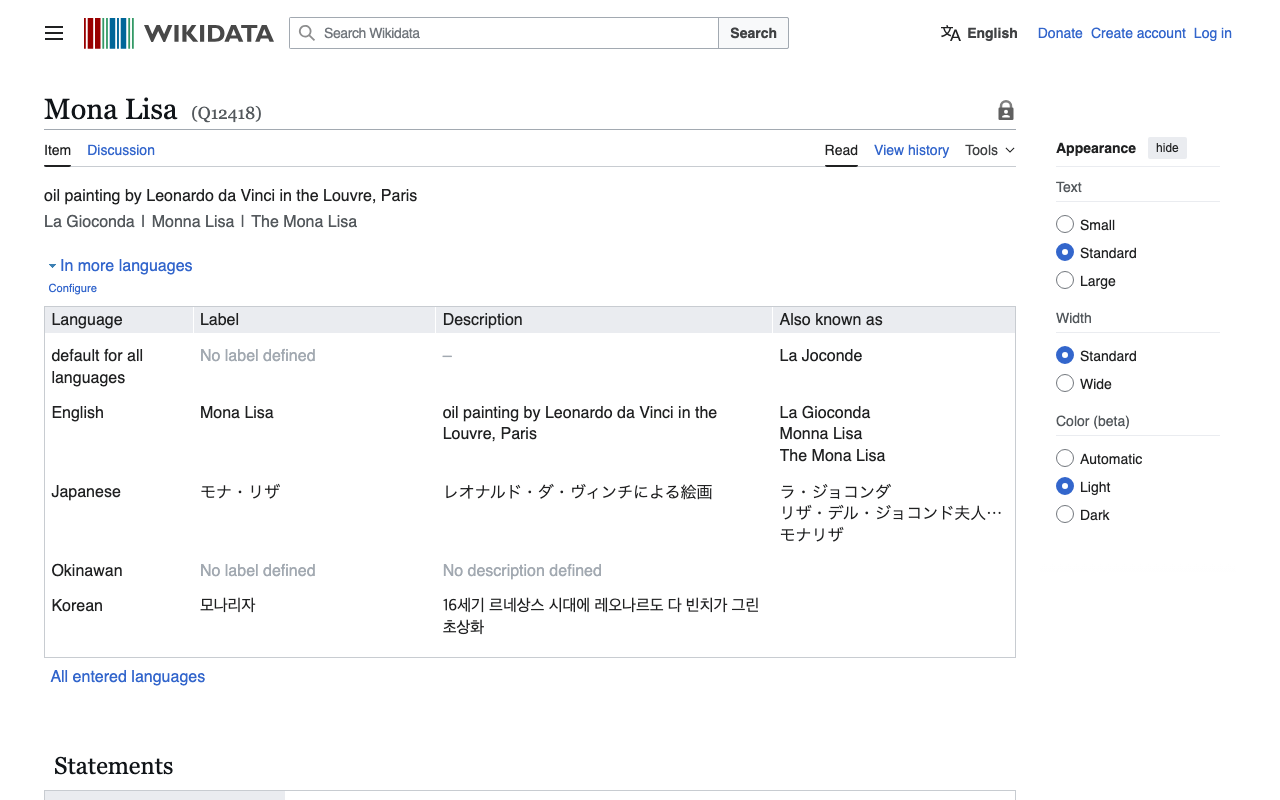
Overview I had an opportunity to retrieve RDF data from Wikidata entity URIs, so here are my notes. Without Content Negotiation First, make a request with empty headers as follows. import requests # URL for the Wikidata entity in RDF format url = "http://www.wikidata.org/entity/Q12418" headers = { } # Sending a GET request to the URL response = requests.get(url, headers=headers) # Checking if the request was successful if response.status_code == 200: text = response.text print(text[:5000]) else: print("Failed to retrieve RDF data. Status code:", response.status_code) In this case, you can retrieve text data in JSON format as follows. ...

Created an M3 Version of mirador-sync-windows

Created an M3 Version of mirador-sync-windows

Overview In the following article, I introduced mirador-sync-windows, a plugin for Mirador 2. This time, I updated the above functionality for Mirador 3 (actually Mirador 4). The behavior is still somewhat unstable, but you can try it at the following link. https://mirador-sync-windows.vercel.app/ Deploying to Vercel Development was based on the Mirador 4-compatible branch of the mirador-image-tools plugin. https://github.com/ProjectMirador/mirador-image-tools/tree/mirador4-compat-clean The above project provides the following commands: { ... "scripts": { "build": "npm run build:umd", "build:demo": "NODE_ENV=development webpack --mode=development", "build:umd": "NODE_ENV=production webpack --mode=production", "build:es": "mkdir -p es && cp -r src/* es && NODE_ENV=production MODULE_FORMAT=es npx babel es -d es", "build:cjs": "mkdir -p lib && cp -r src/* lib && NODE_ENV=production MODULE_FORMAT=cjs npx babel lib -d lib", "clean": "rm -rf ./umd && rm -rf ./es && rm -rf ./lib && rm -rf ./demo/dist", "lint": "eslint ./src ./__tests__", "prepublishOnly": "npm run clean && npm run build:es && npm run build:cjs && npm run build", "start": "NODE_ENV=development webpack serve --open", "test": "npm run lint && jest", "test:coverage": "jest --coverage", "test:watch": "jest --watch" }, ... } Based on the above commands, I modified the Vercel deployment settings as follows: ...

Trying iiif-prezi3

Trying iiif-prezi3

Overview As IIIF Presentation API 3 becomes more widespread, I found it increasingly difficult to understand the specification and create JSON files directly. So I tried using the following Python library, and this is a note for reference. https://github.com/iiif-prezi/iiif-prezi3 I used this library for converting the data published on the Toji Hyakugo Monjo WEB to IIIF, as introduced in the following article. The source code may be hard to read, but it is also published in the following repository, and I hope it is helpful. ...

Running Archivematica with Docker

Running Archivematica with Docker

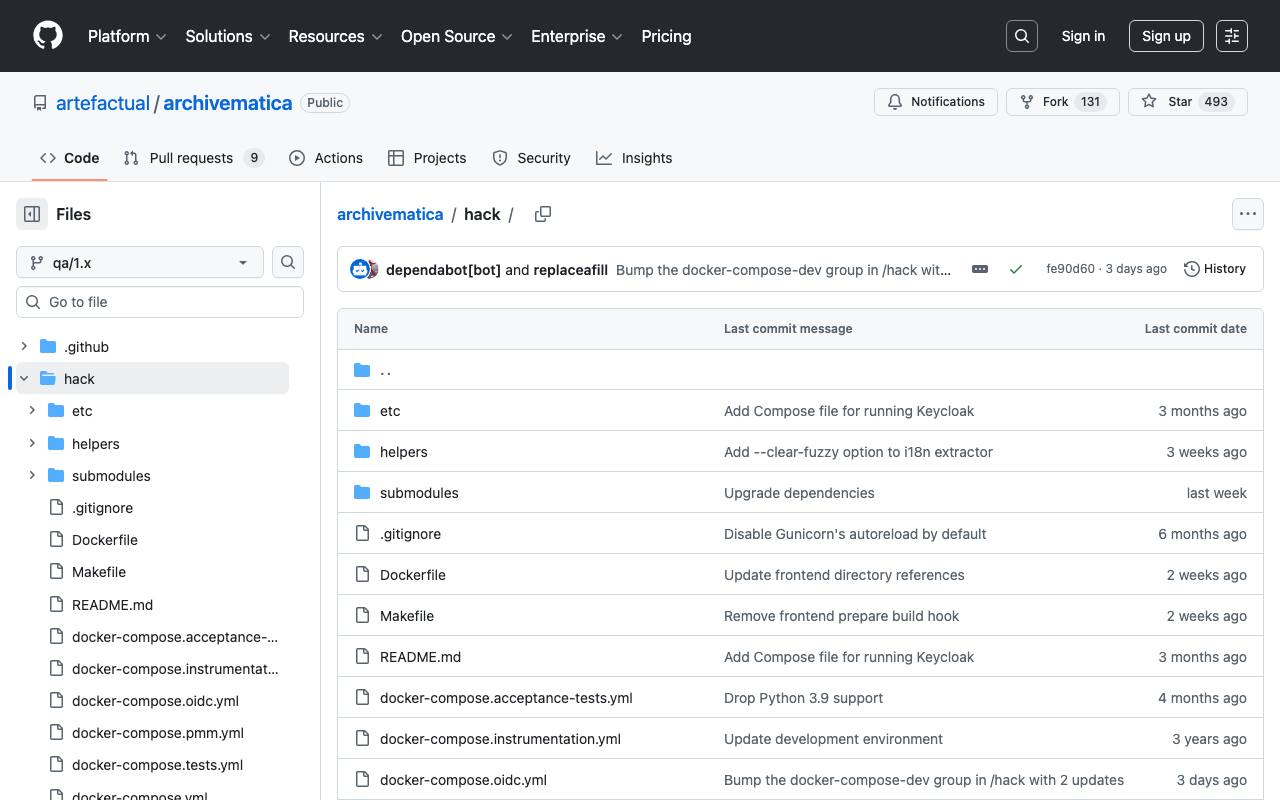
Overview For starting Archivematica, using Docker was the easiest method. Installation instructions are documented at the following link. https://github.com/artefactual/archivematica/tree/qa/1.x/hack Following the steps worked well for installation, but I am documenting the points where I encountered failures as a memo. Elasticsearch container When starting the Elasticsearch container, instructions were given to set vm.max_map_count. https://github.com/artefactual/archivematica/tree/qa/1.x/hack#elasticsearch-container If this setting is forgotten, the Elasticsearch container would not start, as shown below. docker compose up [+] Running 10/0 ✔ Container am-mysql-1 Running 0.0s ✔ Container am-archivematica-storage-service-1 Running 0.0s ✔ Container am-nginx-1 Running 0.0s ✔ Container am-clamavd-1 Running 0.0s ✔ Container am-elasticsearch-1 Created 0.0s ✔ Container am-fits-1 Running 0.0s ✔ Container am-gearmand-1 Running 0.0s ✔ Container am-archivematica-mcp-client-1 Running 0.0s ✔ Container am-archivematica-dashboard-1 Created 0.0s ✔ Container am-archivematica-mcp-server-1 Running 0.0s Attaching to archivematica-dashboard-1, archivematica-mcp-client-1, archivematica-mcp-server-1, archivematica-storage-service-1, clamavd-1, elasticsearch-1, fits-1, gearmand-1, mysql-1, nginx-1 elasticsearch-1 | [2024-06-18T02:16:40,373][INFO ][o.e.e.NodeEnvironment ] [am-node] using [1] data paths, mounts [[/usr/share/elasticsearch/data (/dev/root)]], net usable_space [11.4gb], net total_space [48.2gb], types [ext4] ... elasticsearch-1 | ERROR: [1] bootstrap checks failed elasticsearch-1 | [1]: max virtual memory areas vm.max_map_count [65530] is too low, increase to at least [262144] ... dependency failed to start: container am-elasticsearch-1 exited (78) Summary Regarding Docker startup, it is noted that it is designed for developers, and care should be taken when using it in production environments. We hope this serves as a useful reference for using Archivematica. ...

Fixing Japanese Filename Conversion in Archivematica

Fixing Japanese Filename Conversion in Archivematica

Overview When inputting files with Japanese filenames into Archivematica with default settings, a filename like “ユースケース公募提案書.docx” (Use Case Call for Proposals.docx) is converted as follows: yu-suke-suGong_Mu_Ti_An_Shu_.docx This article explains how to customize this filename conversion. Details The filename conversion is performed in the following file: https://github.com/artefactual/archivematica/blob/qa/1.x/src/MCPClient/lib/clientScripts/change_names.py Specifically, the conversion is done here: decoded_name = unidecode(basename) A Google Colab execution example is available here: https://colab.research.google.com/github/nakamura196/000_tools/blob/main/unidecodeを試す.ipynb Customization This time, we will use pykakasi. ...

Trying Out mirador-sync-windows

Trying Out mirador-sync-windows

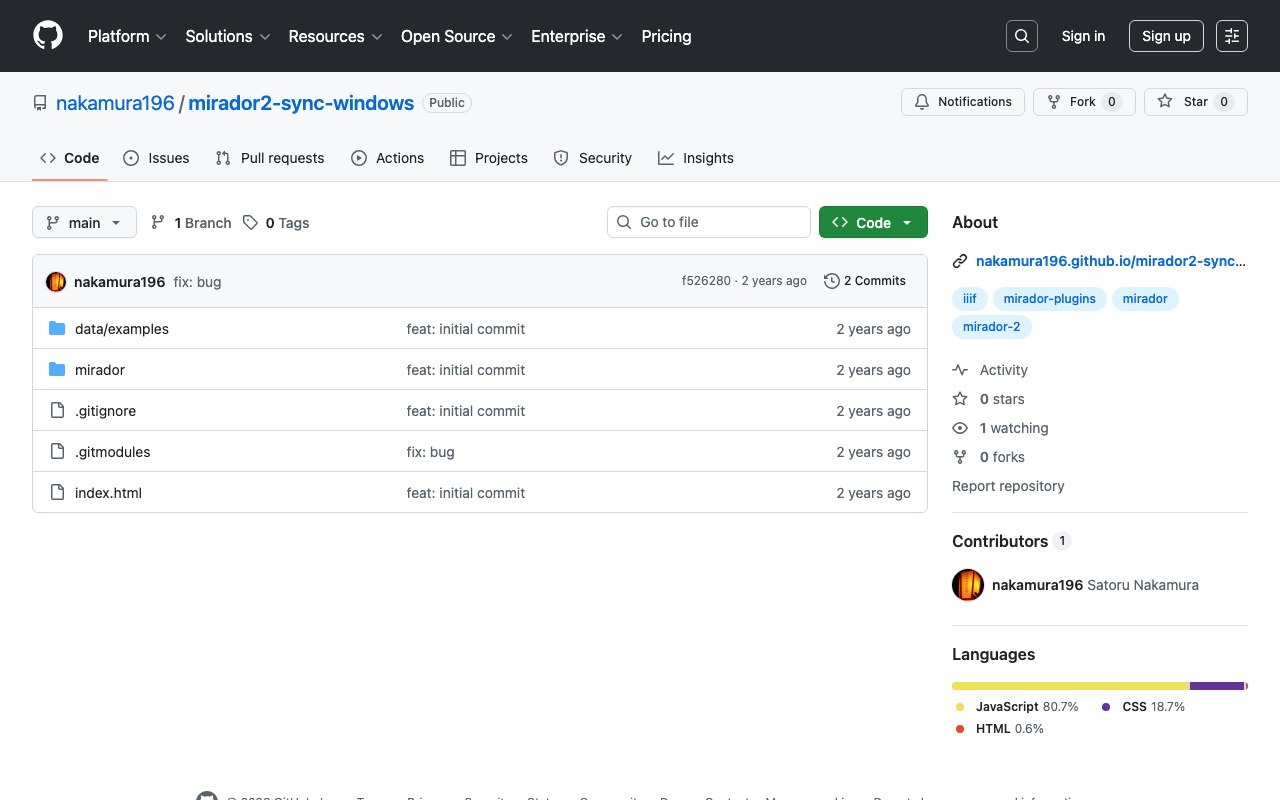
Overview mirador-sync-windows is described as follows. https://github.com/UCLALibrary/mirador-sync-windows When comparing multiple nearly identical images, such as different spectral images of the same object, it is helpful to apply actions simultaneously across multiple windows. Here is a usage demo: https://youtu.be/Ls2zvJpSRlc Note that this is a plugin for Mirador 2, and the repository has been archived. This time, I created a repository for trying out mirador-sync-windows, so I will introduce it. ...

Converting Toji Hyakugo Monjo WEB Data to IIIF

Converting Toji Hyakugo Monjo WEB Data to IIIF

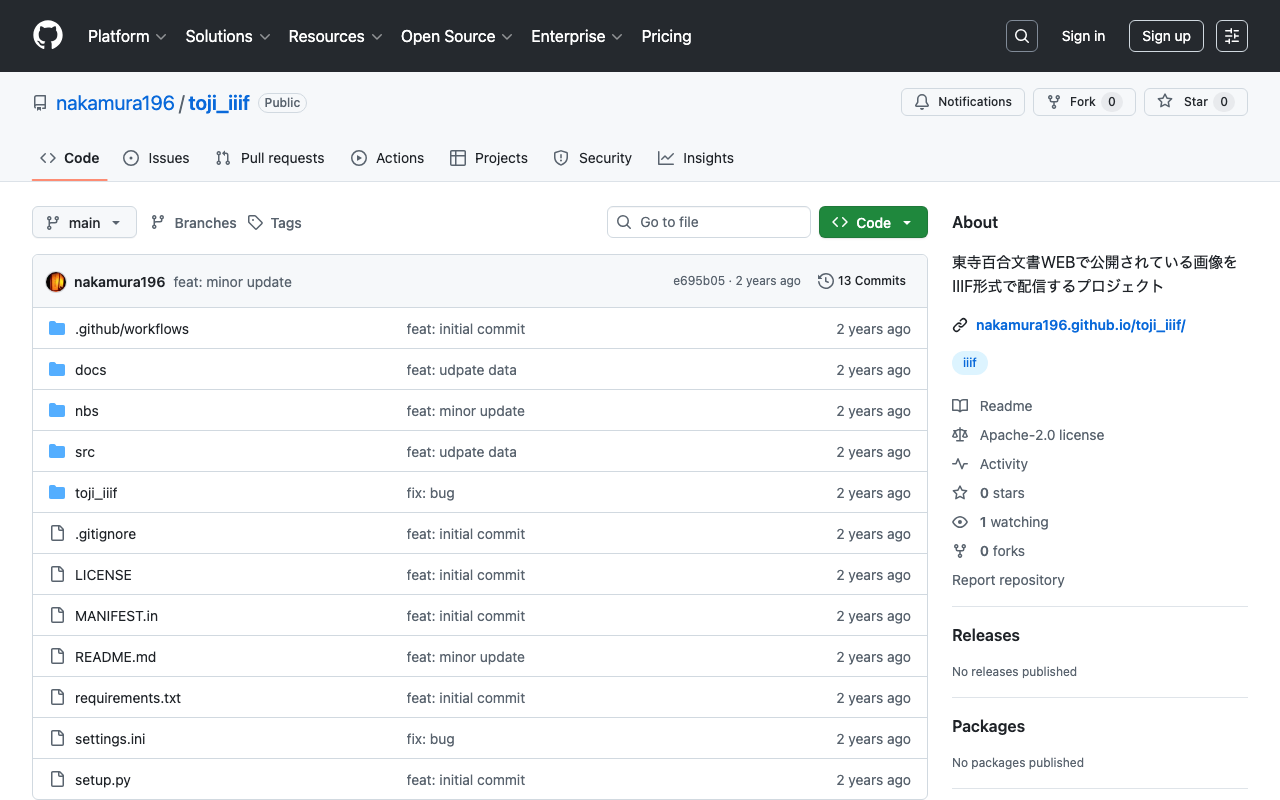
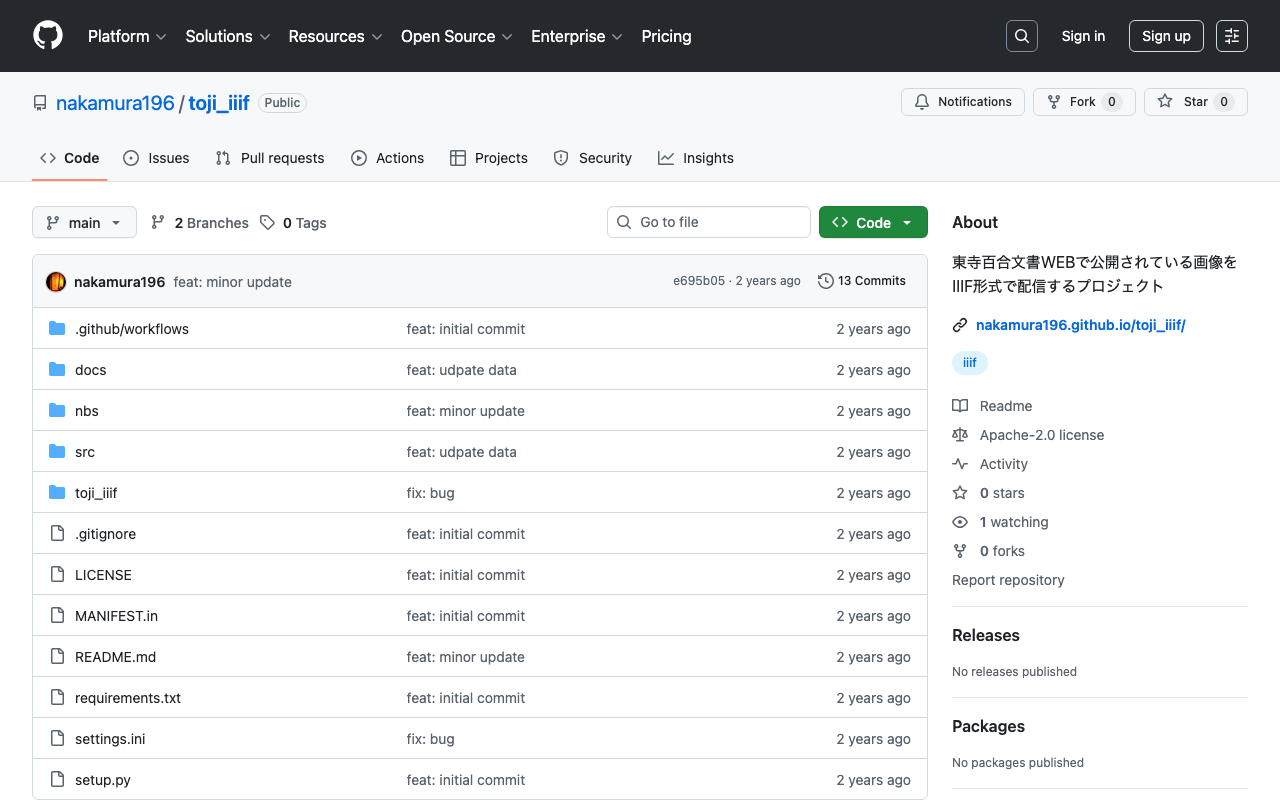
Overview I had the opportunity to use images published on the Toji Hyakugo Monjo WEB, which publishes the National Treasure Toji Hyakugo Monjo held by the Kyoto Prefectural Library and Archives, and created a repository that converts the published data to IIIF format. https://github.com/nakamura196/toji_iiif The following dataset was used. https://hyakugo.pref.kyoto.lg.jp/?page_id=1481 In particular, you can view a list of images from the following URL. https://nakamura196.github.io/toji_iiif/ Key Points IIIF Collection You can access the IIIF collection from the following URL. This enables machine-readable access. ...

Trying Parts of https://wikidata.reconci.link/

Trying Parts of https://wikidata.reconci.link/

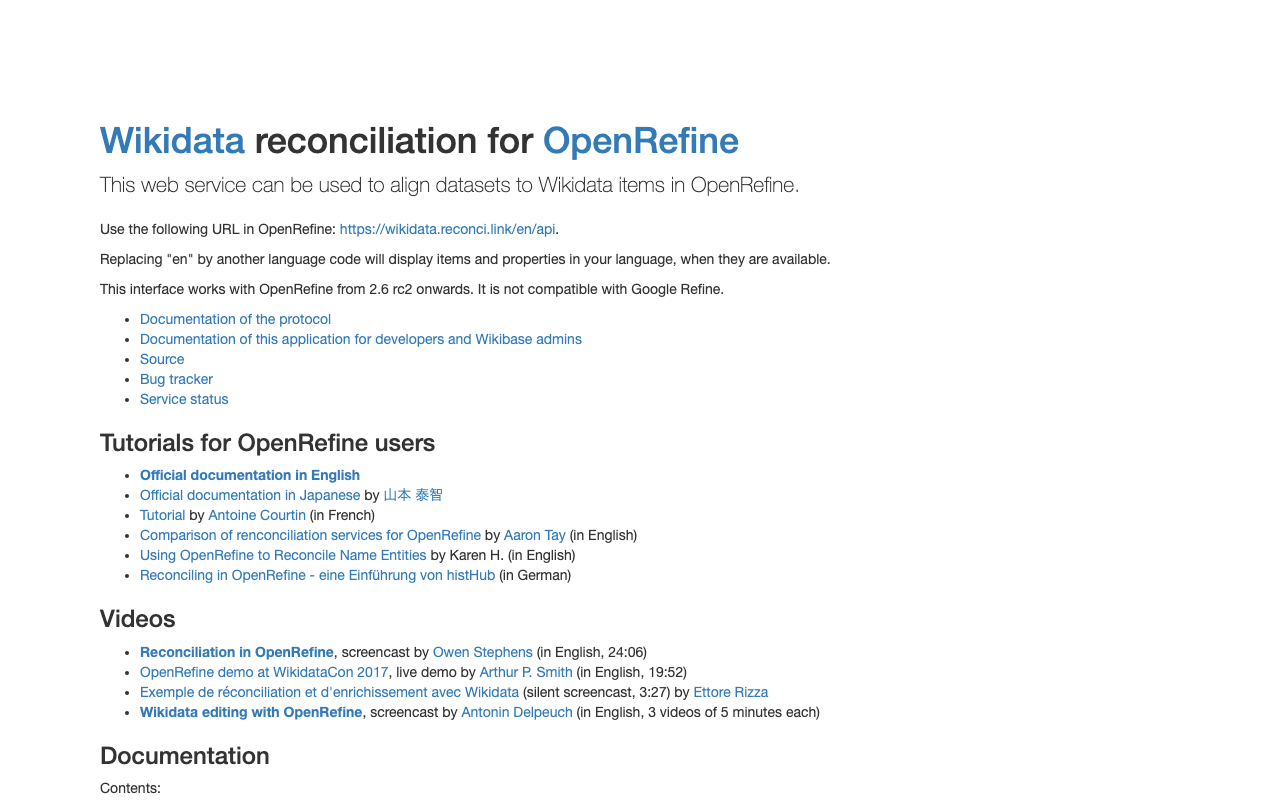
Overview During my research, I learned about the existence of the following API. https://wikidata.reconci.link/ This is a memo on how to use it. Suggest Suggest values could be obtained using URLs like the following. https://wikidata.reconci.link/en/suggest/entity?prefix=中村覚 Preview Preview results could be obtained using URLs like the following. https://wikidata.reconci.link/en/preview?id=Q107095935 Summary It appears to be commonly used together with OpenRefine, and I would like to investigate further when the opportunity arises. https://qiita.com/yayamamo/items/eade3e5788e6f359bce7

Adding Classes and Properties Using the Omeka S CustomOntology Module

Adding Classes and Properties Using the Omeka S CustomOntology Module

Overview Custom Ontology is a module that allows you to add custom vocabularies when standard ontologies such as LOV, schema.org, and W3C are not available. For basic usage of this module, please refer to the following. https://nakamura196.hatenablog.com/entry/2021/07/24/235050 For how to update vocabularies that have already been created using this module, please refer to the following. This article explains how to add classes and properties to an already created vocabulary. ...

Released v4.1.0 of Omeka-S-module-FixCjkSearch

Released v4.1.0 of Omeka-S-module-FixCjkSearch

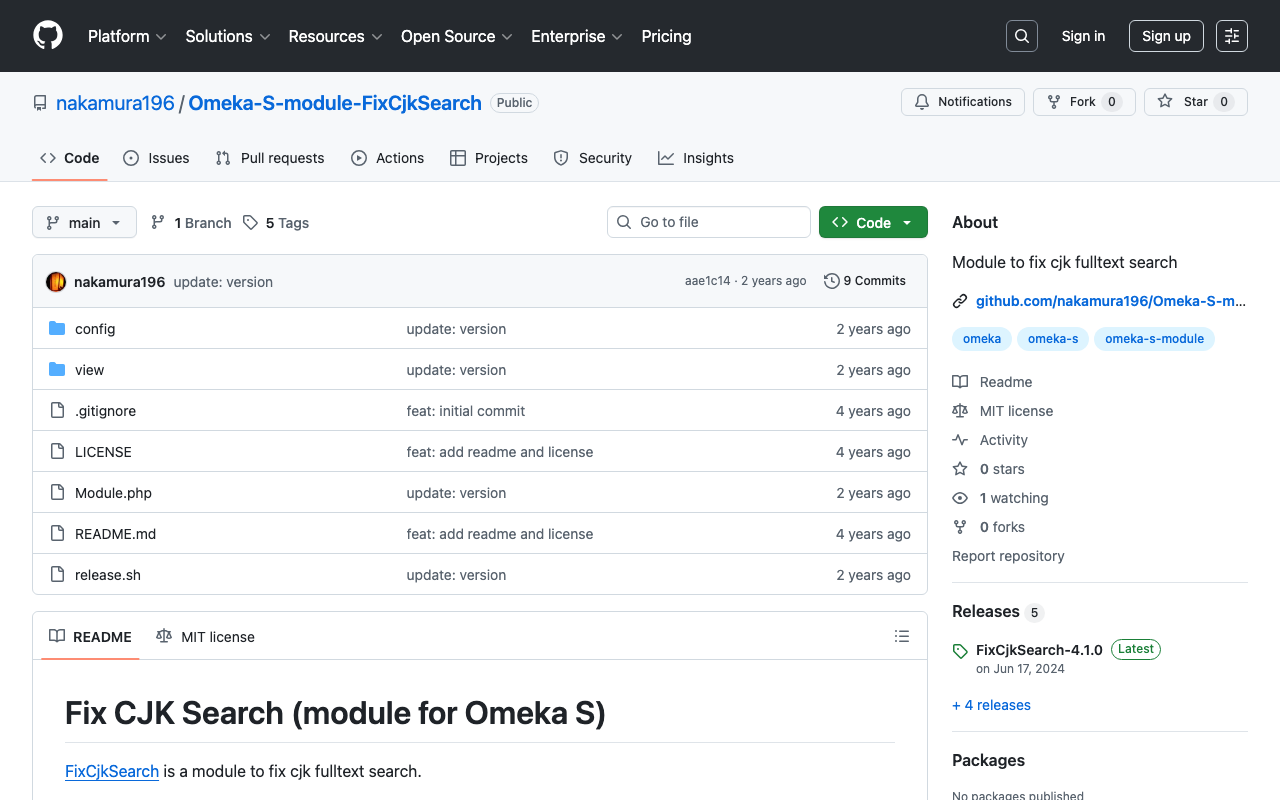
Overview To address the issue where full-text search in Japanese does not work well with Omeka S’s standard functionality, I have created the following module. https://github.com/nakamura196/Omeka-S-module-FixCjkSearch This module had stopped working with the latest version of Omeka S at the time of writing (v4.1.0), so I released an updated version of the module. https://github.com/omeka-j/Omeka-S-module-FixCjkSearch/releases There may be some incomplete aspects, but I hope this serves as a helpful reference. ...

Accent Sensitivity in Omeka S Partial Match Search

Accent Sensitivity in Omeka S Partial Match Search

Overview I investigated accent sensitivity in Omeka S partial match search, and here are my notes. Symptom For example, when items containing the string “tako” (in hiragana) are stored, searching for “tako” in hiragana, katakana, or with dakuten (voiced mark) variations all return the same results. Cause The issue appeared to be caused by the default collation “utf8mb4_unicode_ci” set during installation. Specifically, this collation is “case-insensitive” (does not distinguish between uppercase and lowercase) and “accent-insensitive” (does not distinguish between accented and unaccented characters), which is why hiragana, katakana, and dakuten variations return the same search results. ...

Examining the Contents of the DHC Format

Examining the Contents of the DHC Format

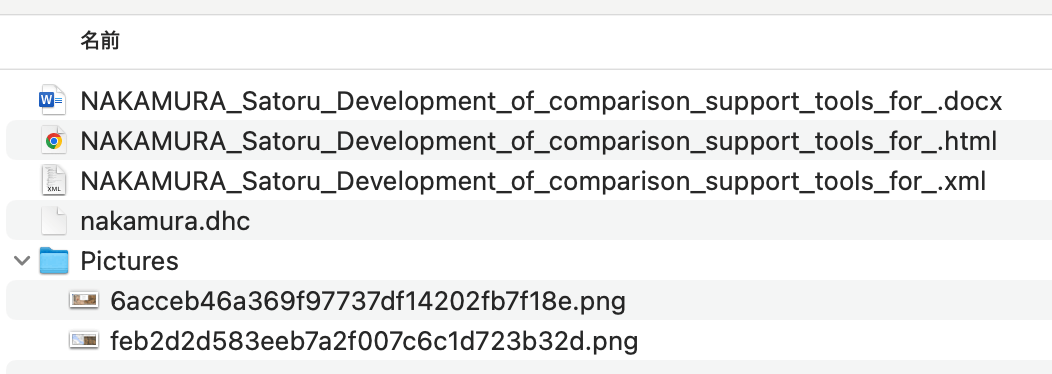
Overview At the annual conferences of Digital Humanities and The Japanese Association for Digital Humanities (JADH), it is common to use a tool called dhconvalidator to convert DOCX or ODT files into DHC files for submission. https://github.com/ADHO/dhconvalidator This article is a note for understanding this format. Examining the Contents DHC files are described as follows. This is essentially a ZIP archive containing their original OCT/DOCX file, an HTML rendering and an XML-TEI rendering, plus a folder with the image files, properly renamed). ...

Notes on Using Zotero

Notes on Using Zotero

Overview https://www.zotero.org/ Zotero is described as follows. Zotero is a free, easy-to-use tool to help you collect, organize, annotate, cite, and share research. These are notes on how to use Zotero. From Identifiers You can import from DOI as shown below. Websites Install the following Chrome extension “Zotero Connector.” https://chromewebstore.google.com/detail/ekhagklcjbdpajgpjgmbionohlpdbjgc Click the extension on the website you want to cite, and you can register it as shown below. ...

Trying Out a3m

Trying Out a3m

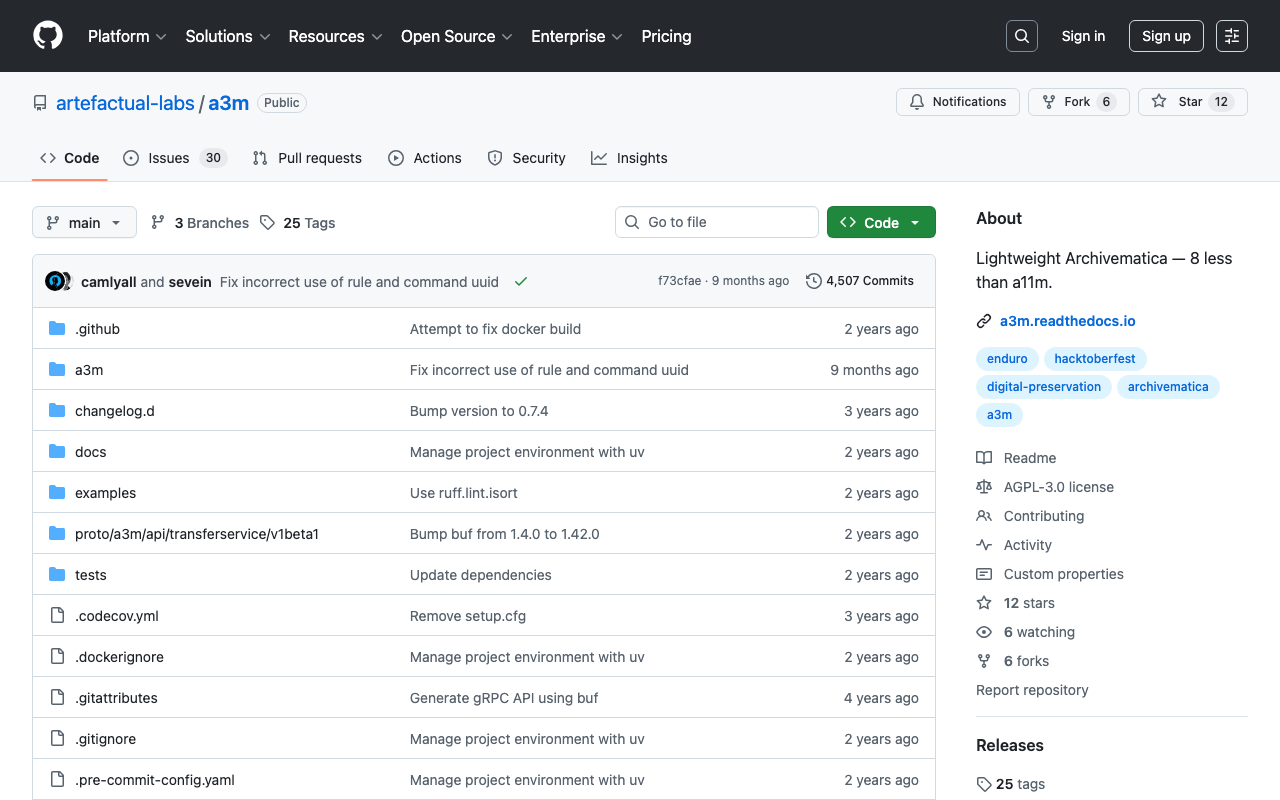
Overview This article covers trying out a3m. https://github.com/artefactual-labs/a3m a3m is described as follows: a3m is a lightweight version of Archivematica focused on AIP creation. It has neither external dependencies, integration with access sytems, search capabilities nor a graphical interface. Differences from Archivematica The main differentiator is the lack of service dependencies. a3m does not depend on Gearman or external workers, MySQL, Elasticsearch or Nginx. a3m provides its own API server based on the gRPC stack and all processing is performed via system threads and spawned child processes. An embedded database based on SQLite is used to store temporary processing state. ...

How to Handle CSP Errors in Strapi

How to Handle CSP Errors in Strapi

Overview I configured Strapi with the following plugin to store media in S3. https://www.npmjs.com/package/@liashchynskyi/strapi-provider-upload-s3-cloudfront At that time, the following error occurred and images were not displayed. Refused to load the image 'https://xxx/uploads/yyy.jpg' because it violates the following Content Security Policy directive: "img-src 'self' data: blob: dl.airtable.com". I was able to resolve this issue by modifying ./config/middleware.js, as described in the following article. https://zenn.dev/studiobros/articles/04400f413eb2aa Regarding ACL Similarly, I also encountered a situation where media could not be uploaded to S3. However, as described in the above article, by enabling S3 ACL and configuring the appropriate Block Public Access (bucket settings), I was able to upload successfully. ...

How to Handle When SSH Connection to Sakura VPS Becomes Unavailable

How to Handle When SSH Connection to Sakura VPS Becomes Unavailable

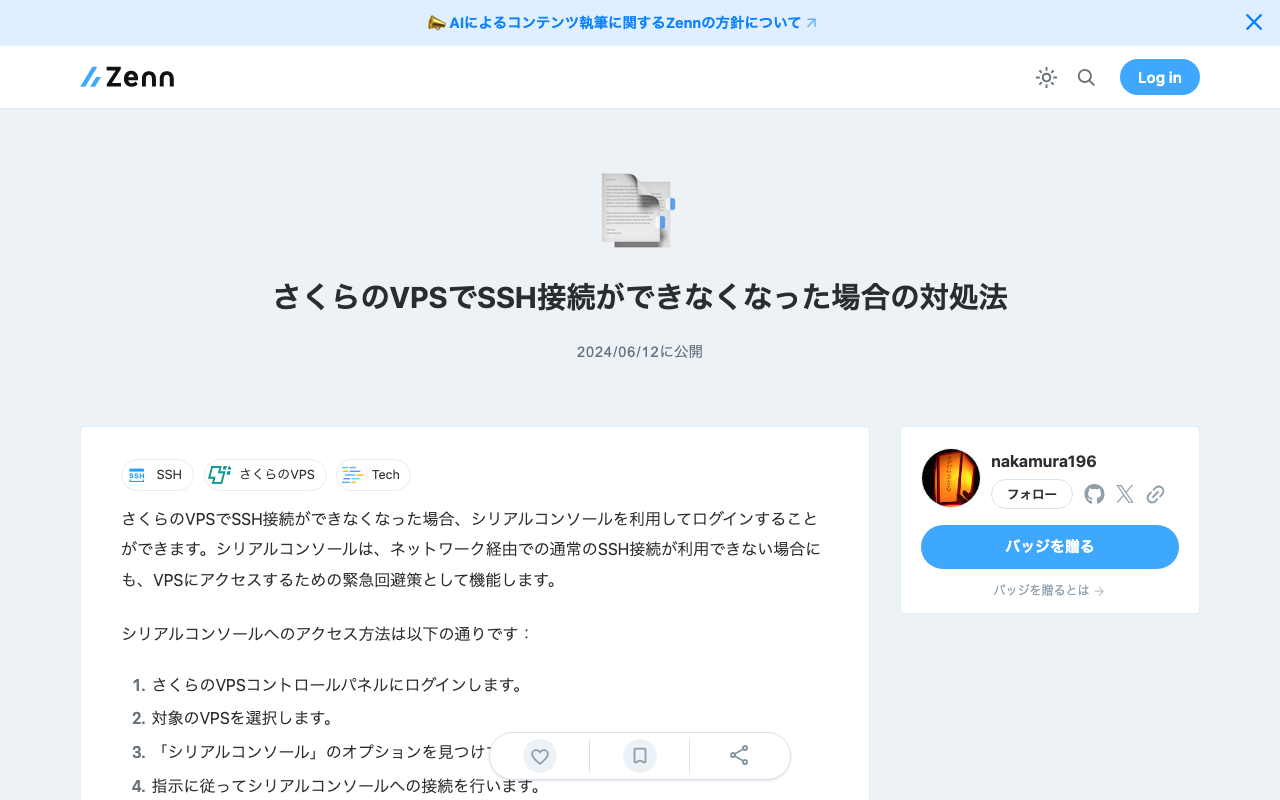
When SSH connection to Sakura VPS becomes unavailable, you can log in using the serial console. The serial console functions as an emergency workaround for accessing your VPS even when normal SSH connection over the network is not available. The method to access the serial console is as follows: Log in to the Sakura VPS control panel. Select the target VPS. Find and click the “Serial Console” option. Follow the instructions to connect to the serial console. Using the serial console, you can perform system configuration and repair work even if SSH keys are incorrectly configured or communication is blocked by a firewall. However, proper authentication credentials are required to use the console securely. ...

Rebuilding and Restarting Containers with docker-compose

Rebuilding and Restarting Containers with docker-compose

When you want to rebuild and restart containers simultaneously using the docker-compose command, you can execute the following commands. Here are methods for running the build and restart separately, and for executing them in a single command. Running Build and Restart Separately Build: docker-compose -f ./docker-compose.prod.yml build Restart: docker-compose -f ./docker-compose.prod.yml restart Running Build and Restart in a Single Command To build and then restart services, you can use the up command with the --build option and the restart policy. However, since a restart option does not exist for the up command, you actually stop and restart the services. ...