Issue
Omeka S provides full-text search functionality, but unfortunately, Japanese search does not work properly with default settings. Specifically, partial match search does not function correctly.
For example, assume that multiple items with titles containing the string “Koui” (校異) are registered, as shown below.
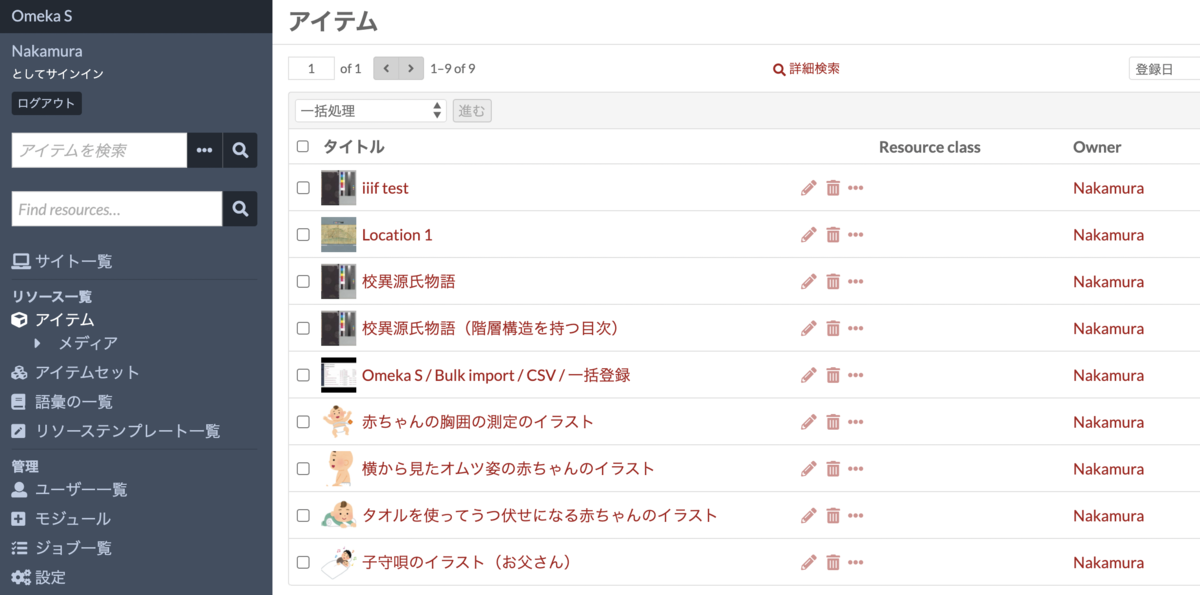
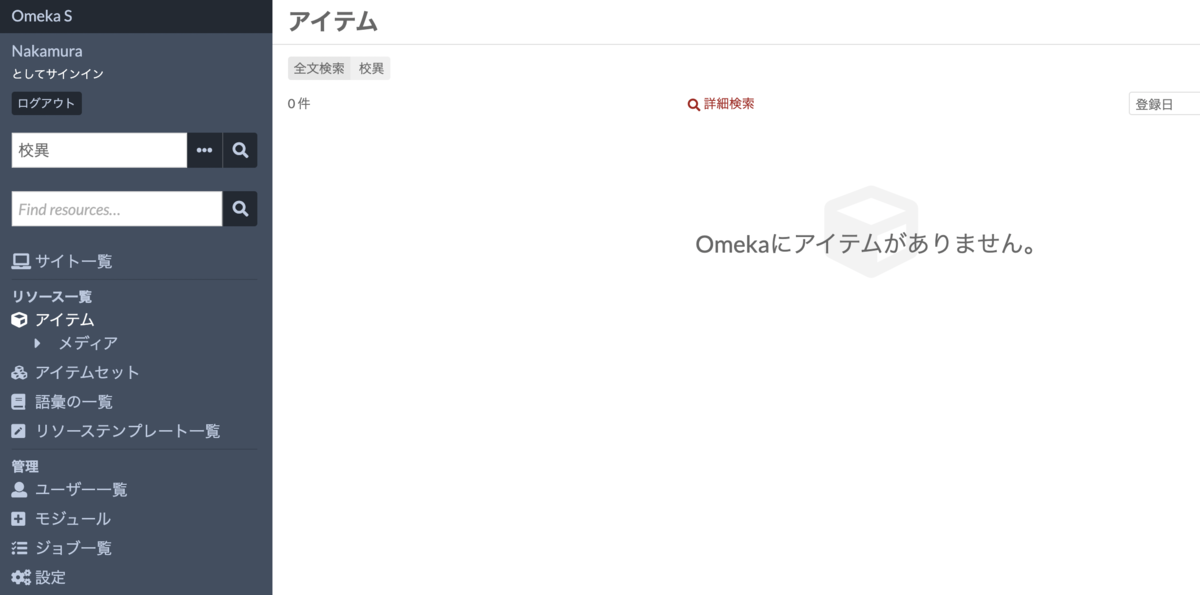
When entering “校異” (Koui) in the full-text search form at the top left, the search returns 0 results.
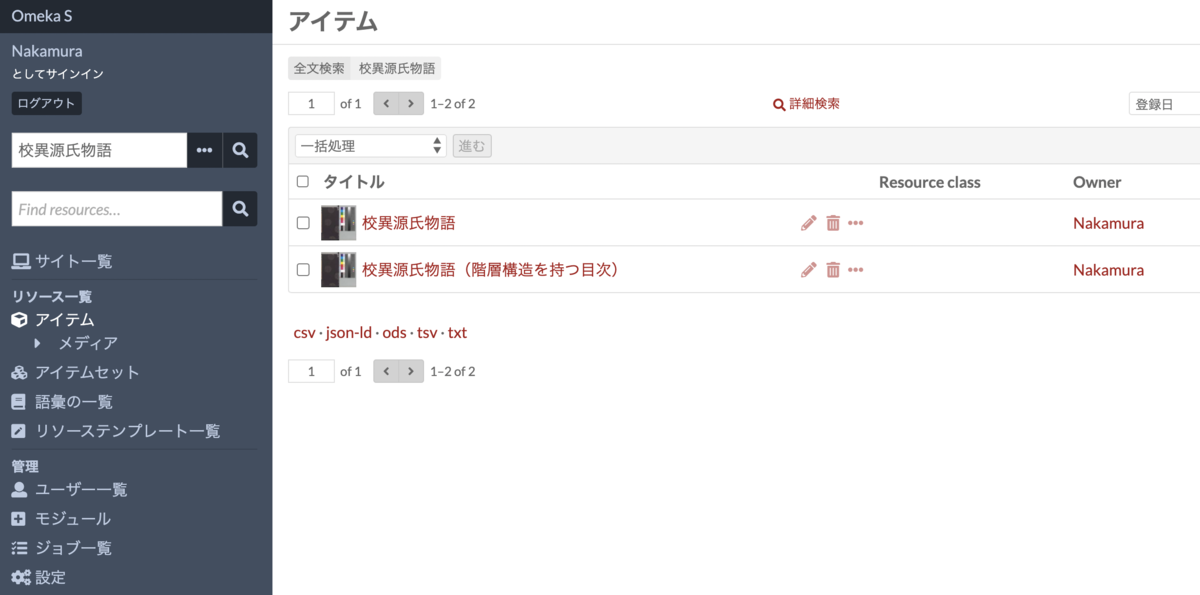
On the other hand, entering “校異源氏物語” (Koui Genji Monogatari) returns the correct search results.
This article introduces solutions to this problem.
Workaround Using Standard Features
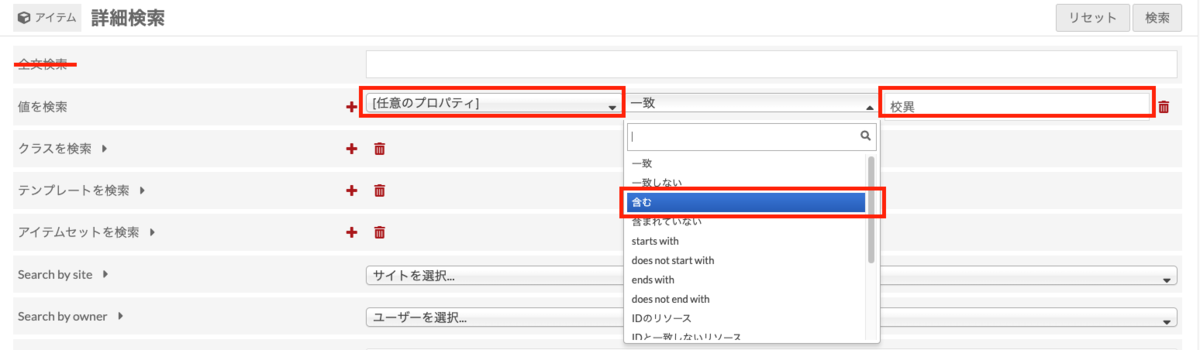
One approach is to use the advanced search’s “partial match search on any property” instead of the full-text search function.
Specifically, in the advanced search screen for items, item sets, or media, select “[Any Property]” and “contains” in the “Search values” field, then enter the search term. This method allows partial match search with a search term like “校異” (Koui).
Modifying the Theme
The above explains the workaround for the admin panel. On the public-facing side, a full-text search form is also provided as shown below. Providing this search form as-is may cause confusion for users due to the search behavior.
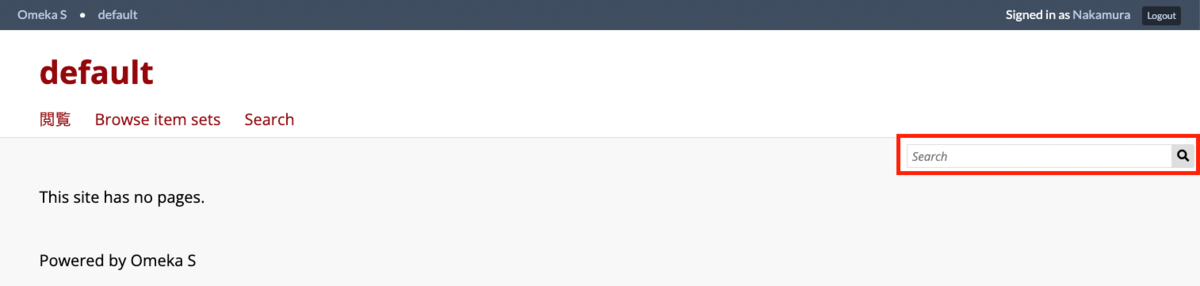
One approach is to modify the theme’s program. Specifically, the following section:
https://github.com/omeka/omeka-s/blob/develop/application/view/common/search-form.phtml#L15-L20
Two possible modifications are described below. A theme that includes both modifications can be downloaded from the following link. If modifying programs is difficult, please download and use the theme below.
https://github.com/omeka-j/default/releases/tag/v1.6.3
The above theme is named “Default (CJK)” and adds an option in the settings screen to show or hide the full-text search form. When set to “show,” it modifies the default full-text search form to perform “partial match search on any property” instead.
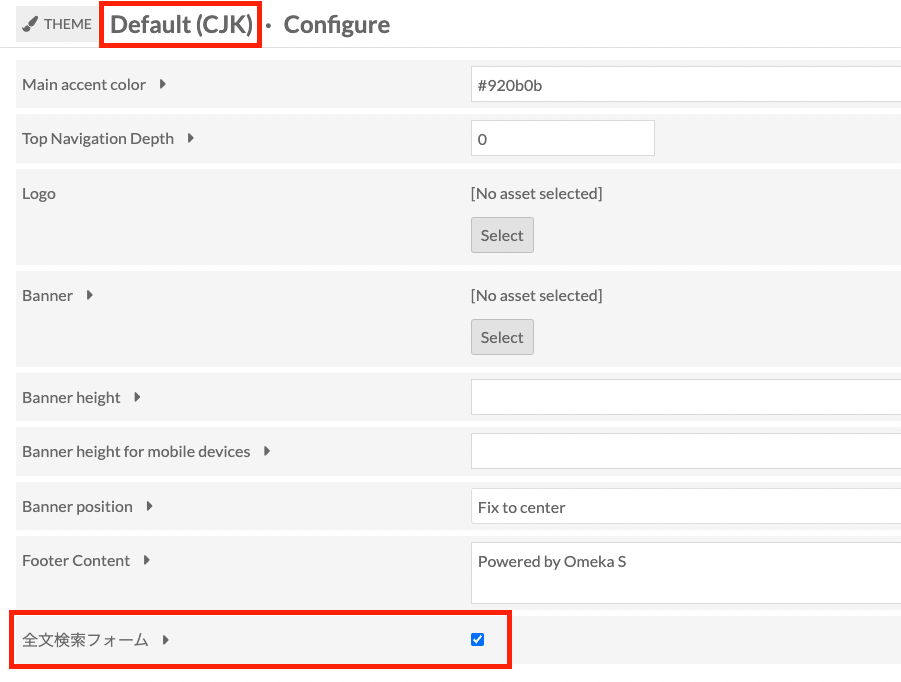
Below, referring to the modifications in this theme, I will describe the program modification methods. The following requires program modification and is considered advanced content.
(Advanced) Workaround 1: Hide the Full-Text Search Form
For example, by removing the full-text search form code, the search form can be hidden as shown below.
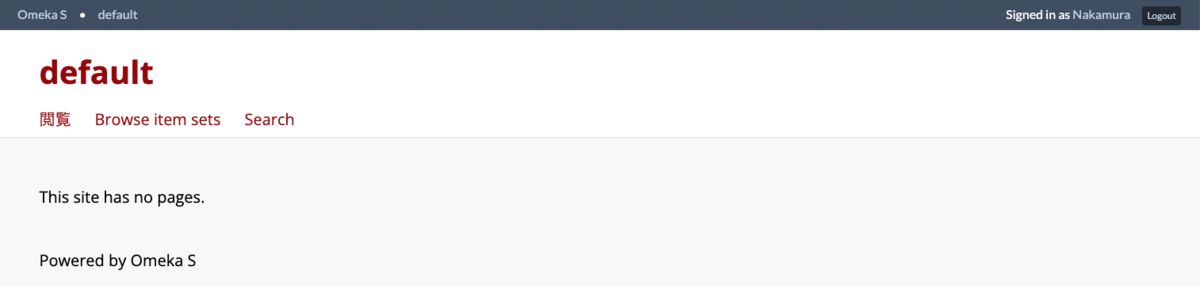
Specifically, modify the following section. In the example below, the themeSetting function is used to allow toggling between show/hide in the theme settings screen, but simply deleting or commenting out the div with id “search” will hide the search form.
https://github.com/omeka-j/default/blob/develop/view/layout/layout.phtml#L73-L77
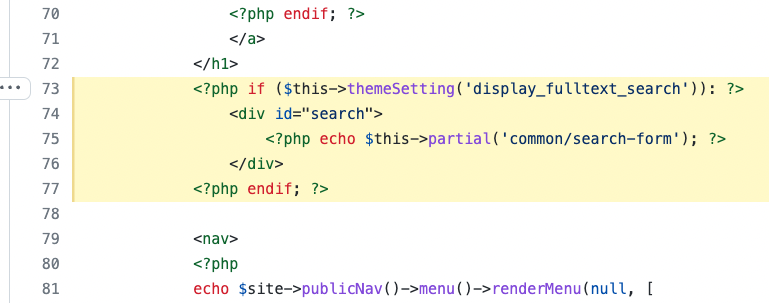
(Advanced) Workaround 2: Replace Full-Text Search with “Partial Match Search on Any Property”
In this method, a search-form.phtml is prepared on the theme side, as shown in the following link, to replace the default full-text search with “partial match search on any property.”
https://github.com/omeka-j/default/blob/develop/view/common/search-form.phtml
The above two workarounds are not fundamental solutions, but I hope they serve as useful stopgap measures.
Installing the Mroonga Search Module
A fundamental solution to this problem is to install the Mroonga search module:
As described in the README.md above, first enable the Mroonga plugin for MySQL or MariaDB.
Then, installing the Omeka S Mroonga search module through the standard method enables CJK-compatible full-text search, which is the issue discussed in this article. In this case, simply enabling the module is sufficient, and no theme modifications are required! I am deeply grateful to the developer for publishing such a useful module.
However, as noted in the repository above, please be aware of the following:
We have not heavily tested the Mroonga engine with large-sized data yet.
I have not conducted performance testing with large-scale data either, but I have confirmed that this module works correctly in my environment.
When using this module, I recommend thoroughly reviewing the README file before implementation.
Summary
I have summarized the notes and workarounds for Japanese full-text search in Omeka S. While native support in the standard features is hoped for in the future, I hope this article serves as a useful reference for workarounds as of March 2022.