Overview
This article introduces a module that adds the Mirador viewer to Omeka S.
The GitHub repository is available here:
Both Mirador 2 and 3 are supported. Various plugins can also be added from the settings screen. In this article, we introduce how to add the “Image tools” plugin, which enables image rotation and horizontal flipping.
To use this module, you need to either give Omeka S IIIF server functionality or reference an external manifest file. We plan to cover how to set up the former in a separate article.
Installation
There are no special considerations.
Usage
After installing the module, you can configure Mirador settings in each site’s settings screen as shown below:
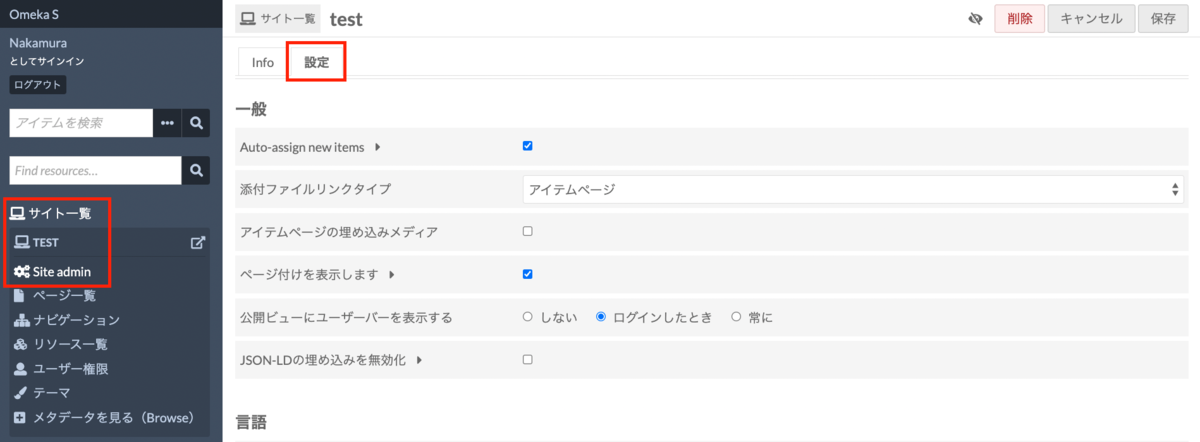

In particular, under “Mirador plugins for v3,” you can add plugins. For example, you can install the “Image tools” plugin that enables image rotation and flipping.
After installation, the plugin appears as shown below:
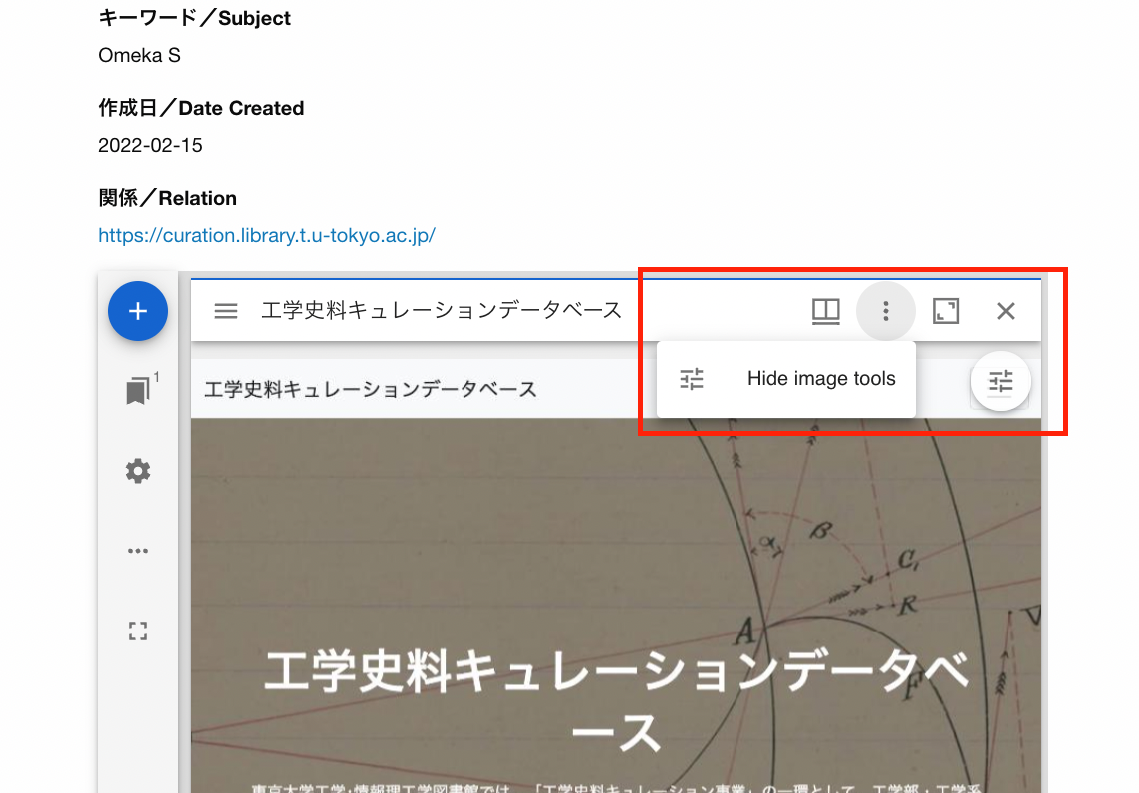
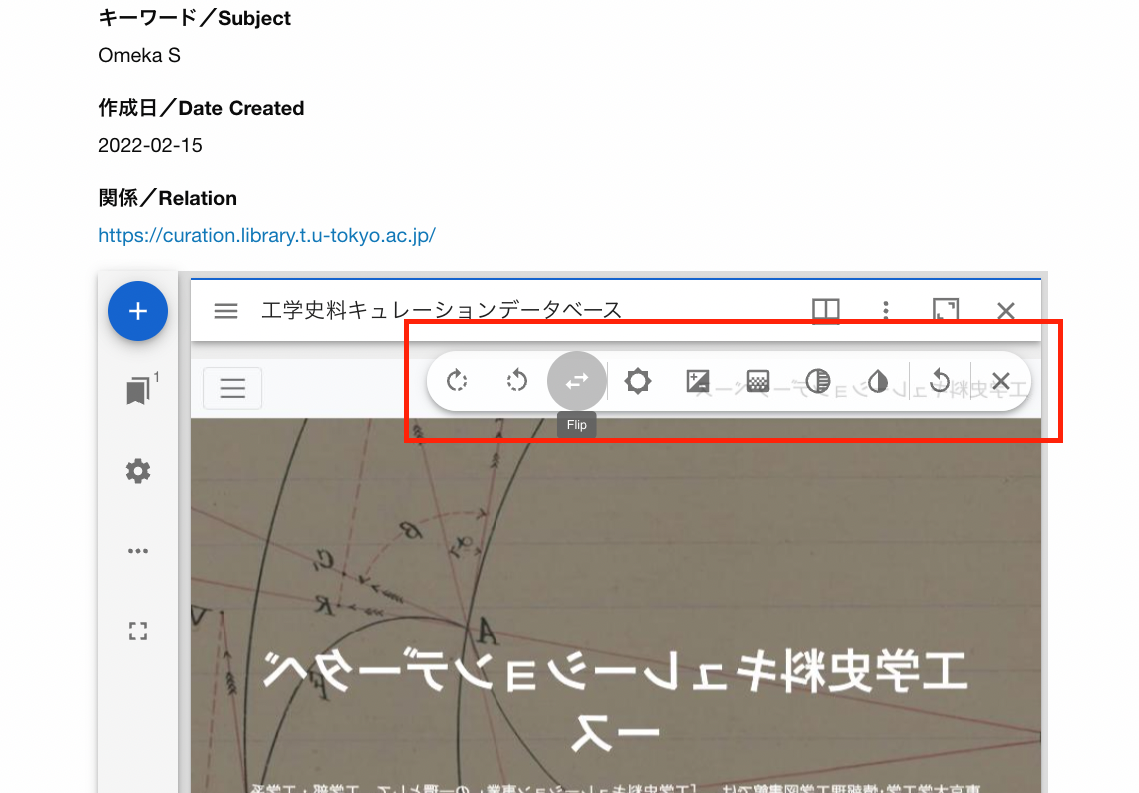
We hope this serves as a useful reference when using Mirador 3 with Omeka S.