Overview
This article explains how to enable image tools (such as image rotation) by default in Mirador 3.
The default Mirador 3 does not include features that were available by default in Mirador 2, such as image rotation and adjustments for brightness, contrast, and saturation.
To add these features, you need to install the image tools plugin:
Below, we explain how to install and configure the plugin.
Installation
In addition to the page above, the following repositories are helpful for installing the image tools plugin.
Modern Frontend Build System
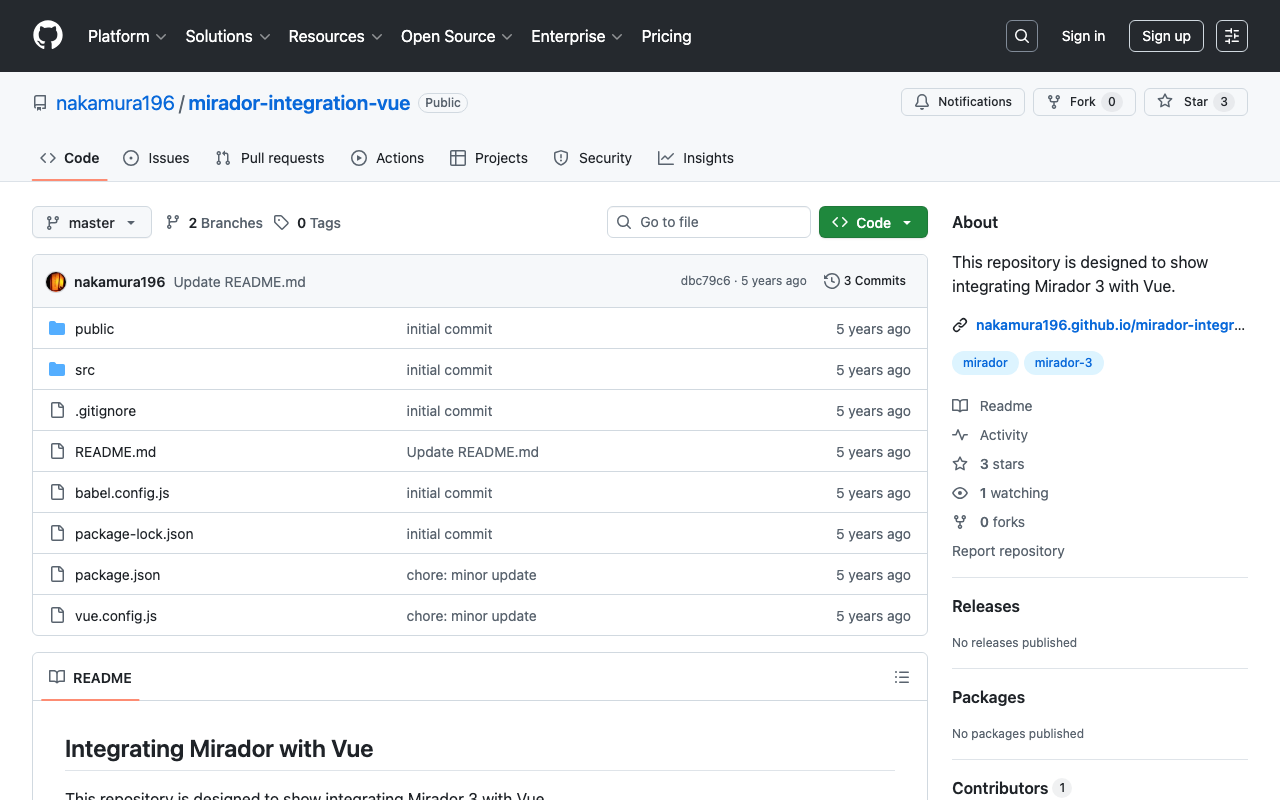
Integration with Vue
Integration with Nuxt.js
Configuration
The following settings are available for each window:
| Setting | Type | Default | Description |
|---|---|---|---|
imageToolsEnabled | boolean | false | Enable the plugin display |
imageToolsOpen | boolean | false | Open image tools by default |
For example, you can see an example where image tools are enabled by default at the following page:
https://github.com/nakamura196/mirador-integration-vue/blob/master/src/App.vue
Summary
We hope this serves as a useful reference for integrating Mirador 3.