This article introduces how to set language attributes for metadata. The official manual describes this in the following section:
On the metadata editing screen shown below, clicking the globe icon reveals an input form. By entering values such as “ja” or “en” here, you can assign language attributes to your metadata.
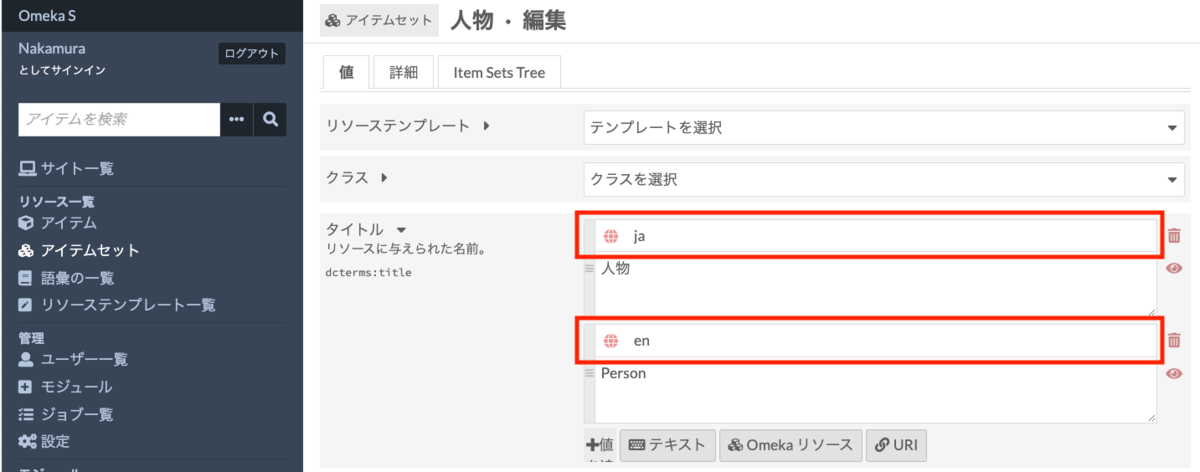
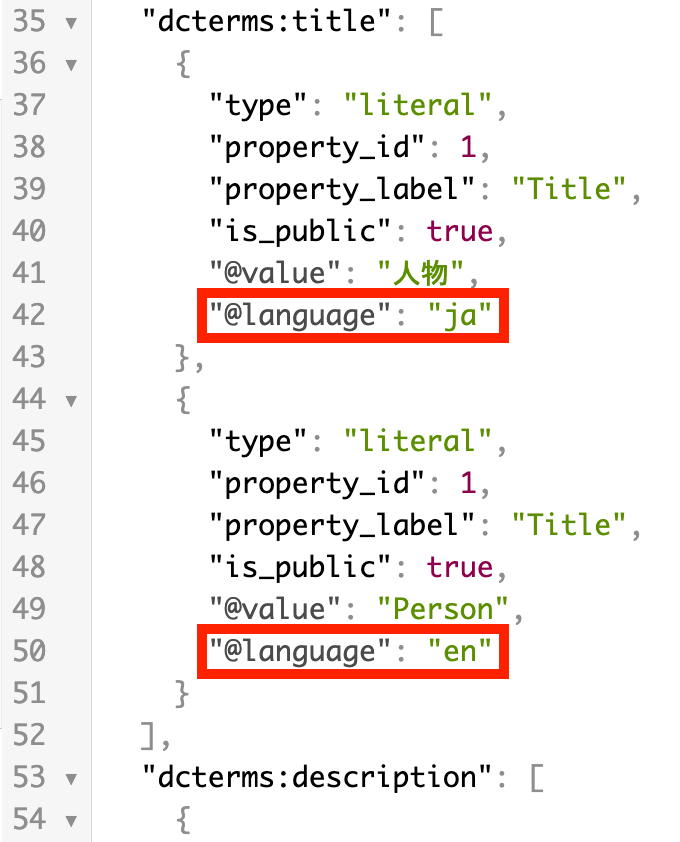
These language attributes are displayed on the public site and can also be verified in the JSON-LD provided through the Omeka S API.
https://diyhistory.org/nakamura196/api/item_sets/2
We hope this is helpful for multilingual information management and site building.