Overview
I created a “IIIF Application Using Transmitted Light Images.” It focuses on the “Shelley Correspondence” held at the University of Tokyo General Library.
The Application
This application uses IIIF’s “Choice of Alternative Resources” to provide an environment for comparing original images with transmitted light images.
Four comparison methods are provided, using “IMAGE COMPARISON WITH A SLIDER,” “MIRADOR,” “IIIF CURATION VIEWER,” and “IMAGE ANNOTATOR.”
IMAGE COMPARISON WITH A SLIDER
This uses the image comparison viewer developed by Digirati. You can compare images by moving the slider in the center of the screen.
MIRADOR
This uses Mirador’s layer feature for comparison. Click the layer tab on the left side of the screen and try changing the opacity.
IIIF CURATION VIEWER
This uses the IIIF Curation Viewer Embedded developed by CODH (Center for Open Data in the Humanities). You can switch the displayed image using the radio buttons at the top right of the screen.
Image Annotator
This uses a viewer developed by Masahide Kanzaki. Switch the display content using the “choice” option at the top right of the screen. This allows you to display transmitted light images only in annotated areas.
Creation Method
Creating Images Compliant with Level 0 IIIF Image API
For the Digirati viewer, a IIIF manifest is not required, but images compliant with the IIIF Image API are needed. Therefore, I generated images compliant with Level 0 of the IIIF Image API, which does not require an IIIF-compatible Image Server. The advantage of this approach is that since no Image Server is needed, images can be published using only static file hosting services such as GitHub Pages or Amazon S3, reducing operational costs and security risks. The disadvantage, however, is that since pre-generated tile images are delivered, it does not support extracting arbitrary regions of images. This is not a problem for annotations or curations that specify regions on canvases, but it often cannot meet needs for the extracted region image itself.
Since specific region images were not needed for this project, I decided to use Level 0 of the IIIF Image API. Note that there are also methods for image comparison using viewers like Mirador that do not use the IIIF Image API. However, since the Digirati viewer required this API, I decided to create IIIF manifest files using Level 0 of the Image API.
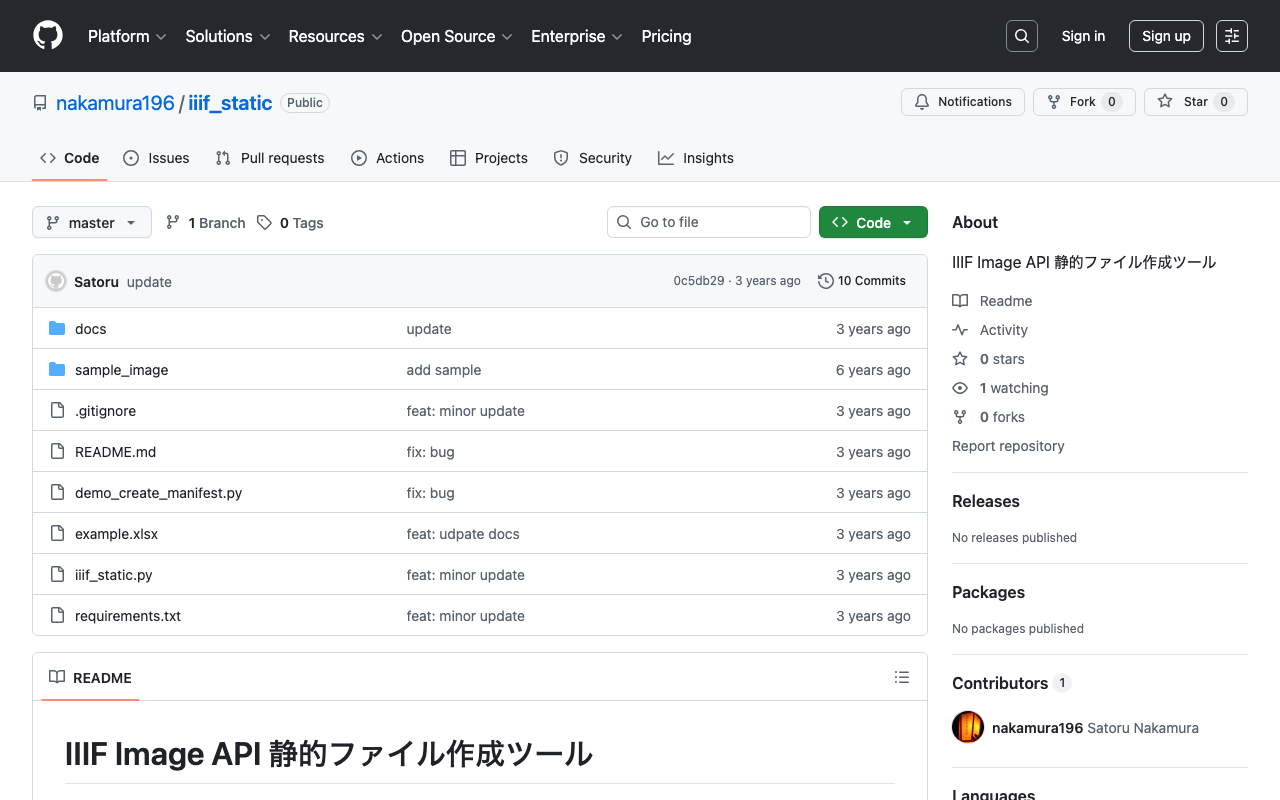
For image generation compliant with Level 0 of the IIIF Image API, I referenced this script. I also prepared an environment that can execute this script using information organized in an Excel file as input. I hope it proves useful.
As shown in the example in the above repository, I published the tile images on GitHub Pages.
Creating the IIIF Manifest File
Referencing IIIF’s “Choice of Alternative Resources,” create a IIIF manifest file as follows.
For creating IIIF manifest files using alternative resources, please refer to this article.