Overview
This article explains how to batch register data to Omeka Classic IIIF Toolkit. For setting up Omeka Classic IIIF Toolkit, please refer to the following:
This also builds on the content of the following article, making it easier to use by accepting Excel data as input.
Preparing the Excel File
Prepare an Excel file like the following:
https://github.com/nakamura196/000_tools/blob/main/data/sample.xlsx
Create three sheets: “collection,” “item,” and “annotation.”
collection
manifest_uri
https://d1fasenpql7fi9.cloudfront.net/v1/manifest/3437686.json
item
| title | canvas_uri | width | height | image_url | manifest_uri |
|---|---|---|---|---|---|
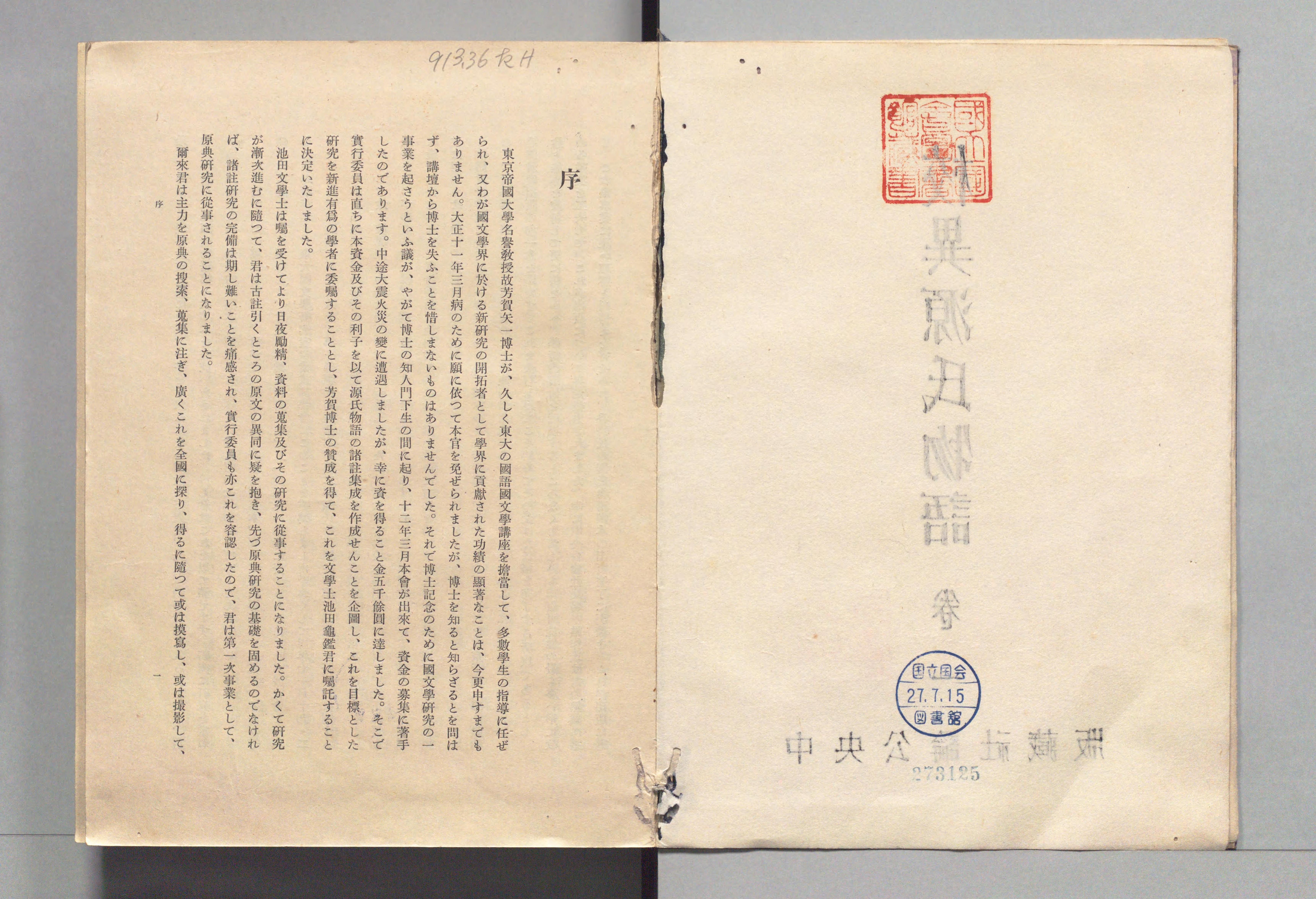
| Koui Genji Monogatari Vol.1 [4] | https://www.dl.ndl.go.jp/api/iiif/3437686/canvas/4 | 6890 | 4706 | https://www.dl.ndl.go.jp/api/iiif/3437686/R0000004/full/full/0/default.jpg | https://d1fasenpql7fi9.cloudfront.net/v1/manifest/3437686.json |
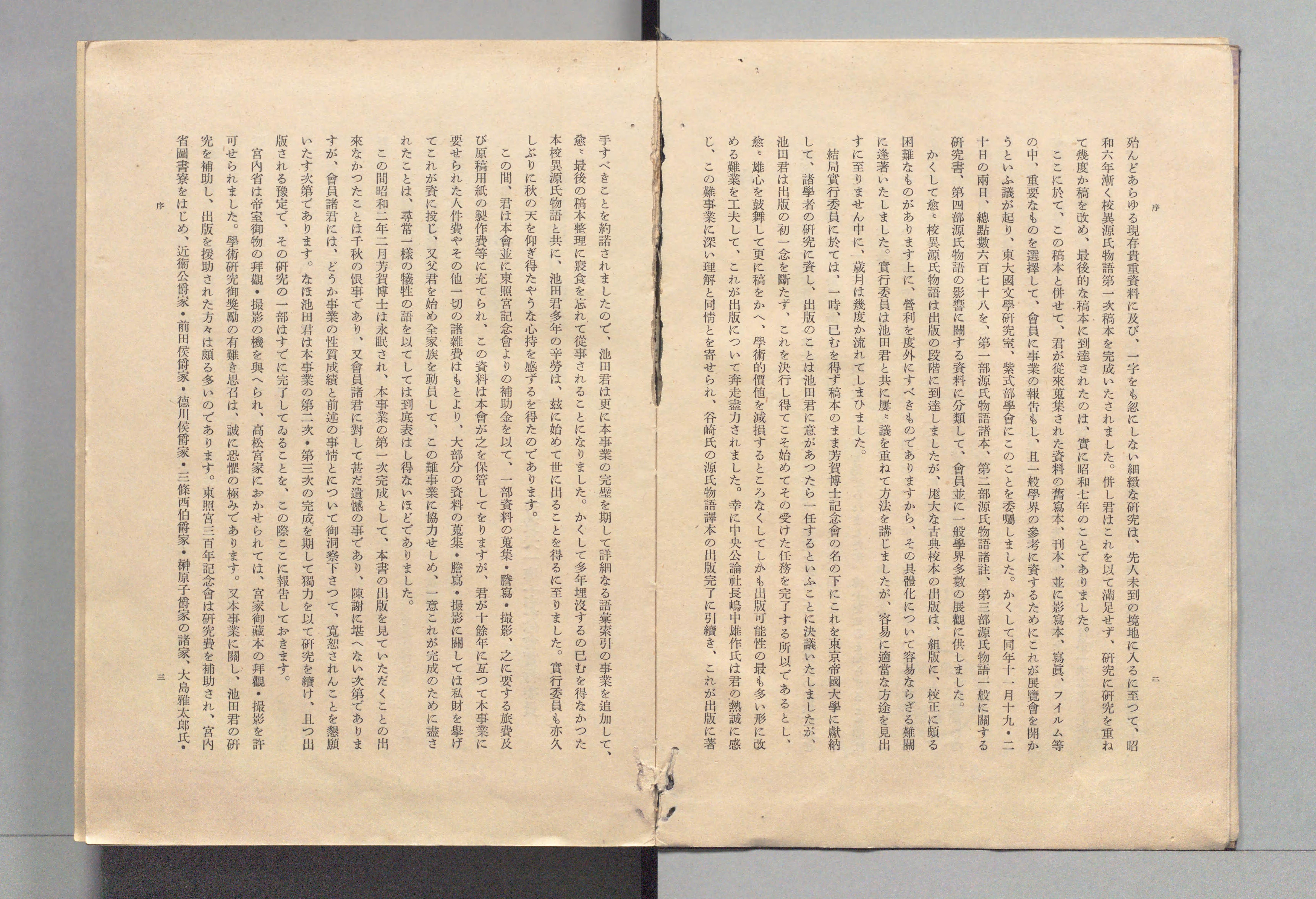
| Koui Genji Monogatari Vol.1 [4] | https://www.dl.ndl.go.jp/api/iiif/3437686/canvas/5 | 6890 | 4706 | https://www.dl.ndl.go.jp/api/iiif/3437686/R0000005/full/full/0/default.jpg | https://d1fasenpql7fi9.cloudfront.net/v1/manifest/3437686.json |
annotation
| chars | x | y | w | h | canvas_uri | tag |
|---|---|---|---|---|---|---|
| 3125 | 4898 | 4008 | 241 | 79 | https://www.dl.ndl.go.jp/api/iiif/3437686/canvas/4 | |
| 序 | 2910 | 868 | 147 | 140 | https://www.dl.ndl.go.jp/api/iiif/3437686/canvas/4 | |
| 913.36 たH | 2228 | 226 | 586 | 156 | https://www.dl.ndl.go.jp/api/iiif/3437686/canvas/4 |
Python
Install the following library:
pip install omekac_iiif_tools==0.0.1
Configure the information for the target Omeka instance and upload the Excel contents.
from omekac_iiif_tools.core import *
omeka_url = "https://example.org/omeka" # Example
api_key = "536a104b7cde6156f0..." # API key
username = "xxx" # Username
password = "yyy" # Password

excel_path = "sample.xlsx" # The Excel file created above

ApiClient.main(omeka_url, api_key, username, password, excel_path)
Result
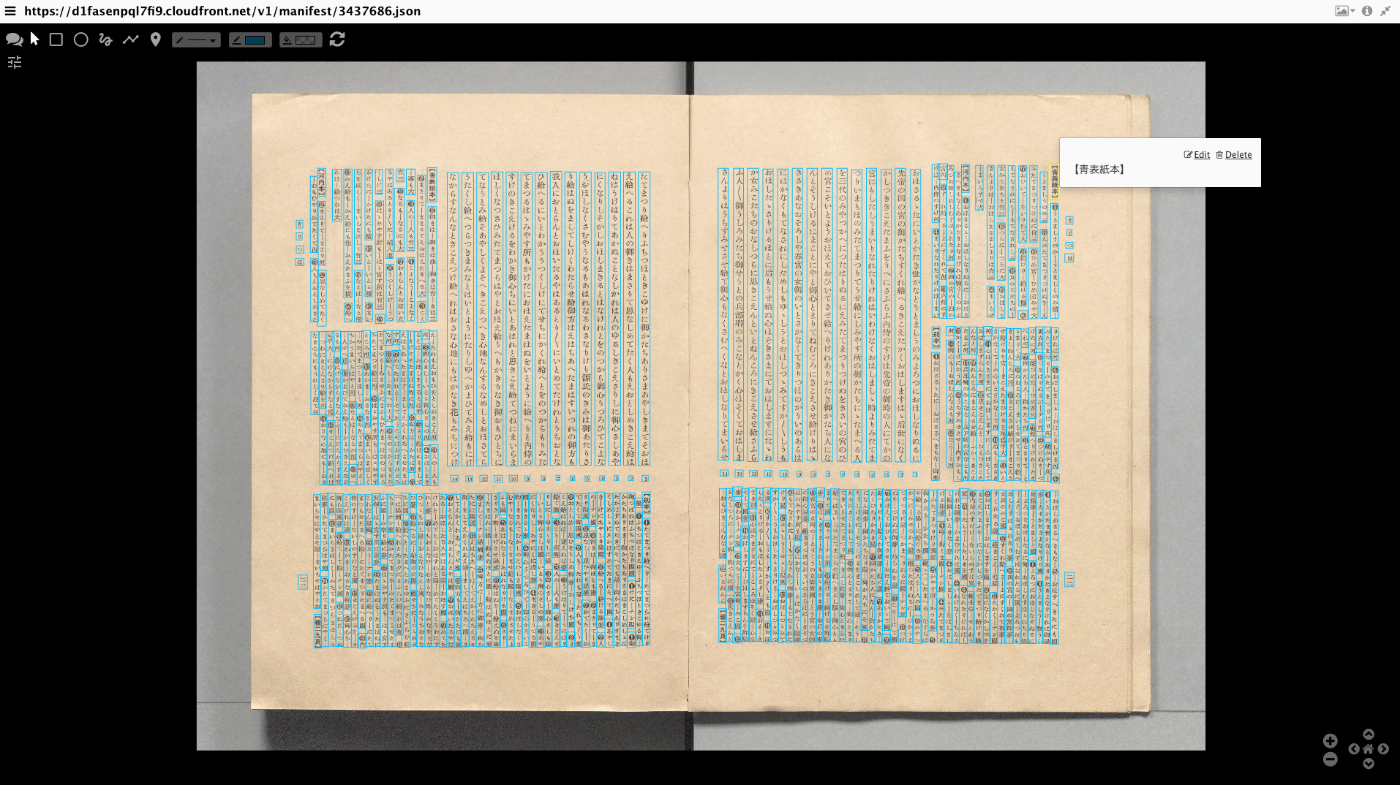
The annotations are registered as shown below. By editing the registered annotations, you can correct OCR results, etc.
Summary
I hope this serves as a useful reference for batch data registration to Omeka Classic IIIF Toolkit.