Overview
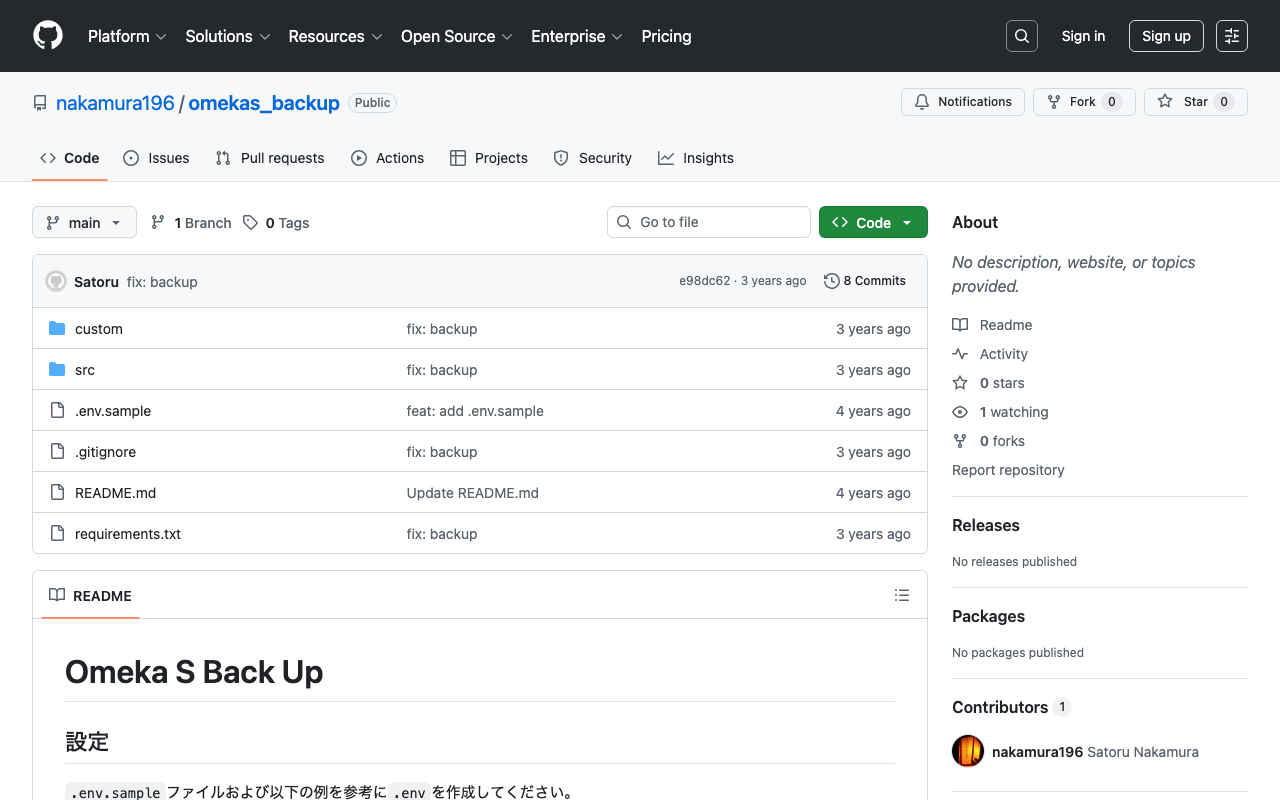
I previously created a program to download Omeka S data.
This time, I use AWS Copilot to run the above program on a scheduled basis.
Installing AWS Copilot
Please refer to the following.
https://docs.aws.amazon.com/ja_jp/AmazonECS/latest/developerguide/AWS_Copilot.html
Preparing Files
Create three files in any location: Dockerfile, main.sh, and .env.
Dockerfile
FROM python:3

COPY *.sh .

CMD sh main.sh
main.sh
set -e

export output_dir=../docs
# Program to download data from Omeka S
export repo_tool=https://github.com/nakamura196/omekas_backup.git

dir_tool=tool
dir_dataset=dataset

# If folder exists
if [ -d $dir_tool ]; then
  rm -rf $dir_tool
  rm -rf $dir_dataset
fi

# clone
git clone --depth 1 $repo_tool $dir_tool
git clone --depth 1 $repo_dataset $dir_dataset

# requirements.txt
cd $dir_tool
pip install --upgrade pip
pip install -r requirements.txt

# Execute
cd src
sh main.sh

# copy
odir=../../$dir_dataset/$subdir
mkdir -p $odir
cd $odir
cp -r ../../$dir_tool/data .
cp -r ../../$dir_tool/docs .

# git
git status
git add .
git config user.email "$email"
git config user.name "$name"
git commit -m "update"
git push

# Cleanup
cd ../../
rm -rf $dir_tool
rm -rf $dir_dataset
.env
api_url=https://dev.omeka.org/omeka-s-sandbox/api
github_url=https://<personal-access-token>@github.com/<username>/<repository-name>.git
username=nakamura
email=nakamura@example.org
dirname=dev
The following is an explanation of the parameters.
| Item | Description | Example Value | Notes |
|---|---|---|---|
| api_url | URL of the target Omeka S API | https://dev.omeka.org/omeka-s-sandbox/api | - |
| github_url | URL of the destination GitHub repository | https:// | By including a Personal access token, you can push the program’s output to the GitHub repository. |
| username | Username for commits | nakamura | - |
| Email address for commits | nakamura@example.org | - | |
| dirname | Directory to create in the destination GitHub repository | dev | - |
Running AWS Copilot
Run copilot init as follows. You need to answer several questions, but this alone enables deployment to Amazon ECS.
% ls
Dockerfile	main.sh
% copilot init
Welcome to the Copilot CLI! We're going to walk you through some questions
to help you get set up with a containerized application on AWS. An application is a collection of
containerized services that operate together.

Use existing application: No
Application name: omekas-backup
Workload type: Scheduled Job
Job name: omekas-backup-job
Dockerfile: ./Dockerfile
Schedule type: Rate
Rate: 1h
Ok great, we'll set up a Scheduled Job named omekas-backup-job in application omekas-backup running on the schedule @every 1h.

✔ Created the infrastructure to manage services and jobs under application omekas-backup.

✔ The directory copilot will hold service manifests for application omekas-backup.

Note: Architecture type arm64 has been detected. We will set platform 'linux/x86_64' instead. If you'd rather build and run as architecture type arm64, please change the 'platform' field in your workload manifest to 'linux/arm64'.
✔ Wrote the manifest for job omekas-backup-job at copilot/omekas-backup-job/manifest.yml
Your manifest contains configurations like your container size and job schedule (@every 1h).

✔ Created ECR repositories for job omekas-backup-job.

All right, you're all set for local development.
Deploy: No
After running the above, add the following to the end of copilot/{service name}/manifest.yml to add environment variables.
# The manifest for the "omekas-backup-job" job.
# Read the full specification for the "Scheduled Job" type at:
#  https://aws.github.io/copilot-cli/docs/manifest/scheduled-job/

# Your job name will be used in naming your resources like log groups, ECS Tasks, etc.
name: omekas-backup-job
type: Scheduled Job

...

# Add the following
env_file: .env
After that, deployment is possible with the following command. This command can also be used to update when files have been modified.
% copilot deploy
Summary
I introduced a method for periodically backing up Omeka S data using Amazon ECS. We hope this is helpful for backing up Omeka S data.