Overview
This is a memo on tools related to LLMs.
LangChain
It is described as follows.
LangChain is a composable framework to build with LLMs. LangGraph is the orchestration framework for controllable agentic workflows.
LlamaIndex
https://docs.llamaindex.ai/en/stable/
It is described as follows.
LlamaIndex is a framework for building context-augmented generative AI applications with LLMs including agents and workflows.
LangChain and LlamaIndex
The response from gpt-4o was as follows.
Both LangChain and LlamaIndex are frameworks that support application development using LLMs (Large Language Models).
From a brief investigation, it appeared that LlamaIndex is easier to use when performing RAG (Retrieval-Augmented Generation).
Ollama
https://github.com/ollama/ollama
It is described as follows.
Get up and running with Llama 3.2, Mistral, Gemma 2, and other large language models.
It appears to be a tool for running LLMs in a local environment.
Download from the following page.
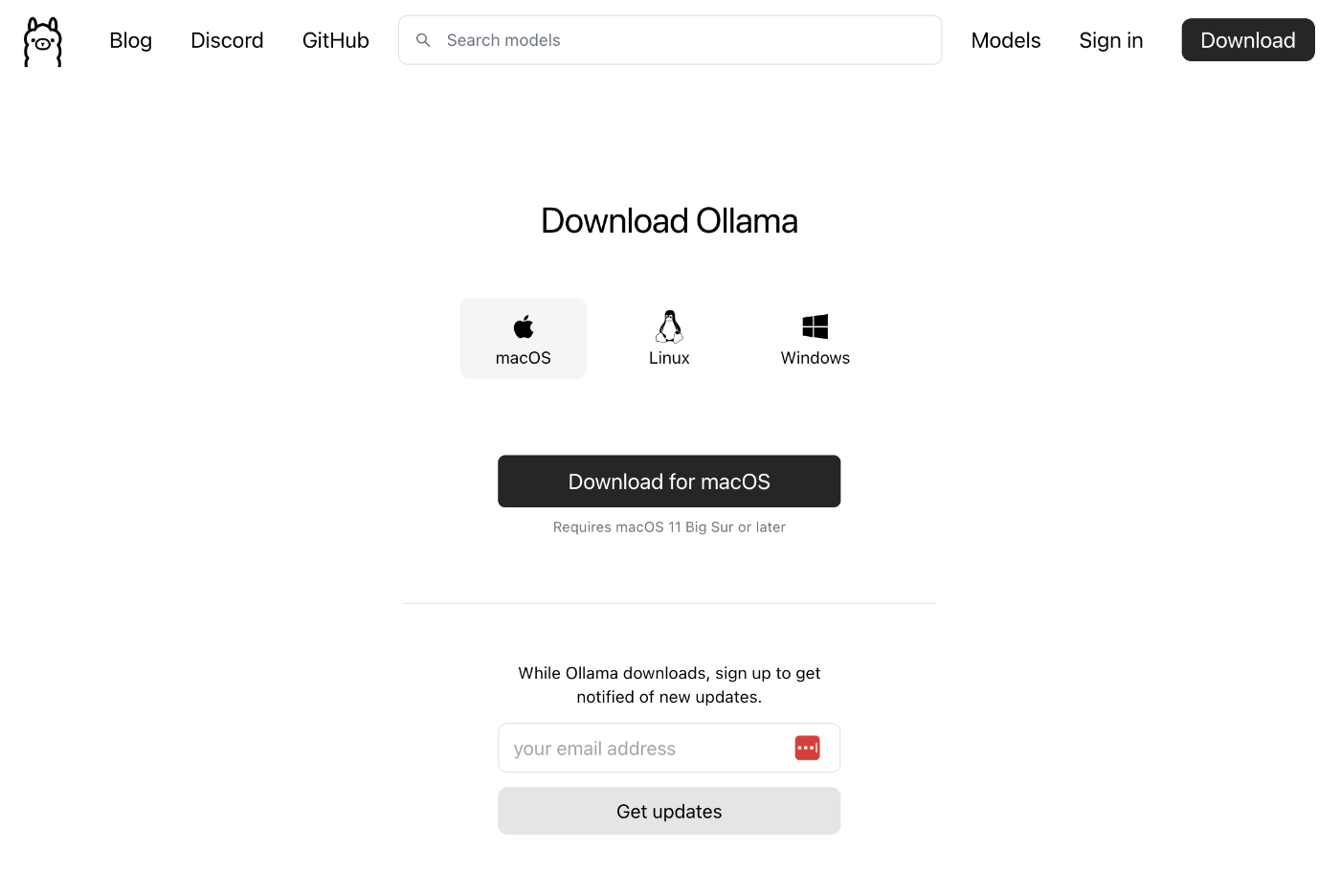
After launching the app, it could be used from commands like the following.
ollama run llama3.2
>>> 日本の首都は?
東京です。
>>> /bye
Additionally, by combining with LlamaIndex, Ollama could also be used from Python.
https://docs.llamaindex.ai/en/stable/api_reference/llms/ollama/
pip install llama-index-llms-ollama
from llama_index.llms.ollama import Ollama

llm = Ollama(model="llama3.2", request_timeout=60.0)

response = llm.complete("日本の首都は?")
print(response)
OpenRouter
https://openrouter.ai/docs/quick-start
It is described as follows.
OpenRouter provides an OpenAI-compatible completion API to 278 models & providers that you can call directly, or using the OpenAI SDK. Additionally, some third-party SDKs are available.
After account registration, you can select a model and try chat and other features.
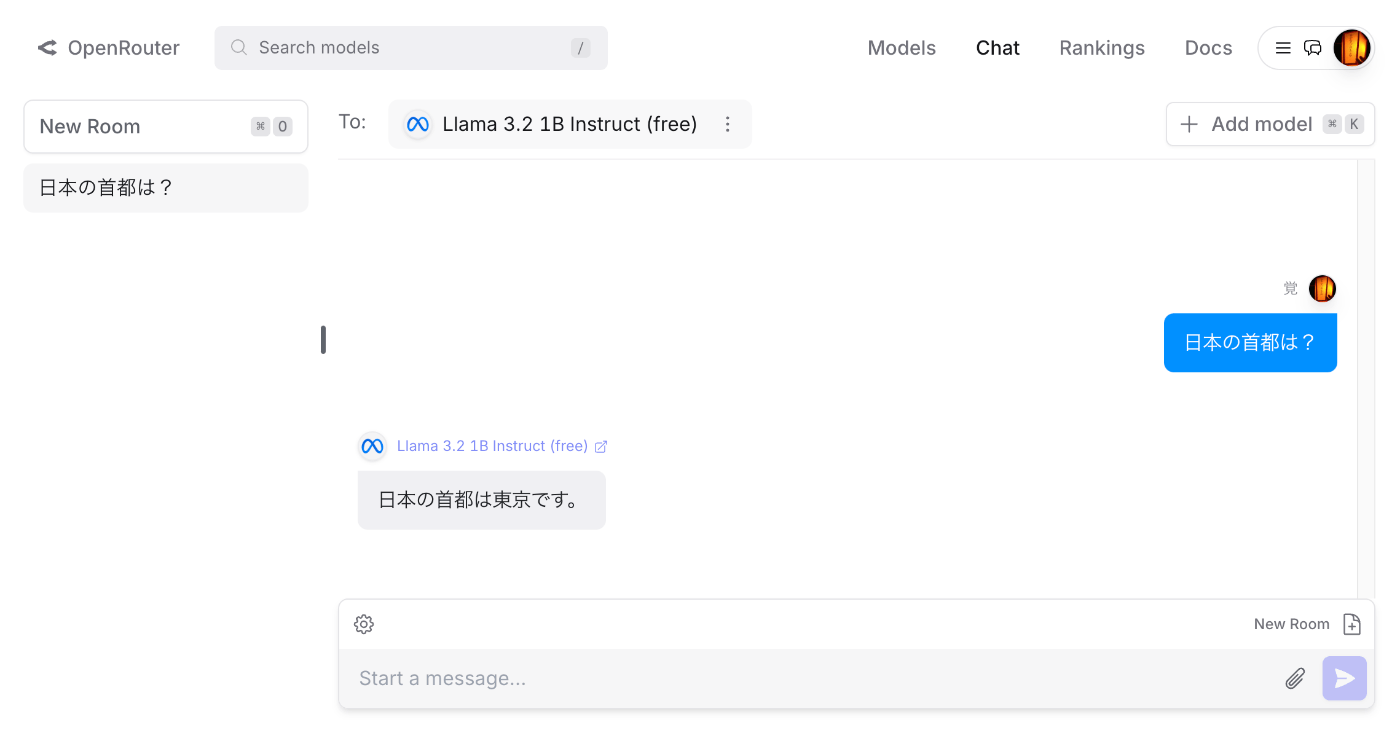
By purchasing credits, gpt-4o and other models could also be used.
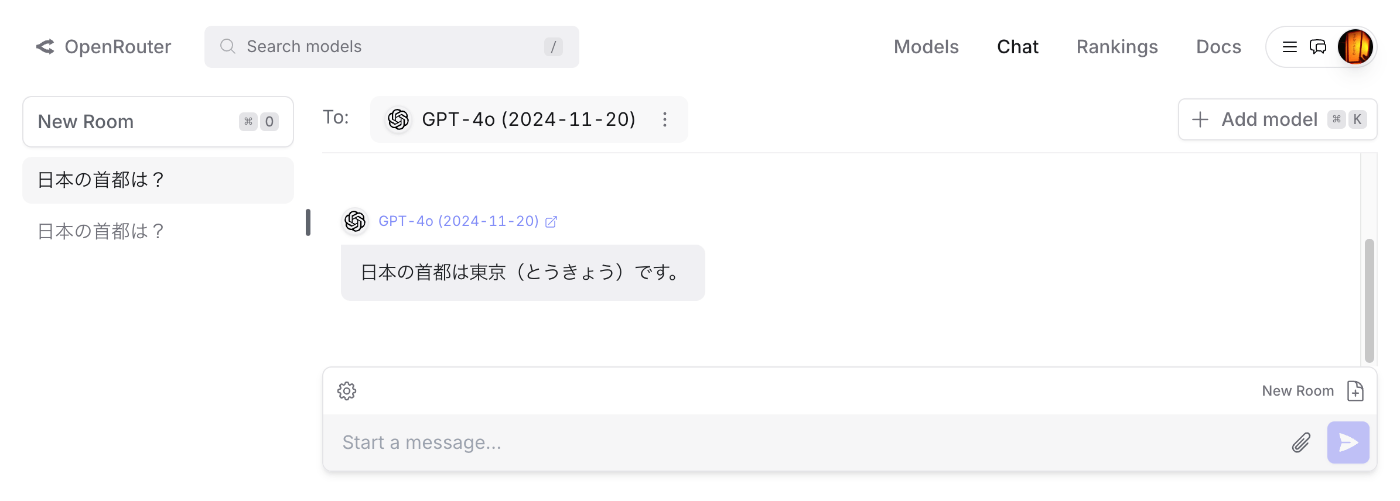
Additionally, by combining with LlamaIndex, OpenRouter could also be used from Python.
https://docs.llamaindex.ai/en/stable/api_reference/llms/openrouter/
After issuing an API key in OpenRouter, the following script could be executed.
The following is an example using the model Meta: Llama 3.2 1B Instruct (free).
from llama_index.llms.openrouter import OpenRouter
from llama_index.core.llms import ChatMessage
from dotenv import load_dotenv
import os

load_dotenv()
api_key = os.getenv("OPENROUTER_API_KEY")

llm = OpenRouter(
    api_key=api_key,
    model="meta-llama/llama-3.2-1b-instruct:free",
)

message = ChatMessage(role="user", content="日本の首都は?")
resp = llm.chat([message])
print(resp)
The following is an example using the model OpenAI: GPT-4o (2024-11-20). By only changing model, the same script could be used.
pip install llama-index-llms-openrouter
llm = OpenRouter(
    model="openai/gpt-4o-2024-11-20",
)

message = ChatMessage(role="user", content="日本の首都は?")
resp = llm.chat([message])
print(resp)
Model names can be found on pages like the following.
https://openrouter.ai/meta-llama/llama-3.2-1b-instruct:free
LiteLLM
It is described as follows.
LLM Gateway to manage authentication, loadbalancing, and spend tracking across 100+ LLMs. All in the OpenAI format.
The following describes how to use OpenRouter from LiteLLM.
https://docs.litellm.ai/docs/providers/openrouter
It could be executed with the following code.
pip install litellm
from litellm import completion
import os
api_key = os.getenv("OPENROUTER_API_KEY")
response = completion(
            model="openrouter/openai/gpt-4o-2024-11-20",
            messages=[{ "content": "日本の首都は?","role": "user"}],
)
print(response.choices[0].message.content)
Summary
I have not fully understood the differences between the tools mentioned here, and there are likely many other useful tools available, but we hope this article serves as a useful reference for understanding the tools surrounding LLMs.