Introduction
We developed a rotation plugin called “mirador-rotation” compatible with the latest version of the IIIF viewer Mirador (Mirador 4) and published it on npm. This article covers the process from plugin development to publication, as well as integration methods for practical use.
Background
With the major update from Mirador 3 to Mirador 4, the following changes were made:
- React 16 to React 18
- Material-UI v4 to MUI v7
- Numerous other dependency updates
As a result, existing plugins for Mirador 3 no longer work as-is.
Developing mirador-rotation-plugin
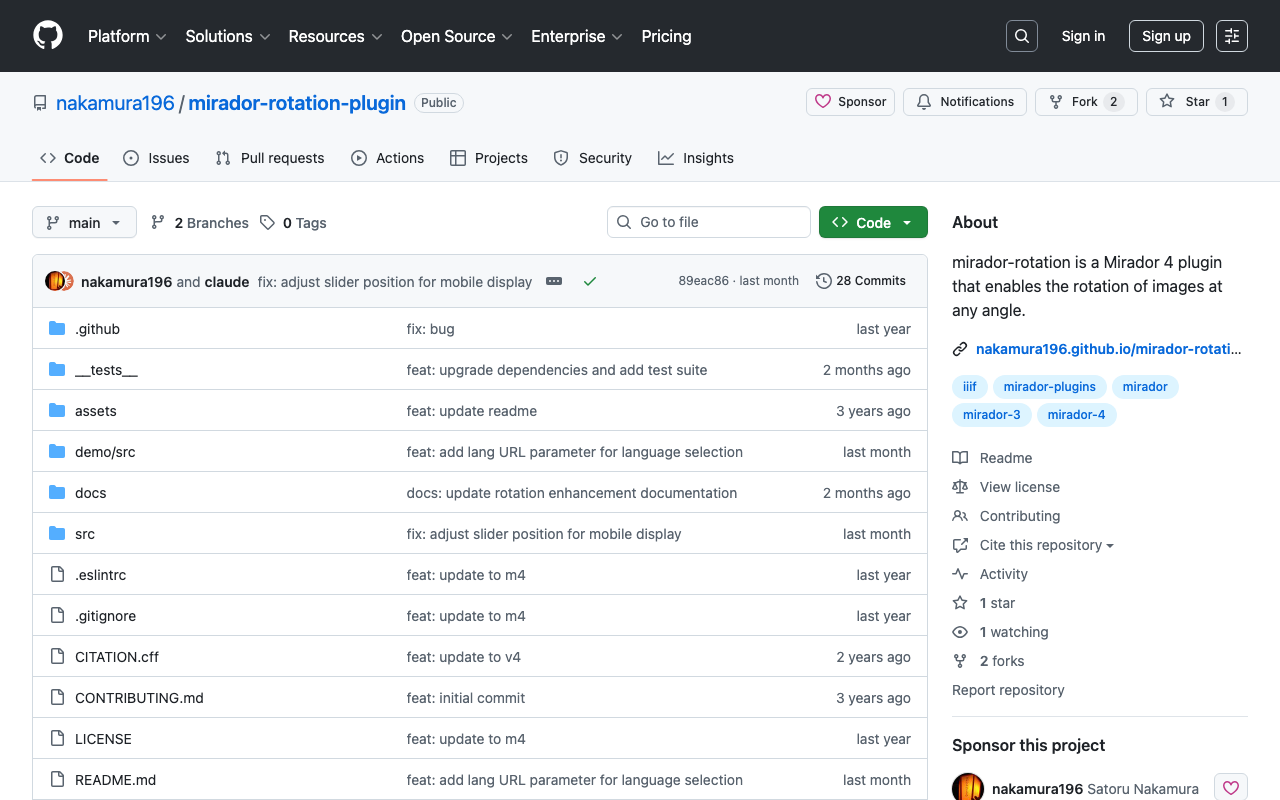
Repository
https://github.com/nakamura196/mirador-rotation-plugin
Main Features
- Image rotation functionality
- Integration into the Mirador 4 plugin menu
Publishing to npm
The developed plugin is published on npm:
npm install mirador-rotation
Updating mirador-integration
We built a Mirador 4-compatible integration environment based on the official mirador-integration repository.
Major Changes
| Item | Old | New |
|---|---|---|
| Mirador | 3.x | 4.0.0 |
| React | 16.14.0 | 18.x |
| Build tool | Webpack | Parcel |
| UI | Material-UI v4 | MUI v7 |
package.json
Configured with minimal dependencies:
{
  "dependencies": {
    "mirador": "^4.0.0",
    "mirador-rotation": "^4.0.0",
    "parcel": "^2.0.0",
    "react": "^18.0.0",
    "react-dom": "^18.0.0"
  }
}
Making It Usable from External Pages
The Problem
Building the official mirador-integration as-is outputs ES module format. However, when trying to load it via a <script> tag from another HTML page, Mirador is not defined as a global variable.
script src="mirador.js">script>
script>
    Mirador.viewer({...}); // Mirador is not defined
script>
Solution
1. Creating a Library Entry Point
Explicitly export as a global variable in index.js:
import Mirador, * as MiradorAll from 'mirador';
import { miradorRotationPlugin } from 'mirador-rotation';

window.Mirador = { ...Mirador, ...MiradorAll };
window.miradorRotationPlugin = miradorRotationPlugin;
Important: * as MiradorAll retrieves all named exports, which are then flattened using the spread syntax. The reason for this is explained later.
2. Parcel Build Configuration
Specify global format output in package.json:
{
  "source": "index.js",
  "targets": {
    "global": {
      "outputFormat": "global",
      "distDir": "./dist"
    }
  },
  "scripts": {
    "build": "parcel build --target global"
  }
}
3. Normalizing File Names
Since Parcel generates file names with hashes by default, a rename script was created:
// scripts/rename-build.js
const fs = require('fs');
const path = require('path');

const distDir = path.join(__dirname, '..', 'dist');

fs.readdirSync(distDir).forEach(file => {
  if (file.startsWith('index') && file.endsWith('.js')) {
    fs.renameSync(
      path.join(distDir, file),
      path.join(distDir, 'mirador.js')
    );
  }
});
Usage
After building, dist/mirador.js can be loaded in any HTML:
div id="demo">div>
script src="mirador.js">script>
script>
    Mirador.viewer({
        id: 'demo',
        windows: [{
            rotationEnabled: true,
            manifestId: 'https://example.com/manifest.json',
        }],
    }, [...miradorRotationPlugin]);
script>
The API Flattening Issue
Discovery of the Problem
When using the UMD build of Mirador distributed via unpkg.com, the API could be called directly as follows:
Mirador.addCompanionWindow(windowId, { content: 'info' });
However, executing the same code after building with Parcel resulted in the following error:
TypeError: Mirador.addCompanionWindow is not a function
Investigating the Cause
Comparing the unpkg.com UMD build with the Parcel build revealed that the difference in export structure was the cause:
| Build method | Export structure | API call |
|---|---|---|
| unpkg.com (UMD) | Flattened | Mirador.addCompanionWindow() |
| Parcel (default export only) | Nested | Mirador.actions.addCompanionWindow() |
In the unpkg.com UMD build, all actions and selectors are flattened to the top level:
// End of UMD build (excerpt)
G.addCompanionWindow=Oj,
G.removeCompanionWindow=Aj,
G.updateCompanionWindow=yg,
// ... and many more
On the other hand, when retrieving only the default export with import Mirador from 'mirador':
// Default export structure
{
  viewer: function,
  actions: { addCompanionWindow, ... },
  selectors: { ... },
  // ...
}
Solution
Retrieve all named exports and flatten them using the spread syntax in index.js:
// Before (does not work)
import Mirador from 'mirador';
window.Mirador = Mirador;

// After (works)
import Mirador, * as MiradorAll from 'mirador';
window.Mirador = { ...Mirador, ...MiradorAll };
This results in the following flattening in the built file:
window.Mirador={...f.default,...f}
Note: mirador-rotation Versions
The mirador-rotation plugin has both 4.0.x and 4.1.x versions:
| Version | MUI | Target |
|---|---|---|
| 4.0.x | v5 | Mirador 4 alpha early version |
| 4.1.x | v7 | Mirador 4.0.0 official release |
Since Mirador 4.0.0 official release uses MUI v7, please use mirador-rotation 4.1.x.
Summary
This article covered developing and publishing a plugin for Mirador 4, and building it as a library that can be used from external pages.
Key points:
- ES module format does not define global variables
import Mirador, * as MiradorAllretrieves both default and named exports{ ...Mirador, ...MiradorAll }flattens and exports them- Parcel’s
outputFormat: "global"builds in global format
Repositories
- Plugin: https://github.com/nakamura196/mirador-rotation-plugin
- Integration environment: https://github.com/nakamura196/mirador-integration-alt