Overview
“Rekichizu x Next.js” is a web application built with Rekichizu and Next.js.
I have added a route registration feature to this web application, which I will introduce here.

Feature Introduction
Access the top page and click the “Manage My Routes” button.
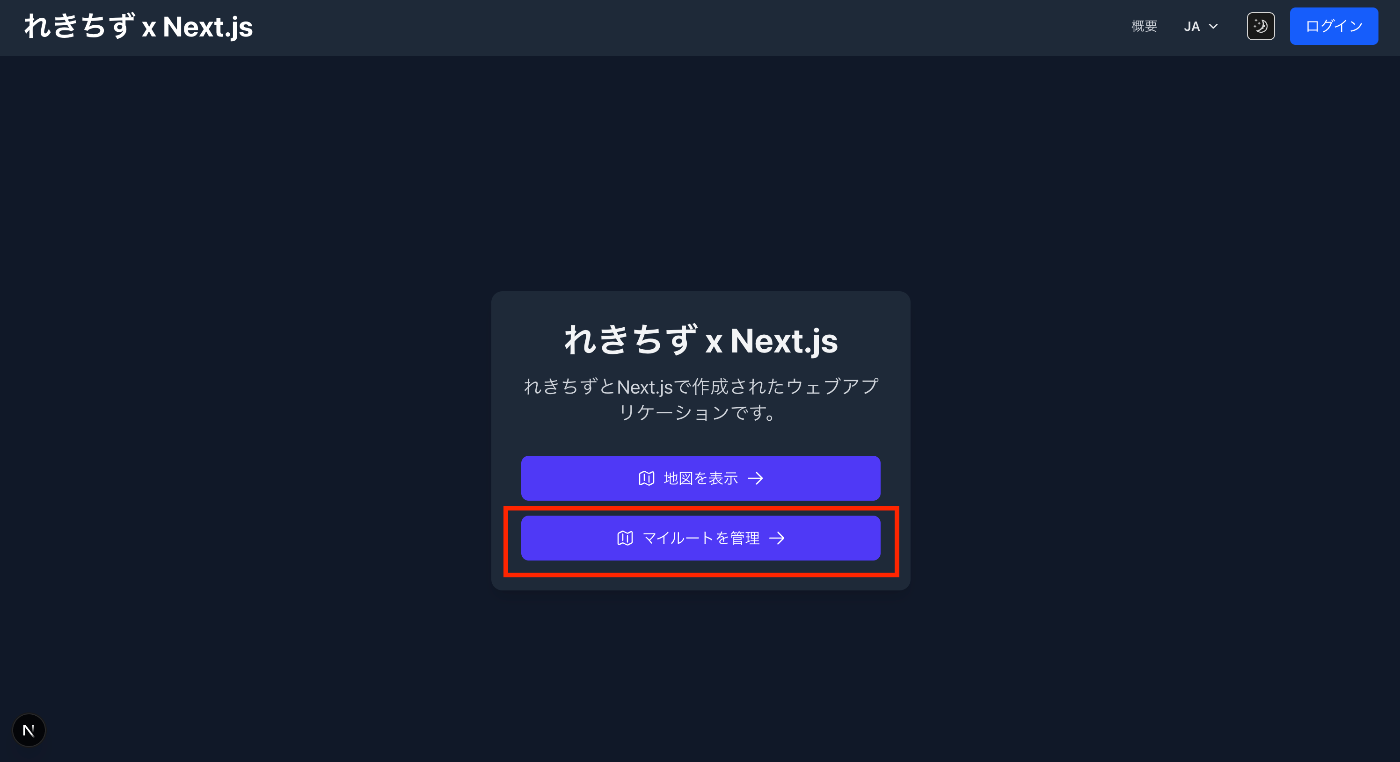
You will be prompted to log in, so click the “Login” button in the upper right corner.

After logging in, a list screen like the following will be displayed.

Pressing the “Import Route” button displays the following dialog.

Pressing the “Download Sample Data” button downloads sample data in GeoJSON format like the following.
{
  "type": "FeatureCollection",
  "name": "東京観光サンプルルート",
  "description": "東京駅から皇居への観光ルートのサンプルです",
  "features": [
    {
      "type": "Feature",
      "id": "tokyo-station",
      "properties": {
        "text": "東京駅",
        "where": "東京都千代田区丸の内一丁目にある、東日本旅客鉄道・東海旅客鉄道・東京地下鉄の駅",
        "type": "point"
      },
      "geometry": {
        "type": "Point",
        "coordinates": [
          139.7673068,
          35.6809591
        ]
      }
    },
    {
      "type": "Feature",
      "id": "imperial-palace",
      "properties": {
        "text": "皇居",
        "where": "日本の天皇及び皇族の居所",
        "type": "point"
      },
      "geometry": {
        "type": "Point",
        "coordinates": [
          139.7528,
          35.6852
        ]
      }
    }
  ]
}
Uploading this file displays an editing screen like the following.
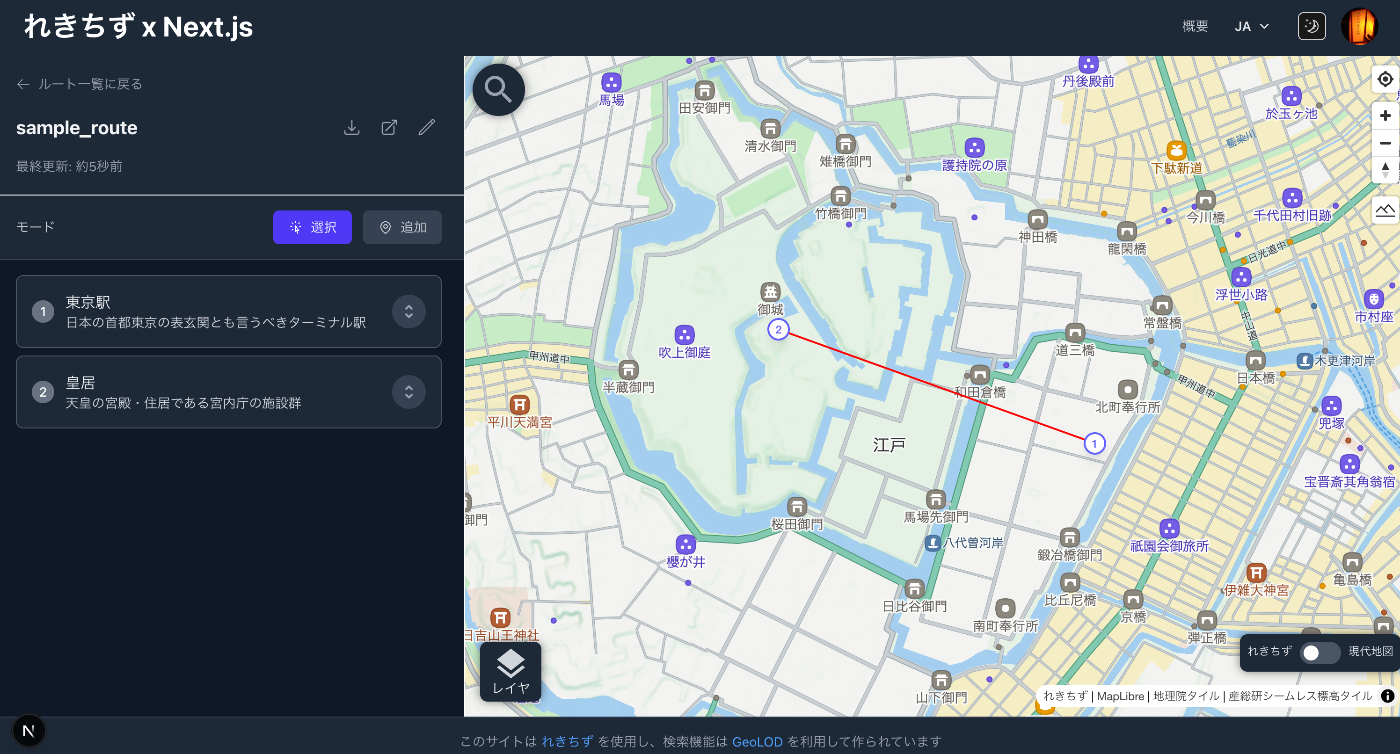
From the edit button (pencil icon), you can edit the title, description, and individual markers.
Pressing the following export button:
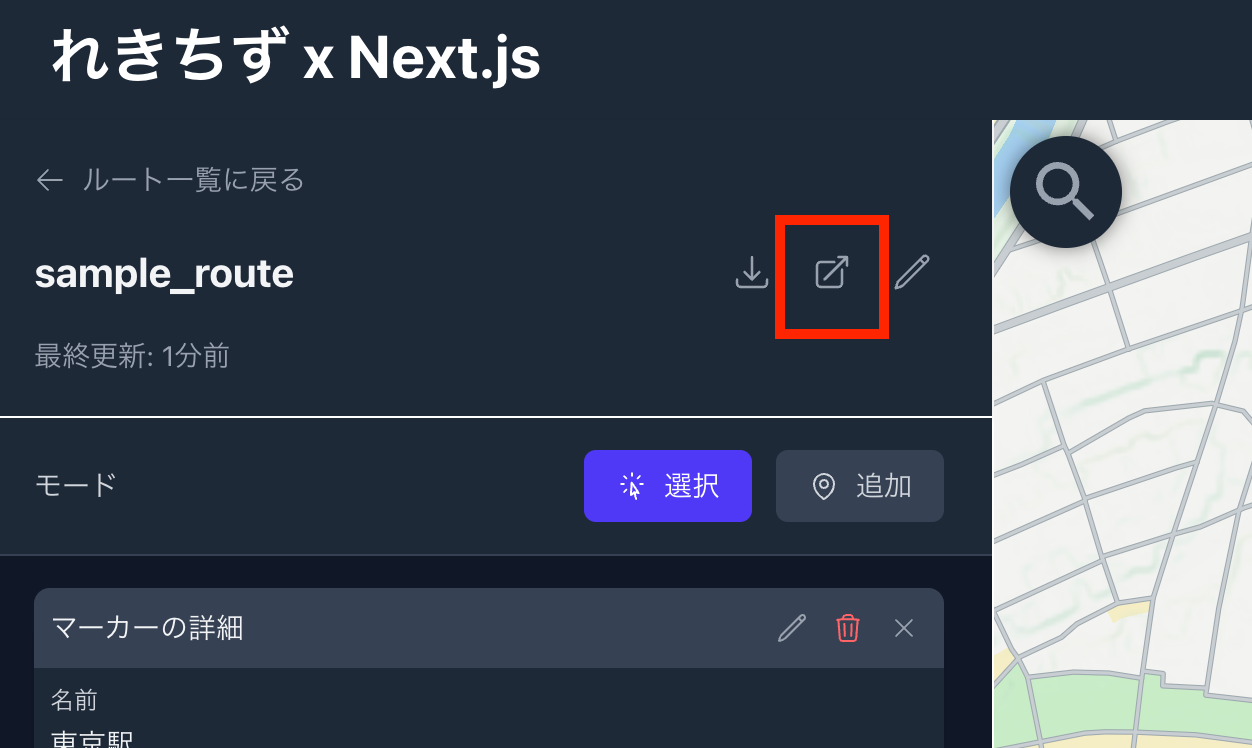
navigates to the geojson.io display screen.

In addition to exporting, you can also download to your local environment.
Supplement
Currently, only simple features are provided for technical verification purposes, but I plan to add various feature extensions in the future.
Summary
I hope this is helpful for applications of Rekichizu and GeoJSON.