Overview
I introduced how to use the Docker version of Cantaloupe in the following article.
To use this Docker-based Cantaloupe in a (non-large-scale) production environment, connection to Amazon S3 and SSL support are required. Here is an example of how to do this.
Connecting to Amazon S3
The official documentation is available at:
https://cantaloupe-project.github.io/manual/5.0/sources.html#S3Source
The following Japanese article is also available:
For the Docker version covered here, information was found at:
https://github.com/Islandora-Devops/isle-buildkit/blob/main/cantaloupe/README.md#settings
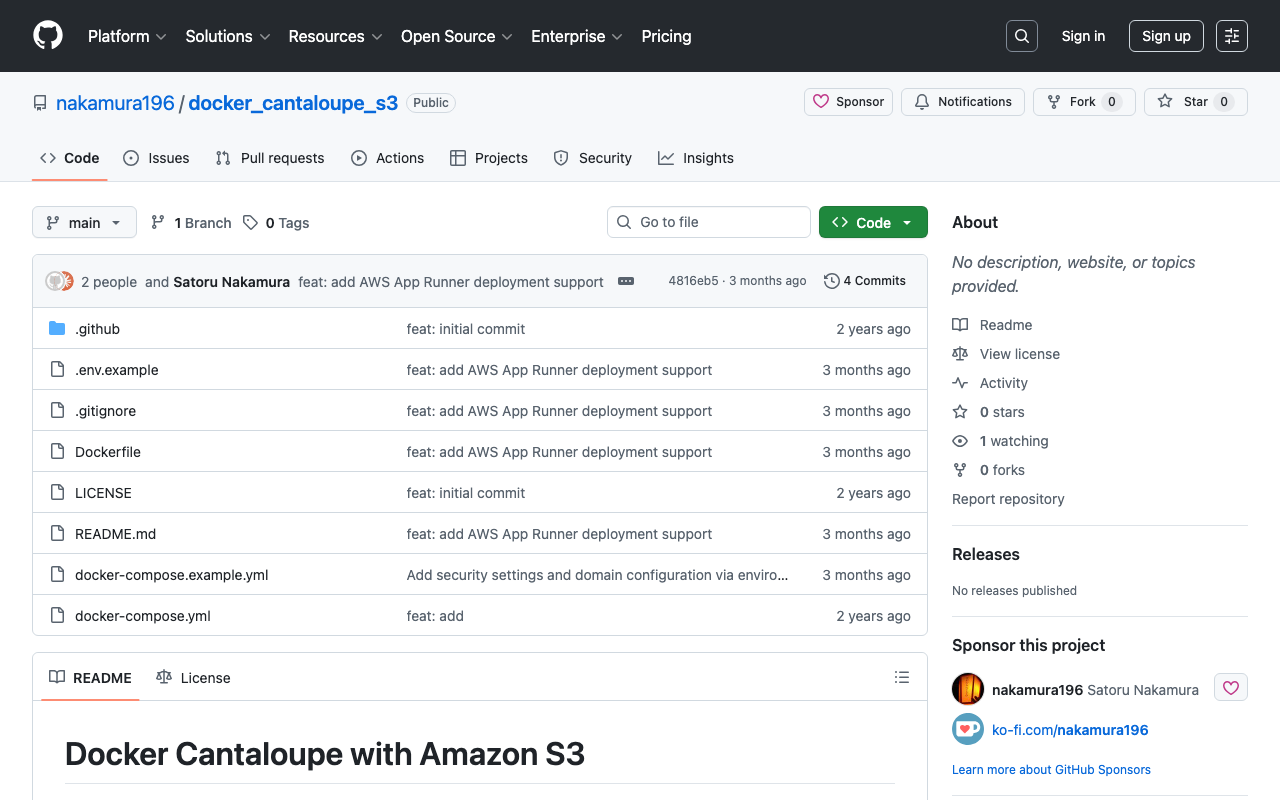
I created a repository for establishing a minimal connection with S3.
https://github.com/nakamura196/docker_cantaloupe_s3
Rename or copy .env.example to .env and fill in the required values.
SSL Support
I referenced the following article. I installed Docker on EC2 and used nginx-proxy and nginx-proxy-lets-encrypt for SSL.
https://qiita.com/atsuya/items/7cb6e0ccee63d751d41f
version: '3'
# proxy
services:

  nginx-proxy:
    image: jwilder/nginx-proxy
    container_name: nginx-proxy
    ports:
      - "80:80"
      - "443:443"
    volumes:
      - html:/usr/share/nginx/html
      - dhparam:/etc/nginx/dhparam
      - vhost:/etc/nginx/vhost.d
      - certs:/etc/nginx/certs:ro
      - /var/run/docker.sock:/tmp/docker.sock:ro
      - /srv/docker/nginx-proxy-with-encrypt/log:/var/log/nginx
    labels:
      - "com.github.jrcs.letsencrypt_nginx_proxy_companion.nginx_proxy"
    restart: always

  letsencrypt:
    image: jrcs/letsencrypt-nginx-proxy-companion
    container_name: nginx-proxy-lets-encrypt
    depends_on:
    - "nginx-proxy"
    volumes:
    - certs:/etc/nginx/certs:rw
    - vhost:/etc/nginx/vhost.d
    - html:/usr/share/nginx/html
    - /var/run/docker.sock:/var/run/docker.sock:ro

volumes:
  certs:
  html:
  vhost:
  dhparam:

networks:
  default:
    external:
      name: common_link
services:
  cantaloupe:
    image: islandora/cantaloupe:2.0.10
    environment:
      CANTALOUPE_ENDPOINT_ADMIN_ENABLED: false
      CANTALOUPE_ENDPOINT_ADMIN_SECRET: my_admin_pass
      CANTALOUPE_SOURCE_STATIC: S3Source
      CANTALOUPE_S3SOURCE_ACCESS_KEY_ID: ${CANTALOUPE_S3SOURCE_ACCESS_KEY_ID}
      CANTALOUPE_S3SOURCE_SECRET_KEY: ${CANTALOUPE_S3SOURCE_SECRET_KEY}
      CANTALOUPE_S3SOURCE_REGION: ${CANTALOUPE_S3SOURCE_REGION}
      CANTALOUPE_S3SOURCE_BASICLOOKUPSTRATEGY_BUCKET_NAME: ${CANTALOUPE_S3SOURCE_BASICLOOKUPSTRATEGY_BUCKET_NAME}
      CANTALOUPE_S3SOURCE_LOOKUP_STRATEGY: BasicLookupStrategy # Or another strategy if needed
      VIRTUAL_HOST: <custom-domain>
      LETSENCRYPT_HOST: <custom-domain>
      LETSENCRYPT_EMAIL: <email-address>
    restart: always


networks:
  default:
    external:
      name: common_link
Summary
For small-to-medium scale use of IIIF image servers, the approach described above is one of the relatively easy deployment methods.
For IIIF image delivery using S3, the following tool is also available:
https://github.com/samvera/serverless-iiif
While the following Japanese article may not reflect the latest content of the above repository, I hope it also serves as a useful reference:
I hope this serves as a useful reference as one approach to deploying a IIIF image server.