Overview
In the following article, I performed content registration using Python with Basic authentication.
This time, I tried API Key Authentication, referring to the following article.
https://designkojo.com/post-drupal-using-jsonapi-vuejs-front-end
API Key Authentication
The following module was used.
https://www.drupal.org/project/key_auth
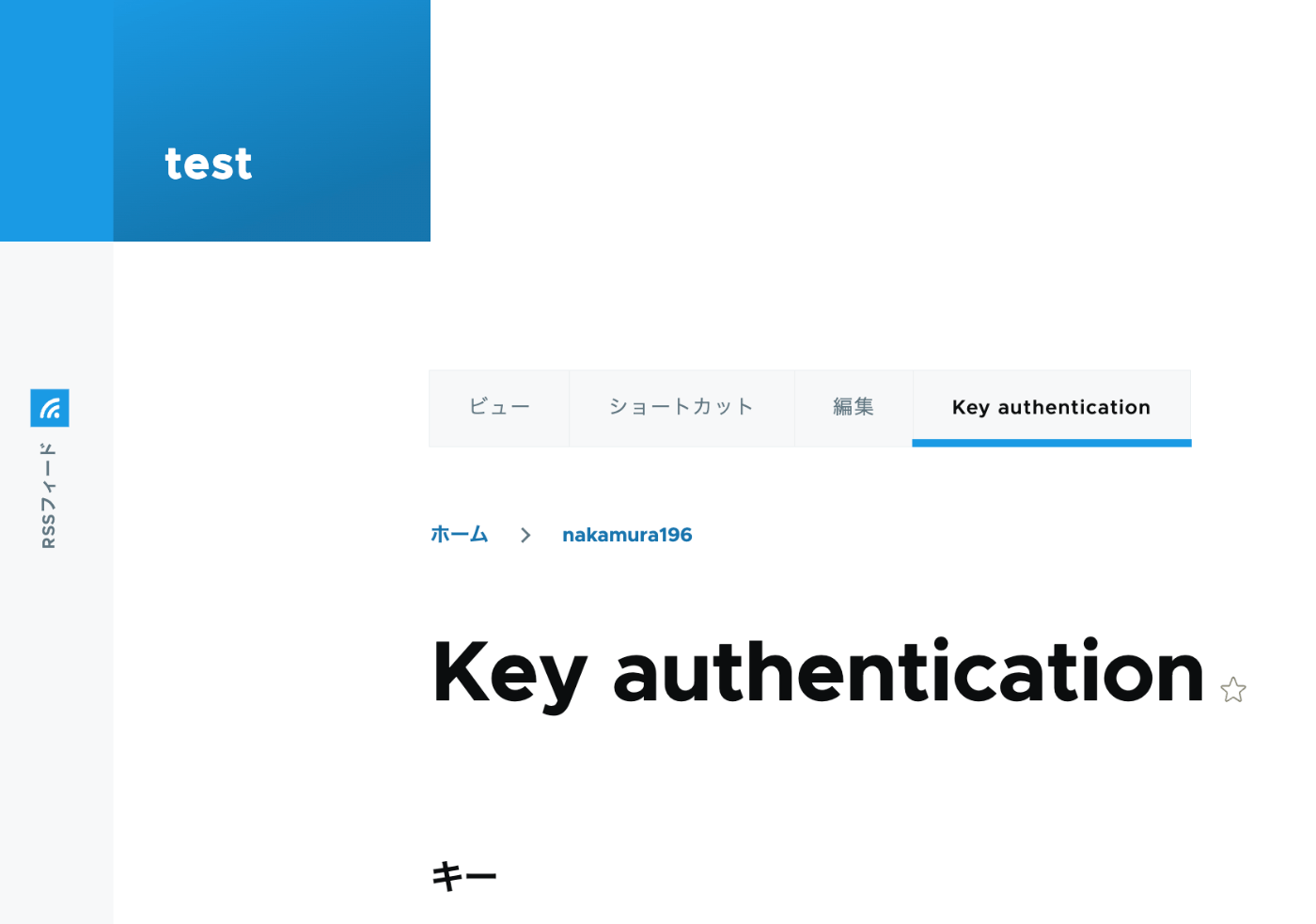
A “Key authentication” tab appeared on the user edit screen, allowing an API key to be generated.
When using the API key, the following program can be used.
import requests

endpoint = 'http://{IP address or domain name}/jsonapi/node/article'

key = '{API key}'

headers = {
    'Accept': 'application/vnd.api+json',
    'Content-Type': 'application/vnd.api+json',
    "api-key": key
}
payload = {
    "data": {
        "type": "node--article",
        "attributes": {
            "title": "What's up from Python",
            "body": {
                "value": "Be water. My friends.",
                "format": "plain_text"
            }
        }
    }
}

r = requests.post(endpoint, headers=headers, json=payload)
r.json()
Notes on Multilingual Support
As a note, it appears that creating translation data is not supported.
https://www.drupal.org/docs/core-modules-and-themes/core-modules/jsonapi-module/translations
While updating existing translation data is possible, the following error occurred for nodes without translation data.
{
  "jsonapi": {
    "version": "1.0",
    "meta": {
      "links": {
        "self": {
          "href": "http://jsonapi.org/format/1.0/"
        }
      }
    }
  },
  "errors": [
    {
      "title": "Method Not Allowed",
      "status": "405",
      "detail": "The requested translation of the resource object does not exist, instead modify one of the translations that do exist: ja."
    }
  ]
}
A workaround for this issue may already be available. I plan to continue investigating.
Summary
I hope this serves as a useful reference for using Drupal’s JSON:API.