Overview
In the following article, I introduced the creation of the Mirador 4 (3) version of mirador-sync-windows.
This time, I am writing a quick note about publishing the repository for this plugin.
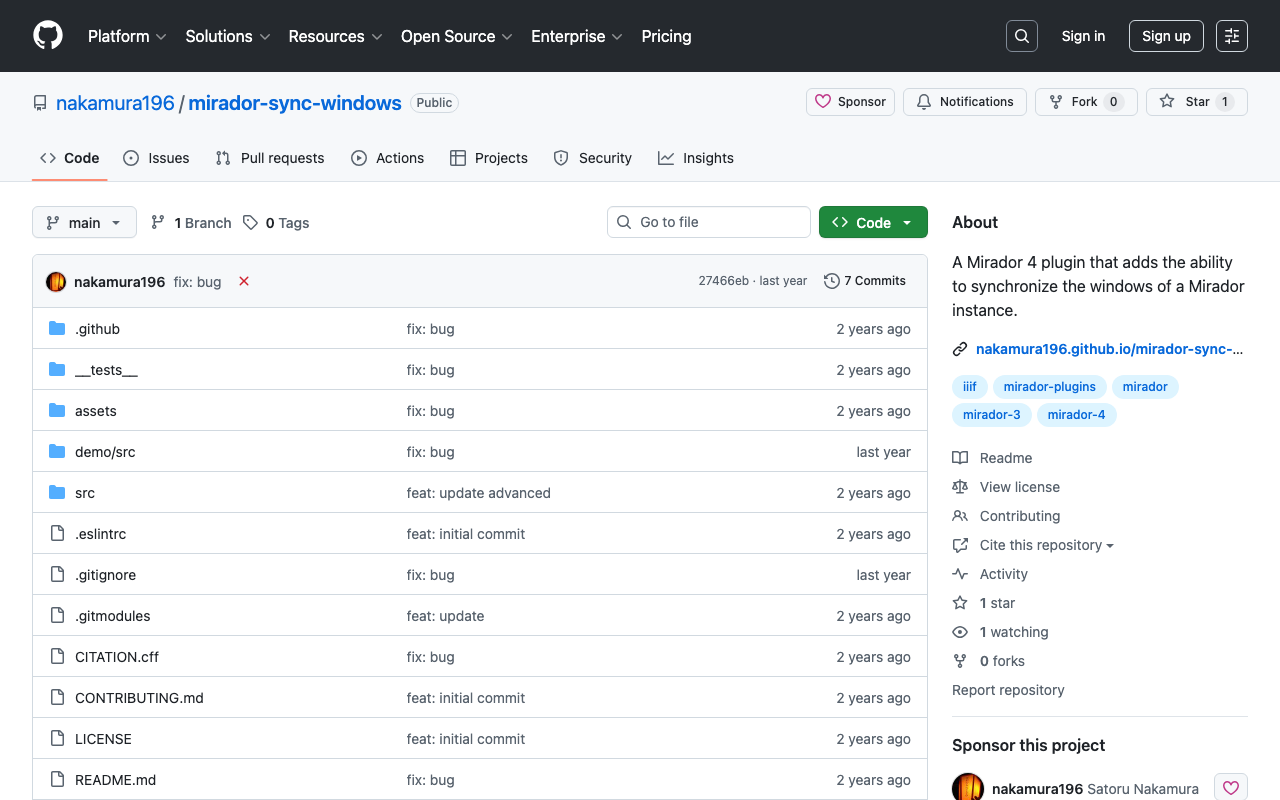
Repository
It is available at the following URL.
https://github.com/nakamura196/mirador-sync-windows
Demo Page
You can try it out at the following URL.
https://nakamura196.github.io/mirador-sync-windows/
Here are the configurations I made for publishing on GitHub Pages.
webpack
I made some changes to the following file.
https://github.com/nakamura196/mirador-sync-windows/blob/main/webpack.config.js
Specifically, for publicPath, I set it to a relative path in development mode. This addressed issues caused by basePath.
return {
    ...config,
    output: {
      filename: 'demo.js',
      path: path.join(__dirname, 'demo/dist'),
      // publicPath: '/'
      publicPath: options.mode === "development" ? './' : '/',
    },
    devServer: {
      hot: true,
      port: 4444,
      static: [
        './demo/dist/',
      ],
    },
    devtool: 'eval-source-map',
    mode: 'development',
    entry: ['./demo/src/index.js'],
    plugins: [
      ...(config.plugins || []),
      new HtmlWebpackPlugin({ template: path.join(__dirname, 'demo/src/index.html') }),
      new ReactRefreshWebpackPlugin(),
    ],
  };
GitHub Actions
For deploying to GitHub Pages using GitHub Actions, I prepared the following YAML file.
Testing did not work well, so that part is commented out, but I plan to fix it in the future.
https://github.com/nakamura196/mirador-sync-windows/blob/main/.github/workflows/node.js.yml
Summary
There are still some incomplete parts, but I hope this serves as a useful reference.