Overview
This describes how to authenticate with Drupal using Nuxt 3 and @sidebase/nuxt-auth.
Background
The following article introduced a method for authenticating with GakuNin RDM.
The following article introduced a method for using Drupal OAuth from Next.js.
Using these as reference, we use Drupal OAuth from Nuxt 3.
Method
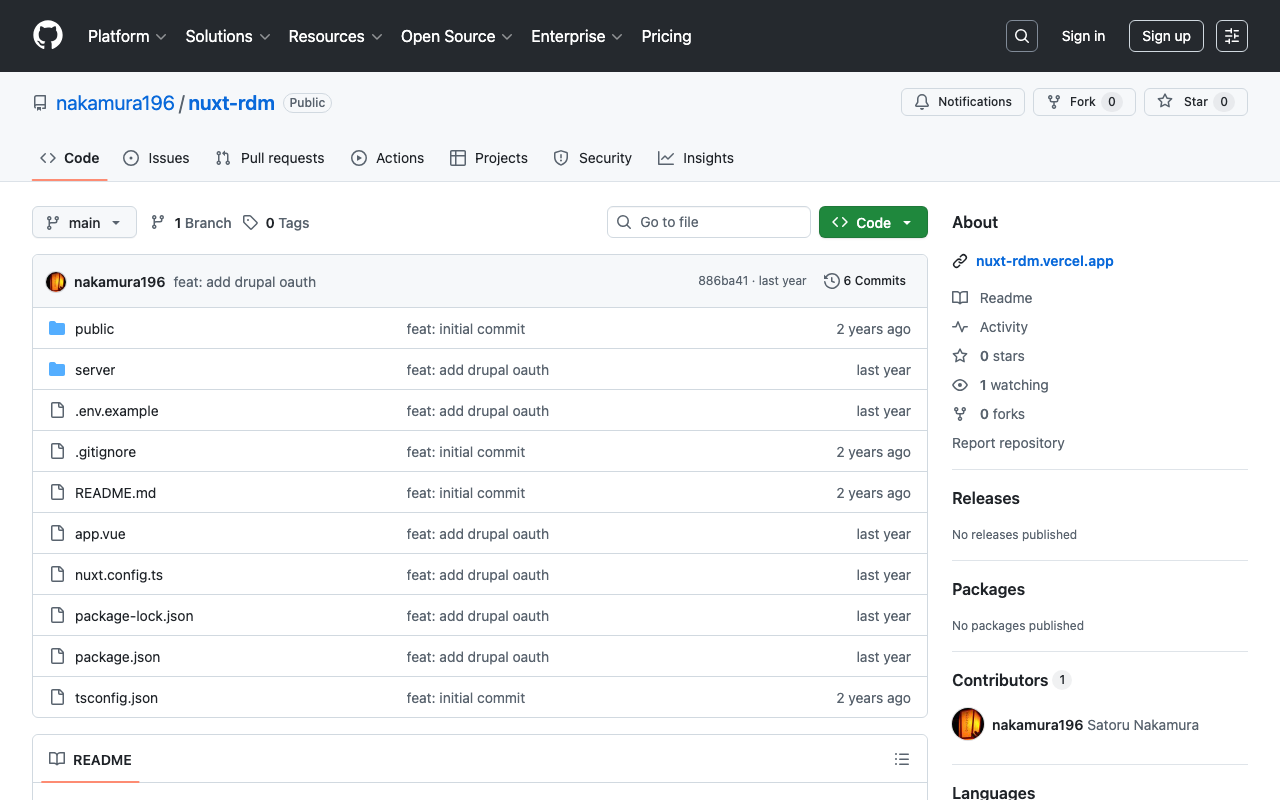
The source code can be found in the following repository.
https://github.com/nakamura196/nuxt-rdm
Specifically, the implementation is here.
https://github.com/nakamura196/nuxt-rdm/blob/main/server/api/auth/[…].ts
{
      id: "drupal",
      name: "Drupal",
      type: "oauth",
      clientId: useRuntimeConfig().drupalClientId,
      clientSecret: useRuntimeConfig().drupalClientSecret,
      authorization: {
        url: process.env.DRUPAL_AUTH_URL,
        params: {
          scope: process.env.DRUPAL_SCOPE,
          response_type: "code",
          redirect_uri: `${
            useRuntimeConfig().nextAuthUrl
          }/api/auth/callback/drupal`,
        },
      },
      token: {
        async request(context) {
          const body = new URLSearchParams({
            client_id: useRuntimeConfig().drupalClientId,
            client_secret: useRuntimeConfig().drupalClientSecret,
            code: context.params.code || "",
            grant_type: "authorization_code",
            redirect_uri: `${
              useRuntimeConfig().nextAuthUrl
            }/api/auth/callback/drupal`,
          });

          const res = await fetch(process.env.DRUPAL_TOKEN_URL || "", {
            method: "POST",
            headers: {
              "Content-Type": "application/x-www-form-urlencoded",
            },
            body,
          });

          const json = await res.json(); // Parse the response body once

          if (!res.ok) {
            throw new Error(`Token request failed: ${res.statusText}`);
          }

          return { tokens: json };
        },
      },
      profile(profile) {
        return {
          id: profile.sub, // Use "sub" as the user's unique ID
          name: profile.name || profile.preferred_username || "Unknown User", // Set name priority
          email: profile.email || "No Email Provided", // Fallback when no email
          image: profile.profile || null, // Use profile URL as image (adjust as needed)
        };
      },
    },
Summary
There may be some errors, but I hope this serves as a helpful reference.