Background
These are notes on how to upload files and perform other operations using the GakuNin RDM API.
References
The following article explains how to obtain a PAT (Personal Access Token).
The following article introduces a method using OAuth (Open Authorization). If you are using it from a web application, this may be helpful.
Method
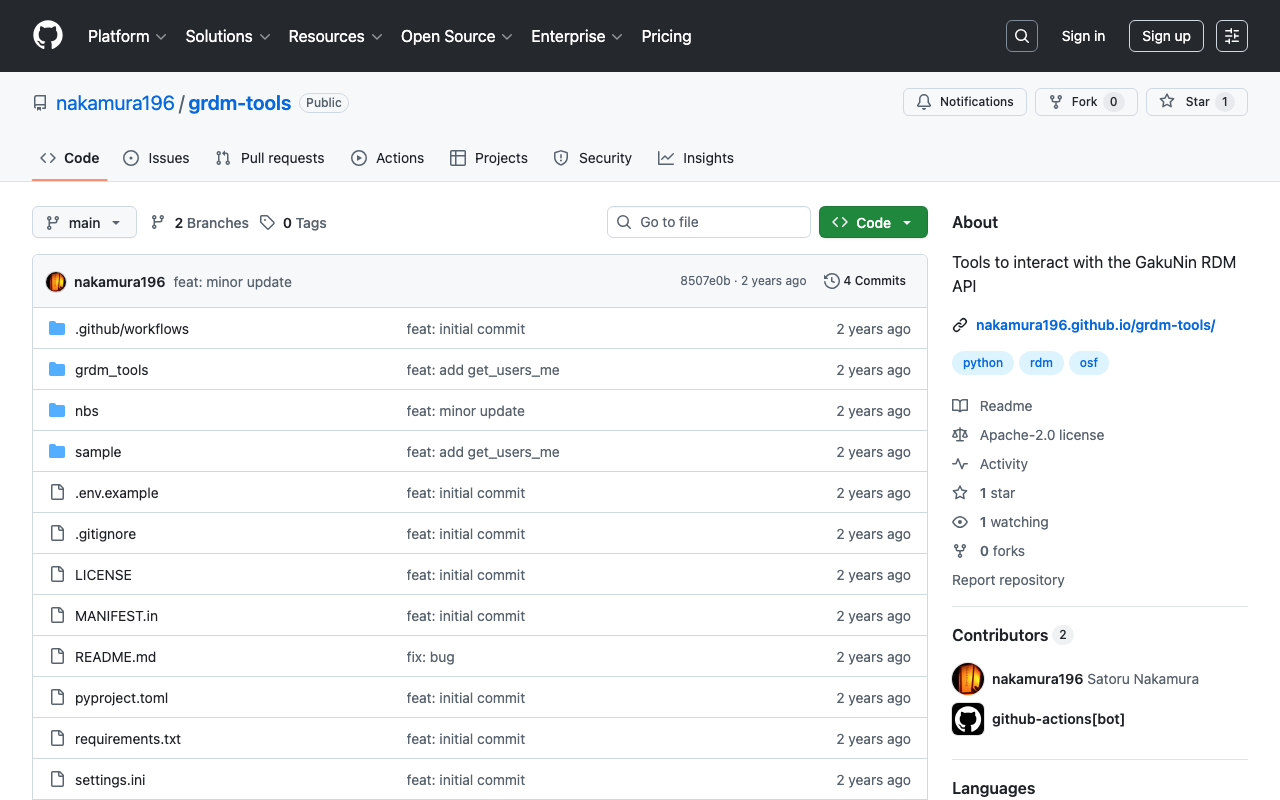
I created the following repository using nbdev.
https://github.com/nakamura196/grdm-tools
The documentation can be found here.
https://nakamura196.github.io/grdm-tools/
The provider (osfstorage) and folder ID (6735a92e6dc8e1001062ac08) need to be changed, but files can be uploaded to a specific folder using a script like the following.
from grdm_tools.api import GrdmClient
import os
client = GrdmClient(
    token=os.environ.get('GRDM_TOKEN')
)
project_id = "ys86g"
file_path = "./sample.png"
url = f"https://files.rdm.nii.ac.jp/v1/resources/{project_id}/providers/osfstorage/6735a92e6dc8e1001062ac08/?kind=file"
client.upload_file(file_path, url)
The source code can be found here.
https://nakamura196.github.io/grdm-tools/api.html#grdmclient.upload_file
Summary
I hope this serves as a helpful reference for using the GakuNin RDM API.