Overview
I had an opportunity to try wikibase.cloud, so here are my notes.
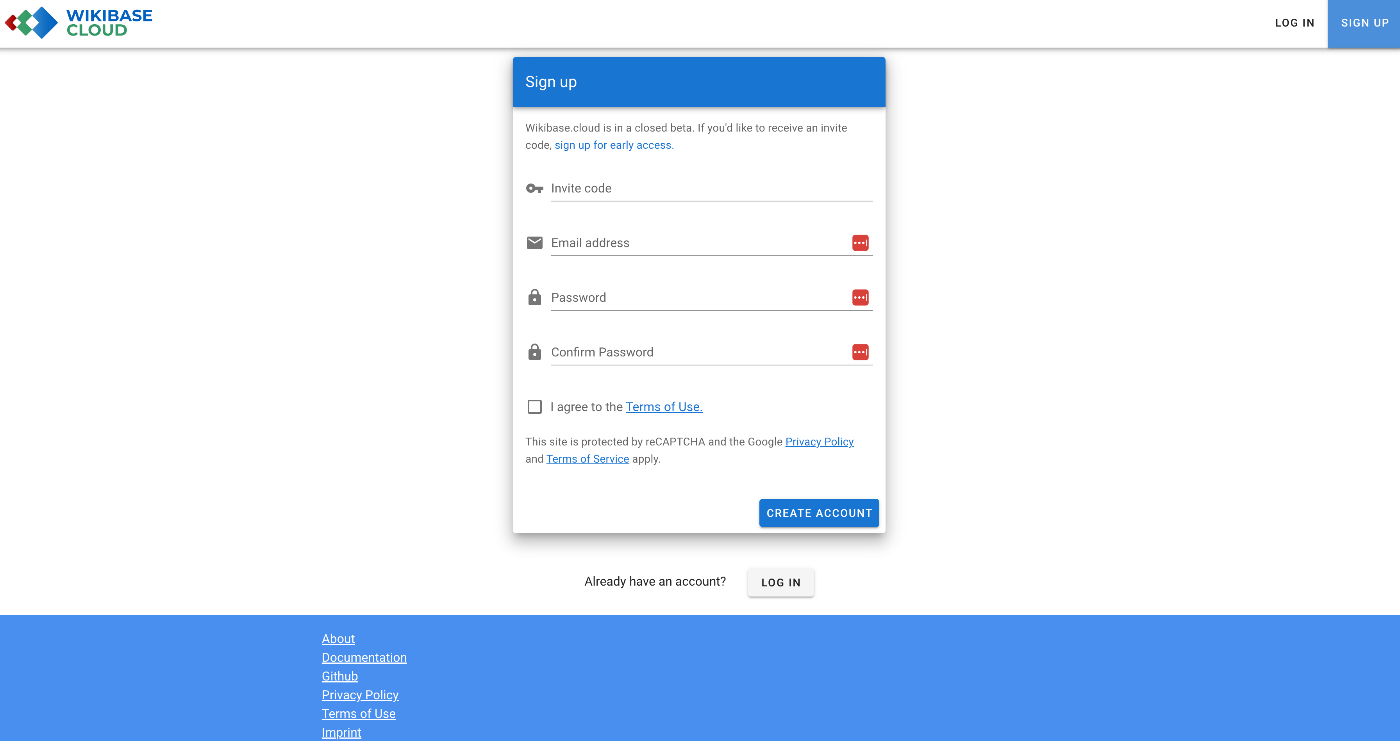
Documentation
The manual was available at the following link.
https://www.mediawiki.org/wiki/Wikibase/Wikibase.cloud
Creating an Instance
Initially, I tried setting up a custom domain, but it didn’t work. I’ll just leave the record below. From that point on, I gave up on the custom domain and used nakamura196.wikibase.cloud.
Failure
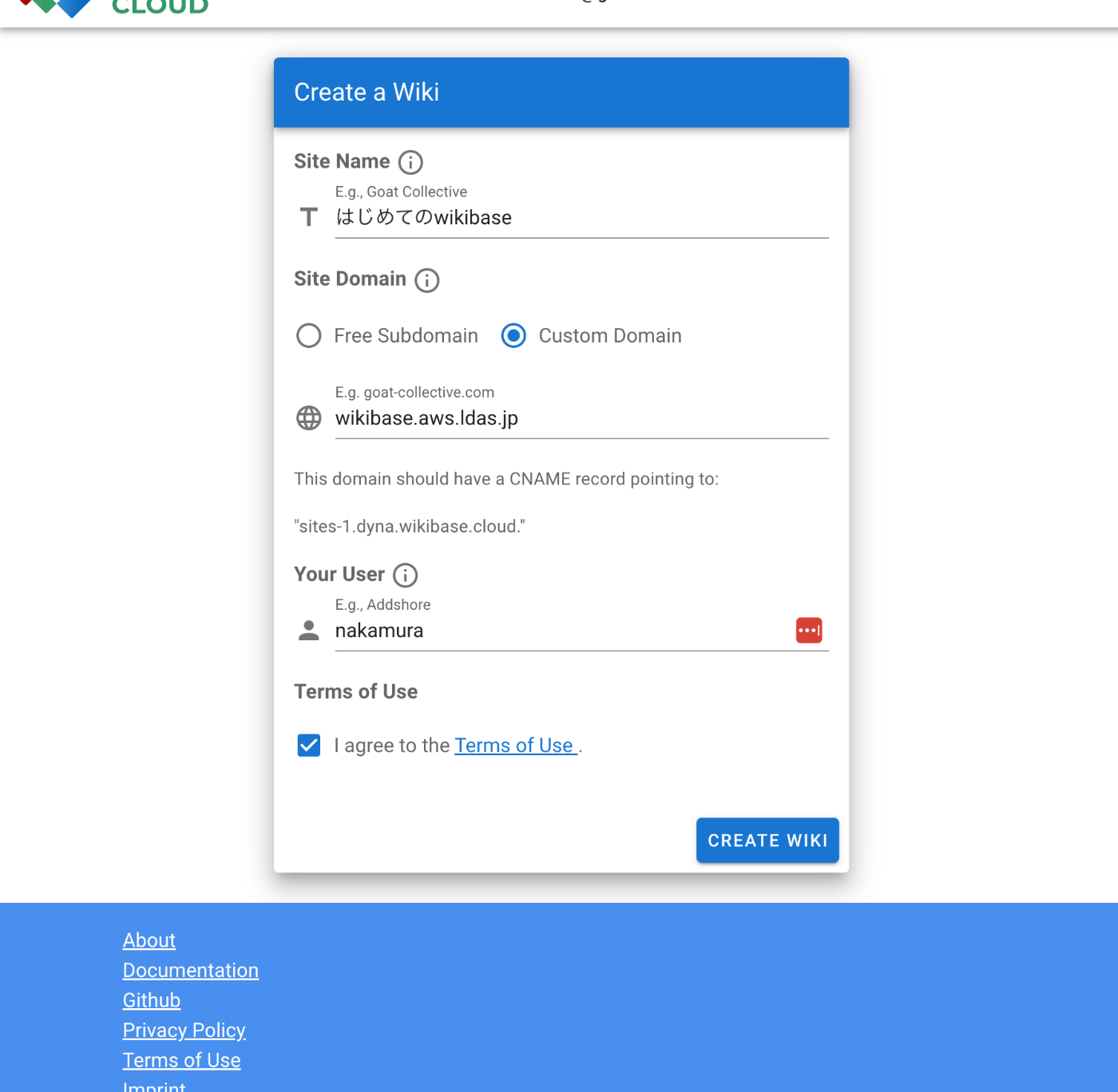
It appeared that a custom domain could be assigned, so I entered wikibase.aws.ldas.jp.
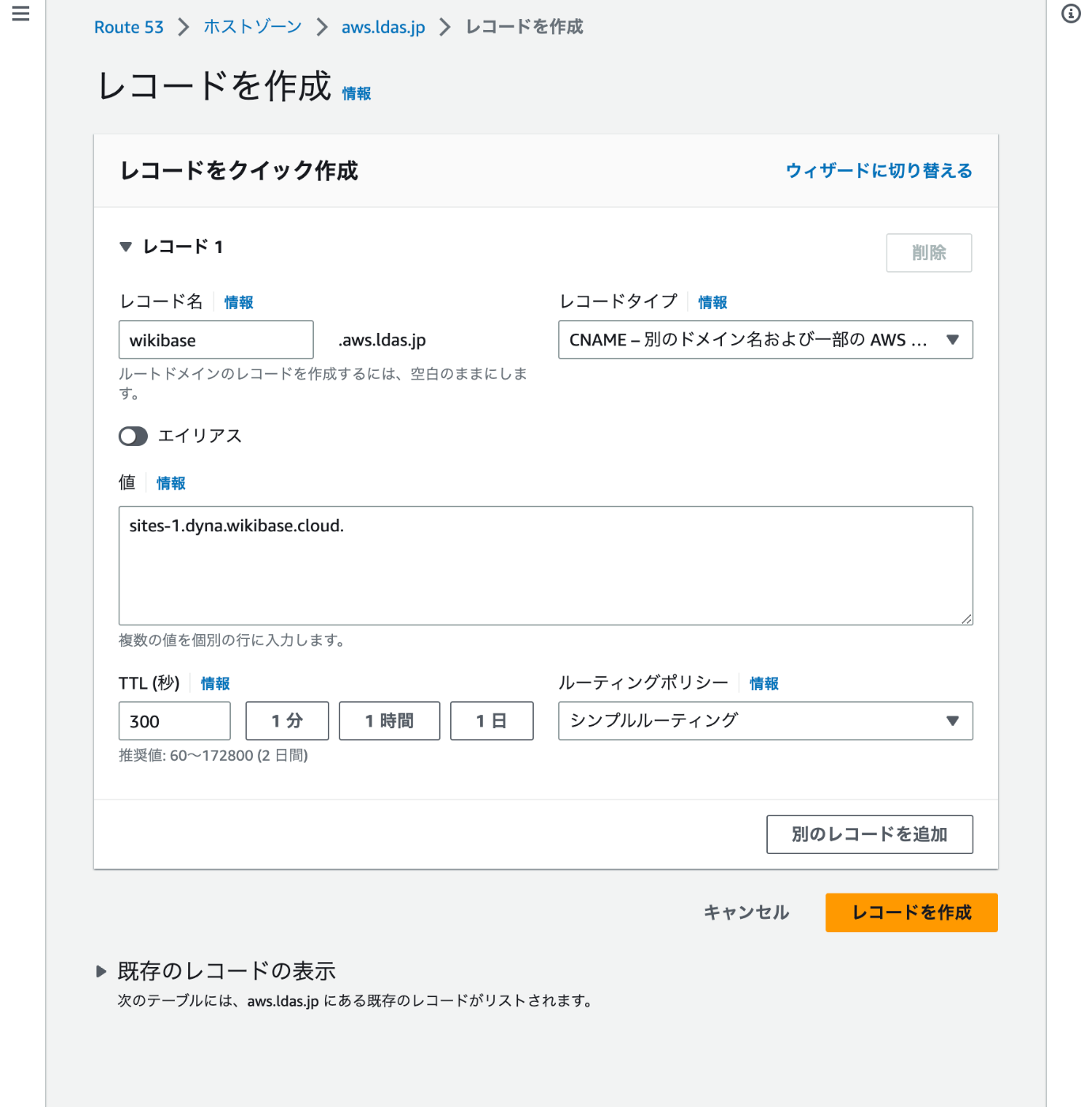
I configured the following settings in Route 53.
Changing the Theme
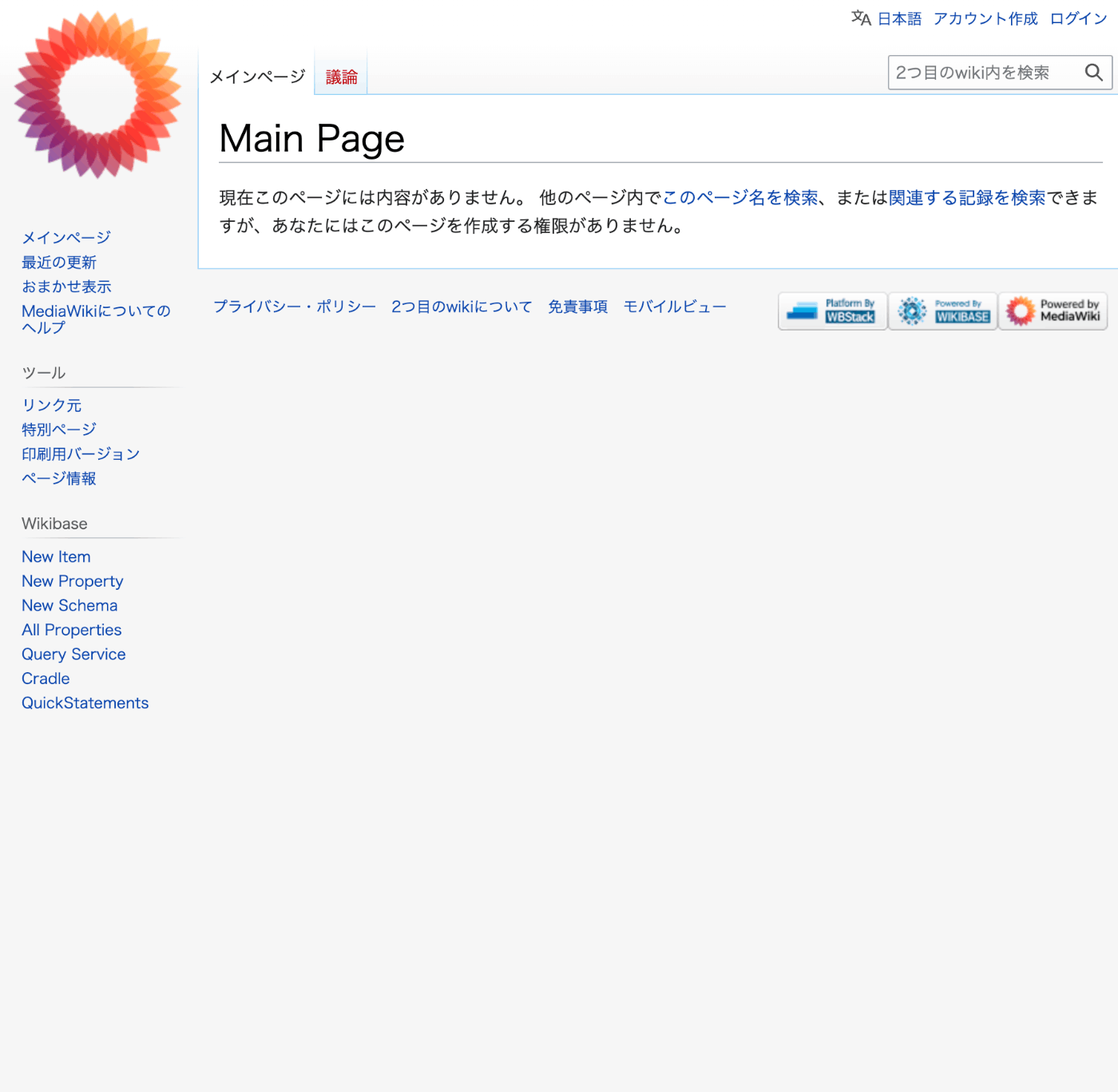
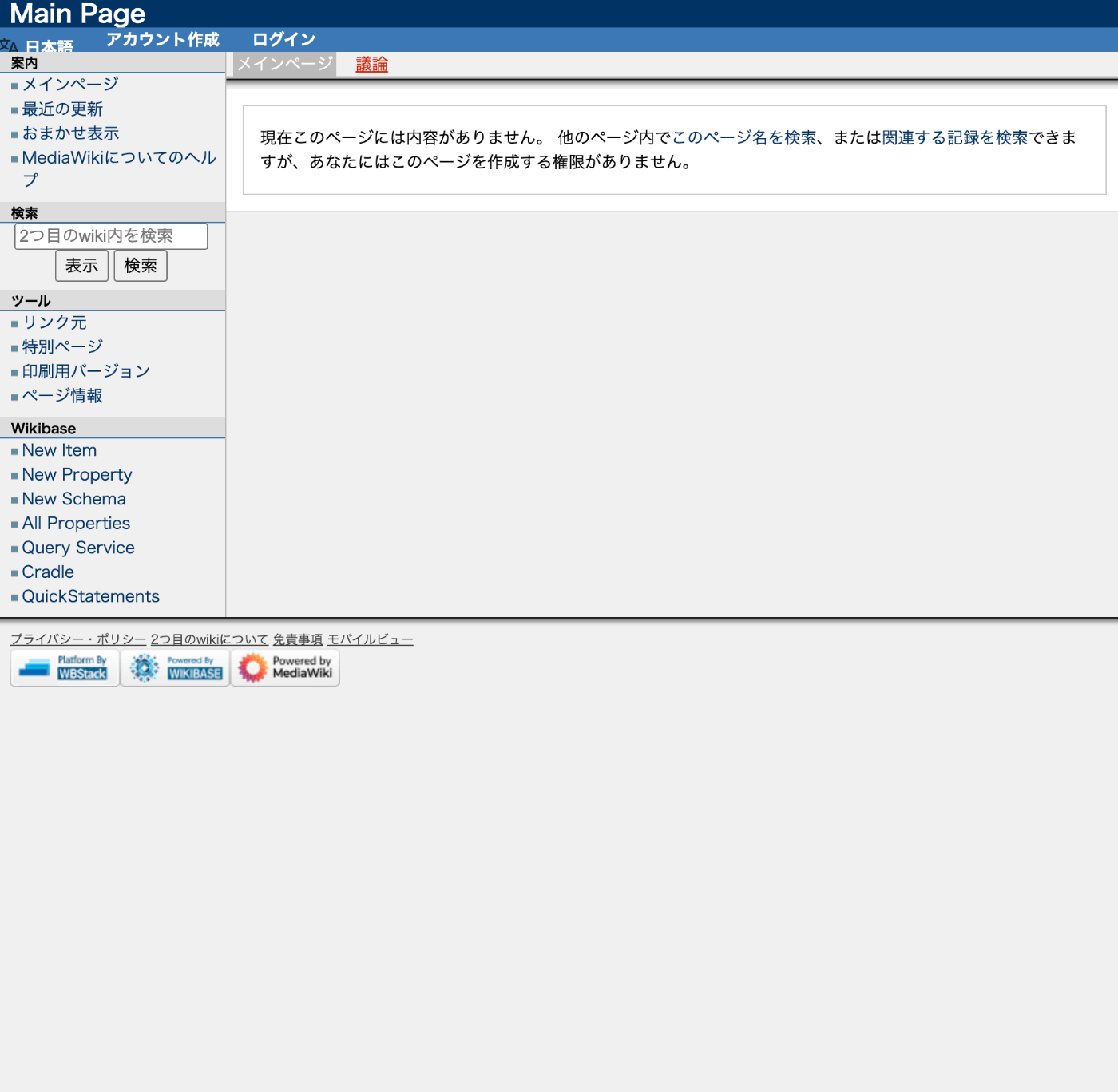
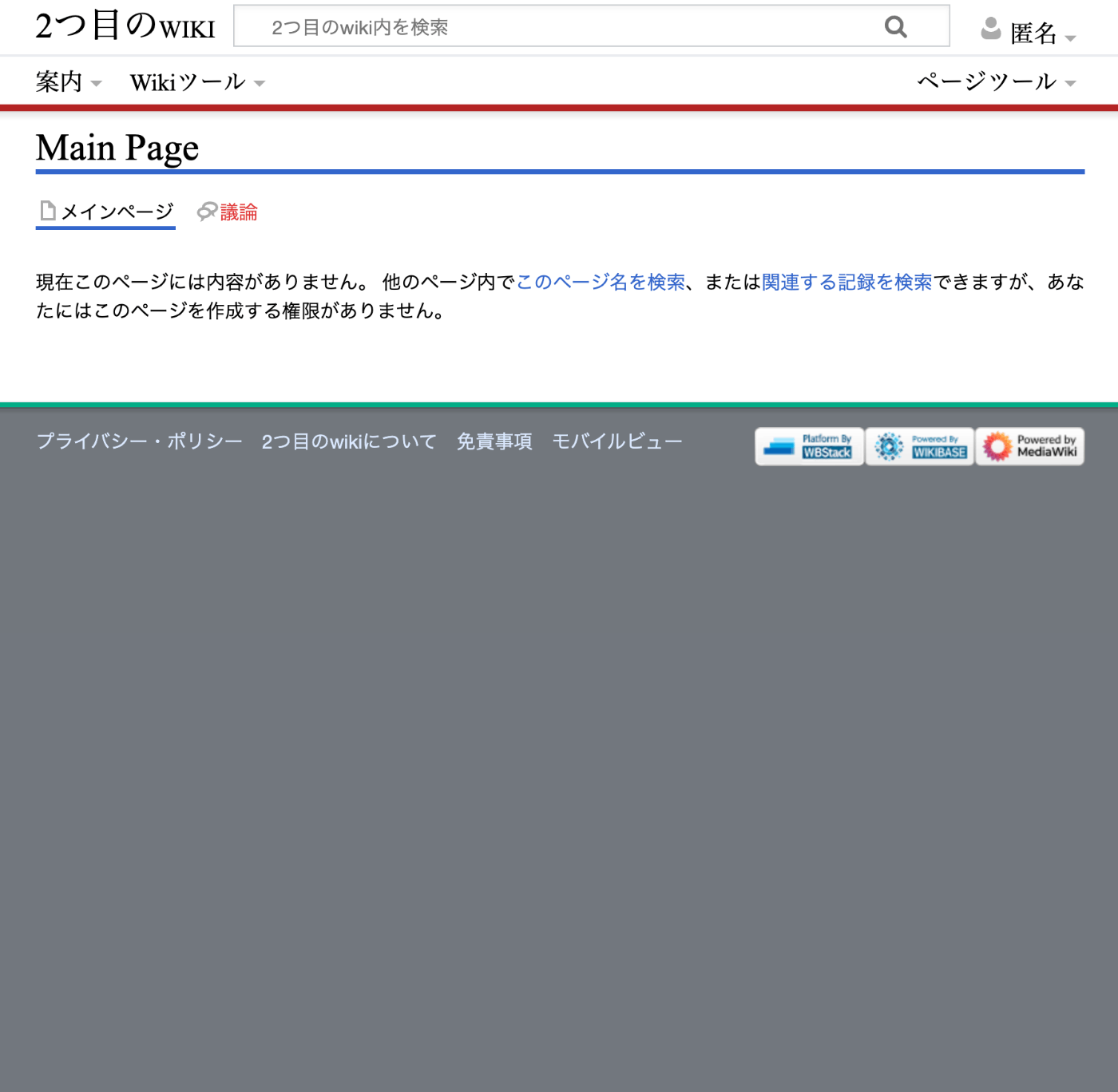
I was able to change the appearance using the Set Skin option below.
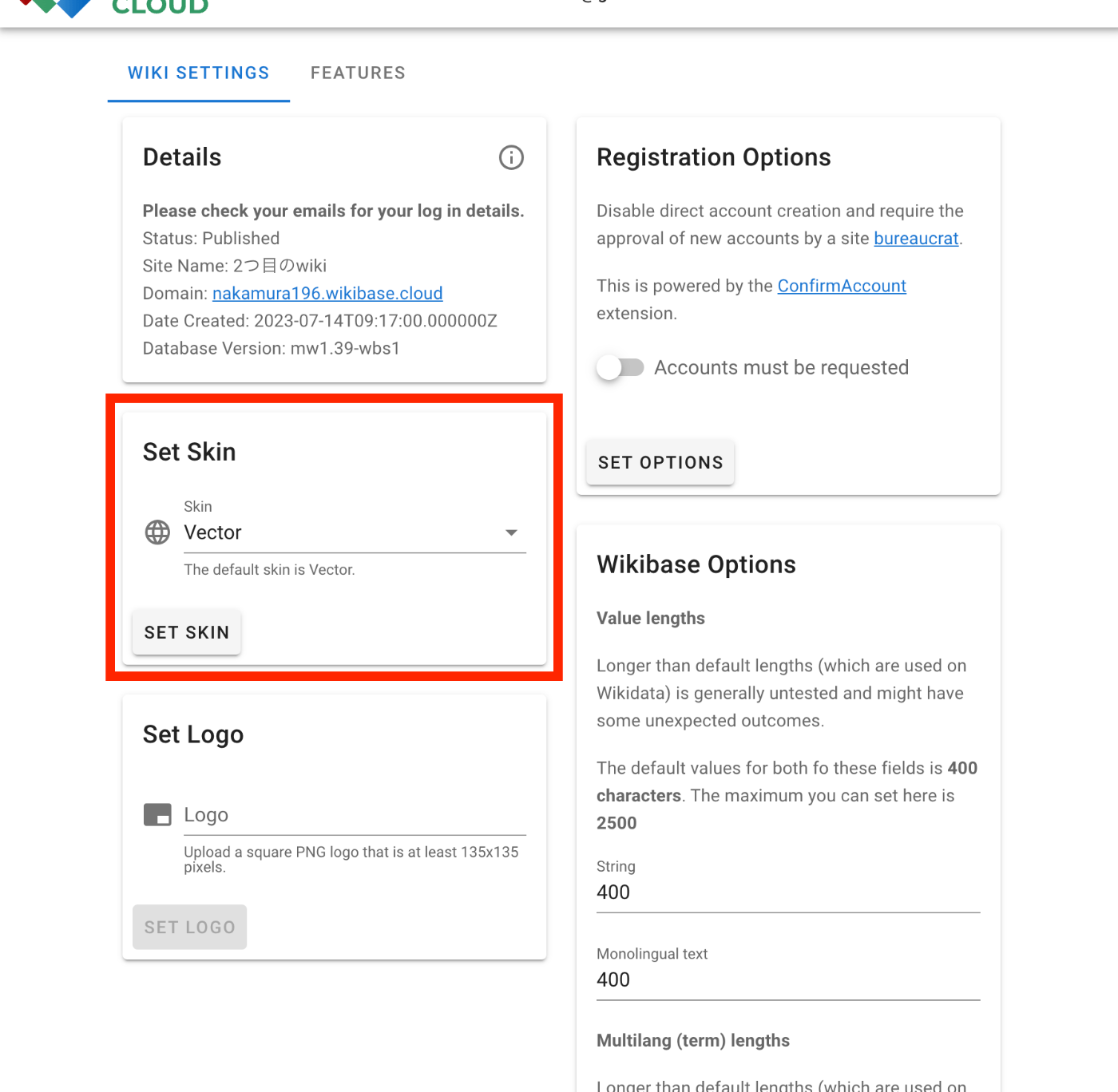
Vector
Modern
Timeless
Creating Data
After logging in with the default user, I was redirected to the following screen.
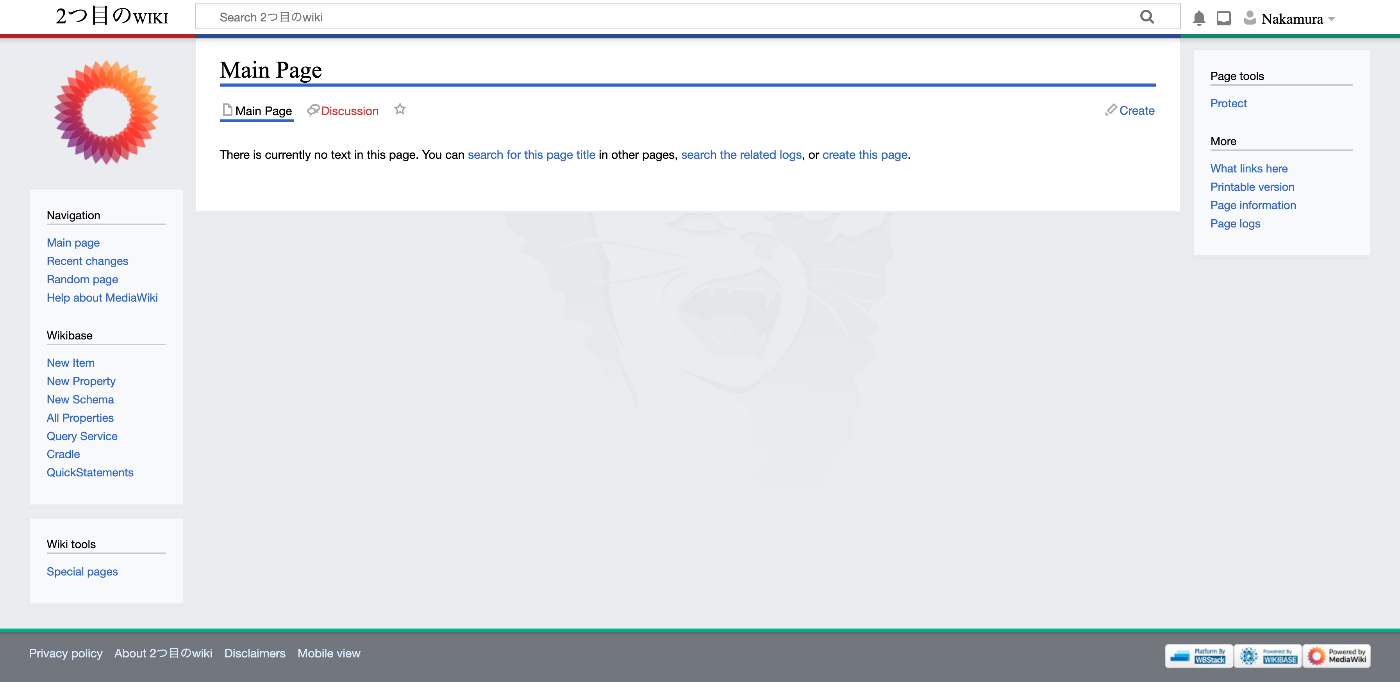
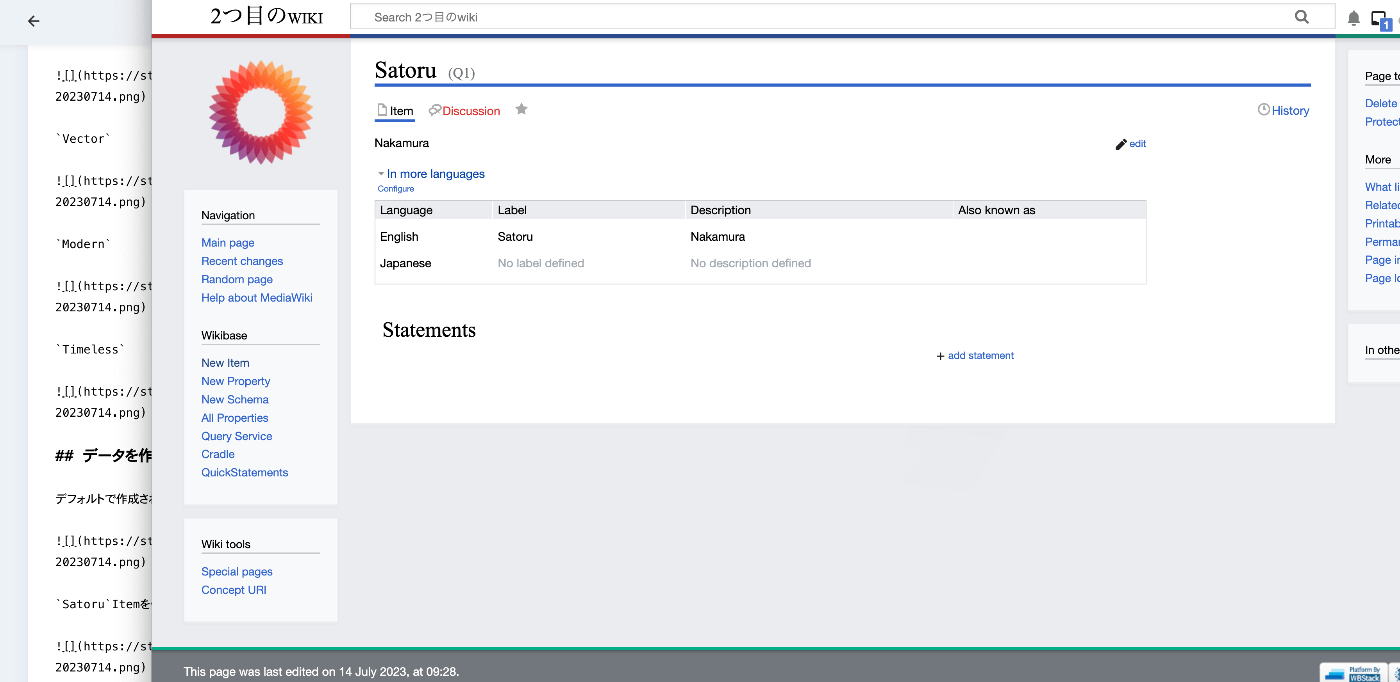
I tried creating a Satoru Item.

It was created as follows.
Properties
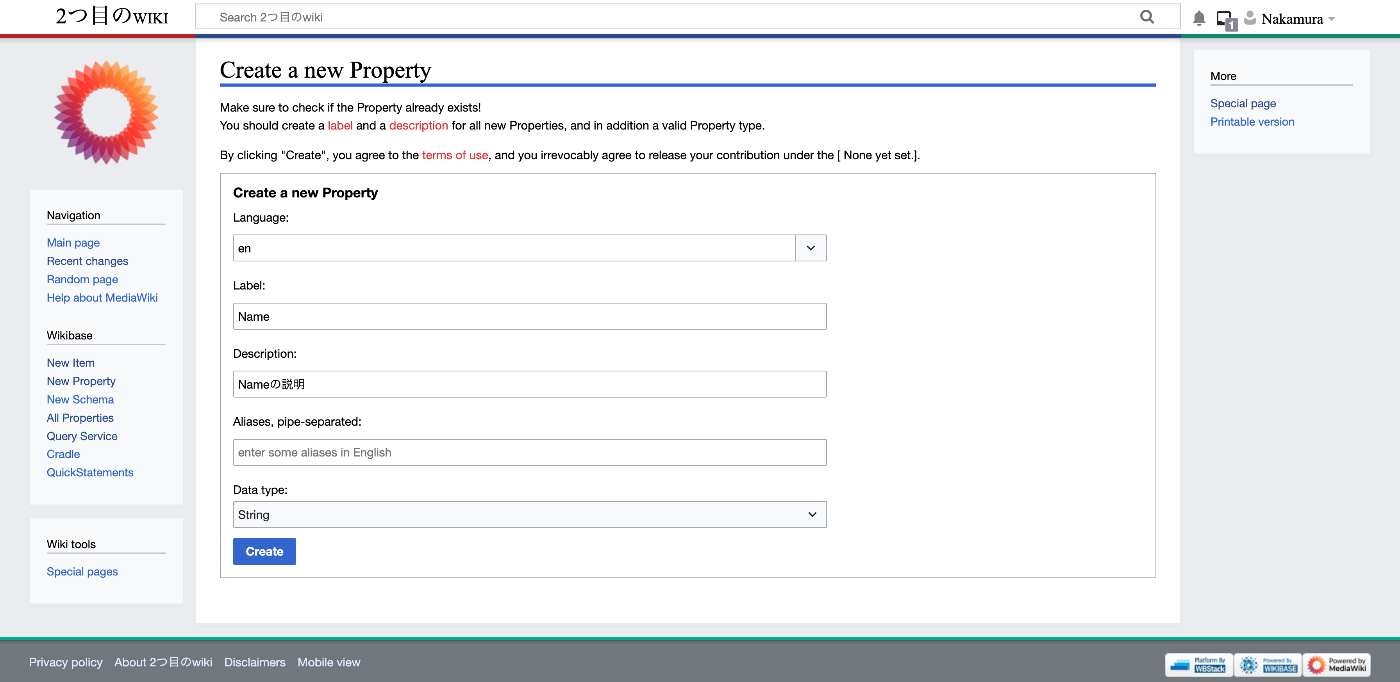
Let’s create a property called name.
Adding Statements to Items
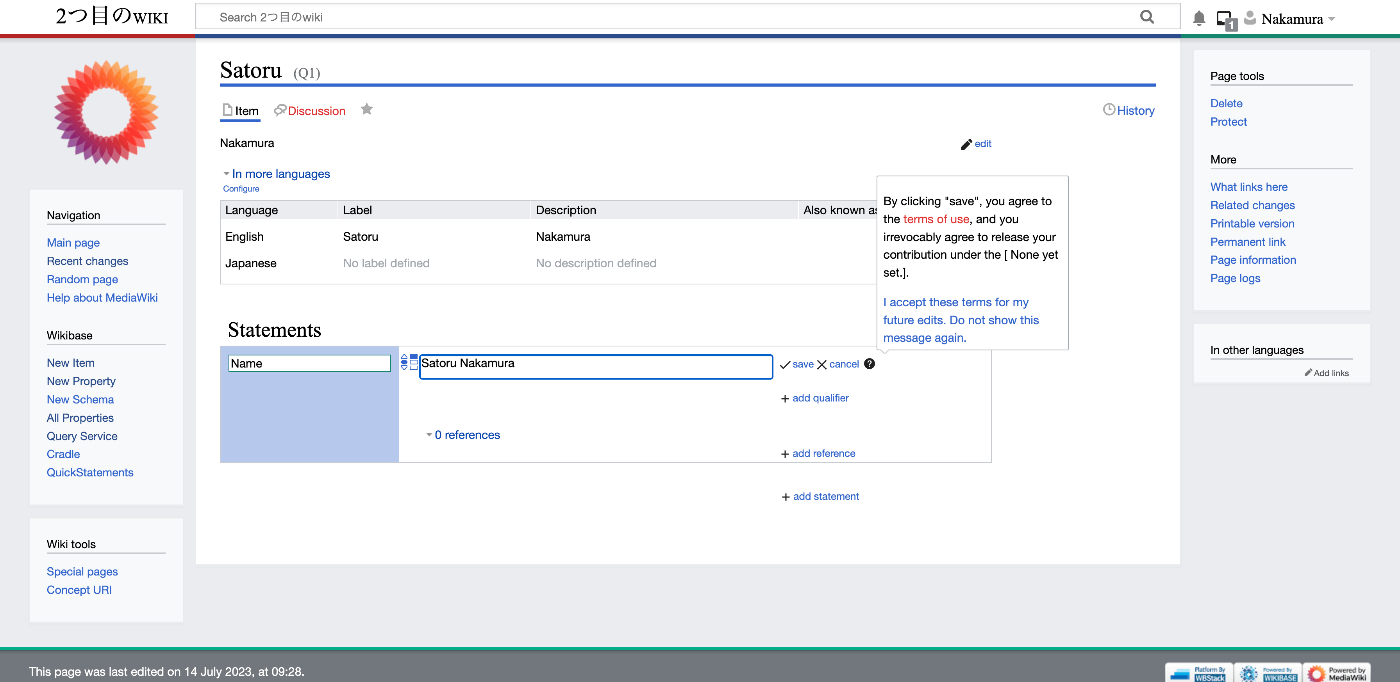
Using the created property (P1), let’s add Statements to the item (Q1).
Query Service
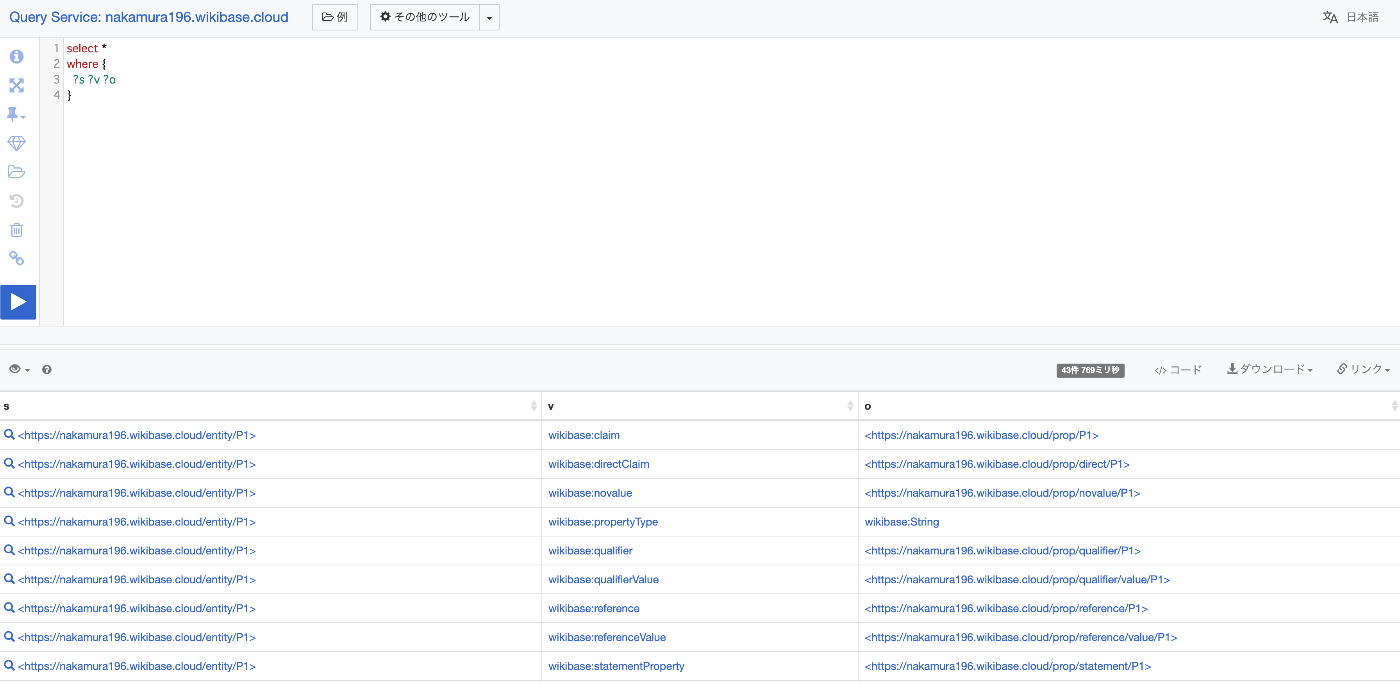
The query service worked without any issues.
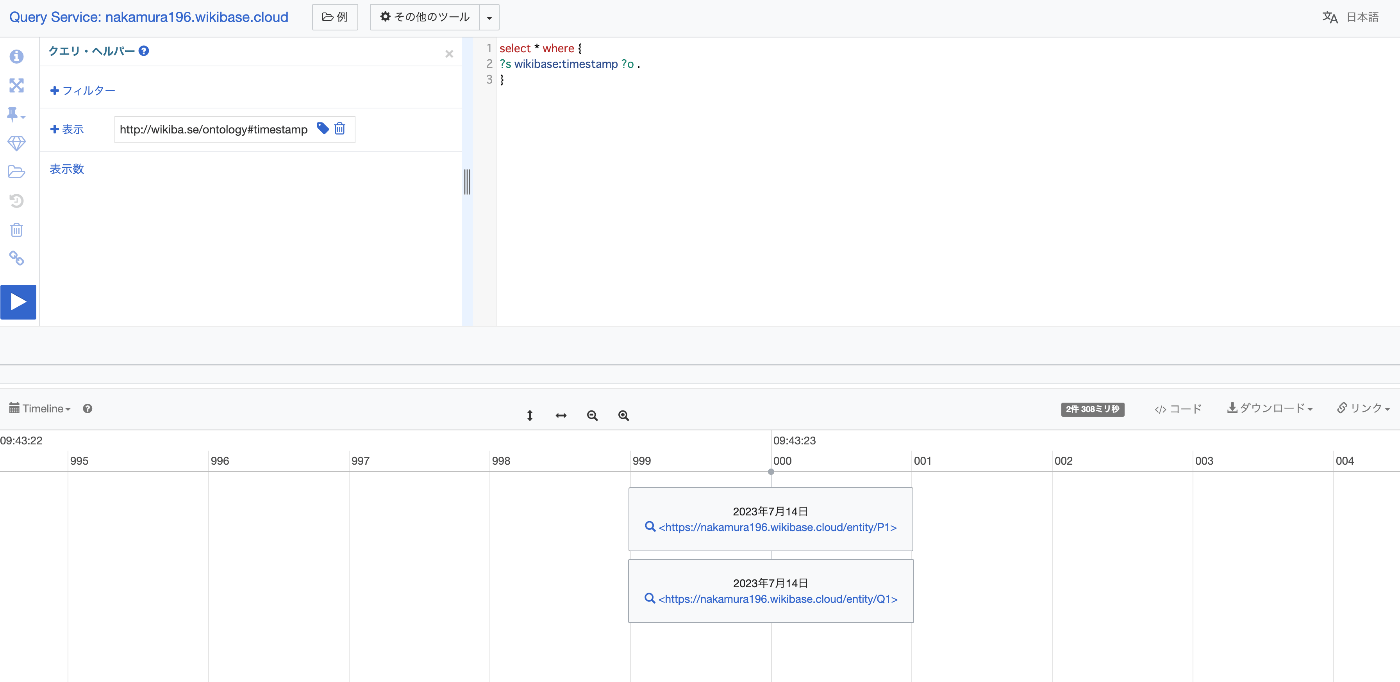
Here is a visualization example using a timeline.
#defaultView:Timeline
select * where {
?s wikibase:timestamp ?o .
}
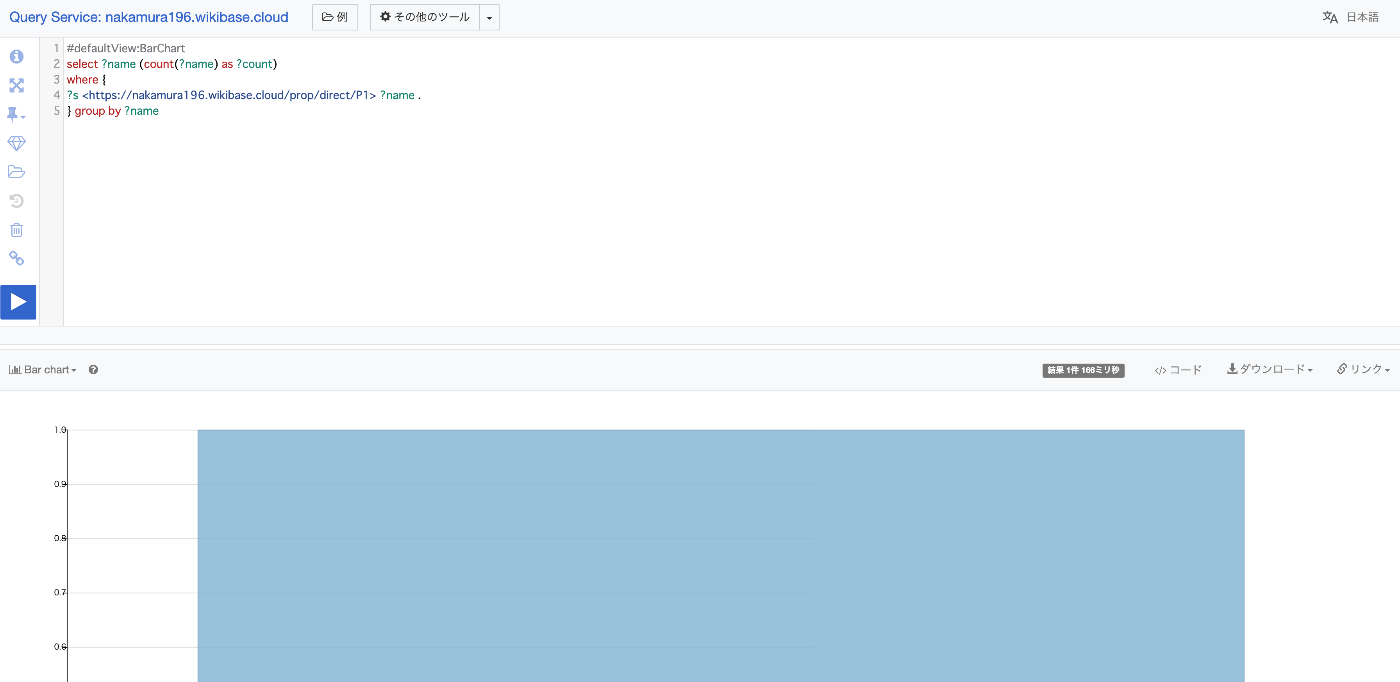
Here is a bar chart display example.
#defaultView:BarChart
select ?name (count(?name) as ?count)
where {
?s <https://nakamura196.wikibase.cloud/prop/direct/P1> ?name .
} group by ?name
Summary
I tried out several features of wikibase using wikibase.cloud. I plan to continue investigating further.