Introduction
This article was generated by GPT-4o. It explains how to build a multilingual static site using Next.js. In particular, it focuses on a configuration where the main language has no URL prefix while other languages have prefixes. It also includes configuration for deploying to GitHub Pages.
Project Setup
First, create a Next.js project. Initialize the project using create-next-app.
npx create-next-app@latest next-intl-ssg
Installing Required Packages
Install next-intl for multilingual support.
npm install next-intl
Project Structure
The project directory structure is as follows.
src/app/[locale]/about/page.tsxsrc/app/about/page.tsxsrc/lib/i18n.tssrc/components/I18nProvider.tsxsrc/i18n/ja.jsonsrc/i18n/en.json
Implementing Multilingual Support
Using next-intl, messages are managed for each language. A function to retrieve messages is defined in src/lib/i18n.ts.
export async function getMessages(locale: string) {
  return (await import(`@/i18n/${locale}.json`)).default;
}
The I18nProvider component provides messages for each page.
import { ReactNode } from 'react';
import { NextIntlClientProvider } from 'next-intl';

export default function I18nProvider({
  children,
  locale,
  messages
}: {
  children: ReactNode;
  locale: string;
  messages: Record<string, Record<string, string>>;
}) {
  return (
    <NextIntlClientProvider locale={locale} messages={messages}>
      {children}
    </NextIntlClientProvider>
  );
}
SSG Configuration
The generateStaticParams function is used to set parameters for static page generation. The main language (Japanese) has no prefix, while other languages have prefixes.
// src/app/[locale]/about/page.tsx
export function generateStaticParams() {
  return locales.filter(locale => locale !== 'ja').map(locale => ({
    locale
  }));
}
Deploying to GitHub Pages
Deploy to GitHub Pages using GitHub Actions. Configure the deployment in .github/workflows/deploy.yml.
name: Deploy to GitHub Pages

on:
  push:
    branches: [main]
  workflow_dispatch:

permissions:
  contents: read
  pages: write
  id-token: write

concurrency:
  group: "pages"
  cancel-in-progress: false

jobs:
  build:
    runs-on: ubuntu-latest
    steps:
      - name: Checkout
        uses: actions/checkout@v4

      - name: Setup Node
        uses: actions/setup-node@v4
        with:
          node-version: "20"
          cache: "npm"

      - name: Install dependencies
        run: npm ci

      - name: Build
        run: npm run build

      - name: Upload artifact
        uses: actions/upload-pages-artifact@v3
        with:
          path: ./out

  deploy:
    environment: github-pages
    runs-on: ubuntu-latest
    needs: build
    steps:
      - name: Deploy to GitHub Pages
        id: deployment
        uses: actions/deploy-pages@v4
Links
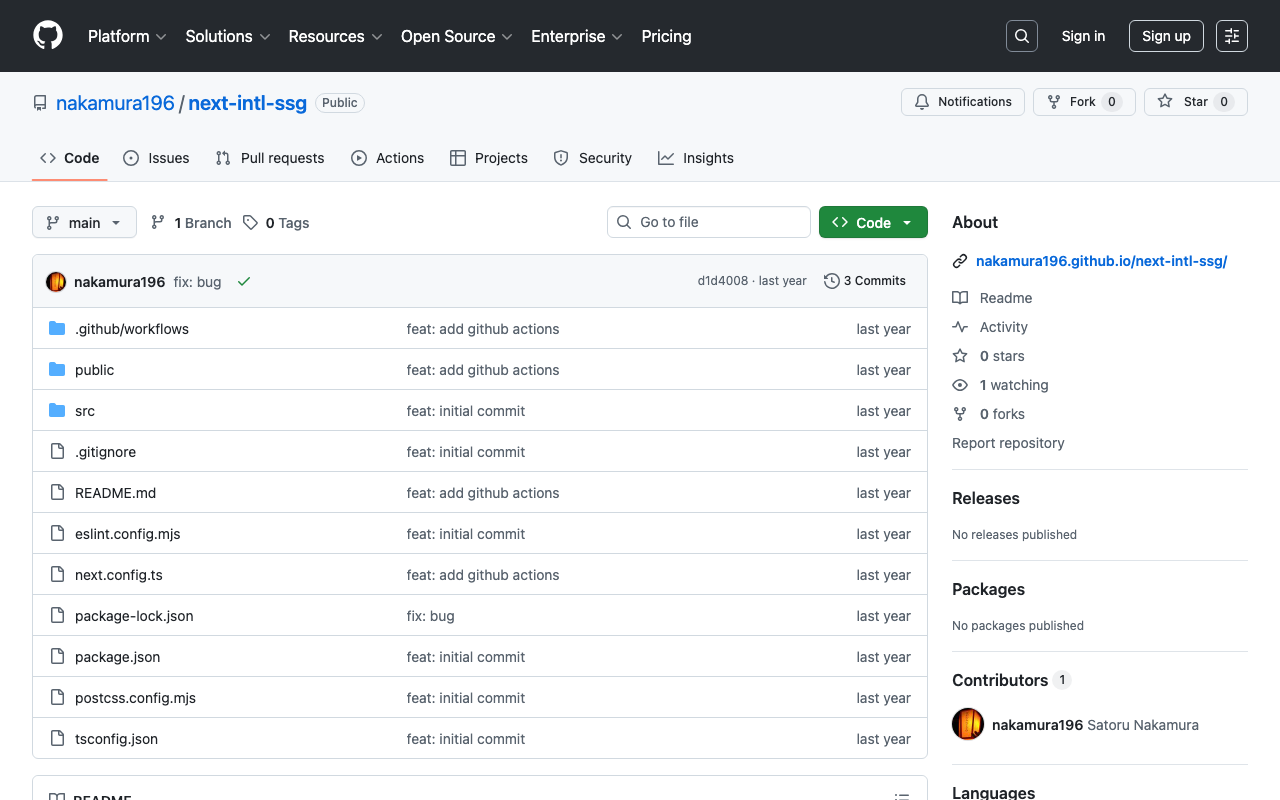
- GitHub Repository: next-intl-ssg
- GitHub Pages: next-intl-ssg
Summary
This blog post introduced how to build a multilingual static site using Next.js, where the main language has no prefix and other languages have prefixes. By leveraging next-intl, multilingual support is easily achievable. Please give it a try.