Overview
In the following article, I introduced how to add an export feature.
One of the export formats available is JSON-LD.
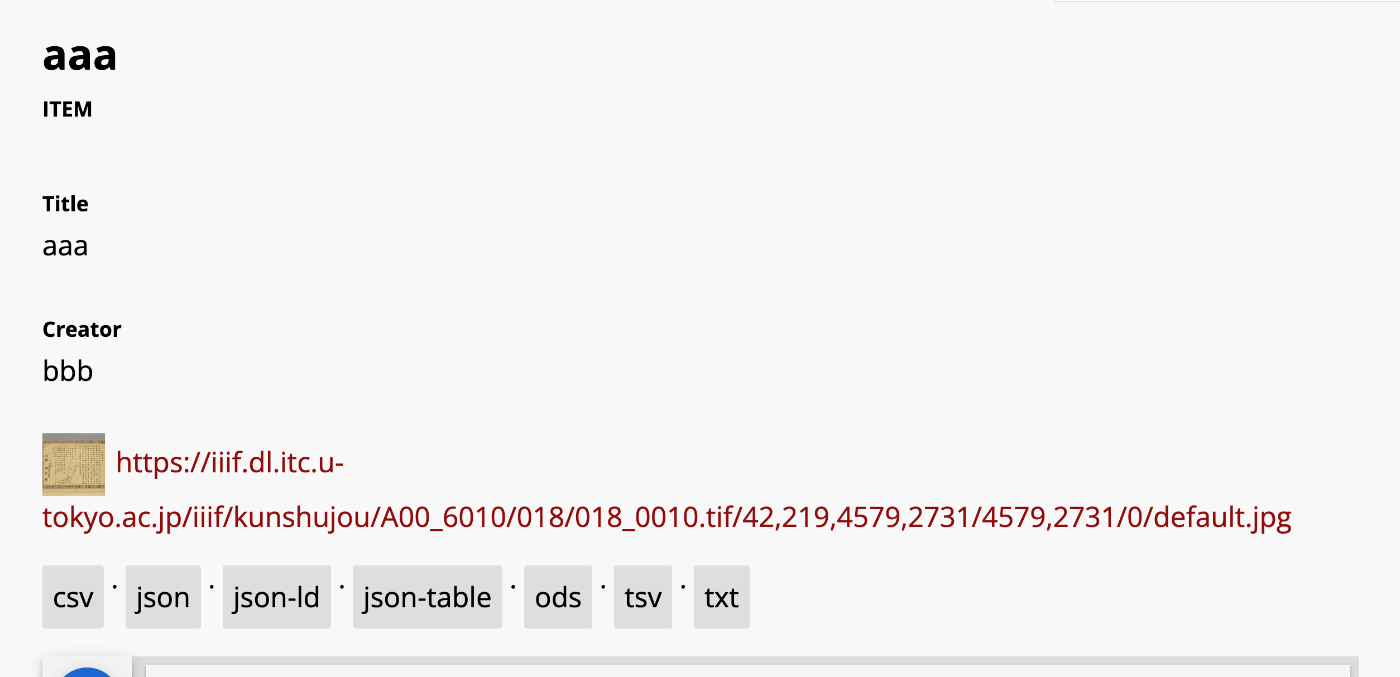
In this article, we will try converting this JSON-LD to RDF/XML and Turtle formats.
Tool Used
This time, we will use EASY RDF.
https://www.easyrdf.org/converter
Copy the contents of the following JSON-LD obtained through the Omeka S export.
{
    "@context": "https://omekas.aws.ldas.jp/xxx/omekas/api-context",
    "@id": "https://omekas.aws.ldas.jp/xxx/omekas/api/items/12",
    "@type": "o:Item",
    "o:id": 12,
    "o:is_public": true,
    "o:owner": {
        "@id": "https://omekas.aws.ldas.jp/xxx/omekas/api/users/1",
        "o:id": 1
    },
    "o:resource_class": null,
    "o:resource_template": null,
    "o:thumbnail": null,
    "o:title": "aaa",
    "thumbnail_display_urls": {
        "large": "https://omekas.aws.ldas.jp/xxx/omekas/files/large/4f57960c4471c954c6d3aac0a23bd441a6f4eb8b.jpg",
        "medium": "https://omekas.aws.ldas.jp/xxx/omekas/files/medium/4f57960c4471c954c6d3aac0a23bd441a6f4eb8b.jpg",
        "square": "https://omekas.aws.ldas.jp/xxx/omekas/files/square/4f57960c4471c954c6d3aac0a23bd441a6f4eb8b.jpg"
    },
    "o:created": {
        "@value": "2023-07-26T22:52:31+00:00",
        "@type": "http://www.w3.org/2001/XMLSchema#dateTime"
    },
    "o:modified": {
        "@value": "2023-10-17T06:56:16+00:00",
        "@type": "http://www.w3.org/2001/XMLSchema#dateTime"
    },
    "o:media": [
        {
            "@id": "https://omekas.aws.ldas.jp/xxx/omekas/api/media/13",
            "o:id": 13
        }
    ],
    "o:item_set": [],
    "o:site": [
        {
            "@id": "https://omekas.aws.ldas.jp/xxx/omekas/api/sites/1",
            "o:id": 1
        }
    ],
    "dcterms:title": [
        {
            "type": "literal",
            "property_id": 1,
            "property_label": "Title",
            "is_public": true,
            "@value": "aaa"
        }
    ],
    "dcterms:creator": [
        {
            "type": "literal",
            "property_id": 2,
            "property_label": "Creator",
            "is_public": true,
            "@value": "bbb"
        }
    ]
}
Then, paste it into the Input Data form in EASY RDF.

Select JSON-LD for Input Format and choose the desired item for Output Format.
RDF/XML
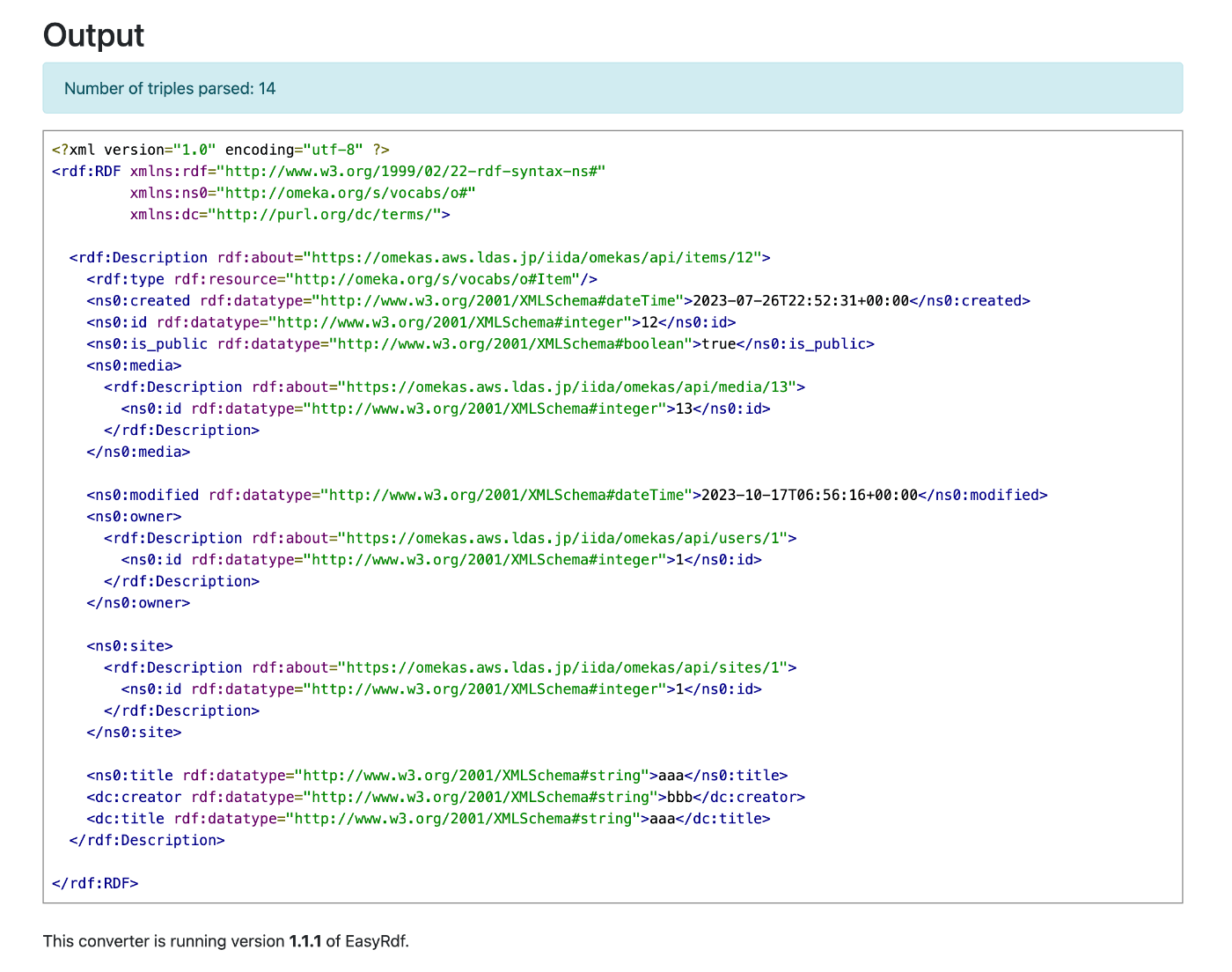
When RDF/XML is selected, the conversion result looks like this.
Turtle
When Turtle is selected, the conversion result looks like this.

N-Triples
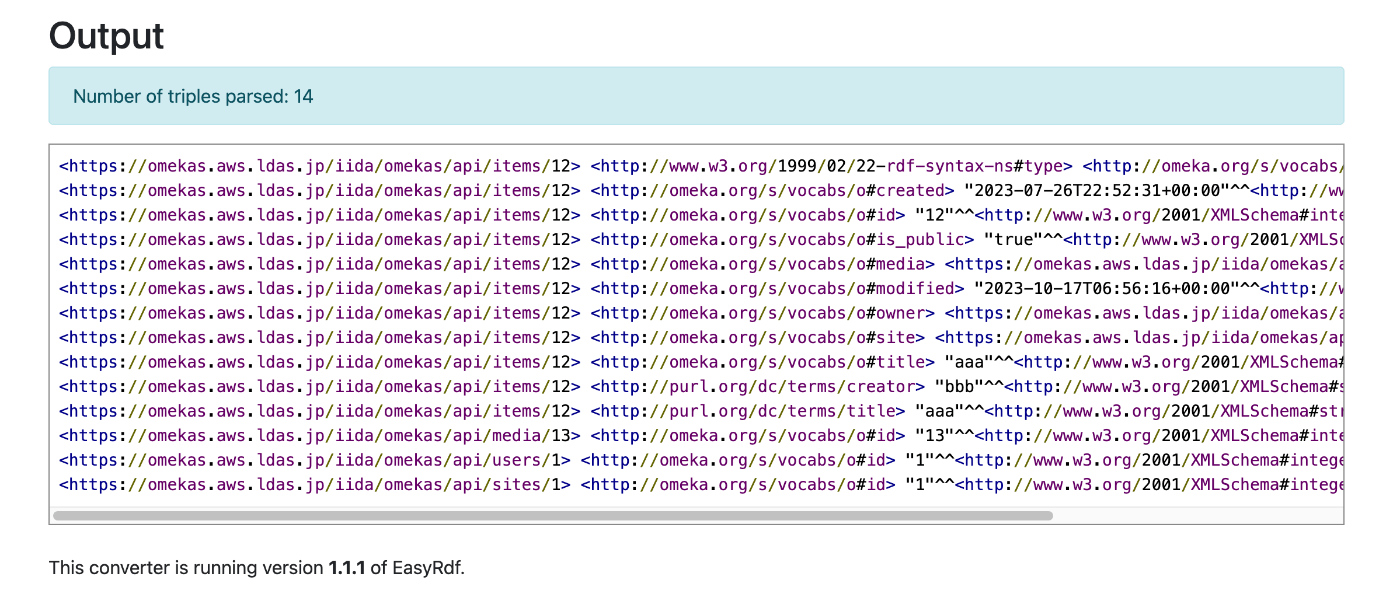
When N-Triples is selected, the conversion result looks like this.
Summary
I hope this serves as a helpful reference regarding RDF data output formats.