Overview
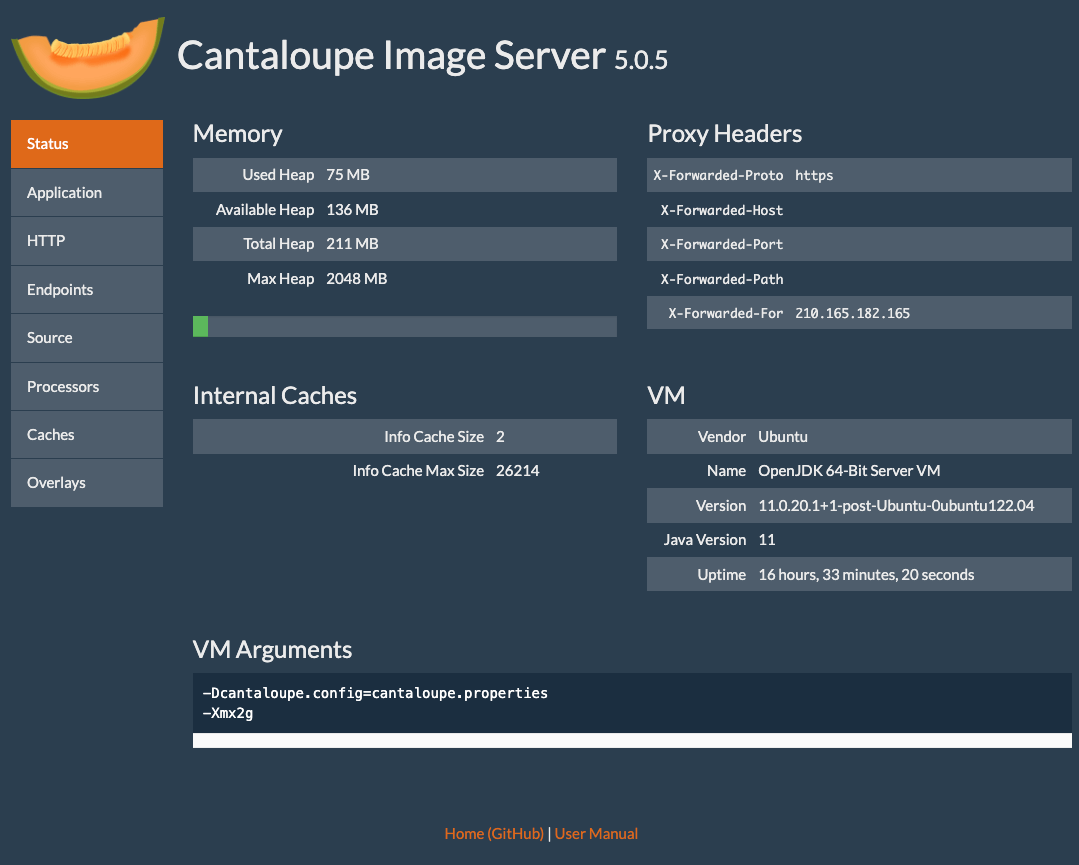
Here is how to enable the admin panel for Cantaloupe. I was able to view server information as shown below.
Configuration
Edit the following section in cantaloupe.properties.
# Enables the Control Panel, at /admin.
endpoint.admin.enabled = true # false
endpoint.admin.username = admin
endpoint.admin.secret = <パスワード>
As a result, if you access a URL like the following and the Basic authentication screen appears, the setup is complete.
https://cantaloupe.aws.ldas.jp/admin
Summary
I hope this serves as a useful reference when using Cantaloupe.