Home Articles Books Search About
日本語

Latest Articles

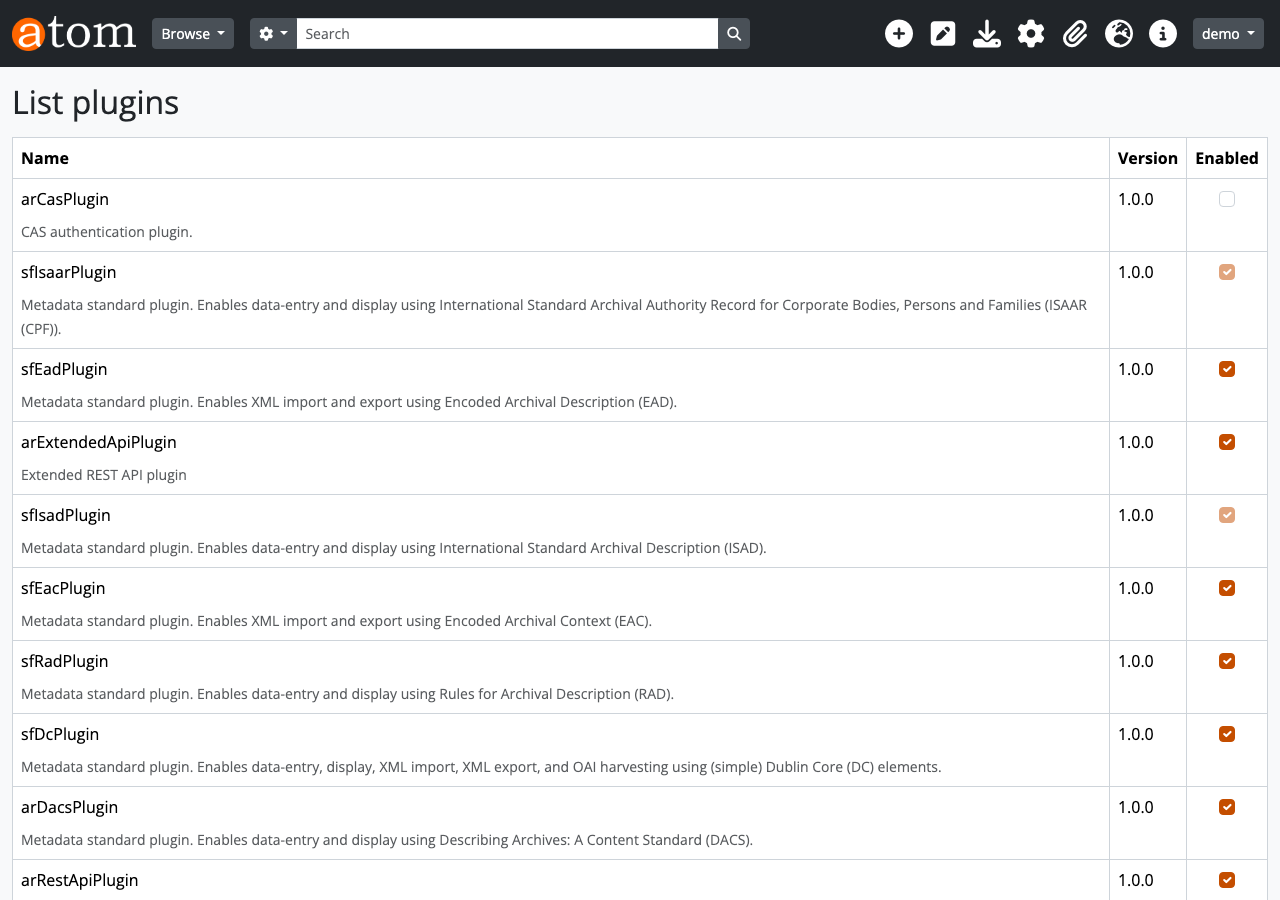
Developing a Plugin to Extend the AtoM REST API

Developing a Plugin to Extend the AtoM REST API

Introduction AtoM (Access to Memory) is an open-source web application for archival institutions. It provides descriptive management functionality compliant with international standards such as ISAD(G), ISAAR(CPF), and ISDF, and is used by libraries, archives, and museums worldwide. AtoM ships with a standard REST API plugin called arRestApiPlugin, but it has the following limitations: Primarily centered on CRUD for information objects (archival descriptions), with limited coverage No API for Repositories, Authority records (Actors), or Accessions No API for Taxonomy (classification vocabulary) operations The Digital object upload API is not practical No API for Function descriptions This does not meet business needs such as integration with external systems or batch registration through automated processing. ...
Starting Alfresco with Docker and Experiencing the Records Management Lifecycle via REST API

Starting Alfresco with Docker and Experiencing the Records Management Lifecycle via REST API

Overview In this article, we will start the latest version (25.3.0) of Alfresco Governance Services Community Edition (hereinafter AGS) with Docker and experience the entire records management lifecycle using the REST API. Specifically, we assume the following business scenario. Scenario: Contract Management The business department creates and registers a contract The records manager declares it as a record and classifies it in the file plan A retention schedule is configured After the contract ends, a cutoff (active to inactive) is executed After the retention period (3 years) has elapsed, disposal is performed If litigation arises, a hold (freeze) is placed to stop disposal The following builds on the previous article and introduces setup procedures and API usage for the latest version. ...

Development of a Text Comparison Tool Using IIIF Manifests

Development of a Text Comparison Tool Using IIIF Manifests

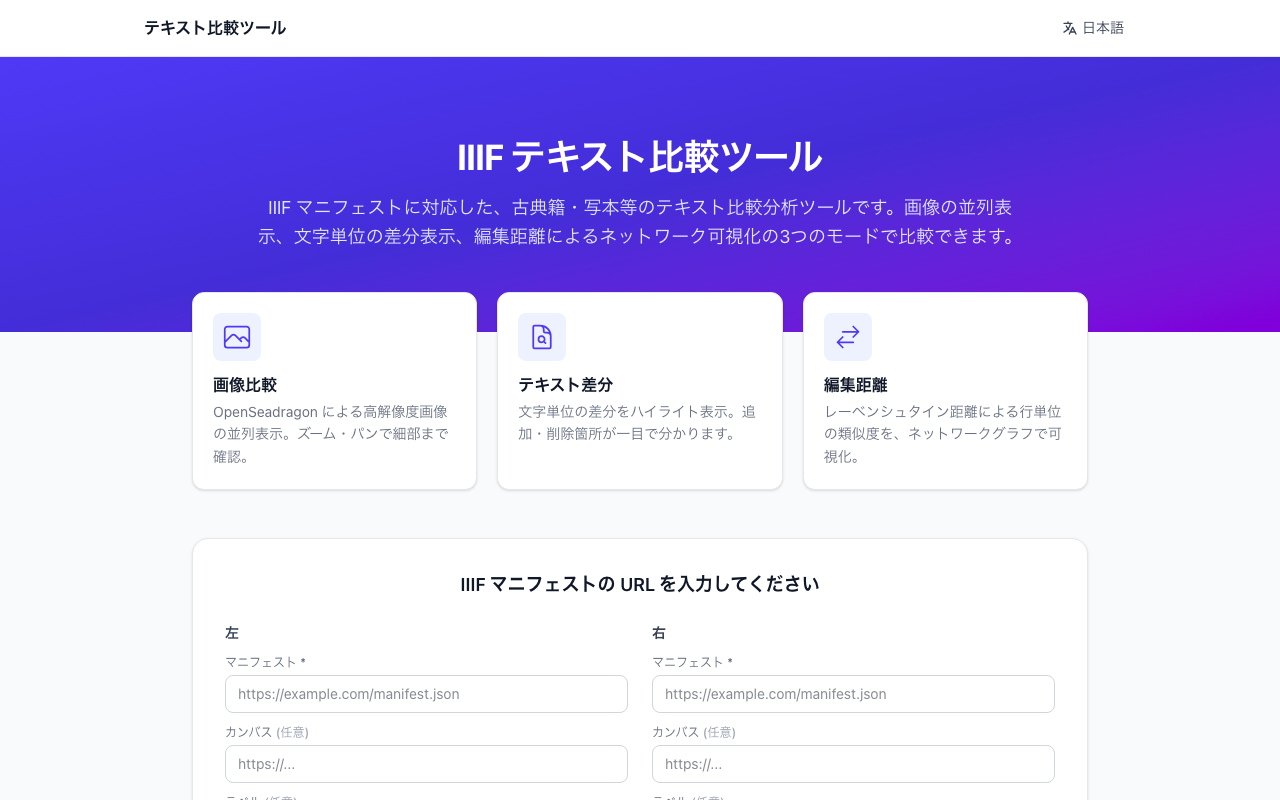
Introduction As digitization of classical texts progresses, there is a growing need to compare and analyze texts from different manuscripts and critical editions. This article introduces “Text Comparison Tool,” a web application that leverages IIIF (International Image Interoperability Framework) manifests to display and compare images and text from two materials side by side. Demo site: https://iiif-text.vercel.app/ Background and Challenges Classical texts published in digital archives sometimes have text annotations attached to their IIIF manifests. However, there are few convenient tools for comparing the text of two materials side by side. ...

Improved the Drupal GitHub Webhook Module

Improved the Drupal GitHub Webhook Module

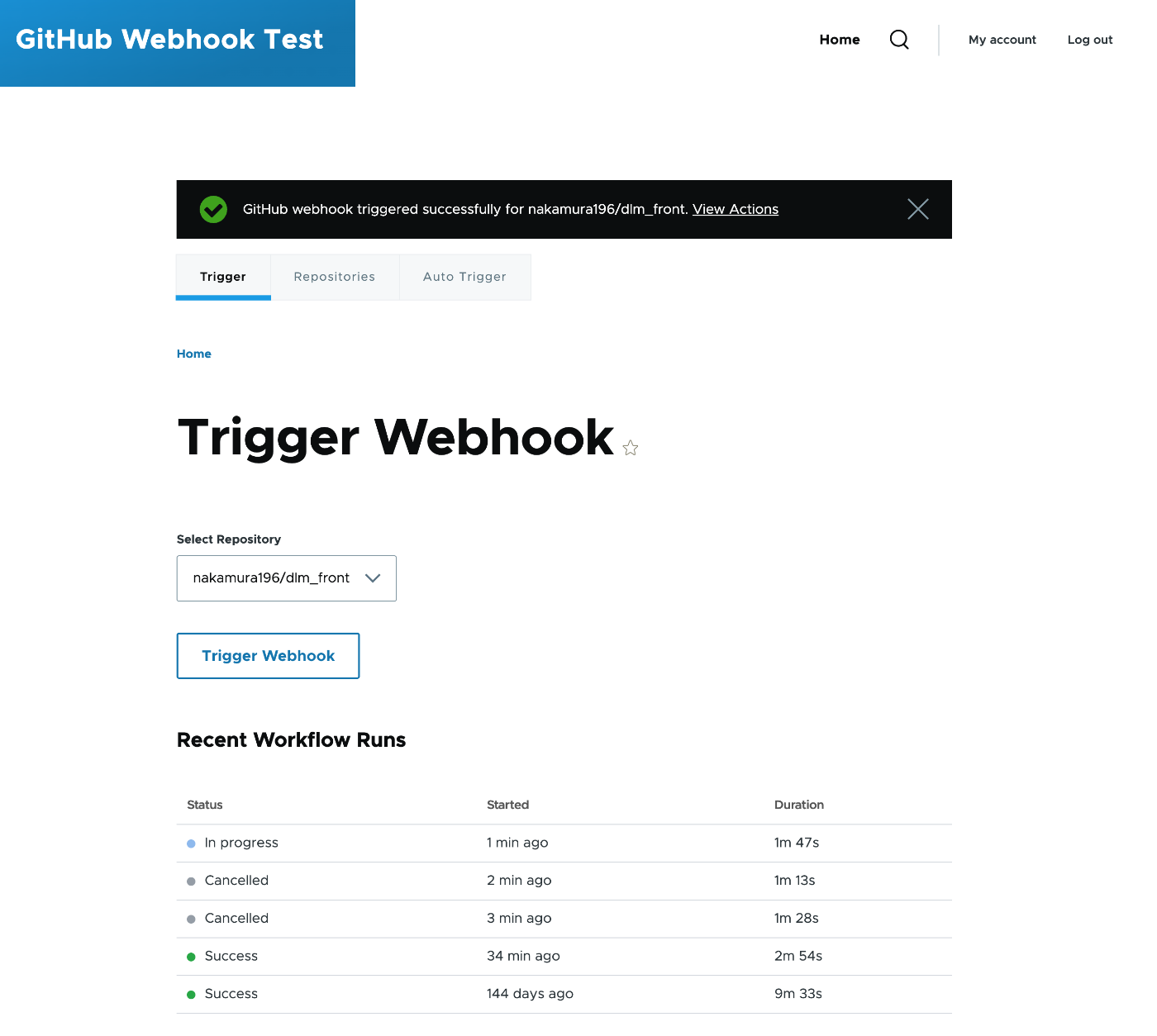
I improved the custom module “GitHub Webhook” that triggers GitHub Actions from Drupal’s admin interface. https://github.com/nakamura196/Drupal-module-github_webhook It was originally a basic module with multi-repository support, but I added features such as UI tab separation, granular permissions, workflow status display, and auto-triggering. The Module Before Improvements The original module had the following structure: File count: 5 files (info.yml, routing.yml, links.menu.yml, permissions.yml, SettingsForm.php) Supported version: Drupal 10 only Repositories: Multi-repository support (dynamic add/remove via AJAX) Interface: Settings and trigger on the same screen (2 accordions) Permissions: Single access github webhook settings permission (same for both settings and triggering) Token management: #default_value set on password field (token output in plaintext in HTML source) HTTP client: Direct instantiation of new \GuzzleHttp\Client() Exception classes: Written in catch blocks without use statements (incorrect namespace resolution) // Before: Token was set in #default_value $form['settings']['github_token'] = [ '#type' => 'password', '#title' => $this->t('GitHub Token'), '#default_value' => $config->get('github_token'), // Output in plaintext in HTML ]; // Before: Guzzle client was directly instantiated with new $client = new \GuzzleHttp\Client(); Overview of Changes Comparison of file structures before and after the improvements. * indicates modified files, + indicates newly added files. ...

Bulk Deleting Unnecessary Sites Using Netlify CLI

Bulk Deleting Unnecessary Sites Using Netlify CLI

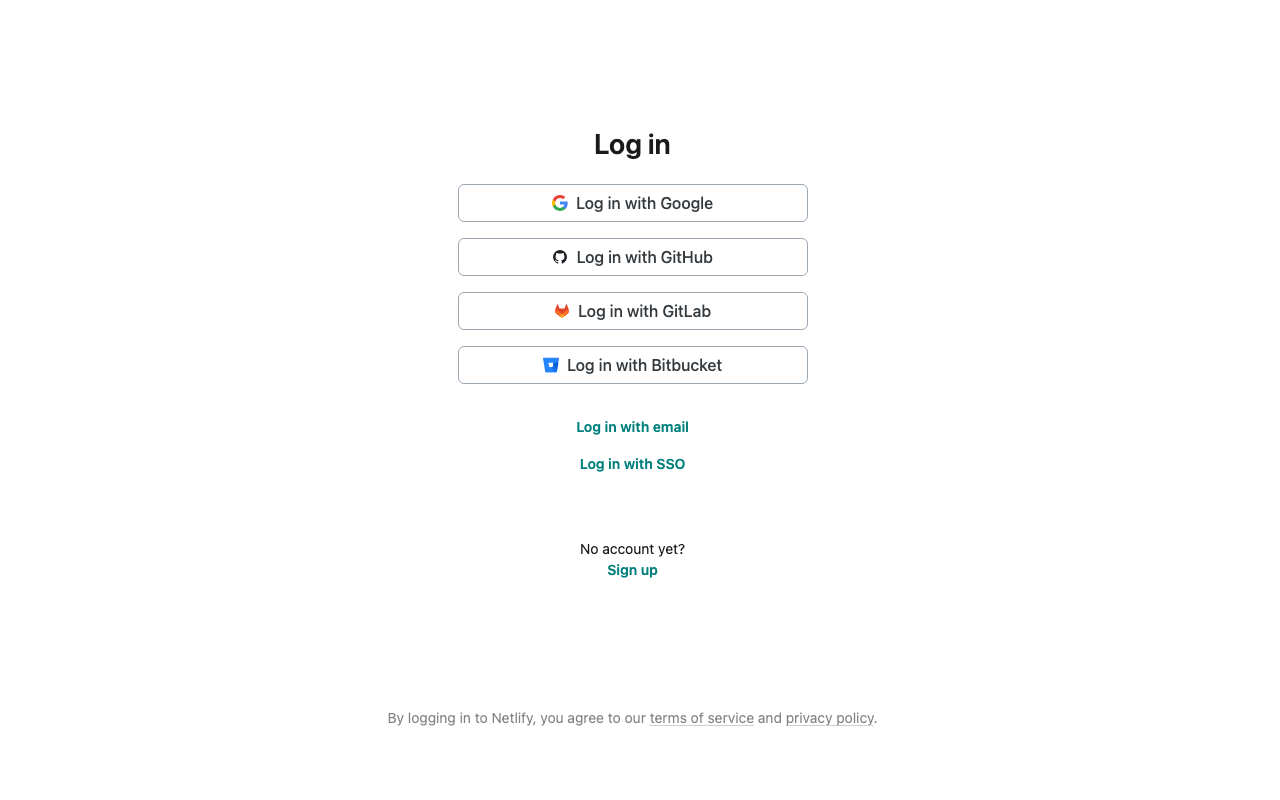
I had accumulated a large number of Netlify sites, so here is a summary of the steps I took to bulk delete them using the CLI. Background The number of Netlify sites created during development and testing had grown to 41. Since only a few sites were currently in use, I decided to delete the old sites in bulk. Environment macOS Node.js netlify-cli v23.15.1 Steps 1. Install Netlify CLI npm install -g netlify-cli 2. Login netlify login A browser will open and display the Netlify authentication screen. After authorizing, the token will be saved to the CLI. ...

Performing Module Updates and Core Upgrades from the Drupal 10 Admin Interface

Performing Module Updates and Core Upgrades from the Drupal 10 Admin Interface

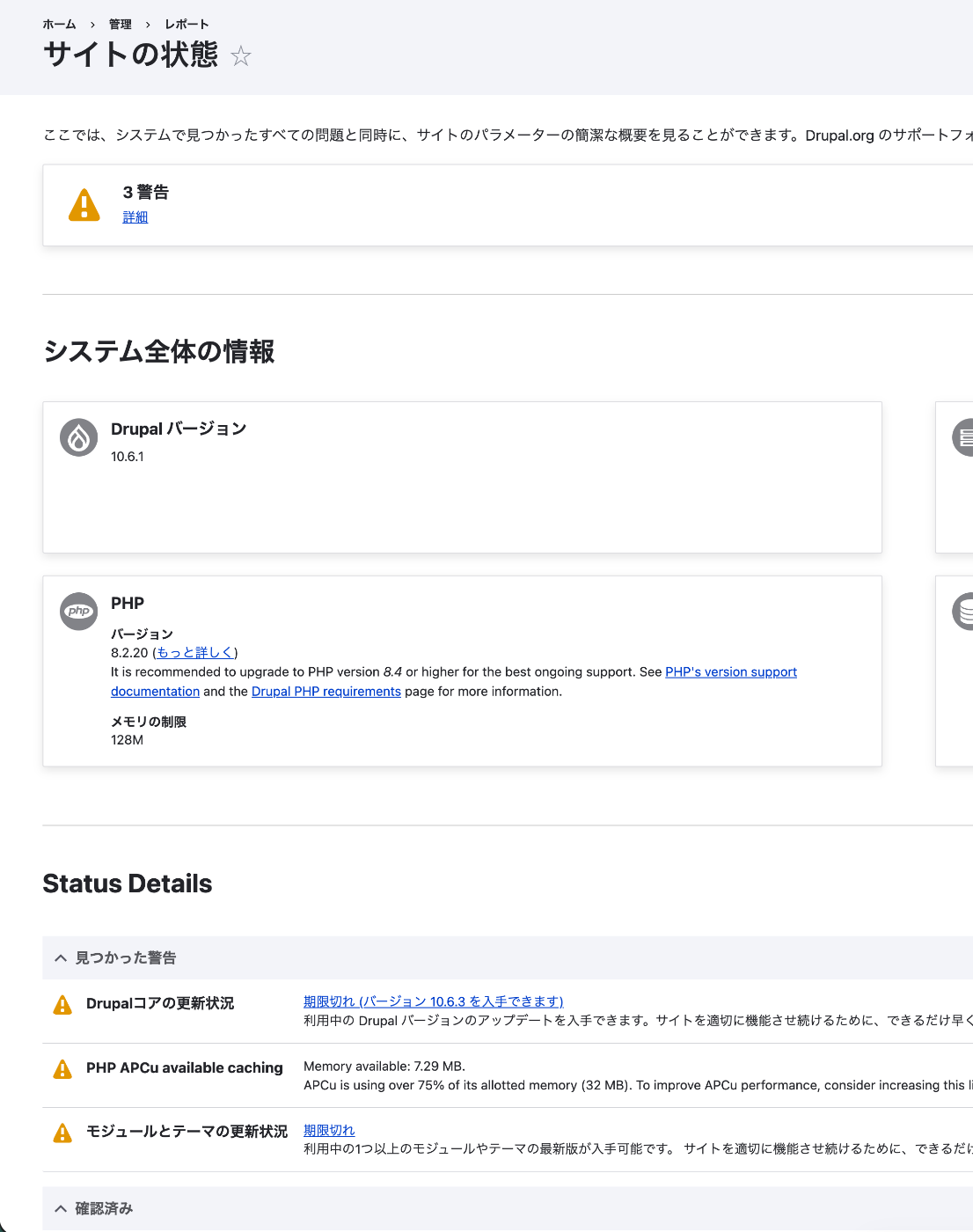
This article summarizes the steps for setting up Backup and Migrate for backups and Automatic Updates for automatic module and core updates on Drupal 10.6.1 running on a shared server. Current Status Check Checking “Reports > Status report” in the admin interface revealed three warnings: Drupal core update status: Out of date (version 10.6.3 available) PHP APCu available caching: Memory usage exceeds 75% Module and theme update status: Out of date ...

Replacing Only the Window Title of External Manifests in Mirador 4

Replacing Only the Window Title of External Manifests in Mirador 4

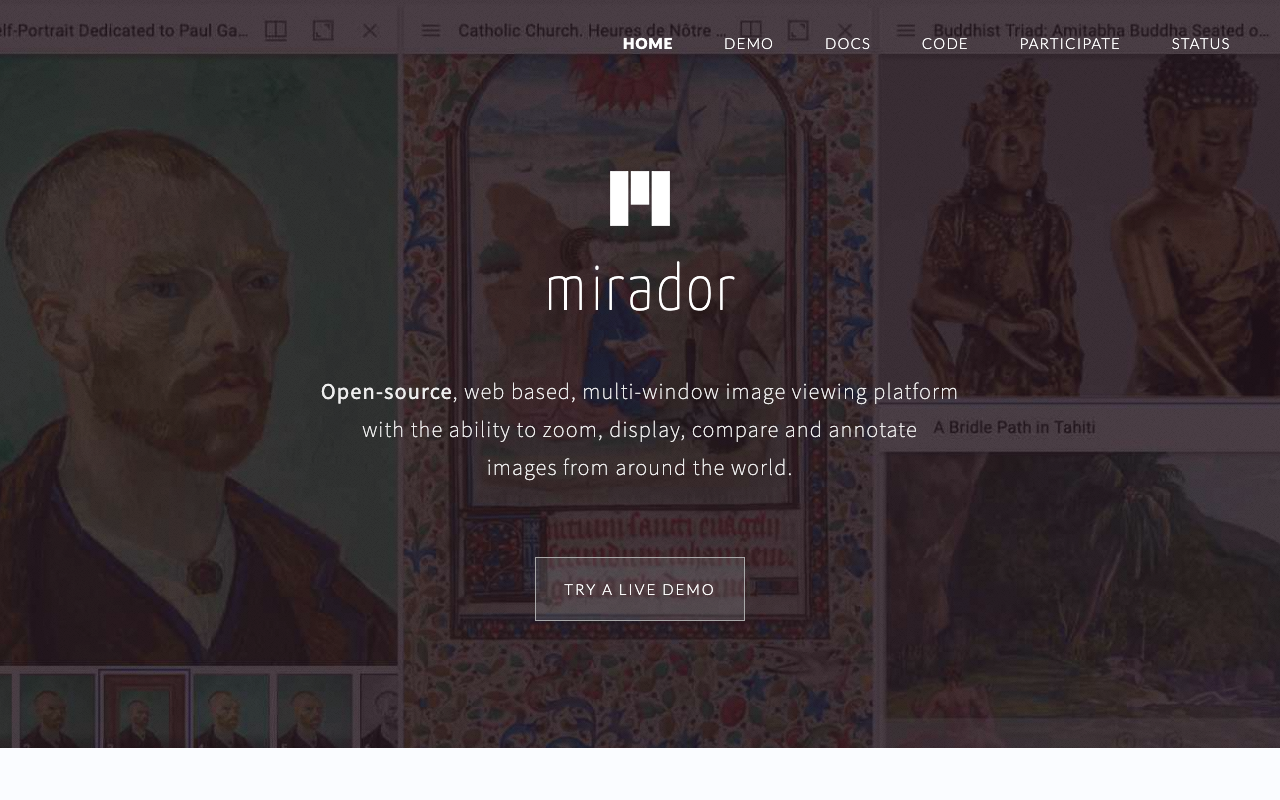
Background Mirador is an IIIF-compatible image viewer that allows side-by-side comparison of multiple IIIF manifests. When displaying manifests published by multiple institutions in a single view, each window title shows the manifest’s label as-is. However, there are cases where you want to display a custom name as the window title for your own project. For example, when the manifest’s label is a long string containing individual volume information, but you want to display a short name indicating the collection. ...

Cause and Fix for `localStorage.getItem is not a function` Error in Next.js 15

Cause and Fix for `localStorage.getItem is not a function` Error in Next.js 15

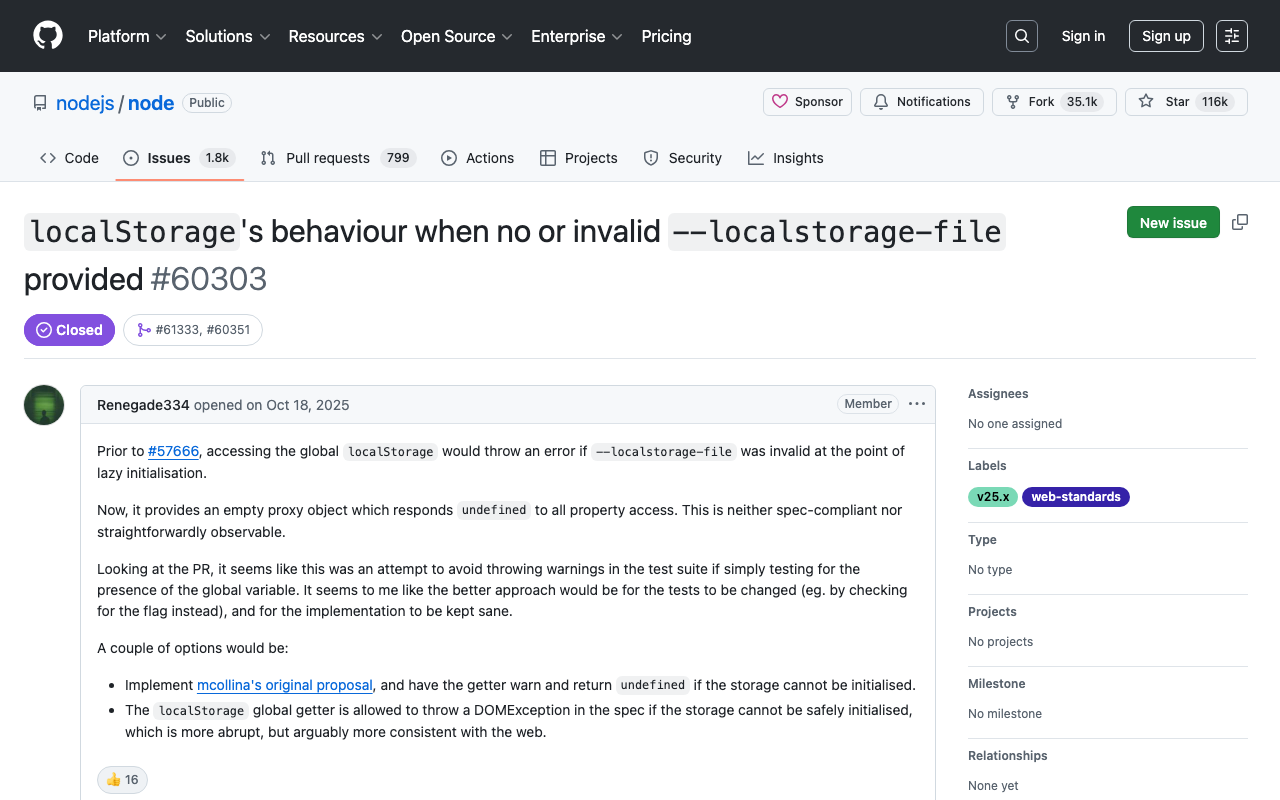
Cause and Fix for localStorage.getItem is not a function Error in Node.js 25 + Next.js 15 Introduction When running npm run dev in a Next.js 15 project, the following error occurred and the development server stopped working properly. ⨯ [TypeError: localStorage.getItem is not a function] { digest: '2892703879' } [TypeError: localStorage.getItem is not a function] ⨯ [TypeError: localStorage.getItem is not a function] { page: '/ja' } (node:2405) Warning: `--localstorage-file` was provided without a valid path There was no code directly calling localStorage, which made identifying the cause time-consuming. This article explains the root cause and solution for this error. ...

Three Pitfalls When Adapting a SPARQL Client to Apache Jena Fuseki

Three Pitfalls When Adapting a SPARQL Client to Apache Jena Fuseki

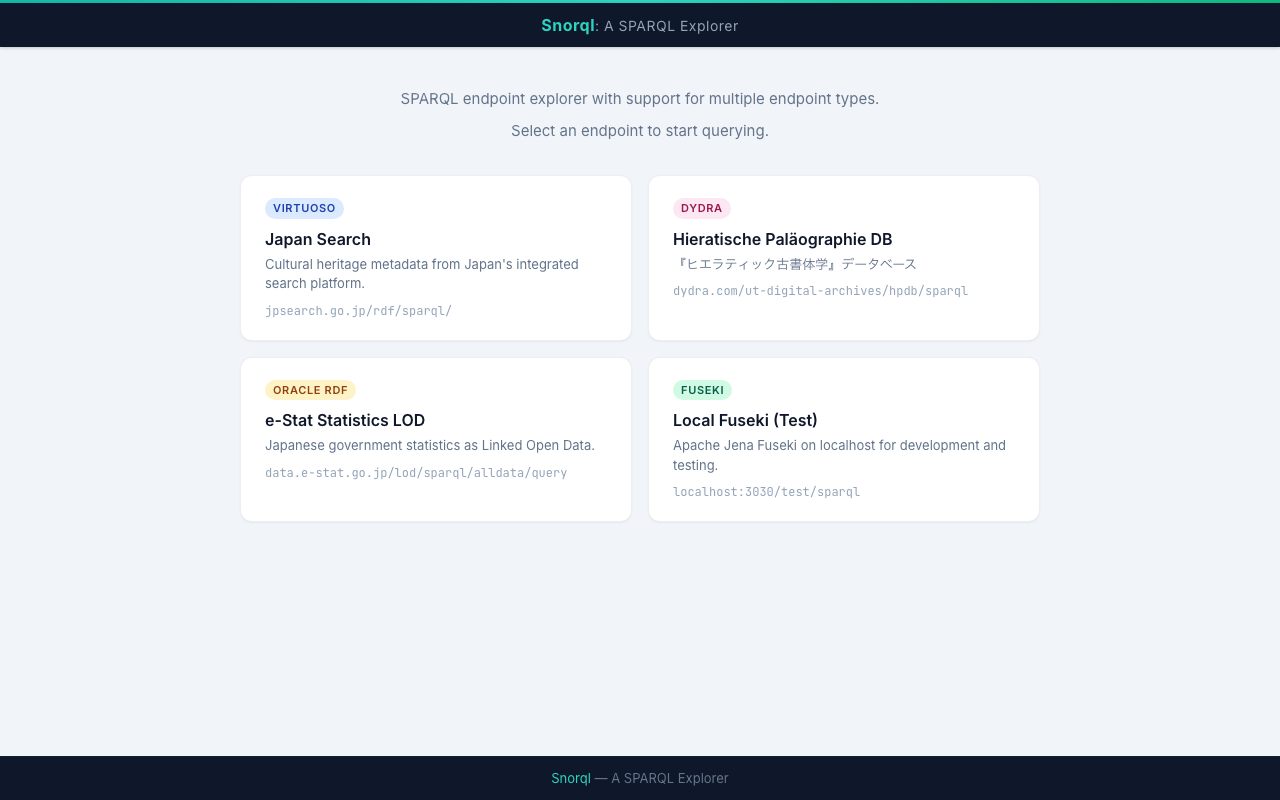
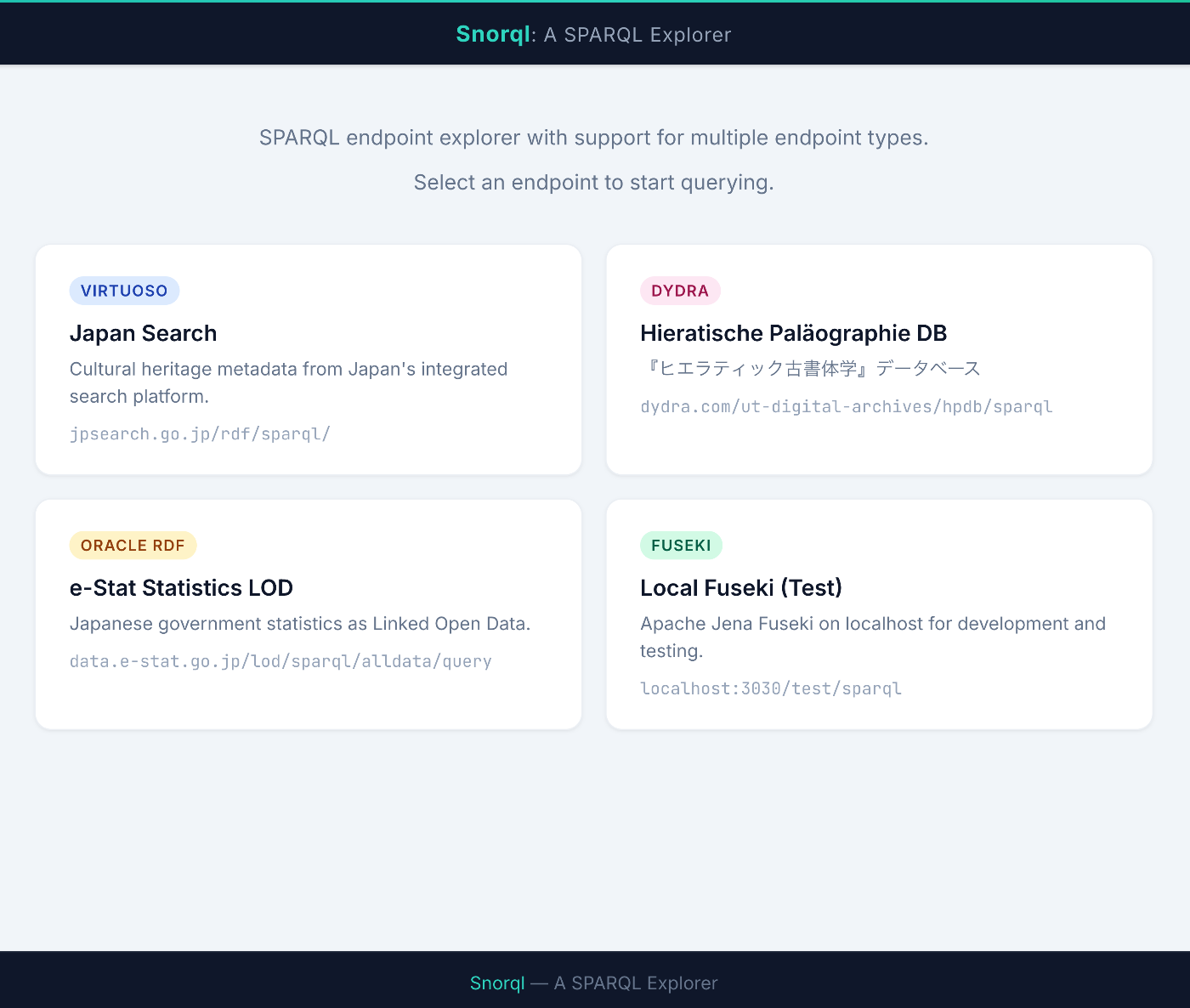
We adapted the SPARQL Explorer “Snorql”, originally built for Virtuoso and Dydra, to also work with Apache Jena Fuseki. Although SPARQL is a W3C standard, behavioral differences between endpoint implementations are surprisingly significant. This article documents the three issues we encountered during Fuseki support and their solutions. Development Environment We launched Fuseki with Docker and tested locally. # docker-compose.yml services: fuseki: image: stain/jena-fuseki container_name: fuseki ports: - "3030:3030" environment: - ADMIN_PASSWORD=admin - FUSEKI_DATASET_1=test volumes: - fuseki-data:/fuseki volumes: fuseki-data: docker compose up -d # Load test data curl -X POST 'http://localhost:3030/test/data' \ -H 'Content-Type: text/turtle' \ --data-binary @testdata.ttl 1. Different Response Format for DESCRIBE Symptom When sending a DESCRIBE query to Fuseki, results were not displayed on screen. JSON parse errors appeared in the console. ...

Snorql -- Published a Browser UI for Easily Exploring Multiple SPARQL Endpoints

Snorql -- Published a Browser UI for Easily Exploring Multiple SPARQL Endpoints

Snorql — A Browser-Based UI for Exploring Multiple SPARQL Endpoints https://nakamura196.github.io/snorql/ Introduction Have you ever wanted a quick, easy way to try out SPARQL endpoints? SPARQL is the standard query language for searching Linked Open Data (LOD), but each endpoint often has a different UI — or none at all. To solve this, I published Snorql, a tool that lets you switch between multiple endpoints from a single, unified UI. ...

Mirador Viewer Embedding Configuration

Mirador Viewer Embedding Configuration

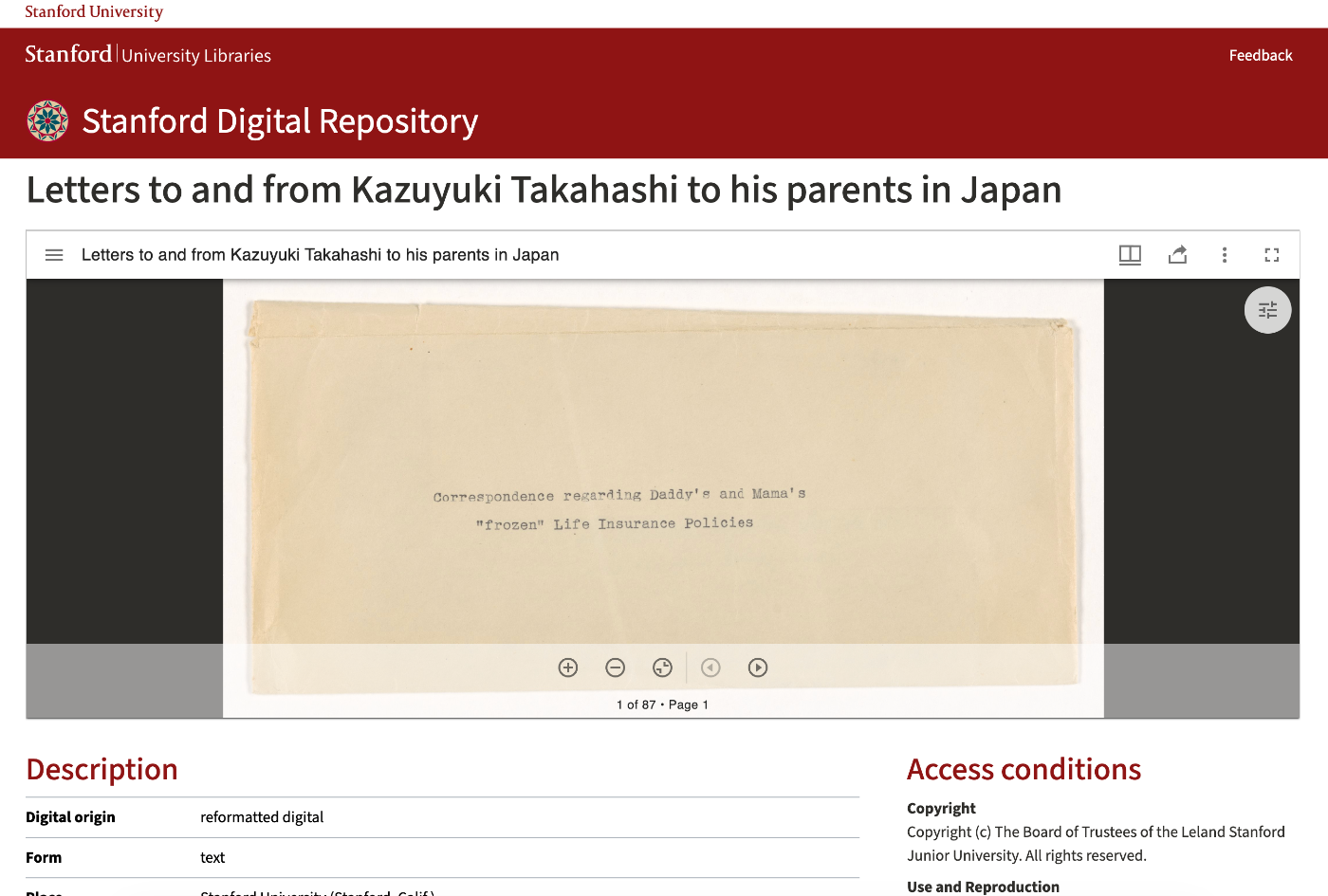
This article explains how to use the Mirador viewer to display IIIF images. Reference Implementation The embedding approach is based on the Stanford Digital Repository by Stanford University Libraries. The viewer is embedded above bibliographic information, allowing metadata and images to be viewed on the same page. File Structure apps/web/ ├── public/mirador/ │ └── index.html # Mirador viewer ├── src/components/item/ │ └── MiradorViewer.tsx # Embedding component └── .env.local # Environment variable settings URL Parameters /mirador/index.html accepts the following URL parameters: ...

Investigating PLY Files Not Being Output in IIIF Manifest Items with Omeka S IIIF Server Module

Investigating PLY Files Not Being Output in IIIF Manifest Items with Omeka S IIIF Server Module

Overview I investigated an issue where PLY files were not being output as items in IIIF manifests by the Omeka S IIIF Server module, while GLB files were output correctly. Prerequisites: Omeka S Configuration By default, PLY files cannot be uploaded to Omeka S. The following configuration is required. Error When Uploading PLY Files With default settings, upload errors occur because the PLY file’s media type (application/octet-stream) and extension (.ply) are not permitted. ...

Developing a 3D Gaussian Splatting Viewer - Browser Implementation Using Spark.js

Developing a 3D Gaussian Splatting Viewer - Browser Implementation Using Spark.js

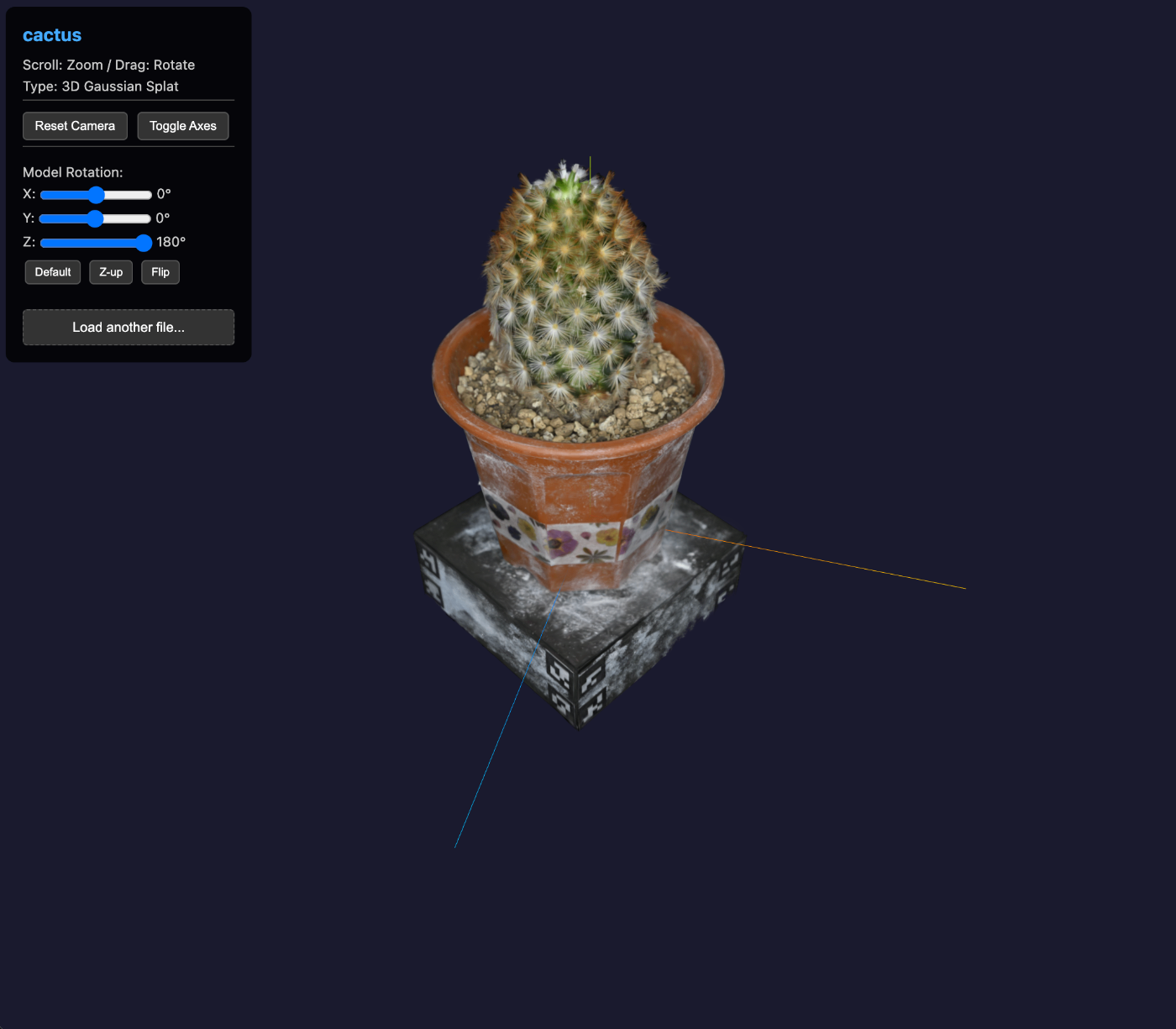
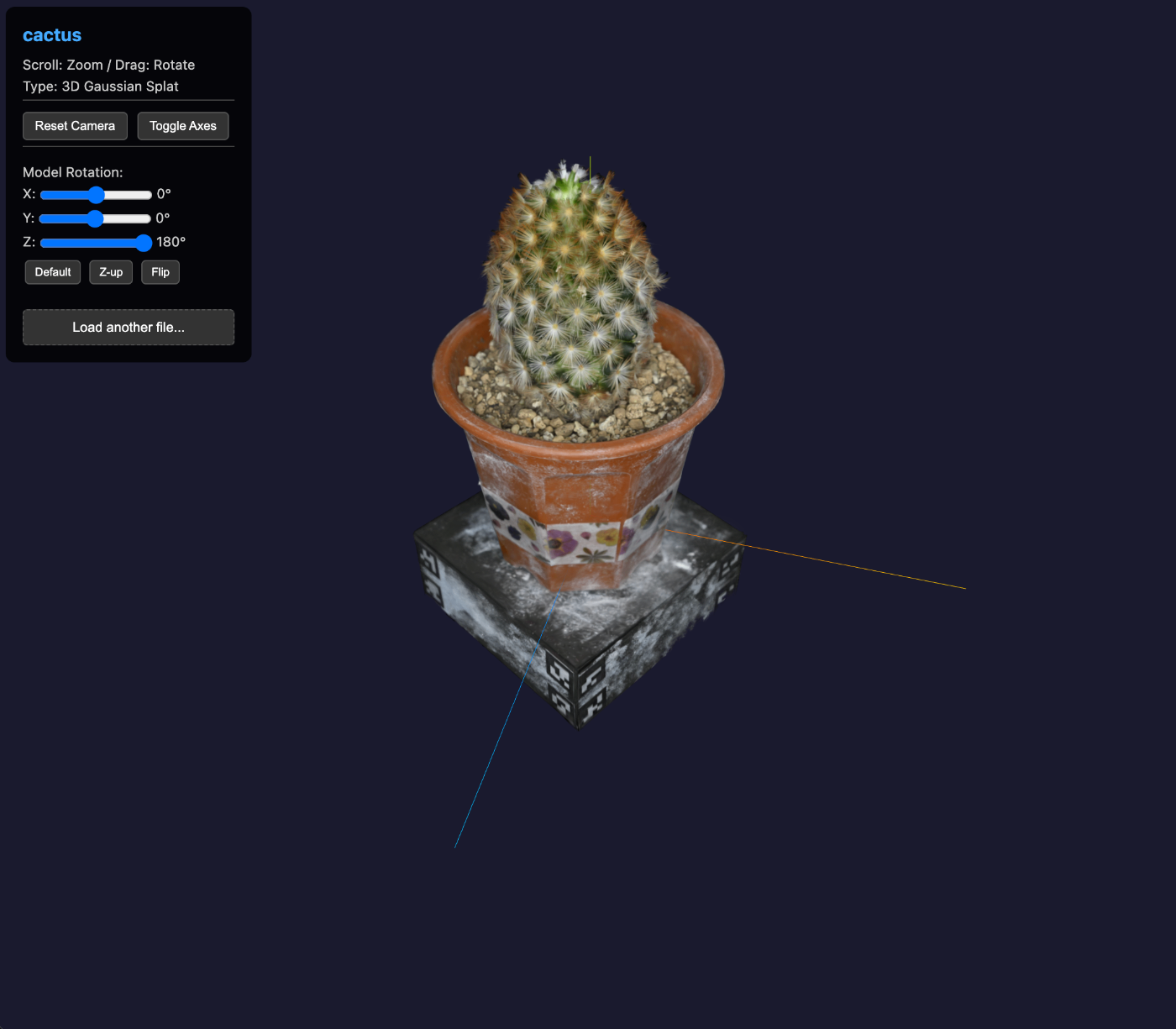
We developed a viewer that can display 3D Gaussian Splatting (3DGS) files in the browser. This article explains the overview of 3DGS, why standard PLY viewers cannot display them, and the implementation of a dedicated viewer. Demo: https://3dtiles-viewer.vercel.app/3dgs-viewer.html?manifest=https://3dtiles-viewer.vercel.app/iiif/ply/manifest.json Why Standard PLY Viewers Cannot Display 3DGS Since 3DGS files have the .ply extension, they appear to be handleable like standard PLY files at first glance. However, loading them with Three.js’s PLYLoader does not display them correctly. ...

The World of 3D Point Cloud Data: Organizing the Relationship Between PLY, Gaussian Splatting, and Potree

The World of 3D Point Cloud Data: Organizing the Relationship Between PLY, Gaussian Splatting, and Potree

! This article was composed and written based on a conversation with AI (Claude). While care has been taken regarding the accuracy of the content, it may contain errors or inaccuracies. If you notice any issues, I would appreciate your feedback in the comments. Situations where 3D point cloud data is used are increasing. Applications continue to expand, including digital archives of cultural properties, 3D scanning of cities, and LiDAR measurement for autonomous driving. However, with many related terms such as PLY, LAS, Gaussian Splatting, and Potree, it can be difficult to grasp their positioning and relationships. ...

How to Use the KAKEN OpenSearch API

How to Use the KAKEN OpenSearch API

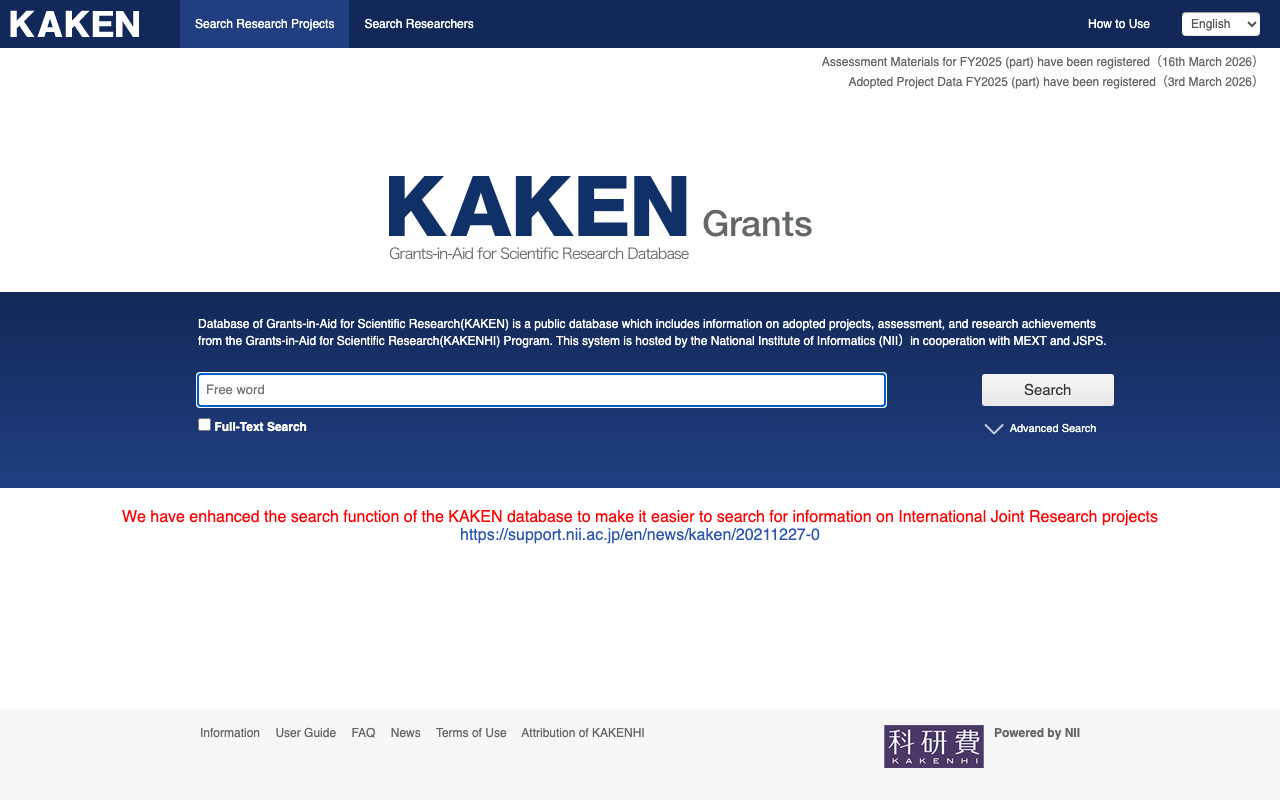
This article explains how to programmatically retrieve information from the KAKEN (Grants-in-Aid for Scientific Research) database. 1. Introduction KAKEN is a database for Grants-in-Aid for Scientific Research provided by the National Institute of Informatics (NII). By using the OpenSearch API, you can programmatically retrieve information about research projects. 2. Preparation: Obtaining an Application ID To use the KAKEN API, you need to obtain an Application ID from CiNii. Access the CiNii API Registration page Fill in the required information and submit your registration request After approval, you will receive an Application ID (appid) by email Note: It may take some time from registration to approval. ...

Three.js + React Three Fiber: Resolving Rough GLTF Model Texture Display

Three.js + React Three Fiber: Resolving Rough GLTF Model Texture Display

Overview When displaying a GLTF model using React Three Fiber, I encountered an issue where textures appeared blurry or rough. This article explains the cause and solution. Symptoms GLTF model textures appear blurry The same model that displays correctly in other 3D viewers looks rough in a custom viewer Setting dpr (device pixel ratio) or antialias does not improve the issue Cause Since Three.js r152, the default output color space has been changed. ...

Nuxt Content + trailingSlash: Links to Static Files Return 404 - Problem and Solution

Nuxt Content + trailingSlash: Links to Static Files Return 404 - Problem and Solution

Overview In a Nuxt 3/4 + Nuxt Content environment with trailingSlash: "append" configured, links to static files such as PDFs and images within content may result in 404 errors. Conditions for Occurrence This occurs when all of the following conditions are met: Using Nuxt 3/4 + Nuxt Content trailingSlash: "append" is set in nuxt.config.ts There are links to static files (PDFs, images, etc.) in Markdown or content Problem Details Symptoms When writing a link like the following in content: ...

Adding Linked Places Format Support to IIIF Georeference Viewer

Adding Linked Places Format Support to IIIF Georeference Viewer

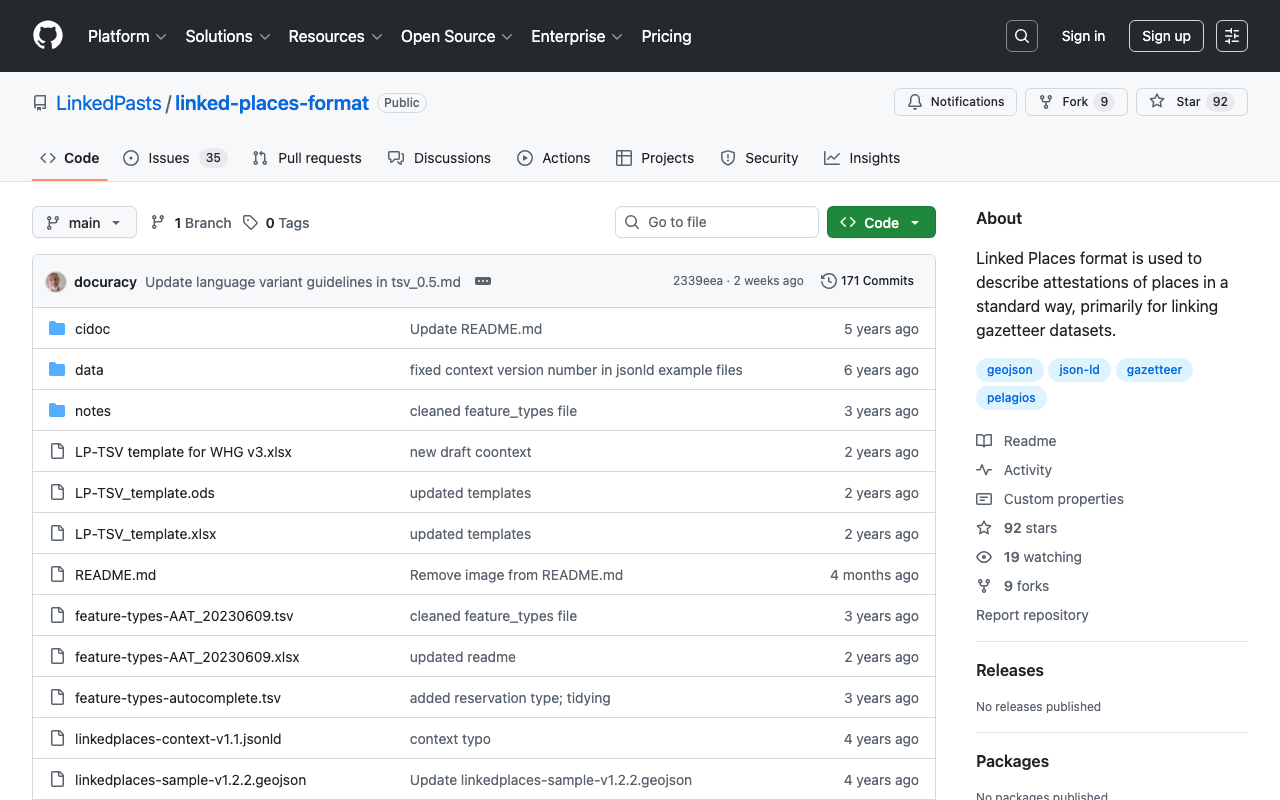
Overview To improve the interoperability of geospatial data in IIIF Georeference Viewer, we added support for data structures compliant with the Linked Places Format (LPF). This article describes the overview of LPF and the implementation details. What is Linked Places Format (LPF)? Linked Places Format is an interoperability format for gazetteer data established by the Pelagios Network. By extending GeoJSON and incorporating Linked Data (JSON-LD) concepts, it enables sharing and linking of place information across different datasets. ...

Developing and Publishing a Rotation Plugin for Mirador 4 on npm

Developing and Publishing a Rotation Plugin for Mirador 4 on npm

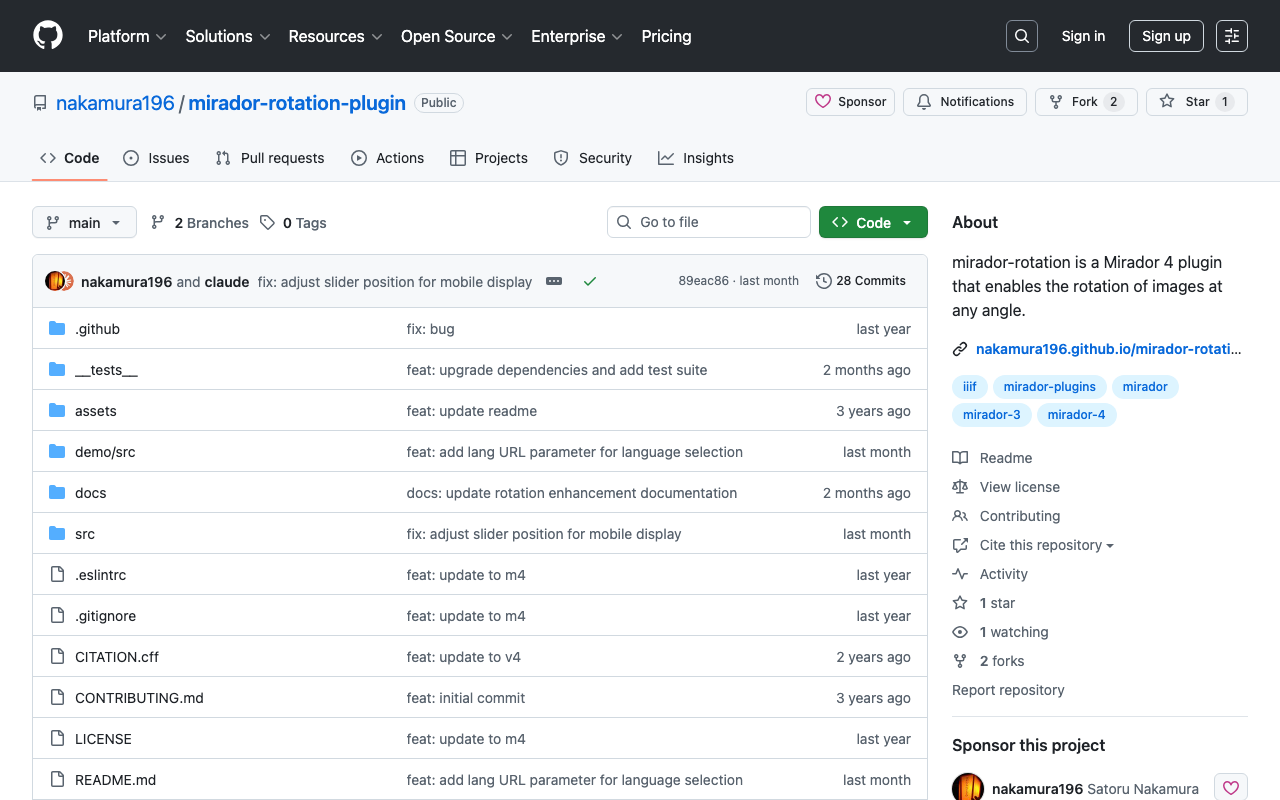
Introduction We developed a rotation plugin called “mirador-rotation” compatible with the latest version of the IIIF viewer Mirador (Mirador 4) and published it on npm. This article covers the process from plugin development to publication, as well as integration methods for practical use. Background With the major update from Mirador 3 to Mirador 4, the following changes were made: React 16 to React 18 Material-UI v4 to MUI v7 Numerous other dependency updates As a result, existing plugins for Mirador 3 no longer work as-is. ...

Implementing IIIF Content Search API on Static Sites - Client-Side Search with Service Workers

Implementing IIIF Content Search API on Static Sites - Client-Side Search with Service Workers

Introduction IIIF (International Image Interoperability Framework) is an international standard for image delivery widely used in digital archives and museum collections. The IIIF Content Search API allows you to search annotations (notes and tags) within manifests. However, the IIIF Content Search API typically assumes server-side implementation, and it has been considered difficult to implement on static sites (GitHub Pages, Vercel, Netlify, etc.). In this article, I will introduce a method for implementing the IIIF Content Search API on the client side using Service Workers. This approach enables the use of search functionality in IIIF viewers such as Mirador even on static sites. ...