Home Articles Books Search About
日本語

Latest Articles

Improving DTS Viewer ― Multiple Citation Trees, Hierarchical Navigation, and XML Browser Display

Improving DTS Viewer ― Multiple Citation Trees, Hierarchical Navigation, and XML Browser Display

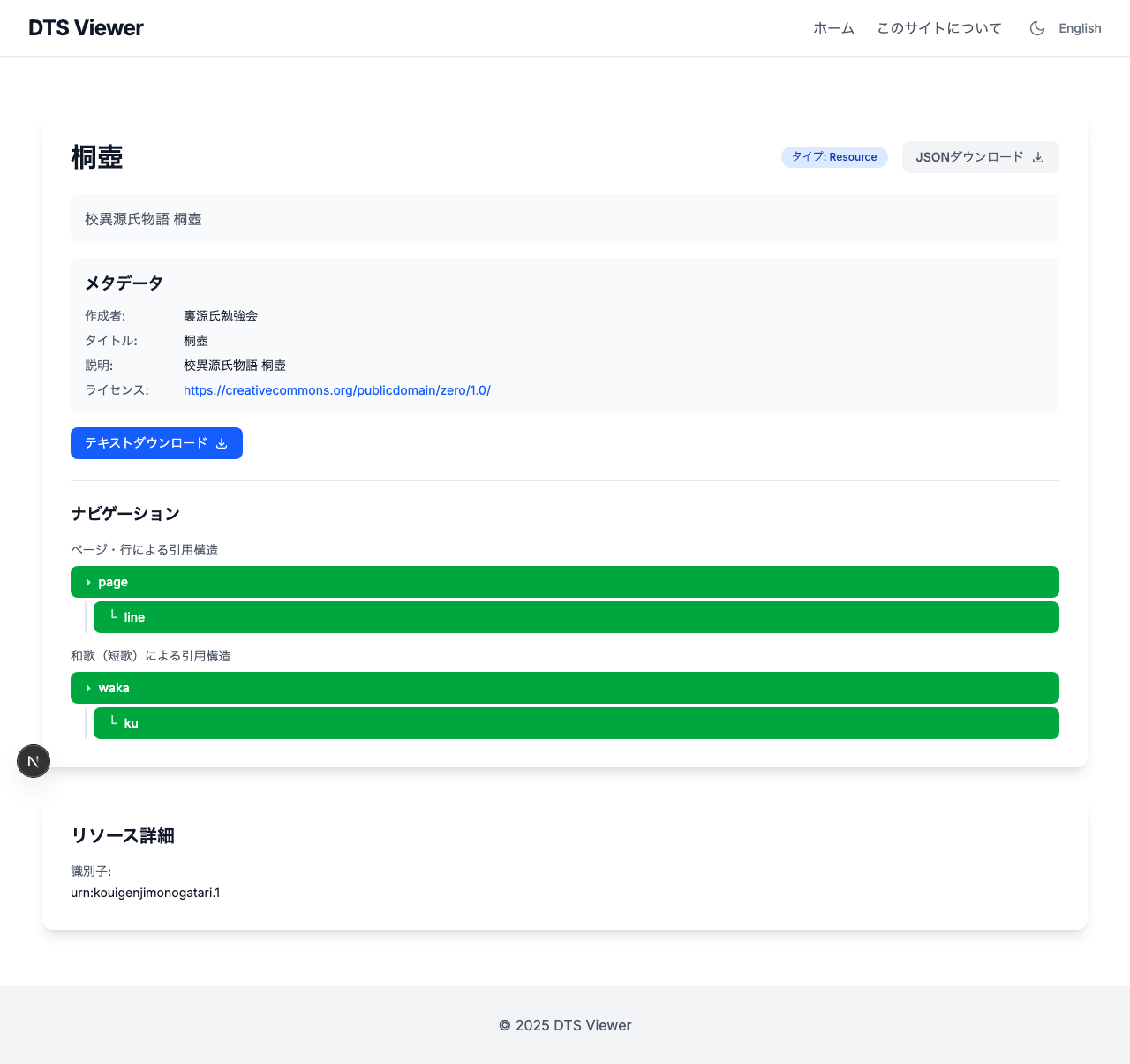
Introduction In the previous article, the Kouigenji Monogatari Text Database DTS API was updated to the 1.0 specification, including the addition of a waka (tanka poem) Citation Tree. This article covers improvements made to the viewer application “DTS Viewer” that consumes this API. Three main improvements were made: Multiple Citation Tree support ― Correct tree parameter passing Hierarchical navigation display ― Switching from card grid to table layout Inline XML display ― Leveraging the mediaType parameter 1. Multiple Citation Tree Support Problem DTS 1.0 allows defining multiple Citation Trees per resource. Kouigenji Monogatari has two trees: “page/line” and “waka” (poems). ...
Migrating to DTS (Distributed Text Services) 1.0 ― Updating a TEI/XML Text API

Introduction In February 2026, the v1.0 of the Distributed Text Services (DTS) specification was officially released — a standard API for accessing text collections. This article documents the changes required to migrate the Kouigenji Monogatari Text Database DTS API from 1-alpha to 1.0. https://github.com/distributed-text-services/specifications/releases/tag/v1.0 What is DTS? DTS defines a standard API for accessing text collections such as TEI/XML. It consists of four endpoints: Endpoint Purpose Entry Point Returns URLs for each API endpoint Collection Inter-text navigation (listing collections and resources) Navigation Intra-text navigation (exploring citation structures) Document Retrieving text content (full or partial TEI/XML) Target Project A TypeScript/Express.js implementation of DTS for the Kouigenji Monogatari Text Database. ...

Tech Stack for a RAG App That Searches Historical Documents with AI

Tech Stack for a RAG App That Searches Historical Documents with AI

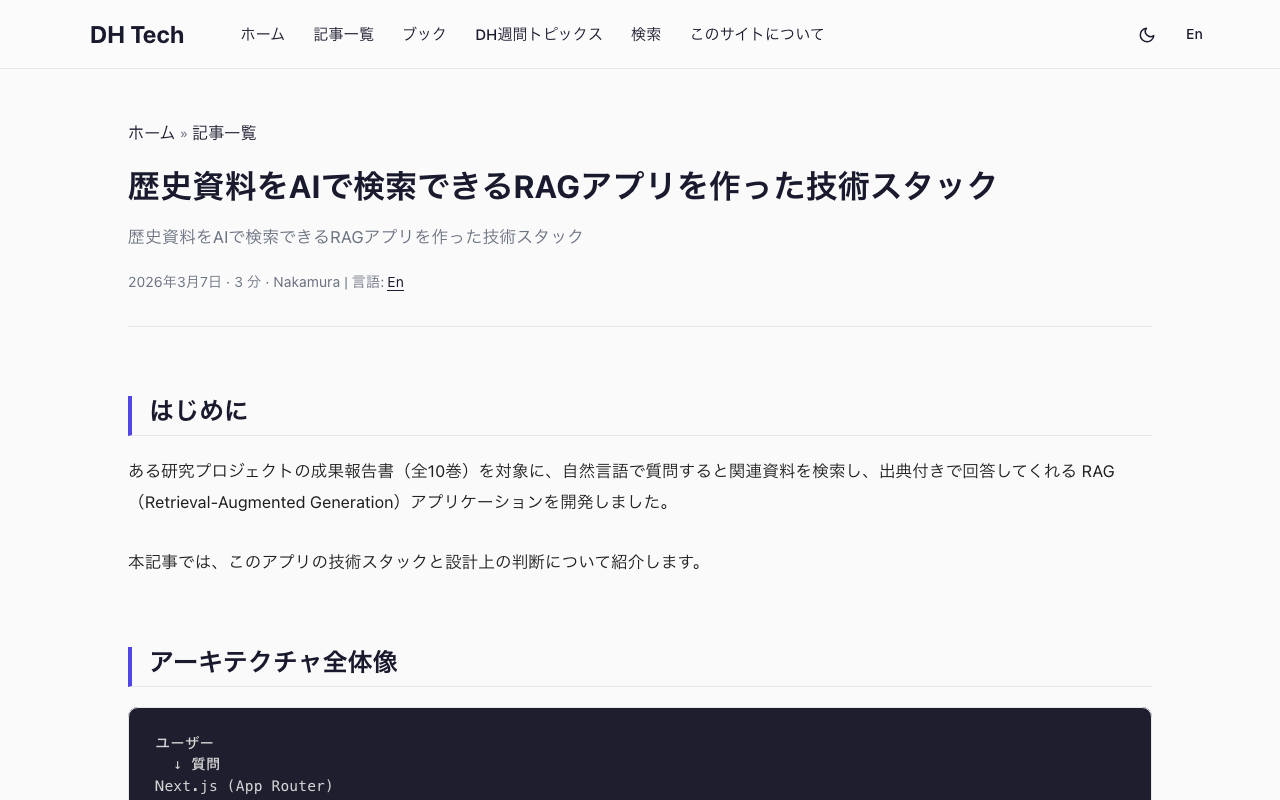
Introduction I built a RAG (Retrieval-Augmented Generation) application that lets users ask natural language questions about a research project’s published reports (10 volumes) and receive answers with citations to the relevant source materials. This article covers the tech stack and key design decisions behind the app. Architecture Overview User ↓ Question Next.js (App Router) ↓ API Route Query Rewrite (LLM) ↓ Refined search query Embedding Generation (text-embedding-3-small) ↓ Vector Pinecone (Vector Search, topK=8) ↓ Relevant chunks LLM (Claude Sonnet) ← System prompt + Context ↓ SSE Streaming Display answer to user Frontend Next.js 16 + React 19 + TypeScript The app uses the App Router with a simple 3-page structure. ...

Adding a CETEIcean-Powered TEI Preview to the DOCX → TEI/XML Converter

Adding a CETEIcean-Powered TEI Preview to the DOCX → TEI/XML Converter

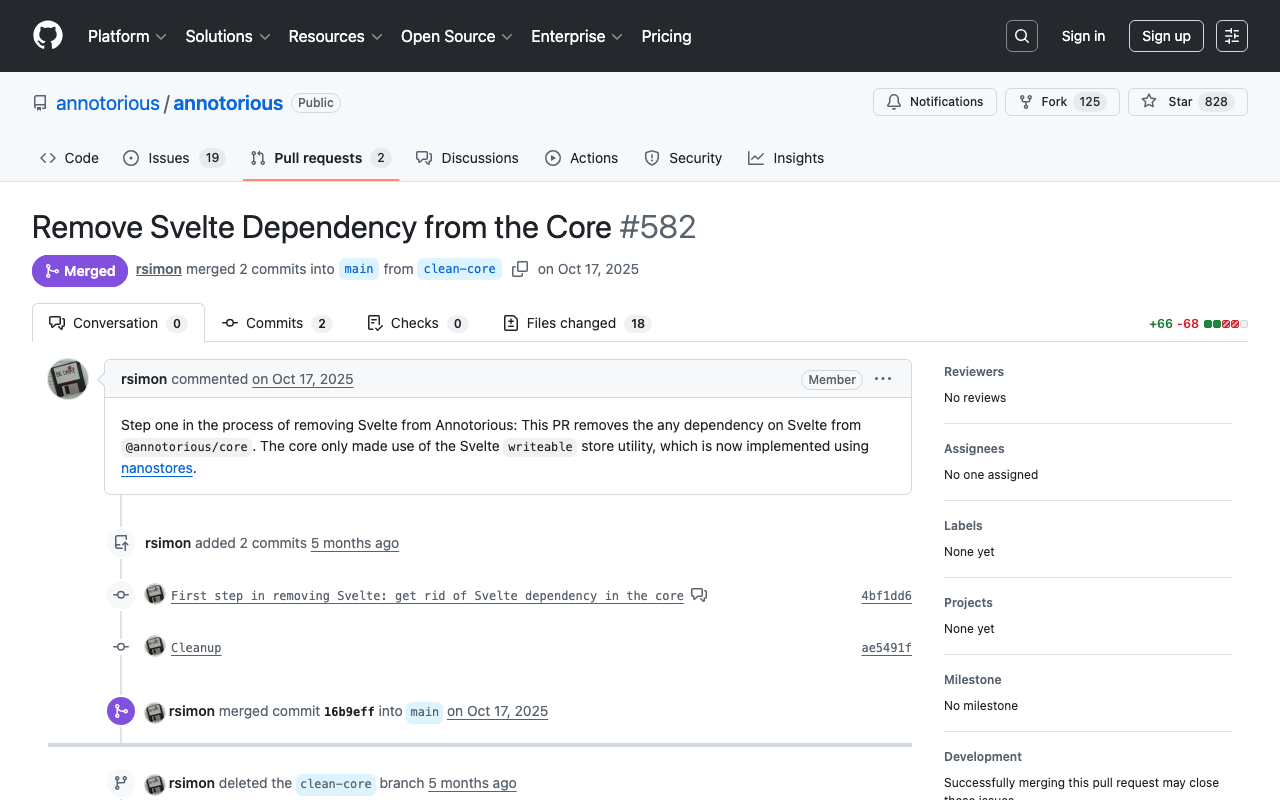
Introduction In a previous post, I introduced a DOCX → TEI/XML Converter — a browser-based tool that converts Word documents to TEI/XML using the TEI Garage API. After publishing, I received feedback from users requesting the ability to visually verify that the converted tags function as expected. With only the syntax-highlighted XML view, it was difficult to confirm how headings, notes, lists, and tables would actually render. To address this, I added a TEI preview feature using CETEIcean. ...

Submitting an iOS App for Review Using Only the App Store Connect API

Submitting an iOS App for Review Using Only the App Store Connect API

TL;DR Using the App Store Connect REST API, I completed nearly all the tasks required for iOS app review submission—metadata, screenshots, age ratings, build association, encryption compliance, pricing, and URL configuration—from the command line. This article documents the procedure in a reproducible way. Note: As of March 2026, “App Privacy” (data usage declarations) cannot be configured via API and must be set through the App Store Connect web interface. Prerequisites Enrolled in the Apple Developer Program API key issued in App Store Connect Bundle ID registered A build archived and uploaded via Xcode (can be uploaded with xcodebuild -exportArchive) Python 3 + PyJWT + cryptography installed pip install PyJWT cryptography 1. Preparing the API Key 1.1 Issuing an API Key Go to App Store Connect → Users and Access → Integrations → App Store Connect API and generate a new key. ...

5x Faster XSLT Processing: Migrating from Saxon-JS to Saxon-HE

TL;DR By switching from npx xslt3 (Saxon-JS) to Java Saxon-HE for TEI XML → HTML transformation, build time dropped from 1m48s to 23s (~5x speedup). Background Kōi Genji Monogatari Text DB is a digital edition of The Tale of Genji with 54 TEI XML files (one per chapter). The build script (Python) invoked npx xslt3 54 times to transform each XML into HTML. python3 scripts/prebuild.py xsl # XSLT for all 54 chapters This was the slowest step in the entire build pipeline. ...

Animating IIIF Scroll Paintings with AI Video: A Video Annotation Approach

Animating IIIF Scroll Paintings with AI Video: A Video Annotation Approach

Introduction IIIF (International Image Interoperability Framework) is an international standard for publishing digital archive images in an interoperable format. Adopted by libraries and museums worldwide, it enables deep zoom of high-resolution images and cross-institutional browsing of collections. This article describes the development of “IIIF Animated Viewer,” which overlays AI-generated videos on specific regions of IIIF images. The subject is the “Hyakki Yako-zu” (Night Parade of One Hundred Demons) — a scroll painting depicting a procession of yokai (supernatural creatures) — published by the University of Tokyo. ...

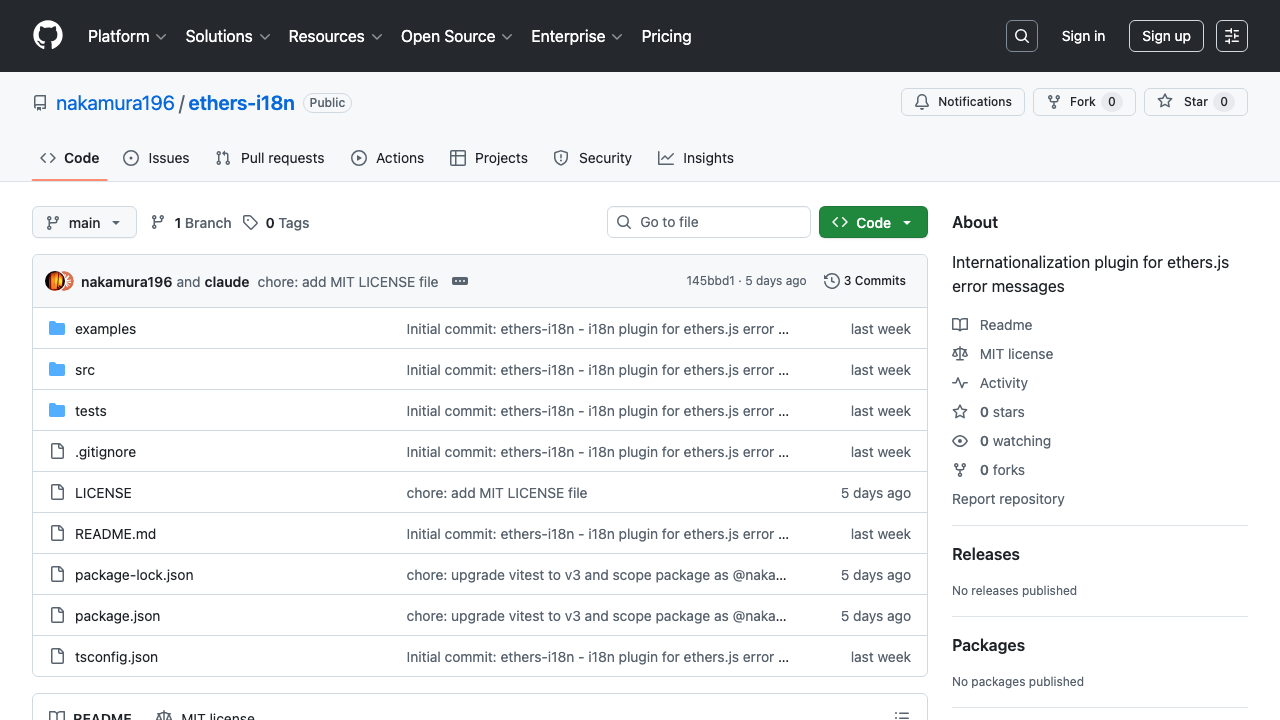
Introducing ethers-i18n: Multilingual Error Messages for ethers.js

Introducing ethers-i18n: Multilingual Error Messages for ethers.js

The Problem When building dApps with ethers.js, error messages are always in English: Error: insufficient funds for intrinsic transaction cost While developers understand these messages, they aren’t user-friendly — especially for non-English-speaking end users. Translating ethers.js error messages manually in every project leads to duplicated effort and inconsistent quality. ethers-i18n solves this by providing a lightweight i18n plugin for ethers.js error messages. https://github.com/nakamura196/ethers-i18n What is ethers-i18n? ethers-i18n provides localized translations for ethers.js v6 error codes. It currently supports 4 languages: English, Japanese, Korean, and Chinese. ...

Building a DOCX to TEI/XML Conversion Tool in the Browser Using the TEI Garage API

Building a DOCX to TEI/XML Conversion Tool in the Browser Using the TEI Garage API

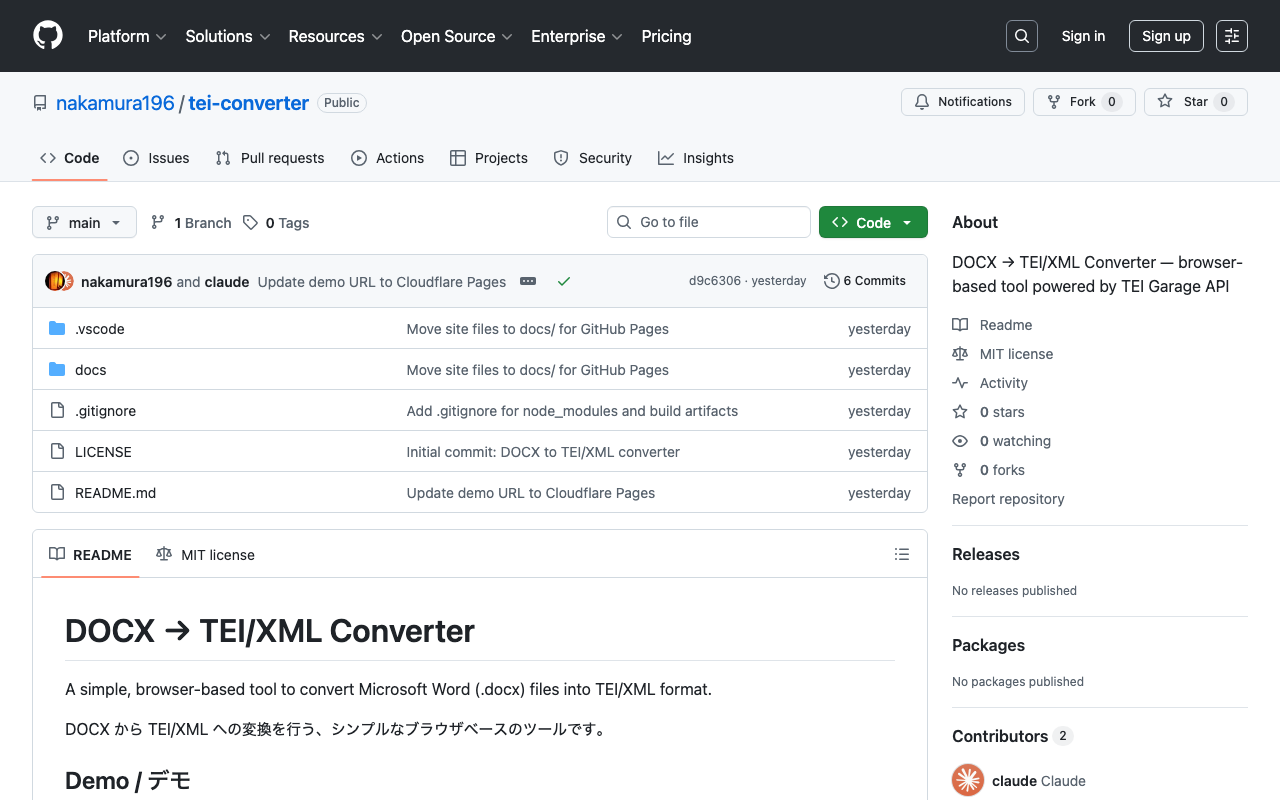
Introduction TEI (Text Encoding Initiative) is an international standard for digitally structuring texts in the humanities. It is used in libraries, museums, and academic research, but writing TEI/XML directly requires knowledge of markup, making the barrier to entry high. This is where conversion tools from Microsoft Word (.docx) to TEI/XML come in. A well-known example is TEI Garage (formerly OxGarage), but its multi-purpose nature makes the UI somewhat complex. This time, I created a simple browser-based tool specialized for DOCX to TEI/XML conversion. ...

How to Bulk Unpublish Hatena Blog Articles (AtomPub API)

How to Bulk Unpublish Hatena Blog Articles (AtomPub API)

When you want to bulk unpublish old articles after migrating your Hatena Blog articles to another site. Important Note: You Cannot Revert to Draft With the Hatena Blog AtomPub API, you cannot revert published articles back to draft. Sending <app:draft>yes</app:draft> via a PUT request results in a 400 Cannot Change into Draft error. Therefore, there are two approaches: Method 1: Replace the Article Body with “This Article Has Moved” You can rewrite the article’s <content> using the AtomPub API’s PUT method. ...

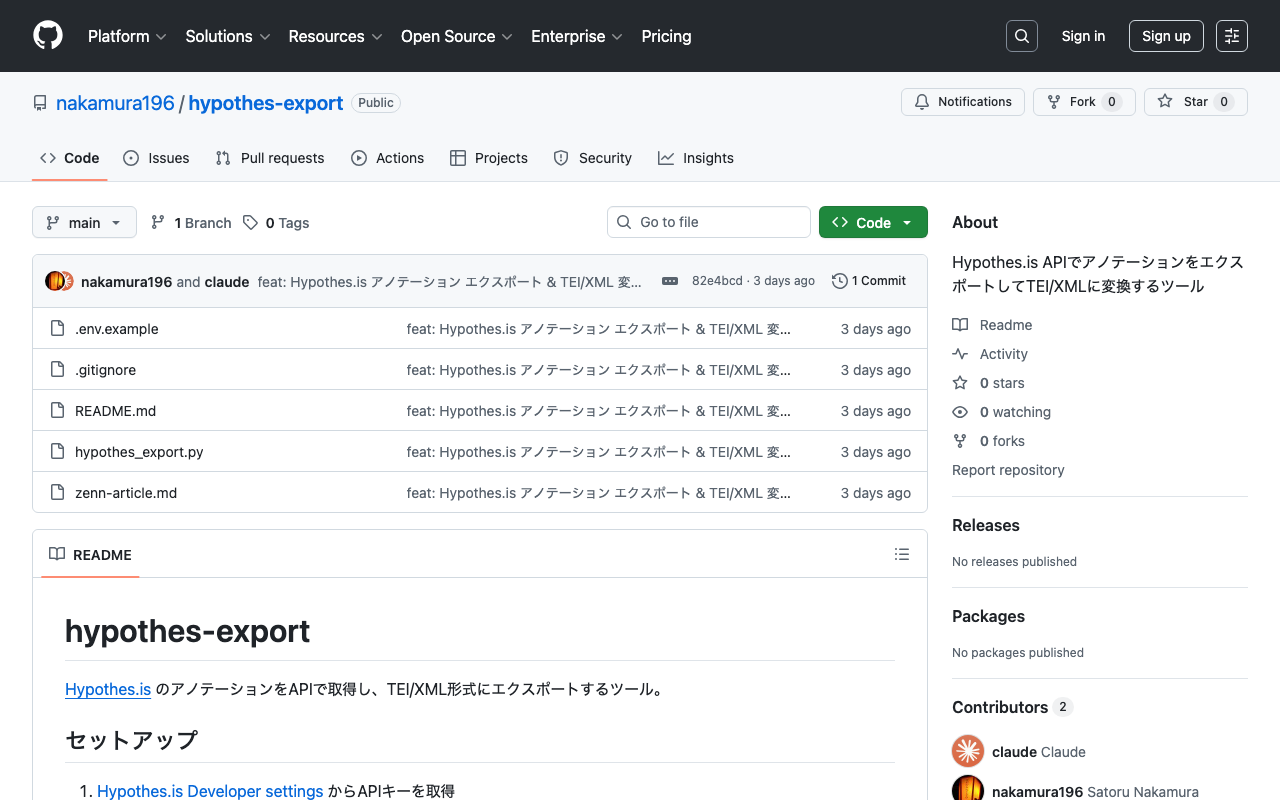
Exporting Web Annotations via the Hypothes.is API and Converting to TEI/XML

Exporting Web Annotations via the Hypothes.is API and Converting to TEI/XML

Introduction Hypothes.is is an open-source annotation tool that allows you to add highlights and comments on web pages. It can be easily used through browser extensions or JavaScript embedding, but there are cases where you may want to back up accumulated annotations or utilize them in other formats such as TEI/XML. This article introduces how to export annotations using the Hypothes.is API and convert them to TEI/XML. Obtaining an API Key Log in to Hypothes.is Go to Developer settings Generate an API key with “Generate your API token” Save the obtained key in a .env file. ...

Trying "oitei" - An Automatic Conversion Tool from OpenITI mARkdown to TEI XML

Trying "oitei" - An Automatic Conversion Tool from OpenITI mARkdown to TEI XML

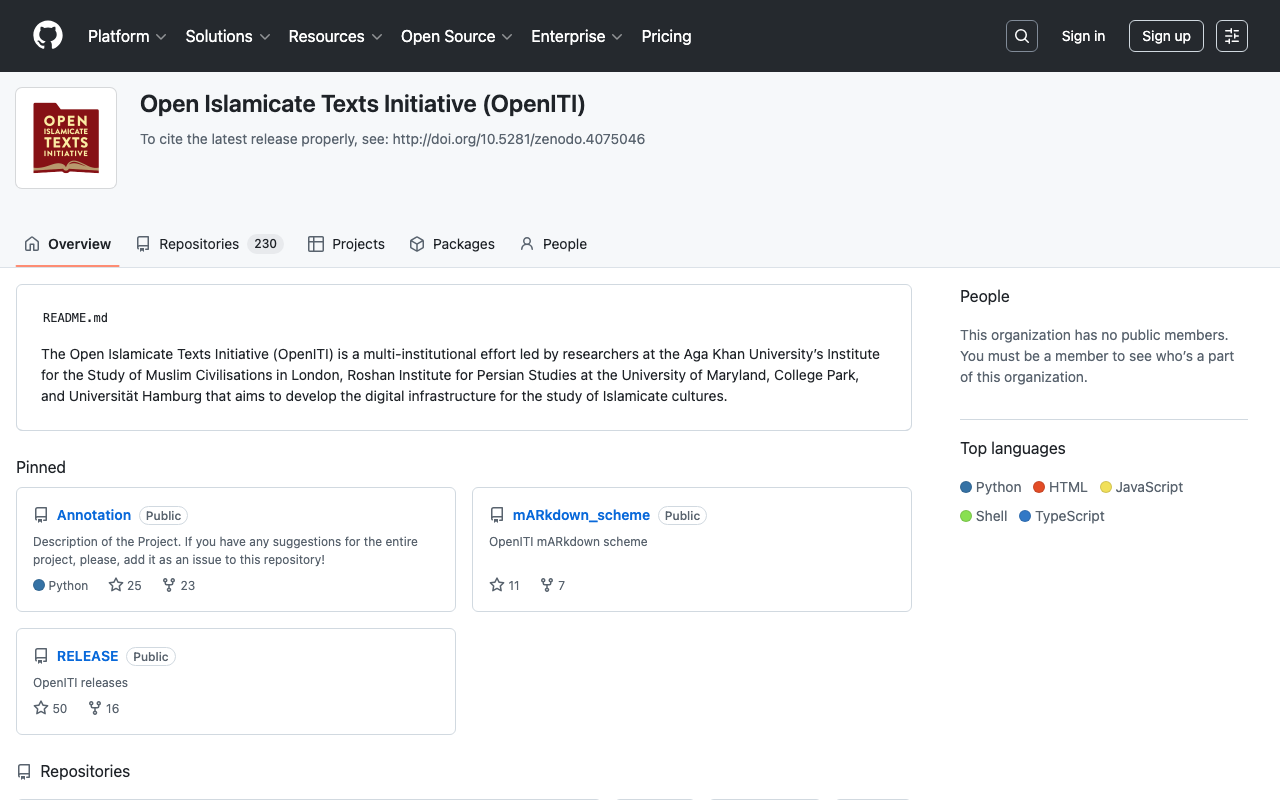
Introduction In the OpenITI (Open Islamicate Texts Initiative) project, which handles historical texts from the Islamicate world, texts can be tagged using a lightweight notation called mARkdown instead of TEI/XML. While TEI/XML is a powerful international standard for structuring texts, it has problems with right-to-left (RTL) languages like Arabic, where mixing XML tags causes display issues in editors. mARkdown was designed to solve this problem. In this article, we will try running oitei, a Python tool that automatically converts mARkdown texts to TEI XML. ...

Operating GakuNin RDM API with Node.js — From Project Creation to GitHub + Vercel Auto-Deploy

Operating GakuNin RDM API with Node.js — From Project Creation to GitHub + Vercel Auto-Deploy

Overview GakuNin RDM is a research data management platform provided by the National Institute of Informatics (NII). It is built on the Open Science Framework (OSF) and allows automating project operations through its API. This article introduces how to perform the following operations using the GakuNin RDM API from Node.js. Creating and configuring projects Creating and updating wikis Adding members GitHub integration + automatic deployment with Vercel Prerequisites Obtaining a Personal Access Token Log in to GakuNin RDM Navigate to Settings > Personal Access Tokens Create a new token (scopes: osf.full_read, osf.full_write) Project Initialization mkdir rdm && cd rdm npm init -y npm install dotenv Save the token in a .env file. ...

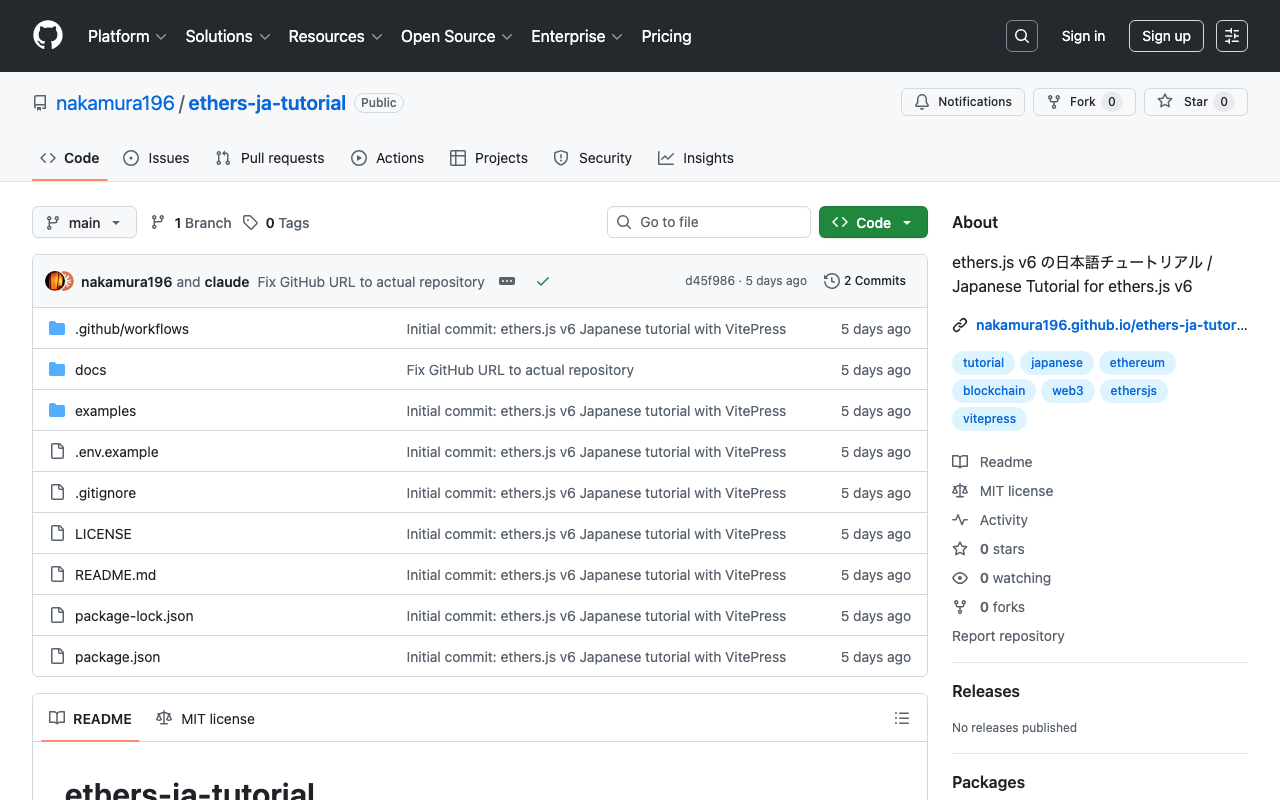
I Created a Japanese Tutorial for ethers.js v6

I Created a Japanese Tutorial for ethers.js v6

Introduction I created a Japanese tutorial for ethers.js, a JavaScript library for Ethereum. https://github.com/nakamura196/ethers-ja-tutorial It is also published as a static site using VitePress. https://nakamura196.github.io/ethers-ja-tutorial/ Background ethers.js is one of the most widely used libraries in Ethereum development. Japanese articles about v6 were mostly focused on migration guides from v5, and there was no systematic tutorial for beginners to learn from scratch. Since the official documentation is only available in English, I created a tutorial that allows learners to study the basics step by step in Japanese. ...

Annotorious Drawing Mode Breaks Only in Production Build

Annotorious Drawing Mode Breaks Only in Production Build

Introduction One day, I noticed that annotations could no longer be created at all in a IIIF annotation editor deployed on Vercel. It worked correctly on the local development server, but in the production environment, drawing mode could not be entered. There were no console errors. The UI buttons switched correctly, but dragging on the image did nothing. The cause was an automatic upgrade of Annotorious due to caret (^) specification in package.json, and a state management library migration in v3.7.13 that caused issues with webpack’s production build. ...

GakuNin RDM Search API (`/api/v1/search/`) Investigation Memo

GakuNin RDM Search API (`/api/v1/search/`) Investigation Memo

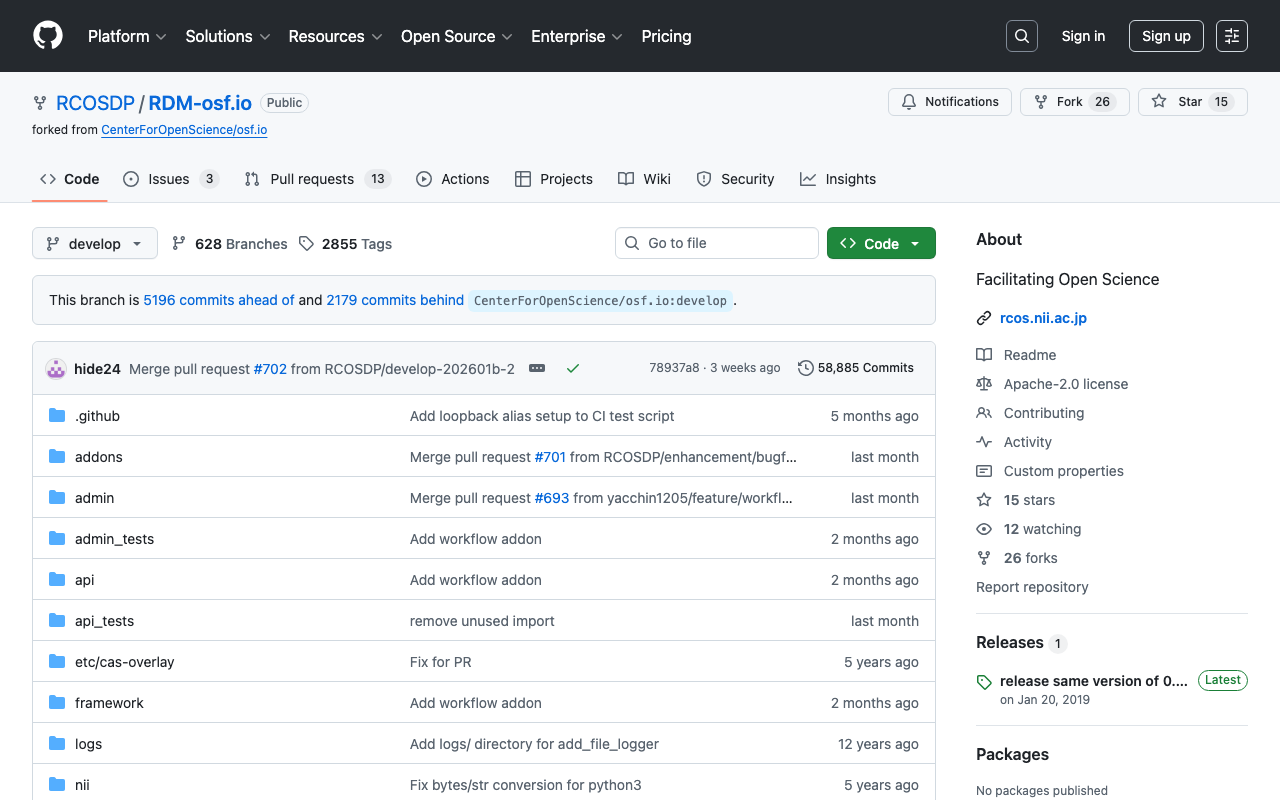
Investigation date: 2026-02-24 Target: GakuNin RDM (GRDM) Search API Source code: RCOSDP/RDM-osf.io (website/search/ directory) Developer guide: RCOSDP/RDM-developer-guide Note: Official documentation for the Search API could not be found. This article is an investigation record based on both the actual API behavior and the source code. Overview GakuNin RDM is a fork of OSF (Open Science Framework), and its source code is available on GitHub (RCOSDP/RDM-osf.io). The search functionality implementation is in the website/search/ directory and consists mainly of the following files. ...

Bulk Managing Google Groups Members via API Without Google Workspace Admin Privileges

Bulk Managing Google Groups Members via API Without Google Workspace Admin Privileges

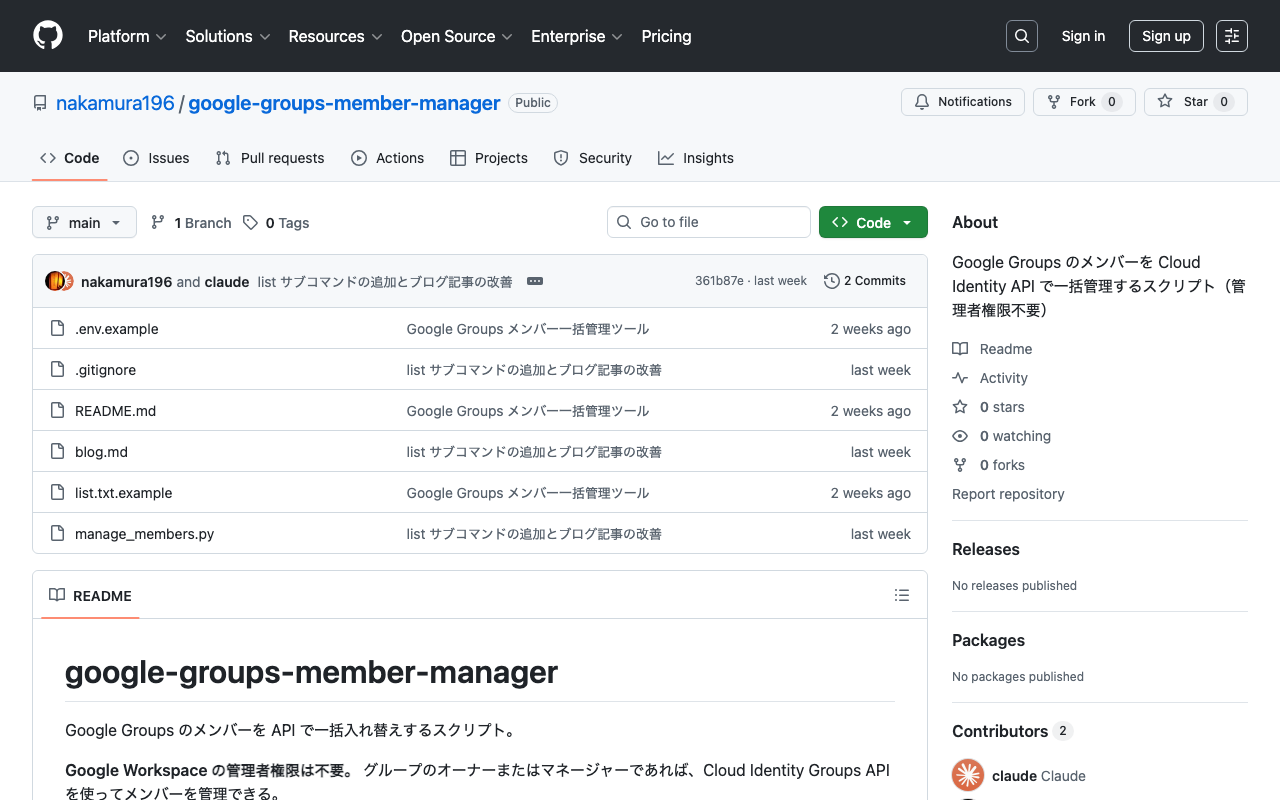
Many organizations regularly rotate Google Groups members. Manual registration and deletion is tedious, so you would want to automate it via API. The Admin SDK (Directory API) is commonly introduced as a method for managing Google Groups members via API. However, the Admin SDK requires Google Workspace admin privileges, limiting the situations where it can be used. This article introduces how to bulk manage Google Groups members using the Cloud Identity Groups API, which can be used even without admin privileges. ...

Verifying Non-DC Metadata Registration in Archivematica -- Embedding EAD Using source-metadata.csv

Verifying Non-DC Metadata Registration in Archivematica -- Embedding EAD Using source-metadata.csv

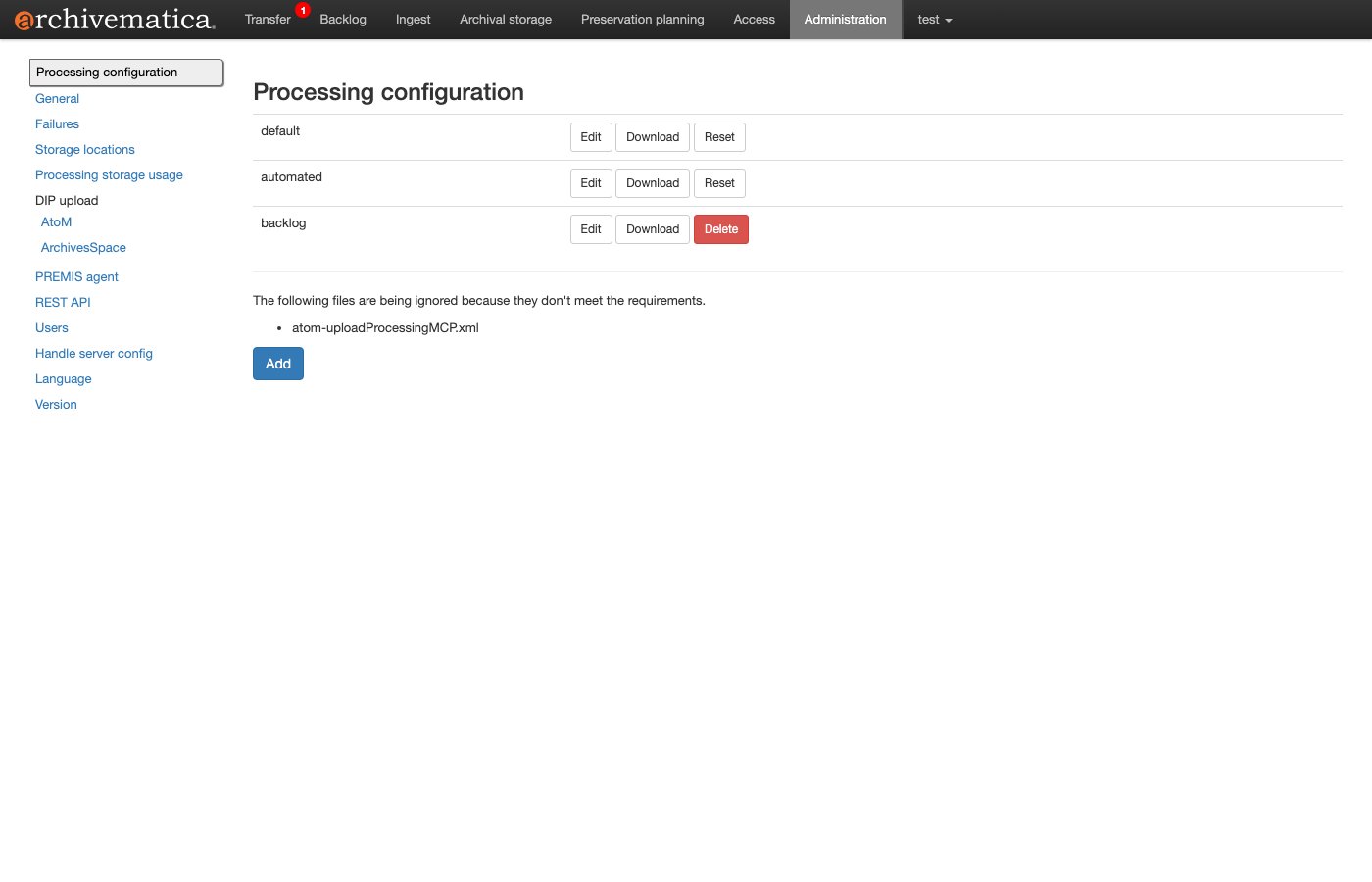
In Archivematica, metadata schemas other than Dublin Core (DC) can be embedded in the AIP’s METS.xml. This guide uses source-metadata.csv to include non-DC metadata such as EAD and MODS in a Transfer and verifies via the API whether they are correctly stored in the AIP. Table of Contents Background and Purpose How source-metadata.csv Works XML Validation Feature Test 1: MODS-Only Metadata Registration Test 2: Simultaneous EAD + MODS Registration Storage Format of Non-DC Metadata in METS.xml Test 3: Adding Metadata via Reingest Summary Background and Purpose In a standard Archivematica Transfer, Dublin Core metadata described in metadata/metadata.csv is stored in METS.xml as <dmdSec>. However, in actual digital archive operations, there are use cases requiring metadata schemas other than DC: ...

Verification of Digital Archive Construction Using the AtoM REST API

Verification of Digital Archive Construction Using the AtoM REST API

Overview AtoM (Access to Memory) is an open-source web application for archival institutions. It is used worldwide by libraries, archives, and museums for managing archival descriptions. AtoM is typically operated through the Web UI, but the REST API enables integration with external systems and batch processing. In this article, we walk through the APIs following a realistic business scenario and verify the results in the Web UI. For the development background and implementation details of the API plugin, see the separate article Developing a Plugin to Extend AtoM’s REST API. ...

Developing a Plugin to Extend the AtoM REST API

Developing a Plugin to Extend the AtoM REST API

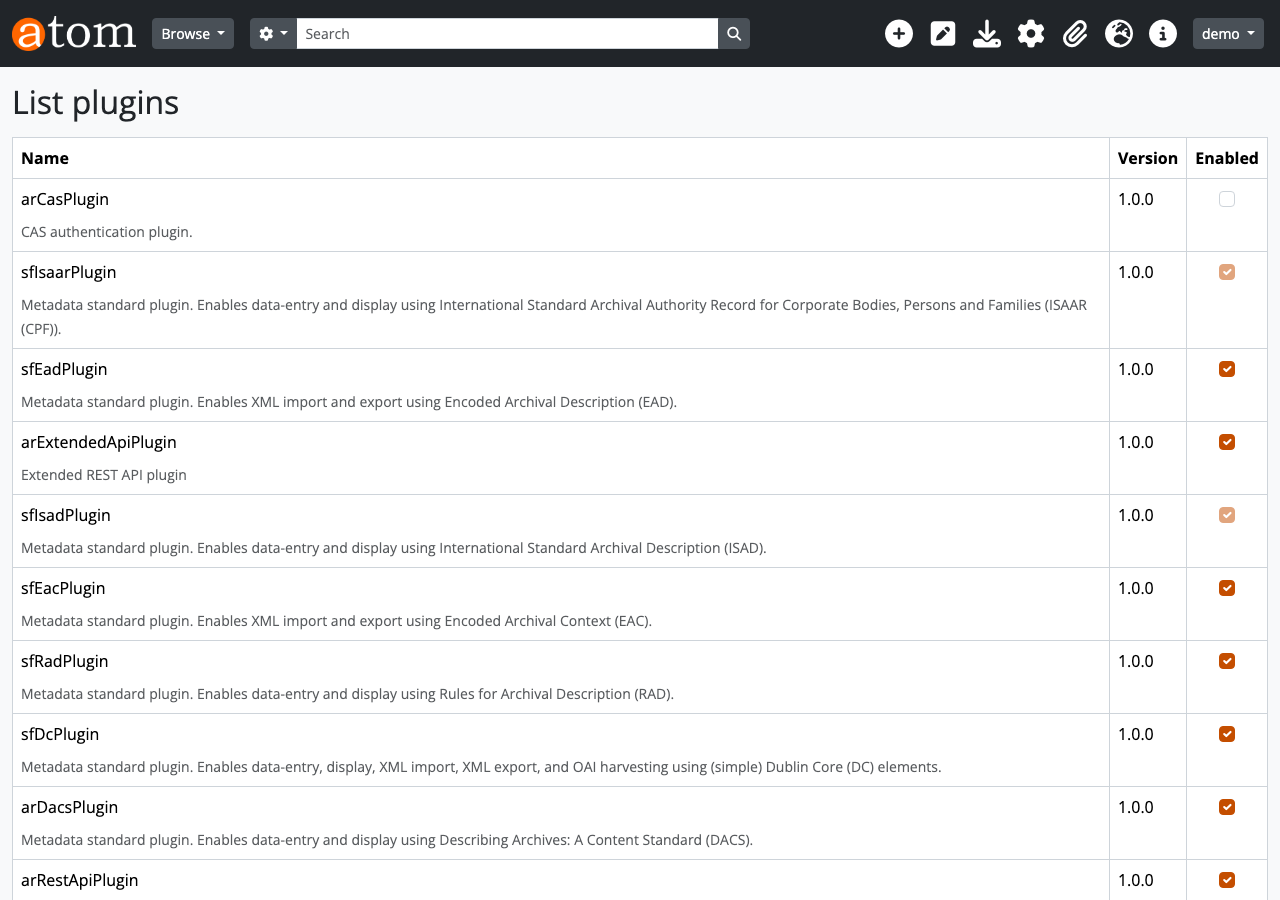
Introduction AtoM (Access to Memory) is an open-source web application for archival institutions. It provides descriptive management functionality compliant with international standards such as ISAD(G), ISAAR(CPF), and ISDF, and is used by libraries, archives, and museums worldwide. AtoM ships with a standard REST API plugin called arRestApiPlugin, but it has the following limitations: Primarily centered on CRUD for information objects (archival descriptions), with limited coverage No API for Repositories, Authority records (Actors), or Accessions No API for Taxonomy (classification vocabulary) operations The Digital object upload API is not practical No API for Function descriptions This does not meet business needs such as integration with external systems or batch registration through automated processing. ...